A:Answer*Hook your SD card up to your computer via an "SD card reader" (many laptops have them built in).
*Create a file on your desktop labeled CARD PICTURES
* using your file manager, locate the SD Card in your file system
* SELECT ALL THE FILES ON THE CARD
* then use the mouse RIGHT CLIC thingEE to "MOVE" (not copy) the SD CARD files to the file on your desktop ( "CARD PICTURES")
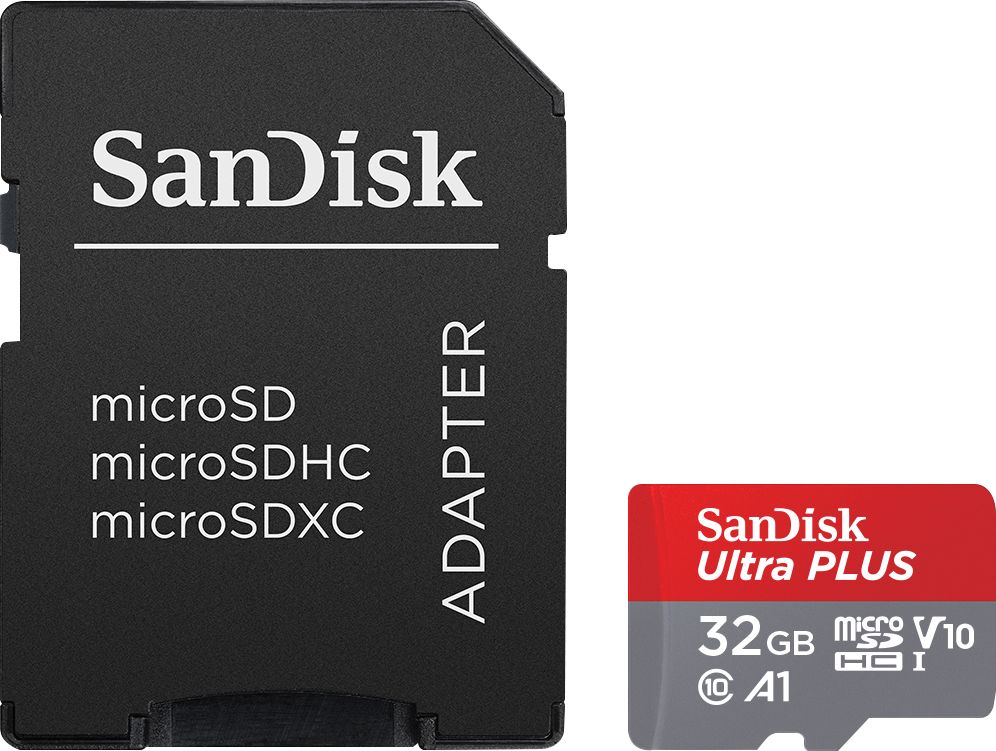
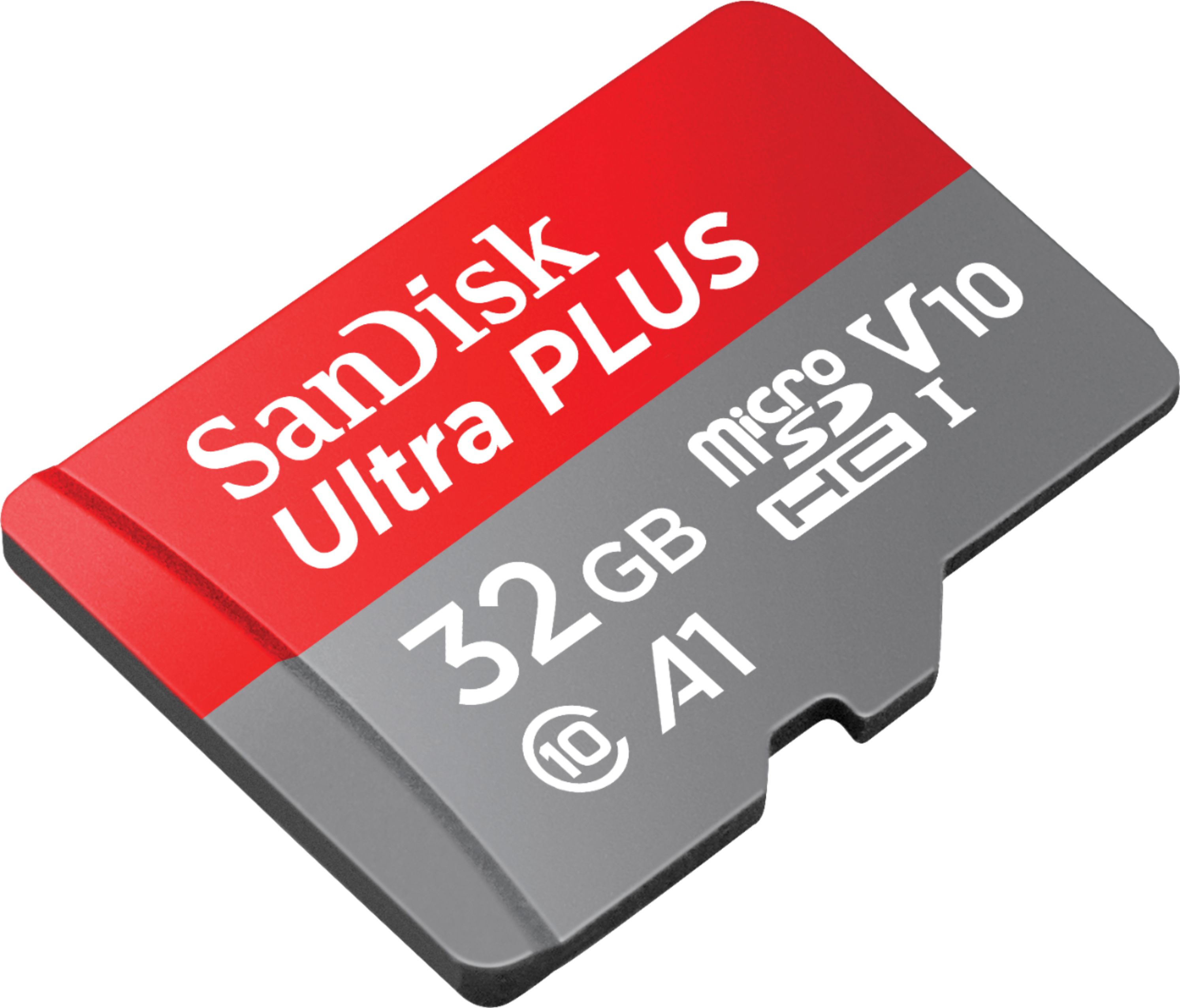
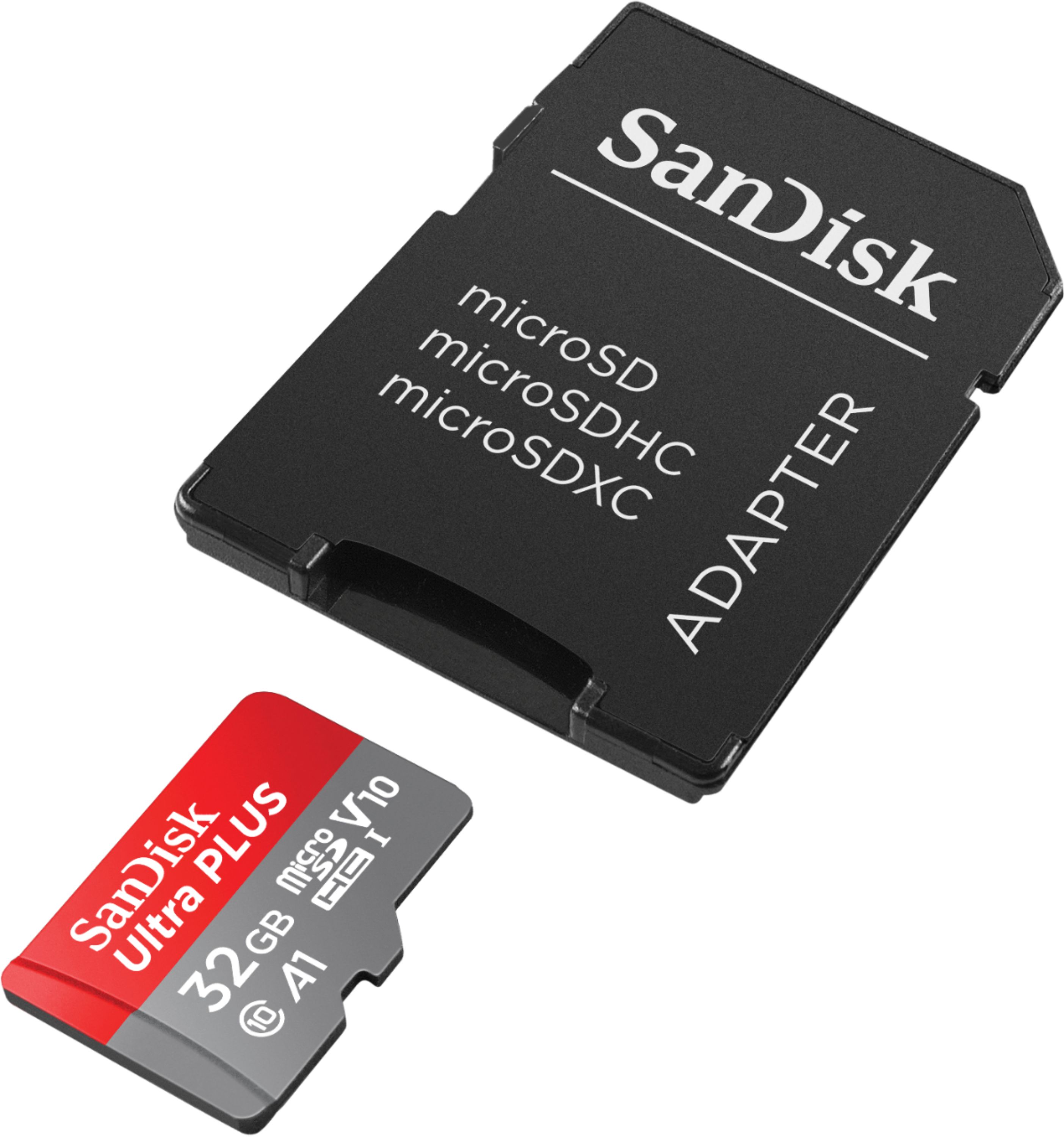
A:AnswerJust an fyi, it is a micro SD card used for cameras, or cell phones for memory expansion. A Sim card is used in a cell phone to carry contact info and phone credentials for the carrier. This Micro SD card is able to be used in any device that accepts a micro SD card.