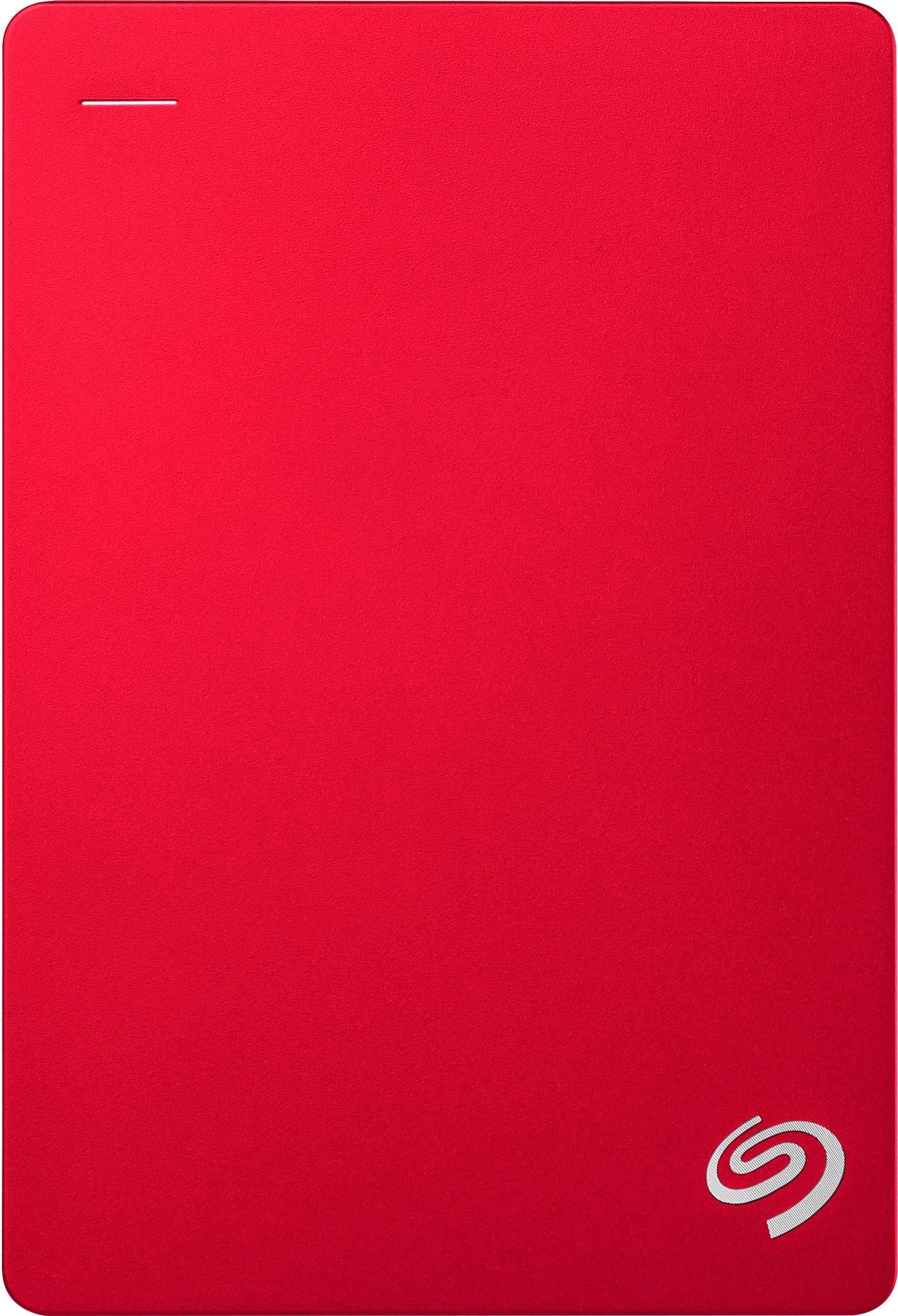
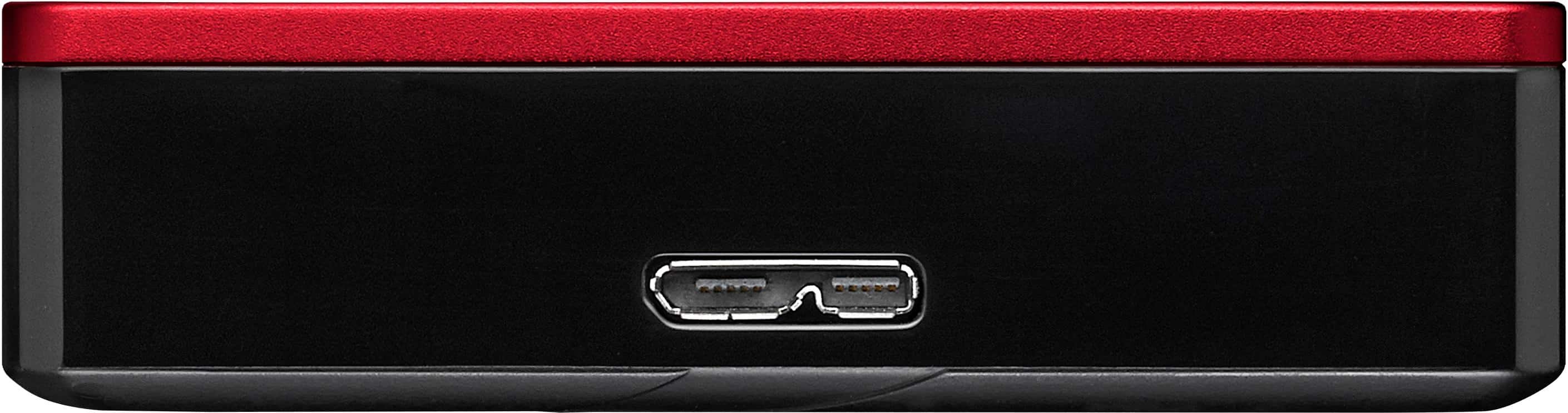
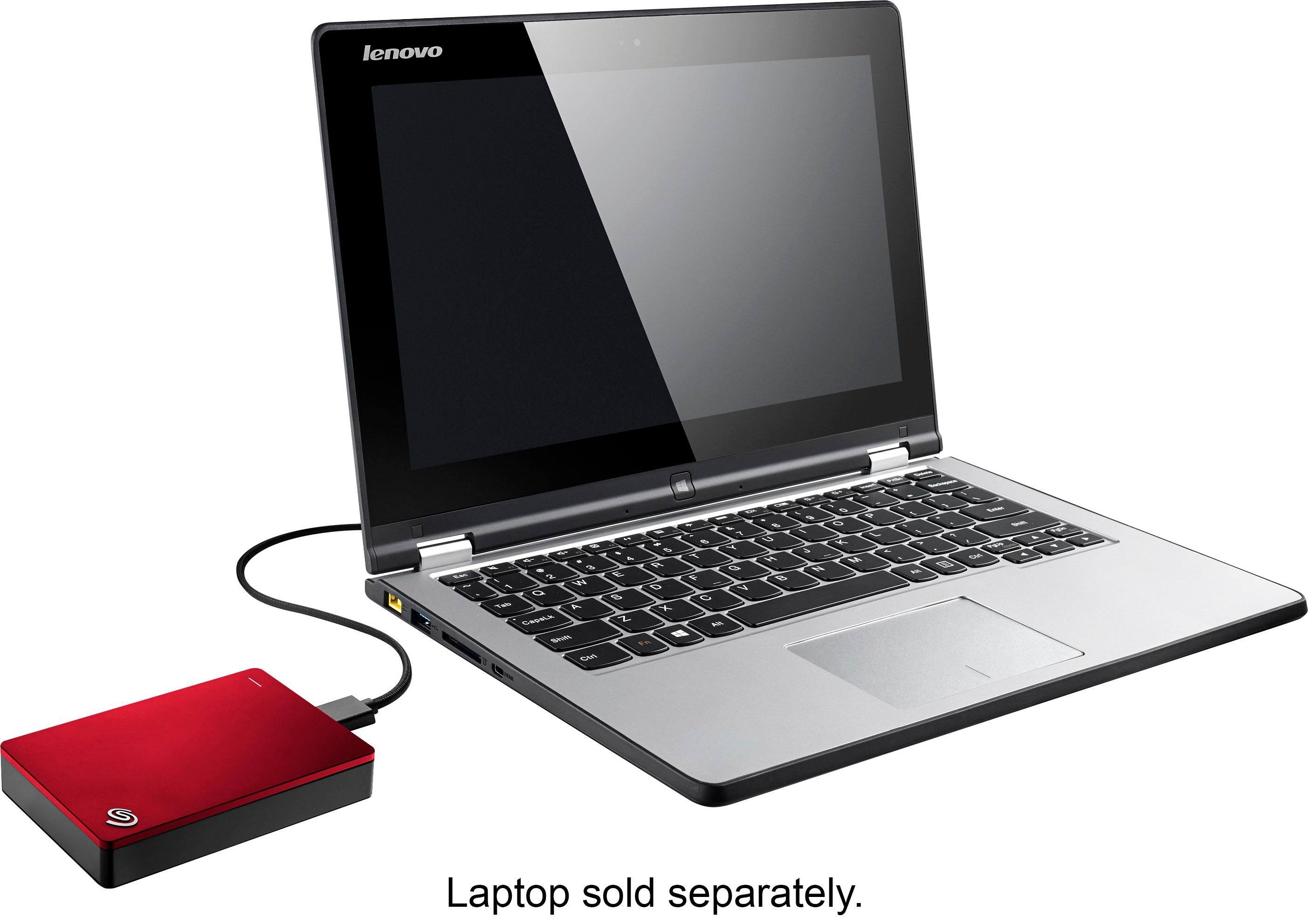
A:AnswerYes I does the cloud , but I used it on the PS4 , so it gets reformatted using a fat 32 , so all of that is gone , it unneeded for this use anyway because the PS4 will use the cloud to store important things anyway .
A:AnswerYes. You will need to format it with the Disk Utility app, which should be in the Utilities sub-folder within the Applications folder. There is no difference between drives sold for Mac and Windows except for the formatting, so practically any drive can work with Macs. You can search online for detailed instructions on formatting, but once you start, it will take only a few minutes before you're ready to start filling your new disk with files!
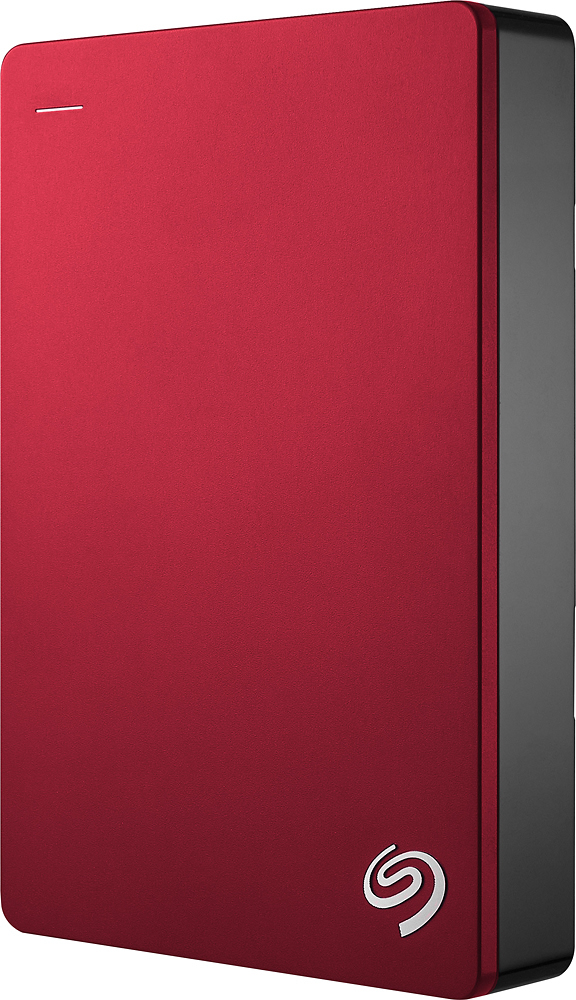
A:AnswerI have it hooked to my ps4 pro works great a lot of space. I had 4.87 TB space after format as extended storage. I did hook it up to my computer the drive when I first purchased it because it come with a backup program for Windows and Mac operation systems. I saved the backup software to a flash drive.