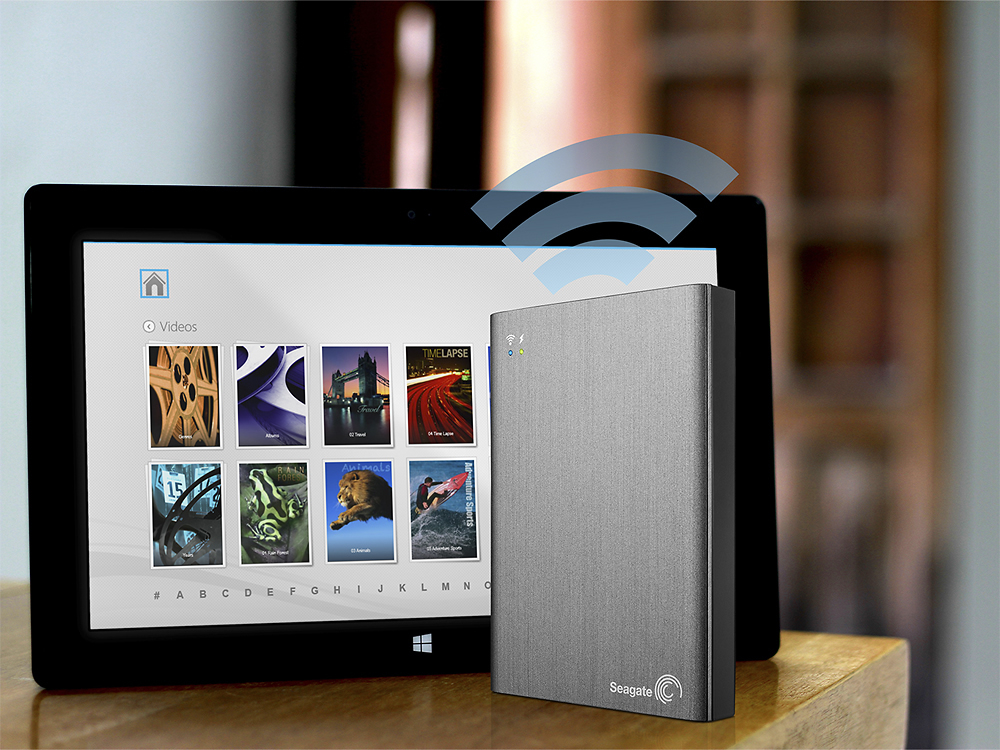
A:AnswerI would say not. The drive does not support file management over WiFi. That is: it does not appear as a connected drive. The USB support is for desktop only. Your app(s) would not be able to access your files unless downloaded to your device.
A:AnswerLeave it on and connected to internet....type the devices web address into desired computer should see the page come up looks just like the app but with a few more options....havent tried outside of house yet good luck
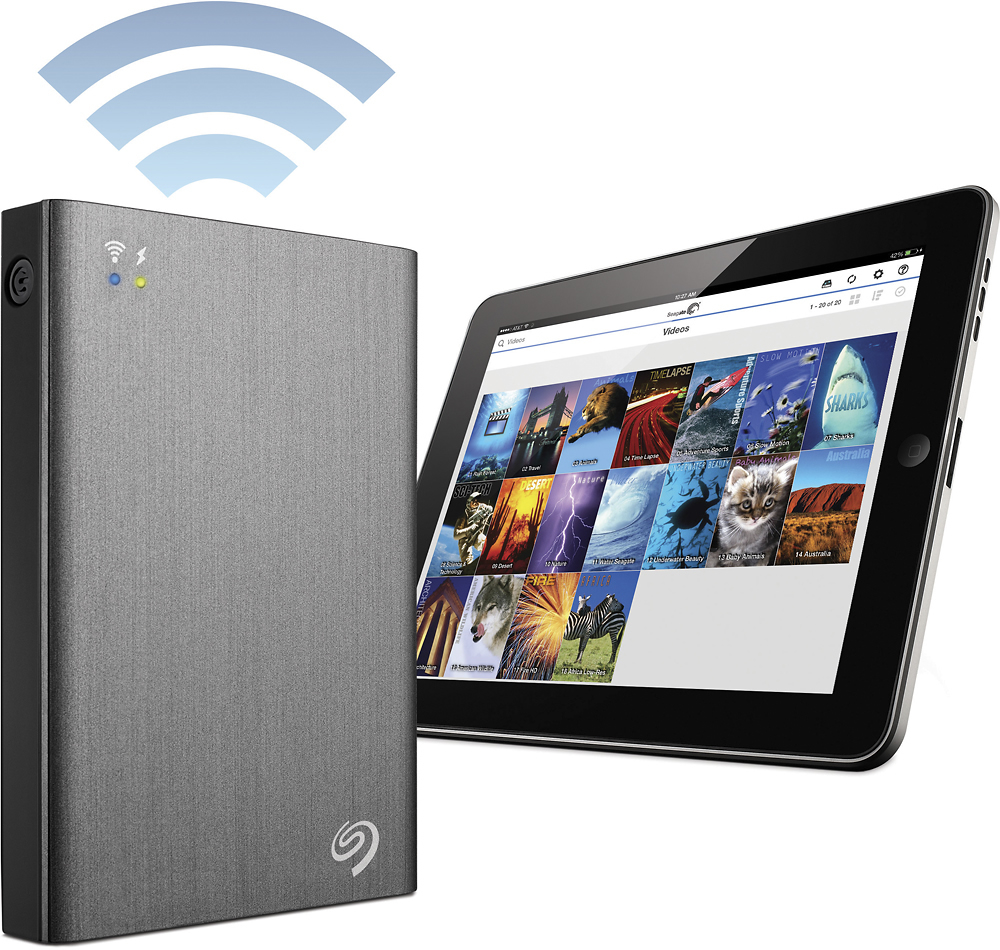
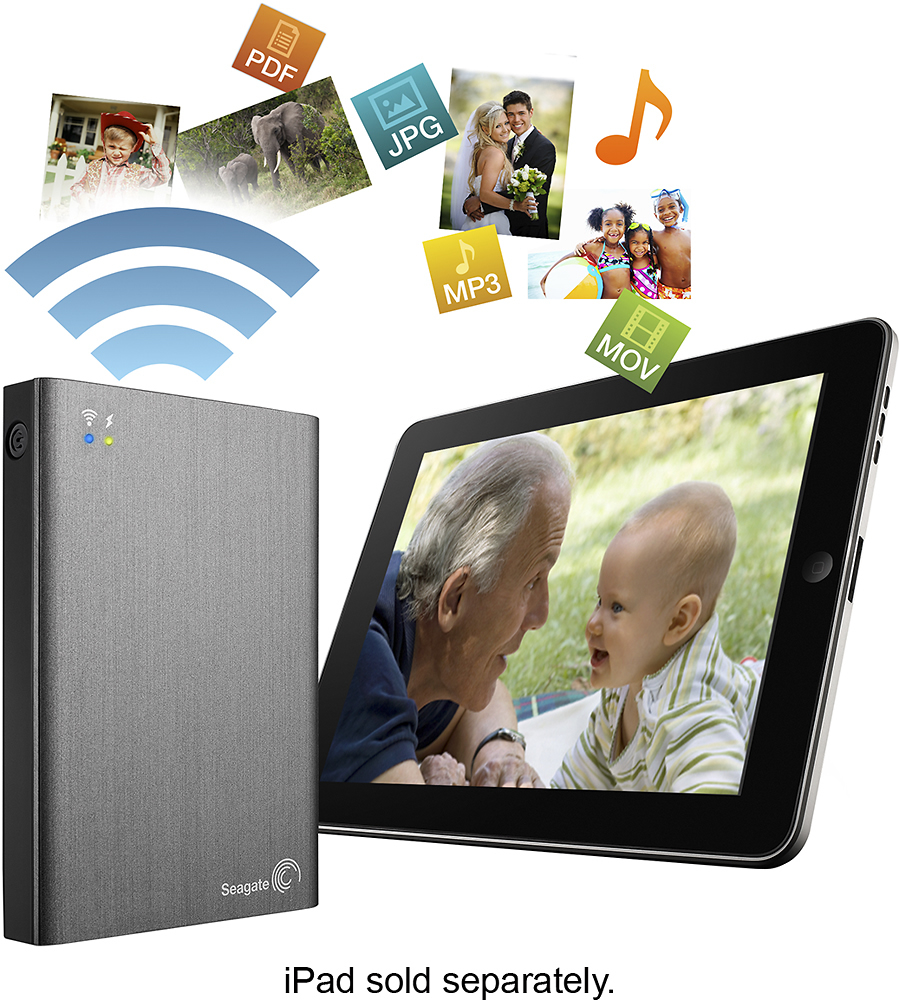
A:AnswerYes. I plug mine directly into my laptop via USB cable to download or convert video files. When I use it with my iPad I use the witless feature. All you have to do is is install the free Seagate App on your iPad and connect to like you would with any wireless router. No internet needed.
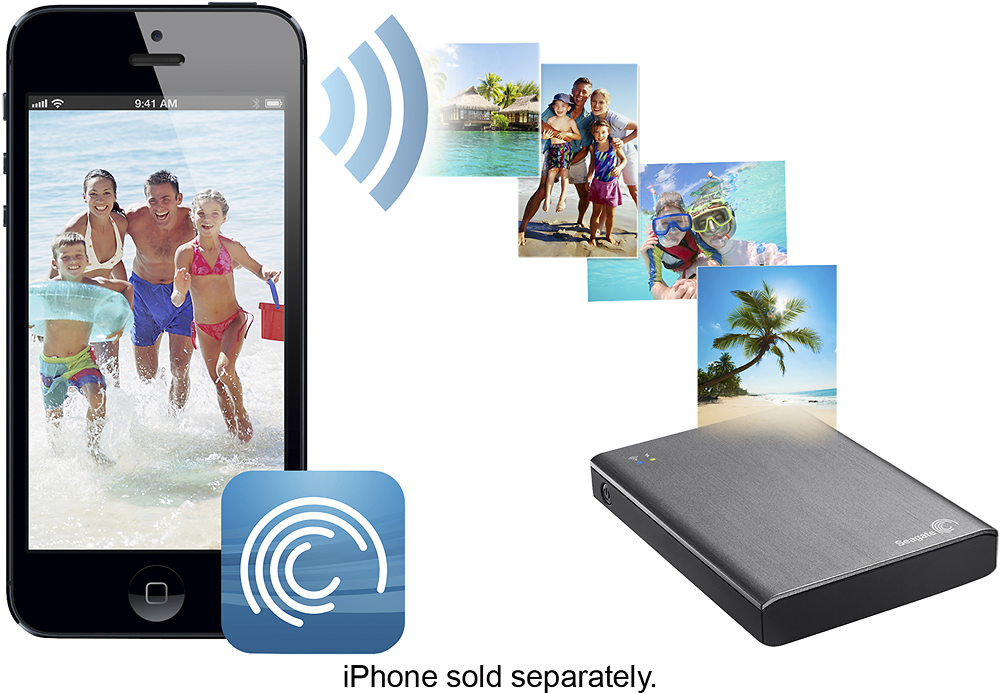
A:AnswerYes. It connects via it's own wifi. You can connect up to five devises at once. Ie: my 5s, PowerBook, and my iPad mini retina. I have over a terabyte of movies and tv shows. It works great on long distances. Holds a charge for ten hours. Well worth the money