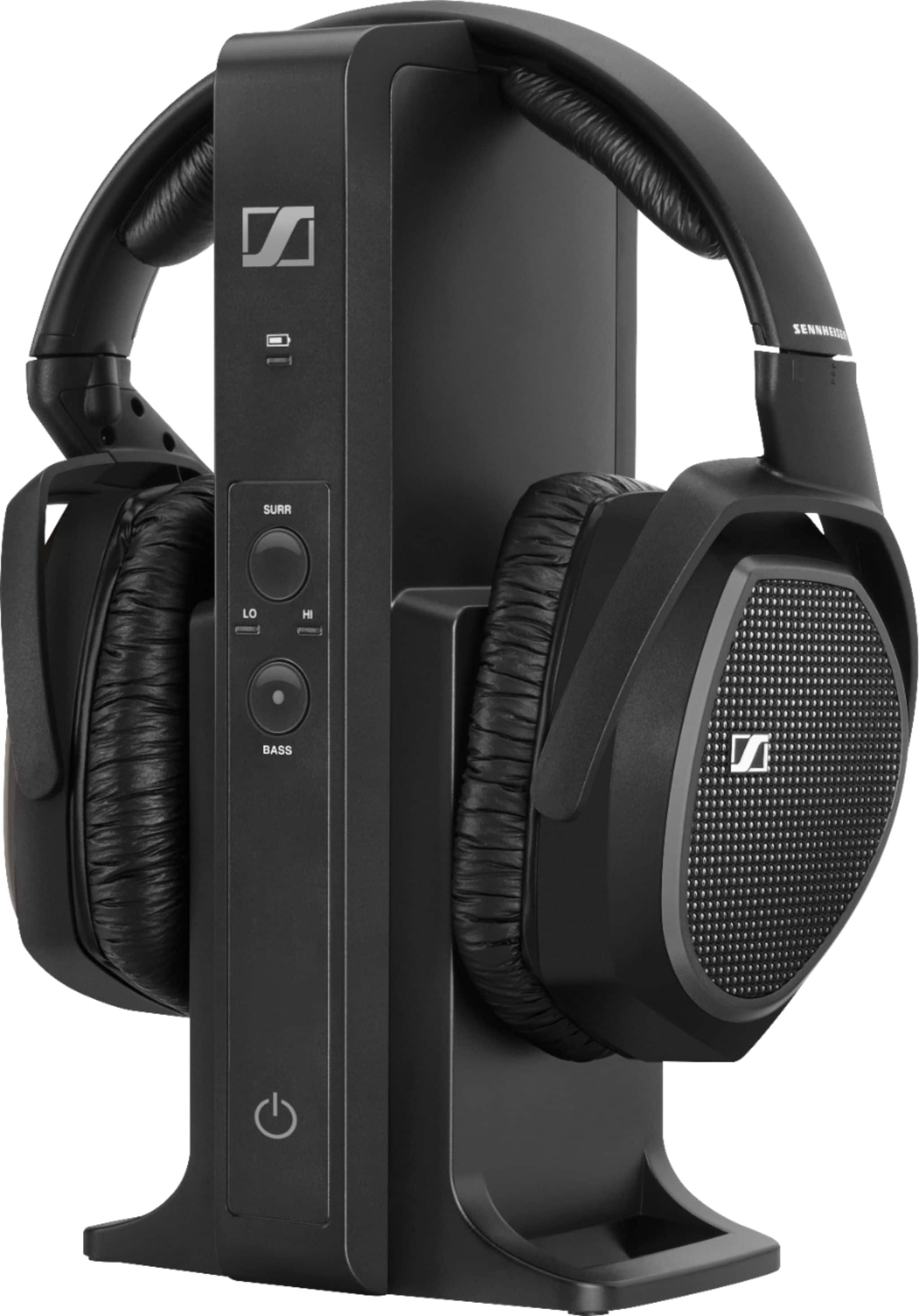
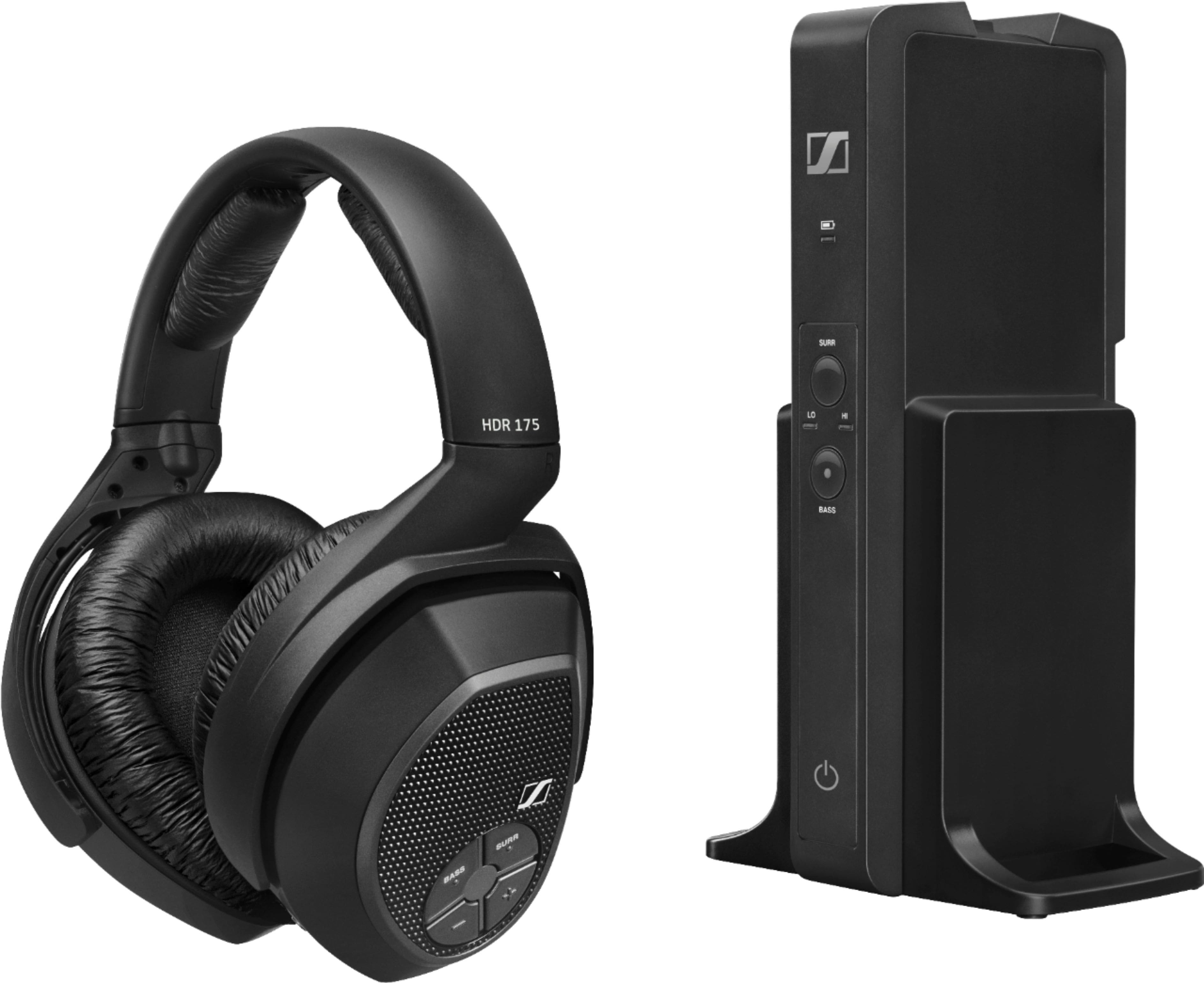
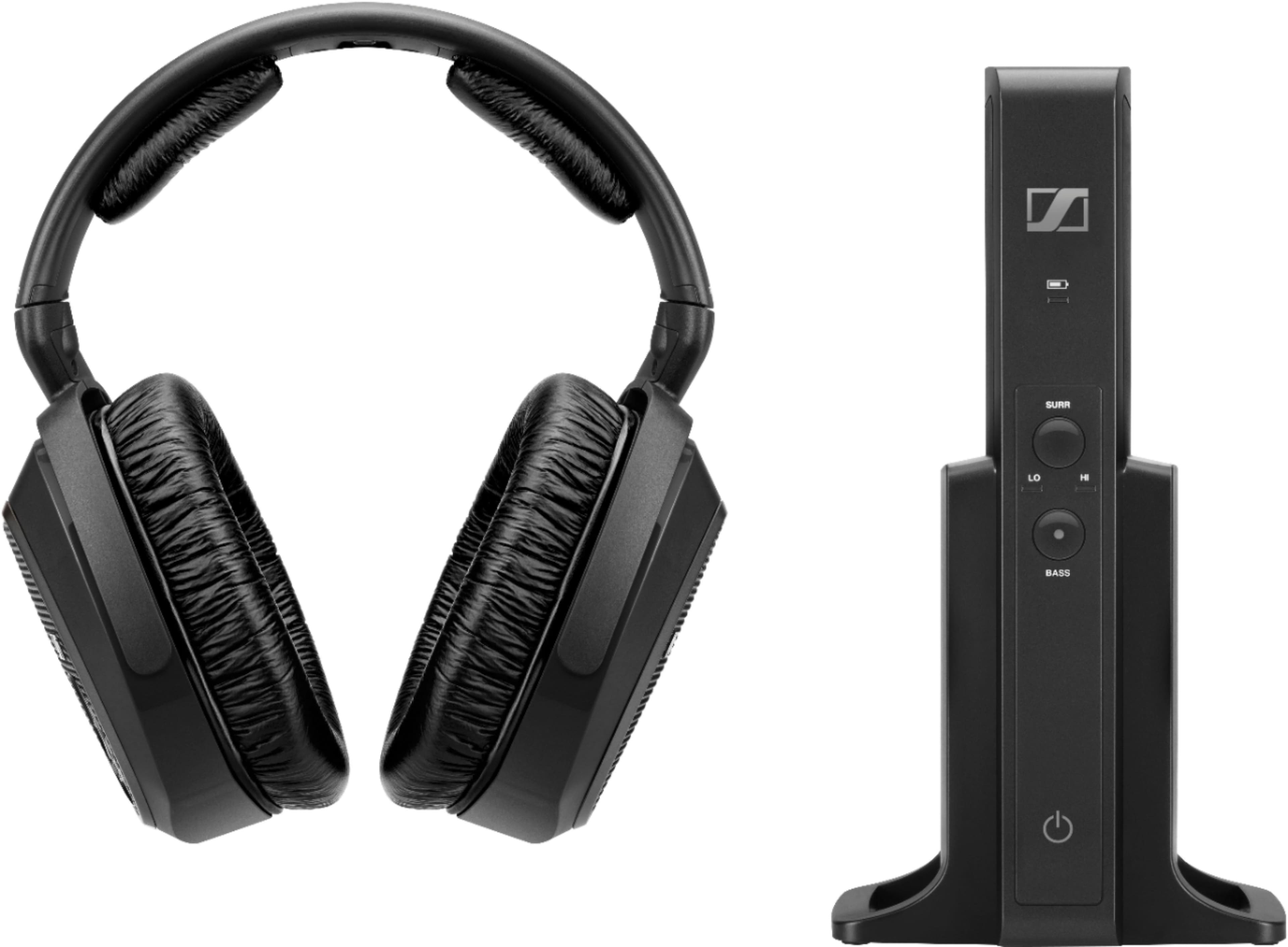
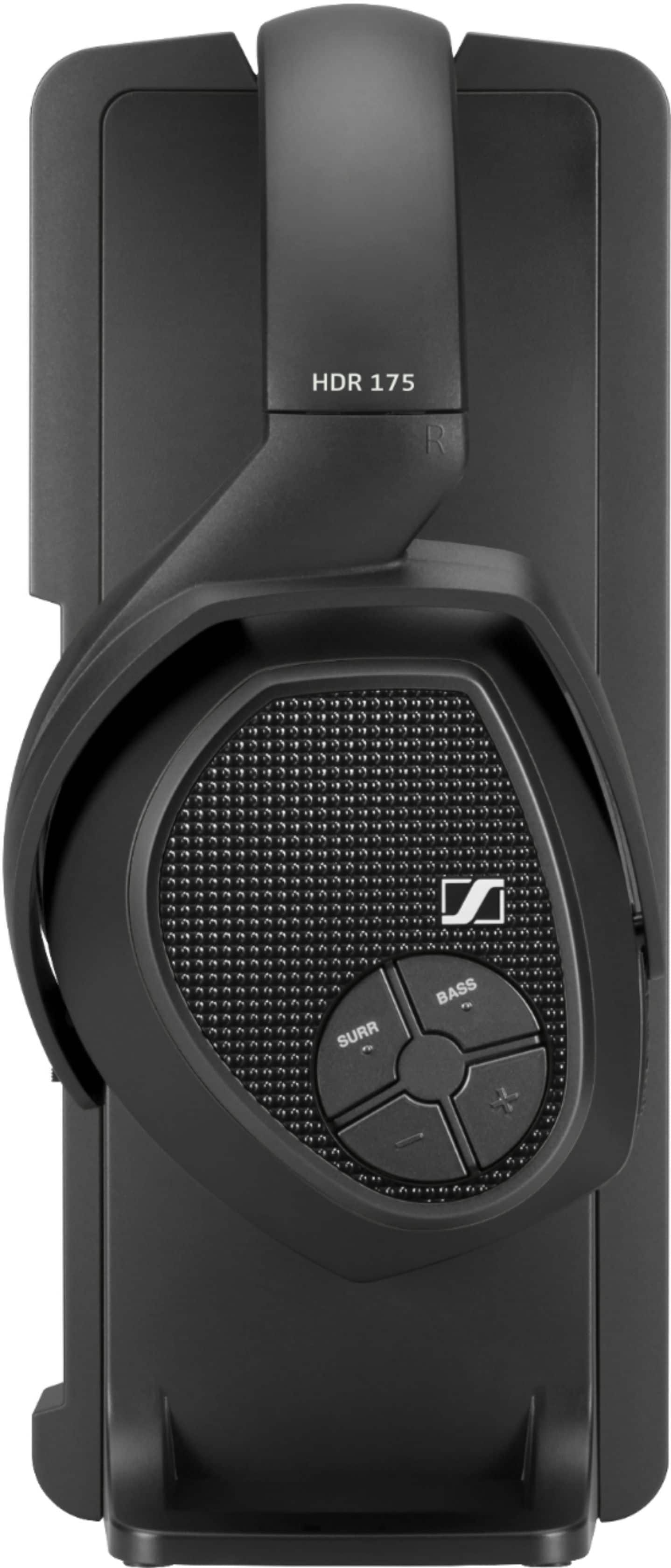
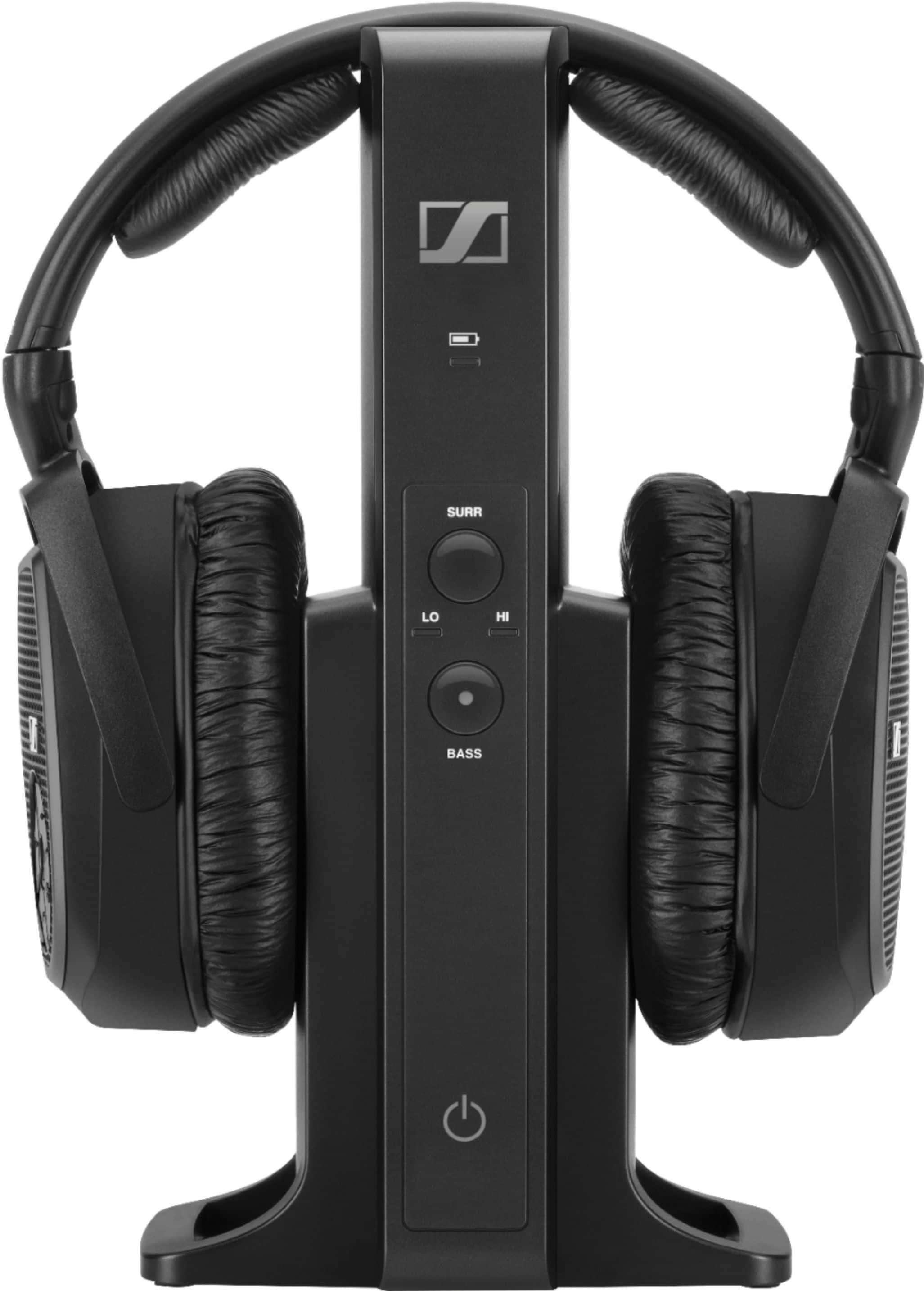
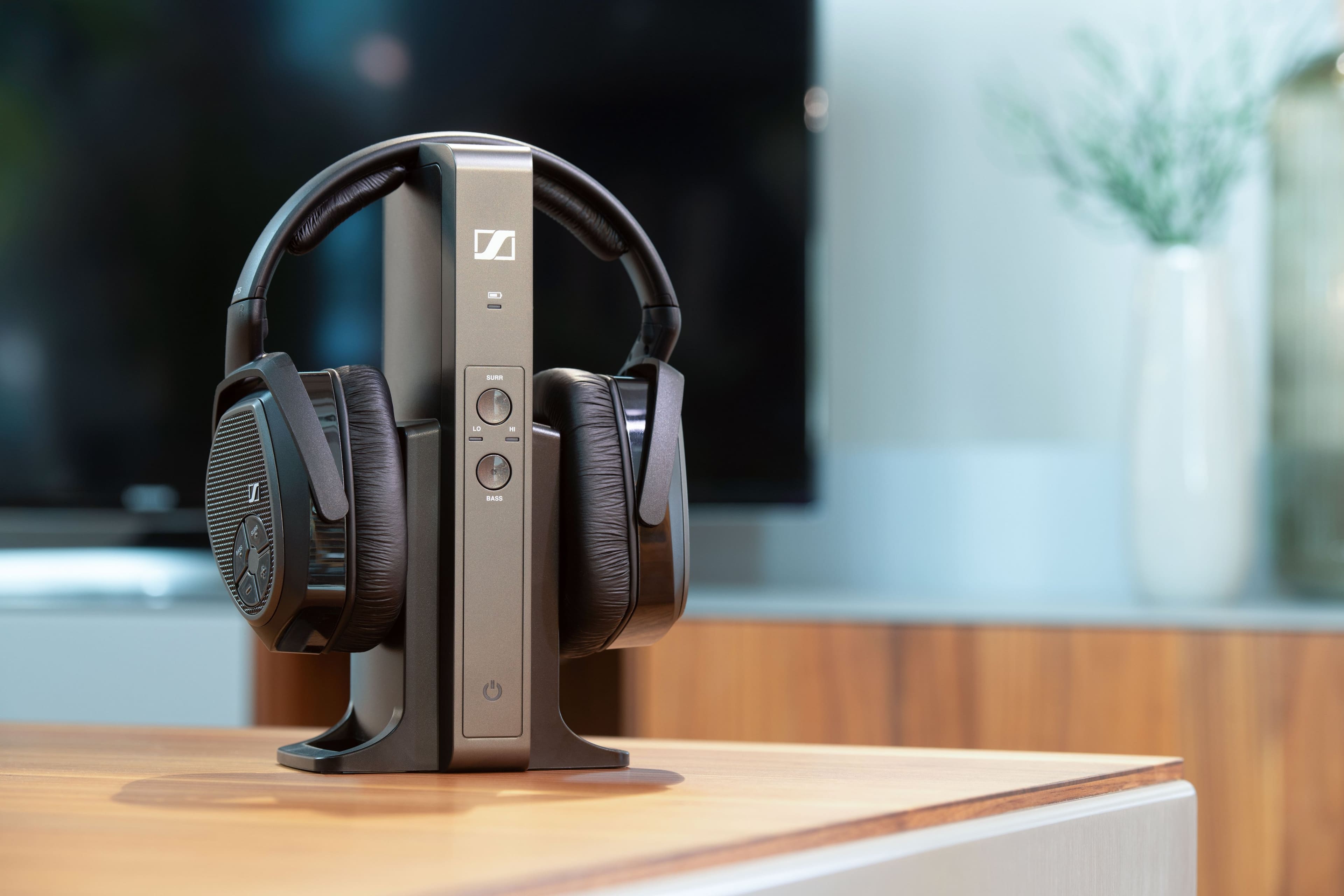
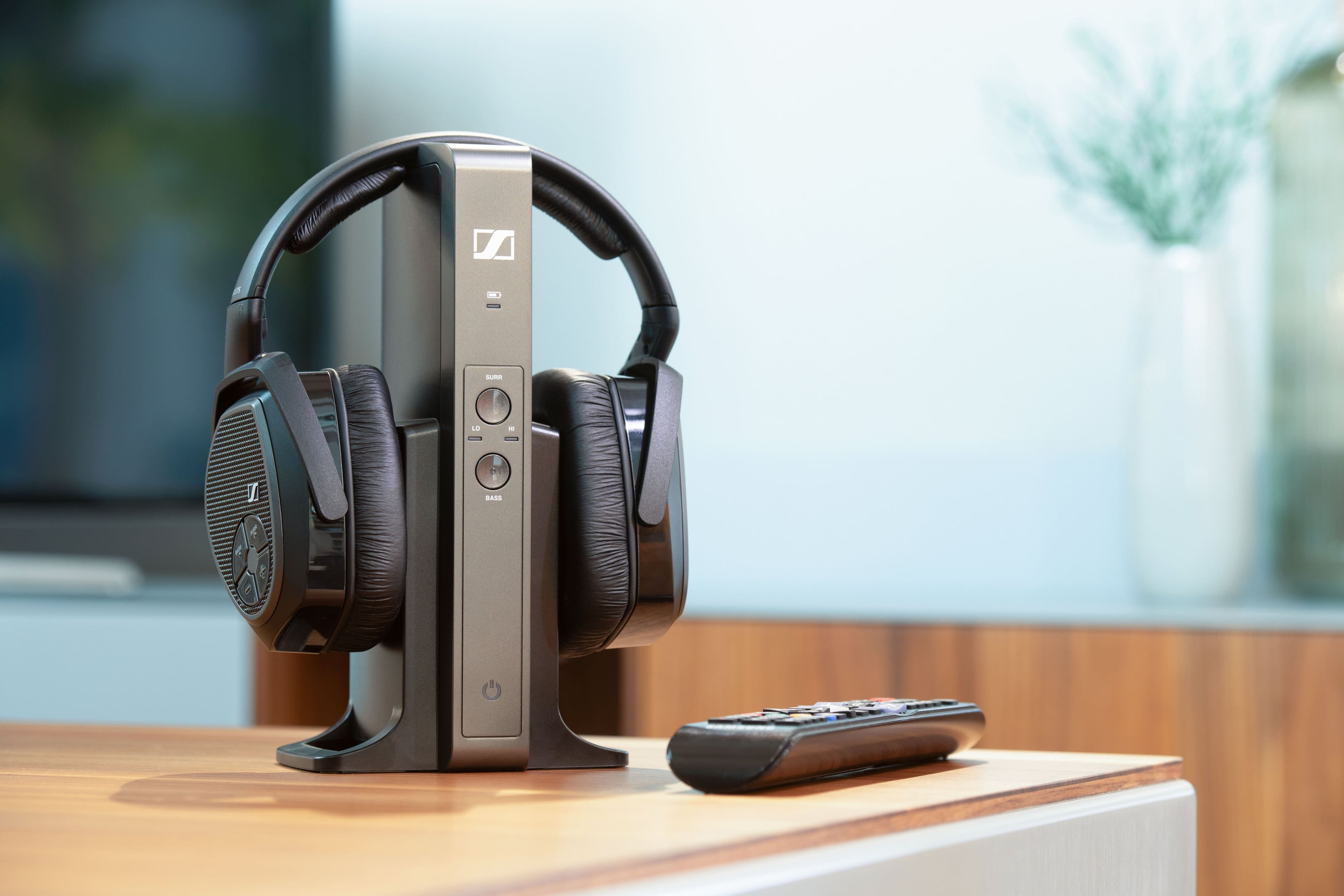
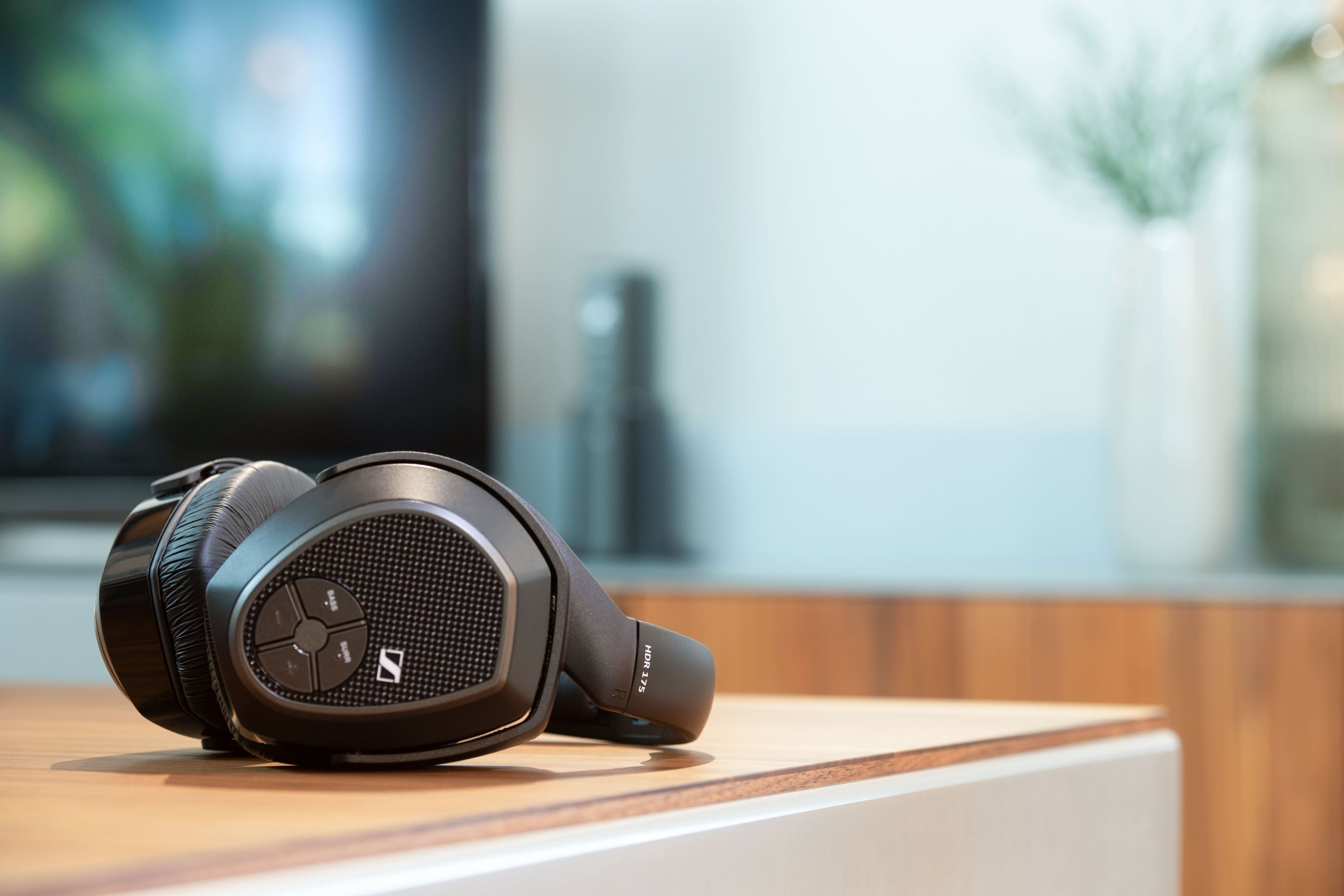
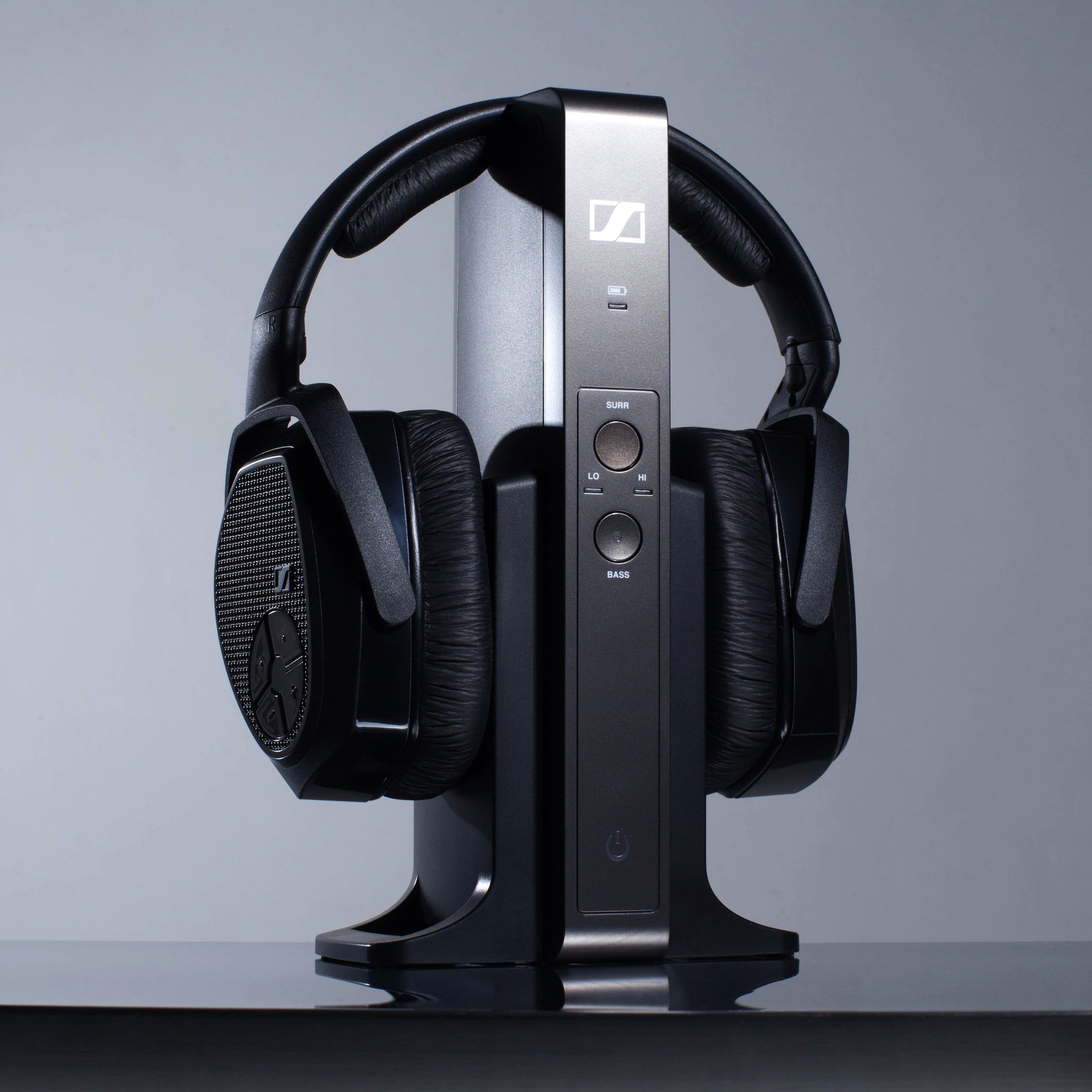
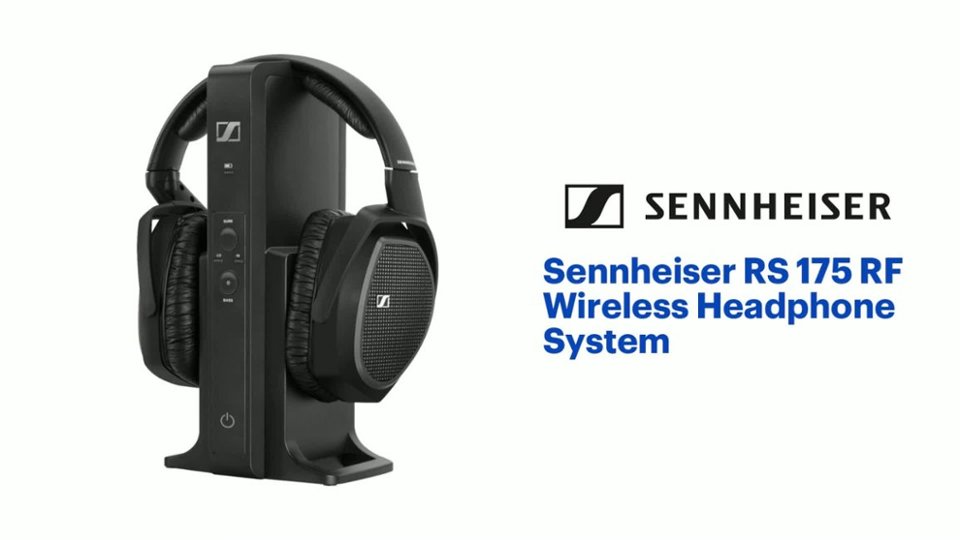
A:Answer To have sound come through the headphones, there are a few options, but in this scenario it looks like of the three options, only one is applicable. First option would be Bluetooth connection. This won't work with the RS 175 headphones because they are not Bluetooth capable. Second option is connecting the RS 175 base station to the TV with an optical cable. In this scenario, there is already a soundbar occupying the optical port on the TV. Third option would be connecting the RS 175 base station to the TV with an analog connection using a 3.5mm cord. If your TV does not have a 3.5mm jack, check to see if there are red and white connections on the back of the TV. Assuming there are, you can get an adapter that connects to the red and white output ports on the TV on one end and then has a male 3.5mm on the other end that plugs into the RS 175 base station.