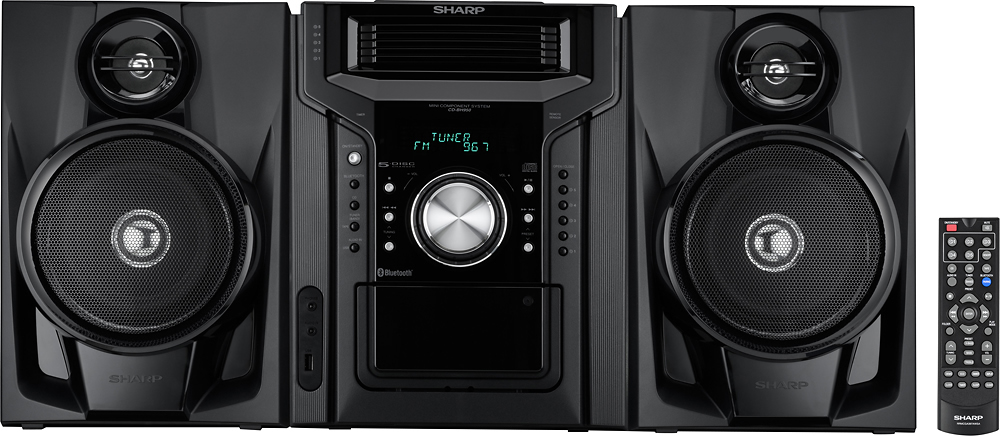
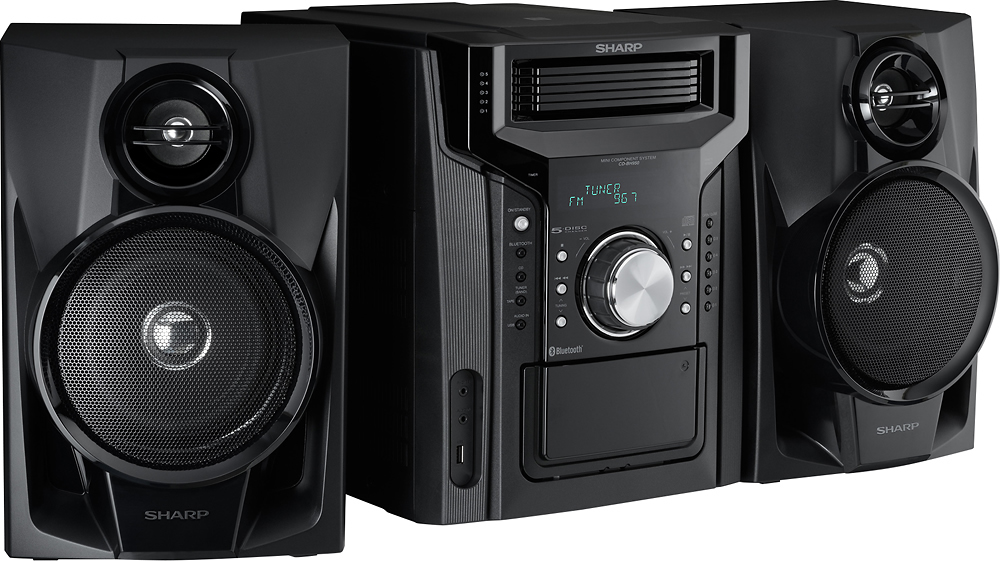
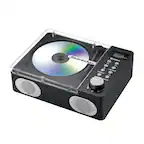
A:AnswerThank you for your inquiry! Yes, it is possible to fast forward or rewind within a song on a CD on the Sharp 240W 5-Disc Mini Shelf System. This feature allows you to skip forward or backward within a track to quickly navigate to a specific part of the song. Keith | Sharp Support https://www.bestbuy.com/site/sharp-240w-5-disc-mini-shelf-system-with-cassette-and-bluetooth-black/5416903.p?skuId=5416903
A:AnswerThank you for your question, to turn up the volume you need to turn the volume dial, if you wish to increase the volume further, you would need to get a louder subwoofer system. For any other questions or concerns please feel free to contact us at [email protected] or give us a call at 800-234-4277.
A:AnswerHello, thanks for the question. Yes, you can pairing additional Bluetooth devices on this unit. Feel welcome to contact us for any questions or concerns you might have at [email protected] or call us at 1-800-237-4277.
A:AnswerHello, thanks for the question about the Sharp - 240W 5-Disc Mini Shelf System. Unfortunately, no this unit does not have data transfer features. Feel welcome to contact us for any questions or concerns you might have at [email protected] or call us at 1-800-237-4277.
A:AnswerWe would love the opportunity to provide you with further assistance and help resolve any concerns you may have. If you could please contact us at [email protected] or call us at 800-237-4277.
A:AnswerThank you for your question. You can connect your iPhone to the front AUDIO IN jack.
If you would like to investigate this question further, you could please contact us at [email protected] or call us at 800-237-4277.
A:AnswerThanks for your question. Unfortunately this 5-Disc Mini shelf System, can not do the split tract to play just Instrumental, we apologize any inconvenience this may cause you. Please do not hesitate to contact us for any questions or concerns.
A:AnswerHello Laconia, pressing the Eco button cancelled the Demo mode. To return to the demonstration (Demo) or Bluetooth standy mode, press the Demo button on the remote.