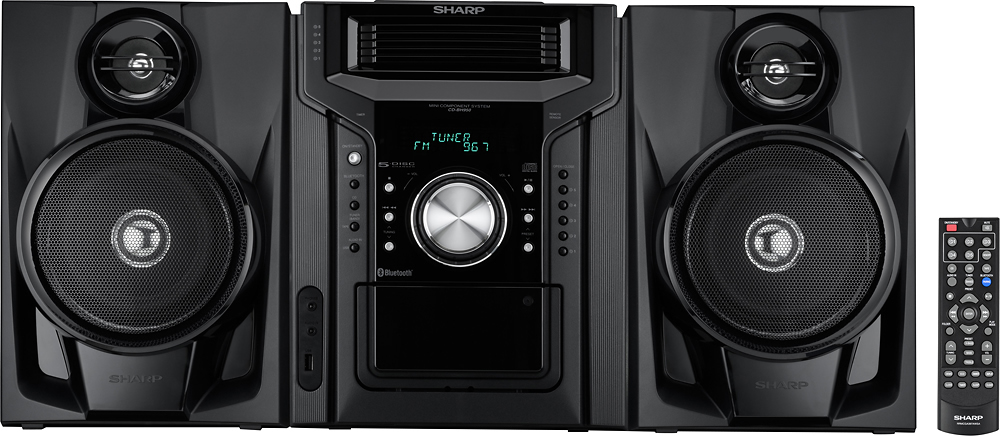
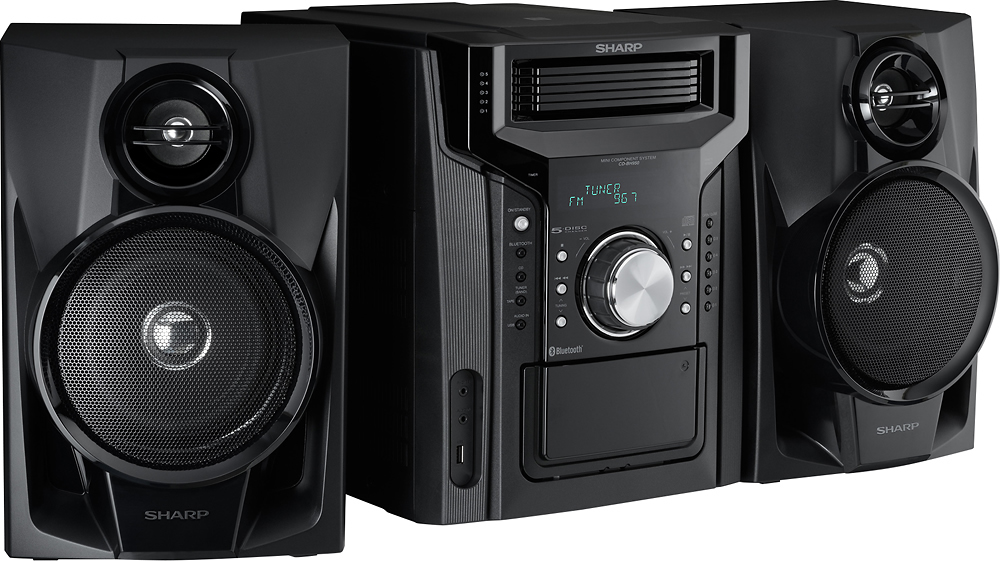
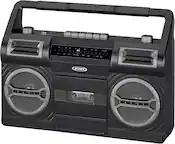
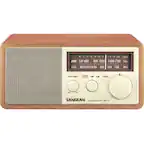
A:AnswerHello, yes, you are able to play CD's in this unit. I am sorry, you are not able to bypass the speakers to use external speakers. It is recommended to use the speakers that came with the unit. If you have further questions or concerns, email us at [email protected].
A:AnswerHello, you may connect external devices using the audio in/3.5 port on the unit. If further assistance is needed please email us at [email protected].
A:AnswerHello, when mounting the product on a wall, be sure to follow the instructions. The speakers are connected via wire and the wire on the speaker is approximately 3-4 feet long. If further assistance is needed please reach out to us at [email protected].
A:AnswerHello, you may use an external FM antenna (75 ohms coaxial cable) for better reception. Be sure to disconnect the supplied FM antenna wire before use. If further assistance is needed you may reach out to us at [email protected].
A:AnswerHello, if you are not connecting a mass media device, such as that of an MP3 Player or a Flash Drive, then this will not be compatible. This unit is not able to recognize any other device when using this port.
A:AnswerHello, this unit is only able to connect to an external device to the 3.5 mini jack port (headphone). The unit is able to connect to a mass media storage device.
A:AnswerHello, the unit may be in Demo mode. To cancel this, press the DEMO button (remote control) once. The unit will enter the Bluetooth standby mode. To cancel the Bluetooth standby mode, press the ECO button (remote control). The unit will enter the low power consumption mode and shut off. If further assistance is needed, please reach out to us via email at [email protected].