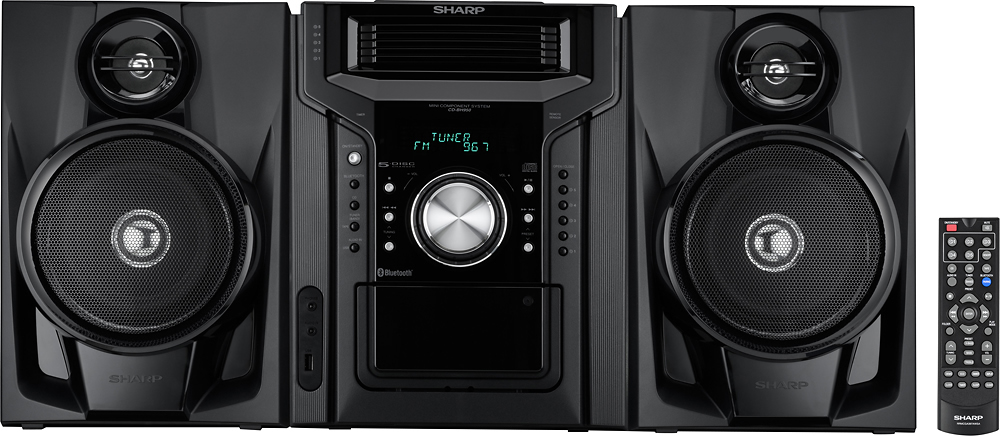
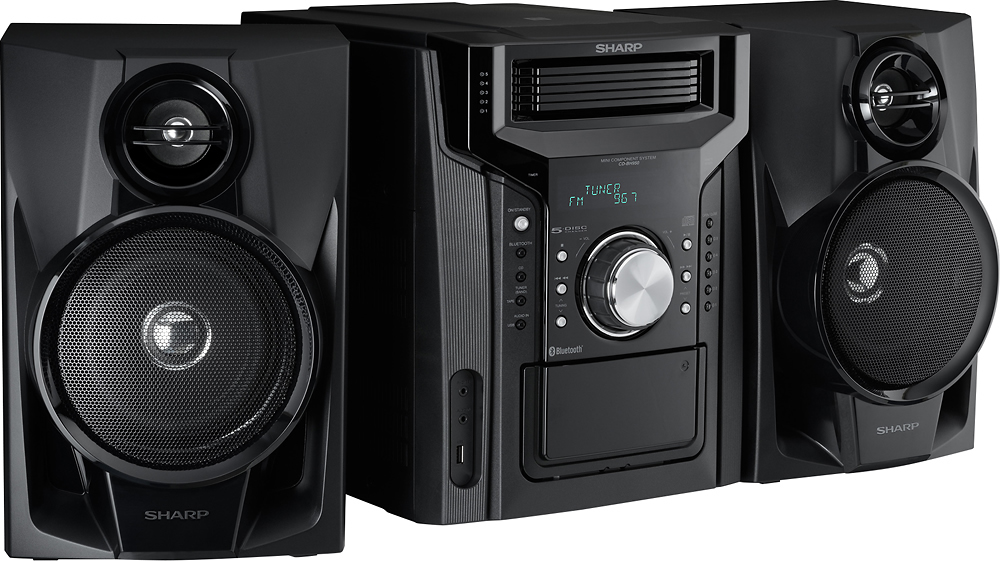
A:AnswerHello, we are sorry for the inconvenience. The CD will not automatically move to the other CD if the "random play" steps were not performed. For the unit to move to the next CD you will have to select the desired disc, wait 5 seconds then press play.
A:AnswerHello, the main unit has speaker terminals at the back in which the speaker wires would be connected to from the speakers. It would be required to follow the direct instructions within the manual in regards to the connections of the speakers to the main unit.
A:AnswerHello, please be advised that this unit can only connect to a smart phone or a tablet by using the Bluetooth technology. You are not able to pair Bluetooth headphones to the unit. We apologize for any inconvenience caused.
A:AnswerHello Karen, you are able to connect an external device to the (audio in) 3.5 mini jack aux port at the front of the unit. When this is done the sound will output through the speakers of this unit.
A:AnswerHello, to play a CD-RW disc, following the steps provided: press the ON/STANDBY button, press the CD button, press the number 1 button and within 5 seconds, press the OPEN/CLOSE button, place the disc inside, press the OPEN/CLOSE button then press the PLAY button. If you have additional questions or queries, email us at [email protected].
A:AnswerHello, this unit does not have the capability of connecting to additional speakers. For further help please contact us at [email protected]. Be sure to include the model number and your question in the email.
A:AnswerHello, the preset stations remains until you perform a reset. The unit is only able to shuffle the tracks on one CD then moves to the next and then it continues the same.
A:AnswerHello, we apologize for any inconvenience this may be causing you. Please email us at [email protected] so we may look into this further and assist.
A:AnswerHello, this unit has an impedance of 6 ohms from the speaker. It has an RMS which: total 240W (120 W per channel into 6 ohms at 1 kHz, 10% total harmonic distortion.