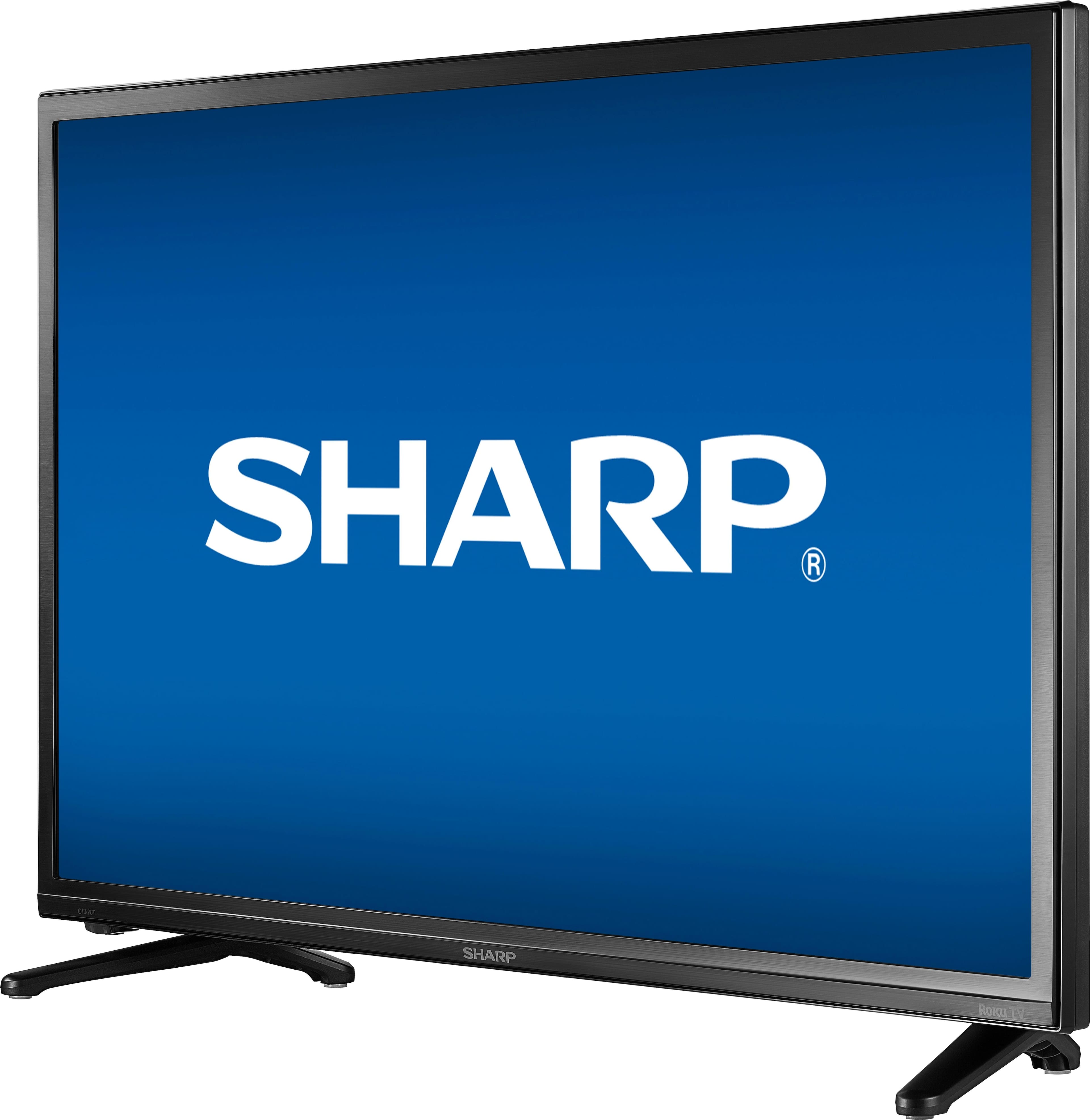
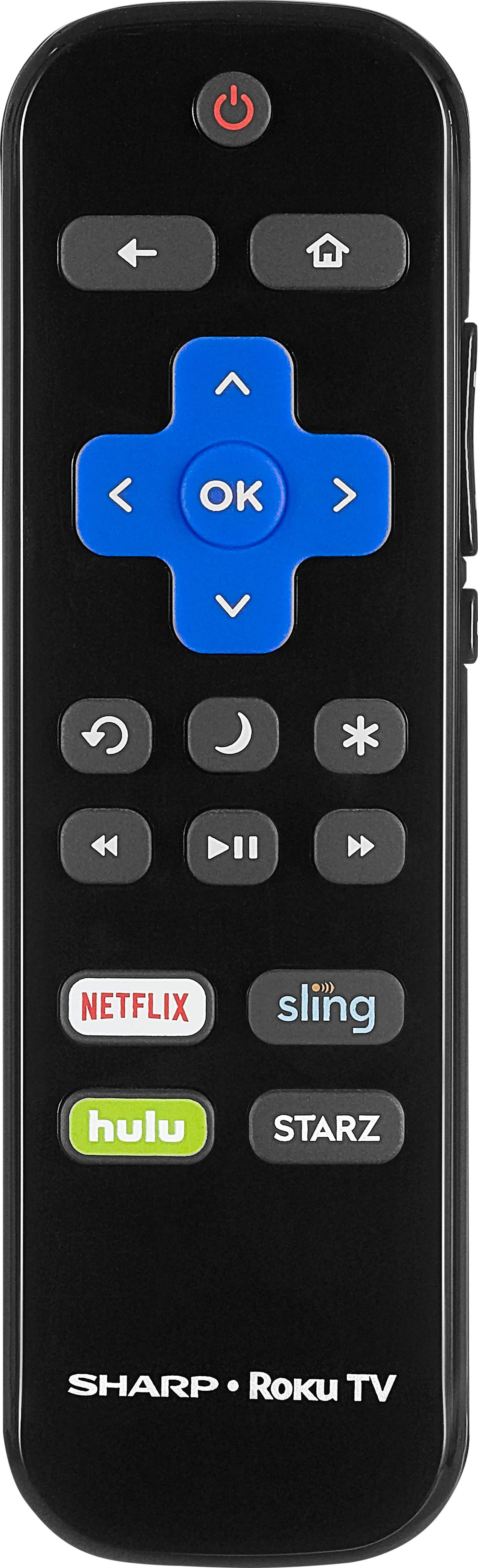
A:AnswerYes. Turning the TV off turns "off" the roku device also, so no data is drawn while TV is off. I use streaming cable service also (youtube tv) and have no issues with excessive data downloads while the TV is off.
A:AnswerThank you. Hi, thank you for sharing your inquiry. This TV doesn't have a "favorites" channel list; however you can edit the channel lineup and hide the channels you don't want to watch. In order to do this, navigate to Settings > TV inputs > Antenna TV > Edit channel lineup.
Deneb M. M.- Sharp Support
A:AnswerYes you have to have outside antenna or cable tv. Then you purchase channels from Roku. You can get slingbox , it is a multi channel set up, like cable.
A:AnswerFor my android i have the "screen sharing" option which searches for active device available to share. It's called Miracast.
It picks up the Sharp Roku TV as an option, I select it on the phone and it casts to the screen I guess there is a similar screen sharing type app for Apple.