A:AnswerYes. The TV uses Infrared (IR) like most traditional remotes. I setup my Logitech remote to operate it.
I'm sure not all remotes will work, but IF YOUR UNIVERSAL REMOTE HAS THE PROPER CODE, it should work.
A:AnswerI heard for this particular brand of TV's that they are quite particular with who they allow to scream for them. So if you are not worthy then you are just out of luck. If you are worthy, then you will know.
Also, why can't your TV Scream for itself??? Just because the screen is broken doesn't mean its speakers are too. But if you feel the need to be the mouthpiece for your TV then I would suggest going either out to a forest or in a sound proofed room so as to not disturb your neighbors. Or maybe check for your tv brand names screen on the google inter-webs or just buy a new tv, Best Buy has a good number of new ones in stock. Probably the cheaper and hassle free route. Or call Geek Squad and see what they would recommend. I would want to scream if I had my screen broken too, but if you broke my screen I sure wouldn't let you scream for me.
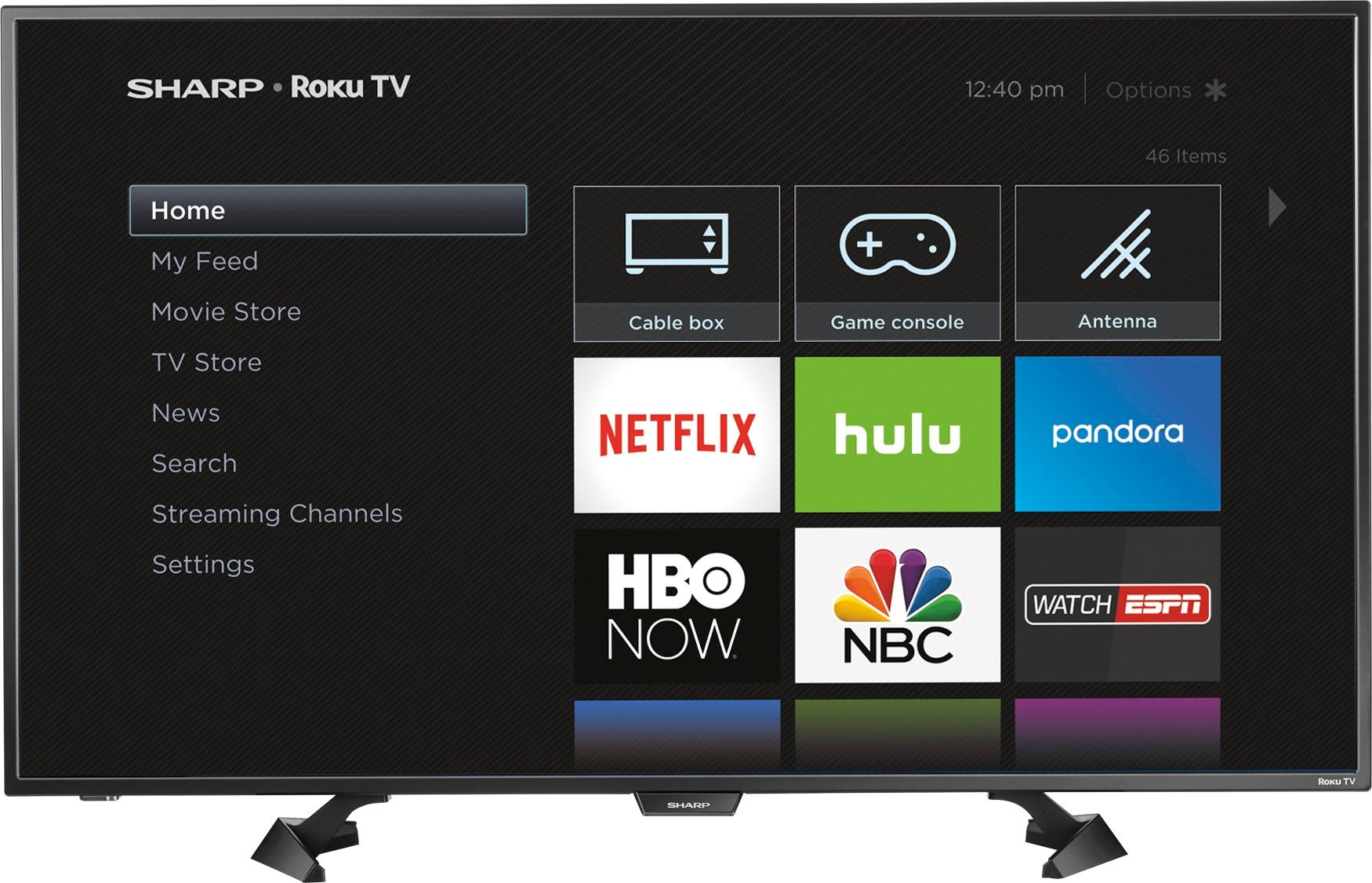
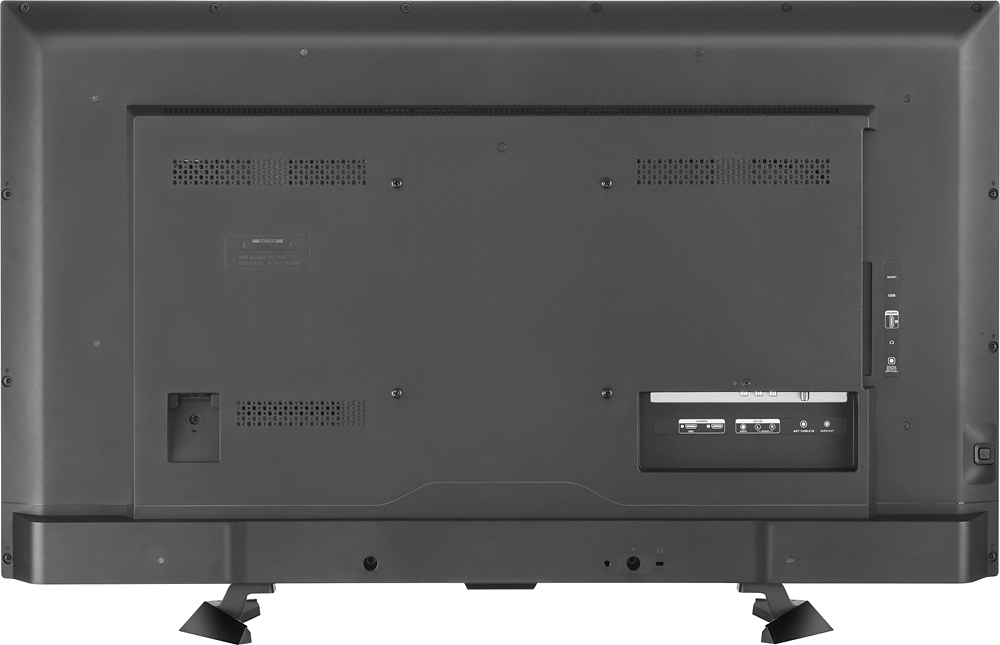
A:AnswerHello, facing the unit the power cord is located to the bottom right. If we may be of further assistance feel free to contact us at 855-544-2030.
A:AnswerHello Brent, please accept out apology for any inconvenience caused by this. Please contact us at 855-544-2030 so we may provide additional troubleshooting steps.
A:AnswerThe dimensions are:
Height With Stand 23.82 inches
Depth With Stand 10.04 inches
Height Without Stand 22.72 inches
Depth Without Stand 2.83 inches
Width38.27 inches
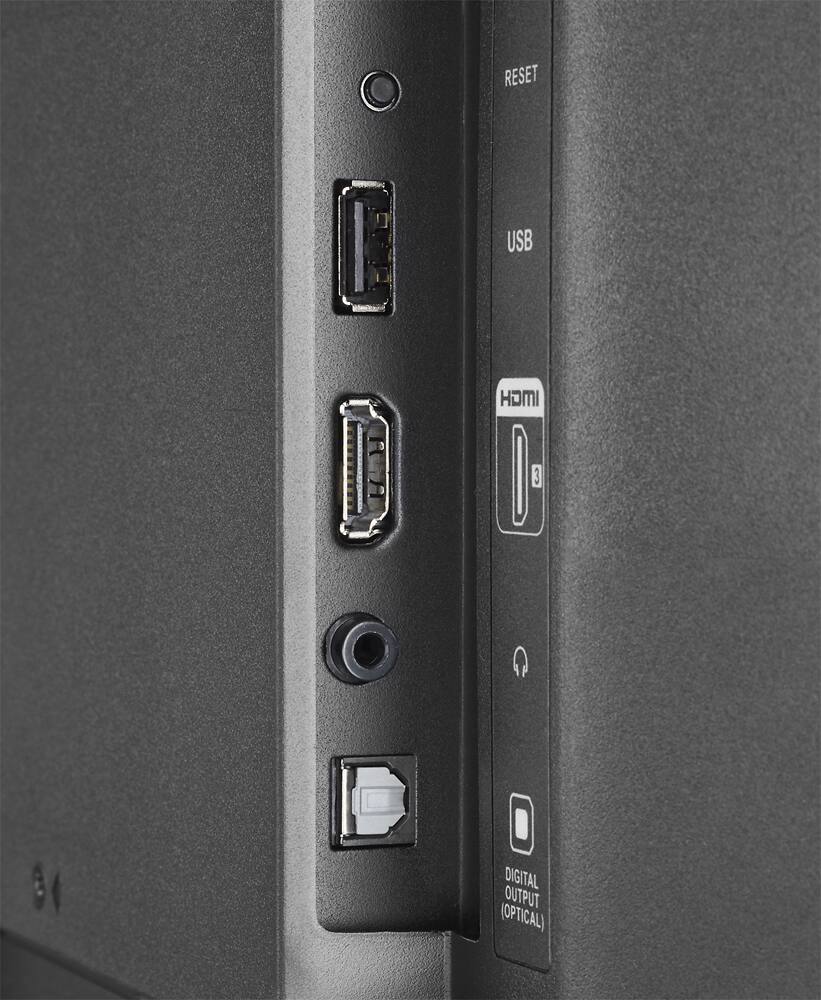
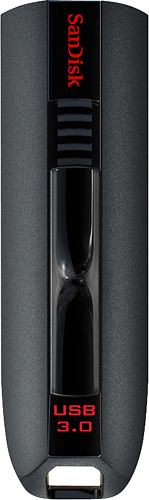
A:AnswerYou will find you need a Flash Drive rated USB 3.0. Your transfer rate isn't high enough. If you shop around you should find a 32GB for about $12.00.
A:AnswerI am wondering what "doesn't work" means.
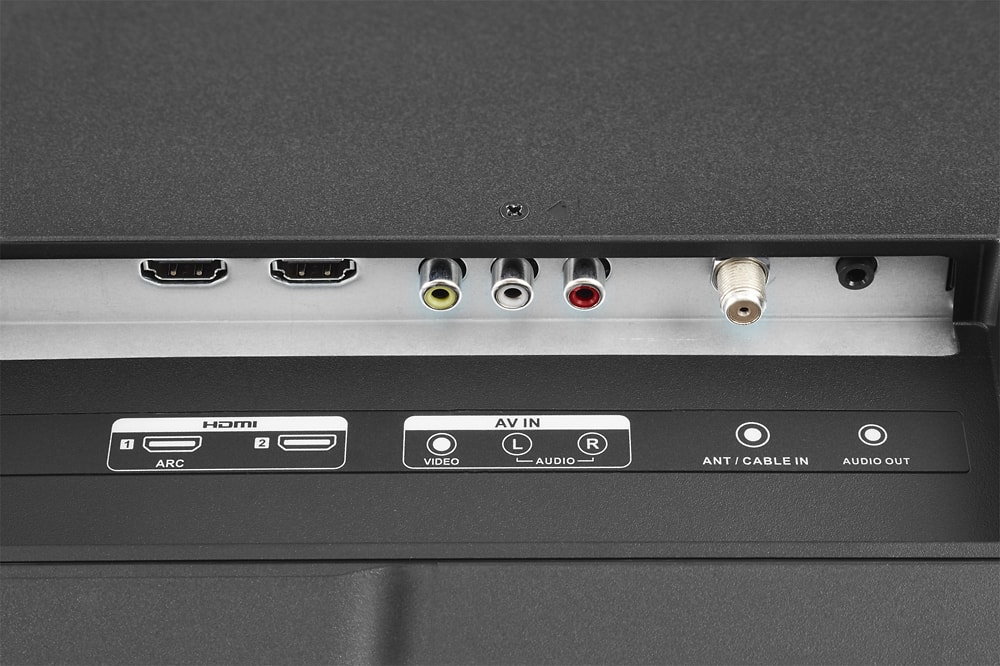
If you have connected your Amazon box to one of the TV HDMI ports, from the home screen select Settings/TV Inputs and configure the connected port for use.
When that is done an icon will appear on the home screen for that input/device.
The TV doesn't know or care what is connected to the HDMI port- it does not "block" video and audio from these ports.
A:AnswerI know it will play off the USB. I think the only way to continuously repeat is to have that repetition filled to your GB max on the USB and play it.
A:AnswerYes, it does make the weird Click sound (the sound seems loud because the speakers are loud) and yes I have concerns about the remote too. you may want to download Roku app on your mobile. The TV itself is very good,
A:AnswerI found an option to skip all the payment info during setup. I was disappointed that I had to setup a Roku account prior getting the TV to work.
A:AnswerHello John, for more information about the LC-43LB481U, please contact us directly at 855-544-2030. We will be happy to answer any questions you may have.
A:AnswerThe wireless headphone system would need to include the transmitter and have remote or headphone level control as the built-in headphone outlet only outputs a constant level independent of the TV's audio level control.
A:AnswerHello Kings, thank you for reaching out to us. I apologize that your Sharp LC-43LB481U TV has started to power off and on by itself. For troubleshooting assistance, please reach out to our support center at 855-544-2030.