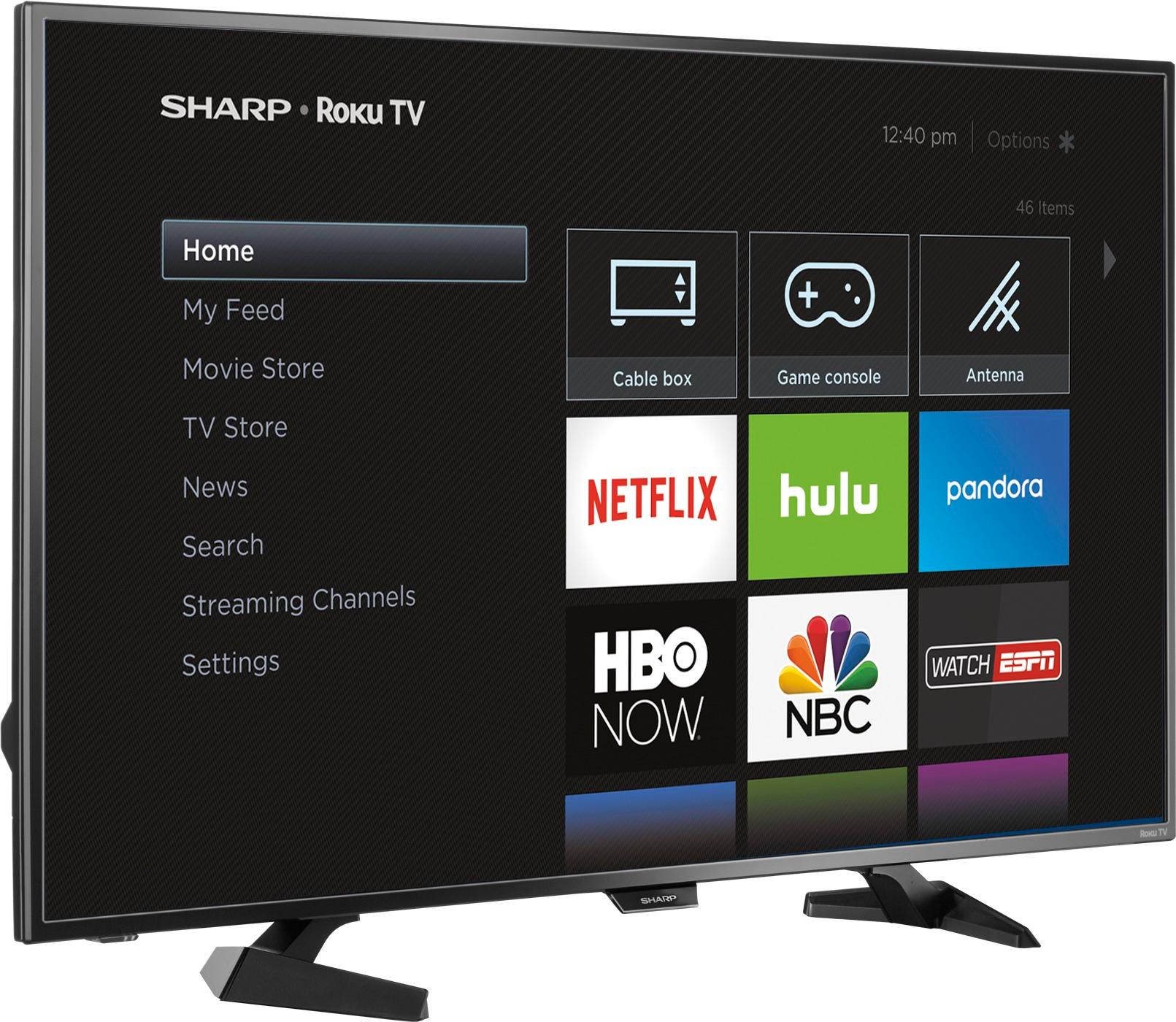
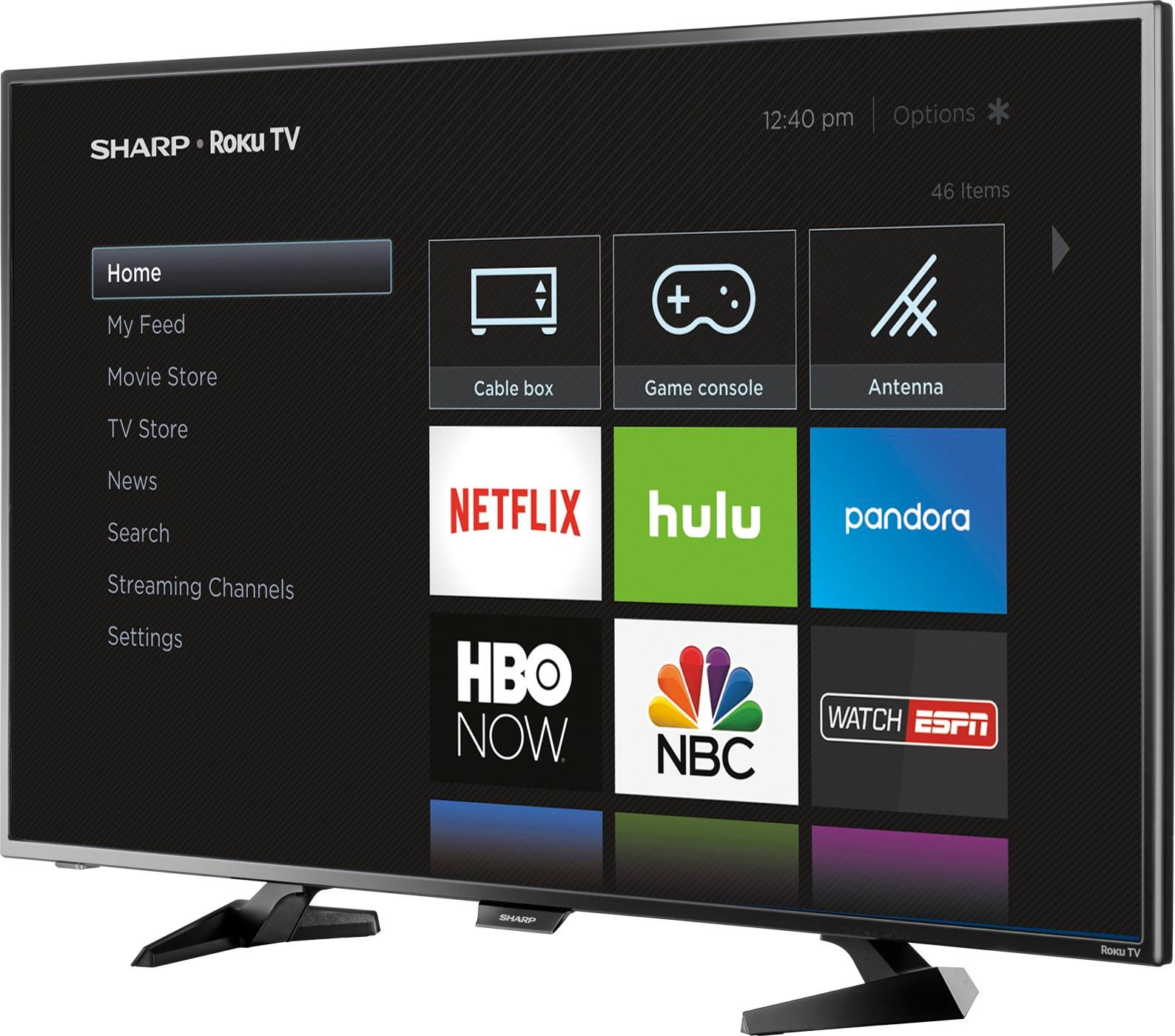
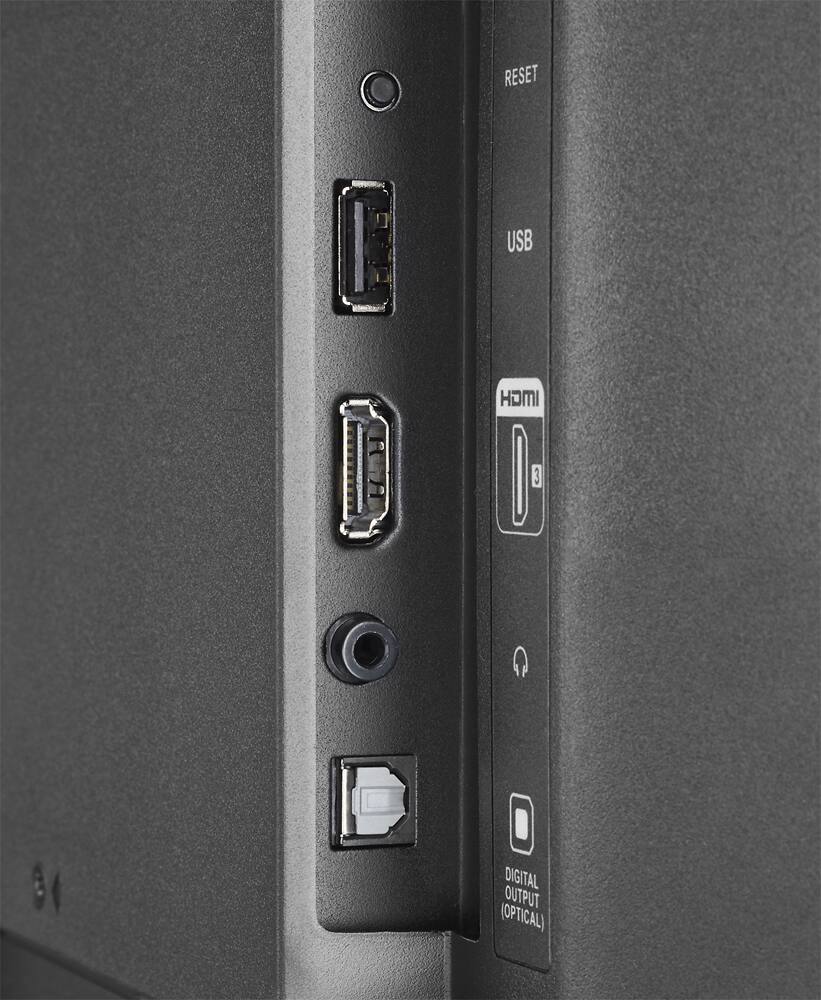
A:AnswerNope, but you can install any channels that you can normally install on standalone Roku units. The are some Web browsers available, but the ratings indicate they're not that good.
A:AnswerYes, you are correct that the "call our 800 number" in response to every question is somewhat unhelpful, as shown by the votes. Many of the questions are well formed and deserve direct responses, not a "call someone else" diversion.
A:AnswerYes, closed-captioning is certainly available. In addition the size and font ot the captions can be altered... as I have done shortly after buying my set a few days ago. There are several choices for the format of the captions.
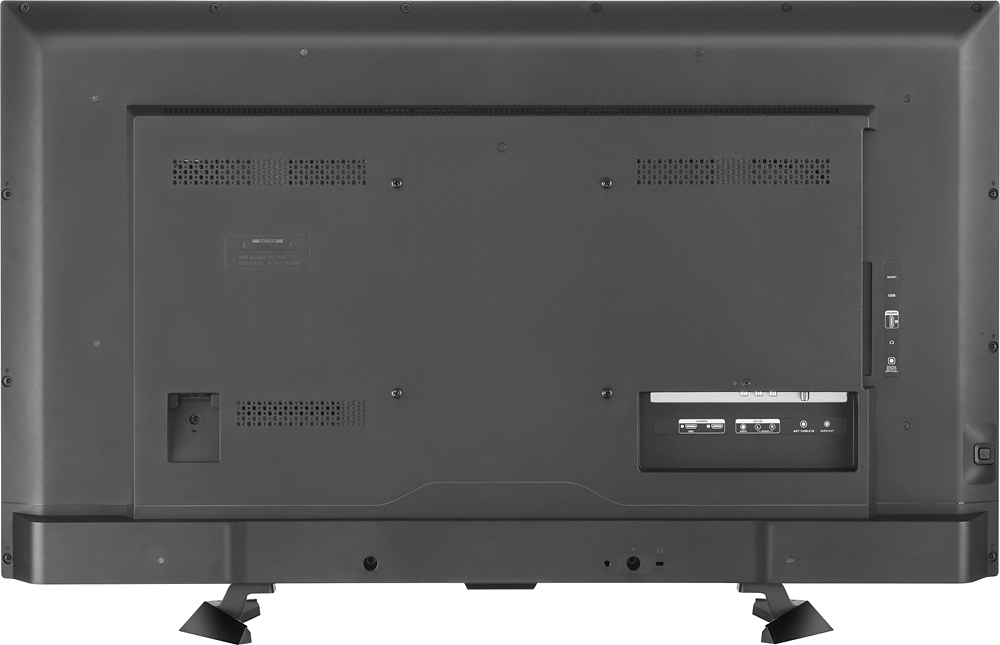
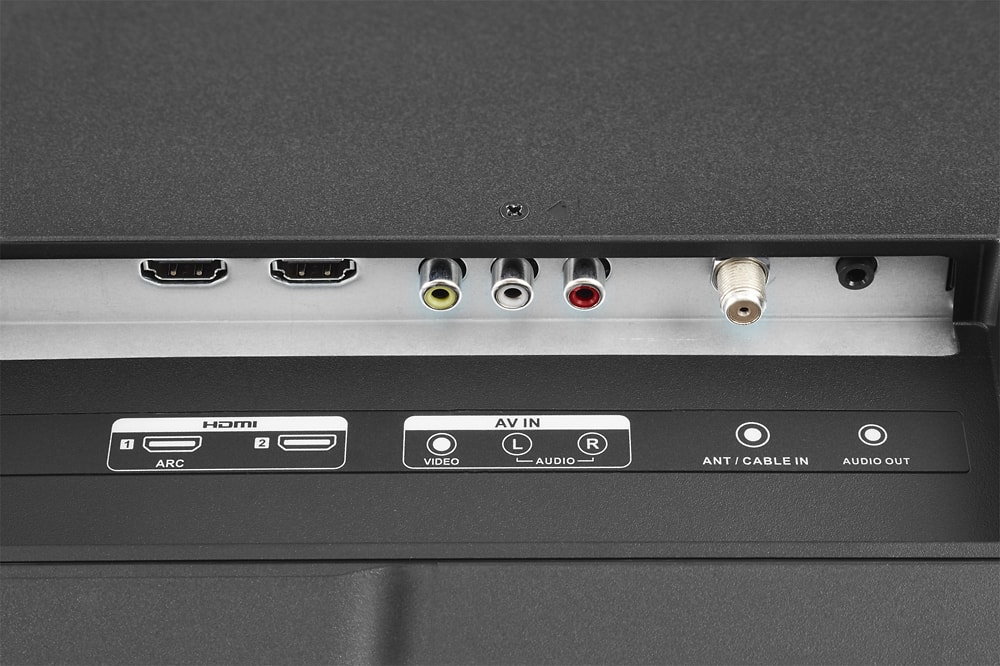
A:Answer.No Ethernet plug. I do own 2 Sharp Roku tv. 50 inch & 43 inch. I do hookup to the internet with a usb adapter from Amazon UtechSmart USB 2.0 to 10/100 Fast Ethernet LAN Wired Network Adapter for Macbook, Wii, Wii U, Linux. Just pug it in and it should recognize it. If not go to power settings and restart system. Then you will have a wired connection.
Under network settings it will read wired.
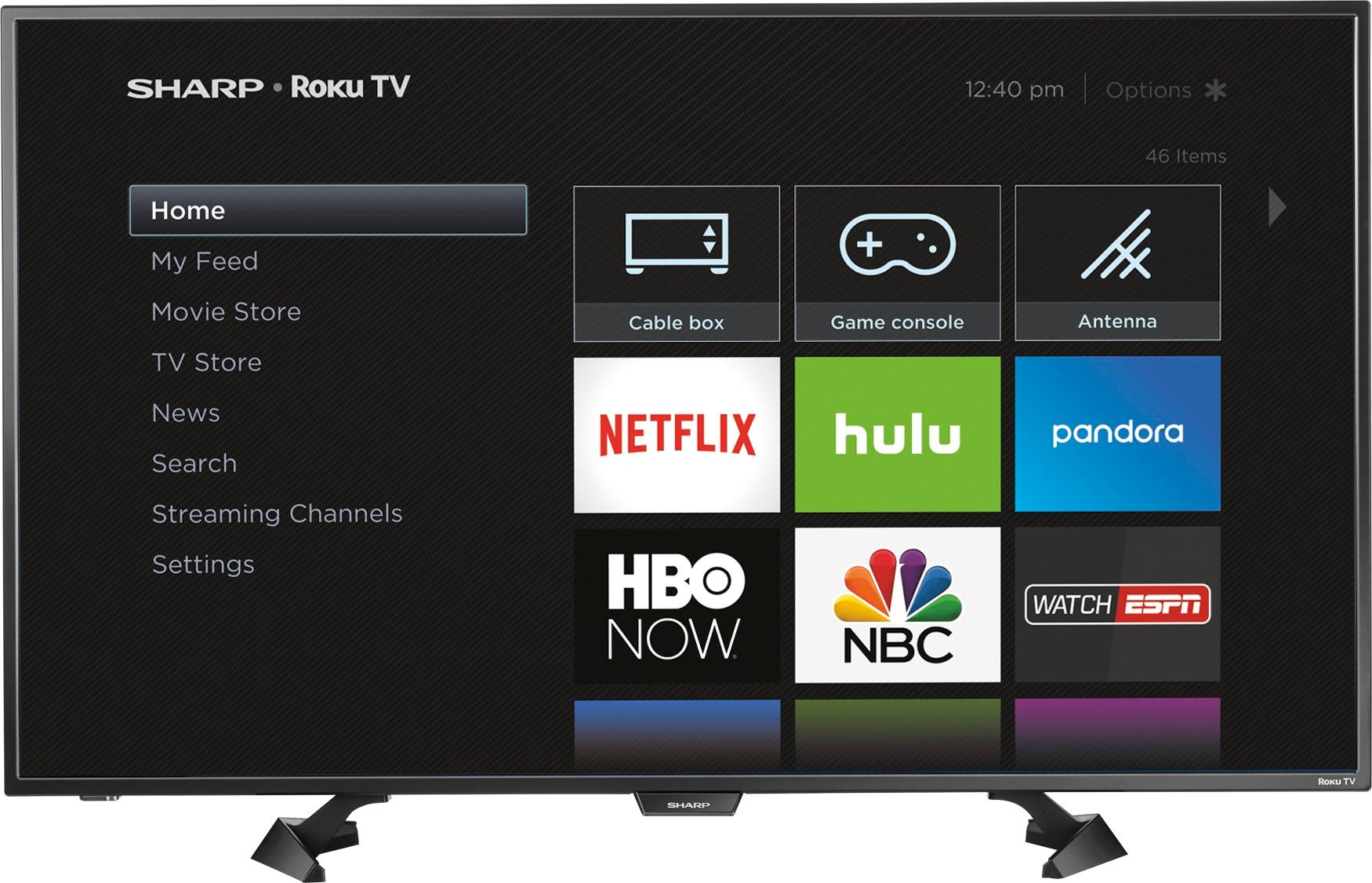
A:AnswerNo, if you look at the Specifications section of the info for this TV, the dimensions are as follows:
Product Height With Stand: 23.82 inches
Product Depth With Stand: 10.04 inches
Product Height Without Stand: 22.72 inches
Product Depth Without Stand: 2.83 inches
Width: 38.27 inches