A:AnswerCalled Sharp and they said that this model does not have Portrait Mode.
One workaround is to turn your images sideways on the computer.
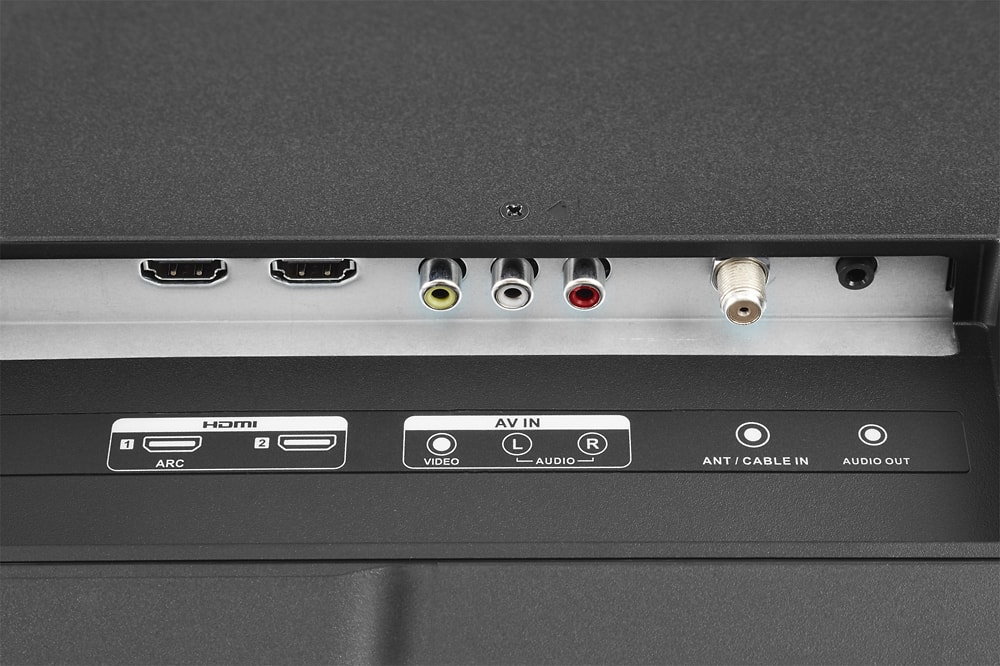
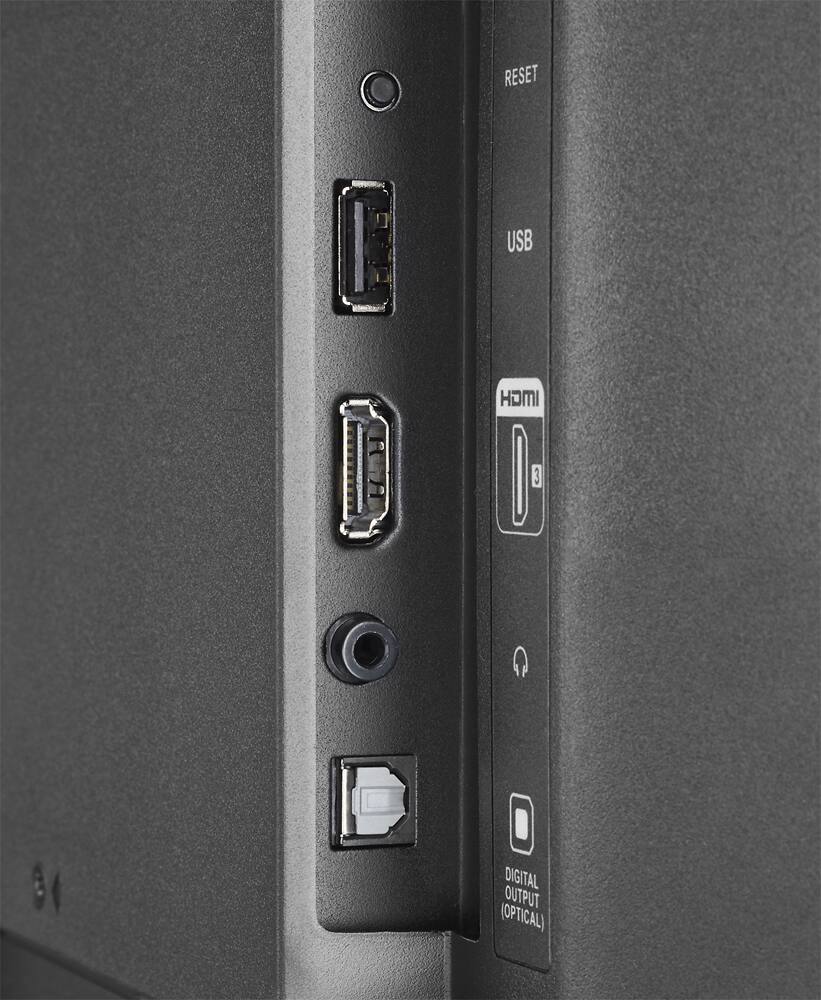
When you display them on the TV through the HDMI port they will display in Portrait.
A:AnswerThe Sharp TV has the Roku built into the TV. I have owned TV's and used either a Roku Ultra or Roku Streaming Stick separate from the TV to receive the streaming stations. The Roku Ultra and Streaming Stick both worked well with TabloTV wireless signal transmission from my roof antenna but the Sharp TV with Roku built in does not upload the channel's live tv menu quickly, leaving the channel menu grey for about 45 seconds.
Going to one remote was the reason for switching to a Sharp-Roku TV Set. I would like to also replace my other two (2) tv's but need to resolve this issue. What Roku Electronics are built into the Sharp TV? Is it a Roku design or one designed by Sharp?
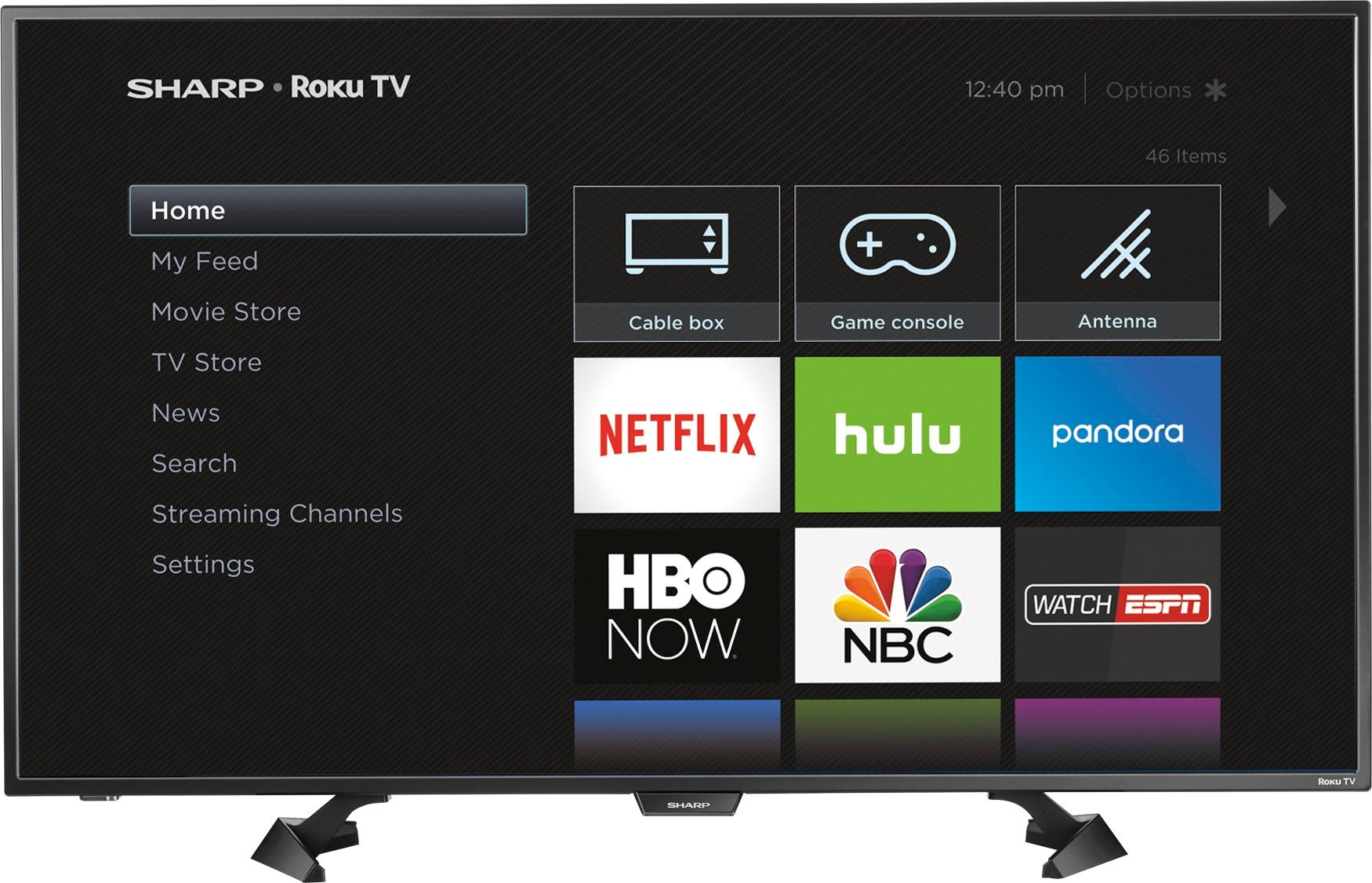
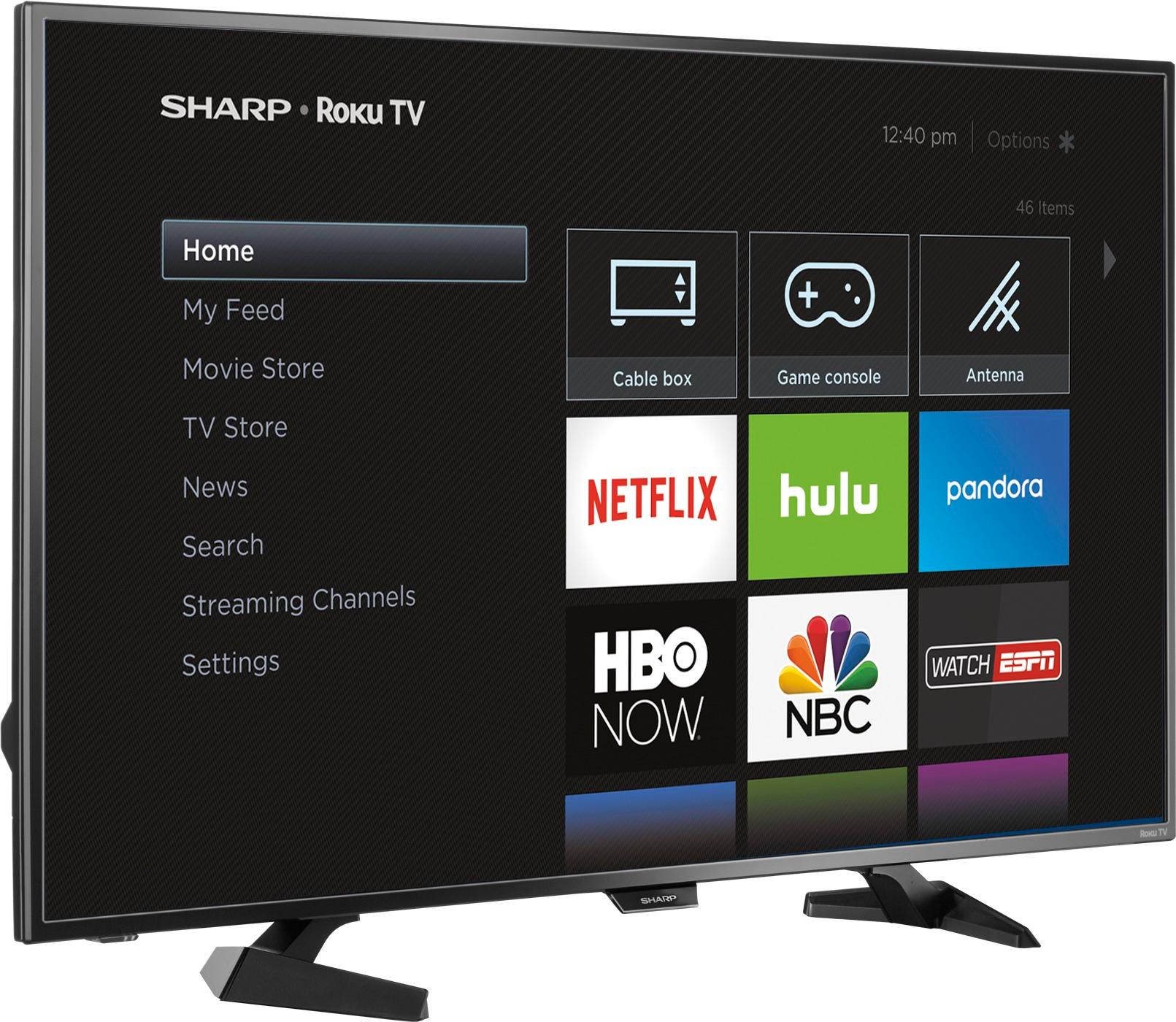
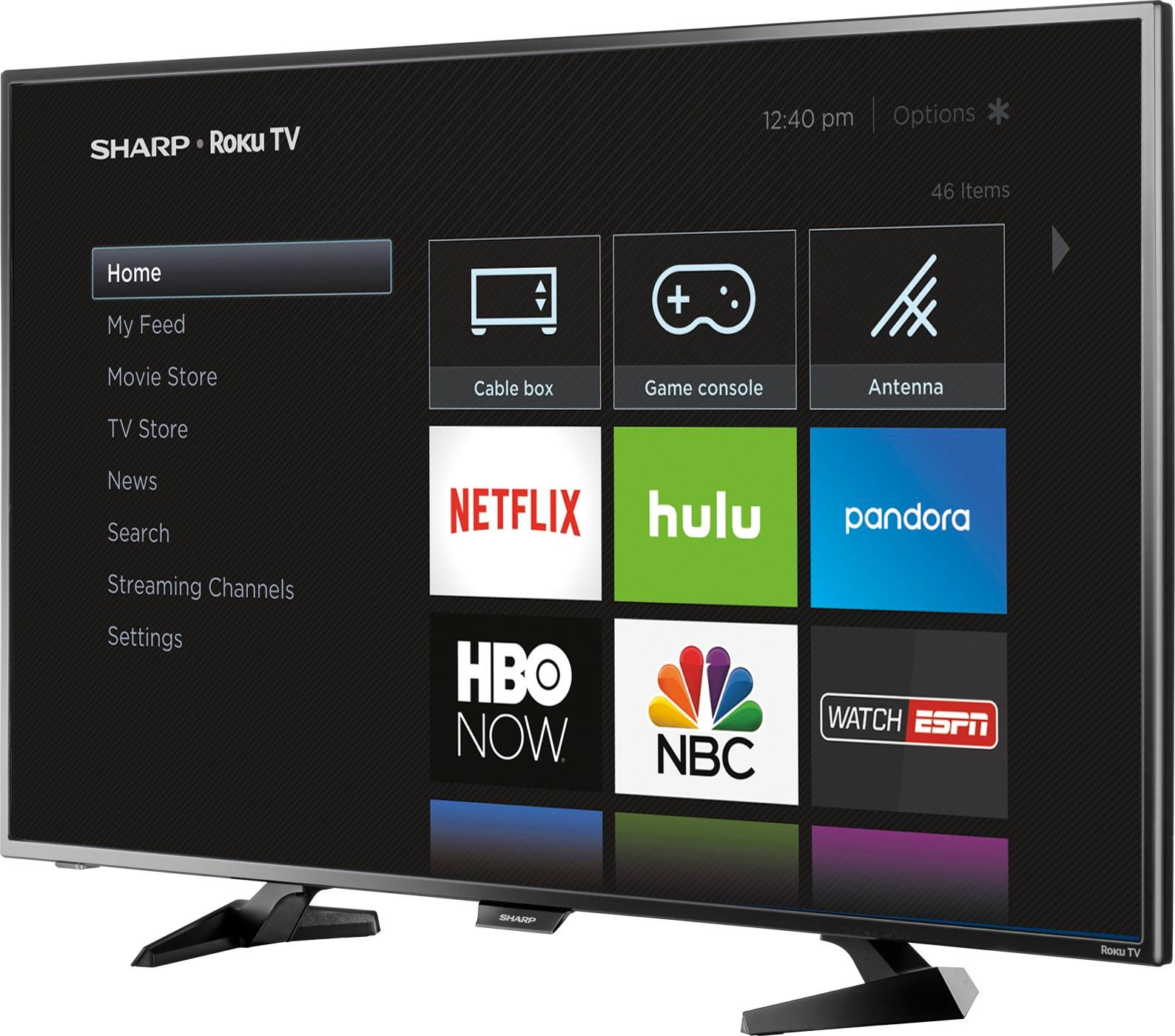
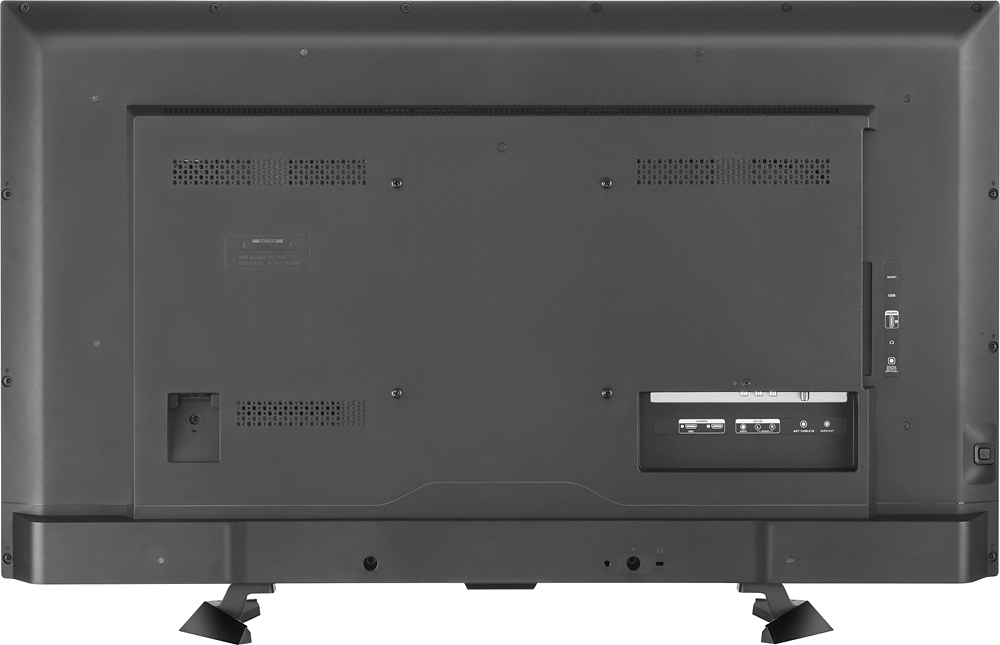
A:AnswerHello Larry, the measurements for this unit with the stand are (HxWxD) 24 × 38.1 × 9.3 in. and without the stand the measurements are (HxWxD) 22 × 38.1 × 2.6 in.. The weight of the unit without the stand is 18.9 lbs and with the stand is 19.8 lbs.
A:AnswerShould be whatever your computer is outputing for video, probably 768 or 1080. Have a look at your computer's owner's manual and check the video output resolution. HDMI to HDMI would offer the best resolution.
A:AnswerYour TV should at least have a one year manufacturer warranty.
Contact the store you purchased it from, or the manufacturer.
I took out the 5 year extended warranty on mine.