A:AnswerIt’s bad when we get INCORRECT answers above, from what appears to be Sharp itself as they list the Sharp support number.
I bought the TV and it does have HDR. It also says it on the outside of the box.
I will say I even called Sharp and found their customer service unkowledgeable about details of the TV.
A:AnswerI just bought a new Sharp 43" Tv. I have a standard Comcast remote {not X1} remote
I was able to get the TV to Change Channels and click on a number of ComCast items like Setup.
I get no sound control or On-OFF.
I used every code Comcast showed for Sharp 2x...........nothing
Then I read to try Henise Codes because they make the Sharp.Nothing.
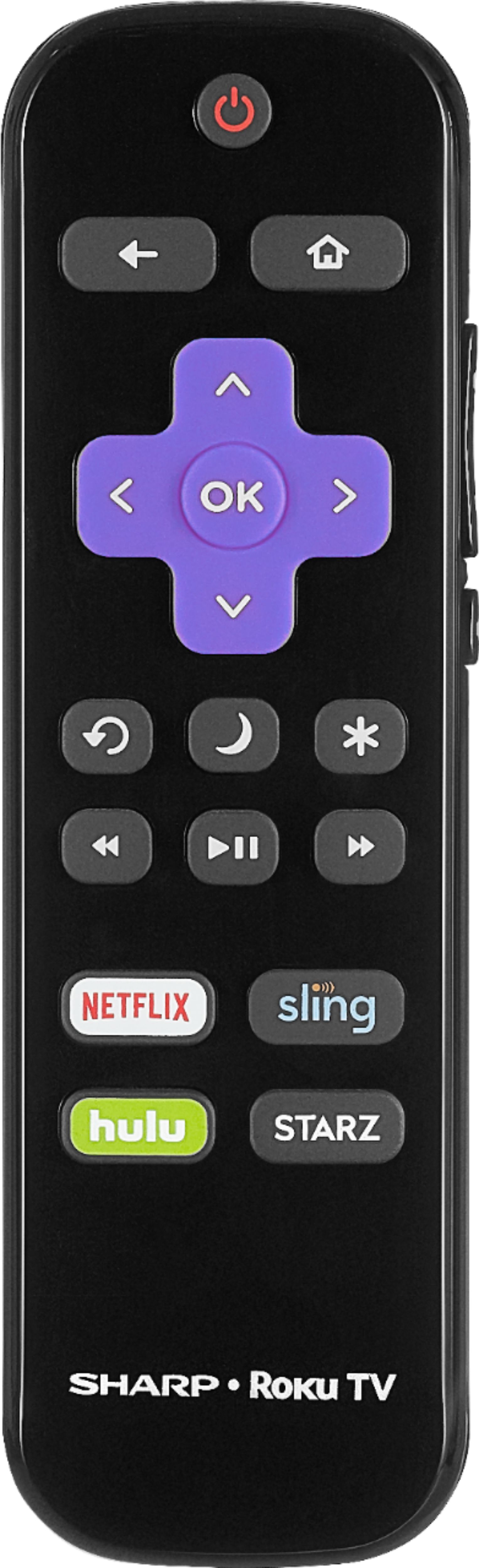
If I have to use the little Sharp remote and Comcast....................the TV goes back.
A:AnswerI am not a gamer, but think the refresh rate on the inexpensive Sharp Roku TV is not fast enough. This you need a 144 refresh rate for good 4k gaming, this TV does not have the capabilities of that type of performance. Maybe @ 2K...
JR
A:AnswerI purchased to use as a gaming monitor, my problem is that the tv seems to only work under 30 hrz from my gaming rig. It says it's a 60 hrz tv but it won't take the 60 hrz from my nvidia GeForce 780 ti graphics card at 4k 2160p..
Still looking into solutions
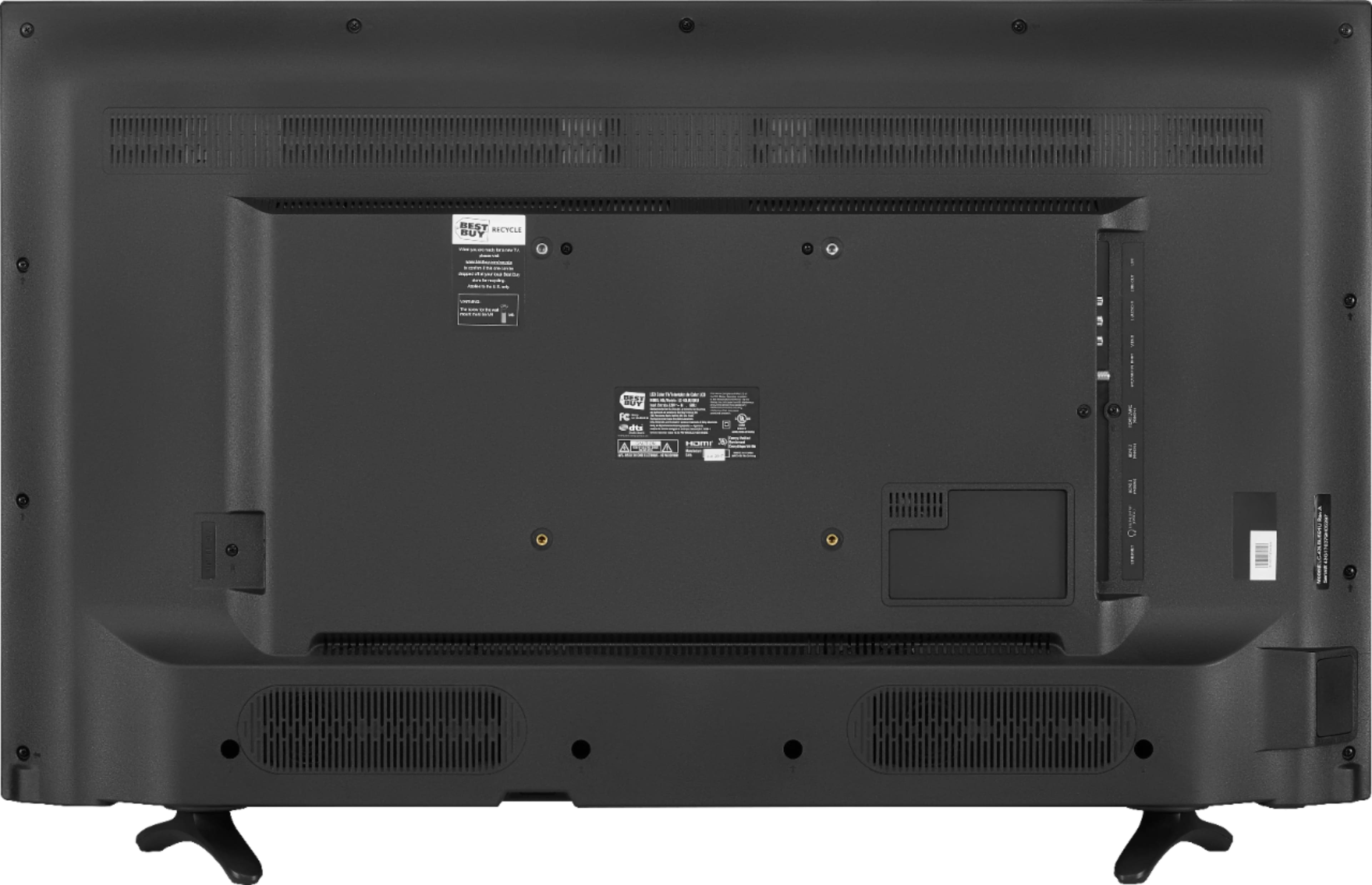
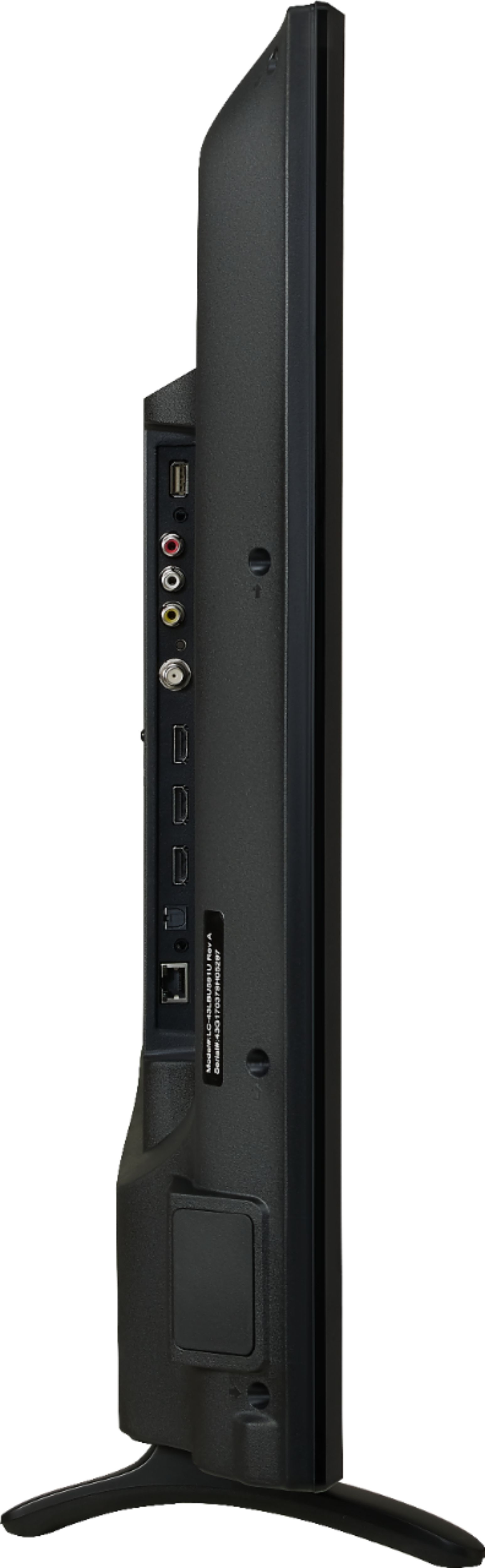
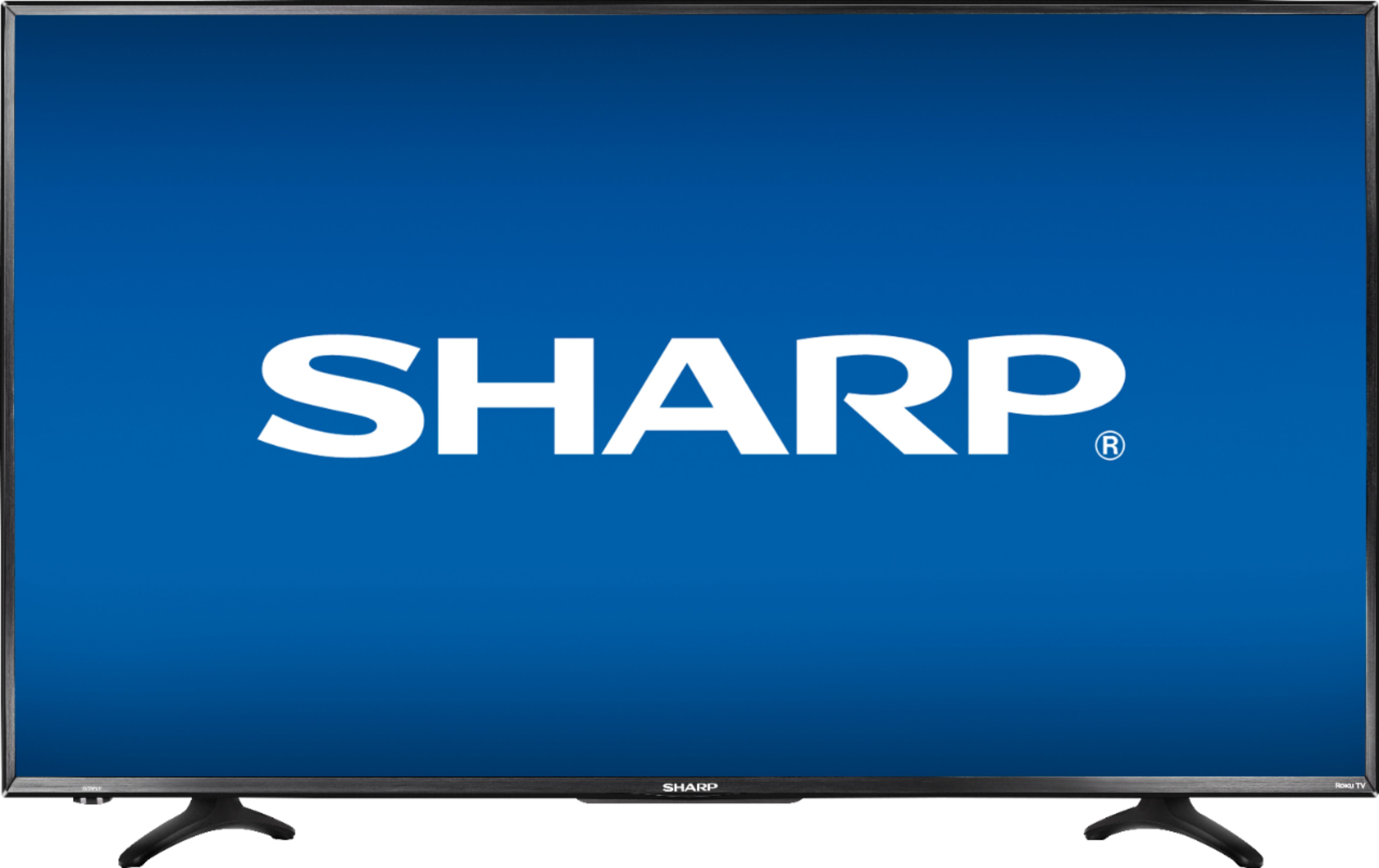
A:AnswerLeg to leg (from the farthest part) is 31". If looking to set this tv on a stand, you will need a stand at least 31" long. The tv itself is 38" long so if your table is smaller than 38" but at least 31", the tv will sit fine but the screen will be longer than the table.
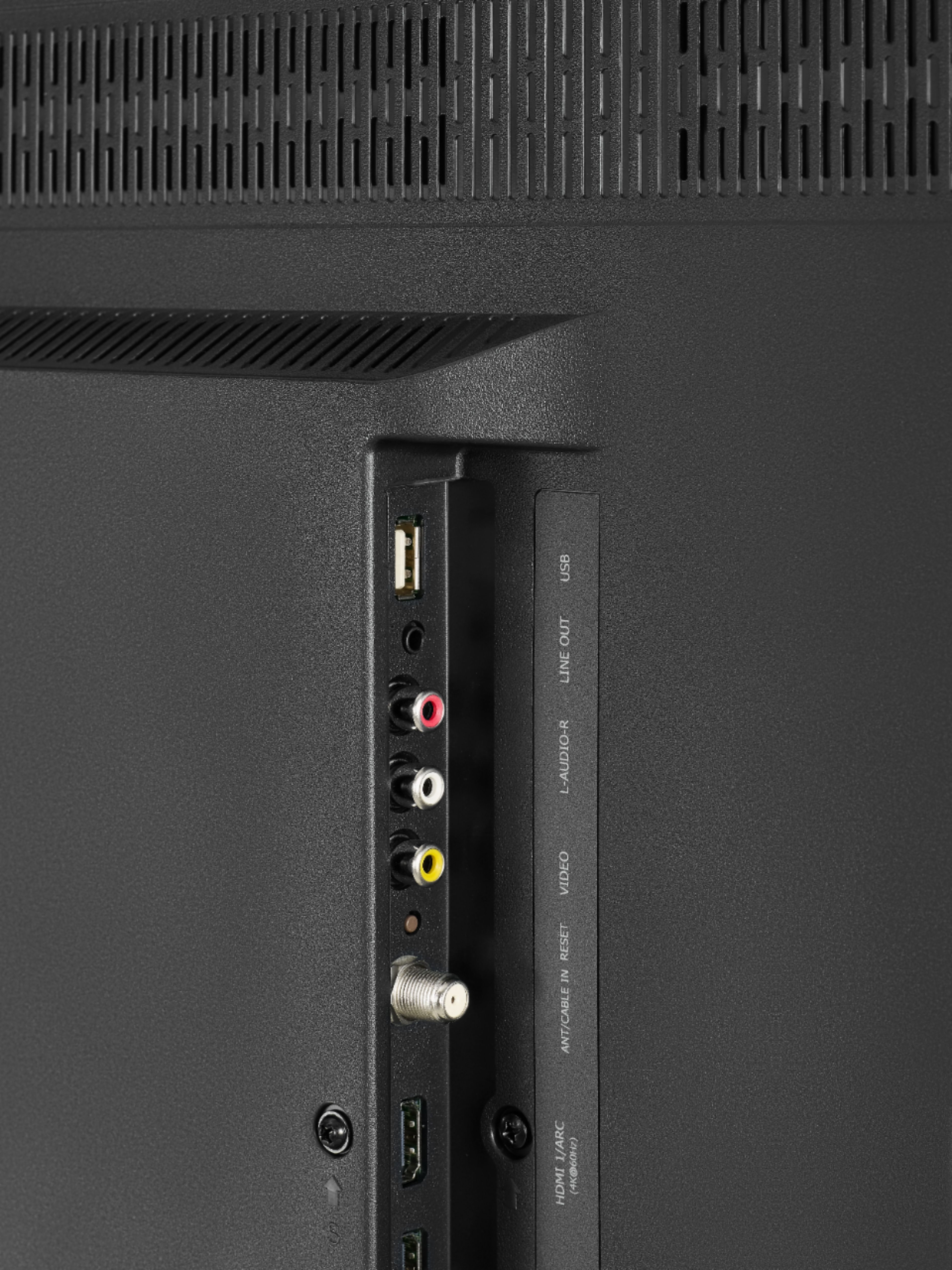
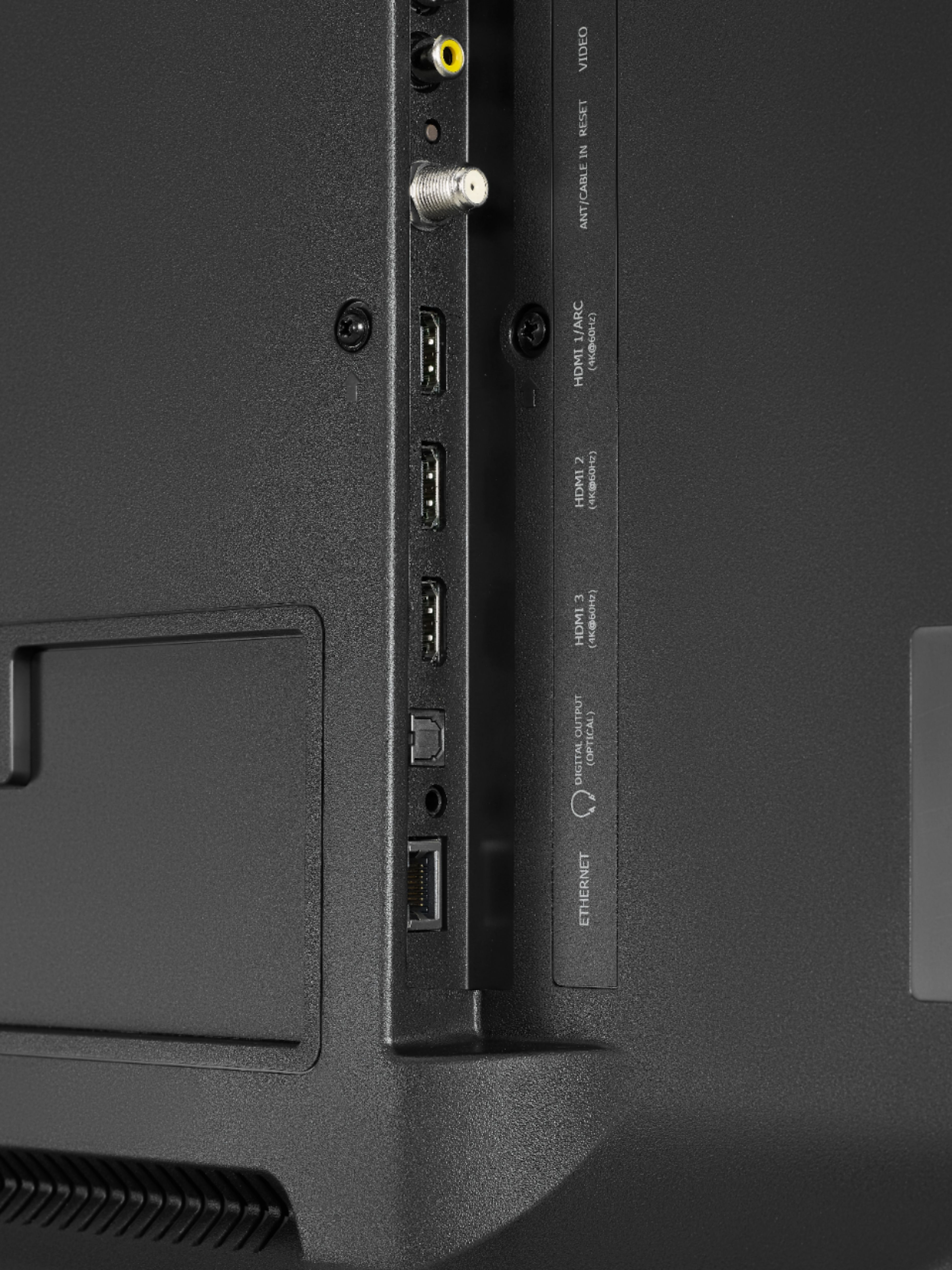
A:AnswerI own this set and yes it does. I wasn't sure at first because of conflicting reports. I have it hooked up to a PS4 and own two games that support HDR. When I launch those games the TV switches to HDR mode and an HDR notification is displayed on screen. This HDR notification can even be toggled off in the settings of the TV. I've even played those two games without HDR before they were patched by the developers and the difference before and after HDR is very noticeable.