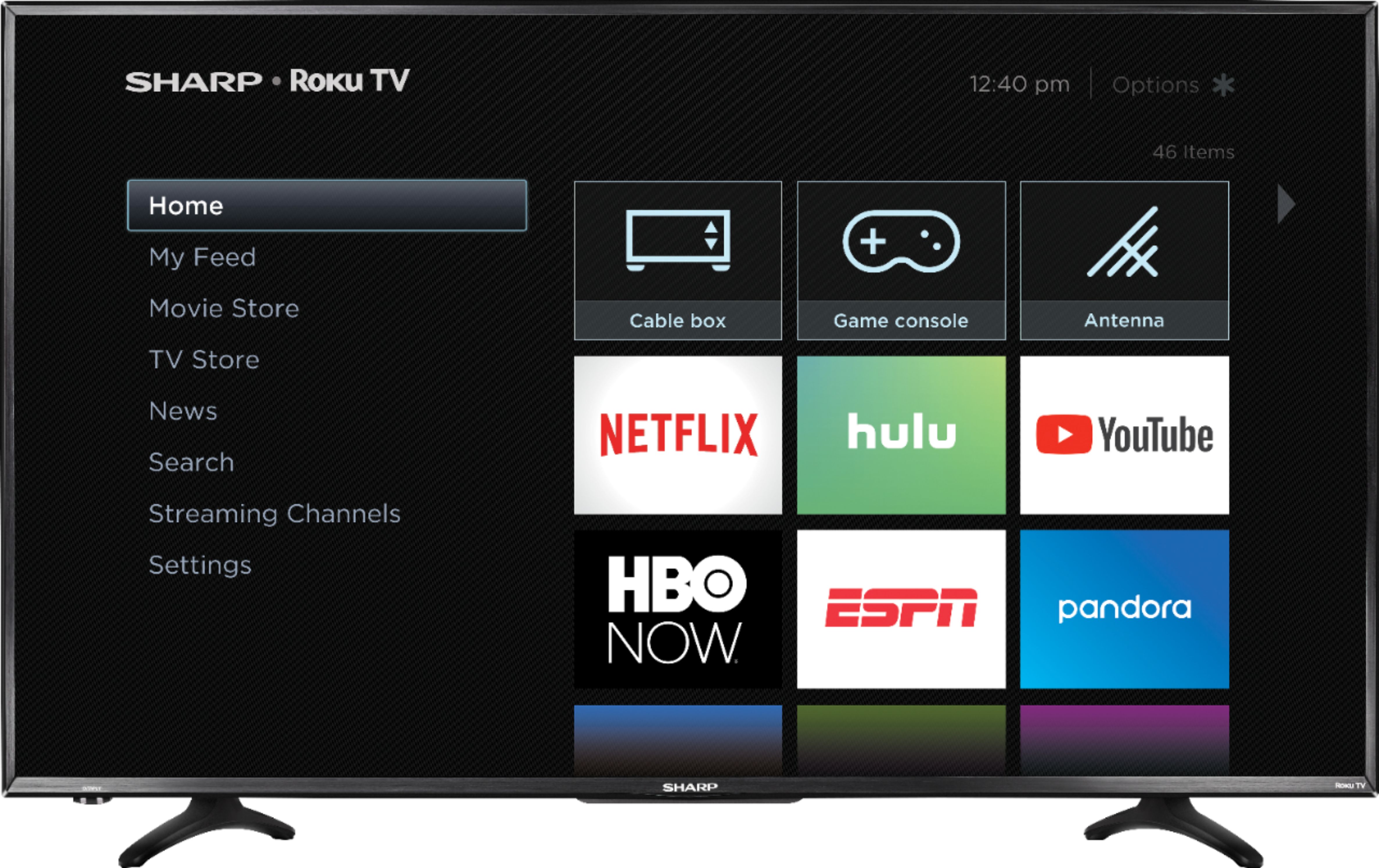
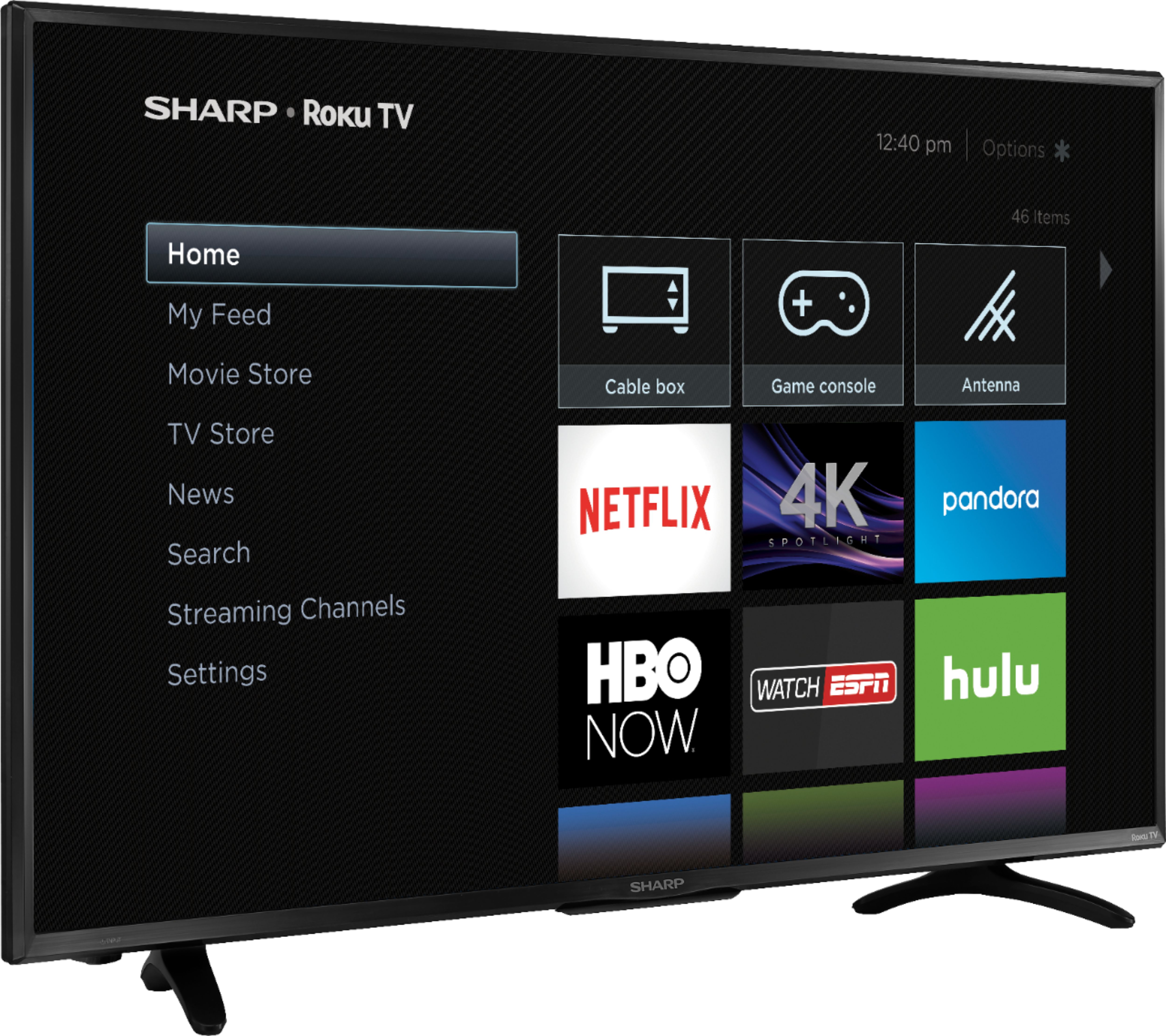
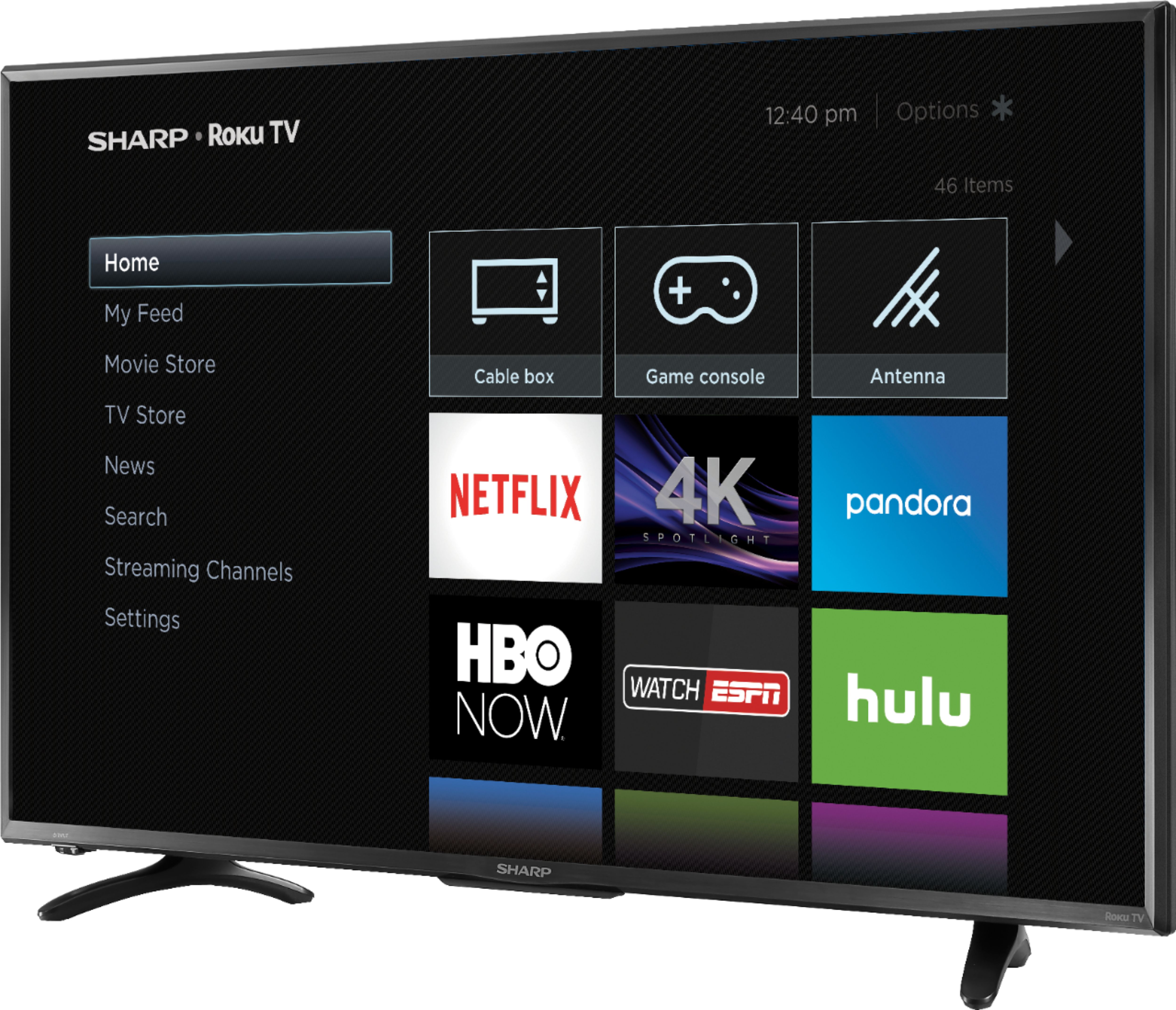
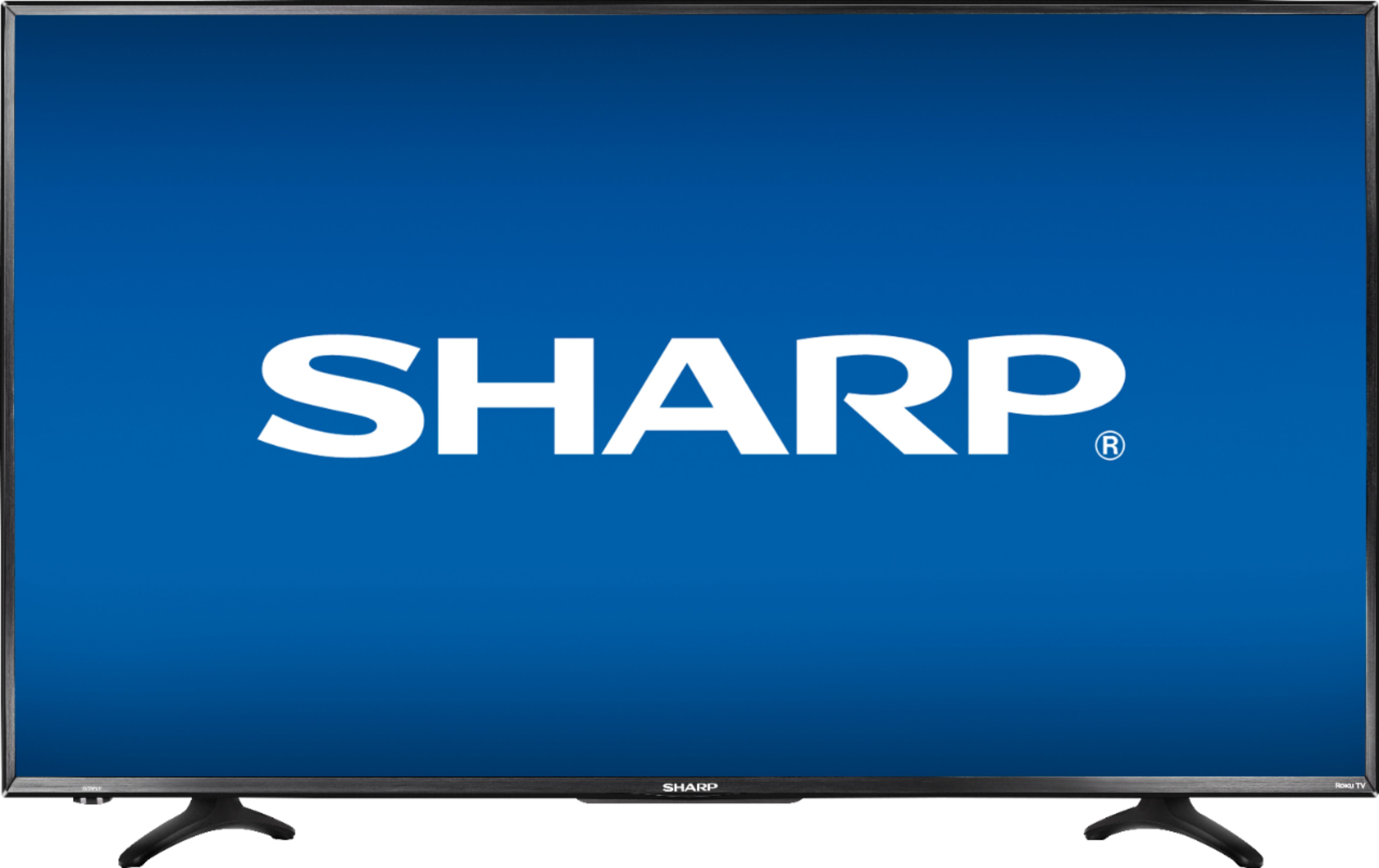
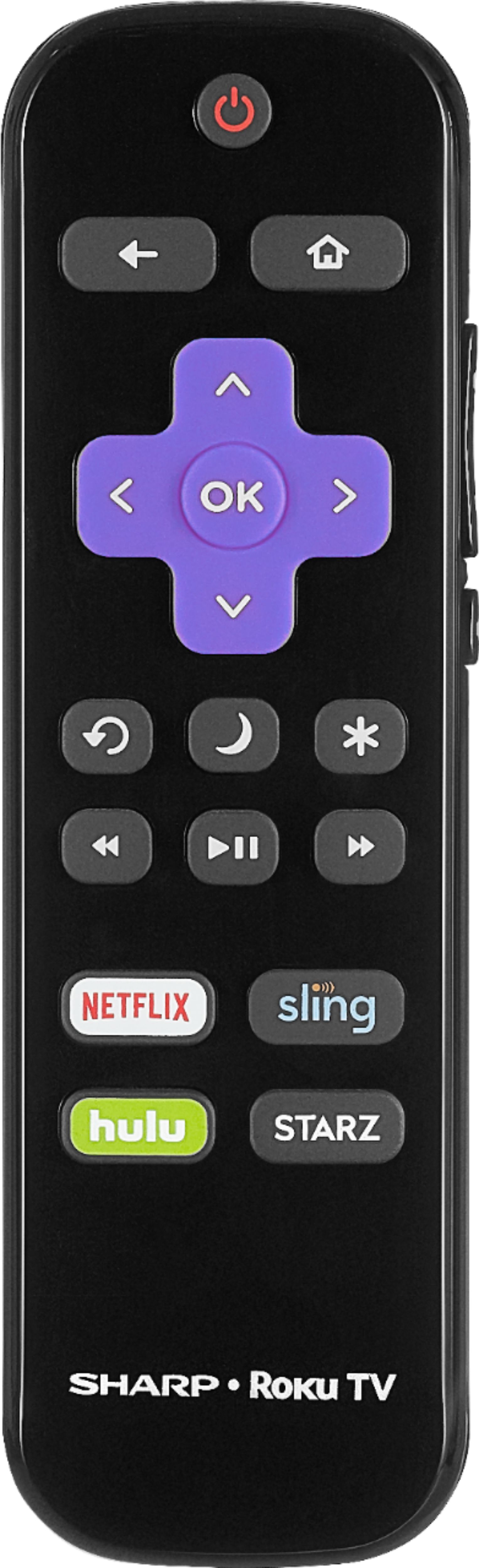
A:AnswerRoku is a streaming device built in the tv. You can buy Roku stick streaming device to hook up to TV's without. They come with many apps such as Netflix, prime,YouTube etc.
A:AnswerYes, in the settings under Source, you should be able to set preference to most recent/on device. I was able to have my Apple TV become the first screen that pops up and turn the TV off and On using my Apple TV.
Sorry that I cannot remember the exact steps, but it is possible.
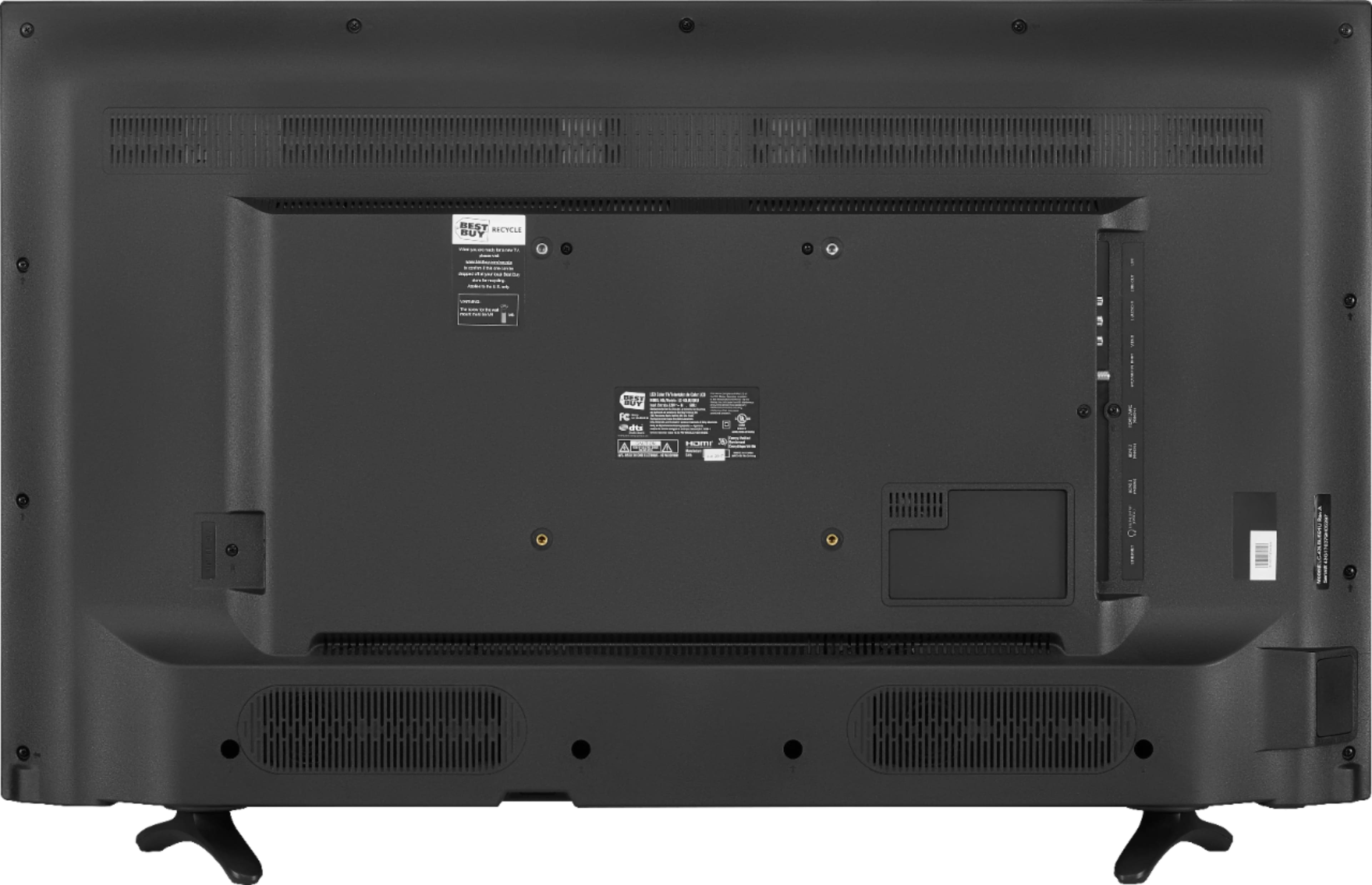
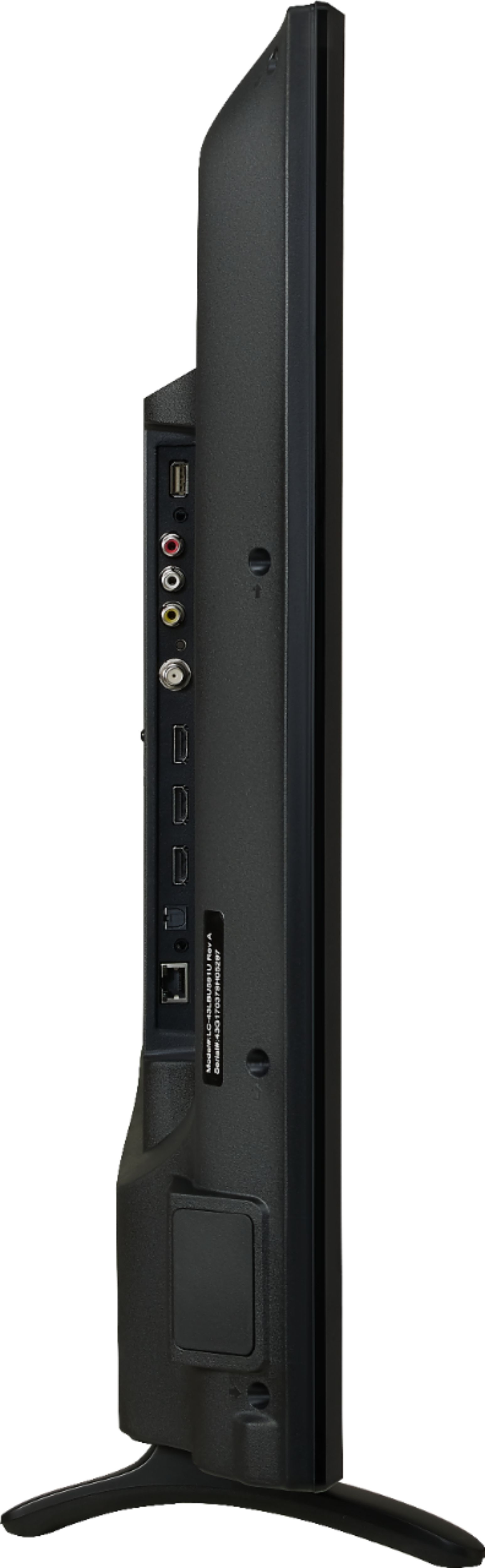
A:AnswerHi there, the feet are angled so there is no one answer for this. On the back side there is just about 22 inches between the feet. In front, that goes up to 29 inches. The TV itself rides about 1 1/2 inches off the ground.
A:AnswerNo it does not have Chromecast. It's a Roku. It's similar to a chromecast but I think it's easier to use. it connects to your wifi and then you install the apps for the channels that you want to watch.
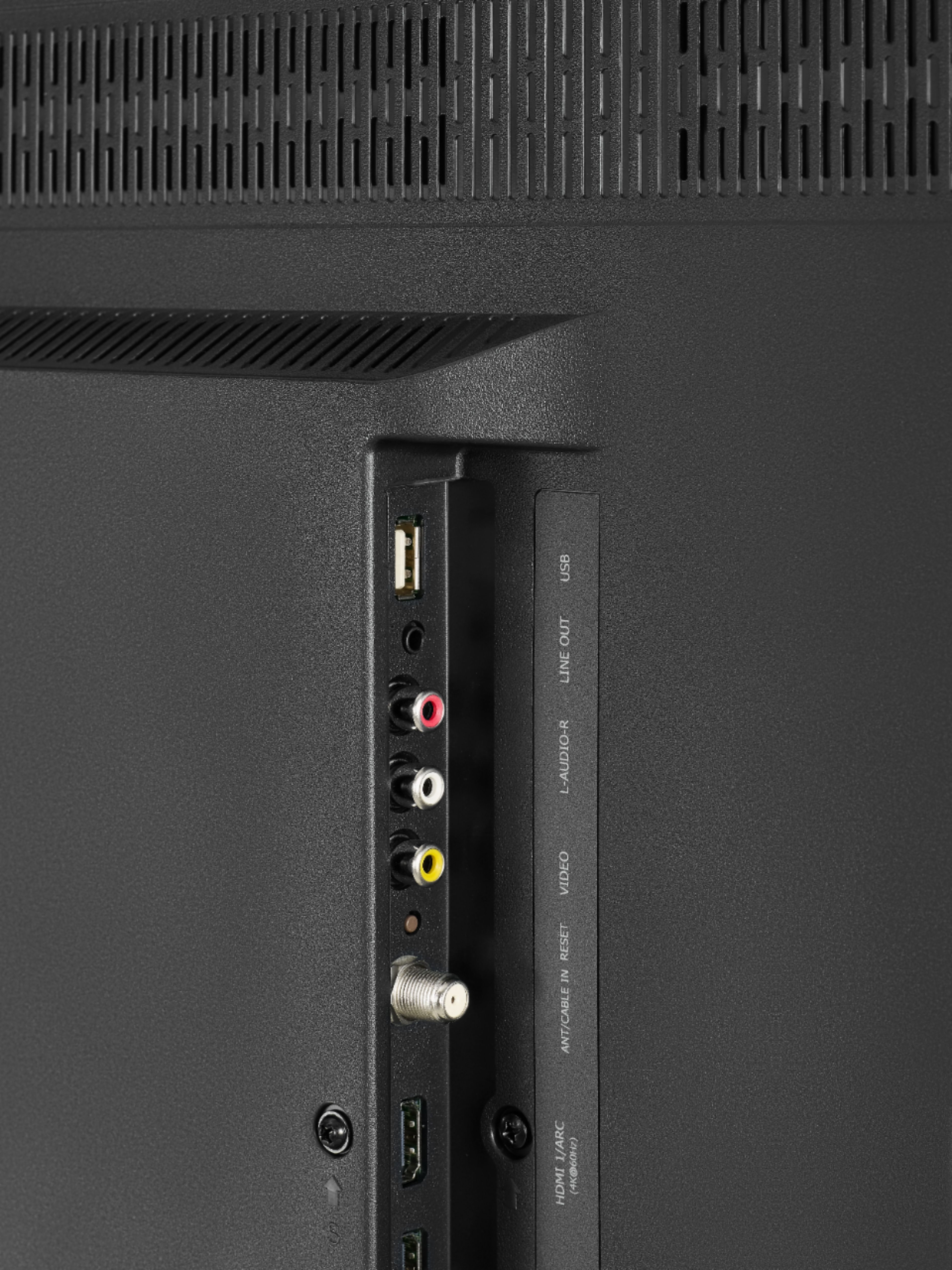
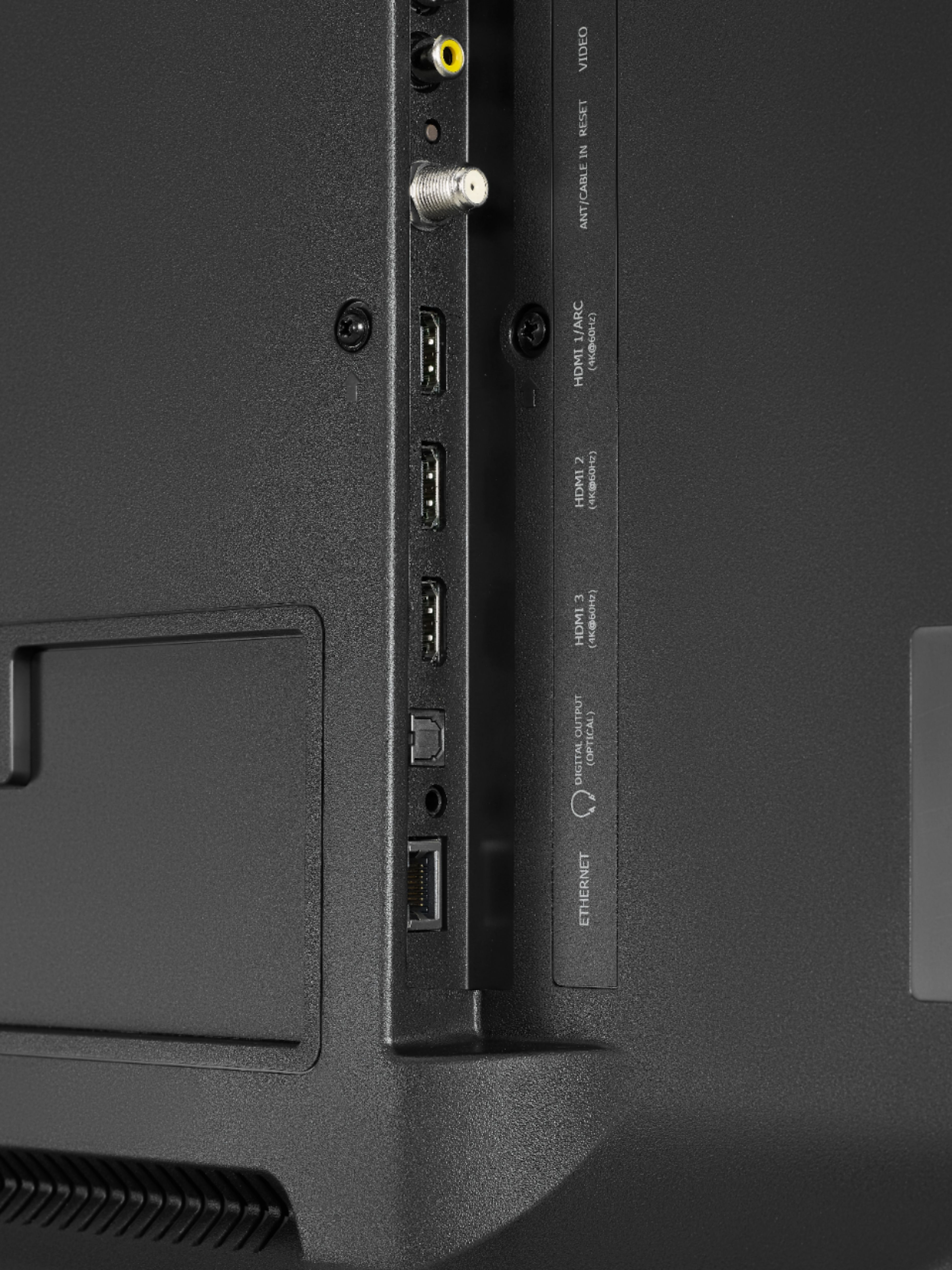
A:AnswerIt will turn on to the standard Roku menu. It is very easy to select the app or input (antenna, hdmi, etc) that you want. Also, you can name the inputs. For instance if your cable box is connected to HDMI 1, you could rename it to display "Cable".