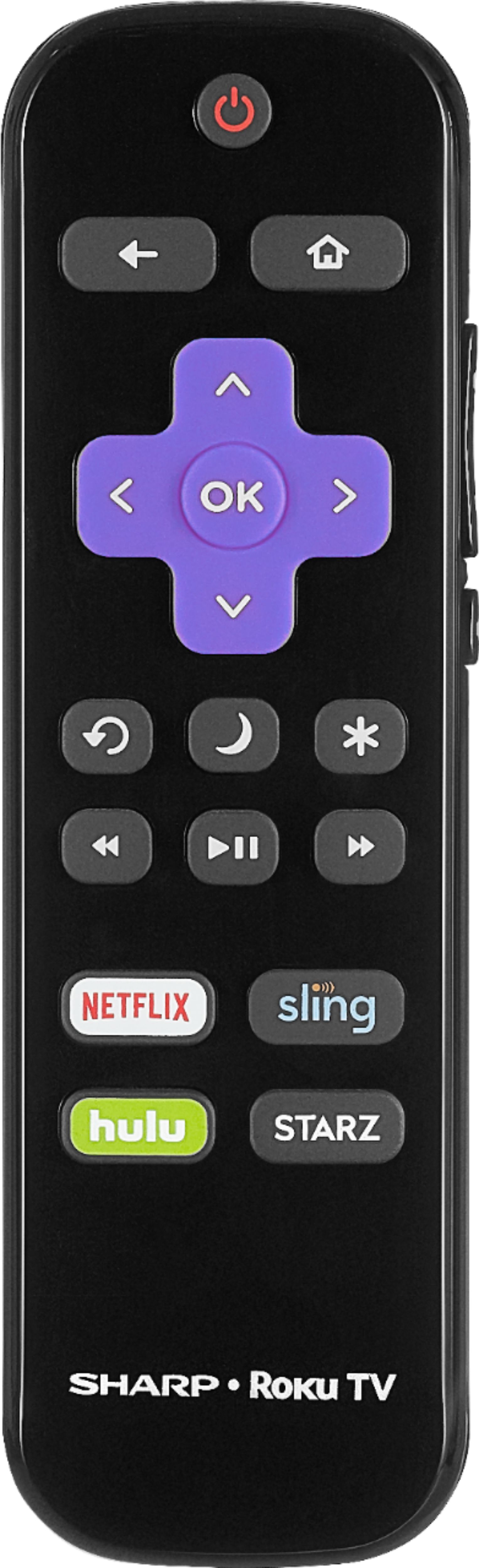
A:AnswerIf you have cable, you can program the remote for your cable box to control the tv. Will turn the tv on and off adjust volume and change channels.
A:AnswerI am sorry that you are having these troubles with your TV. I would call the seller or direct to the company to ask for assistance. I would be really concerned myself!
A:AnswerI do not recommend mounting this outside if it can possibly get any kind of moisture. Even foggy or humid conditions can damage the circuit board!
A:AnswerIt can if you use it with a Chromecast. You need to adjust some settings, but the Google Home will talk to the Chromecast, which allows you turn the TV on and off.
A:AnswerThat is actually a question for your cable provider. If they provide basic without the need for a box then yes. If they scramble all channels and a box is needed to unscramble, then no. The tv can connect to service providers or antennas
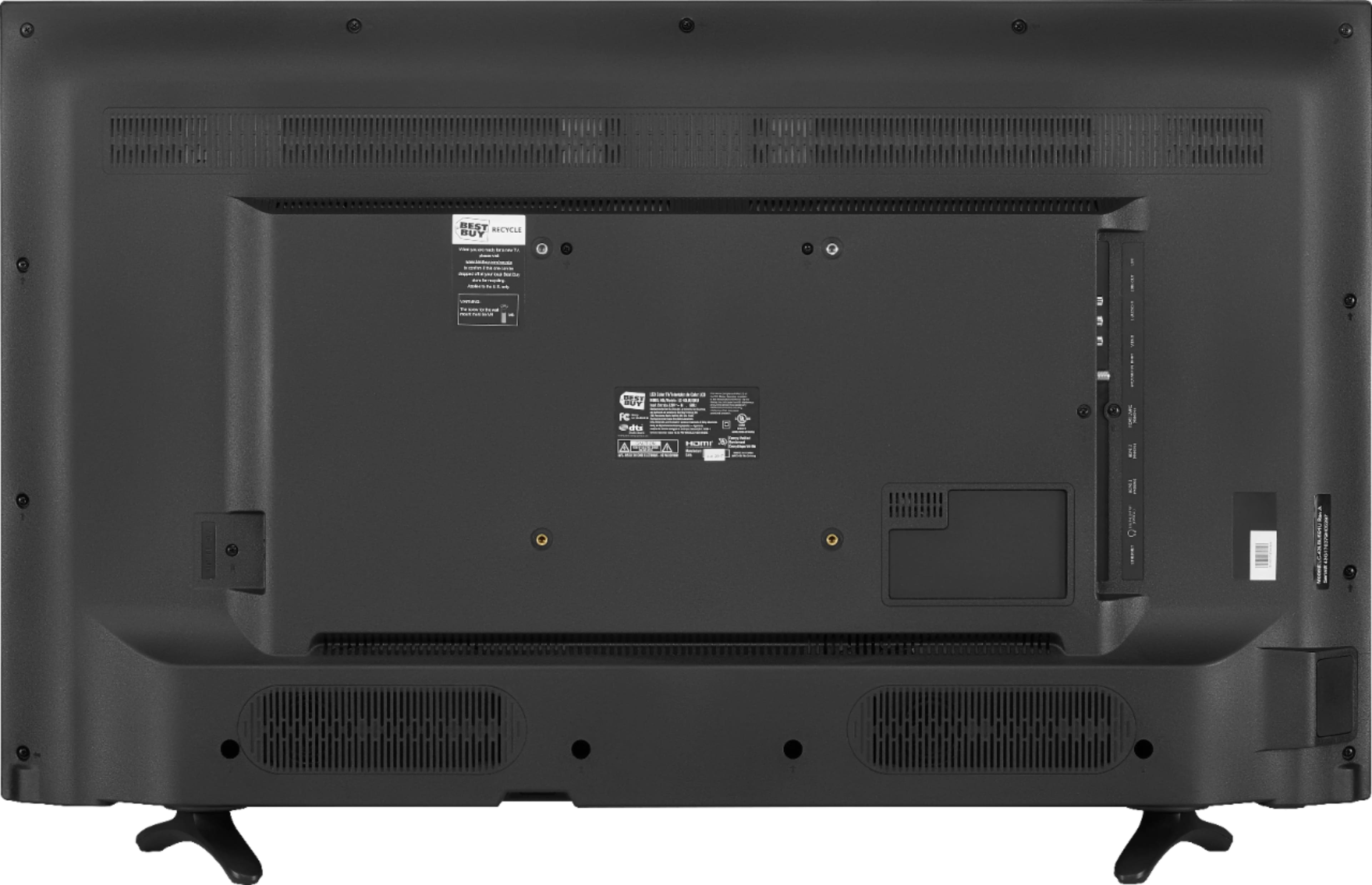
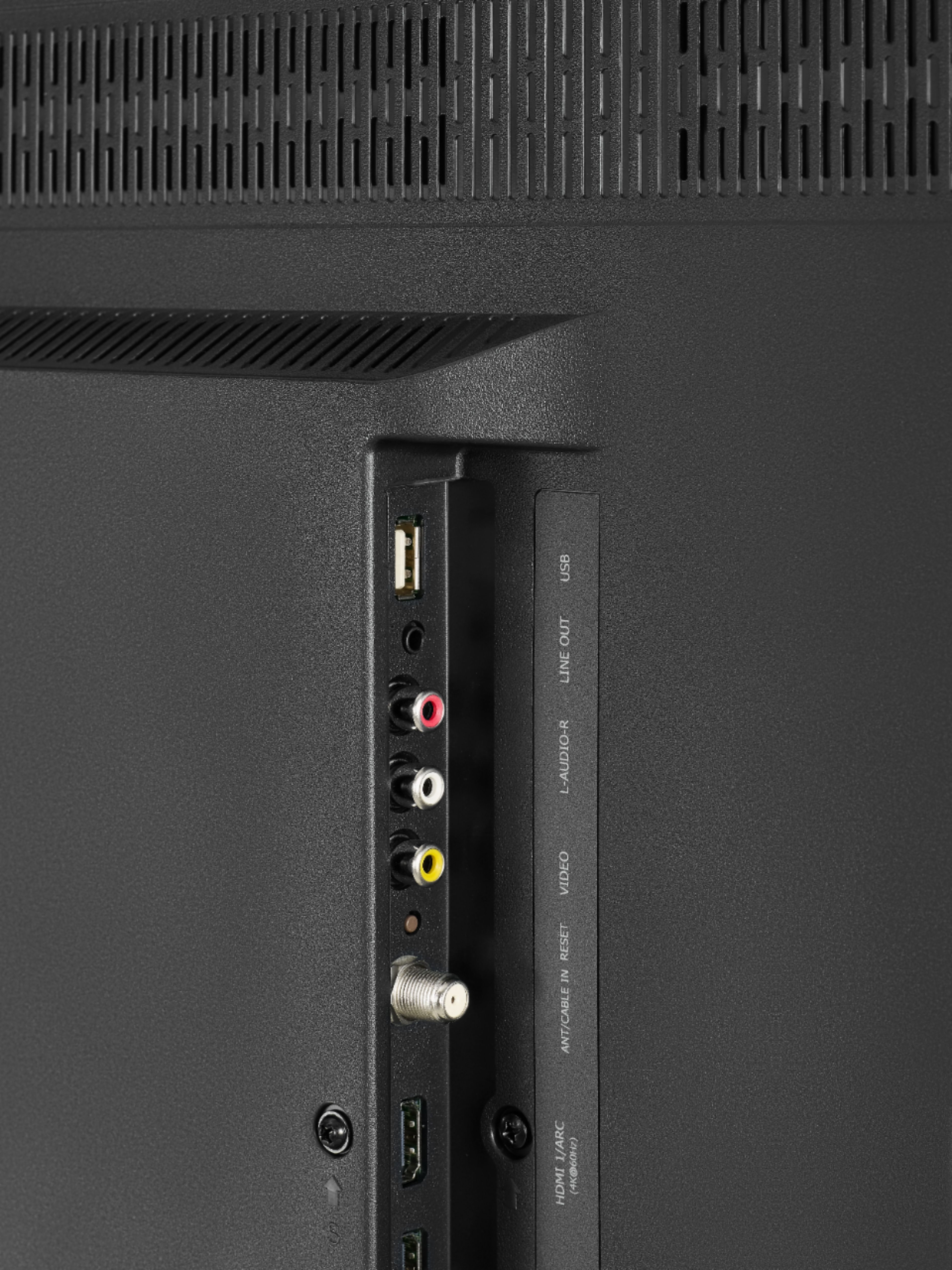
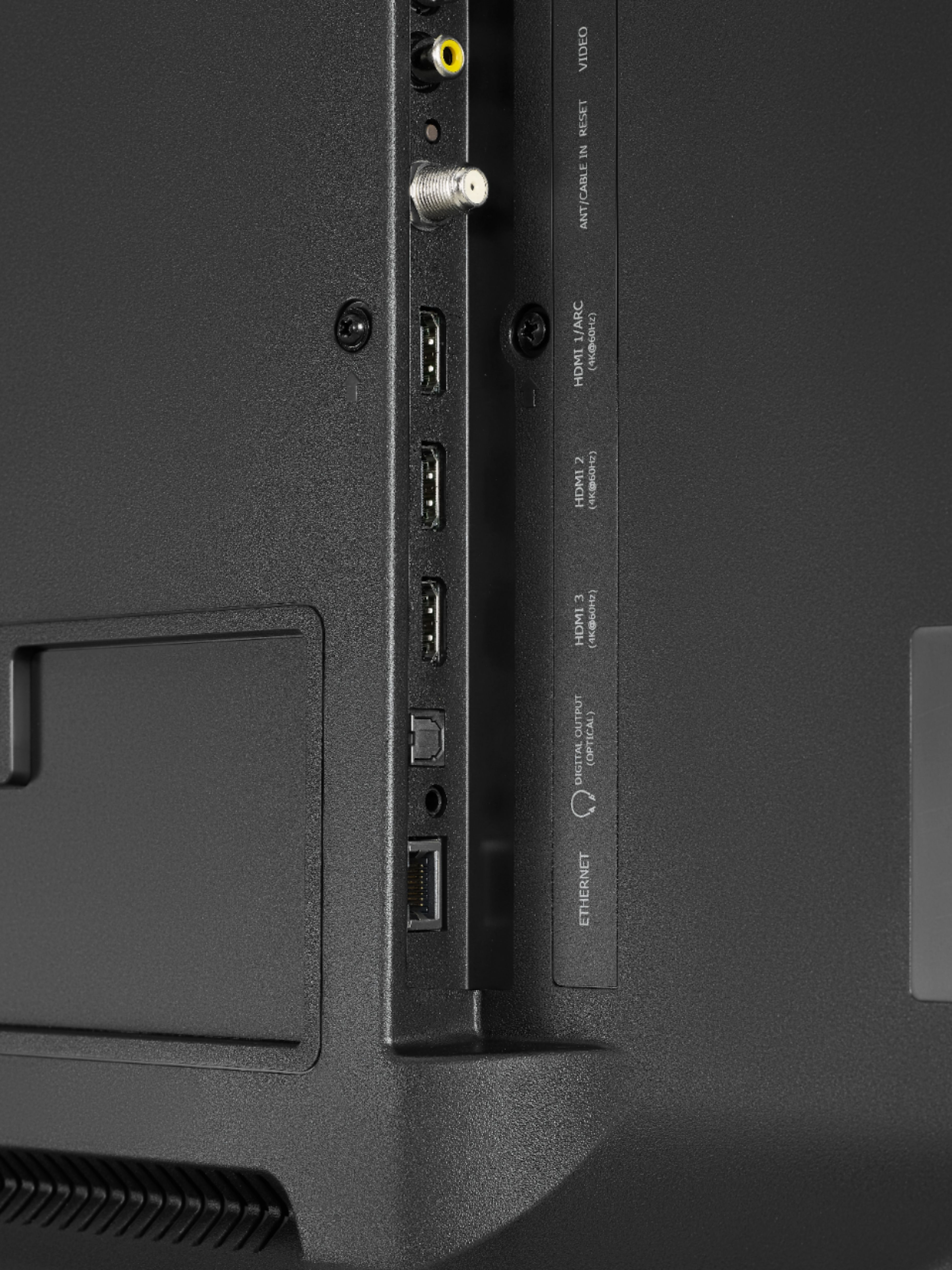
A:AnswerYes. I use my Comcast and also activated the Roku and it has Hulu and Netflix and many other channels I can access. Also running my Xbox and computer through the HDMI inputs. Great picture but be aware there are no control buttons on the set itself. It is completely dependent on having a remote to turn it on and off and adjust the picture and settings. Luckily, the Roku remotes are Universal for this set and very inexpensive, around $7 for the same as the one that comes with the set.
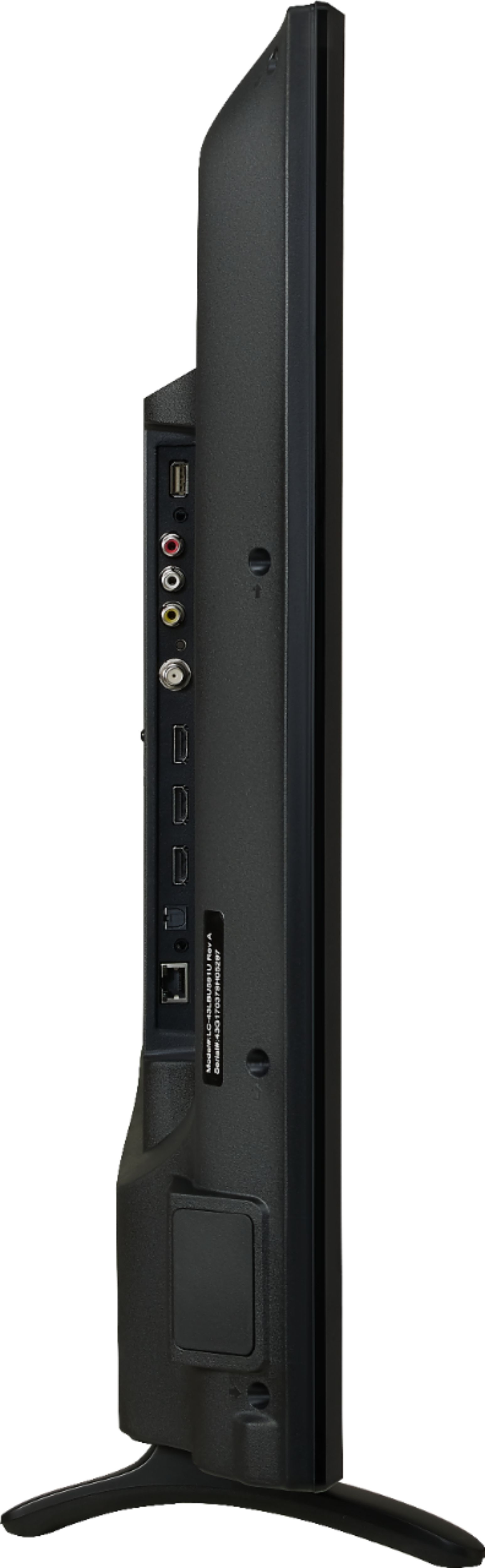
A:AnswerIf you have an HDMI output on your laptop you should be able to. You may have to toggle between Duplicate / Projector / Extended modes on your laptop (Typically using Fn F8 keys, or right clicking desktop and changing settings). It filled screen nicely when I attached my desktop to it. Didn't have to adjust screen size like I had to with my previous Sharp TV.
If your laptop uses a VGA port, you're out of luck without an adapter. This TV has no VGA input.