A:AnswerOn your original receipt there should be an area with a promo code there should be a website on the receipt, go to their website and enter that code and it will give you the free service for the four months but don't forget to remember to cancel if you do not want it otherwise it will be automatically charged to your card
A:AnswerThe legs are installed at a Y style angle so at the from they are 39” wide on the other edge. 31” wide on the other edge for the back. The front legs center of the leg measurement is 38-1/4”.
A:AnswerThe app can be downloaded but it's an extra that has to be paid for. It's $5.99 as a stand alone service but it can be bundled with Hulu & ESPN+ for $12.99
A:AnswerYes but it is not designed for it. The best use as a computer monitor is for watching video at a reasonable distance. To drive it as a 4k monitor will require a high end video card to do anything more than documents. There are so many settings possible, such as font size, resolution (does not have to be run at 4k), etc I can not say if it is well suited for any particular monitor purpose. I know people who use 1080p TVs as monitors and are happy with them.
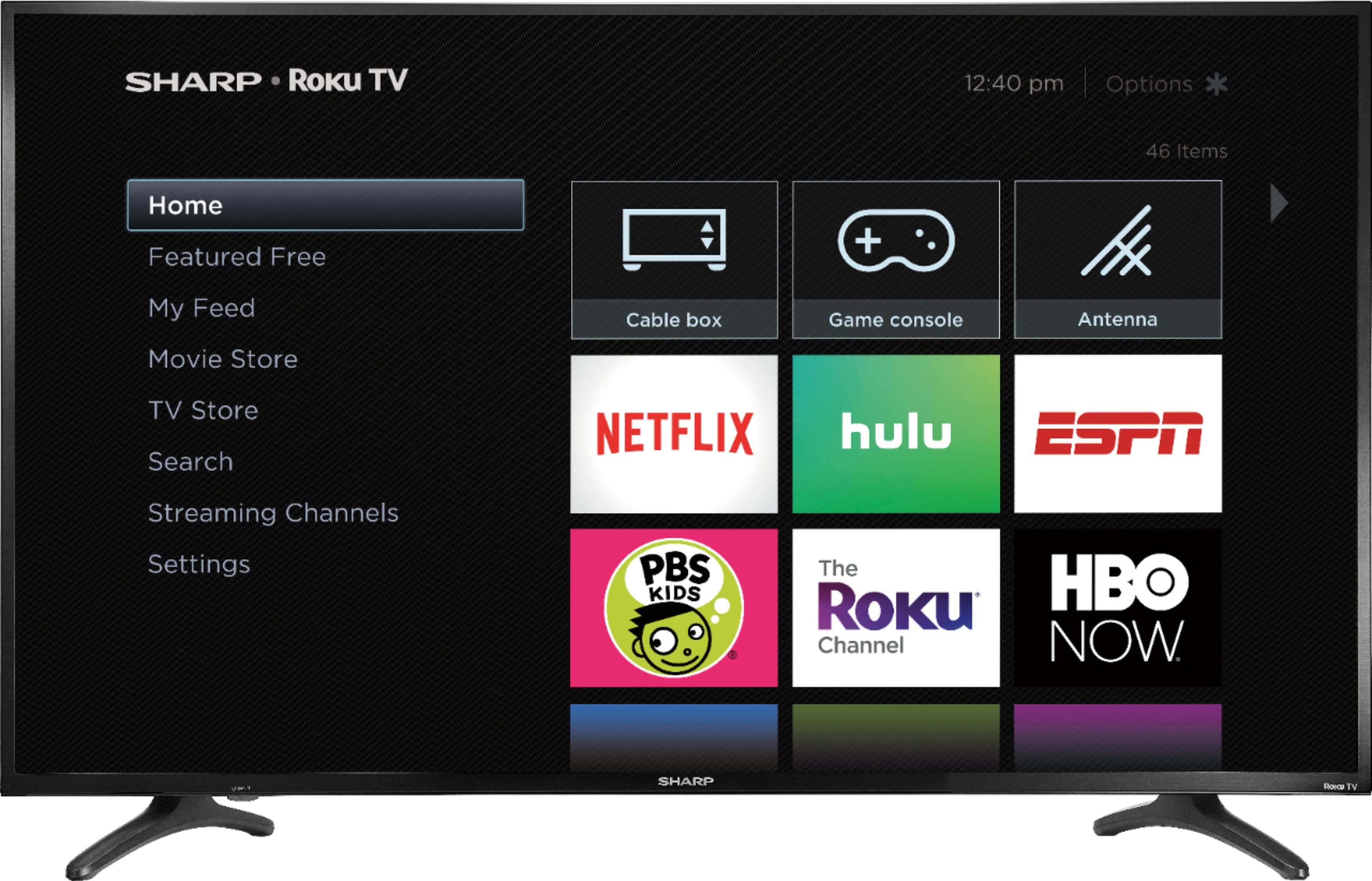
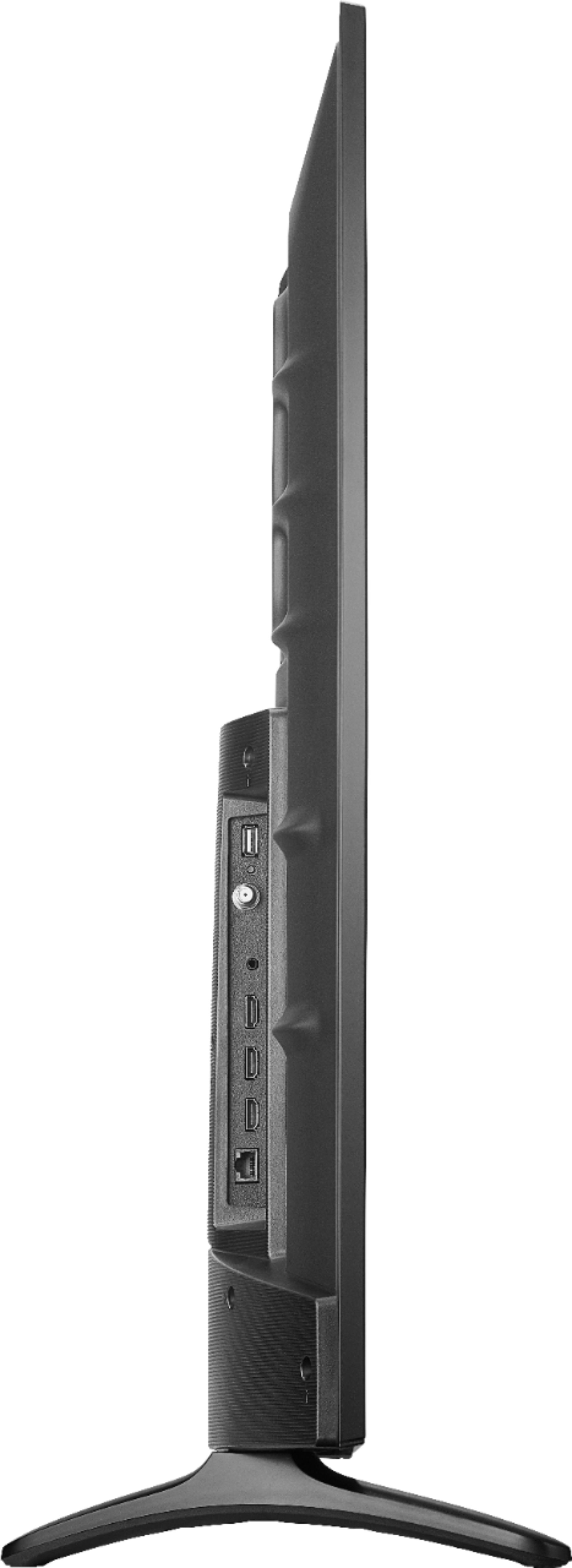
A:AnswerThis TV has a built in roku, so one does not need to add a roku box.
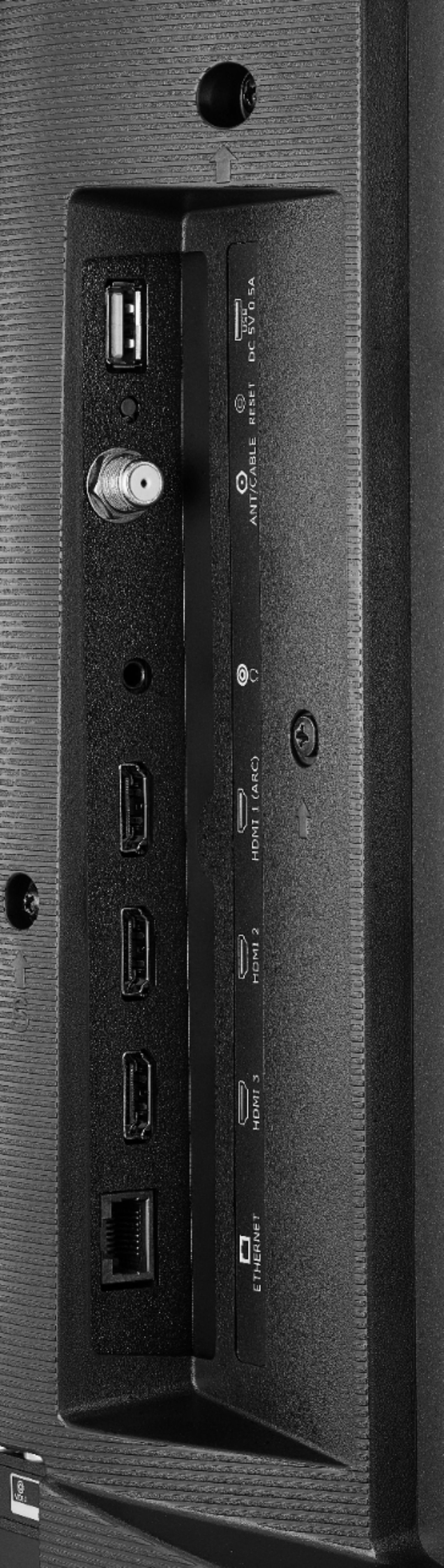
Firestick is Amazon and to use it, just plug it into one of the open ports.
This TV can connect to your network via hard LAN cable or via wifi.
This TV does not need any LAN connection to use with an antenna for over the air broadcasts. The TV guide will not function with out the internet.
A:AnswerHello, yes, this TV does have closed captioning. This can only be activated if you are watching a TV program from a regular antenna channel. If you have an external device connected such as a cable box you may need to contact the manufacturer of this device to have them help you to activate this.