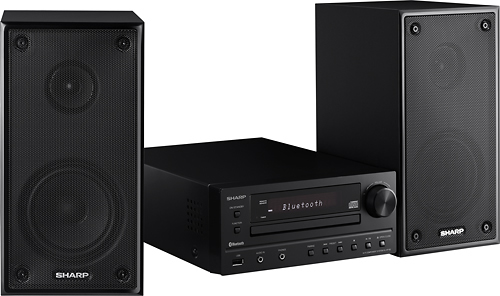
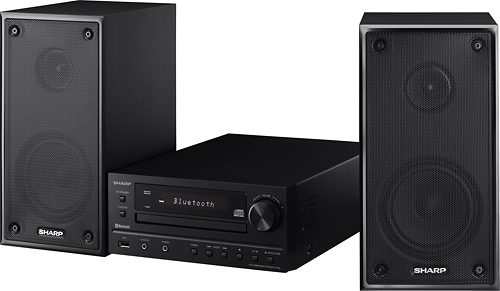
A:AnswerHello, please be advised that the unit only provides FM and AM stations. This is normally done by following the instructions:
Press the ON/STANDBY button to turn the power on then press the TUNER [BAND] button (remote control) or FUNCTION button (main unit) repeatedly to select FM Stereo, FM Mono or AM then press the TUNING button repeatedly in order to find your desired station. If you have any further questions or concerns, please feel free to email us at onlinesupport@sharpsec.com so that we can further advise.
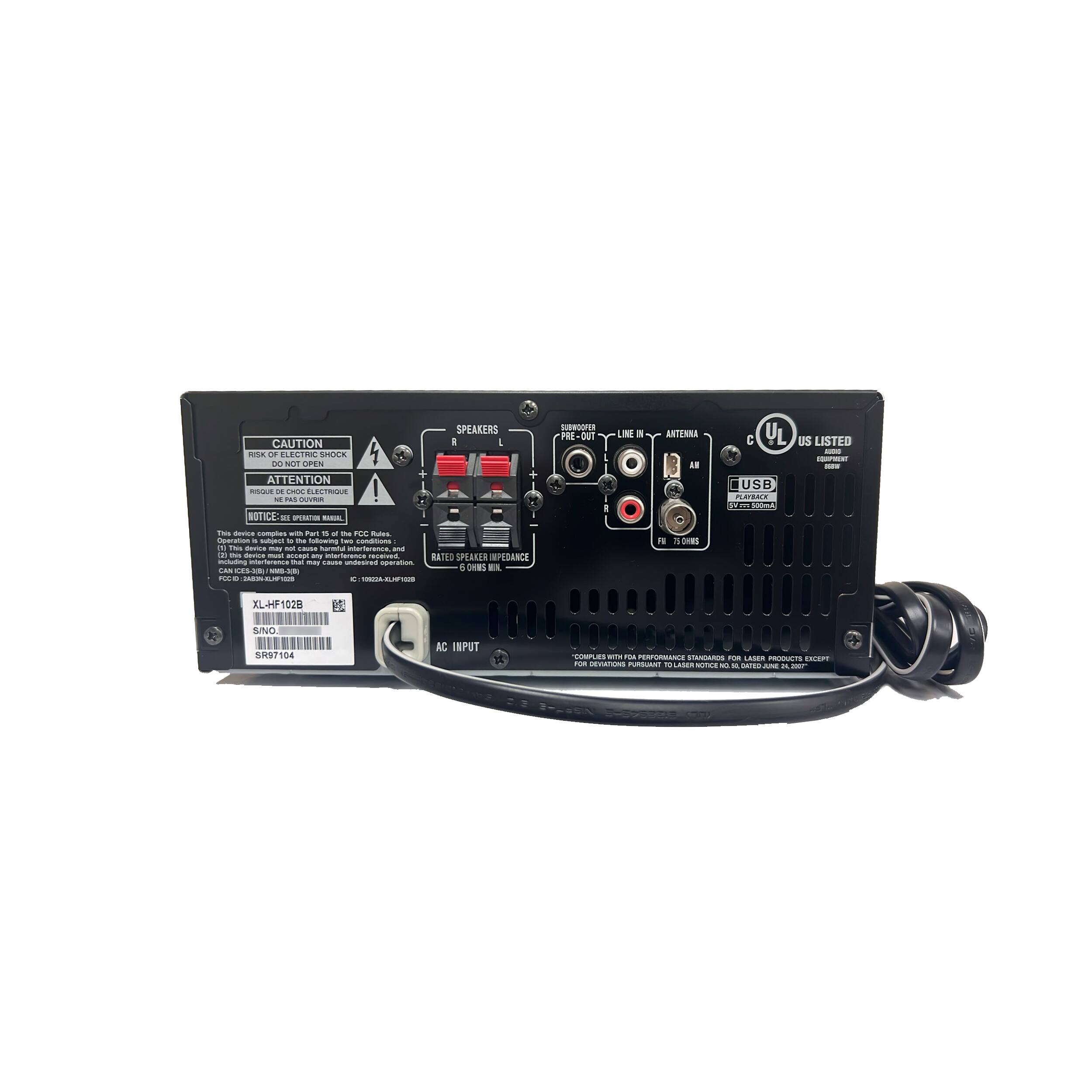
A:AnswerThank you for your recent inquiry in regards to speaker wire for your XL-HF102B. We would recommend purchasing longer speaker wire from a local electronics store. We recommend that the wire is rated for speakers that are 6 ohms 20Hz - 20kHz.
A:AnswerHello, your stereo has the ability to pair with Bluetooth devices for a wireless connection. You can also utilize the audio in or RCA connection ports on the unit to connect an external audio source.
A:AnswerHello, this unit is compatible with a phone that has the Bluetooth + Enhanced Data Rate (EDR), A2DP (Advanced Audio Distribution Profile) and AVRCP (Audio/Video Remote Control Profile). To connect your phone to the Bluetooth on this unit you may follow the below steps:
1 Press the ON/STANDBY button to turn the power on.
2 Press the FUNCTION button (main unit) repeatedly to select Bluetooth function. “Bluetooth” appears on the display.
3 Press and hold the PAIRING button for 3 seconds or more. “Start Pairing” appears on the display. The unit is now in pairing mode and is ready to be paired with other Bluetooth source device.
4 Perform pairing procedure on the source device to detect this unit. “XL-HF102B SHARP” will appear in the detected devices list (if available) in the source device. (Refer the source device operating manual for details).
Notes:
● Place the devices to be paired within 3 feet (1 meter) of each other when pairing.
● Some source devices are unable to display lists of detected devices. To pair this unit with the source device, refer to the source device operating manual for details.
5 Select “XL-HF102B SHARP” from the source list. If Passcode* is required, enter “0000”.
* Passcode may be called PIN Code, Passkey, PIN number or Password.
6 “Connected” appears on the display once the unit is successfully paired with the source device. (Pairing information is now memorized in the unit.) Some audio source devices may connect with the unit automatically after pairing is completed, otherwise follow the instructions in the source device operating manual to start connection.
7 Press the play button on main unit, remote control or
source device to start Bluetooth streaming playback.
A:AnswerHello, this unit uses AC 100 -240 volts ~50/60 Hz. The voltage used must be the same as that specified on this unit. Using a higher voltage is dangerous and may result in a fire or other type of accident causing damage. SHARP will not be held responsible for any damage resulting from such usage.
A:AnswerThank you for your recent inquiry in regards to the Bluetooth capability of the XL-HF102B. While this audio system does have Bluetooth capability for incoming signals, we would have no information in regards to making the audio system capable of outputting a Bluetooth signal to any third party devices such as a Bluetooth speaker.
A:AnswerThank you for your recent inquiry in regards to connecting speakers to the XL-HF102B. There are connections for 2 speakers (left and right). If you should decide to use speakers other then the ones that are provided with the audio system we recommend that you use speakers with an impedance of 6 ohms or more, as lower impedance speakers can damage the audio system.