A:AnswerHi there- Shokz here! Yes, you can transfer music from iTunes (or Apple Music) to your Shokz OpenSwim Pro headphones. However, you'll need to ensure the music files are not DRM-protected, and they are in a compatible format like AAC or MP3. You'll also need to connect your OpenSwim to your computer via USB and drag and drop the music files onto the device. Please reach out to our Customer Happiness Team if you have any other questions. Thank you!
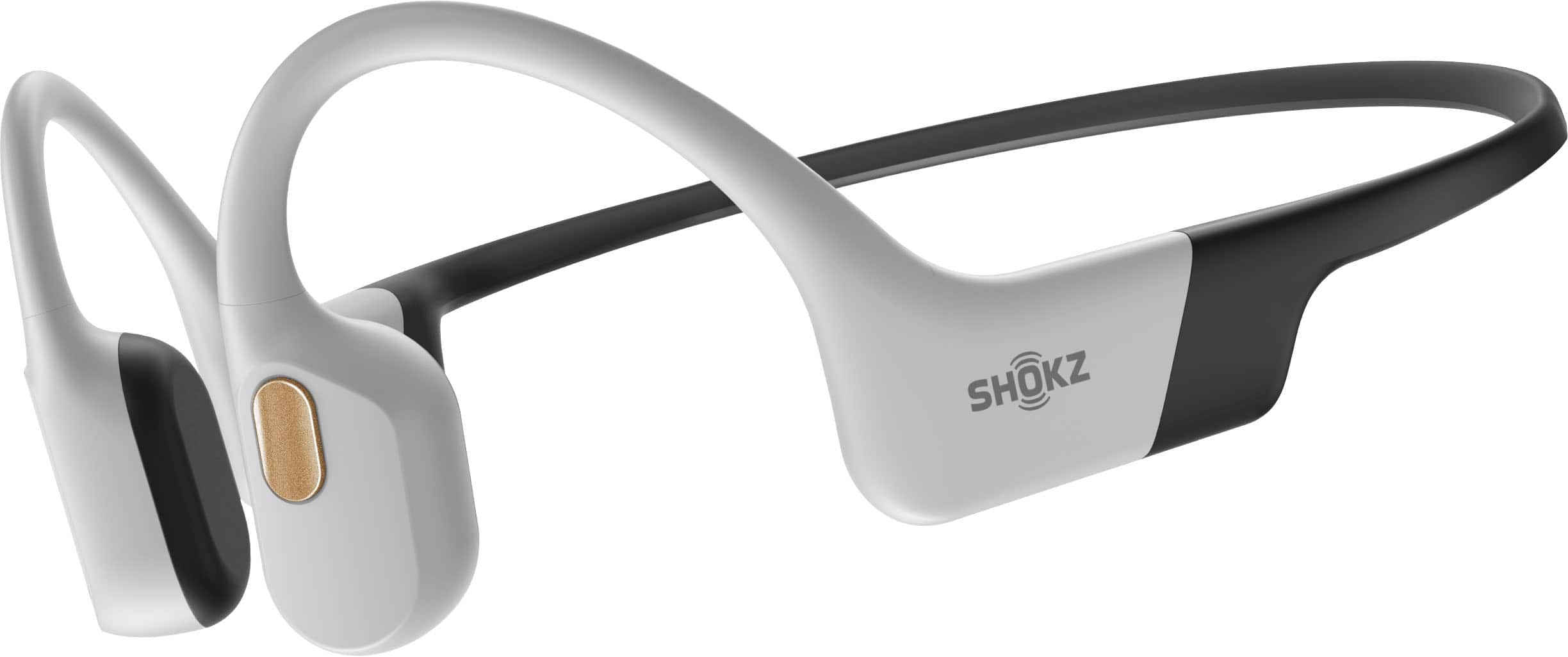
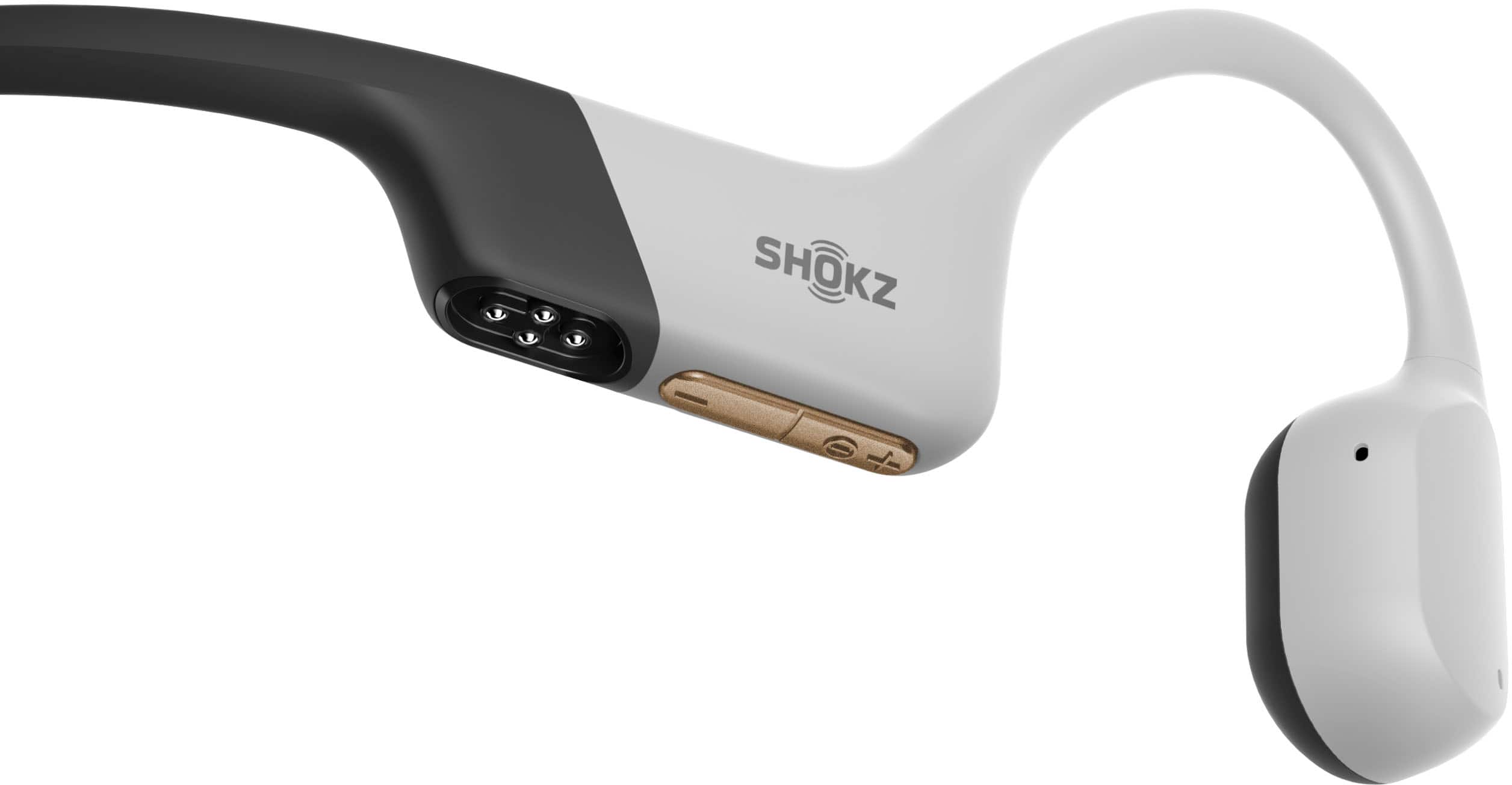
A:AnswerHi there- Shokz here! Yes, you can transfer music from your iMac computer to the OpenSwim Pro. Please connect OpenSwim Pro to your computer through the magnetic charging cable to transfer music files. The following are the steps to transfer music files to OpenSwim Pro:
1. Connect OpenSwim Pro to your computer via the magnetic cable provided in the package.
2. A driver disk named "SWIM PRO" will appear on your computer. Open the "SWIM PRO" disk on your computer.
3. Import audio files (songs, audiobooks or folders) to the "SWIM PRO" disk.
4. Once the file transfer is complete, remove the "SWIM PRO" disk from your computer.
Please visit our website or reach out to our Customer Happiness Team so we may further assist you. Thanks!
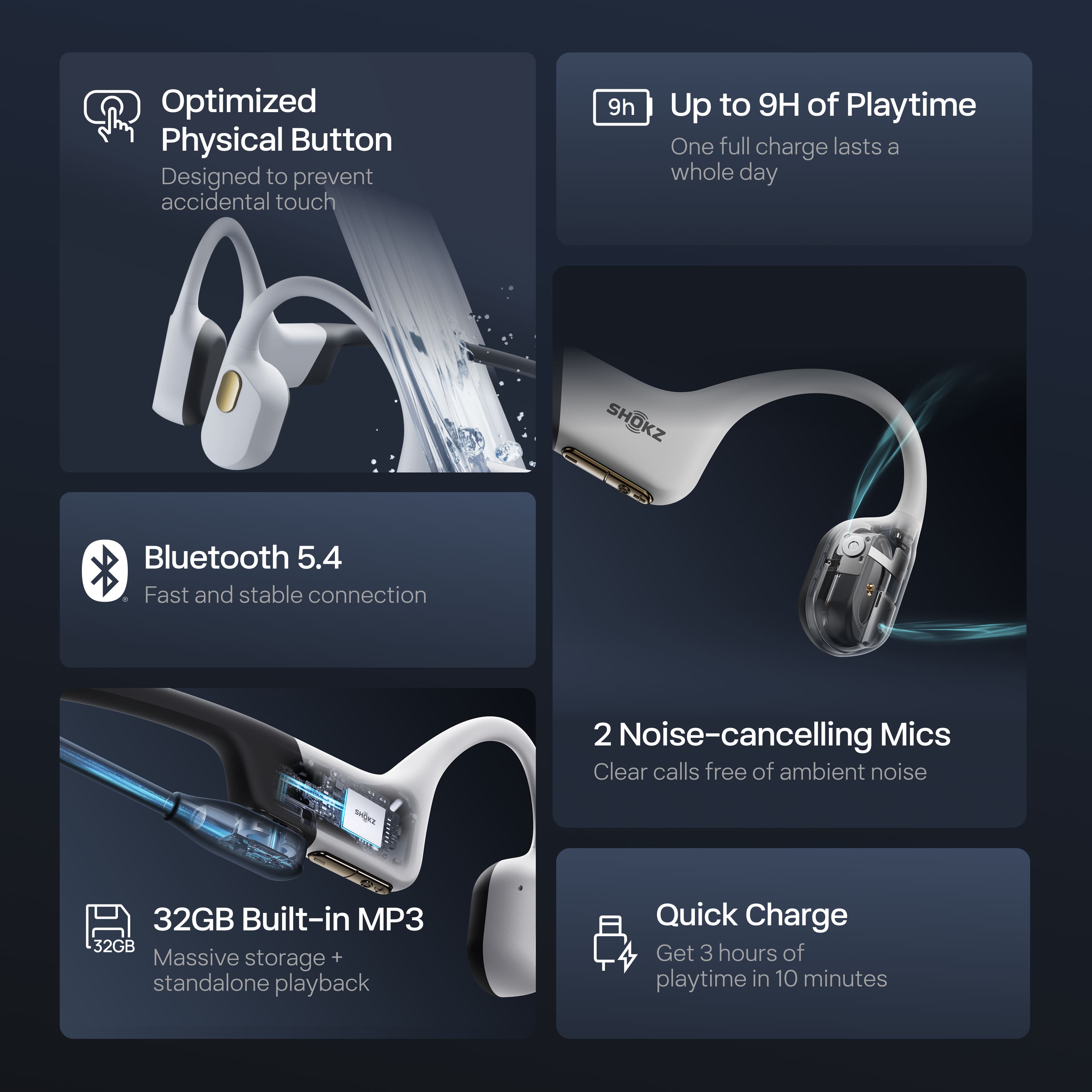
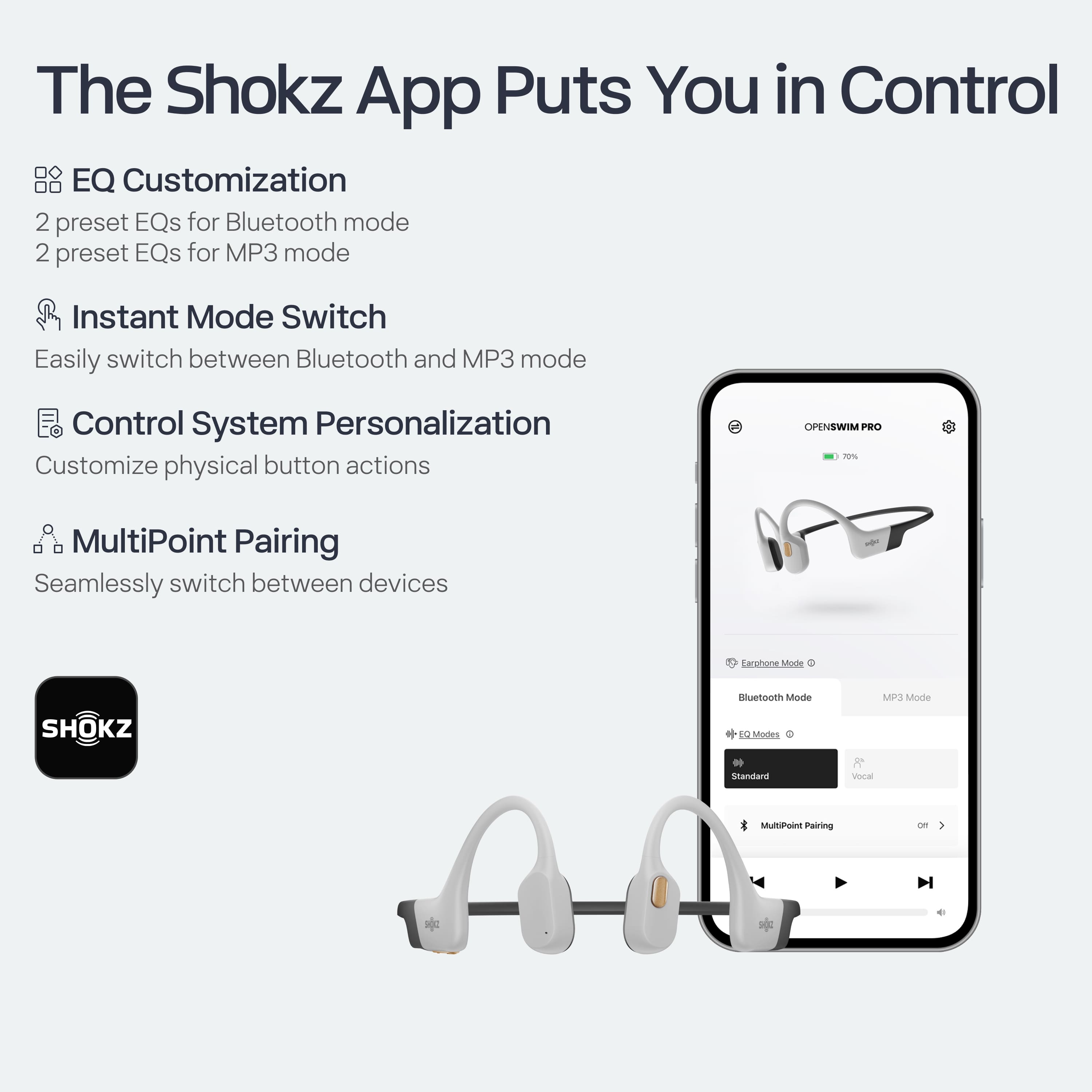
A:AnswerHello- Shokz here! The OpenSwim Pro has multipoint pairing, allowing for two Bluetooth compatible devices to be connected at once. This allows for seamless transitions between the two devices. They cannot play music at the same time. Please reach out to our Customer Happiness Team if you have any other questions. Thanks!
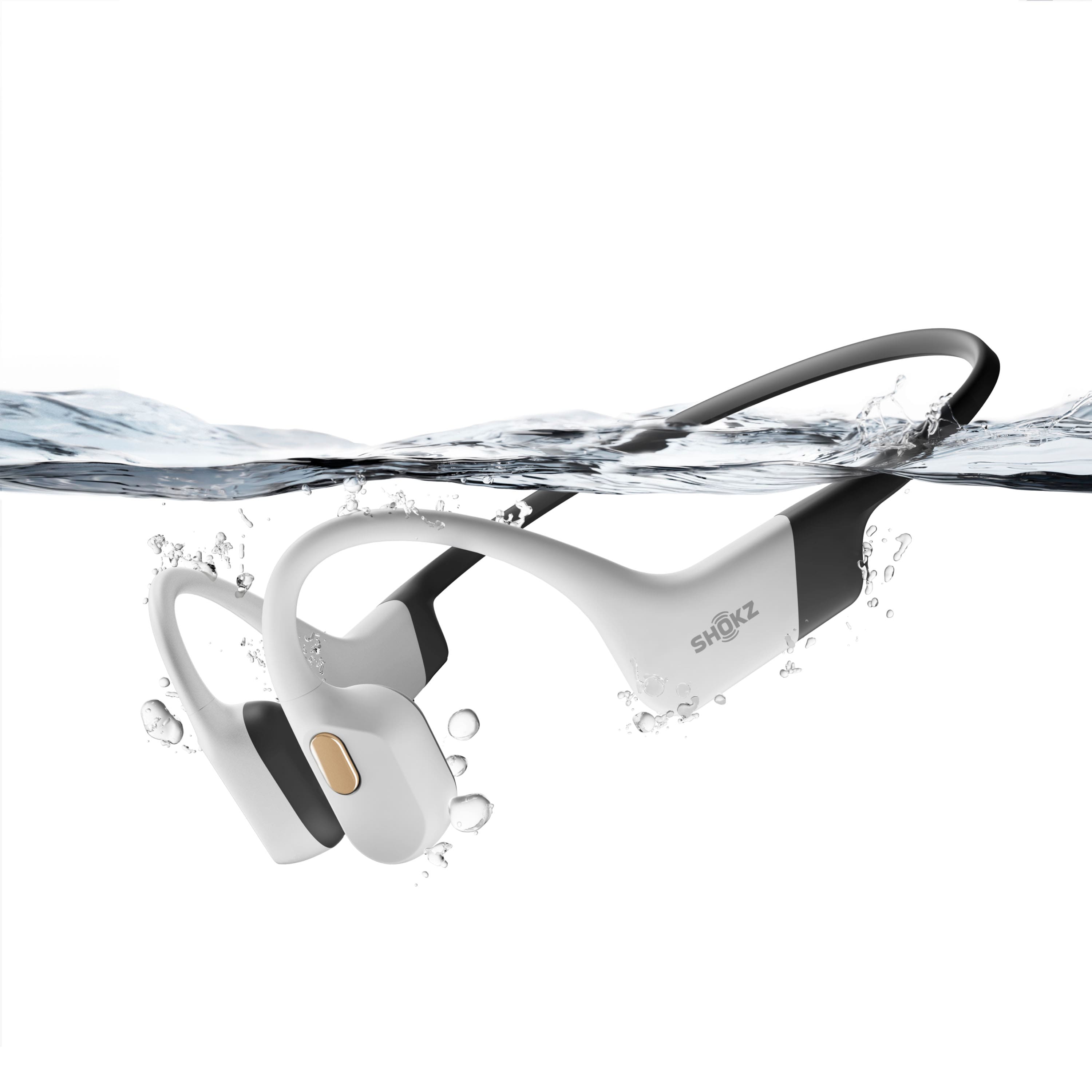
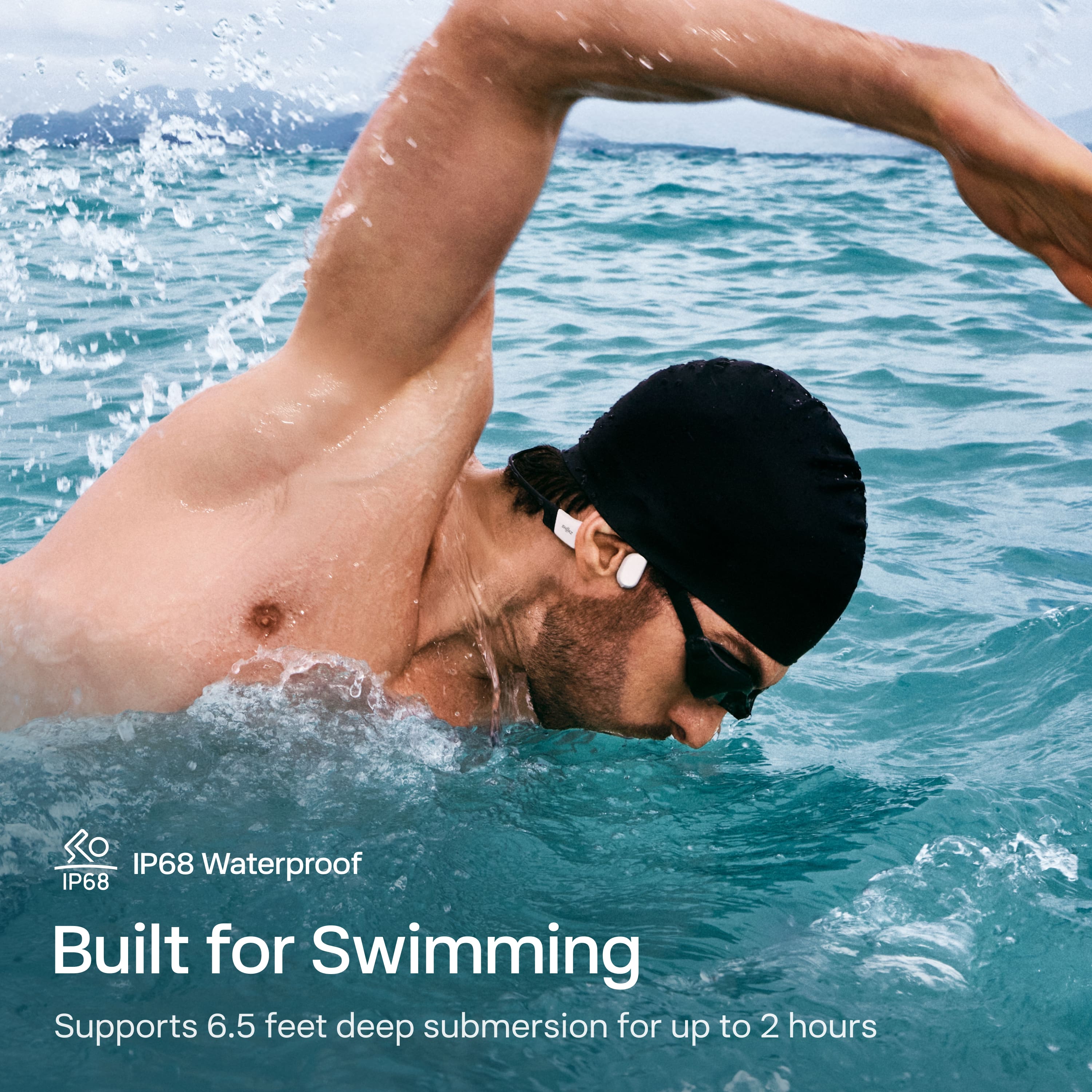
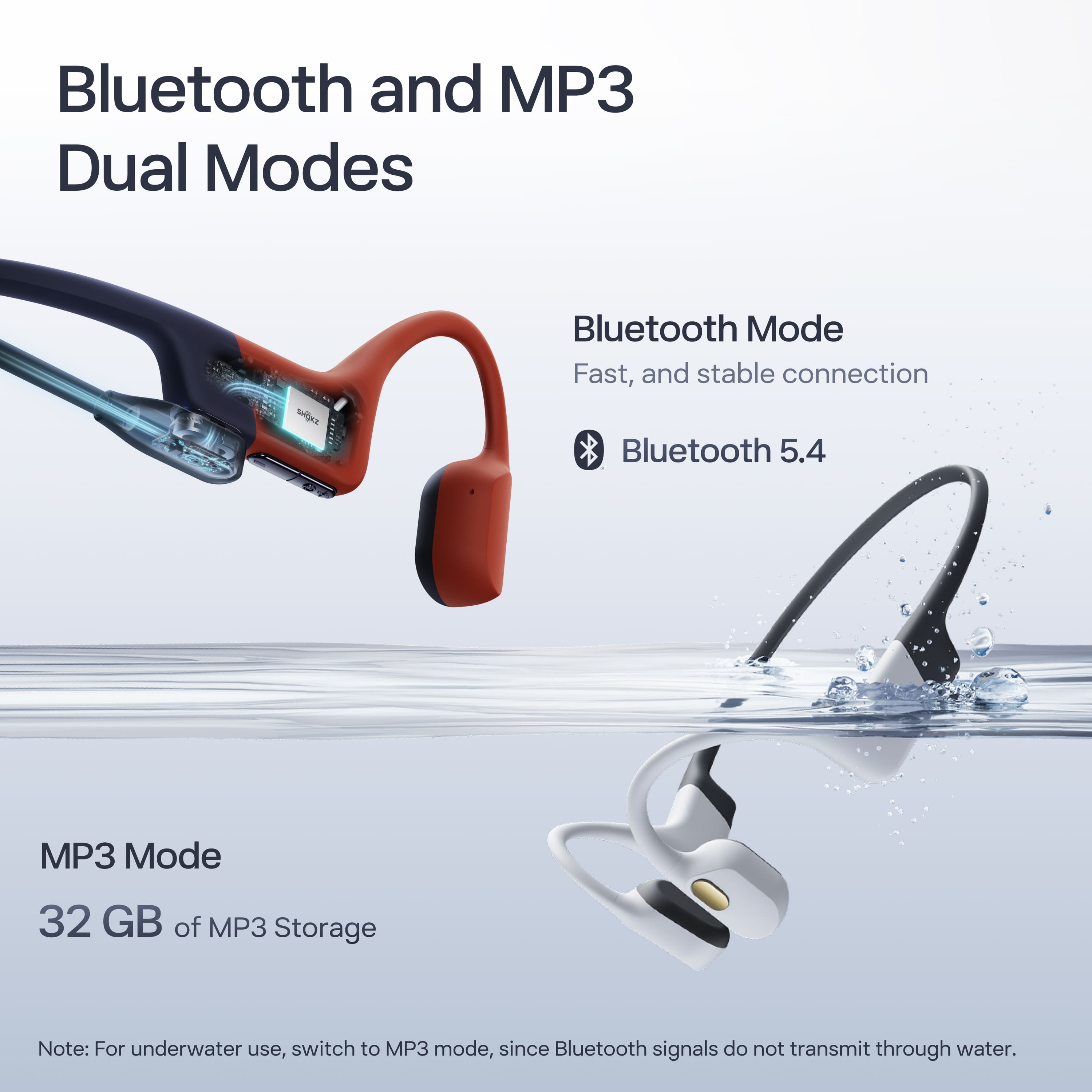
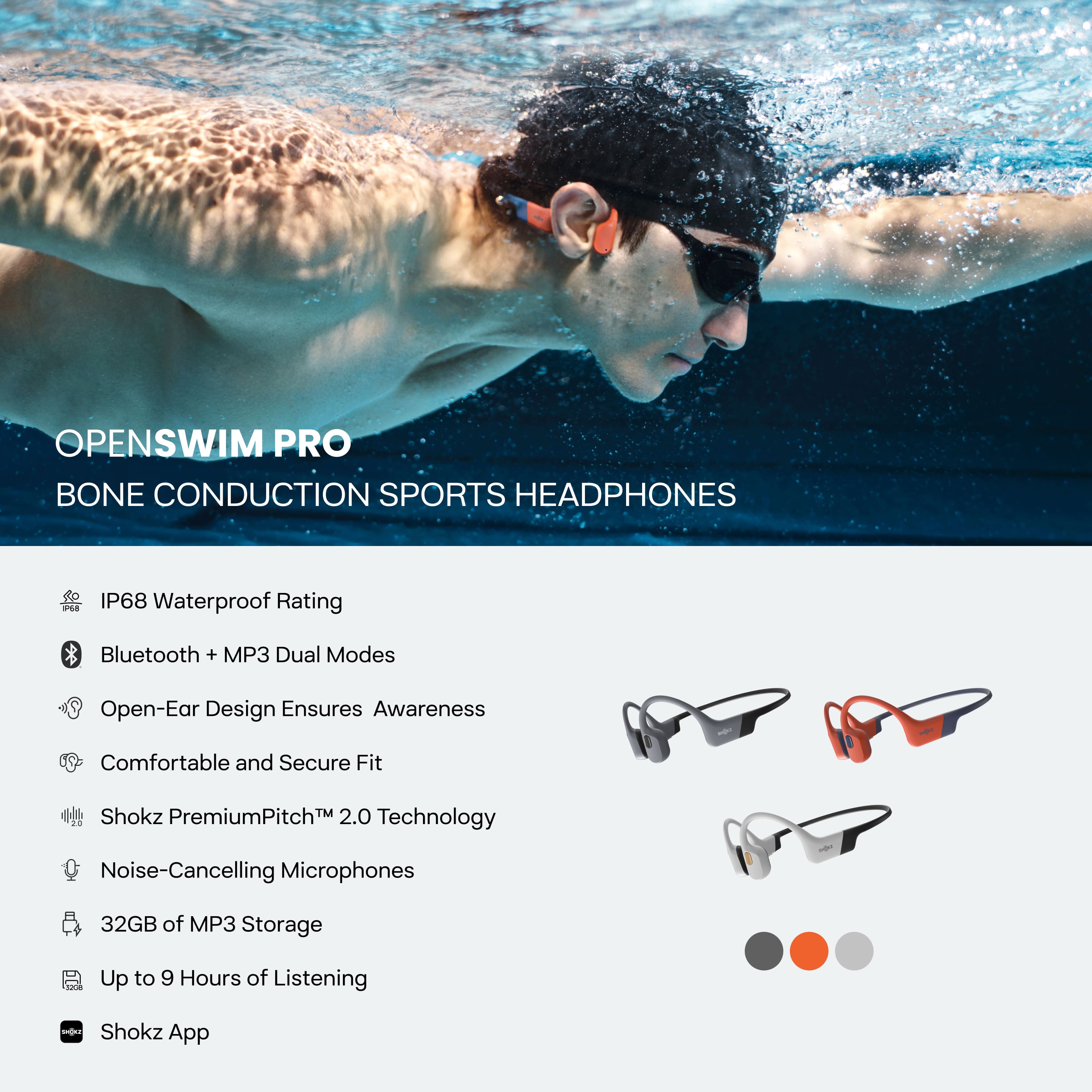
A:AnswerHi there- Shokz here! Thanks for reaching out! Since Bluetooth signals cannot travel through water, you may experience an inconsistent connection. For swimming, we recommend using the MP3 mode, which is designed specifically for that purpose. If you have any further questions please reach out to our Customer Happiness Team :) Thanks!
A:AnswerHi there- Shokz here! Yes, when on Bluetooth mode, if the phone setting to announce calls and texts is turned on, they will play through the OpenSwim Pro. This feature will not work while swimming and on MP3 mode. Please reach out to our Customer Happiness Team if you have any other questions. Thanks!
A:AnswerHello- Shokz here! Replacement chargers can be found directly on our Shokz website. Once on our Shokz site, click "Shop" and then "Accessories" to locate the chargers. Please reach out to our Customer Happiness Team if you have any other questions. Thanks!
A:AnswerHi there- Shokz here! To rearrange the listening order, the files need to be arranged in the order desired, on a computer. You can also use the Shokz App to easily switch the order of MP3 music playback. Please reach out to our Customer Happiness Team if you have any other questions :) Thanks!