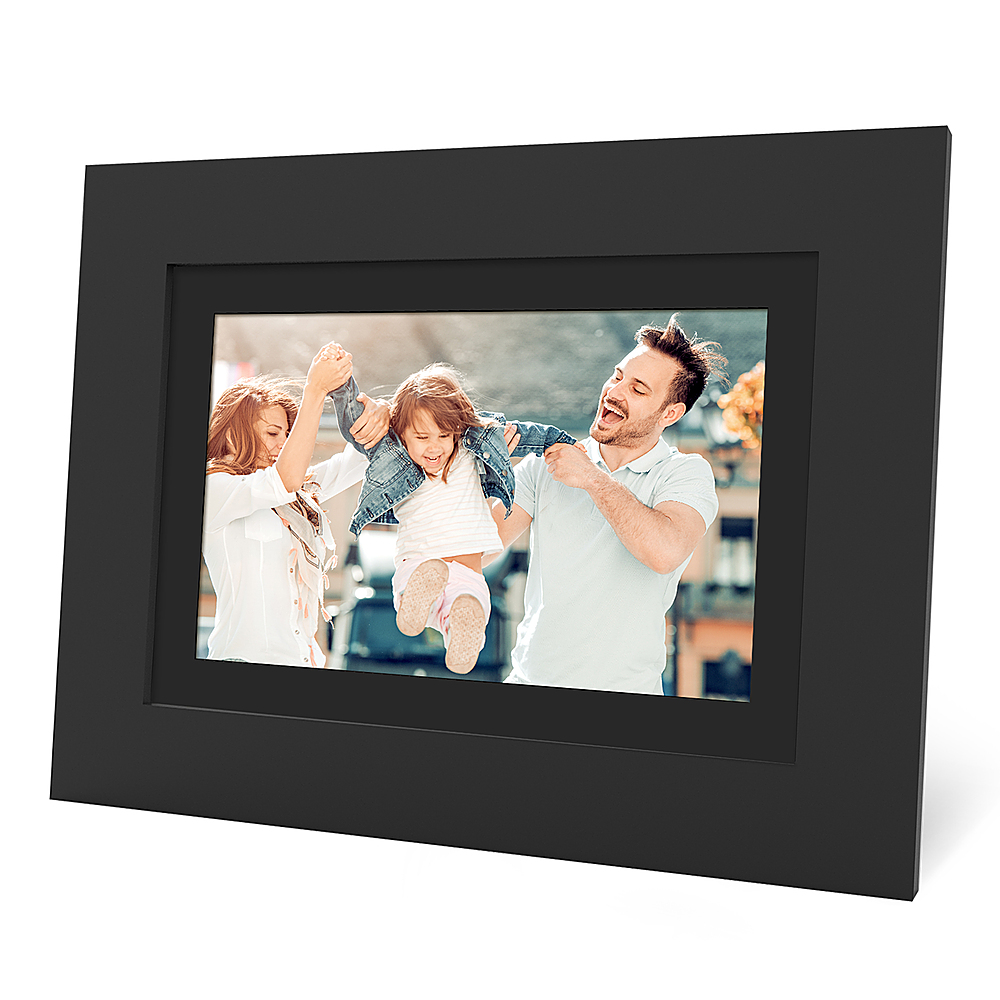
A:AnswerHi! All PhotoShare frames are compatible. If multiple friends or family members have one, users can send to any or all of them easily from the PhotoShare Frame app! Yes, the app is available for free on both iOS and Android. You can even send photos via email or from a computer.
A:AnswerI previously answered this question incorrectly! The frame will display in portrait mode! I turned my frame in the stand to portrait orientation and after a few minutes, it automatically switched to portrait mode without having to make any other adjustments.
A:AnswerHi there! I hope this will help answer your question...The PhotoShare Frame app is available for free on iOS and Android. Users can also send photos via email or from a computer if they prefer.
A:AnswerYes each family member would download the app and then enter the ID number to that specific photo frame into the app. On my app I can send pictures directly from my cell phone to two different family members photo frames! It is super convenient.