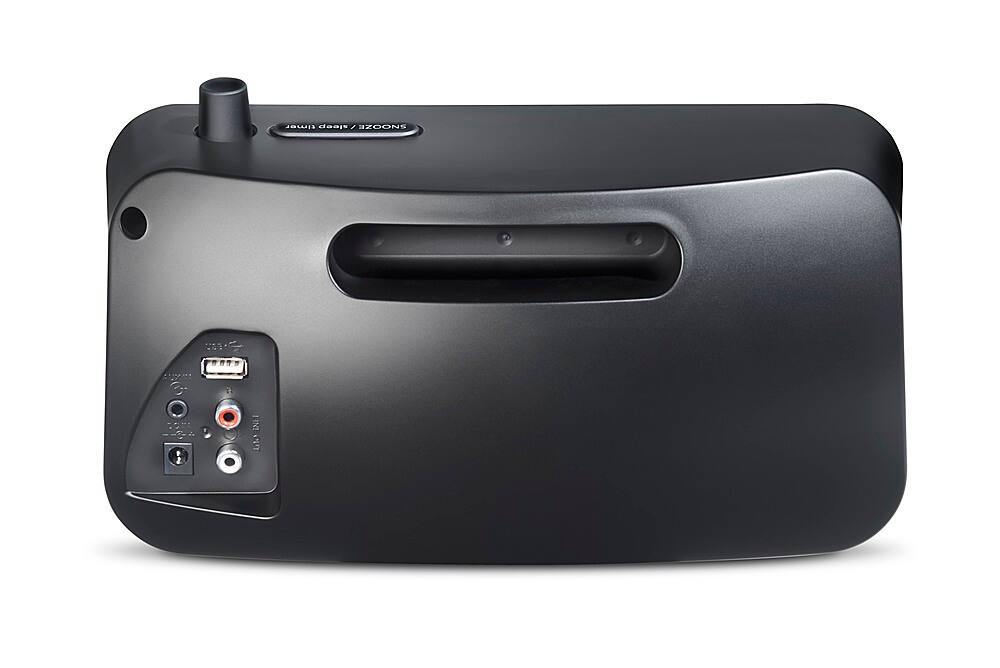
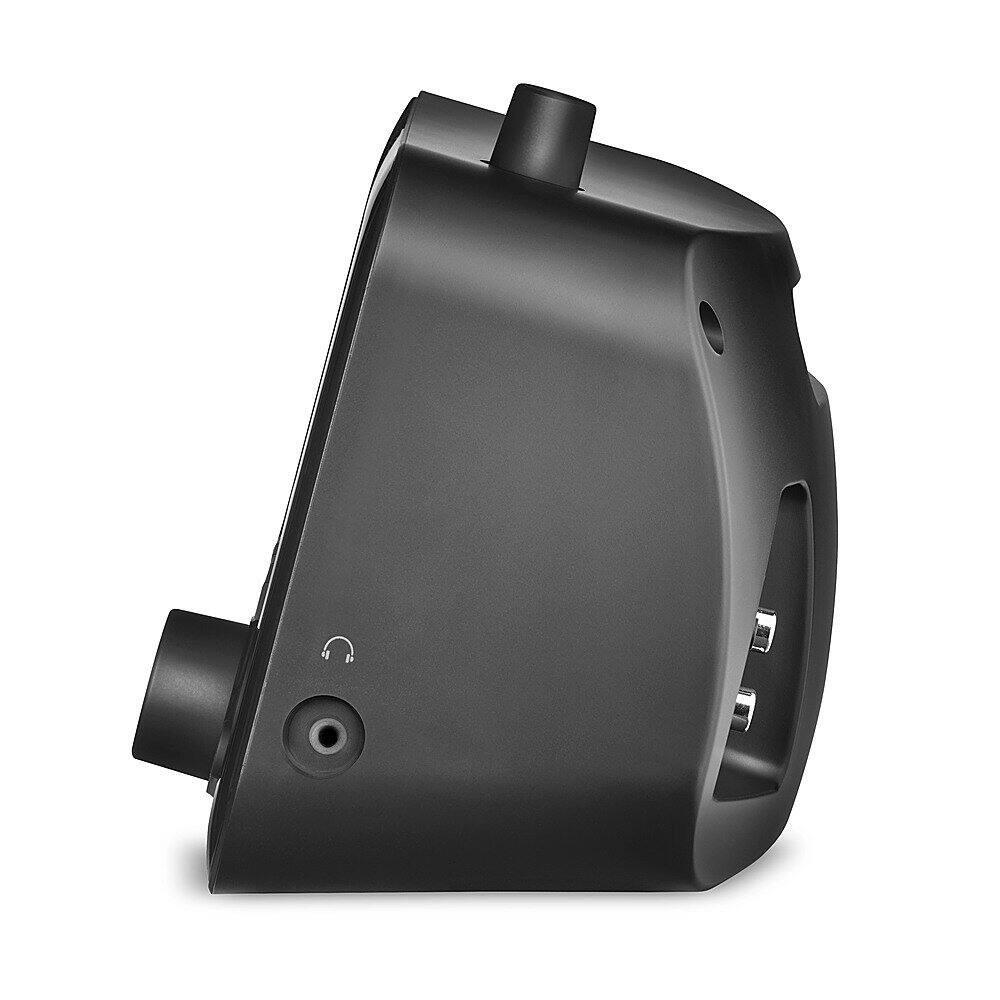
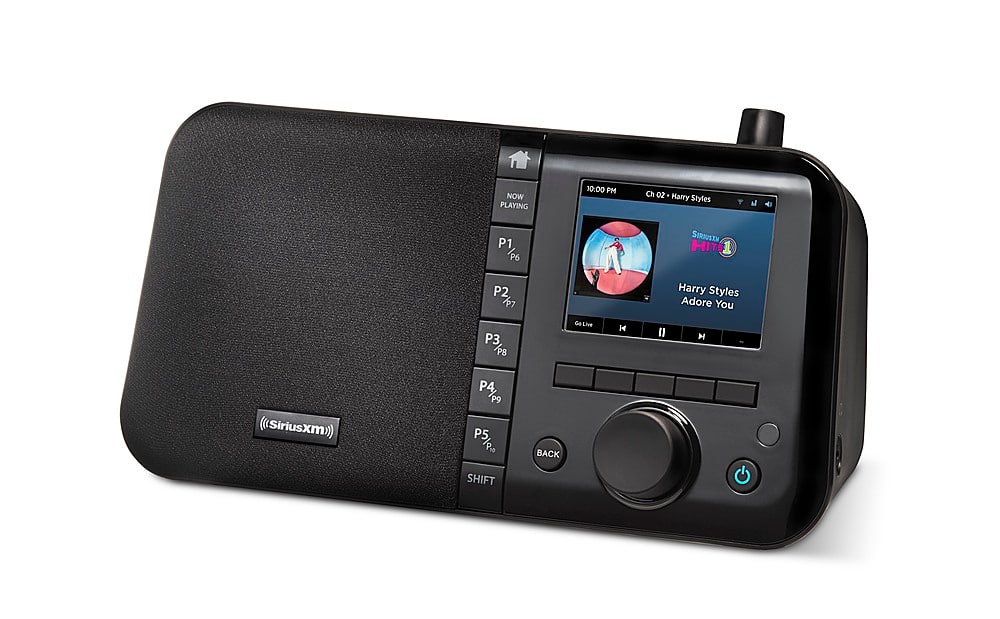
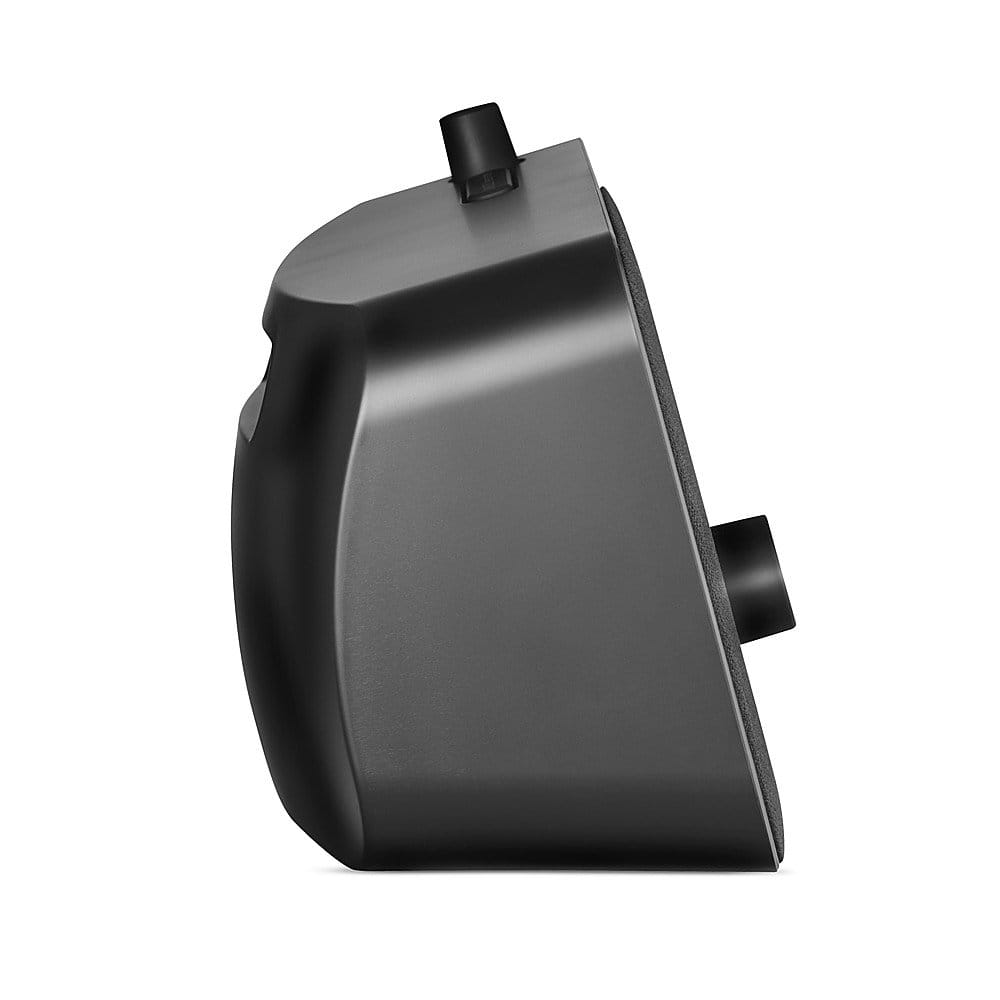
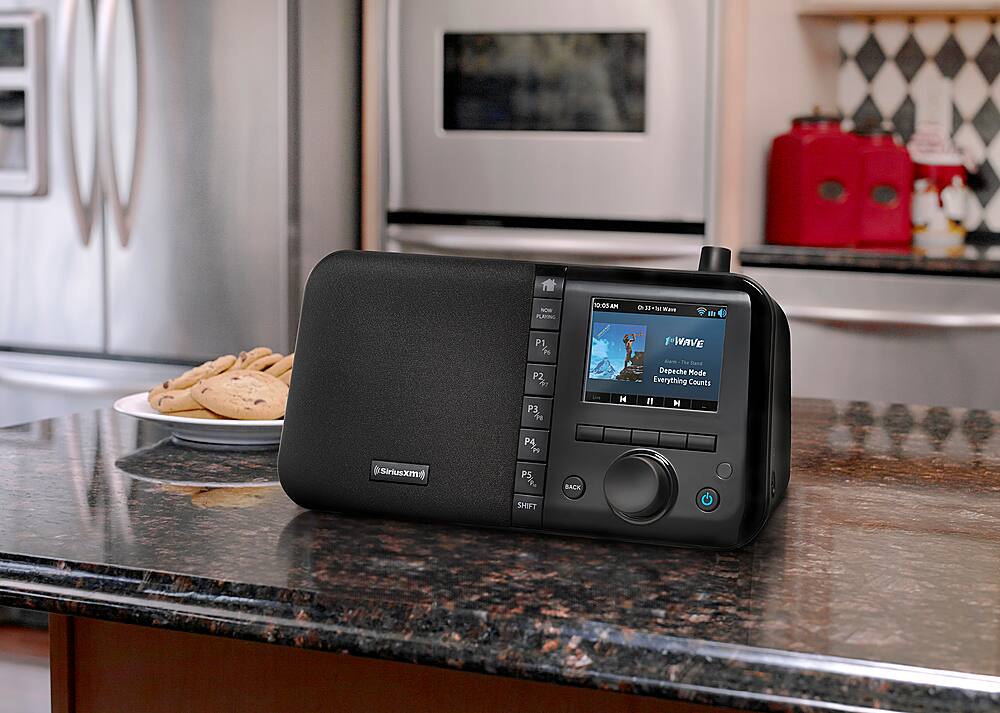
A:AnswerThe volume/Mute knob is on the top of the radio
The radio has the following audio connections for external speakers: Aux In Connection
Used to connect an alternate audio source non WIFI and RCA Line Out Connection L/R Used to connect the audio output to a stereo audio system .
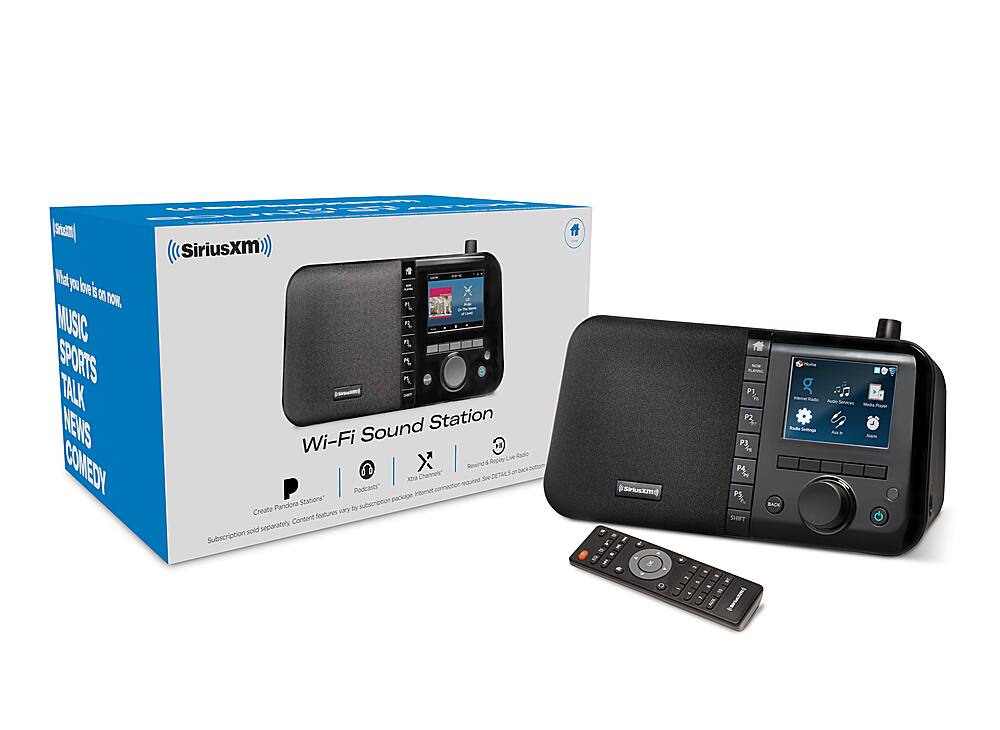
A:AnswerNo, this is a Wi-Fi only unit. There is no Satellite radio reception in this radio. You'll get the all 350+ channels available on the SXM app through this radio plus with the ability to create Pandora stations.
A:AnswerYou will need the All Access Package- Now called the Platinum Package.
Some clarification and correction:
The Pandora Now channel (Channel 3)- Is a preprogrammed channel and does not give you the capability of being interactive to select thumbs up or thumbs down.
In order to create your own Pandora stations and fine tune with the thumbs up or thumbs down capbility on a specific song on the TTR3:
Select the search option, type in the group or artist's name for example: ABBA wait for the results and scroll down till you see where it says : ABBA Pandora station- select the station, the station is now part of your Pandora stations. (From the option (From the Home button, select Pandora stations option and you can delete a station from there if you wanted to)
When listening to your Pandora stations there are options: Thumbs down, Thumbs up, or skip- That is where you can fine tune the station you created.
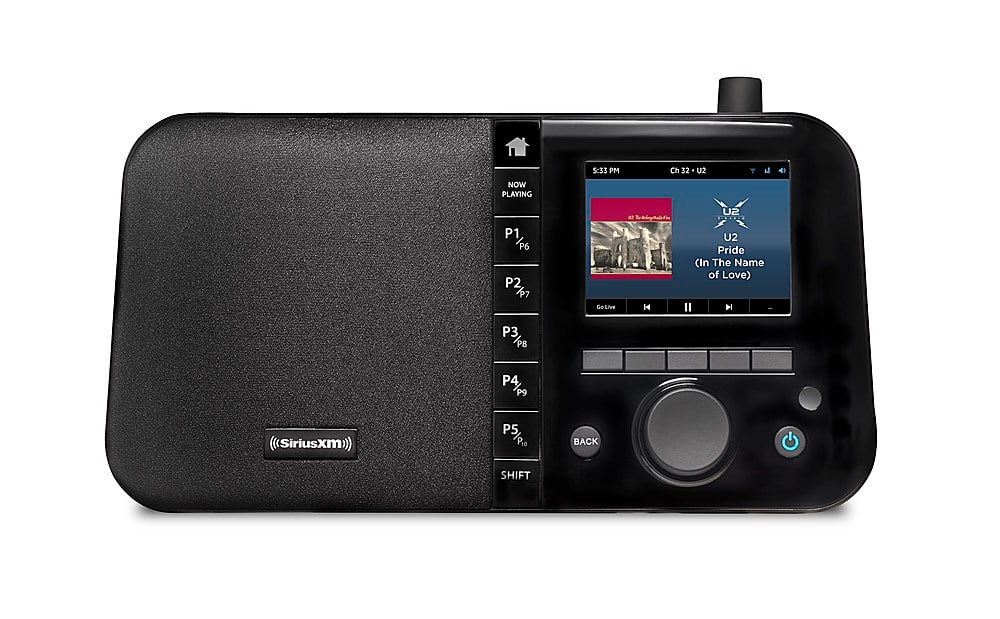
A:AnswerThe signal is WIFI, The power is A/C, But you can purchase the battery pack directly from Grace Digital, and have it charged and get an hour or so of charged power.
The sound is good in my opinion :) , you have options to change the settings via the equalization option on the radio.
A:AnswerThe SiriusXM - Wi-Fi Sound Station does not include a rechargeable battery but an optional rechargeable battery can be purchased at this link: https://gracedigital.com/products/rechargeable-lithium-ion-battery-pack
A:AnswerThe SiriusXM WiFi Sound Station is primarily intended for home use. It ships with a 12volt 2 amp AC power adapter and the Sound Station must have a live Wi-Fi connection to the WWW in order to function. Additionally the Sound Station requires SiriusXM streaming credentials. These credentials are included with most paid subscriptions to the SiriusXM service.
And optional battery pack is sold by Grace Digital available at this link: https://gracedigital.com/products/rechargeable-lithium-ion-battery-pack. The battery pack allows the Sound Station to operate in portable mode so you can take this to your patio as long as it is in range of and logged into a Wi-Fi signal.
A car adapter is not specifically sold for this product.
A:AnswerYou can use your app only subscription credentials on the SiriusXM Wi-Fi sound station so there isn't any need to upgrade your subscription. Just enter your credentials into the sound station and they will remain stored in the sound station ready for you to use.
A:AnswerThere were some streaming outages during the recent hurricanes that may have affected streaming replay specifically on the TTR3. These outages have been resolved so hopefully your TTR3 is able to resume where you last paused the show.
A:AnswerThe Sound station is very easy to use and has a very straight forward user interface. However, the Sound Station has an inactivity timer that will stop the music after 8 hours of continuous play without any interactions with the Sound Station. You can keep this playing without interruption just by periodically interacting with the Sound Station or we offer commercial music players that are streaming devices that will play continuously without any interactions.
Commercial Music players and subscriptions are available here:
https://sxmbusiness.com/
https://help.dynamicmediamusic.com/siriusxm-sxbr3/
https://www.amazon.com/SiriusXM-GDI-SXBR3-Music-Business-Internet/dp/B09MSHX7C6