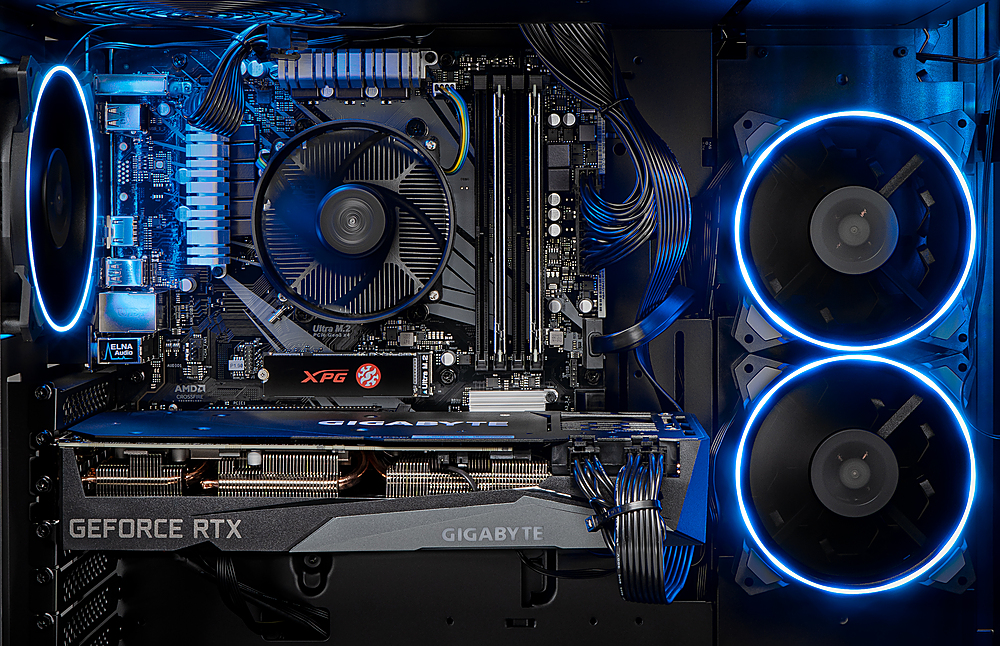
A:AnswerI am the person that asked this question originally and actually found out how. If you removed the right side panel of the case you will see a group of wires with a clickable button on it. That changes the case RGB to preset options (proof in picture below). If you want to change the RGB on your GPU, that can be changed with the software. In my case, I have an MSI RTX 3070 and the software is MSI center. I hope that helps people.
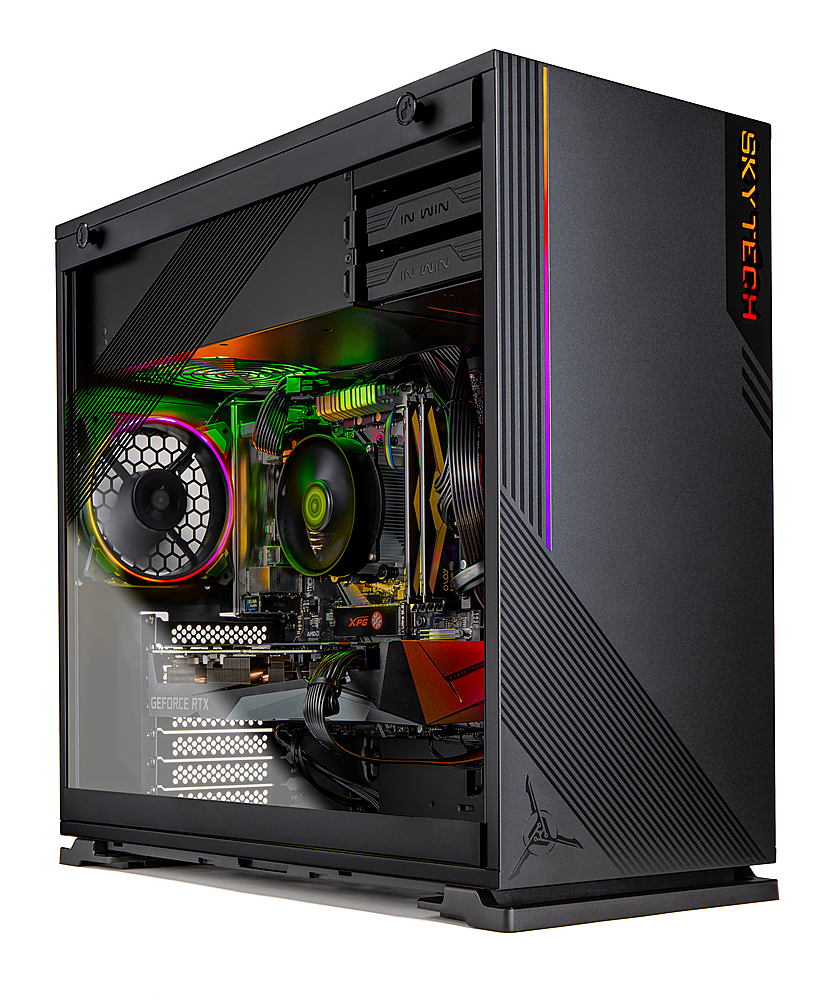
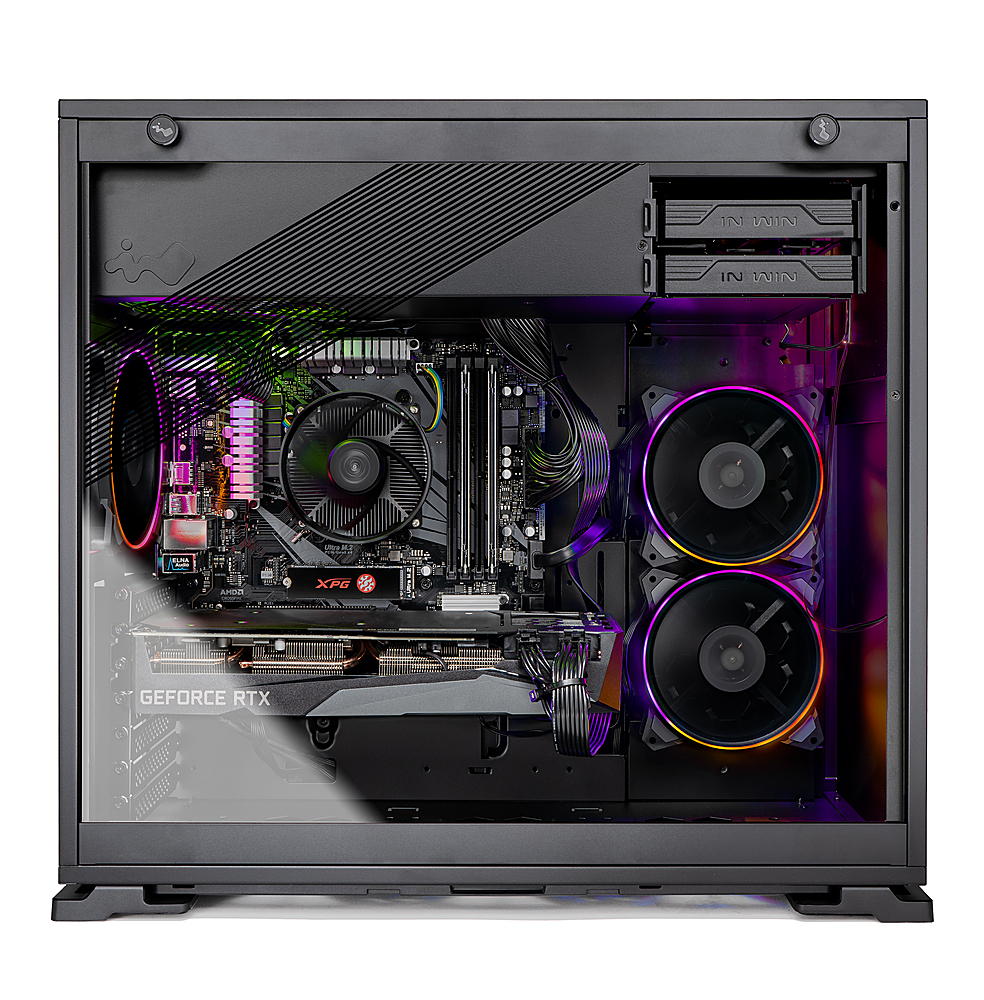
A:AnswerThis model uses the InWin 103 and it does support liquid cooling. If you have any more questions, please reach out to our support via 888-370-8882 or support@skytechgaming.com
A:AnswerThe brands will vary so I wouldn't be able to say 100% certainty. If you have any more questions, please reach out to our support via 888-370-8882 or support@skytechgaming.com
A:AnswerSpecific parts are not guaranteed. There is a chip shortage as you know. But here is what mine came with. The configuration is printed on a label outside the shipping box.
Product Model: ST-AZURE-0115
Processor: AMD Ryzen 5 3600 3.6 GHz
Motherboard: B450M Motherboard
Graphics: RTX 3070 8GB
Memory: 16GB DDR4 3000 Gaming Memory
SSD: 1TB NVME (This is on the motherboard - M.2 PCIE
Power Supply: 650W Gold
Operating Sytem: MS Windows 10 Home 64-bit
Your exact configuration might differ. Good news: There is no bloatwear to disinstall.
A:AnswerI just bought it and I would recommend it. But if you want an even better deal, you can get the Skytech Gaming – SHADOW Gaming Desktop – AMD Ryzen 7 3700X – GeForce RTX3060Ti – 16GB DDR4 3000 Memory – 1TB NVME - Black. It’s on best buys website as well and I feel it’s a better deal.