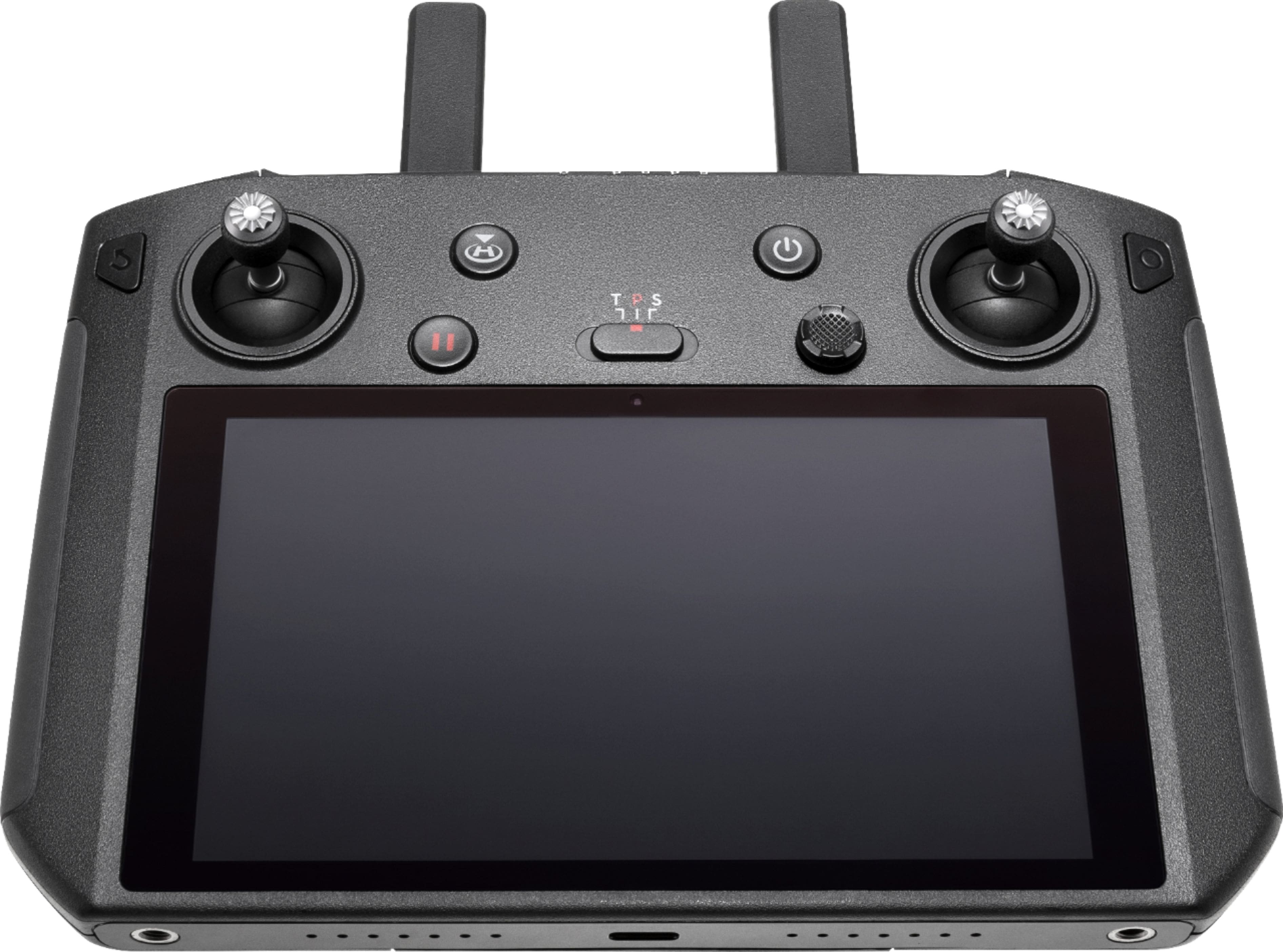
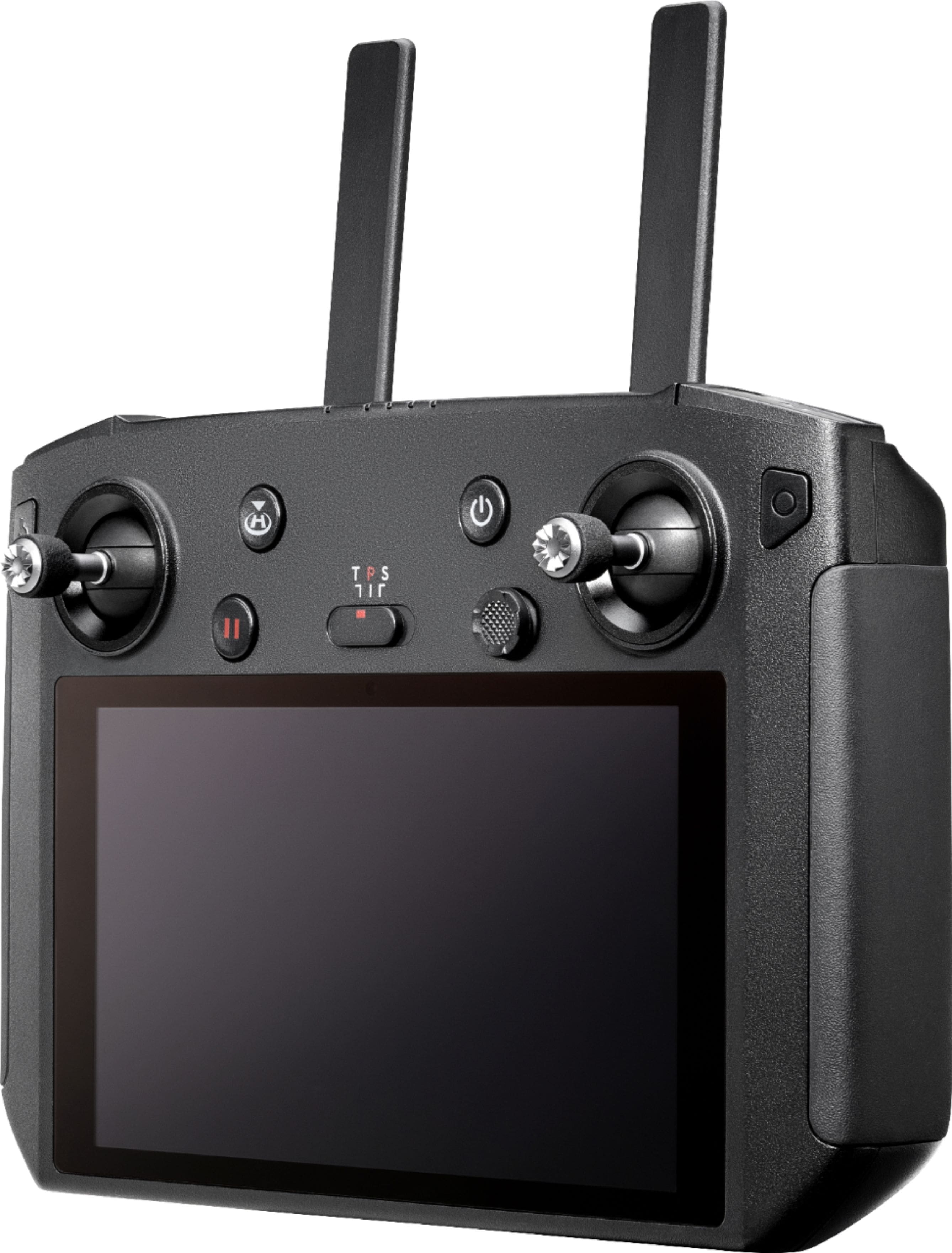
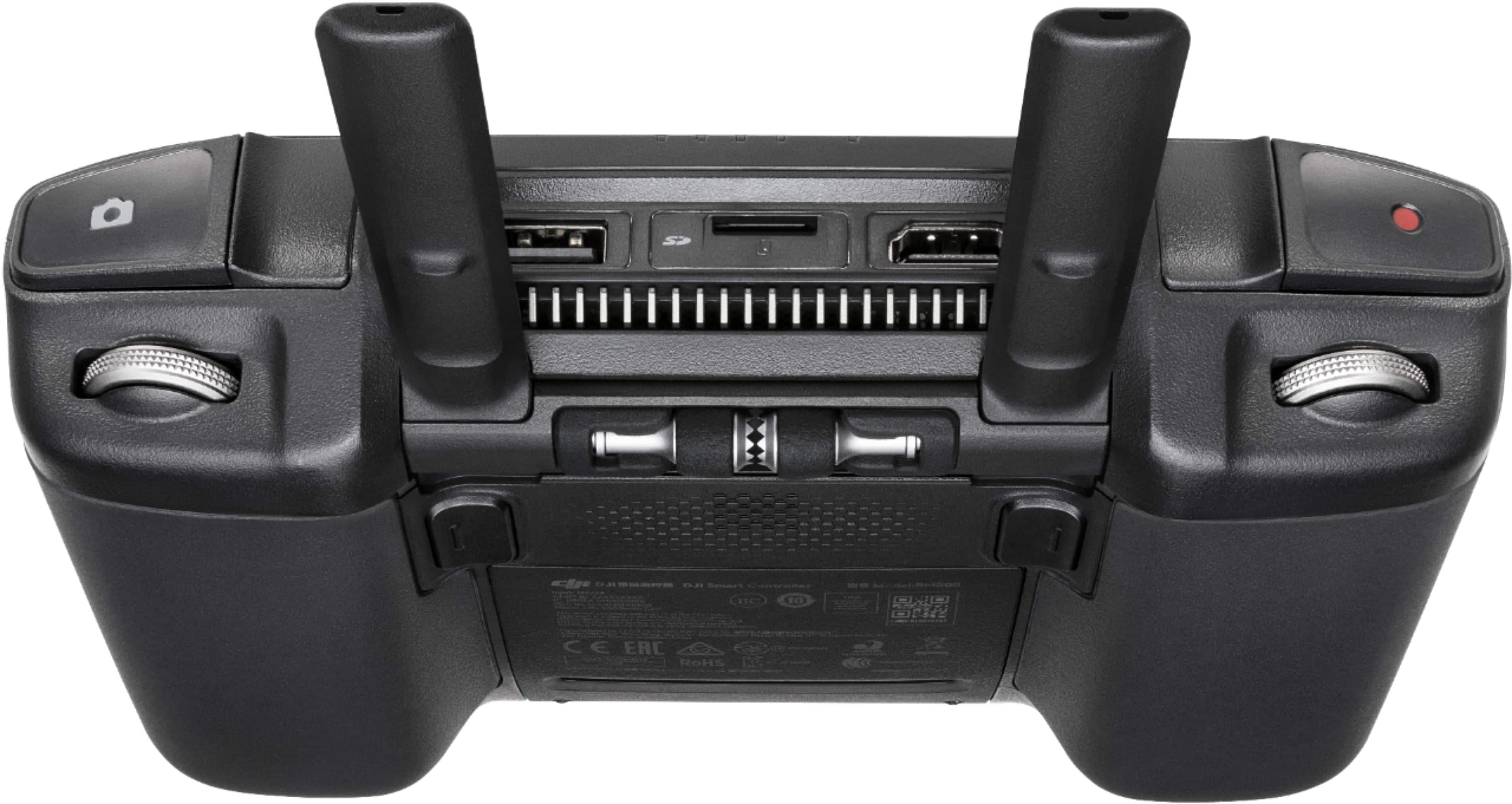
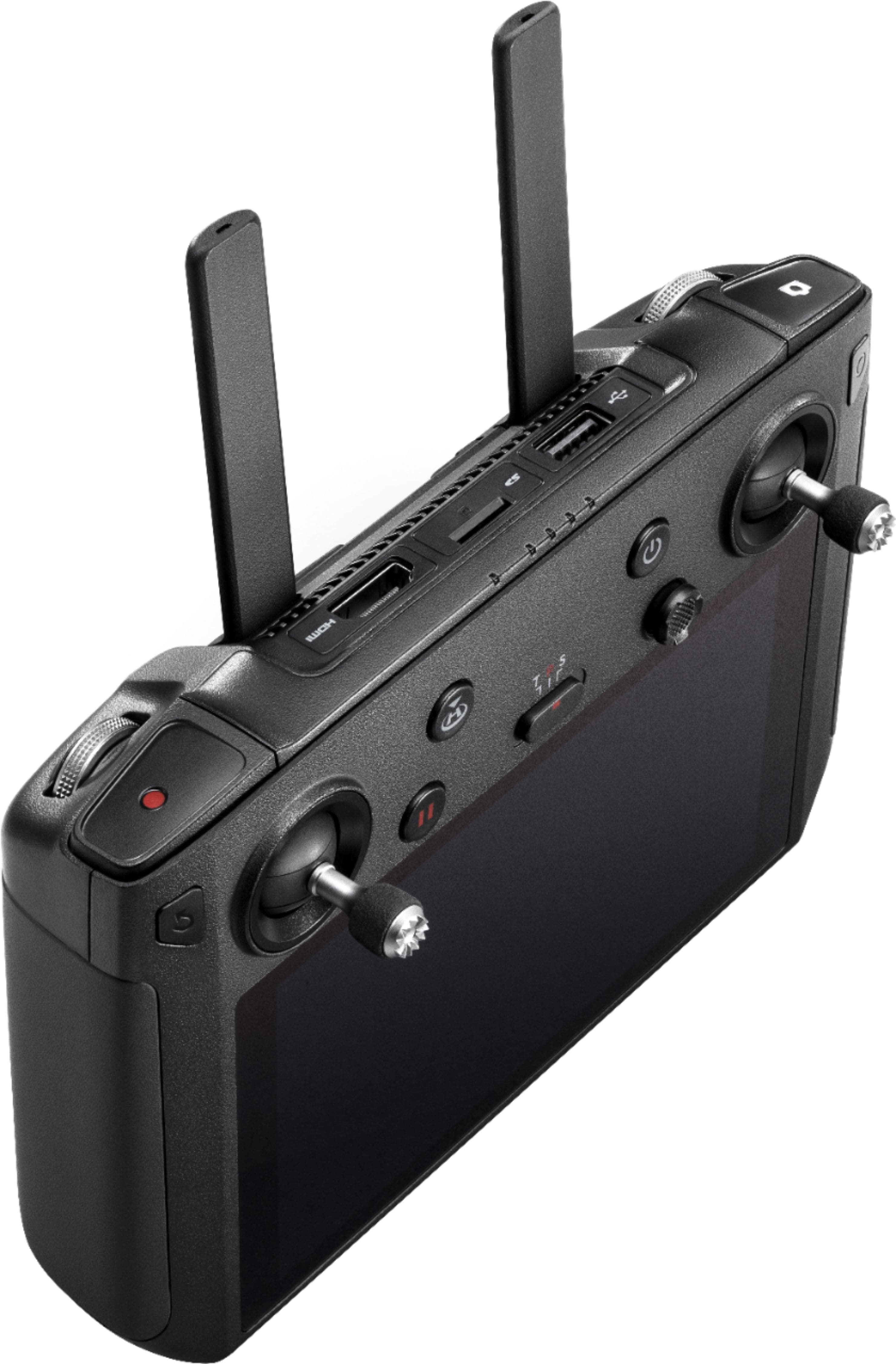
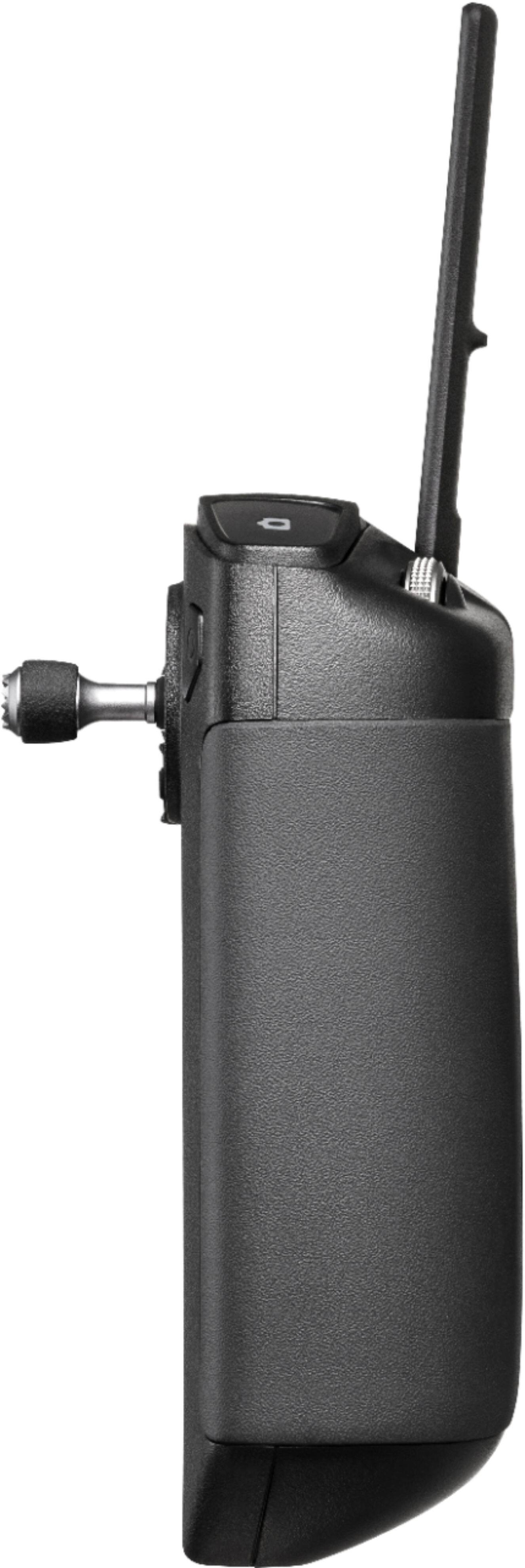
A:AnswerYou would only need a phone for a hotspot. Phone doesn’t connect to controller. Controller has wifi to connect locally at home or to a hotspot. The controller is an all in one. You will pair the to drone to the controller just like standard controller per manual. You will need wifi or hotspot to login for registration and sign on to DJI site. Setup and get flying at home for the first time.
A:AnswerNo, this controler is not compatible with the Mavic Pro. It is only compatible with the mavic 2 series or any future drone that utilizes OcuSync 2.0. I do not think they have a remote like this for the mavic pro, but you could buy the crystal sky screen to use with your existing remote so you would not need to use your phone.
A:AnswerYes. You can pair several drones to this remote and when it comes time to use it, you simply choose in the Equipment area.
I have this controller and love it!
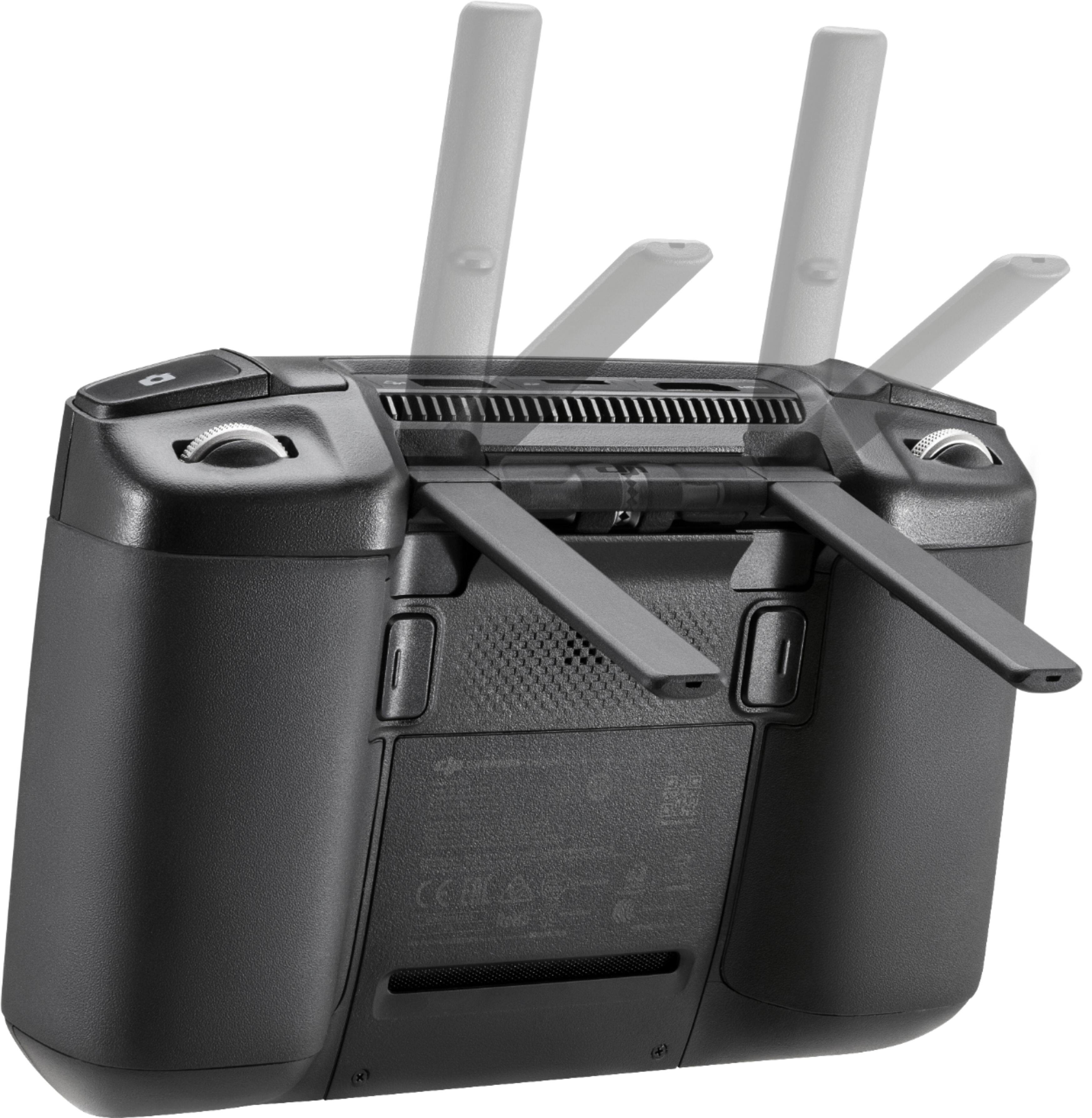
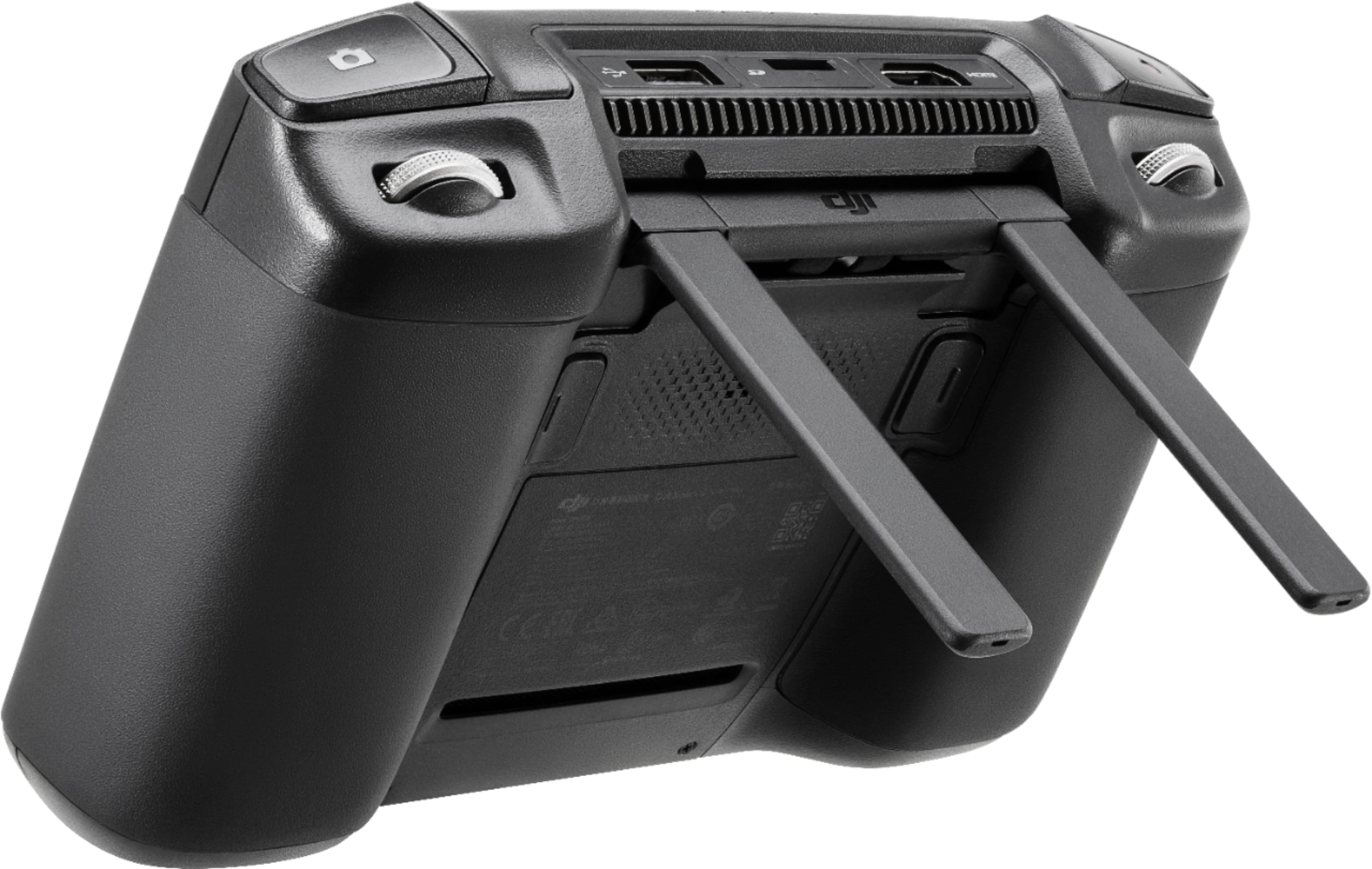
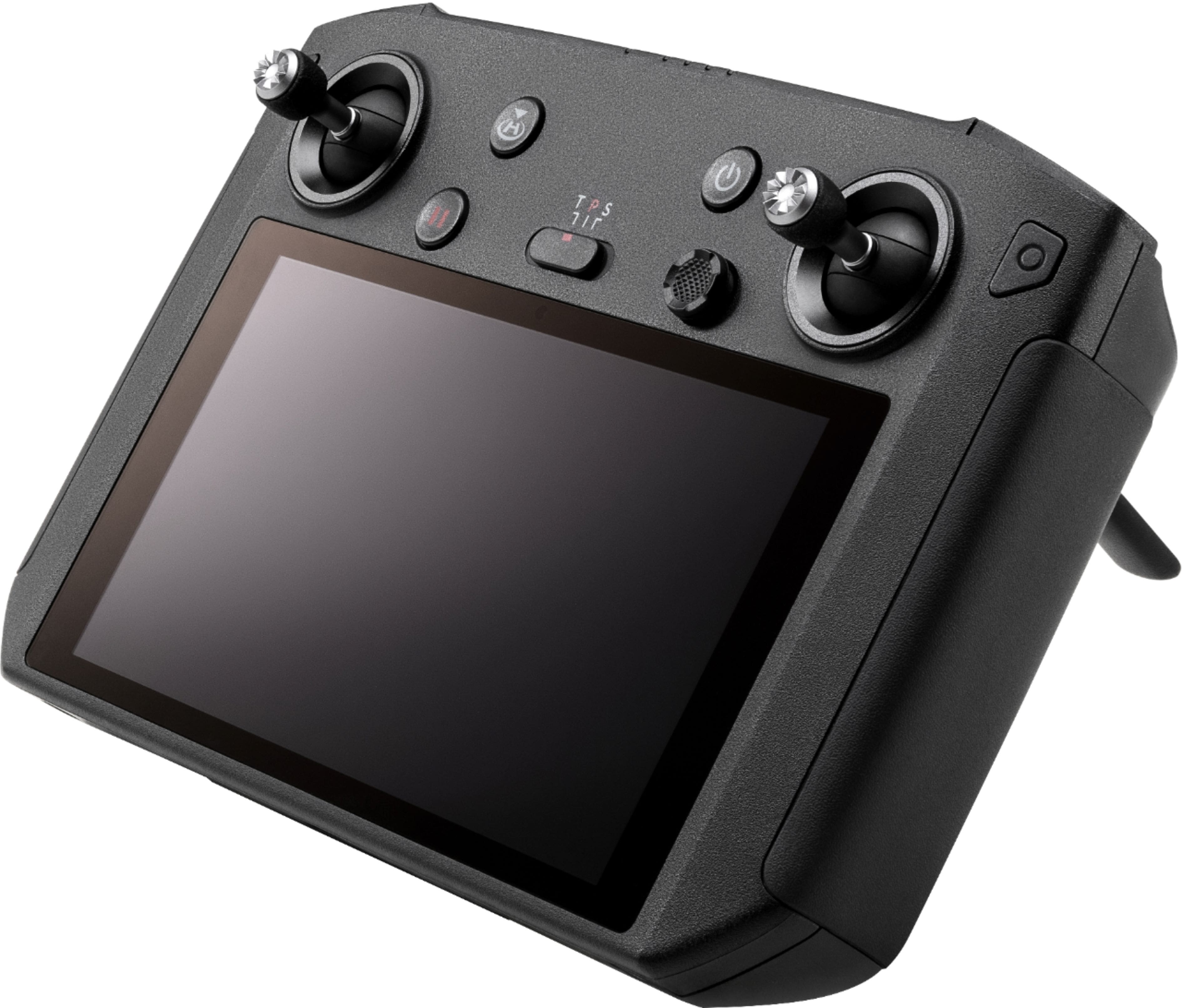
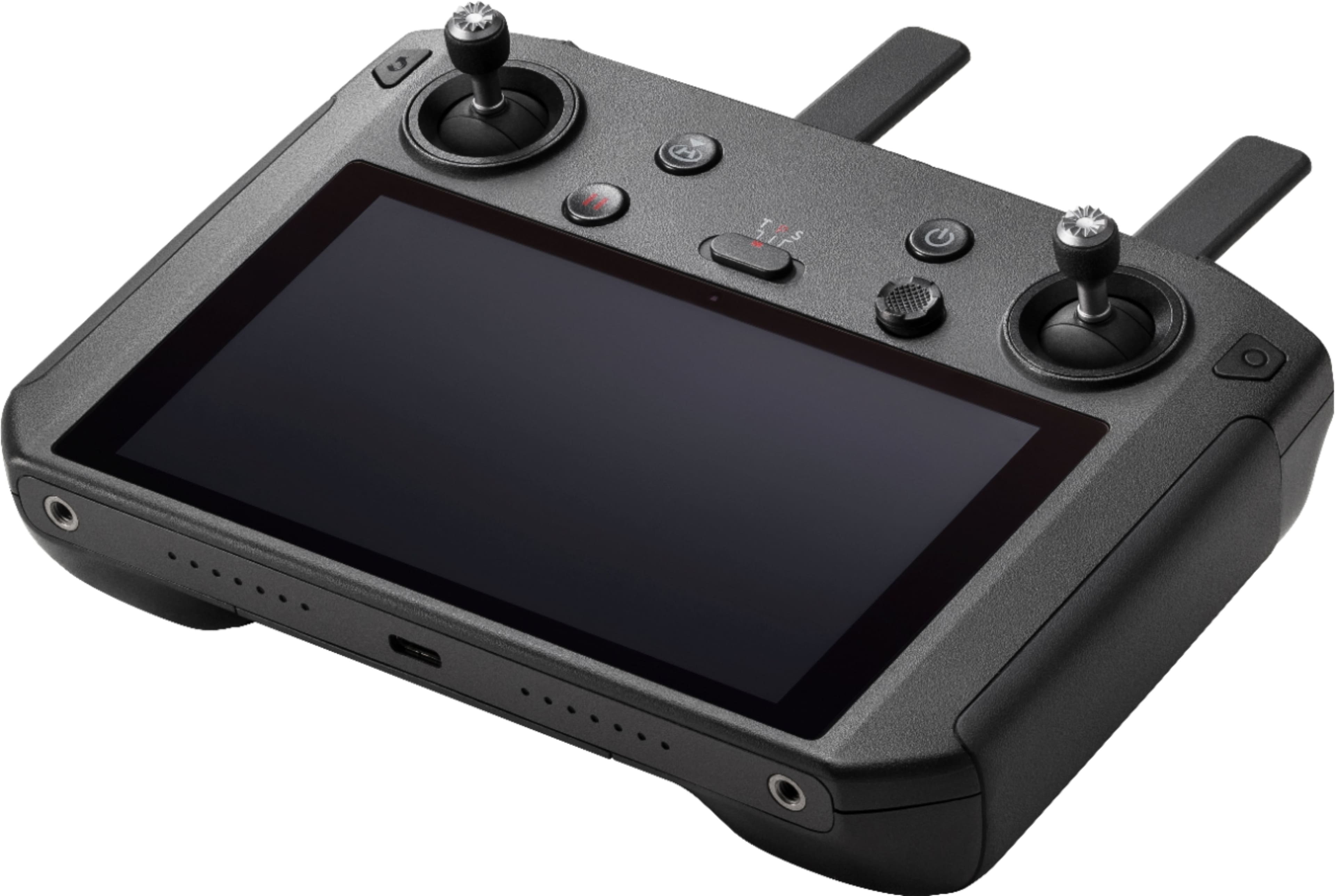
A:AnswerThe DJI Smart Controller have customizable buttons. You can select alternative function configurations for the C1, C2, and the Confirm buttons. There are also other shortcut button combinations based on user habits for more efficient control and better user experience. Please refer to the user manual for more details.
A:AnswerAs long as you have the newest firmware installed , it supports the following drones:
Mavic Pro 2, Zoom, Enterprise and Enterprise Dual
Mavic Air 2
Phantom 4 Pro V2.0