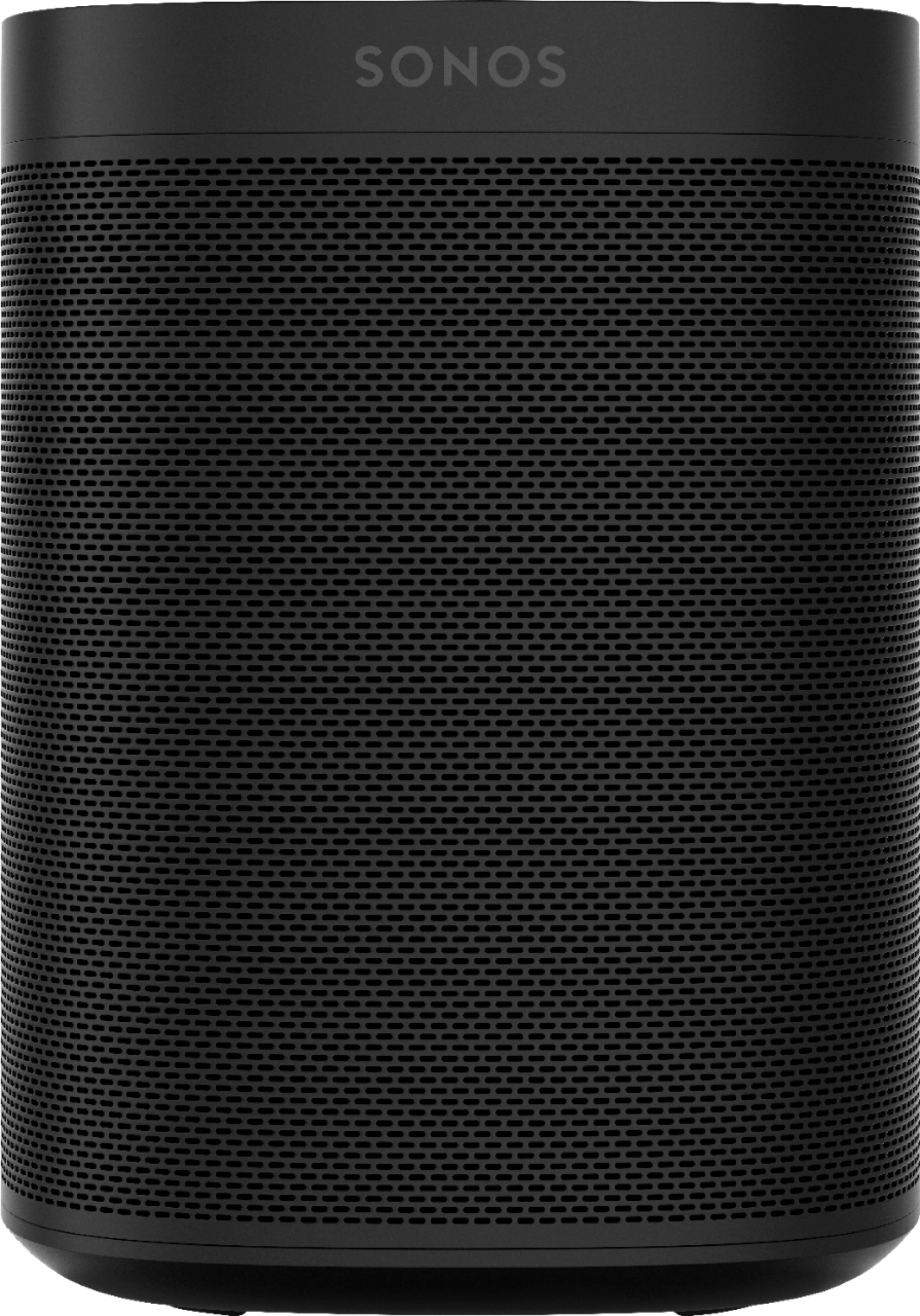
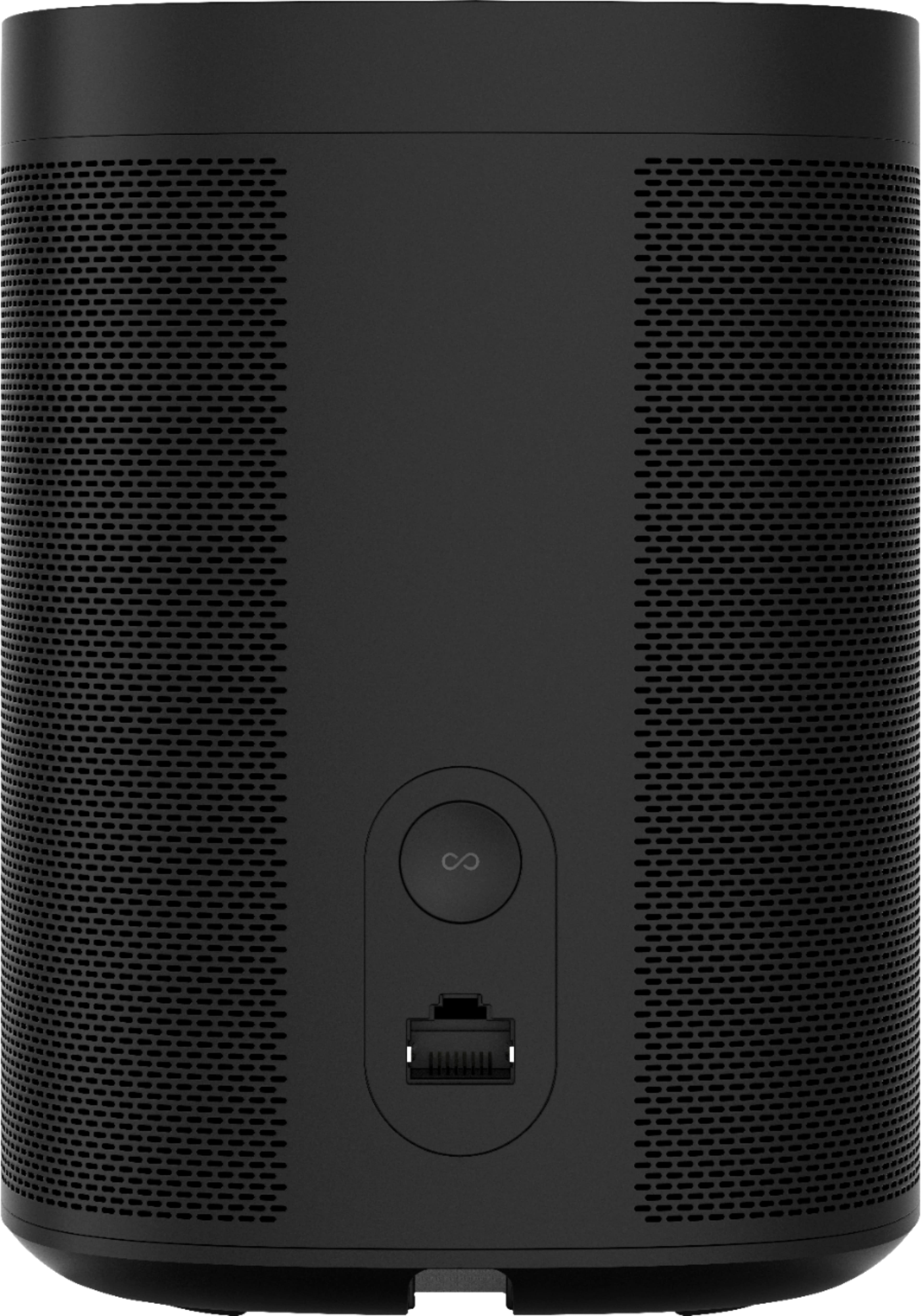
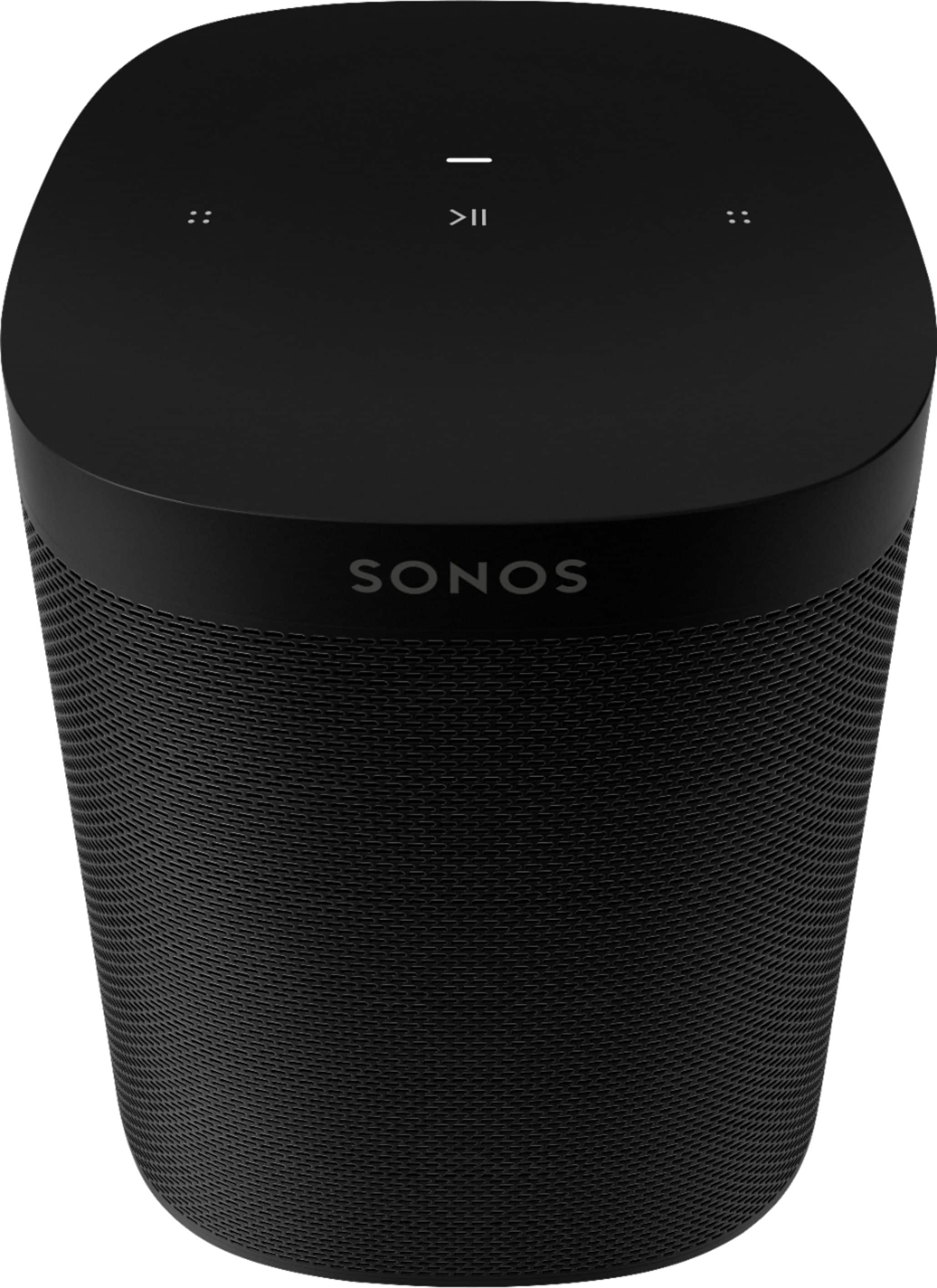
A:AnswerYou can connect your Sonos speaker to your Sony turntable using a phono preamplifier. A phono preamplifier is a device that amplifies the signal from your turntable so that it can be played through your Sonos speaker.
Here are the steps on how to connect your Sonos speaker to your Sony turntable using a phono preamplifier:
Connect the RCA outputs of your phono preamplifier to the RCA inputs of your Sonos speaker.
Connect the turntable to the phono inputs of your phono preamplifier.
Plug your Sonos speaker and phono preamplifier into a power outlet.
Turn on the turntable, phono preamplifier, and Sonos speaker.
Select the input on your Sonos speaker that corresponds to the phono preamplifier.
Adjust the volume on your phono preamplifier and Sonos speaker to the desired level.
You can now play your records through your Sonos speaker.
If you do not have a phono preamplifier, you can also connect your turntable to your Sonos speaker using a Bluetooth adapter.
Here are the steps on how to connect your Sonos speaker to your Sony turntable using a Bluetooth adapter:
Connect the RCA outputs of your turntable to the RCA inputs of your Bluetooth adapter.
Pair your Sonos speaker with your Bluetooth adapter.
Turn on the turntable and Bluetooth adapter.
Select the input on your Sonos speaker that corresponds to the Bluetooth adapter.
Adjust the volume on your Bluetooth adapter and Sonos speaker to the desired level.
You can now play your records through your Sonos speaker.
I hope this helps!
A:AnswerTo connect your Sonos Pro-Ject turntable to your Bose 3-2-1 series system and sync it through your existing Sonos home play bars and subwoofer, you will need a Sonos Port.
The Sonos Port is a device that allows you to connect your analog audio devices to your Sonos system. It has an optical input, a coaxial input, and an RCA input. You can connect your turntable to the RCA input on the Sonos Port.
Once you have connected your turntable to the Sonos Port, you can follow these steps to connect your Bose 3-2-1 series system and sync it through your existing Sonos home play bars and subwoofer:
Open the Sonos app and sign in with your Sonos account.
Tap the "Add a Component" button.
Select "Other Players" from the list of options.
Select "Bose" from the list of brands.
Select "3-2-1" from the list of products.
Follow the on-screen instructions to complete the setup process.
Once your Bose 3-2-1 series system is connected to your Sonos system, you can use the Sonos app to group it with your Sonos home play bars and subwoofer. To do this, follow these steps:
Open the Sonos app and tap the "Rooms" tab.
Tap the "Groups" tab.
Tap the "+" button and select "Create Group."
Select the speakers that you want to include in the group.
Tap the "Create Group" button.
Once you have created a group, you can select it from the list of rooms and start playing music. The music will play on all of the speakers in the group.
I hope this helps!
If you don't have a Sonos Port, you can still connect your turntable to your Bose 3-2-1 series system using an RCA to optical adapter. However, you will not be able to sync your Bose 3-2-1 series system with your Sonos home play bars and subwoofer.
Here are the steps on how to connect your turntable to your Bose 3-2-1 series system using an RCA to optical adapter:
Connect the RCA outputs of your turntable to the RCA inputs of the RCA to optical adapter.
Connect the optical output of the RCA to optical adapter to the optical input of the Bose 3-2-1 series system.
Plug your turntable and Bose 3-2-1 series system into a power outlet.
Turn on the turntable and Bose 3-2-1 series system.
Select the input on your Bose 3-2-1 series system that corresponds to the optical input.
Adjust the volume on your turntable and Bose 3-2-1 series system to the desired level.
You can now play your records through your Bose 3-2-1 series system.
A:AnswerYou cannot, this are simply the ones you can only connect with another Sonia sounds system if you want those you have to get the gen 2 with Alexa and Google built in :-)
A:AnswerYes, you can pair two Sonos One speakers with a Sonos Ray. The pair will act as rear surround speakers. It makes for a really good sound system.
A:Answeryou can always connect through bluetooth, you can always go through a soundbar (my first choice) but i would get 2 One SL and set up surround system
A:AnswerI have used my Sonos One SL speakers on AT&T, Verizon, Fios, Cox, Xfinity, and Google wifi at this point, and they have all worked. I do not see why it would not work on enterprise, as well.
A:AnswerAn open-box item is a returned item that has been inspected and certified to be in excellent condition. It may have been opened and used briefly, but it is still in like-new condition with all original packaging and accessories.
Items purchased from an authorized Sonos dealer, even open-box items, are covered by the same warranty as new items. This means that you will have a one-year warranty on parts and labor, and you will be able to return the item for a full refund within 30 days of purchase.
Here are the details of the warranty for open-box Sonos One SL speakers:
One-year warranty on parts and labor
30-day return policy
Free shipping for warranty repairs
Technical support from Sonos customer service
If you are considering purchasing an open-box Sonos One SL speaker, I recommend that you purchase it from an authorized Sonos dealer. This will ensure that you are getting a high-quality product that is backed by a warranty.
Here are some of the benefits of purchasing from an authorized Sonos dealer:
Peace of mind knowing that you are purchasing a genuine Sonos product
Access to expert Sonos customer service
The ability to return or exchange your product if you are not satisfied