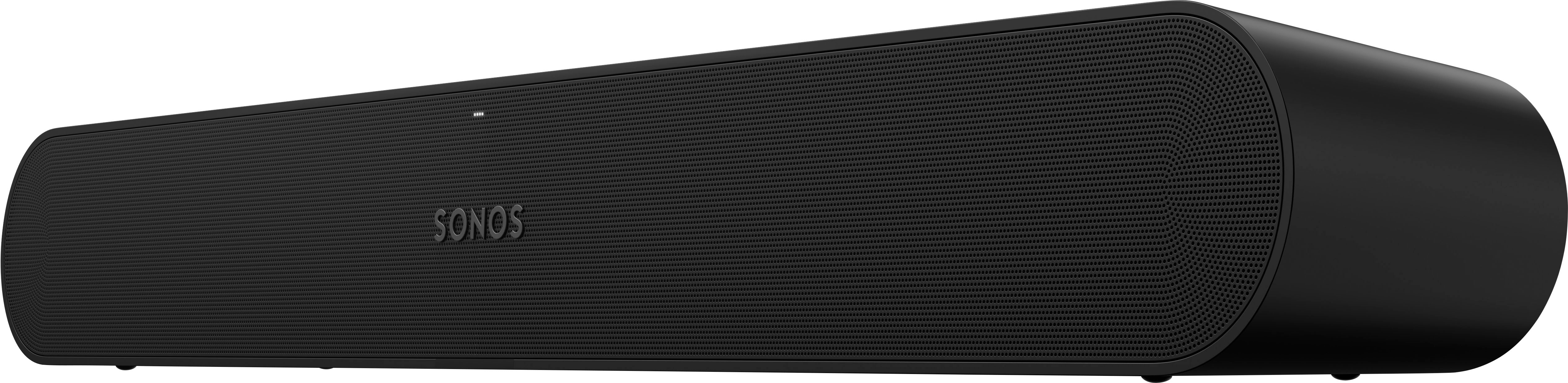
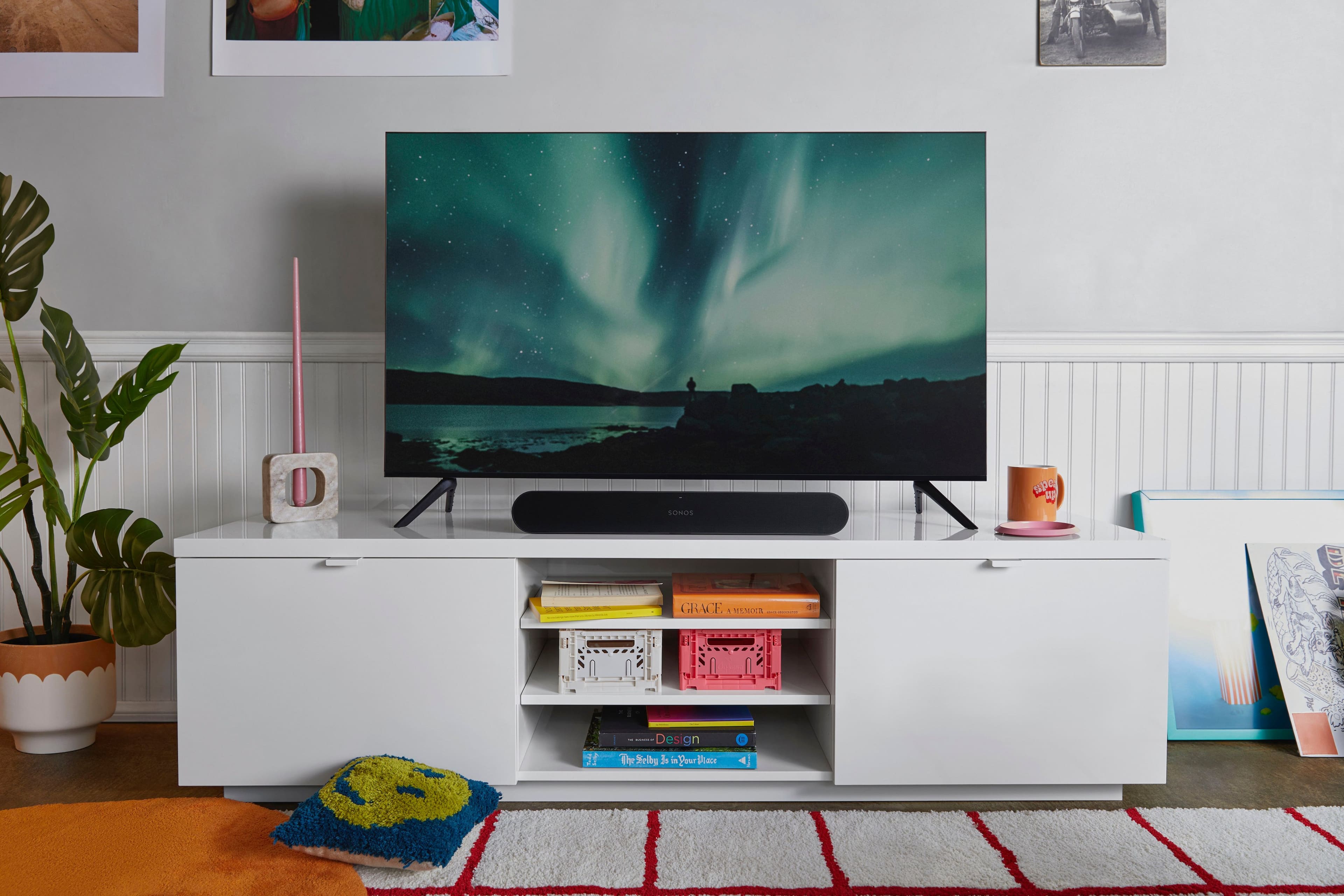
A:AnswerThe Sonos Ray soundbar does not support wireless connections with third-party subwoofers, including your Samsung PS-WWS1 subwoofer. Sonos soundbars are designed to work specifically with Sonos-branded subwoofers, such as the Sonos Sub or the Sonos Sub Mini. Unfortunately, this means the Sonos Ray will not be able to wirelessly connect to your existing Samsung subwoofer.
If you’re set on using the Sonos Ray, you would need to consider using a Sonos Sub for a seamless experience. I hope this helps!
A:AnswerThe Sonos Warranty covers defects in materials and workmanship in every Sonos product for one (1) year from the date of shipment from Sonos or the date of the original retail purchase from an Authorized Sonos Dealer.
A:AnswerNo, the Sonos Ray soundbar is not designed to withstand outdoor conditions such as extreme heat, cold, humidity, or exposure to the elements. It's intended for indoor use in controlled environments where temperature and humidity levels are within typical household ranges.
Using the Sonos Ray soundbar outdoors, especially in environments with fluctuating temperatures and exposure to moisture, can lead to damage to the internal components and compromise its performance and longevity. Additionally, exposure to sunlight and UV rays can also cause discoloration and damage to the materials.
A:AnswerThe Sonos Ray is a soundbar that's designed to enhance the audio experience of your TV, but it doesn't have the capability to directly stream TV shows or other content from your Android device.
However, if your TV supports streaming from your Android device (for example, through screen mirroring or casting), you can typically stream content to your TV and then enjoy the enhanced audio through the Sonos Ray.
Additionally, if you have a Sonos Beam, Sonos Arc, or other Sonos speakers that support Bluetooth, you may be able to stream audio from your Android device directly to the Sonos speaker using Bluetooth, though this would be separate from streaming the TV show itself.
Keep in mind that the specific capabilities may vary depending on your TV model and your Sonos setup, so I recommend consulting the user manuals or contacting Sonos support for further assistance tailored to your setup.

A:AnswerMy personal experience with the Sonos soundbar and my LG OLED TV is that you can have one or the other sound source. I chose to turn off/mute the volume on the TV and use the soundbar exclusively. I have not used the sound syncing/delay option on the smart TV to utilize both the TV and soundbar at the same time... but why would I? I find the soundbar audio quality far superior to the TV's built in speaker/audio system.
A:AnswerYes. I control the volume of my LG OLED 55" with my Xfinity remote. Go into the TV's settings, sound out, use wired speaker (which is the Sonos Ray connected by optical wire), and sound comes out thru the Sonos Ray.
A:Answeryou can downgrade the ray to the sonos gen 2 app but if you continue to purchase more speakers you may wat to upgrade all gen 2 products and use the 2 apps