Questions & Answers
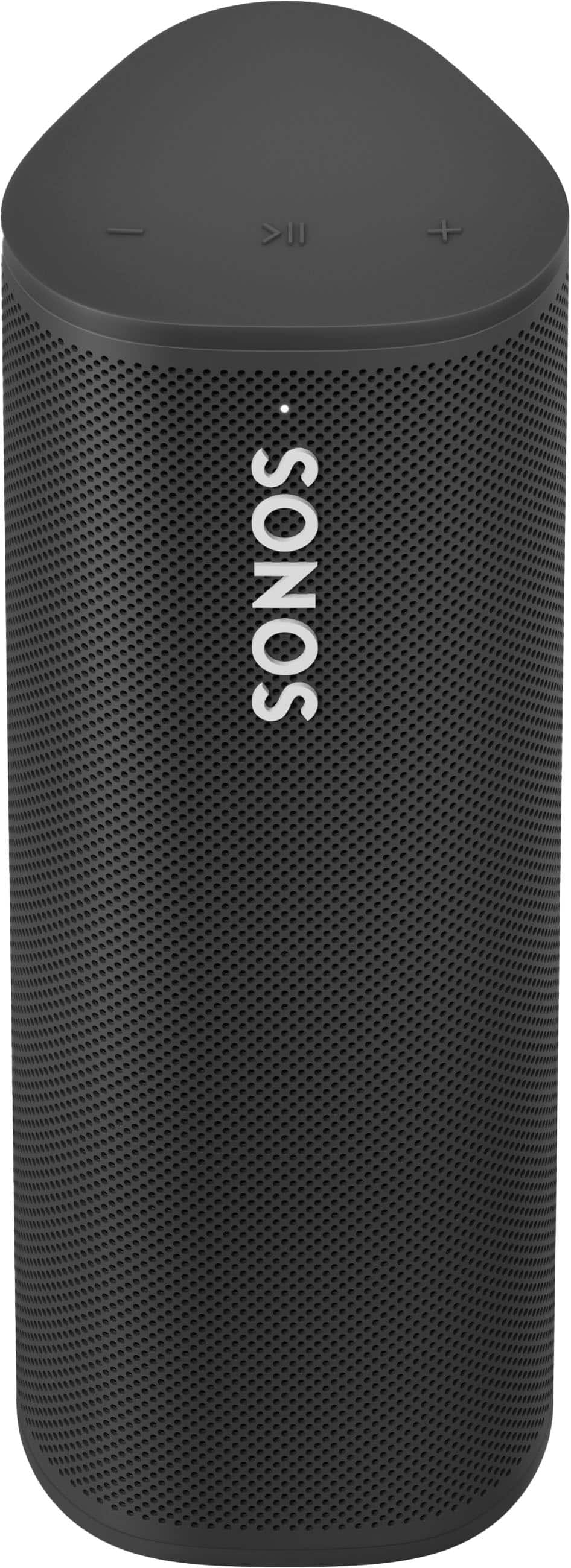
- Model:
- RMSL1US1BLK
- |
- SKU:
- 10188895
Q: QuestionIs this Airplay 2? Sonos website says it is but I don't see it here
Asked by Mike.
- A:Answer Thanks for your question Mike. Yes, when on WiFi the Sonos Roam SL does work with Airplay 2.
Answered by Sonos Customer Care

Q: QuestionWill this work on WiFi without a Bluetooth connection.
Asked by SR.
This question was asked about the related product: Sonos - Roam SL Portable Bluetooth Wireless Speaker - Shadow Black
- A:Answer It will work over wifi with the Sonos app running a PC, phone or tablet.
Answered by KeithH
Q: QuestionCan more than one speaker be paired together?
Asked by Kevin.
This question was asked about the related product: Sonos - Roam SL Portable Bluetooth Wireless Speaker - Shadow Black
- A:Answer Sonos Roam can bond with up to 31 other Sonos products on wifi. It can also be stereo paired on wifi as well.
Answered by Sonos Customer Care

Q: QuestionIs this speaker compatible with HEOS?
Asked by Mike.
This question was asked about the related product: Sonos - Roam SL Portable Bluetooth Wireless Speaker - Shadow Black
Q: QuestionI presently run 3 seperate sonos model 3 speakers in different rooms and active some or all via a pc (sonos app) or cell phone. Can I add this unit in another room and activate the same way and activate any or all rooms including this portable sonos speak
Asked by bp.
This question was asked about the related product: Sonos - Roam SL Portable Bluetooth Wireless Speaker - Shadow Black
- A:Answer Yes, the Roam is both a Bluetooth speaker you can take anywhere and a wifi speaker that will connect to your existing sonos system, with all the capabilities of your play 3's.
Answered by KMChome
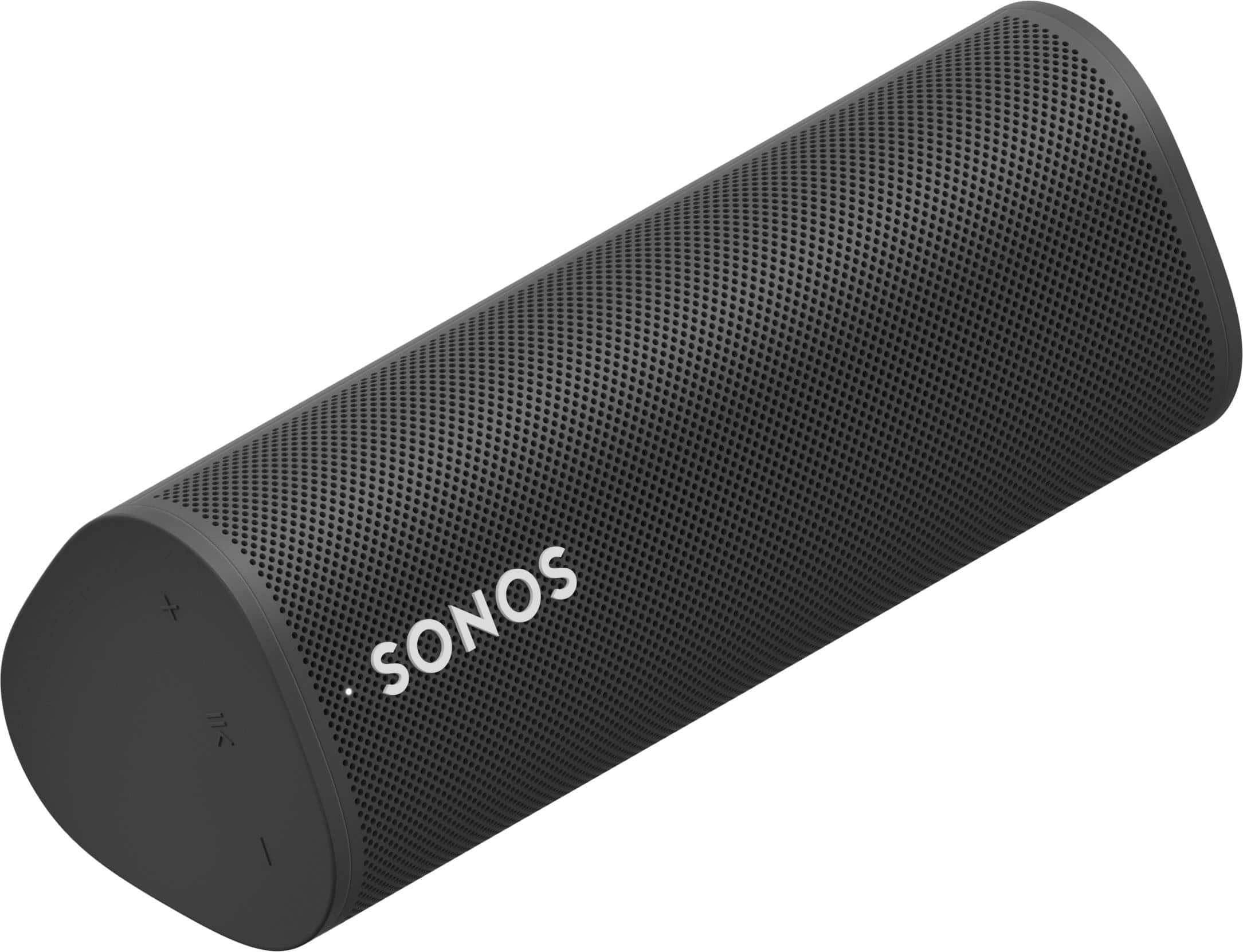
Q: Questionwhat are the dimensions of this speaker?
Asked by Michelle.
This question was asked about the related product: Sonos - Roam SL Portable Bluetooth Wireless Speaker - Shadow Black
Q: QuestionWhat's the difference between a Roam 2 and a Roam SL speaker
Asked by Jeff.
This question was asked about the related product: Sonos - Roam SL Portable Bluetooth Wireless Speaker - Shadow Black
- A:Answer A speaker. I had bad luck with the voice control ao mine was returned and got a move 2 and love it.
Answered by Notallthatreasonable
Q: QuestionWhere can I find a replacement battery for Sonos Roam SL?
Asked by SonosBuyer.
This question was asked about the related product: Sonos - Roam SL Portable Bluetooth Wireless Speaker - Shadow Black
- A:Answer Currently, Sonos does not offer user-replaceable batteries for the Roam SL. If you are experiencing issues with your battery, the best course of action would be to contact Sonos customer support or visit an authorized Sonos retailer for assistance. In some cases, they may offer repair or replacement options depending on the product's warranty status. Feel free to reach out at support.sonos.com
Answered by Sonos Customer Care

Q: QuestionCan you pair the Sonos with another Bluetooth speaker ? Can it be paired with a tv ?
Asked by Pairing.
This question was asked about the related product: Sonos - Roam SL Portable Bluetooth Wireless Speaker - Shadow Black
- A:Answer The Sonos Roam SL has some limitations when it comes to pairing with other devices: 1. Pairing with Another Bluetooth Speaker: Not Possible: The Sonos Roam SL cannot be paired directly with another Bluetooth speaker. Sonos speakers are designed to work within the Sonos ecosystem, meaning they pair and sync with other Sonos speakers through Wi-Fi using the Sonos app. While you can use the Roam SL as a Bluetooth speaker for your phone, tablet, or computer, it does not have the capability to send audio to another Bluetooth speaker. 2. Pairing with a TV: Bluetooth Connection to TV: The Sonos Roam SL can be used as a Bluetooth speaker for your TV if your TV supports Bluetooth audio output. However, this setup might introduce latency, causing audio and video to be out of sync, which is not ideal for watching TV. Wi-Fi Connection via Sonos System: If your TV is connected to a Sonos soundbar (like the Sonos Beam or Arc), you can use the Roam SL as part of a multi-room audio setup. This allows the TV audio to play through the Roam SL, but it would still require the TV to be connected to a Sonos soundbar for the Wi-Fi sync to work properly. Conclusion: Pairing with Another Bluetooth Speaker: Not possible. Pairing with a TV: Possible via Bluetooth, but not recommended due to potential audio lag. Alternatively, it can be used in conjunction with other Sonos speakers connected to the TV over Wi-Fi. For a more seamless experience with a TV, it’s recommended to use a Sonos soundbar like the Beam or Arc, which can be paired with other Sonos speakers like the Roam SL for multi-room audio.
Answered by Sonos Customer Care

Q: QuestionI have an Android (S23). I cannot find my Sonos Roam battery percentage in my bluetooth Display settings. If i to go to the Sonos app, it wants to only detect my home system. I'm sure this is a simple answer...just can't find it!
Asked by JC.
This question was asked about the related product: Sonos - Roam SL Portable Bluetooth Wireless Speaker - Shadow Black
- A:Answer To check the battery percentage of your Sonos Roam when using an Android device, you'll need to use the Sonos app rather than the Bluetooth settings. Here's how you can find the battery percentage for your Sonos Roam: Steps to Check Battery Percentage on Sonos Roam: Open the Sonos App: Launch the Sonos app on your Android device. Select the Sonos Roam: Make sure your Sonos Roam is turned on and connected to the same Wi-Fi network as your Android device. In the Sonos app, you should see a list of your Sonos devices. Tap on your Sonos Roam. View Battery Status: Once you've selected the Roam, you should see the battery percentage displayed on the main control screen for the speaker. It’s usually shown near the top or alongside the volume controls. I hope this helps!
Answered by Sonos Customer Care

Q: QuestionIs this compatible with Samsung SmartThings?
Asked by Anonymous.
This question was asked about the related product: Sonos - Roam SL Portable Bluetooth Wireless Speaker - Shadow Black
- A:Answer The Sonos Roam SL is not directly compatible with Samsung SmartThings. Sonos speakers, including the Roam SL, primarily integrate with the Sonos app for setup and control, and they do not natively support SmartThings for automation or direct control.
Answered by Sonos Customer Care

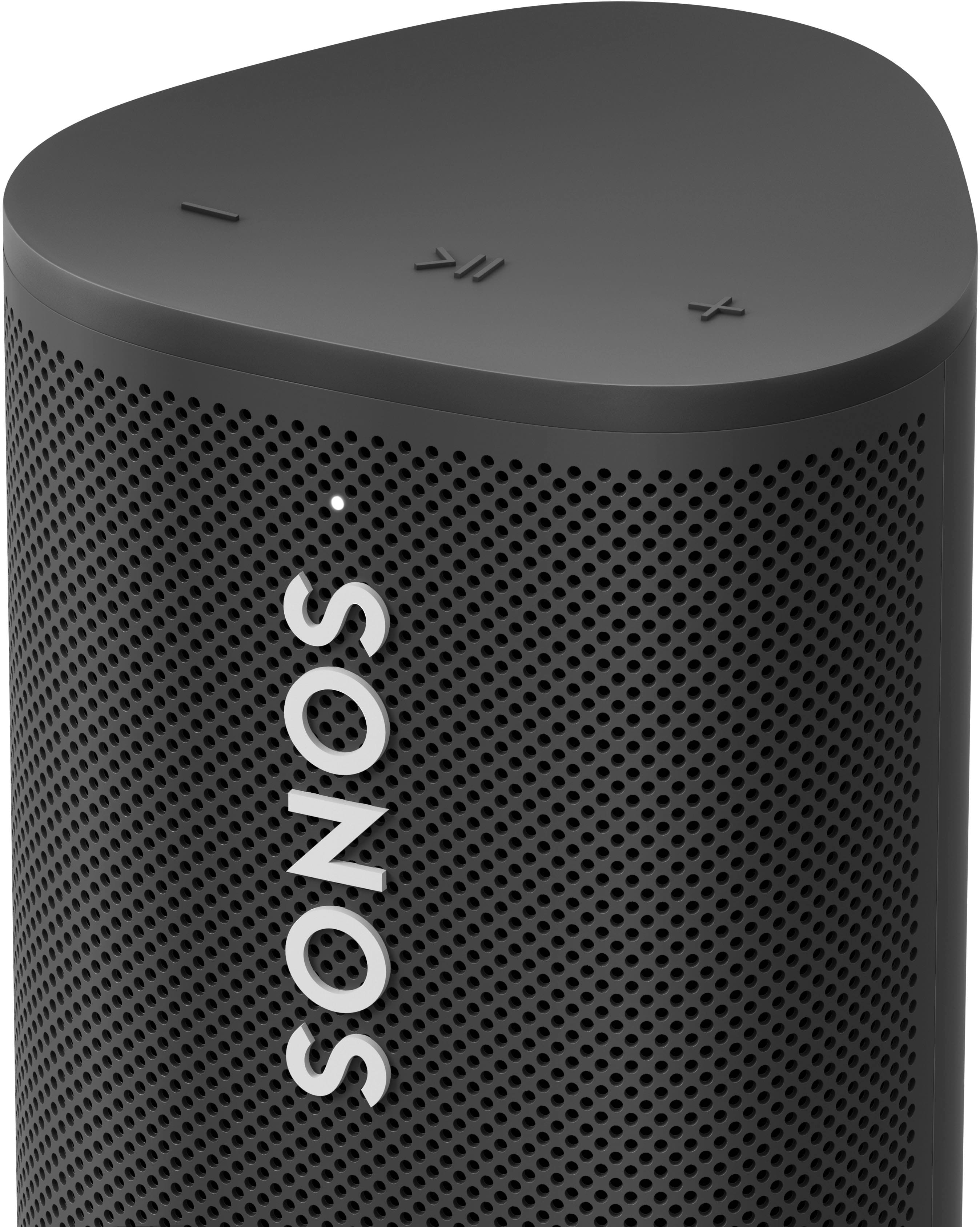
Q: QuestionDoes this speaker work with the Alexis app?
Asked by Anonymous.
This question was asked about the related product: Sonos - Roam SL Portable Bluetooth Wireless Speaker - Shadow Black
- A:Answer The “SL” means SpeechLess. So therefore the Roam SL doesn’t have a microphone. If you want to use Alexa with it, you need to use another Alexa-enabled device like an Era 100 or 300 or one of our soundbars.
Answered by Sonos Customer Care

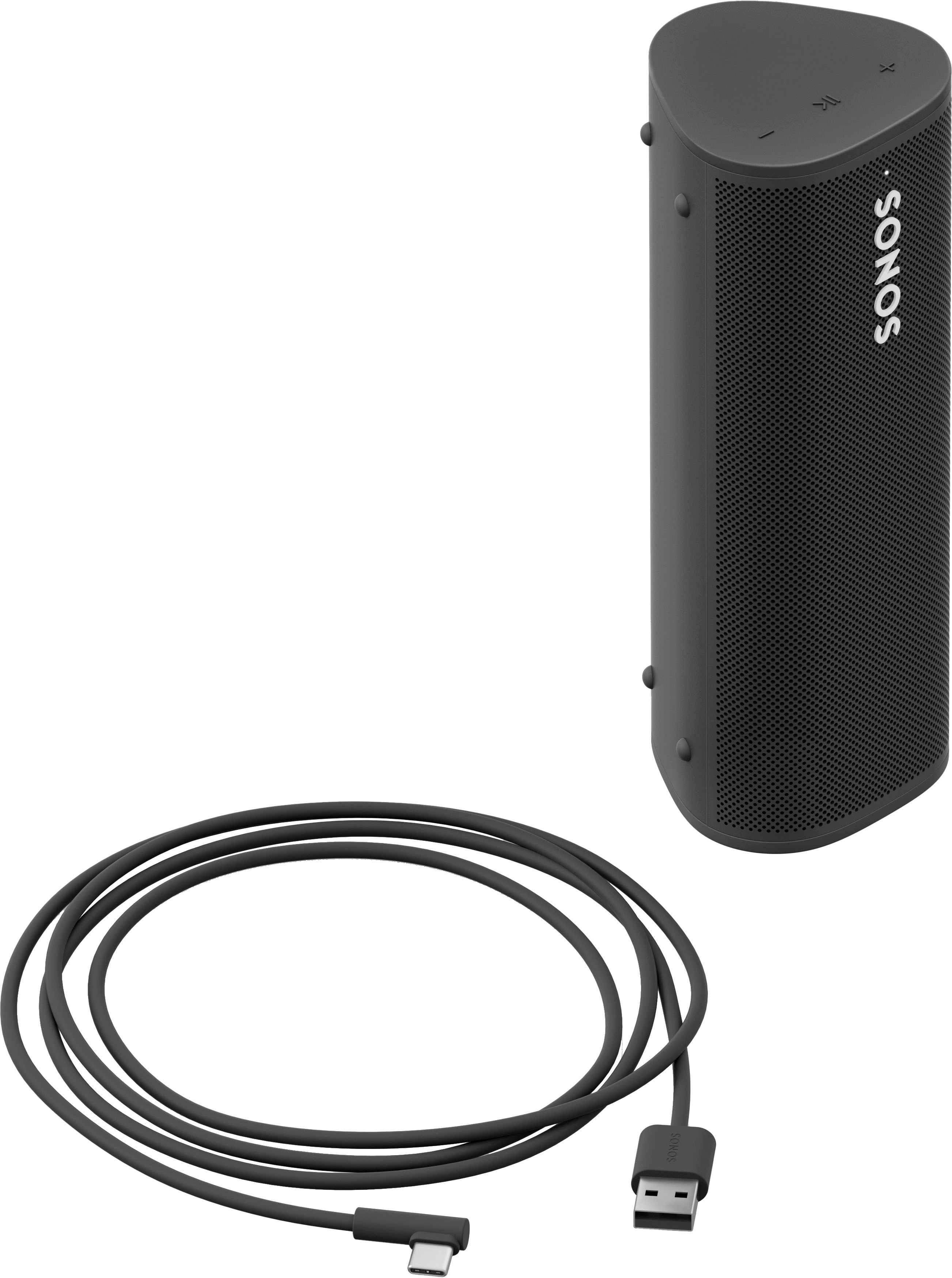
Q: QuestionIs there a wireless charger for this model?
Asked by IllmaticD.
This question was asked about the related product: Sonos - Roam SL Portable Bluetooth Wireless Speaker - Shadow Black
- A:Answer There is one that you can purchase separately.
Answered by Sonos Customer Care

Q: Questionis there a white charging station for a white roam unit?
Asked by kenw.
- A:Answer There sure is!
Answered by Sonos Customer Care

Q: QuestionIs there a white charging base for the white Sonos Roam
Asked by ken.
- A:Answer I just realized that it works with any Qi Charger so you can just buy one that looks nice and is cheaper than the Sonos Base.
Answered by Karthik
Q: QuestionIs this speaker waterproof?
Asked by Kristin.
This question was asked about the related product: Sonos - Roam SL Portable Bluetooth Wireless Speaker - Shadow Black
- A:Answer It's IP67, meaning it was tested go as deep as 1 meter for ~30 minutes submerged without it breaking.
Answered by lmsa
Q: QuestionCan I pair this with Sonos Soundbar ARC to become my surround speaker?
Asked by Pogi.
This question was asked about the related product: Sonos - Roam SL Portable Bluetooth Wireless Speaker - Shadow Black
- A:Answer I believe all sonos products can be mated together
Answered by user964946
Q: QuestionCan this be hooked up to most any smart tv?
Asked by CURIOUS.
- A:Answer Yes via Bluetooth
Answered by Audio
Q: QuestionDoes the Sonos Roam SL have the capability of simultaneously sharing/playing a Bluetooth audio source (such as a Bluetooth turntable) with my other Sonos grouped speakers that are connected via Wi-Fi?
Asked by MD4Tahoe.
- A:Answer Yes!
Answered by JuanL
Most-viewed items
- Black Friday Deal$549.95Your price for this item is $549.95
- Black Friday Deal$169.00Your price for this item is $169.00
- Black Friday Deal$399.95Your price for this item is $399.95
- Black Friday Deal$129.95Your price for this item is $129.95
- Black Friday Deal$119.00Your price for this item is $119.00
- $599.00Your price for this item is $599.00$699.00The comparable value for this item is $699.00
- Black Friday Deal$449.95Your price for this item is $449.95
- Black Friday Deal$379.00Your price for this item is $379.00
- Black Friday Deal$79.95Your price for this item is $79.95
- Black Friday Deal$89.99Your price for this item is $89.99
- $799.95Your price for this item is $799.95$1,099.95The comparable value for this item is $1,099.95
- Black Friday Deal$179.99Your price for this item is $179.99
- Black Friday Deal$299.00Your price for this item is $299.00
- Black Friday Deal$349.95Your price for this item is $349.95
- $229.95Your price for this item is $229.95$329.95The comparable value for this item is $329.95
- Black Friday Deal$349.99Your price for this item is $349.99
- Black Friday Deal$189.99Your price for this item is $189.99
- Black Friday Deal$259.95Your price for this item is $259.95
- $199.95Your price for this item is $199.95$329.99The comparable value for this item is $329.99
- Black Friday Deal$279.95Your price for this item is $279.95