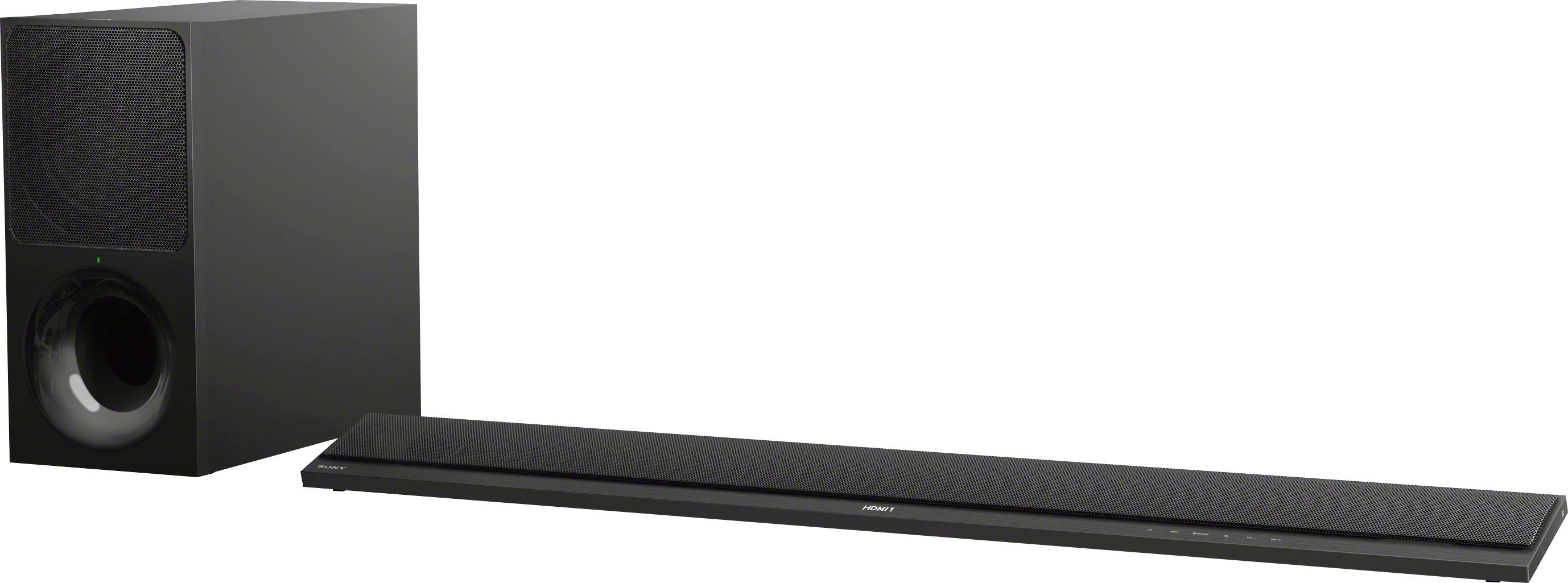
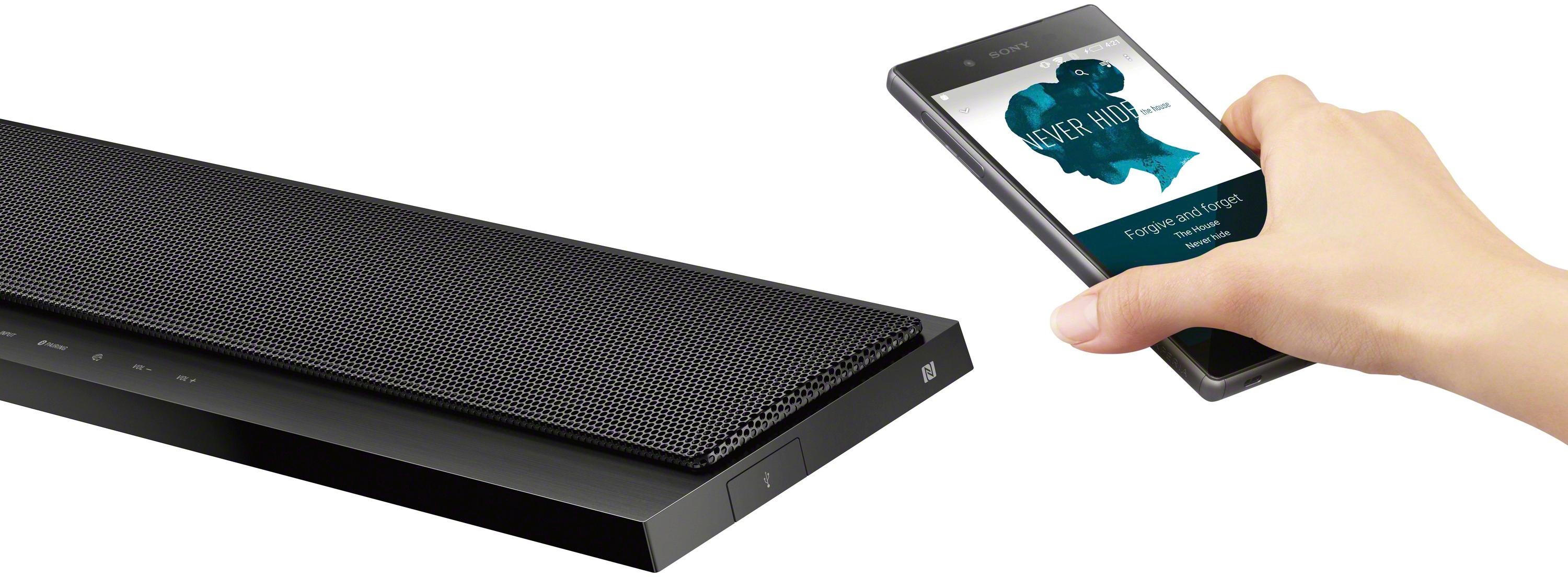
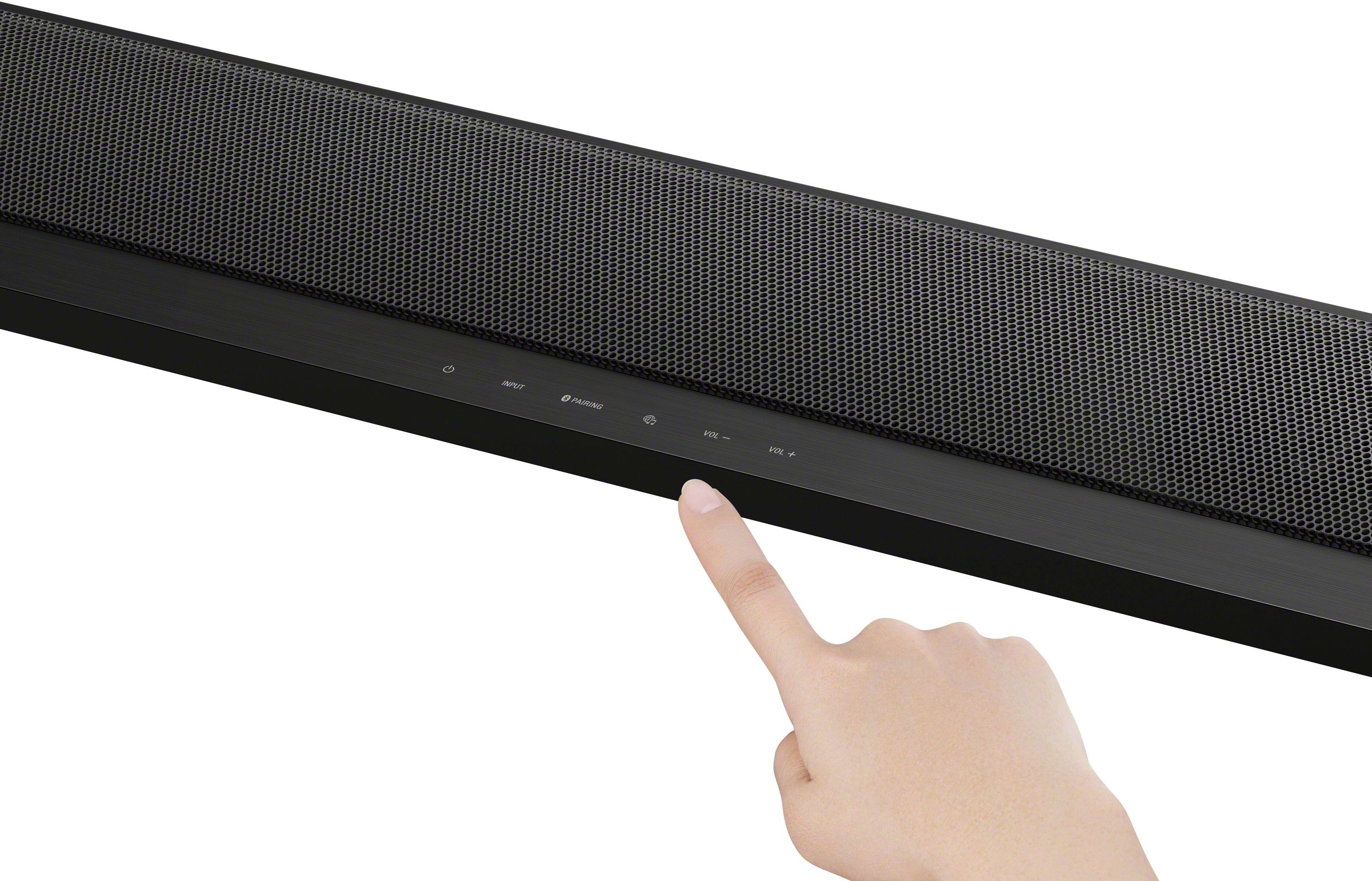
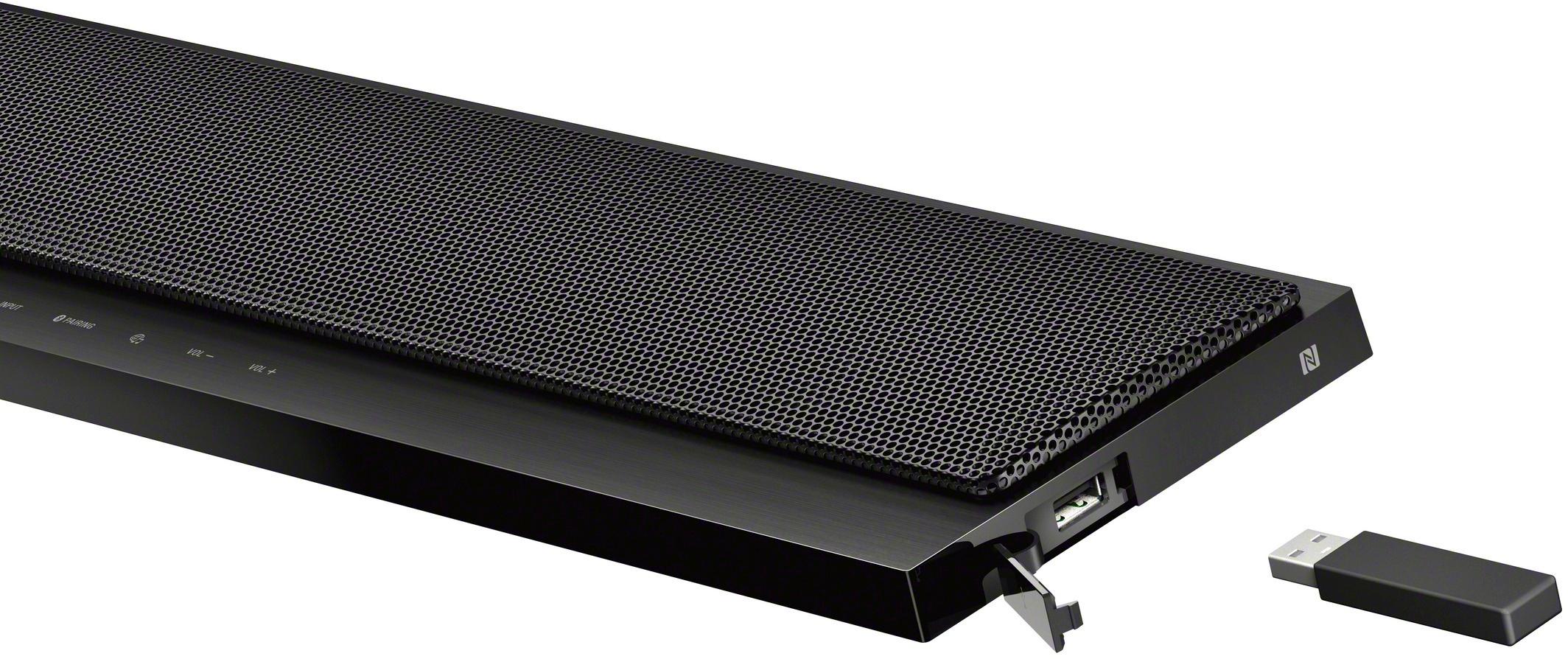
A:AnswerAccording to the HT CT-800 manual on page 45, it requires that you use an Ethernet (hard wire) connection to your LAN if you intend to use the wireless surround sound mode (I.e. wireless connection to Sony SRS ZR-5 or ZR-7 speakers) or use the multi-room wireless speaker functionality. Wireless connection from your HT-800 Soundbar to your network is not available if the wireless of the sound bar is being used to connect to the wireless surround sound speakers. In the Notes on page 45 the manual states:
"•When using the wireless surround function, the wireless LAN function is not available. Connect to the network with a wired LAN. •When using the wireless surround function, you cannot set [Bluetooth Mode] to [Transmitter] (page 57). •When using the wireless surround function, [Bluetooth Codec - LDAC] (page 58) is not available."
Sorry :(
R/
TC2
A:AnswerHi Sam, yes, you may use it as a standard soundbar without the use of a TV as your monitor. However, this operation is limited to Bluetooth connections only. You may refer to page 34 of this link for more information on how Bluetooth works on this soundbar: https://docs.sony.com/release//Manual_4687591121.pdf Thanks, -Mark
A:AnswerHi Dk, Yes, it does support 4k pass-through and HDR. You may refer to the link below for more information:
https://docs.sony.com/release//SPECS/HTCT800_mksp.pdf
~Ralph
A:AnswerHi ThatGuy, you can still stream Netflix if this soundbar is hooked up to your TV. You may use Chromecast enabled apps with this soundbar and Spotify. You may refer to page 41 of this link for steps on how to set it up: https://docs.sony.com/release//Manual_4687591121.pdf Thanks, -Mark
A:AnswerI have mine set for Dolby digital plus. The unit automatically selects the highest quality or you can override it to other available formats, if any.
A:AnswerHi rjp35, please visit the link below for more information on how to connect TV to a soundbar. Thanks! ^Ron
https://us.en.kb.sony.com/app/answers/detail/a_id/34162/p/41901,44406,92955,96645/c/65,66/kw/sound
A:AnswerNope... The only great feature missing though... BUT Atmos at this point is like 3D movies... you only see it once in a while and only audio nerds will notice the difference. I'd skip ATMOS receivers for the time being to see if the trend grows. Also if you have vaulted ceilings or stucco you might have less of bounce effect from the up firing speakers of the ATMOS soundbars. A full 7 speaker array for ATMOS is really the only way to go otherwise you're kind of wasting your time and money. Also I haven't seen a ATMOS soundbar that also does DTS-HD or any of the other DTS formats which in my opinion is a better sounding experience.
A:AnswerHi, Srfnff! We regret to hear about what happened. Please refer to this link for troubleshooting steps to help isolate the issue:
https://www.sony.com/electronics/support/home-theater-sound-bars-home-theater-systems/ht-ct800/articles/00027133
~Ralph
A:AnswerHi shywriter, You may use the SRS-HG1, SRS-ZR5, and SRS-ZR7. You may refer to this link for more information:
https://www.sony.com/electronics/support/home-theater-sound-bars-home-theater-systems/ht-ct800/articles/00154428
~Ralph
A:AnswerTry using an optical cable to connect to the TV. We had the geek squad install ours and the tech said the sound bars can go wonky with the HDMI cable. Use the HDMI to program the sound bar and use the optical cable for daily use. If this does not work, I would try contacting the Geek Squad for tips.
A:AnswerHi yoni, Yes, it can be turned on separately or automatically with your TV if your TV Control for HDMI feature. You can still watch TV without this audio system. However, you just have to manually change the sound settings of your TV from the audio system to TV speakers. This soundbar has Bluetooth feature for Bluetooth enabled devices. There are 3 HDMI ports so you can connect other devices than your TV. Thanks! ^Ron
A:AnswerJust purchased this as well with a Sony Bravia TV. I had to go to my TV sound settings and change the sound output from TV speakers to “external speakers”.