Skip to contentGo to Product Search
Main Content

Questions & Answers

$399.99
Page Showing 21-40 of 51 questions
  • QuestionCan this Sony Bravia 2 be used with Direct TV streaming?

    Asked by Tami.

    • Answer Yes when you call Direct TV and get the receiver and remote from DirectTV and pay for the service.

      Answered by Jeanne

  • QuestionDoes this tv have a good built in digital tuner for receiving regular outside antenna signals?

    Asked by Bear.

    • Answer Hi Bear, Thank you for your question! The Sony BRAVIA 2 II features a reliable built-in ATSC 1.0 digital tuner that uses 8VSB terrestrial technology to pull in free, high-definition local broadcasts like ABC, CBS, and NBC. This system is designed to provide crisp 1080i HD picture quality and gives you full access to digital sub-channels and electronic program guides, making it an excellent choice for standard antenna use. If you are interested in more advanced broadcast technology, you might want to look at the Sony BRAVIA 5 or BRAVIA 7 models. These higher-end televisions include an ATSC 3.0 tuner, also known as NextGen TV, which supports 4K Ultra HD broadcasts, improved signal stability in difficult areas, and enhanced audio features like Dolby Atmos. We hope you find this information helpful, and thanks for considering Sony! Regards, Dominick

      Answered by SonyListens

  • QuestionCan you turn off the enhanced motion feature

    Asked by Curious.

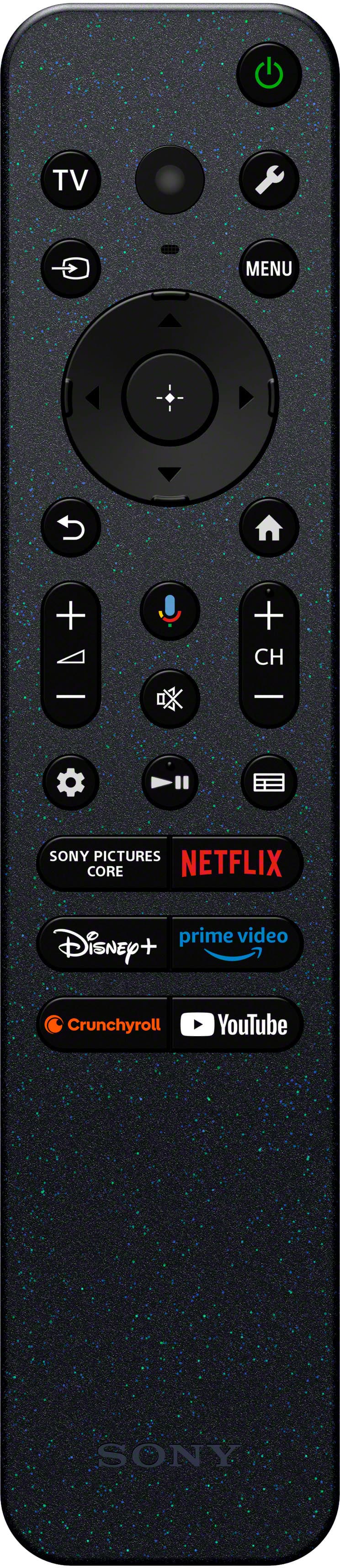
    • Answer Hi Curious, To turn off the enhanced motion feature (Motionflow) on the BRAVIA 2, you can press the Quick Settings (gear icon) button on the remote and navigate to Settings > Display & Sound > Picture > Motion. From there, you can set Motionflow to Off or adjust it to your preferred level of smoothness. Thanks for choosing Sony. Best regards, Eliab

      Answered by SonyListens

  • QuestionCan I connect a Roku strreaming device to this TV?

    Asked by Nana.

    • Answer Yes

      Answered by Epson

  • QuestionIs everything necessary for hookup included in the box?

    Asked by GR24.

    • Answer Yes

      Answered by Jeanne

  • QuestionDoes this tv connect to an Alexa

    Asked by Galvan87.

    • Answer Thank you for contacting Sony, Galvan87. We are happy to confirm that your BRAVIA 2 II 43” television does connect to Alexa! Since this TV uses Google TV™, you can easily link it to your Amazon Alexa devices (like an Echo or Echo Dot) to use voice commands to control the volume, switch inputs, power the TV on/off, and launch apps. You will need to use the Amazon Alexa app to enable the proper Sony Skill and set up the connection. We appreciate your interest in Sony products. Should you require any further assistance, please don't hesitate to reach out for support here: https://us.esupport.sony.com/support/s/support-contact?language=en_US&category=tv Best regards, Gus, Sony North America Customer Support
      Answered by SonyListens

  • QuestionIs there a size limit to the usb port? Can I plug in a 64 gb thumb drive to the usb port? Can I plug in a 1tb ssd to the usb port?

    Asked by Waysender.

    • Answer Hi Waysender, That is an excellent question! The size limit for the USB port on your Sony BRAVIA 2 II depends on how you plan to use the storage device. For playing back media—such as videos, photos, and music—the TV is capable of reading very large drives. You can absolutely plug in your 64 GB thumb drive and your 1 TB SSD to play media. The TV supports capacities up to 16 TB when the drive is formatted using the NTFS or exFAT file systems. For the best compatibility with large files like 4K video, formatting your drives to NTFS or exFAT is highly recommended. There is a separate, much smaller limit if you choose to use the drive as TV device storage to install and store apps. In this case, the usable capacity is restricted to 256 GB. If you are only using the drive to watch movies and view photos, you can safely ignore this smaller limit. We hope you find this information helpful, and thanks for considering Sony products! Regards, Dominick

      Answered by SonyListens

  • QuestionCan you add Spectrum App so you can watch Spectrum channels without having to pay extra for Spectrum Digital Box ? It’s a big savings streaming Spectrum channels rather than using Spectrum Digital Box.

    Asked by Charles.

    • Answer Hi Charles, Thank you for your question! The Spectrum app isn't available on Google TV, and since the Sony BRAVIA 2 II runs on Google TV, you won't be able to download the Spectrum app directly onto the TV. However, there is a convenient alternative. You can connect an external streaming device, such as an Amazon Fire TV Stick, Roku, or similar device to your BRAVIA 2 II. These devices support the Spectrum app, allowing you to download it directly and stream your Spectrum channels without needing a Spectrum cable box. We hope you find this information helpful, and thanks for considering Sony! Regards, Dominick

      Answered by SonyListens

  • QuestionCan you add Spectrum app to stream Spectrum Streaming channels. Asking to be able to watch Spectrum channels without having to pay for Spectrum digital box which is a big savings.

    Asked by Anonymous.

    • Answer I don’t think the Spectrum app can be added to the TV apps. However I added a Roku and installed the Spectrum app on it.

      Answered by Epson

  • QuestionDoes a cable box fit under the tv, between the stand?

    Asked by Bobbie.

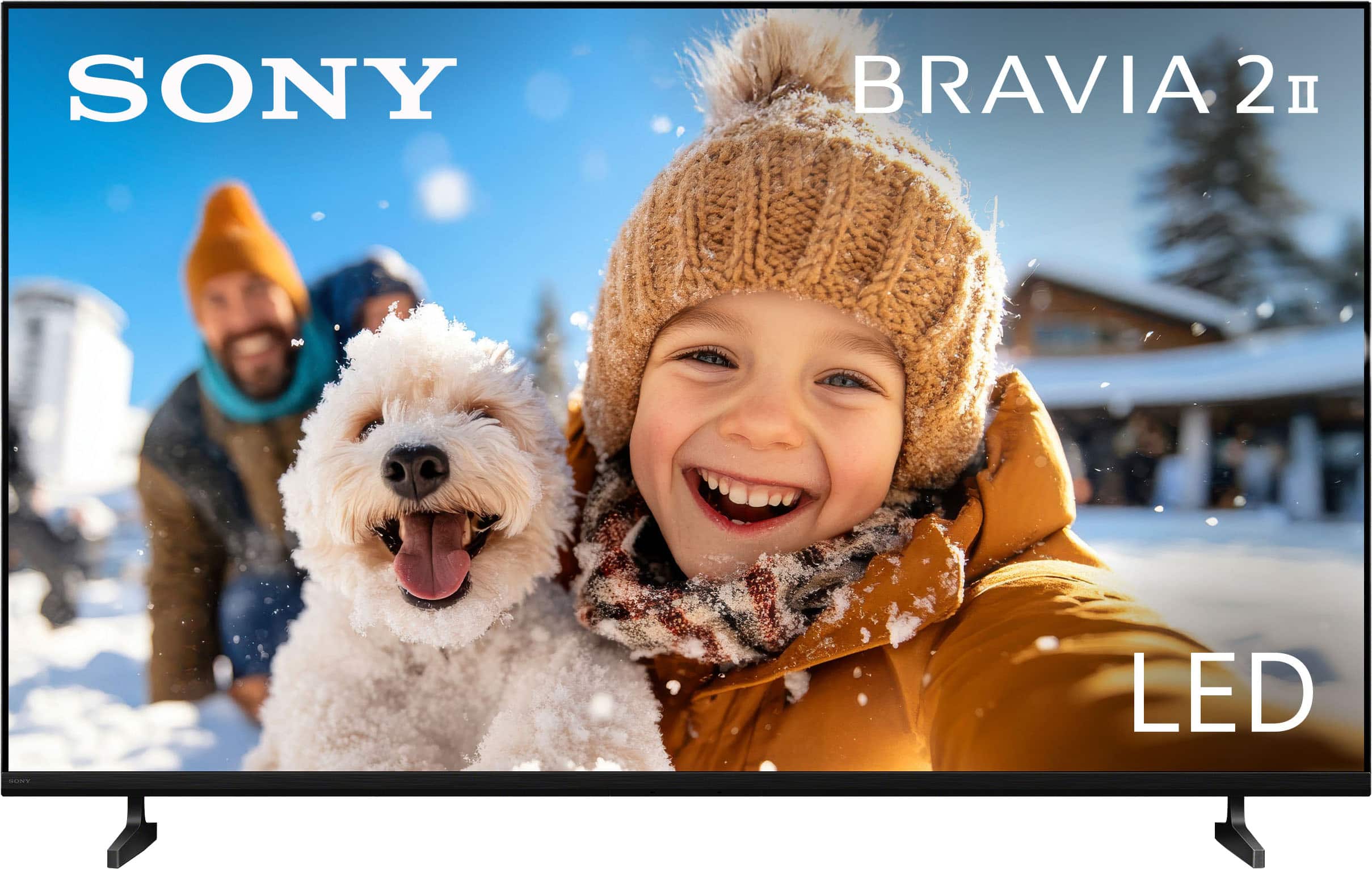
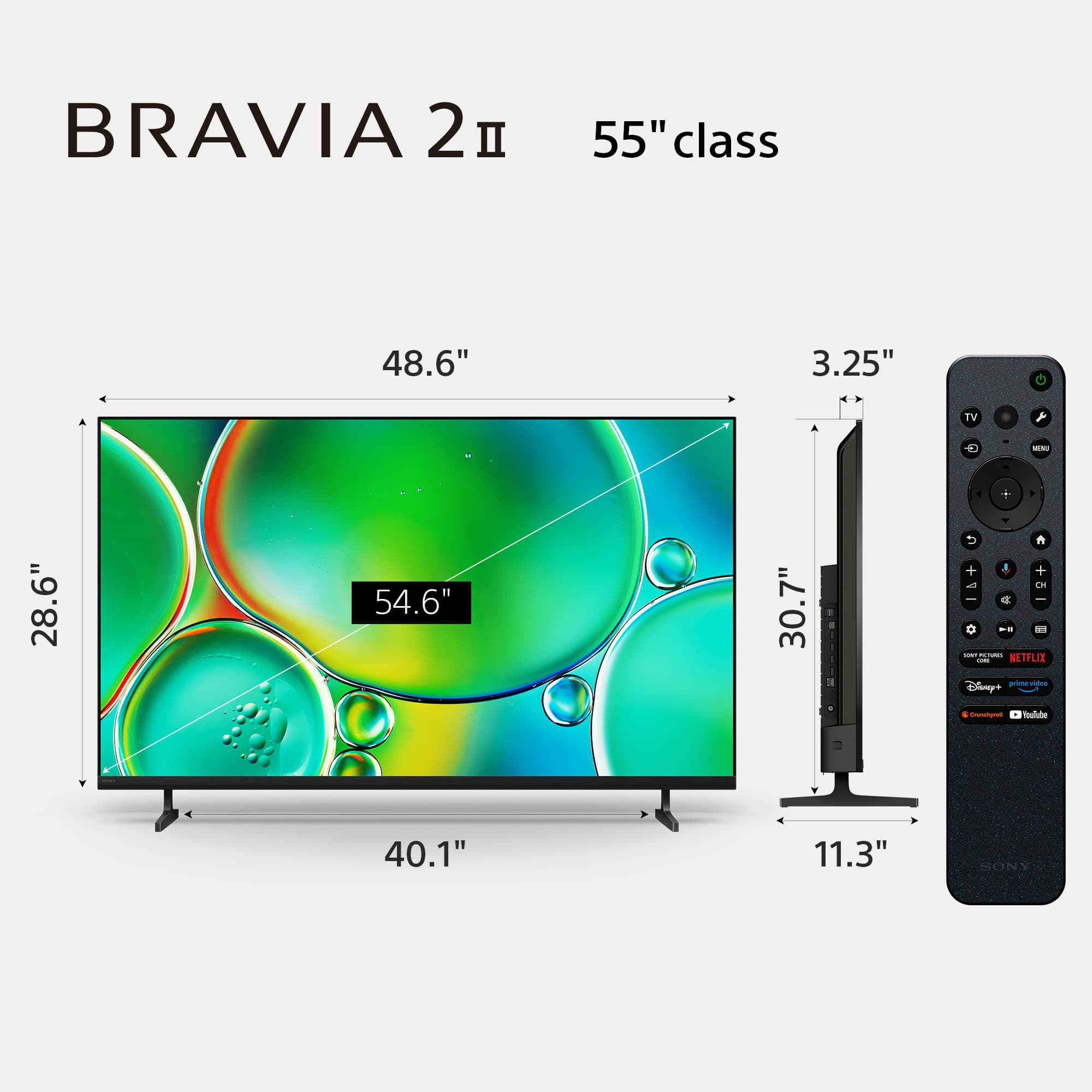
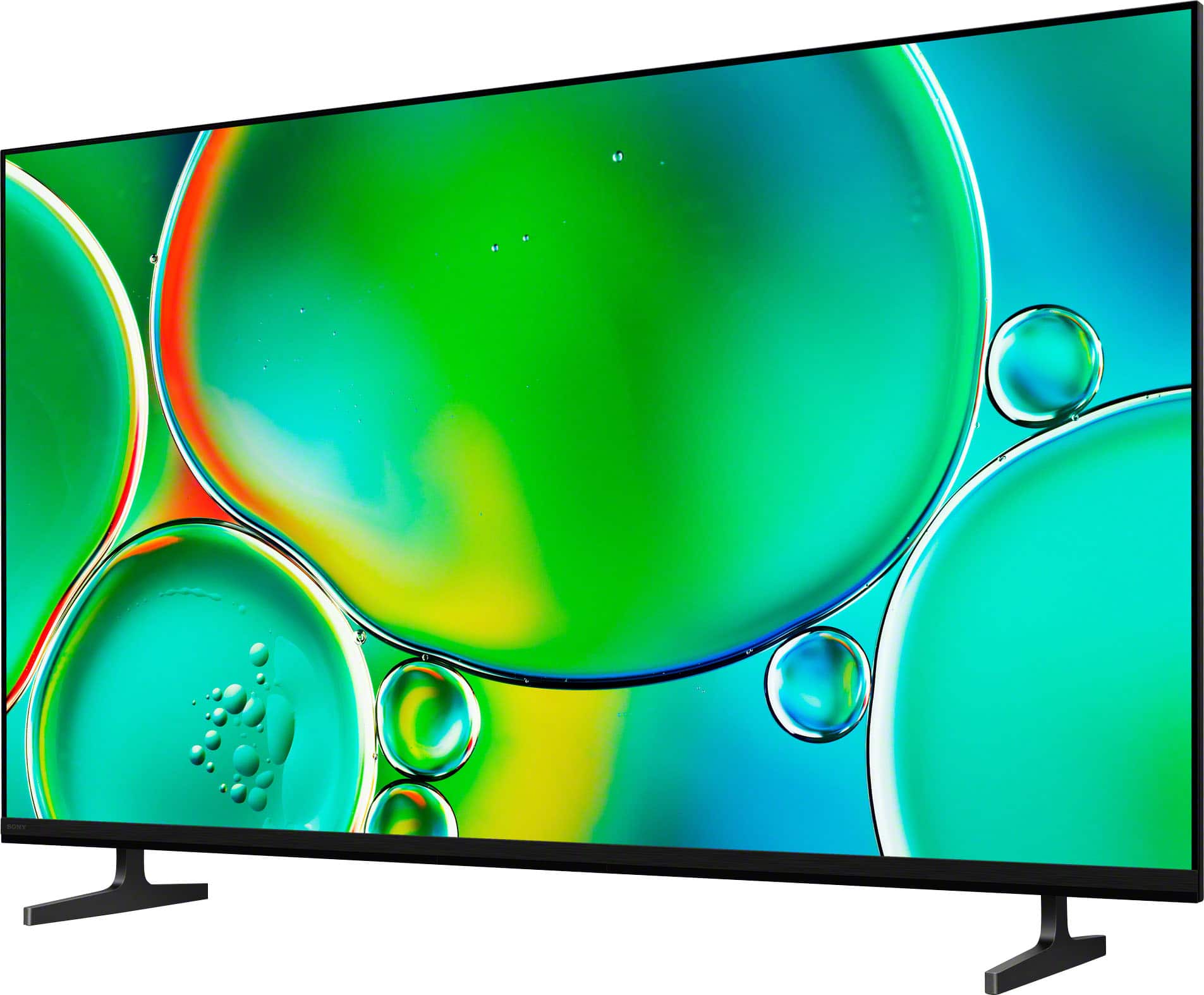
    • Answer Hi Bobbie, thanks for sending your question. We're happy to clarify that for you! The K-43S20M2 is a really slim and elegant design, but because the stand is a pair of individual feet rather than a solid center base, it creates a specific amount of space under the screen. Your cable box should be significantly less than 30.75 inches (781 mm), which is the total distance across the outside borders of the feet, to guarantee a proper match between the stand feet. More importantly, the clearance height; the vertical space between the tabletop and the TV screen's bottom edge, is roughly 2.38 inches (60mm). In order for your cable box to fit underneath, it must be shorter than that measurement. You might want to grab a quick measurement of your cable box just to be 100% sure. For additional specifications, please check this link: https://www.sony.com/electronics/support/televisions-projectors-lcd-tvs-android-/k-43s20m2/specifications We sincerely appreciate you considering a Sony product! Warm regards, Estefany

      Answered by SonyListens

  • QuestionDoes it have external audio out

    Asked by Jodi.

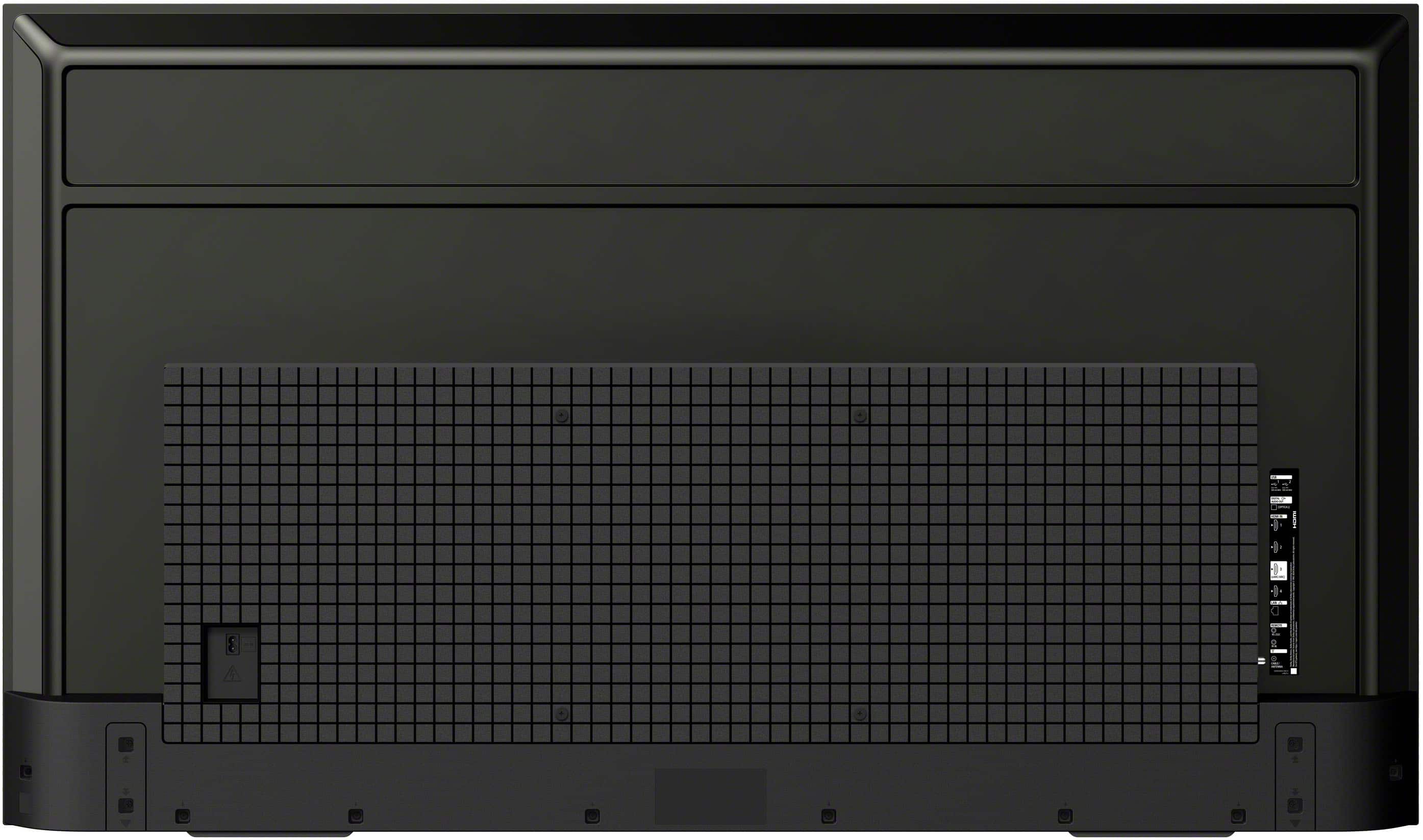
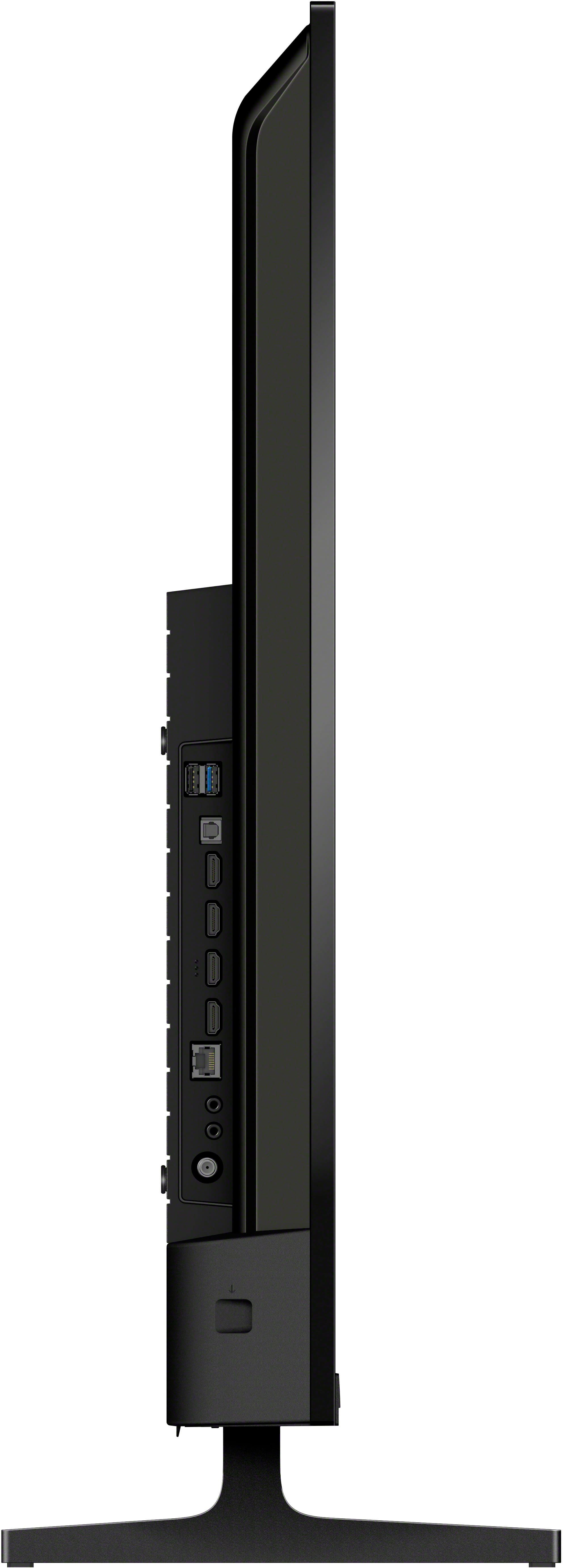
    • Answer Hi Jodi, Yes, it does. This model includes a Digital Audio Output (Optical) port and supports eARC/ARC via an HDMI port for connecting external audio devices like soundbars or receivers. Thanks for choosing Sony. Best regards, Eliab

      Answered by SonyListens

  • Questioncan you enlarge closed caption on this tv

    Asked by jayson.

    • Answer Hi jayson, Yes, you can enlarge the size of the closed captions and subtitles on your Sony 43" Class BRAVIA 2 II LED 4K UHD Smart Google TV. As this is a Google TV, you can access the accessibility settings and customize the display by pressing the Quick Settings button on your remote, navigating to Settings then System then Accessibility then Captions (or Subtitle settings), and selecting Streaming & other content (or Broadcast) to find the option for Text size and other formatting customization. Thanks for choosing Sony. Best regards, Eliab

      Answered by SonyListens

  • QuestionCan the DirecTV app be downloaded and used on this TV?

    Asked by MC.

    • Answer Hi MC, Yes, the DIRECTV App can be downloaded and used on the Sony BRAVIA 2 II television because this model runs on the Google TV operating system, and the official DIRECTV streaming application is fully available within the Google Play Store for all compatible Google TV and Android TV devices. Thank you for considering Sony products! Regards, Dominick

      Answered by SonyListens

  • Questioncan i freeze the picture on this tv so that i can take a snapshot with my camera? my old toshiba had this feature

    Asked by jay.

    • Answer Hi jay, While there is no specific "freeze frame" button for all sources, if you are using the TV to watch streaming content (like Netflix or YouTube) or content from a device connected via HDMI (like a Blu-ray player or console), you can certainly pause the content using the dedicated Pause button on your remote. This action will freeze the picture on the screen, allowing you to take your snapshot. The ability to pause is dependent on the source device/app you are using, but for most modern video content, the Pause function works reliably. Thanks for choosing Sony. Best regards, Eliab

      Answered by SonyListens

  • QuestionDoes this TV have Bluetooth capabilities?

    Asked by Sueski.

    • Answer Hello Sueski, Thank you for your interest in Sony products! To answer your question, the Sony K43S20M2 TV does support Bluetooth functionality. It comes equipped with Bluetooth version 5.3 and supports multiple profiles, including: - A2DP (for streaming stereo audio to headphones, soundbars, etc.) - AVRCP (for AV remote control) - HID (for mouse and keyboard connectivity) - HOGP (for low energy device connectivity) - SPP (Serial Port Profile) This enables you to connect a variety of wireless accessories seamlessly. For more detailed specifications, please visit: https://www.sony.com.ph/electronics/support/televisions-projectors-lcd-tvs-android-/k-43s20m2/specifications Best regards, -Fred

      Answered by SonyListens

  • QuestionDoes this tv have an ethernet/LAN port for streaming.

    Asked by Pat.

    • Answer Hello Pat, Thank you for considering Sony products! We appreciate your inquiry and are happy to assist. The Sony K-43S20M2 TV does indeed feature an Ethernet/LAN port for streaming. It supports LAN input as well as Wi-Fi 6E (Wi-Fi Certified 802.11), giving you the flexibility to connect to the internet either through a wired Ethernet cable for a stable connection or wirelessly via Wi-Fi. For more detailed specifications, please visit: https://helpguide.sony.net/tv/musltn3/v1/en-003/01_10.html Best regards, -Fred

      Answered by SonyListens

  • QuestionIs Youtube TV included?

    Asked by Anonymous.

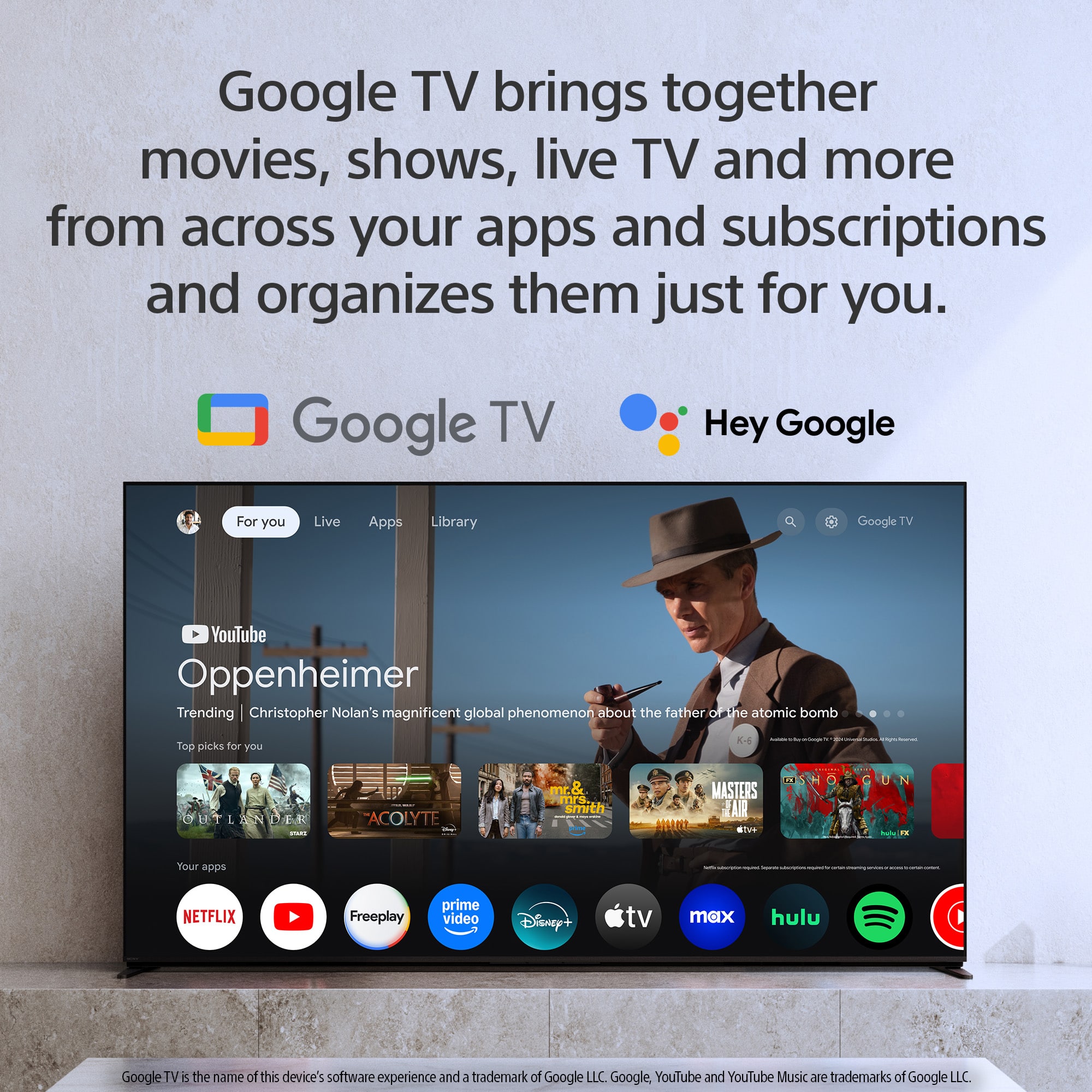
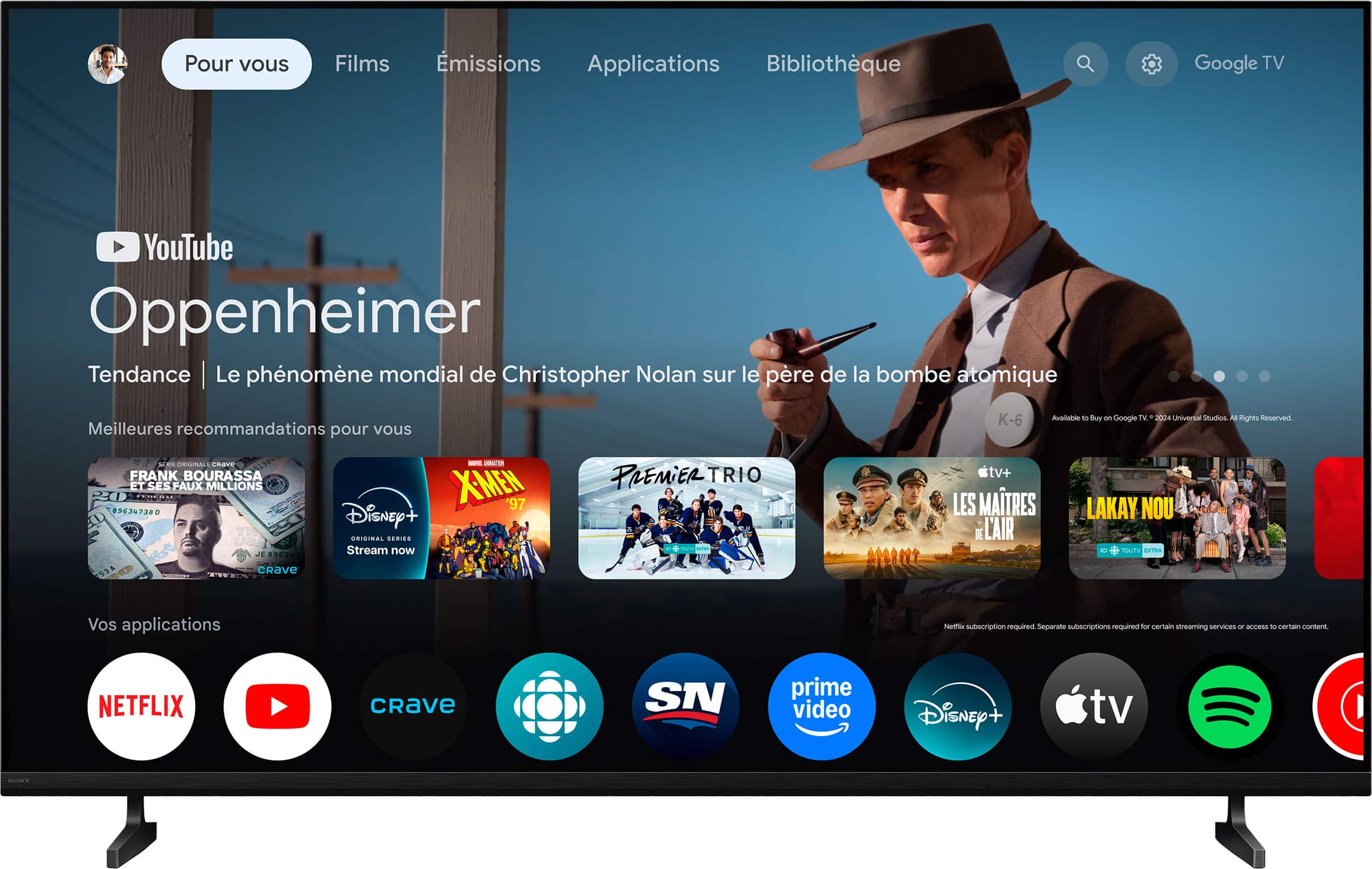
    • Answer Hello there, Thank you for considering Sony products! We appreciate your inquiry and are happy to assist. The Sony K43S20M2 TV does include the YouTube app, allowing you to stream your favorite videos directly on your television. As a BRAVIA Google TV, it also provides access to a wide range of popular streaming services such as Netflix, Prime Video, Disney+, and more. Additionally, the TV supports AirPlay 2 and Chromecast built-in, so you can easily cast content from your mobile devices to the screen. For more detailed specifications, please visit: https://www.sony.com/electronics/support/lcd-tvs-android-bravia-2-ii-s20m2-/k-43s20m2/manuals Best regards, -Fred

      Answered by SonyListens

  • Questionis the sony bravia 2 43 inch tv compatible with altafiber cable service

    Asked by terry.

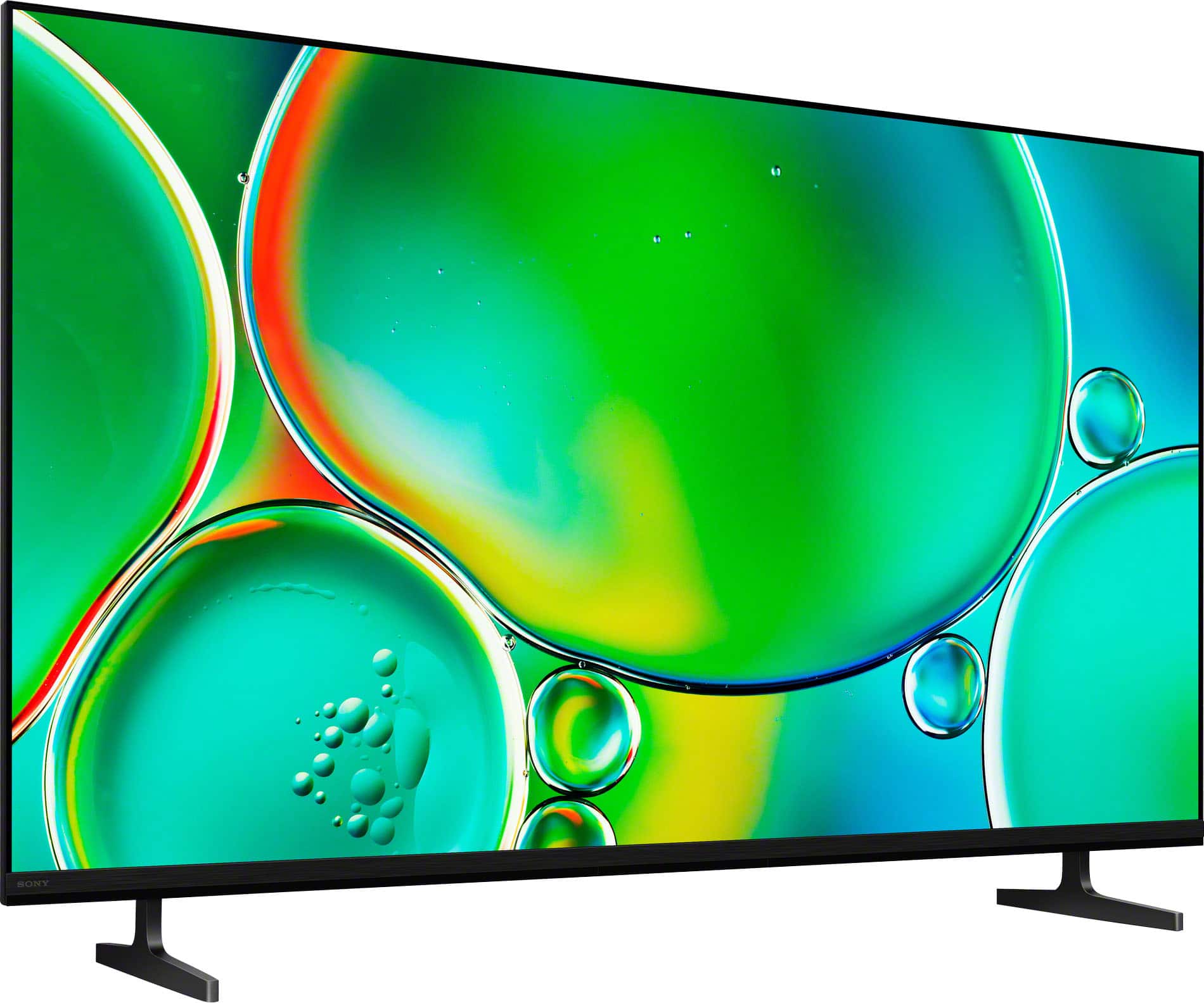
    • Answer Thank you for contacting Sony, Terry. Yes, the Sony BRAVIA 2 is fully compatible with your Altafiber cable service, assuming you are connecting via a standard cable box or set-top device. HDMI Connectivity: The BRAVIA 2 TV comes equipped with four HDMI ports, which is the universal standard for connecting modern cable boxes, set-top boxes, and streaming devices. Your Altafiber cable box will connect perfectly via an HDMI cable. Coaxial Port (Antenna/Basic Cable): The TV also includes a coaxial input if you needed to connect a traditional antenna for over-the-air broadcasts or a direct basic cable connection. In short, the TV has all the necessary ports to seamlessly integrate with your existing Altafiber setup. We appreciate your interest in Sony products. Should you require any further assistance, please don't hesitate to reach out for support here: https://us.esupport.sony.com/support/s/support-contact?language=en_US&category=tv Best regards, Gus, Sony North America Customer Support
      Answered by SonyListens

  • QuestionThe stand width illustration ( outside leg to other outside leg) says 10 inches. Is this correct ?

    Asked by Cruisemaster.

    • Answer Thank you for contacting Sony, Mike. The information you are looking for—the maximum width of the stand from the outside edge of one foot to the outside edge of the other—is not 10 inches. Correct Stand Width (Outside Edge to Outside Edge): 30.75 inches (781 mm). Stand Depth: The depth of the stand (front to back) is approximately 10.13 inches (255 mm). It seems the illustration you saw might have been confusing the stand's depth (front-to-back, which is about 10 inches) with the stand's width (side-to-side, which is about 30.75 inches). We appreciate your interest in Sony products. Should you require any further assistance, please don't hesitate to reach out for support here: https://us.esupport.sony.com/support/s/support-contact?language=en_US&category=tv Best regards, Gus, Sony North America Customer Support
      Answered by SonyListens