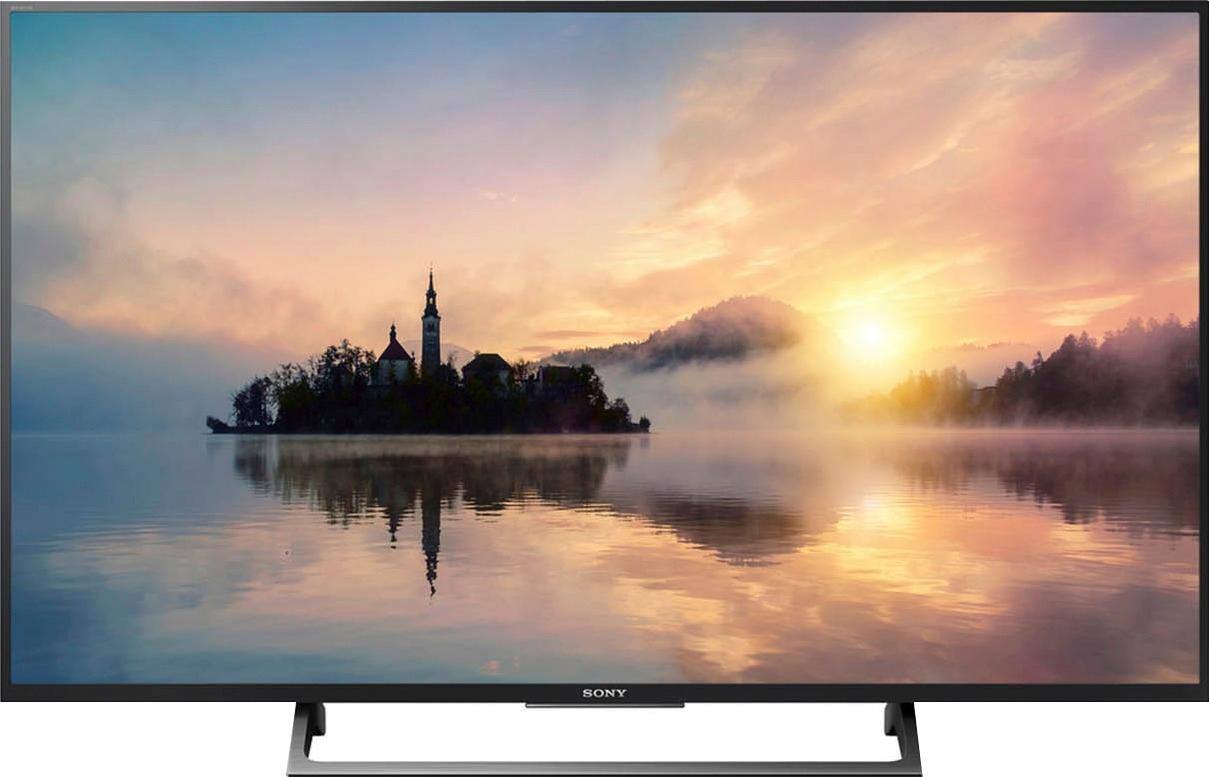
A:AnswerHi Han, No, it doesn't have a voice control function. You may refer to this link for more product information:
https://docs.sony.com/release//SPECS/KD43X720E_mksp.pdf
~Ralph
A:AnswerHi Manolo,
We only have 1 type of high-speed HDMI cable which is the gold plated. We always recommend using a high-speed HDMI cable for better picture quality experience. Check this link for more information.
https://www.sony.com/electronics/support/articles/00008465
Regards,
-David
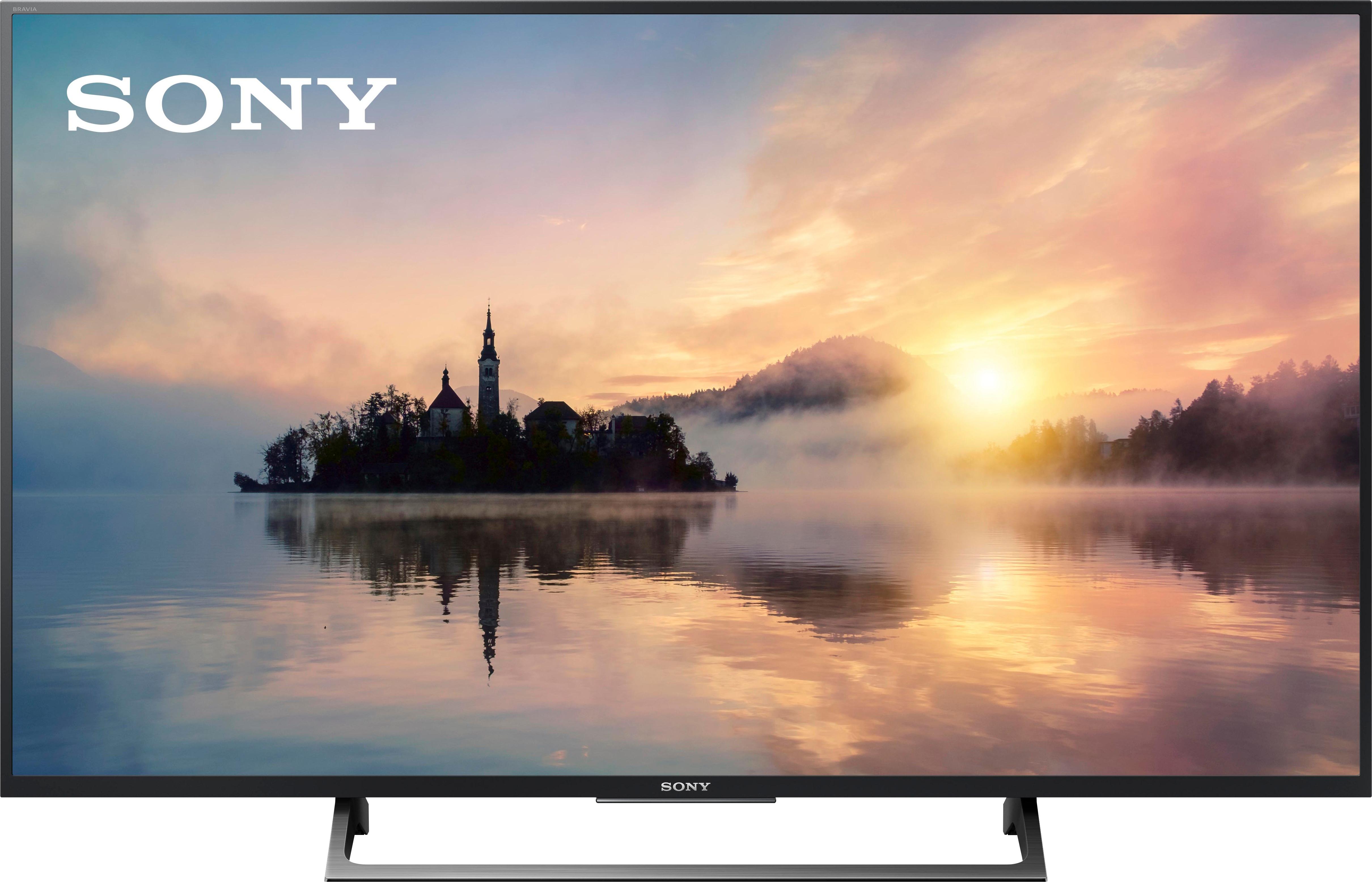
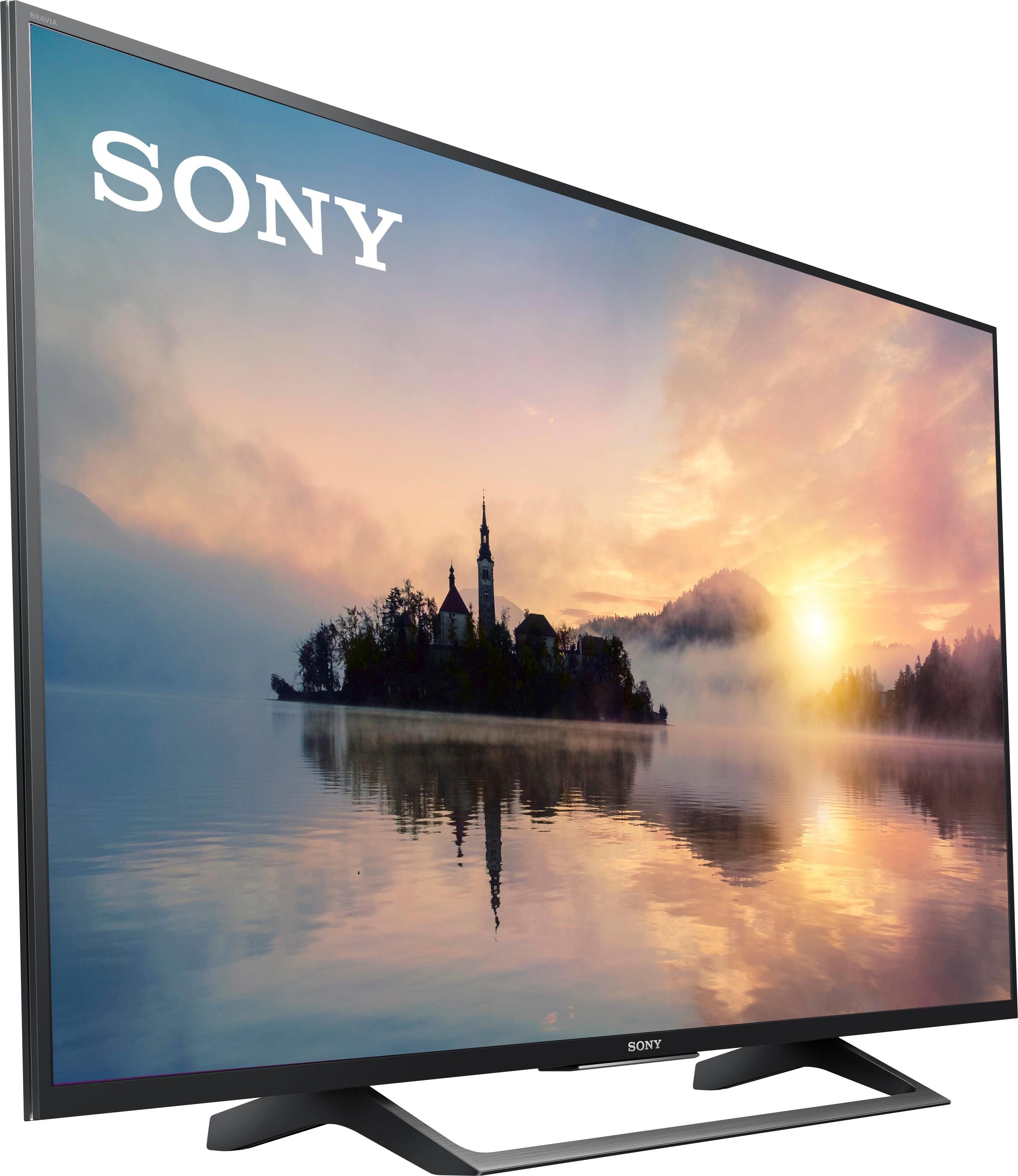
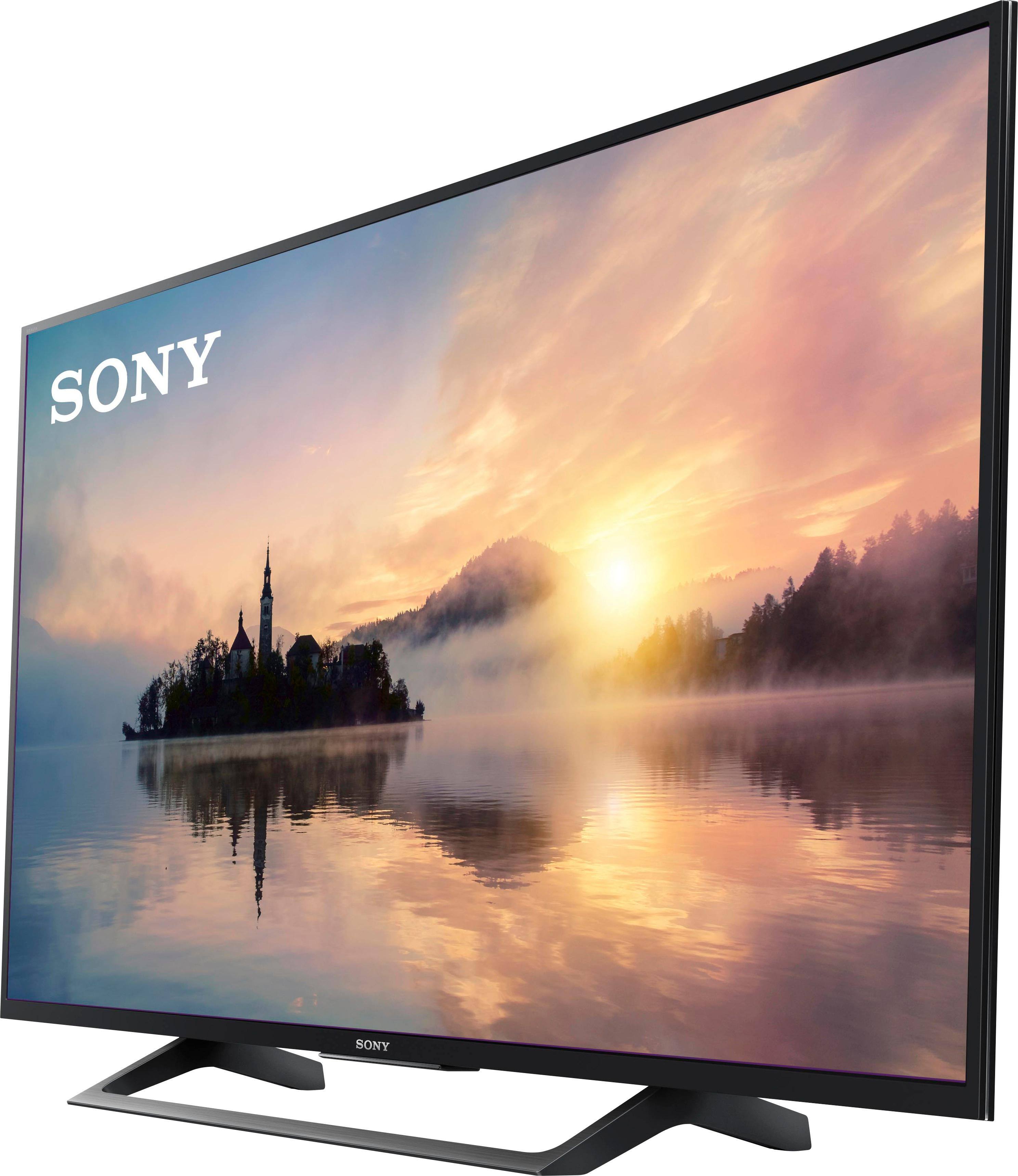
A:AnswerHi Beryl, Here are the dimensions of the TV:
TV only: 38 1/4 x 22 1/2 x 2 7/8(1/2) inches (971 x 571 x 70 (12.5) mm) (WxHxD)
TV with stand: 38 1/4 x 24 1/2 x 9 5/8 inches (971 x 620 x 242 mm) (WxHxD)
You may refer to this link for more information:
https://docs.sony.com/release//SPECS/KD43X720E_mksp.pdf
~Ralph
A:AnswerHi Beryl, Here are the dimensions of the TV:
TV only: 38 1/4 x 22 1/2 x 2 7/8(1/2) inches (971 x 571 x 70 (12.5) mm) (WxHxD)
TV with stand: 38 1/4 x 24 1/2 x 9 5/8 inches (971 x 620 x 242 mm) (WxHxD)
You may refer to this link for more information:
https://docs.sony.com/release//SPECS/KD43X720E_mksp.pdf
~Ralph
A:AnswerHi Manolo, we highly suggest visiting the link below to know more about these types of connections. I hope it helps. Regards, ^Ron
https://www.sony.com/electronics/support/articles/00032169
A:AnswerHi there! Here are the approximate dimensions of this TV:
TV only: 38 1/4 x 22 1/2 x 2 7/8(1/2) inch (971 x 571 x 70 (12.5) mm)
TV with stand: 38 1/4 x 24 1/2 x 9 5/8 inc
https://docs.sony.com/release//SPECS/KD43X720E_mksp.pdf
Regards,
Vincent
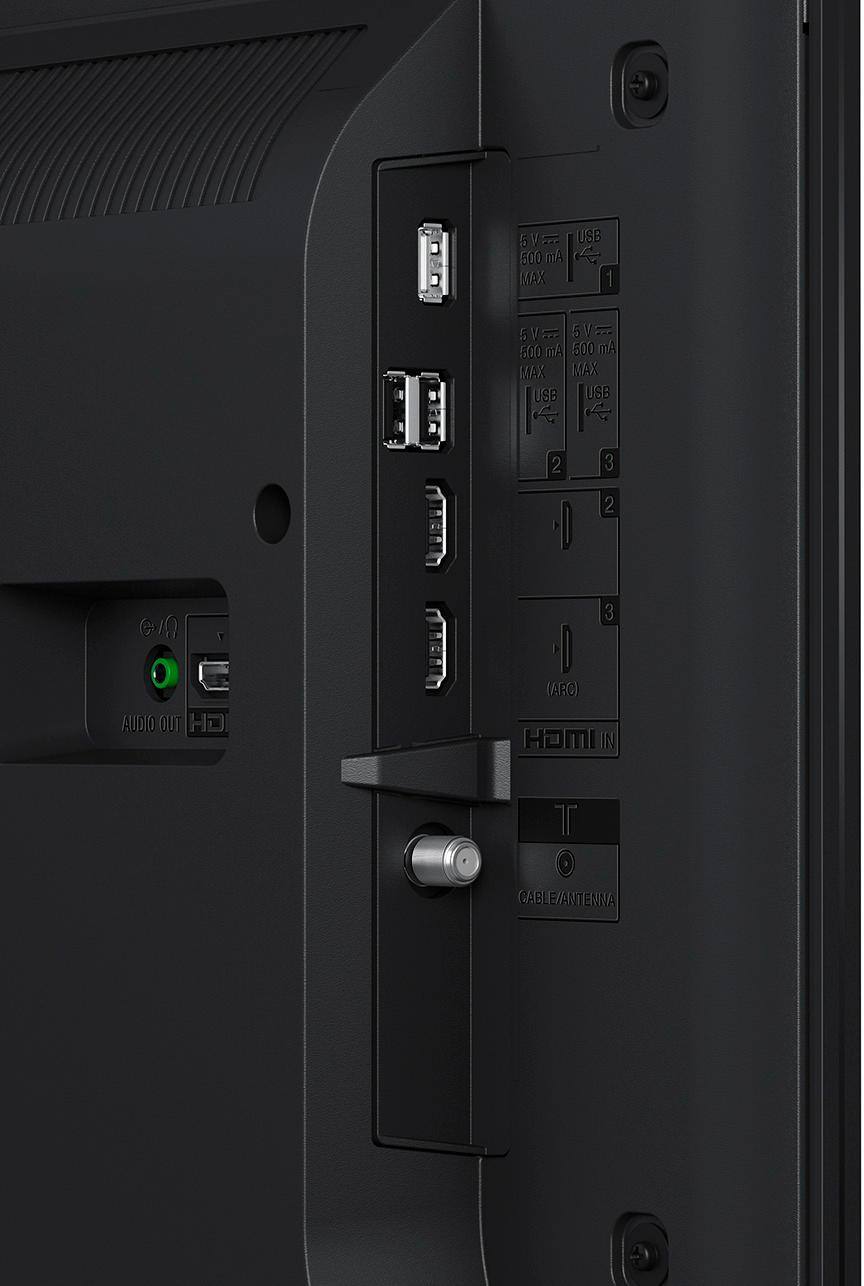
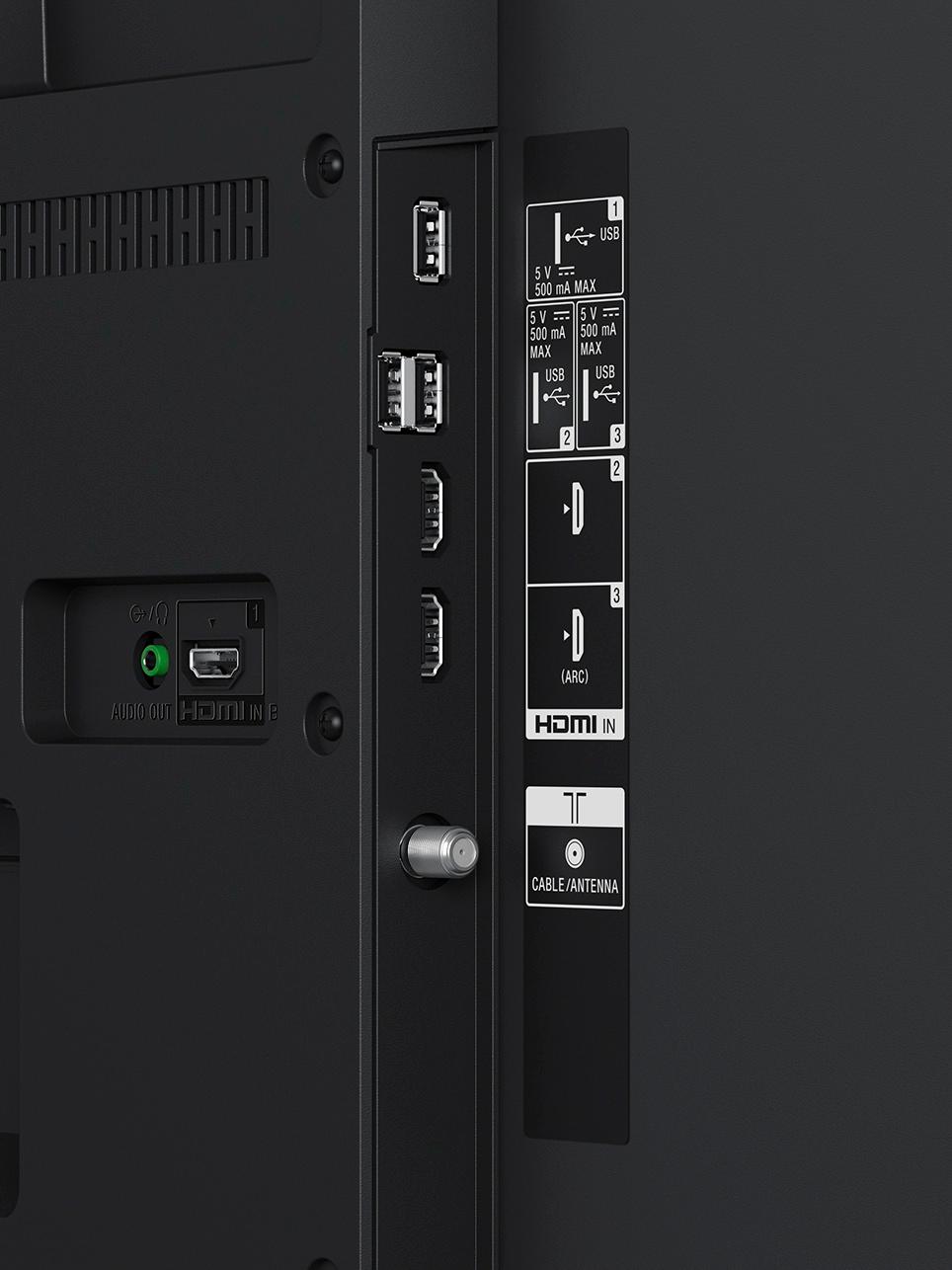
A:AnswerHi AntiqueSonyBuyer, Yes, the TV has different outputs which you can connect to a receiver. You may check on this link for more information (inputs and outputs):
https://docs.sony.com/release//SPECS/KD43X720E_mksp.pdf
~Ralph
A:AnswerHi there! Yes. This TV does have an audio / headphone output. Check out this page for more information: https://docs.sony.com/release//SPECS/KD43X720E_mksp.pdf
Regards,
Vincent
A:AnswerHi aj998, Yes, you can. Go to [Setup] settings and look for [LED Indicator]. Select [On] to light up the LED indicator. Select [Off] to disable it. I hope it helps. Thanks! ^Ron
A:AnswerHi FarmerT, The TV remote is not guaranteed to work with non-Sony products and can't be programmed. You may check with DIRECTV to see if its remote can be programmed with the TV. ~Ralph