Last-Minute SavingsLimited quantities.Shop now

Skip to content
Gift Ideas
Main Content

Questions & Answers

Your price for this item is $712.99
Clearance
The comparable value price is $749.99
Page Showing 61-80 of 249 questions
  • QuestionCan the feet/stand on the TV be rotated? For example, my mantle is only 7" deep. Can I angle the feet outward to fit on the mantle?

    Asked by stacy.

    • Answer Hi stacy, Thank you for the inquiry. Never install the TV on slippery, unstable and/or uneven surfaces, furniture that can easily be used as steps, such as a chest of drawers. Install the TV so that the TV’s Table-Top Stand does not protrude out from the Stand (not supplied). If the Table-Top Stand protrudes out from the Stand, it may cause TV set to topple over, fall down, and cause personal injury or damage to the TV. Make sure the Stand can adequately support the weight of the TV. Use two angle braces (not supplied) to secure the Stand. For each angle brace use the appropriate hardware to: Attach one side of the angle brace to the wall stud. Attach the other side to the Stand. Refer to this link on page4 for more details: https://www.sony.com/electronics/support/res/manuals/5013/e051362c10273a783b6c6115a1557a7a/50131501M.pdf I hope this helps! Jay

      Answered by SonyListens

  • Questionhow much does the sony 49 in. tv weigh?

    Asked by Anonymous.

    • Answer Hello, Thank you for inquiring about the weight of this XBR49X800H! The weight of the TV with a stand is 12.1 kg (26.7 lb) while the weight of the TV without a TV stand is 11.8 kg (25.6 lb) and the weight of the TV with the package carton is 17 kg (37.5 lb). I hope this helps! Jay

      Answered by SonyListens

  • QuestionI bought the SONY X800H last year. Once the TV was set up, TV worked nicely. Now I want to know how to activate the voice command of the TV controller?

    Asked by bungaraya.

    • Answer Hi bungaraya, Thank you for purchasing the X800H LED 4K Ultra HD (HDR) Android TV. We're very grateful for this positive feedback! This TV has a voice search function. With advanced voice control, this Android smart TV lets you enjoy movies and shows from apps or broadcast in an instant. To activate this function, please refer to the link below. Voice search function: https://www.sony.com/electronics/support/televisions-projectors-lcd-tvs-android-/xbr-49x800h/articles/00204048 How do I pair the voice command remote control to my TV? https://www.sony.com/electronics/support/televisions-projectors-lcd-tvs-android-/xbr-49x800h/articles/00171448 I hope this helps! Jay

      Answered by SonyListens

  • QuestionWhat is the width of the picture?

    Asked by Anonymous.

    • Answer Hello, Thank you for the inquiry. The width of the TV is 38 1/4 inches(970 mm). I hope this helps. Jay

      Answered by SonyListens

  • Questionwhat sound bar works best with my Sony 49z800h tv

    Asked by Anonymous.

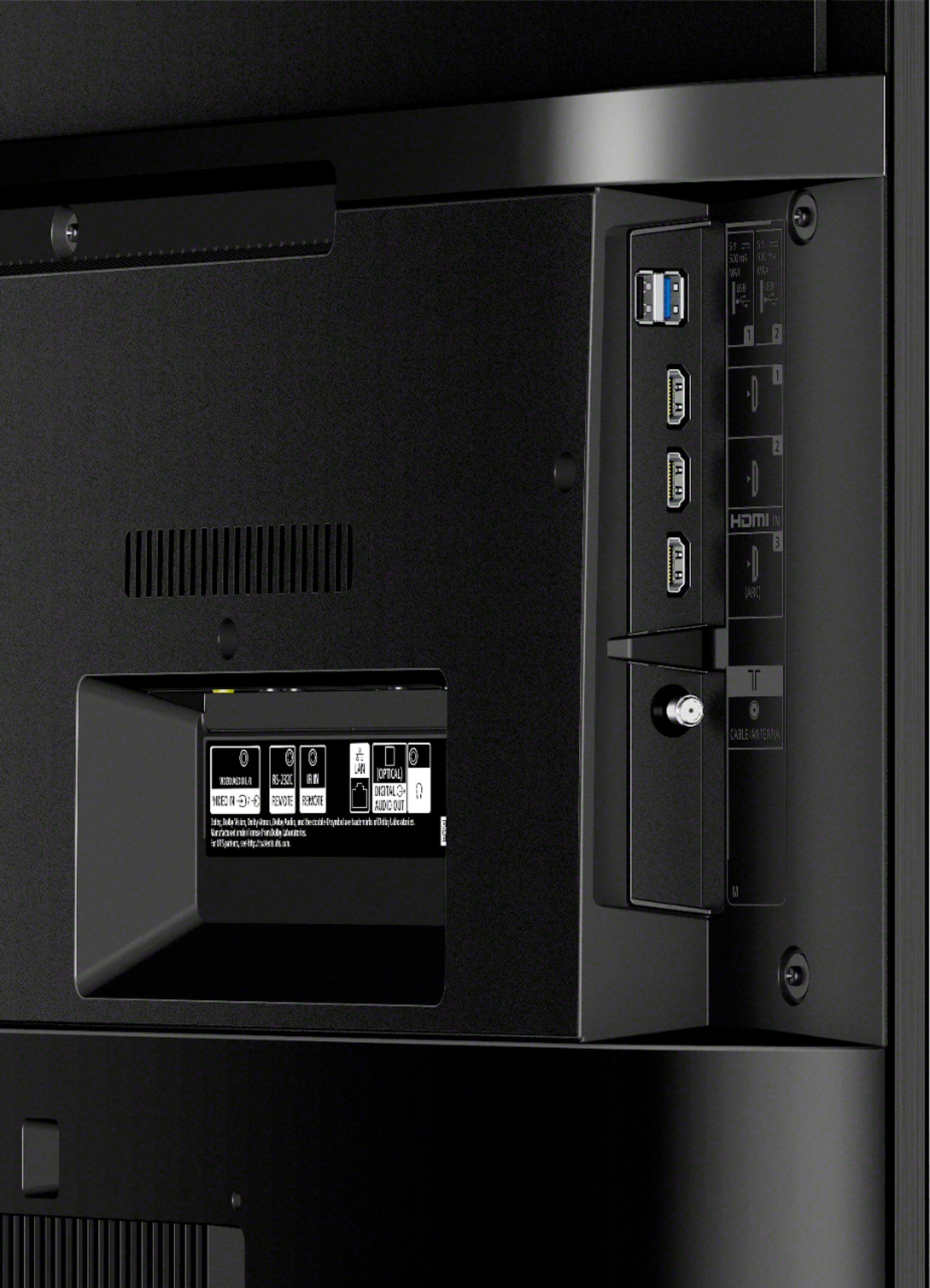
    • Answer Hello, Thank you for the inquiry. This TV works with any Soundbar that has HDMI/ARC and digital audio cable. You can connect the HT-G700 3.1ch Dolby Atmos®/DTS: X™ Soundbar. We recommend checking the manual of the TV and Soundbar for model-specific information. I hope this helps! Jay

      Answered by SonyListens

  • QuestionI purchased a open box X800H series so no manual came with it, question how do I program the TV for picking up the local channels?

    Asked by Anonymous.

    • Answer Hello, Thank you for the inquiry. This TV has operating instructions inside the box. You can connect the TV to the antenna or cable box. If you directly connect your Android TV device to an antenna, use Auto Program to scan for available channels. On the supplied remote control, press the HOME button. Select Settings. This step will vary depending on the options available in your TV menu. Follow the steps accordingly Select Channels → Channel setup. Select Watching TV → Channels → Channel setup. Select the Signal Type appropriate for your connection (antenna or cable). Select Auto Program. I hope this helps! Jay

      Answered by SonyListens

  • Questionhow many days is the EPG

    Asked by Randy.

    • Answer Hi Randy, The display of the EPG depends on the TV setup and whether the broadcast signal contains EPG data. Please check the instructions from the link below to ensure that EPG will display properly whenever data is available. https://www.sony.com/electronics/support/televisions-projectors-lcd-tvs-android-/xbr-49x800h/articles/00124784 I hope this helps! Jay

      Answered by SonyListens

  • Questioncan you pause live TV

    Asked by Randy.

    • Answer Hi Randy, thank you for your inquiry. Unfortunately, no. You will need to hook up a separate DVR to this TV to be able to pause live TV. Hope this helps! -Sam

      Answered by SonyListens

  • Questionwhat is the difference between Google and Android TVs?

    Asked by Mare.

    • Answer Hi Mare, thanks for your question! The Google TV platform on our XR TV series features a more content-focused, while the Android TV platform on our X800H and other previous TVs is more app-focused. Please reference the following link for more details: https://www.sony.com/electronics/support/televisions-projectors-lcd-tvs-android-/xbr-49x800h/articles/00200248 Happy to help! - Romeo

      Answered by SonyListens

  • QuestionWhere is the optical cable

    Asked by Anonymous.

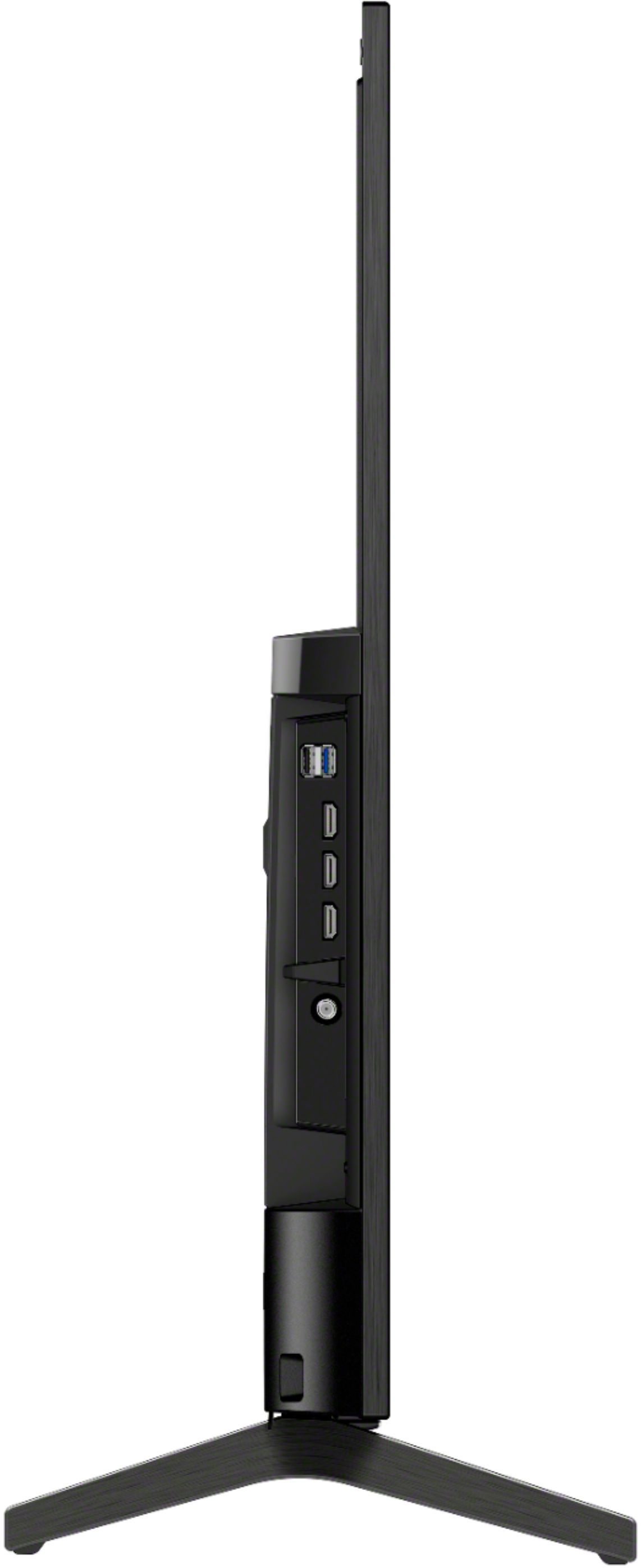
    • Answer Hi there, thank you so much for your inquiry. We are sorry, but the Optical Cable is not included in the supplied accessories (What's in the Box) of our X800H. The TV only comes with the following: • Table Top Stand •Voice Remote Control • Batteries • AC power adapter • AC Power Cord • Operating Instructions • Quick Setup Guide You may contact your dealer/seller as they do have different bundled promotions or email us at [email protected] with the following details so we can assist you on where you can purchase it: Name: BestBuy Username: Model Number: Issue: Telephone Number: Best regards, Romeo

      Answered by SonyListens

  • Questiondoes the smart feature support amazon prime? Or do I need a fire stick?

    Asked by Anonymous.

    • Answer We are able to view Prime Video programs. (Need the subscription from Amazon.)

      Answered by cmsu

  • Questionwhat is the VESA size for mounting this tv Sony smart tv and what is VESA size for a 49" LG smart tv

    Asked by Anonymous.

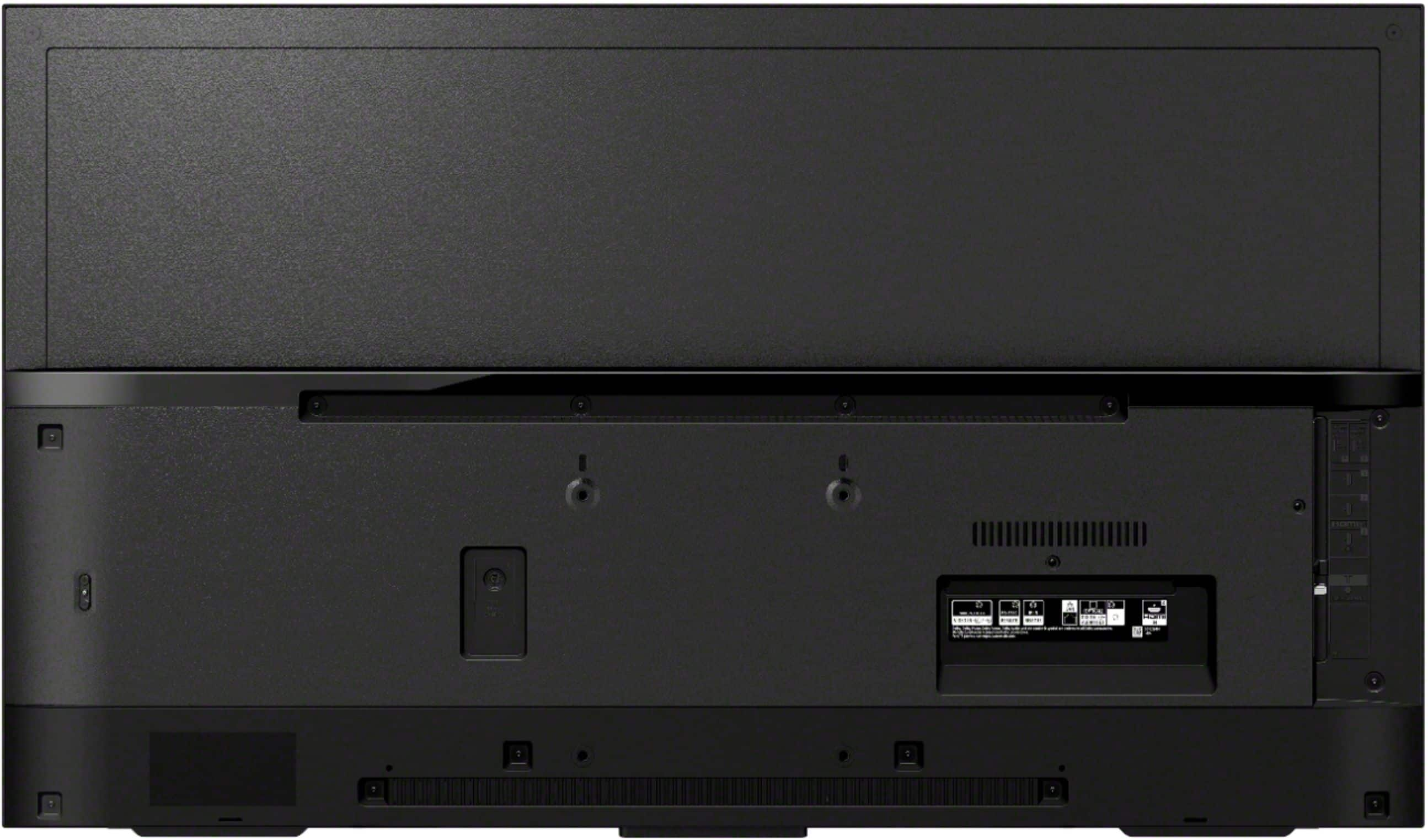
    • Answer Hieello, Thank you for the inquiry. The VESA Hole Pitch(W x H) of the XBR49X800H is 200x200 mm / 7 7/8 x 7 7/8 inches. For more details, you can check the compatible wall-mount brackets and screw hole patterns for TVs from the link below: https://www.sony.com/electronics/support/televisions-projectors-lcd-tvs-android-/xbr-49x800h/articles/00197971 I hope this helps! Jay

      Answered by SonyListens

  • QuestionCan this tv be put up on a wall? What size tv brackets?

    Asked by Tmj51.

    • Answer Hi Tmj51, thank you so much for your inquiry! Great news! Yes, this TV can be wall mounted. It does have a VESA HOLE PITCH (W x H) of 7 7/8" x 7 7/8 " (200 x 200 mm). Please visit your local retailer to find a VESA stand that meets the size of your TV, your wall or environmental requirements, and your stylistic preferences. Thank you! - Romeo

      Answered by SonyListens

  • Questionwill i have a issues with my remote control if i buy 2 of the same model tv (43" and 49" x800h) living room and bedroom.... if i stand in my living room i can control the tv in my bedroom.. question will both control affect the other tv?

    Asked by Anonymous.

    • Answer I have no problem.the remote only works in front of the tv in the same room

      Answered by Anonymous

  • QuestionIs a pedestal stand available?

    Asked by Anonymous.

    • Answer I did not see pedestal stands at my Best Buy. I use the same stand I used with a smaller VIZIO. It works well.

      Answered by Ruth

  • QuestionDoes this tv come with a sound bar?

    Asked by Mike.

    • Answer No!

      Answered by TimHoehn

  • QuestionWhat movie formats does it support playing them from a USB device? (.mpg, .mkv)?

    Asked by Les.

    • Answer Hi Les, The Android TV supports MPEG1: MPEG1/MPEG2PS: MPEG2/MPEG2TS (HDV, AVCHD): MPEG2, AVC/MP4 (XAVC S): AVC, MPEG4, HEVC/AVI: Xvid, MotionJpeg/ASF (WMV): VC1/MOV: AVC, MPEG4, MotionJpeg/MKV: Xvid, AVC, MPEG4, VP8. HEVC/WEBM: VP8/3GPP: MPEG4, AVC/MP3/ASF (WMA)/LPCM/WAV/MP4AAC/FLAC/JPEG; WEBM: VP9/AC4/ogg/AAC/ARW (Screen nail only) For more details about the supported files and formats, please check the link below: https://helpguide.sony.net/tv/husltn1/v1/en-003/04-01-03.html Thank you for the inquiry. Jay
      Answered by SonyListens

  • QuestionDoes the tv have a sleep timer?

    Asked by Abaie.

    • Answer Yes it does.

      Answered by Daniel

  • QuestionMy TV cabinet is 15" deep x 34" lg. If the legs are 21 1/2" it doesn't appear that this will work, can you buy a universal stand that can be attached to the TV like the Sony I have now/

    Asked by Bruce.

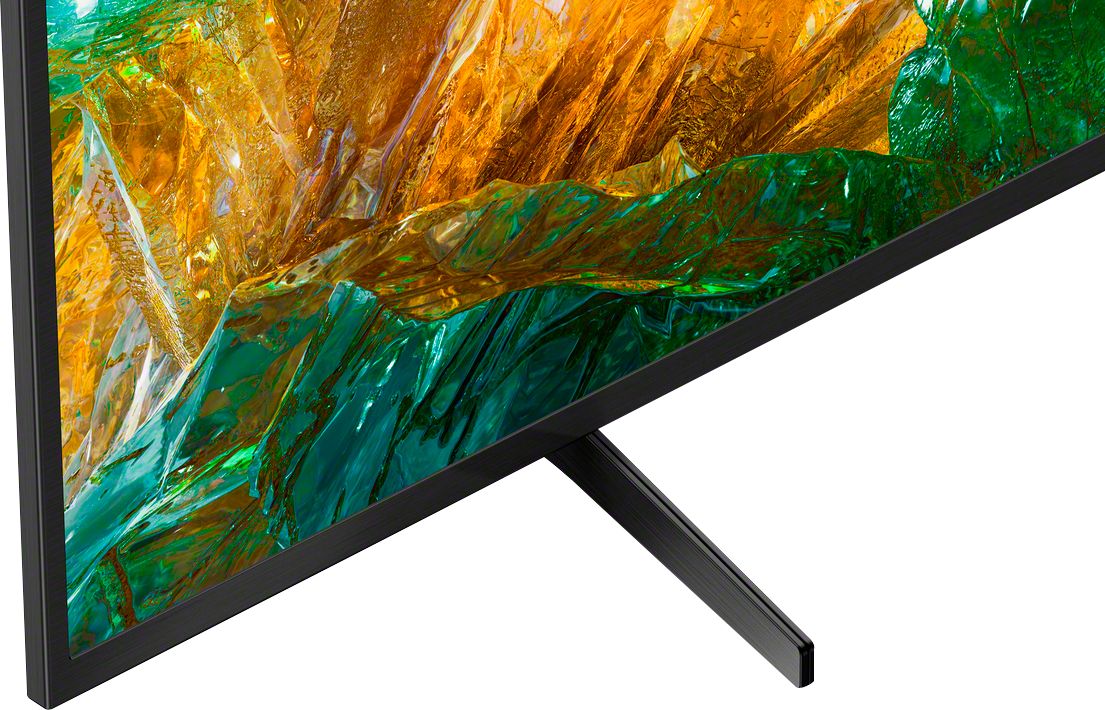
    • Answer Hi Bruce, Thank you so much for your inquiry. The measurement of the TV table-top stand of our XBR-49X800H is approximately 21 7/8 inches (554 mm) wide and 11 3/8 inches (285.5 mm) deep. This seems to be fit with your current TV cabinet. For product protection and safety, we recommend using only the provided TV stand of the 49" X800H. I hope this helps! Thanks! - Romeo

      Answered by SonyListens

  • Questionwhere is it manufactured

    Asked by frank.

    • Answer Hi frank, thanks for inquiring about the TV. Unfortunately, we cannot be sure where your individual TV would be made, as they are produced in the regions where they are sold to fulfill worldwide demand. We can tell you, that whatever location produces the X800H, it is held to the same quality standards as all Sony products. Rest assured this TV will be great! Regards, Erin

      Answered by SonyListens