Main Content

Questions & Answers

$522.50
Page Showing 1-20 of 26 questions
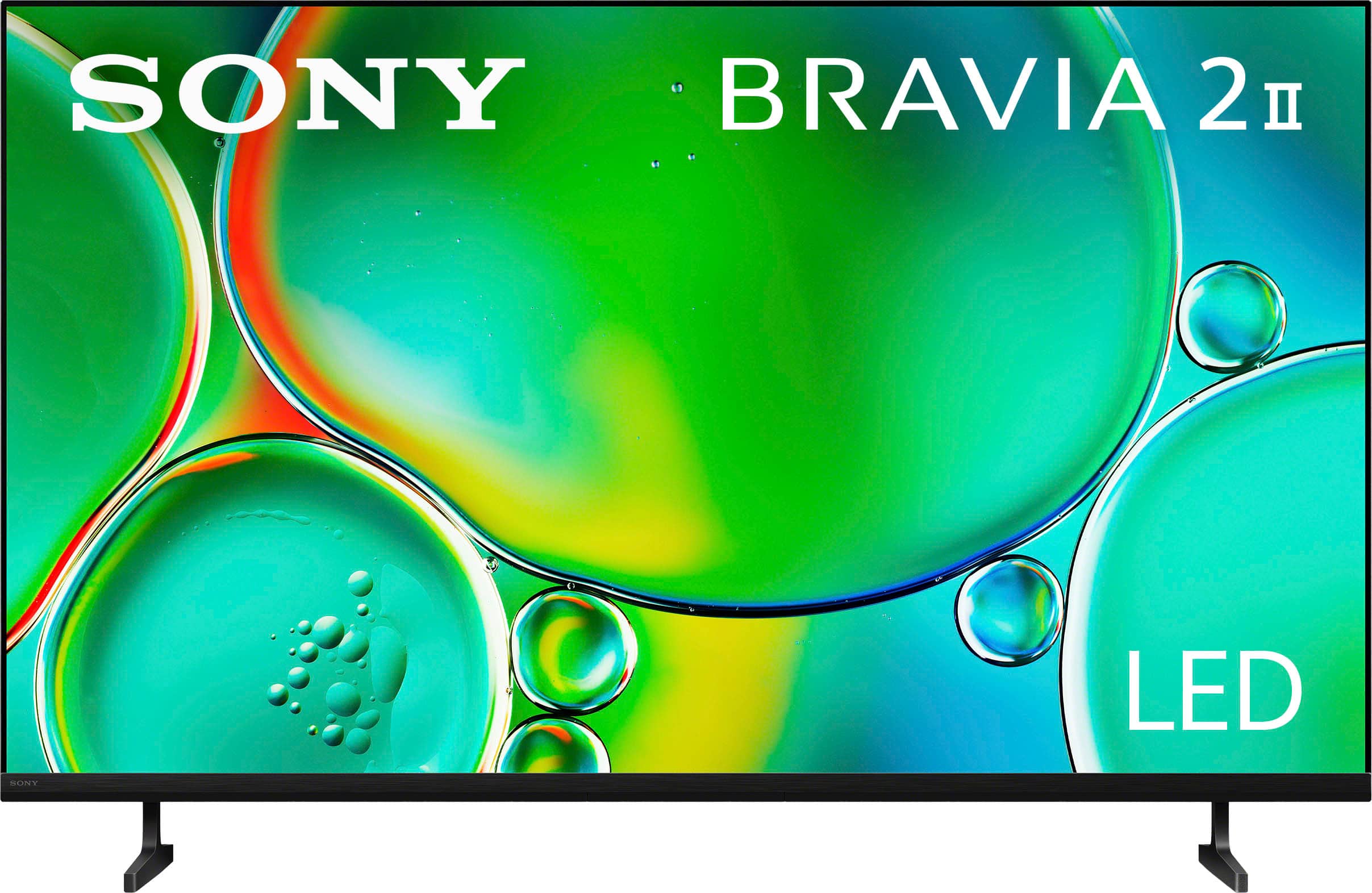
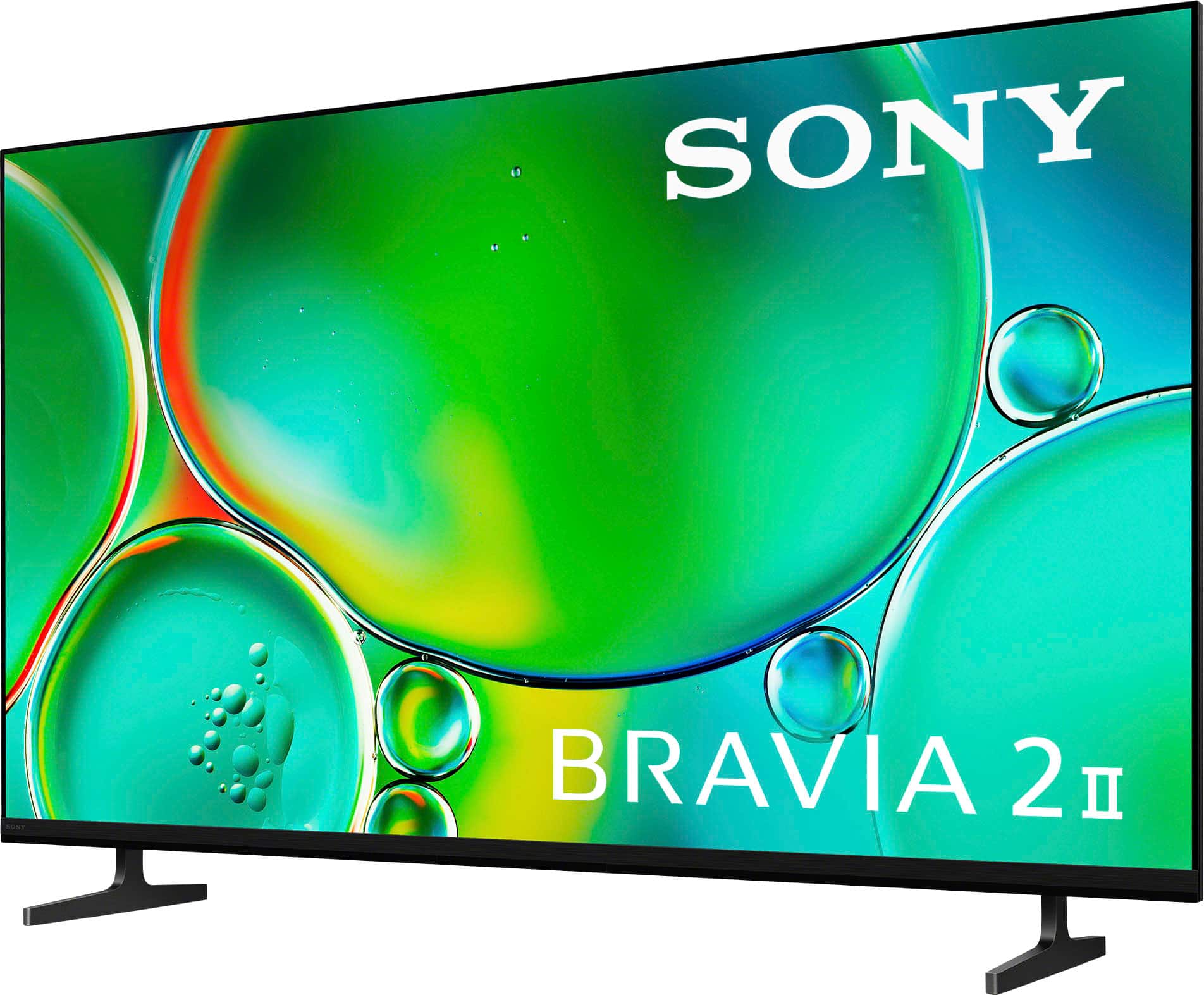
  • QuestionHow far apart are the stand legs?

    Asked by Maybemytv.

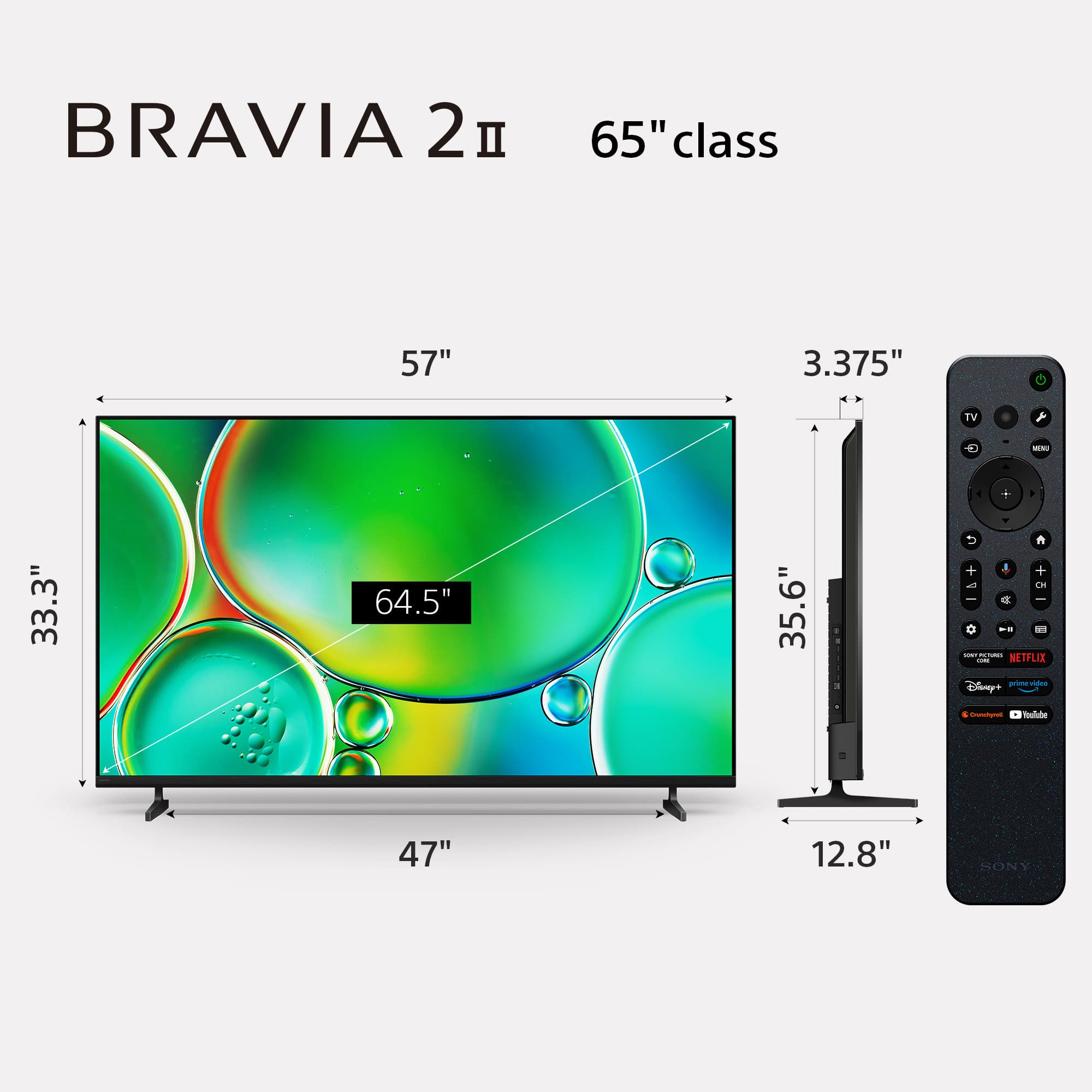
    • Answer Hi Maybemytv, Thanks for your question and your interest in Sony products! Regarding your concern, the 50" BRAVIA 2 II legs' have a distance in between of 861.9 mm (34 Inches). We hope this information comes in handy, thanks for considering Sony products. Best regards, DiegoV

      Answered by SonyListens

  • QuestionIf I want to listen to a program via headphones so as not to disturb my wife, is there a way to do that? In other words, (1) is there an audio outlet for corded headphones? (2) could I use Apple AirPods with this TV?

    Asked by JaySee.

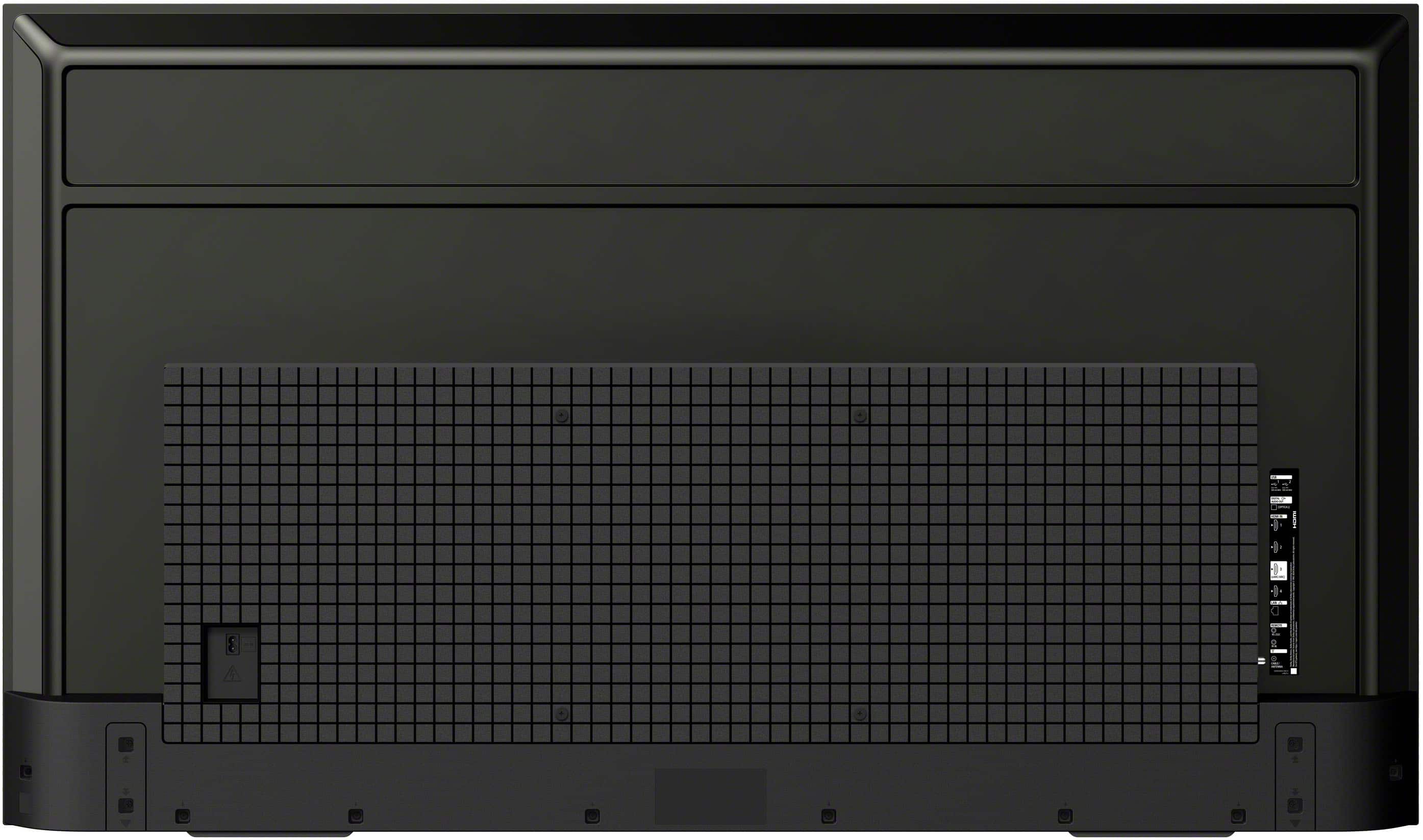
    • Answer Hello JaySee, Thank you for considering Sony products! We appreciate your inquiry about using headphones with the K50S20M2 TV and are happy to assist you. We understand how important it is to enjoy your favorite programs without disturbing your wife. While this TV doesn’t have a headphone jack for wired headphones, it does support Bluetooth audio devices, so you can easily connect wireless headphones like Apple AirPods. This way, you can enjoy your viewing experience comfortably and quietly, creating a peaceful environment for everyone at home. If you would like guidance on pairing your Bluetooth headphones with the TV, you can find helpful instructions here: https://helpguide.sony.net/tv/musltn3/v1/en-003/04-06_01.html Best regards, -Fred

      Answered by SonyListens

  • Questiondoes. This tv need cable connections other than wireless

    Asked by joe.

    • Answer Thank you for contacting Sony, Joe. No, the K-50S20M2 does not need a cable connection to function fully, beyond the power cord. The BRAVIA 2 II is a Google TV and has built-in Wi-Fi (including Wi-Fi 6E) that allows you to connect to the internet for streaming services (Netflix, YouTube, Hulu, etc.), app downloads, and updates without any network cables. Wired Internet (Optional): If you prefer a more stable connection for high-capacity 4K streaming or gaming, the TV includes a LAN/Ethernet port so you can connect it directly to your router with a network cable. To connect external devices like a cable/satellite box, Blu-ray player, or gaming console, the TV has multiple HDMI inputs and a standard RF (Antenna/Cable) input. You only need to use these if you are watching content from one of these external sources. In short, you can watch all your streaming content and use the smart features completely wirelessly. We appreciate your interest in Sony products. Should you require any further assistance, please don't hesitate to reach out for support here: https://us.esupport.sony.com/support/s/support-contact?language=en_US&category=tv Best regards, Gus, Sony North America Customer Support
      Answered by SonyListens

  • QuestionCan you use an Amazon Fire Stick with this tv?

    Asked by Dallas.

    • Answer Yes, just plug your Fire Stick in one of the HDMI slots and you're good to go!

      Answered by Aqua

  • Questiondoes it have live local channels? cloud recording of live channels and app channels?

    Asked by Anonymous.

    • Answer Thank you for contacting Sony. The BRAVIA 2 includes a built-in ATSC tuner, which allows you to access live local channels like ABC, CBS, NBC, and FOX by simply connecting an indoor or outdoor antenna to the RF input on the back of the set. While the TV itself does not have a built-in cloud DVR for recording, you can enjoy extensive recording features by downloading live streaming apps such as YouTube TV, Hulu + Live TV, or Fubo from the Google Play Store. These services provide their own integrated cloud recording for both local and app-based channels, allowing you to save your favorite shows to watch whenever you're ready. We appreciate your interest in Sony products. Should you require any further assistance, please don't hesitate to reach out for support here: https://us.esupport.sony.com/support/s/support-contact?language=en_US&category=tv Best regards, Gus, Sony North America Customer Support
      Answered by SonyListens

  • QuestionWhat sound bar is compatible with this tv?

    Asked by Bob.

    • Answer We are using the BOSE TV 5 Sound System

      Answered by TVBUYERS

  • QuestionDOES THIS TV HAVE ON AND OFF AND VOLUME BUTTON ON THE TV

    Asked by DEDEE.

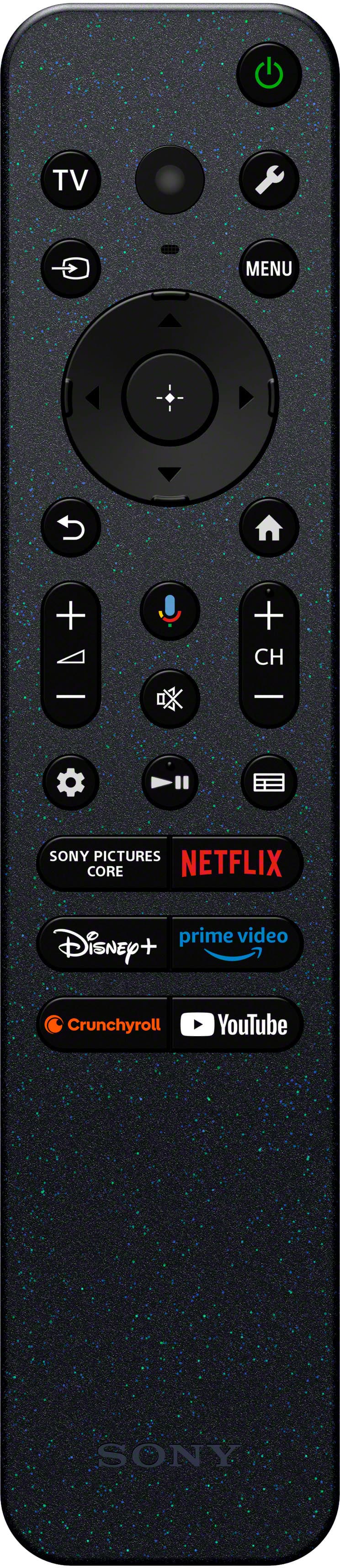
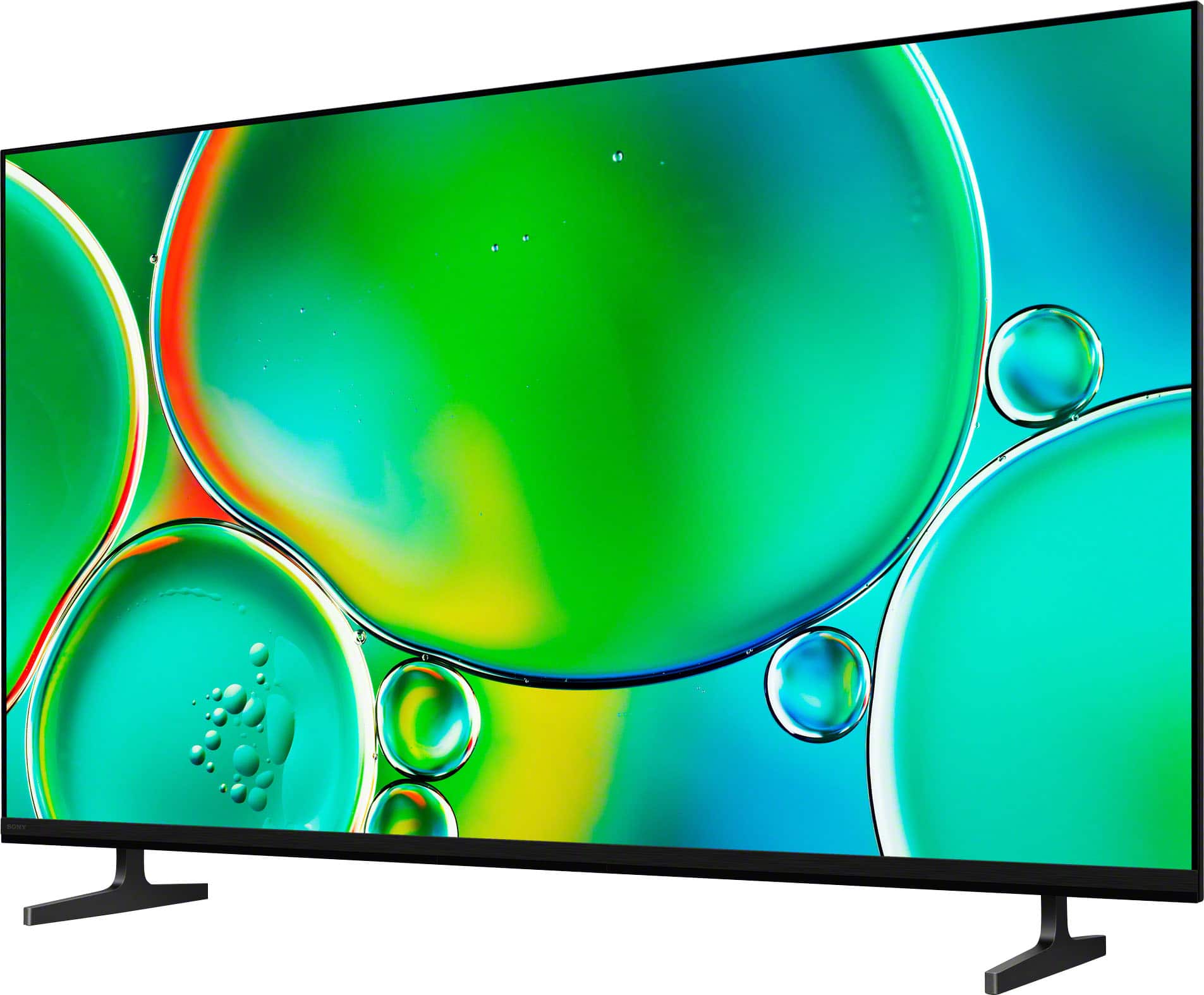
    • Answer Thank you for contacting Sony, DEDEE. There is a single multi-function button located on the bottom of the TV, usually right in the center. You can use a short press to turn the TV on or bring up an on-screen menu for volume and inputs, while a long press will turn the power off. It’s a handy backup for those times the remote isn't within reach! We appreciate your interest in Sony products. Should you require any further assistance, please don't hesitate to reach out for support here: https://us.esupport.sony.com/support/s/support-contact?language=en_US&category=tv Best regards, Gus, Sony North America Customer Support
      Answered by SonyListens

  • QuestionDoes the 50" Sony Bravia Google smart TV have a built in digital tuner for viewing OTA channels and a recording feature built in?

    Asked by WTA4.

    • Answer Thank you for contacting Sony, WTA4. The BRAVIA 2 includes a built-in digital tuner for enjoying free local OTA channels in high definition. While it doesn't have a built-in recording feature or internal DVR storage, you can easily use a third-party external DVR to record your favorite programs. We appreciate your interest in Sony products. Should you require any further assistance, please don't hesitate to reach out for support here: https://us.esupport.sony.com/support/s/support-contact?category=tv Best regards, Gus, Sony North America Customer Support

      Answered by SonyListens

  • QuestionWhat is the fresh rate?

    Asked by MichaelP.

    • Answer Thank you for contacting Sony, MichaelP. The Sony Bravia 2 has a native refresh rate of 60Hz. We appreciate your interest in Sony products. Should you require any further assistance, please don't hesitate to reach out for support here: https://us.esupport.sony.com/support/s/support-contact?language=en_US&category=tv Best regards, Gus, Sony North America Customer Support
      Answered by SonyListens

  • QuestionCan I use a vpn with this tv?

    Asked by Sony.

    • Answer Hi there! Yes, you can absolutely use a VPN with the Sony BRAVIA 2 II (K50S20M2). Since this model is a Google TV, it provides full access to the Google Play Store, where most major VPN service providers offer dedicated apps specifically optimized for the television interface. Because the TV runs on a versatile operating system, you can easily find and download your favorite VPN app directly from the store. This allows you to secure your connection or access regional content with the same ease as you would on a smartphone or tablet. Thank you for considering Sony! Regards, Dominick

      Answered by SonyListens

  • QuestionHow do I add take away my old tv to my order?

    Asked by Diane.

    • Answer my old tv is 42 in

      Answered by Anonymous

  • Questionwhat is the bolt pattern measurements on the back of the TV? I have a very well built articulating wall mount.

    Asked by Bassinbob.

    • Answer Hi Bassinbob, Thank you for your question! The Sony BRAVIA 2 II (K50S20M2) features a standard VESA® Hole Pitch of: 7 7/8" x 7 7/8" (200 x 200 mm). If you'd like to see more specifications about this model, please visit: https://www.sony.com/electronics/support/televisions-projectors-lcd-tvs-android-/k-50s20m2/specifications Thank you for considering Sony! Regards, Dominick

      Answered by SonyListens

  • QuestionCan TV be mounted directly on wall like a picture?

    Asked by MT.

    • Answer Hello MT, Thank you for considering Sony products! We appreciate your question and are here to assist you. Yes, the Sony K50S20M2 TV can be mounted directly on the wall like a picture. For optimal installation, Sony recommends using their original Wall-Mount Bracket, such as the SU-WL450. You can find detailed installation instructions in the TV's Reference Guide here: https://www.sony.com/electronics/support/res/manuals/BN08/a73a4b852cc0ba5144f7934674149e39/BN081001M.pdf. Best regards, -Fred

      Answered by SonyListens

  • QuestionDoes this TV support 6 ghz band WiFi 7 or 6E?

    Asked by Jim.

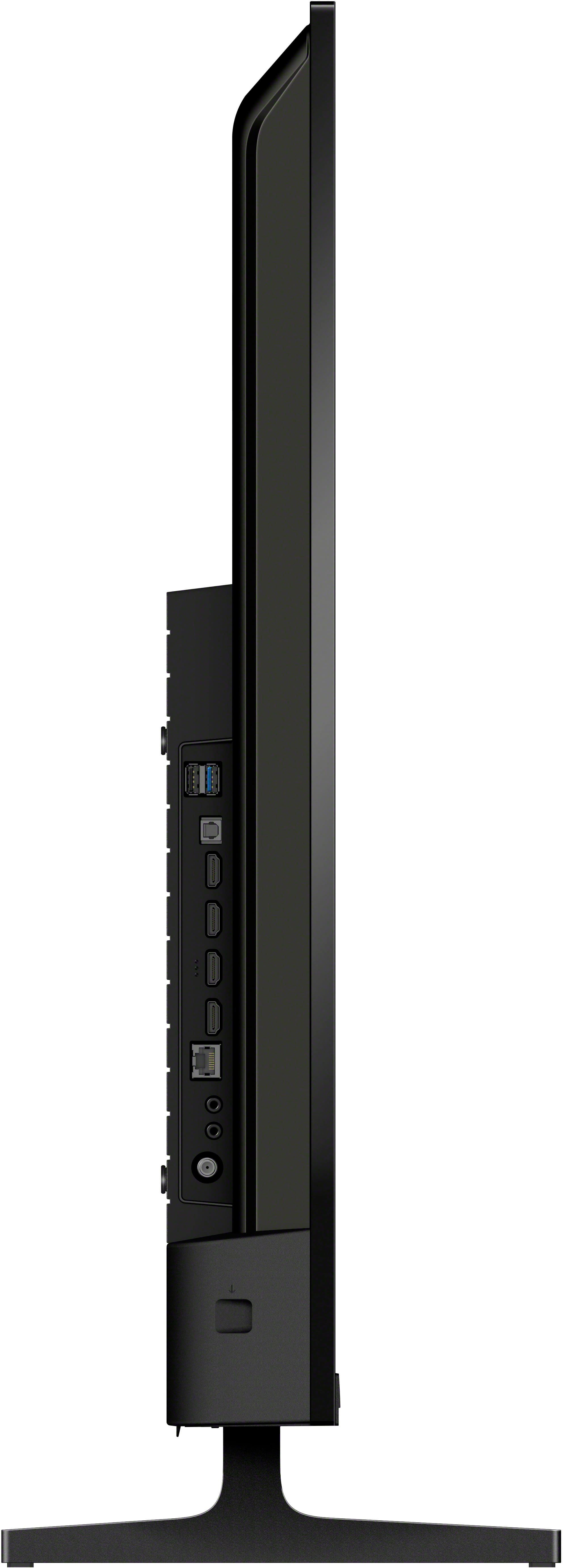
    • Answer Thank you for contacting Sony, Jim. The BRAVIA 2, 50" uses Wi-Fi Certified 802.11 Wi-Fi 6E. For a detailed list of all specifications, we suggest you check here: https://www.sony.com/electronics/support/televisions-projectors-lcd-tvs-android-/k-50s20m2/specifications We appreciate your interest in Sony products. Should you require any further assistance, please don't hesitate to reach out for support here: https://us.esupport.sony.com/support/s/support-contact?language=en_US&category=tv Best regards, Gus, Sony North America Customer Support
      Answered by SonyListens

  • QuestionCAN i PLAY SOUND FROM THE TV SPEAKERS AND AN EARC CONNECTED AUDIO DEVICE AT THE SAME TIME?

    Asked by WDSJ.

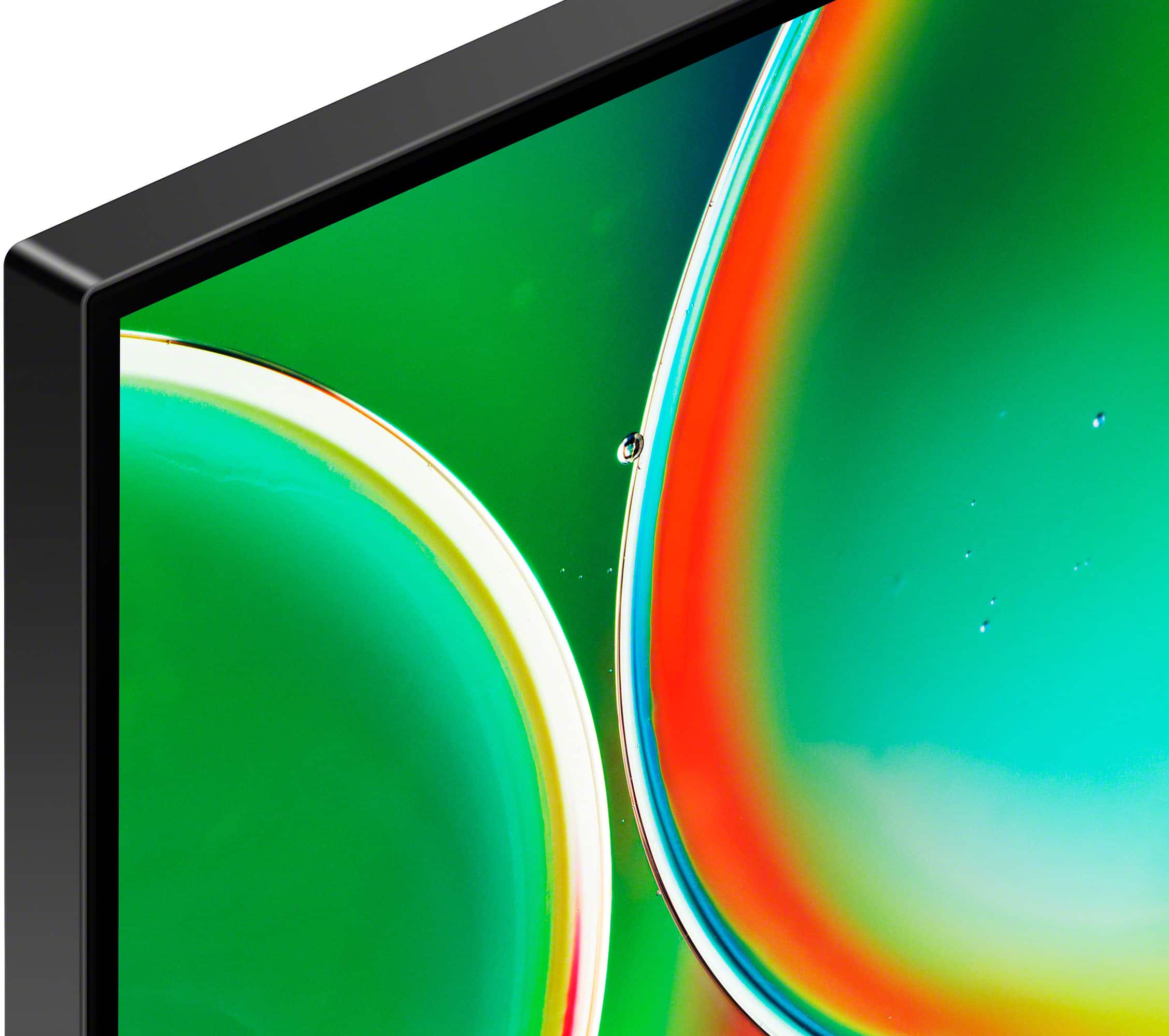
    • Answer Thank you for contacting Sony. On most Sony TVs, including your K50S20M2, you generally cannot play sound from both the TV speakers and an externally connected eARC audio device simultaneously. This is by design, as the TV prioritizes the external eARC connection for the best audio experience and usually turns off its internal speakers when an eARC device is detected. We appreciate your interest in Sony products. Should you require any further assistance, please don't hesitate to reach out for support here: https://us.esupport.sony.com/support/s/support-contact?language=en_US&category=tv Best regards, Gus, Sony North America Customer Support
      Answered by SonyListens

  • QuestionCan I have a blue ray disk with this? If yes do I need to purchase a new one?

    Asked by Anonymous.

    • Answer Thank you for contacting Sony. Yes, you can absolutely watch Blu-ray discs on this TV! Your K50S20M2 is a Smart 4K TV, but it does not have a built-in disc player. To watch your Blu-ray discs, you will need to purchase a separate Blu-ray player. You would connect the new Blu-ray player to one of the HDMI ports on the side of your television using an HDMI cable. This will allow you to enjoy the best possible picture quality on your new screen. We appreciate your interest in Sony products. Should you require any further assistance, please don't hesitate to reach out for support here: https://us.esupport.sony.com/support/s/support-contact?language=en_US&category=tv Best regards, Gus, Sony North America Customer Support
      Answered by SonyListens

  • QuestionCan the Motionflow XR feature be temporarily disabled?

    Asked by JayTV.

    • Answer Hi JayTV, Thank you for your question! Yes, you can temporarily disable the Motionflow XR feature on your Sony BRAVIA 2 II by following these steps: [Settings] — [Display & Sound] — [Picture] — [Advanced] — [Motion] — [Motionflow] — [Off]. This will turn off the Motionflow feature until you decide to enable it again. Thank you for considering Sony! Regards, Dominick

      Answered by SonyListens

  • QuestionWhat is the width of the TV? The measurement listed in the specifications seems to be wider than the width measurement for the box/packaging.

    Asked by CC.

    • Answer Just under 48inches

      Answered by billsbacker

  • Questiondoes it offer PLAY PROTECT option

    Asked by Anonymous.

    • Answer Yes, all apps on the onboard Play Store are scanned by Play Protect before you install them (it even lets you know when you install an app!)

      Answered by Aqua