Questions & Answers
- Model:
- K50S20M2
- |
- SKU:
- 12316848
Highly rated by customers for: Picture Quality, Setup Ease, Connectivity
$522.50
Page Showing 21-29 of 29 questions
Q: QuestionCan the Motionflow XR feature be temporarily disabled?
Asked by JayTV.
- A:Answer Hi JayTV, Thank you for your question! Yes, you can temporarily disable the Motionflow XR feature on your Sony BRAVIA 2 II by following these steps: [Settings] — [Display & Sound] — [Picture] — [Advanced] — [Motion] — [Motionflow] — [Off]. This will turn off the Motionflow feature until you decide to enable it again. Thank you for considering Sony! Regards, Dominick
Answered by SonyListens
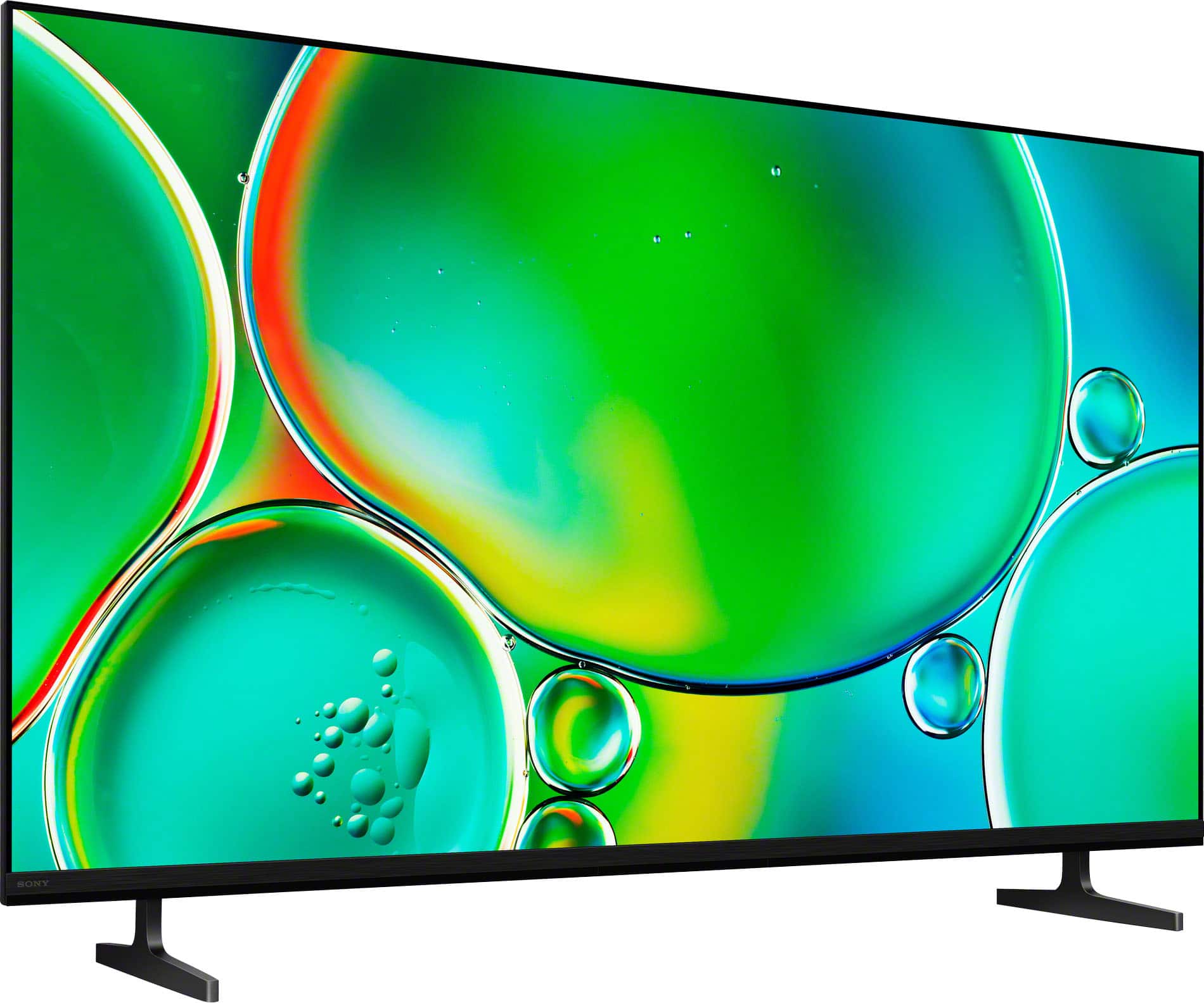
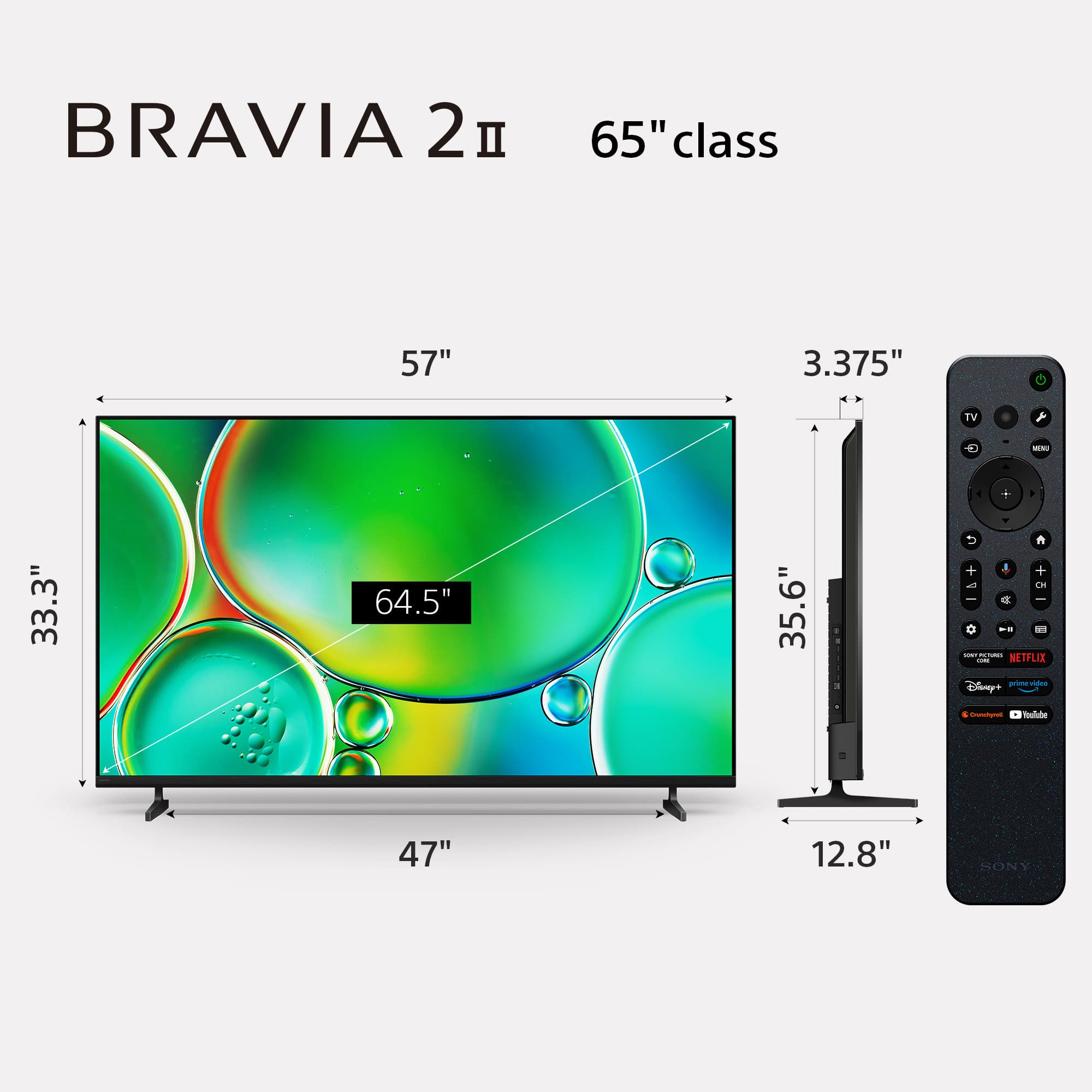
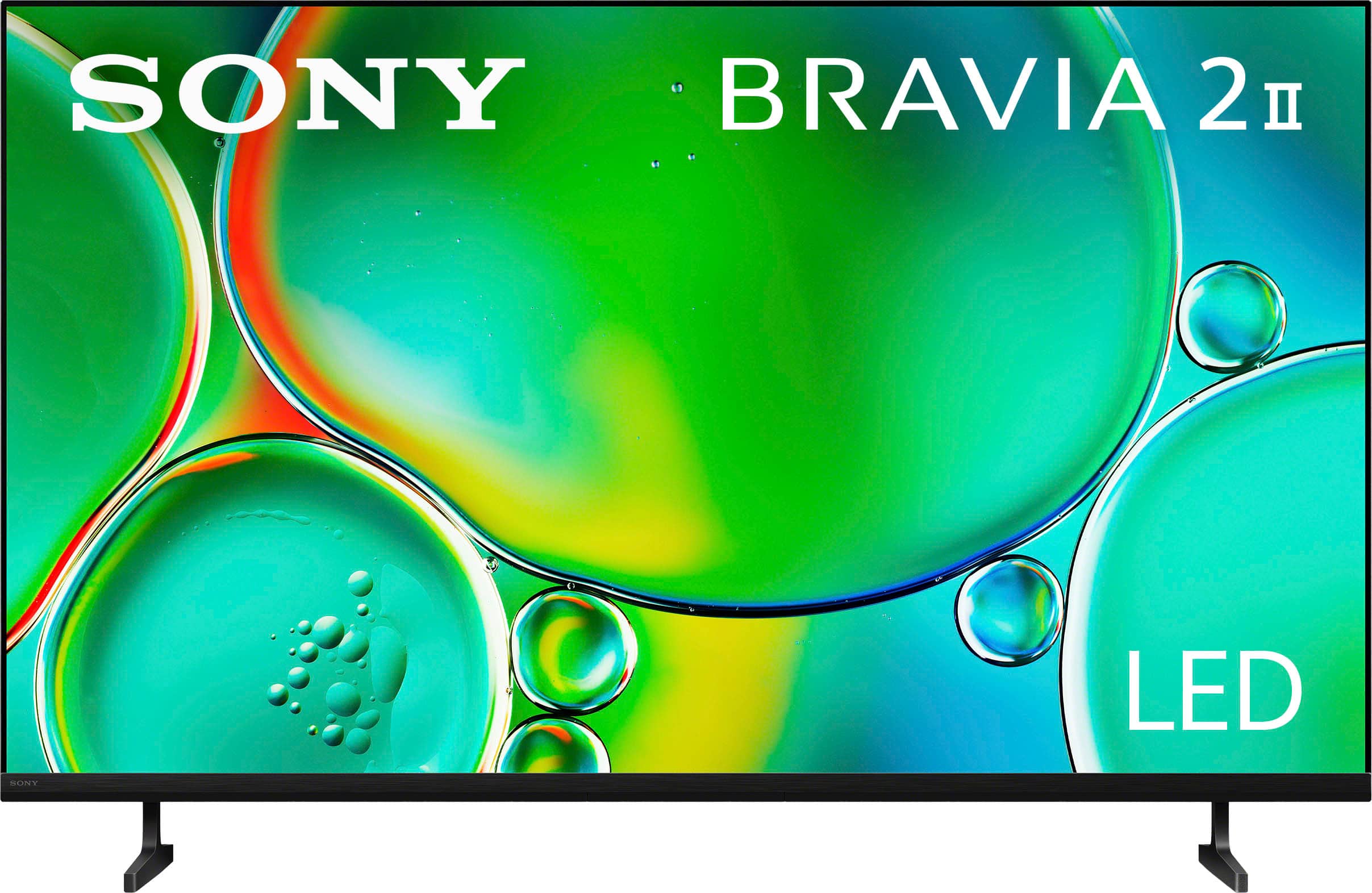
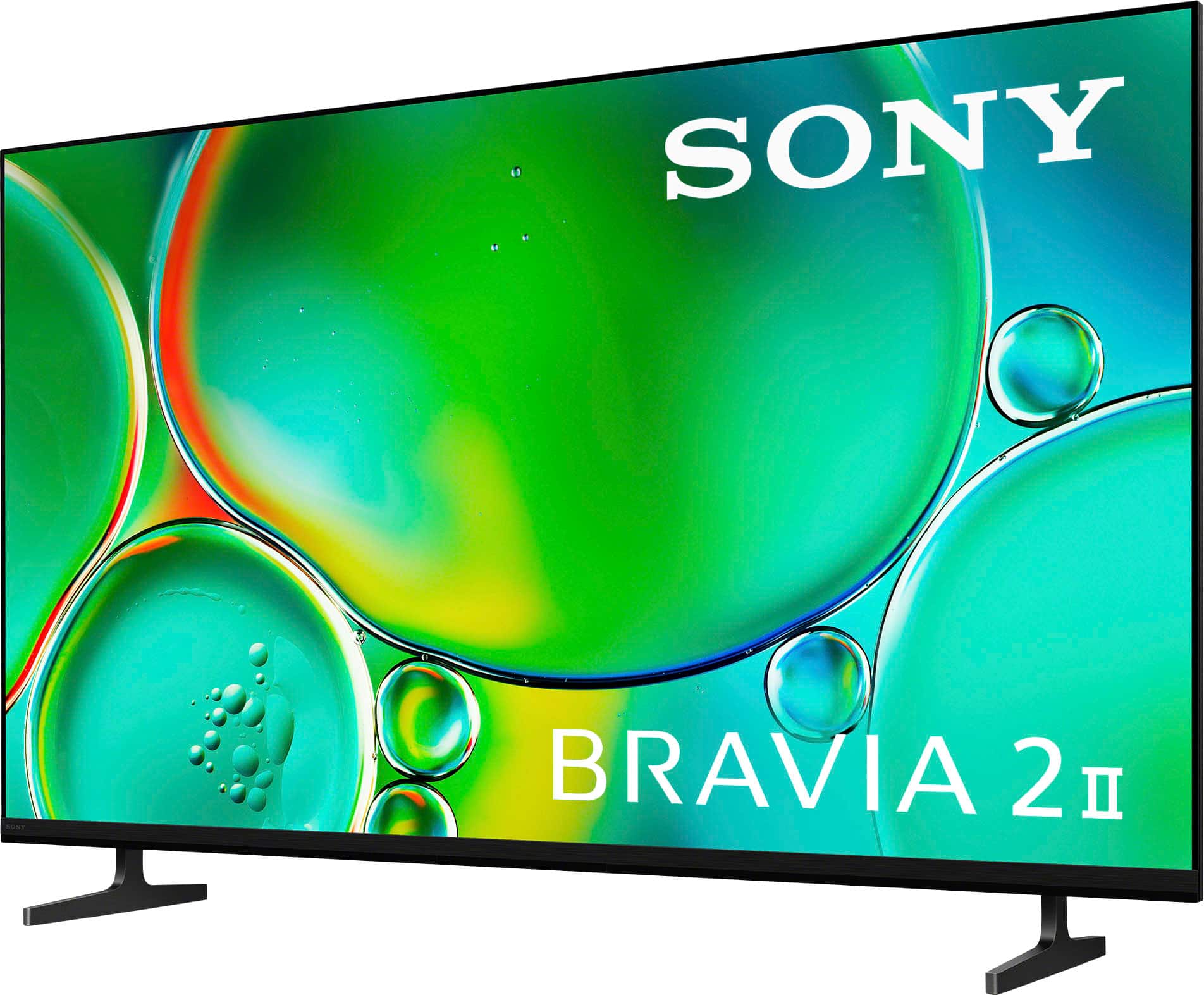
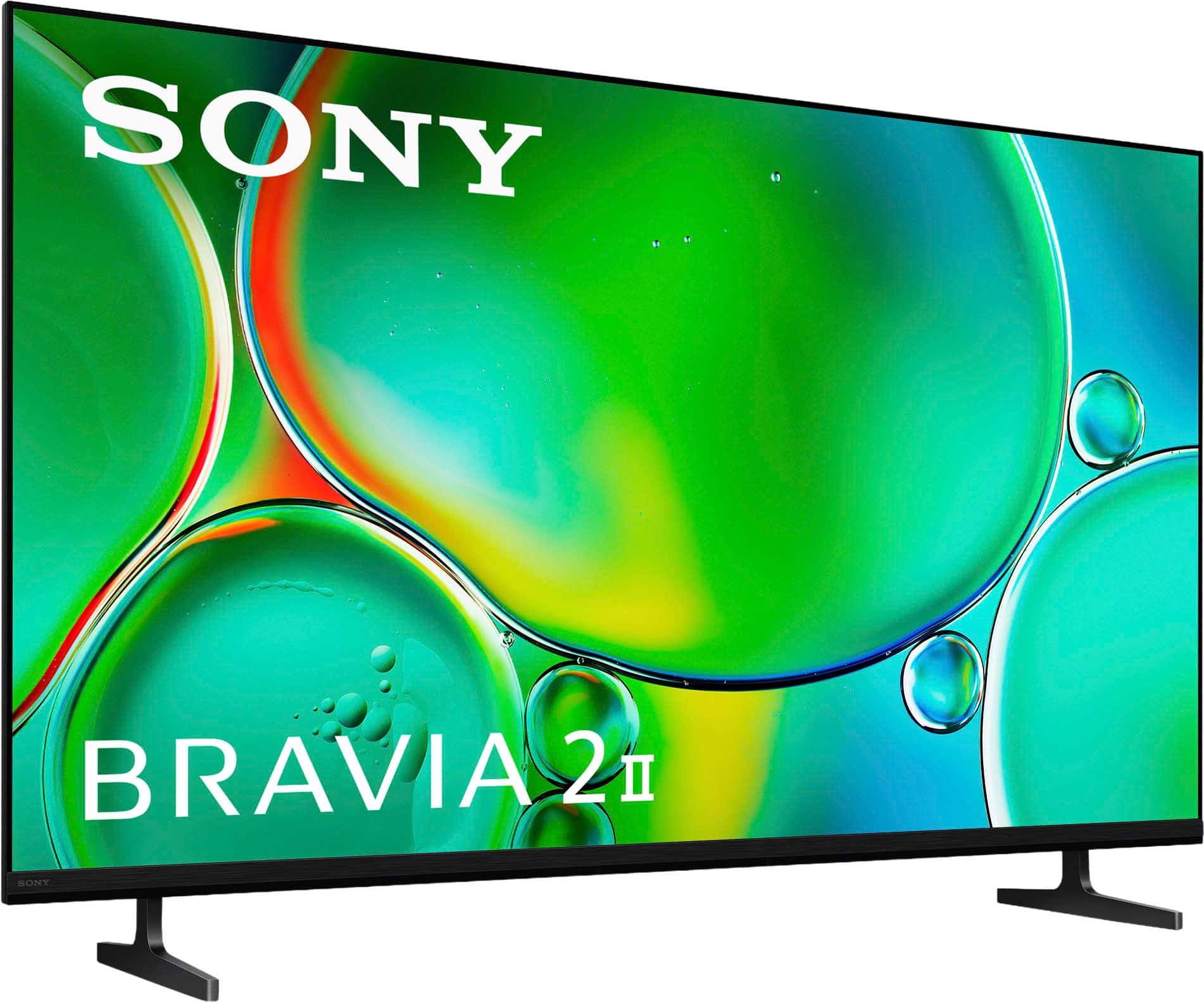
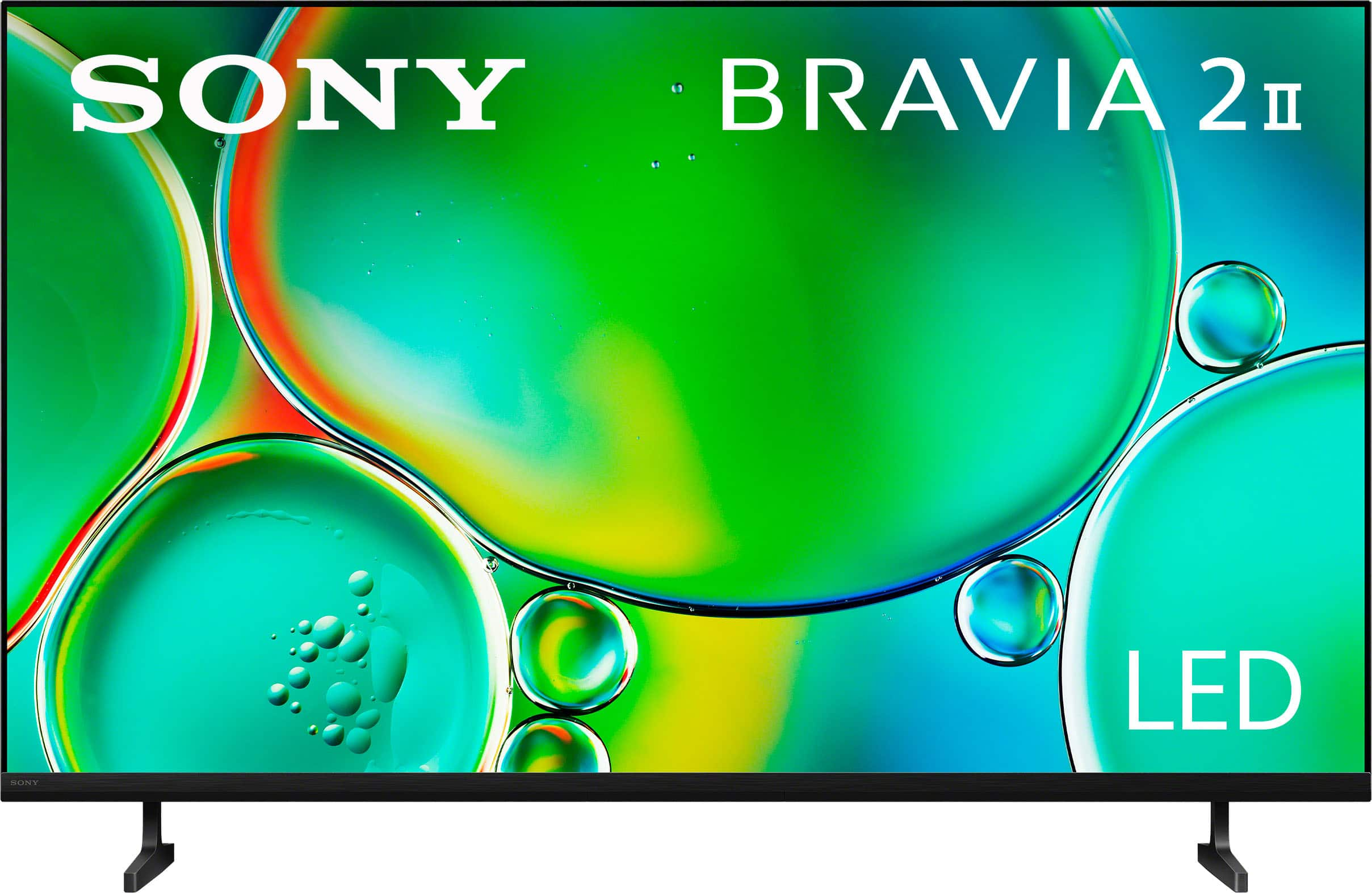
Q: QuestionWhat is the width of the TV? The measurement listed in the specifications seems to be wider than the width measurement for the box/packaging.
Asked by CC.
- A:Answer Just under 48inches
Answered by billsbacker
Q: Questiondoes it offer PLAY PROTECT option
Asked by Anonymous.
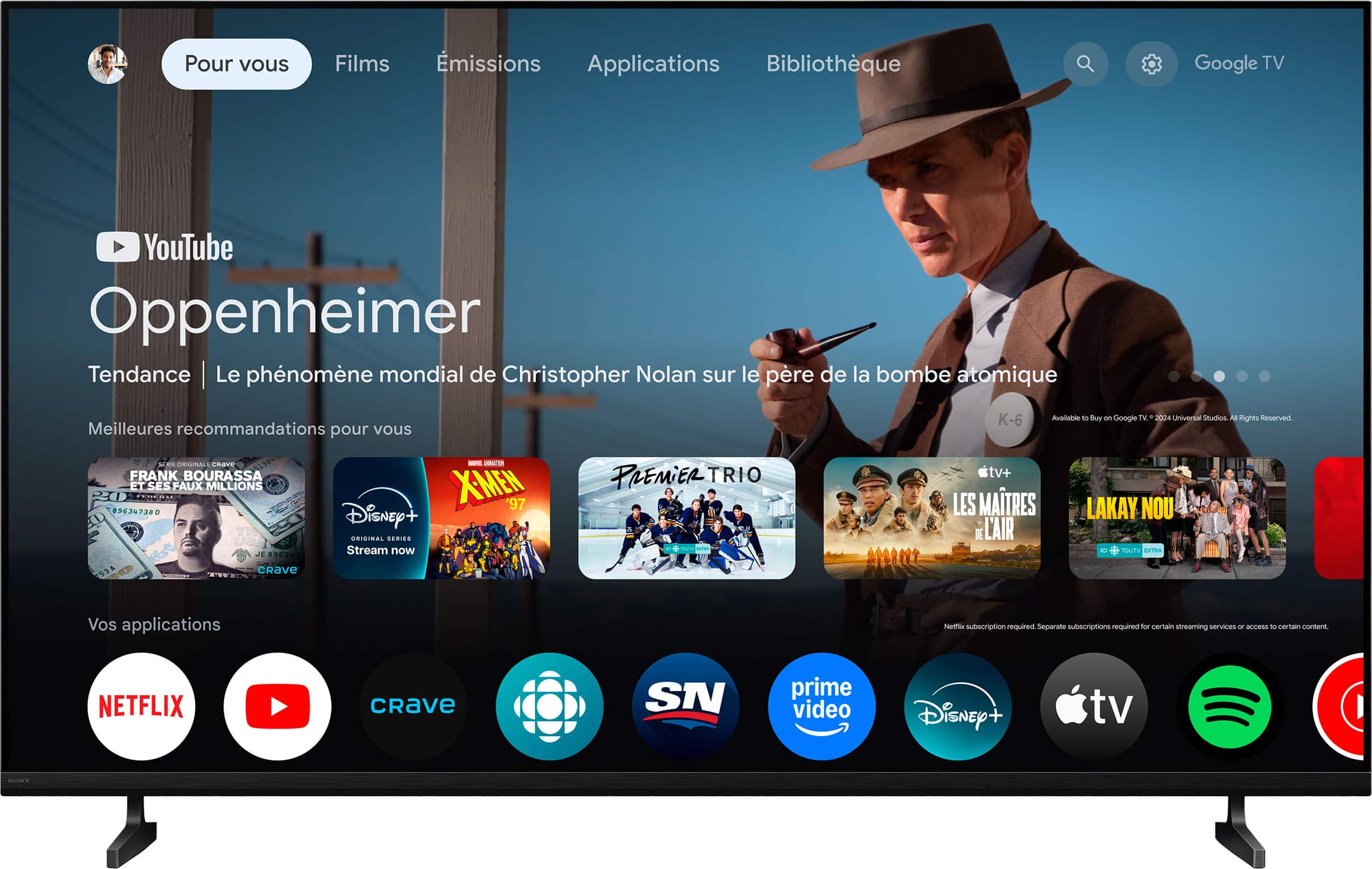
- A:Answer Yes, all apps on the onboard Play Store are scanned by Play Protect before you install them (it even lets you know when you install an app!)
Answered by Aqua
Q: QuestionDoes this TV have a Next Gen TV, ATSC 3.0 tuner / receiver built in. We live in the country and use an antenna for local broadcast. Also have Fiber internet. No Cable available, and do not want Dish.
Asked by Scott.
- A:Answer Yes.
Answered by RaymondN
Q: QuestionCan I use the Xfinity streaming app with this tv?
Asked by Anonymous.
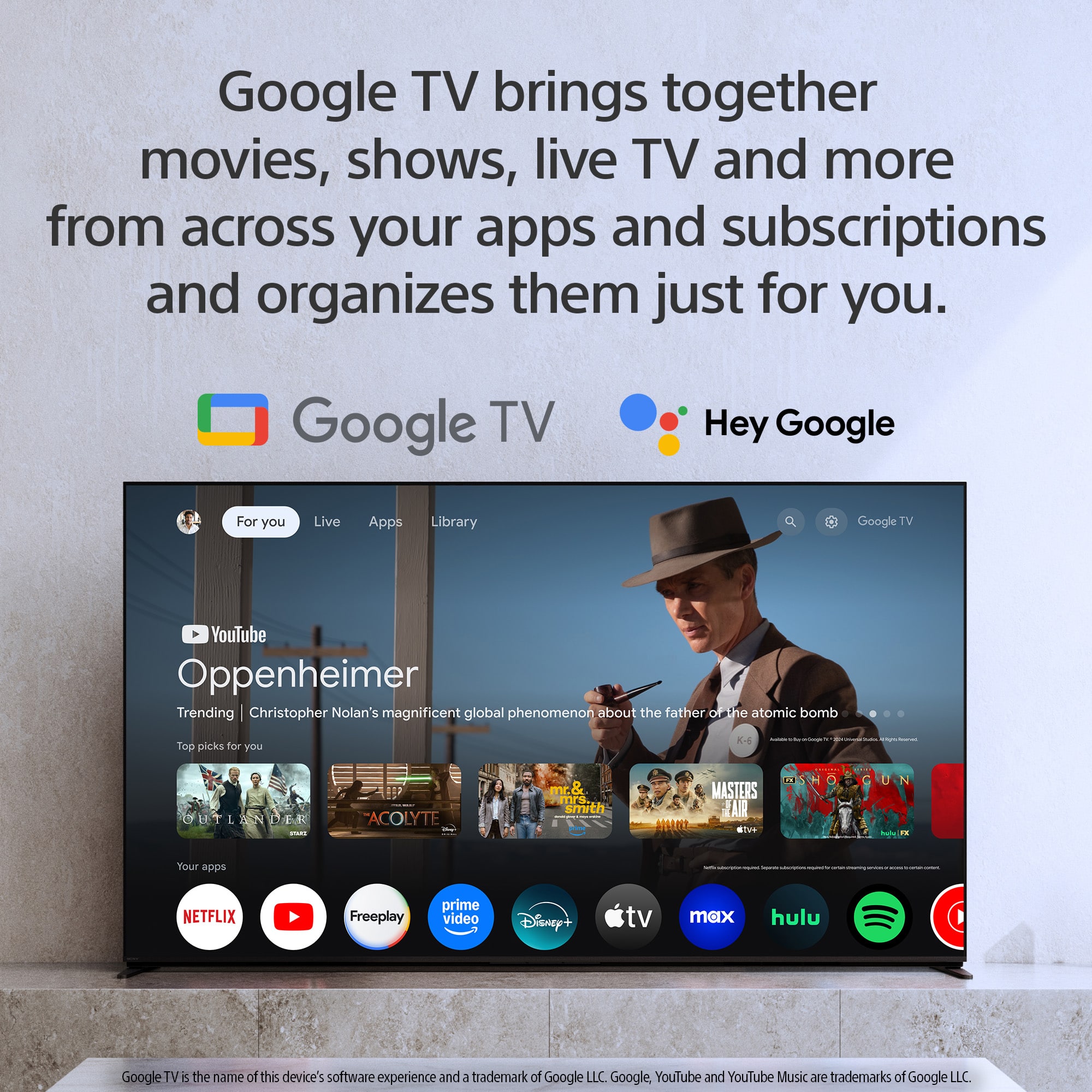
- A:Answer Thanks for contacting Sony. The K-50S20M2 model operates on the Google TV platform, which allows for the installation of only those apps that are compatible with this system. Currently, the Xfinity app cannot be directly installed on this TV model. This limitation is not a result of any restrictions set by Sony, but rather stems from compatibility and availability issues determined by the app developer. As an alternative, your choice to use Roku is commendable, as it offers effective access to the Xfinity app. Thanks for considering Sony. Gus, Sony North America Customer Support
Answered by SonyListens
Q: QuestionHow would I connect headsets to this tv? And if possible, can I mute tv and listen only through the headset?
Asked by BeginAnyway.
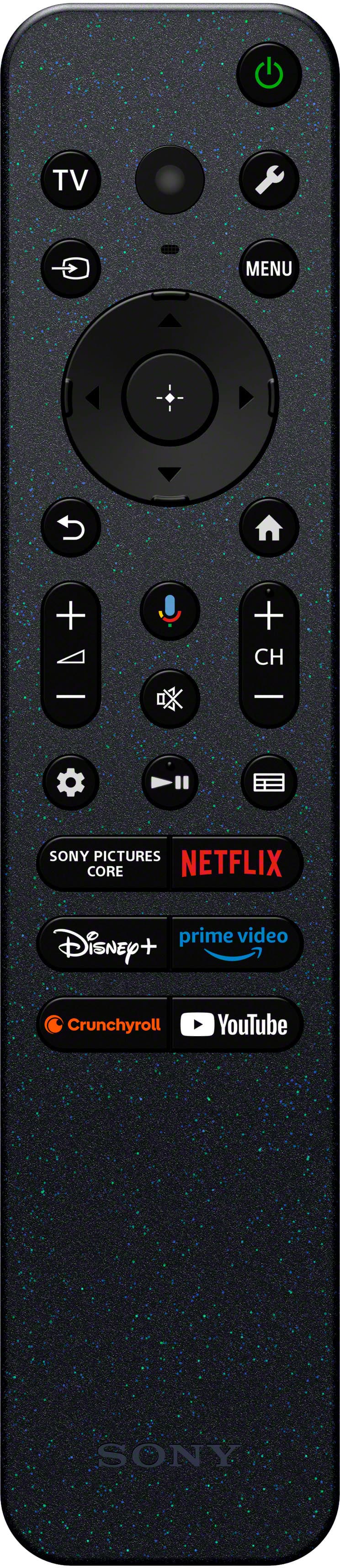
- A:Answer Hi BeginAnyway, To connect your headsets, navigate to the Settings menu, select Remotes & Accessories, and pair them via Bluetooth. When your headphones are connected via Bluetooth, the TV speakers are automatically muted, allowing you to listen privately through your headset. Thanks for choosing Sony. Best regards, Eliab
Answered by SonyListens
Q: QuestionIs this TV Bluetooth capable?
Asked by Doodledumb.
- A:Answer Yes, you can find it in Settings. It's also in the Quick Settings row by default.
Answered by Aqua
Page 2, Showing 21-29 of 29 questions