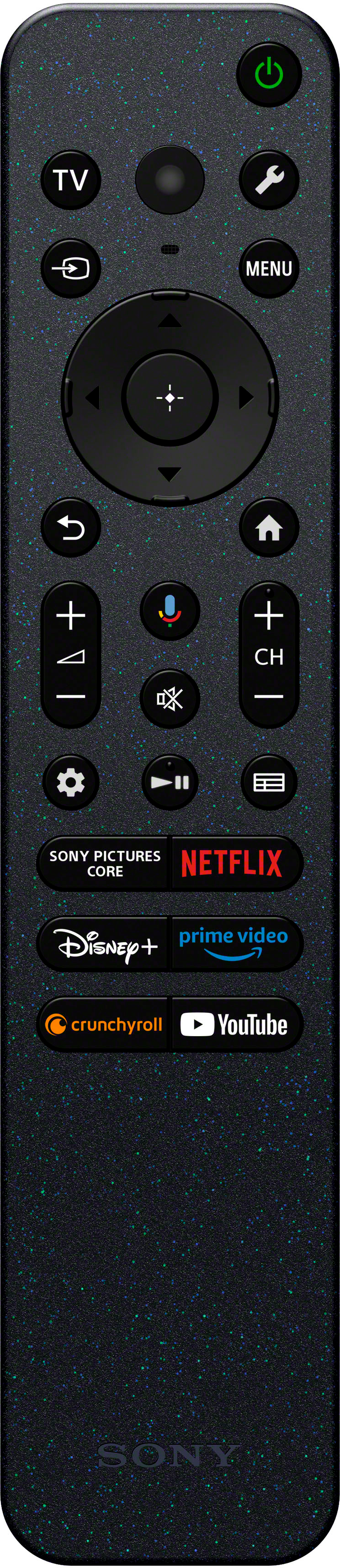
A:AnswerHi Lulas, Thank you for your inquiry. If you are referring to controlling the TV and your cable/set top box using the TV remote, we recommend using a CEC compatible device. If you connect a CEC-compatible device with an HDMI connection, you can operate it by simply using the TV’s remote control. For more information on these settings, please check out our help guide links: https://helpguide.sony.net/tv/lusltn2/v1/en-003/04-07_02.html
https://helpguide.sony.net/tv/lusltn2/v1/en-003/04-07_03.html
I hope this helps.
Regards,
Carl
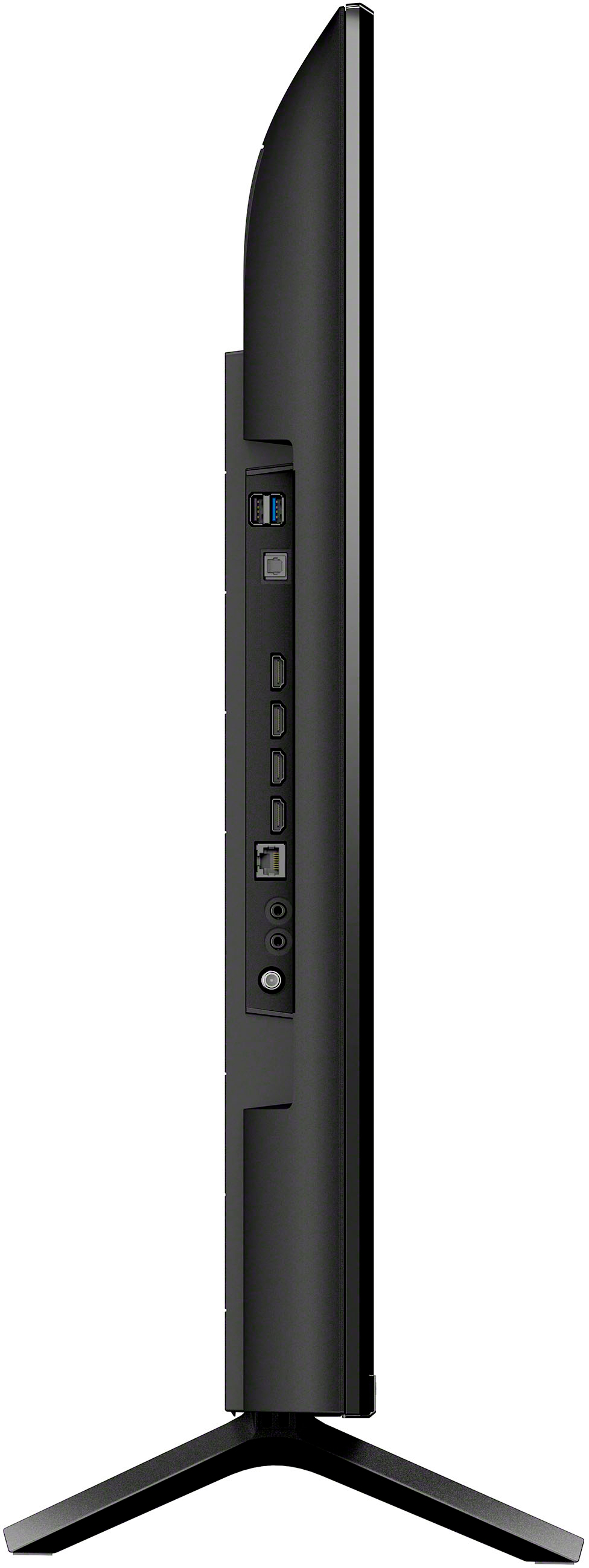
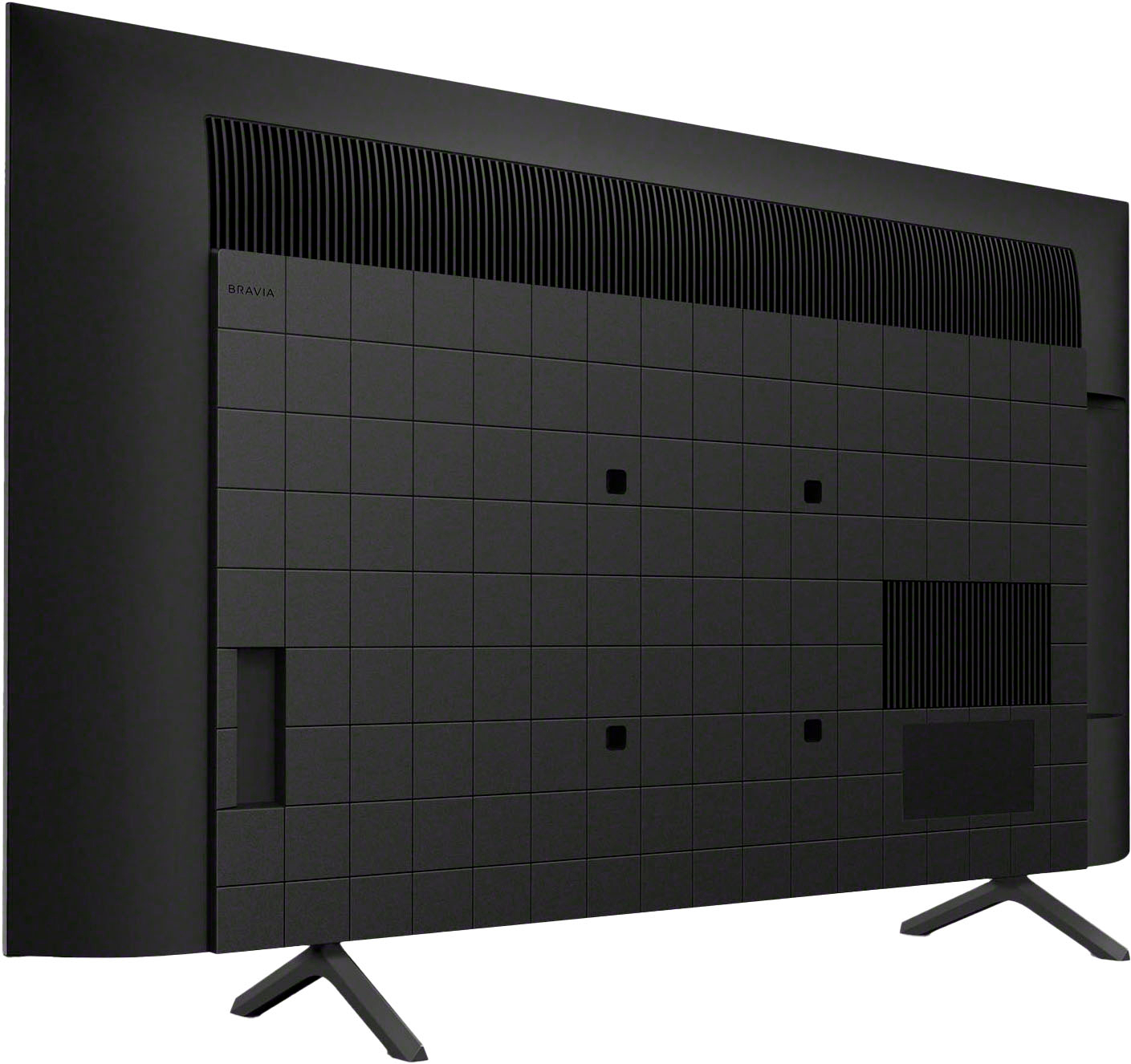
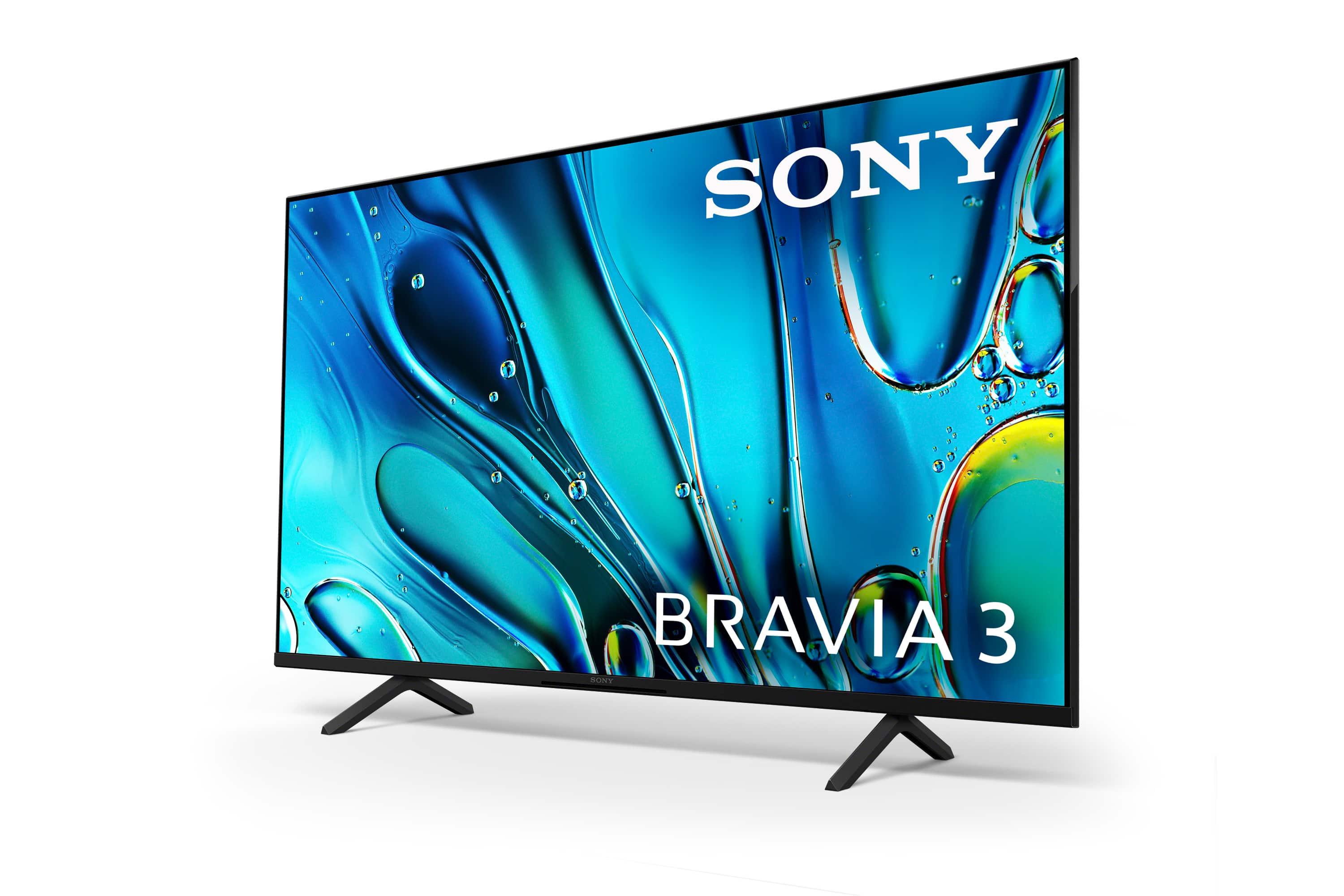
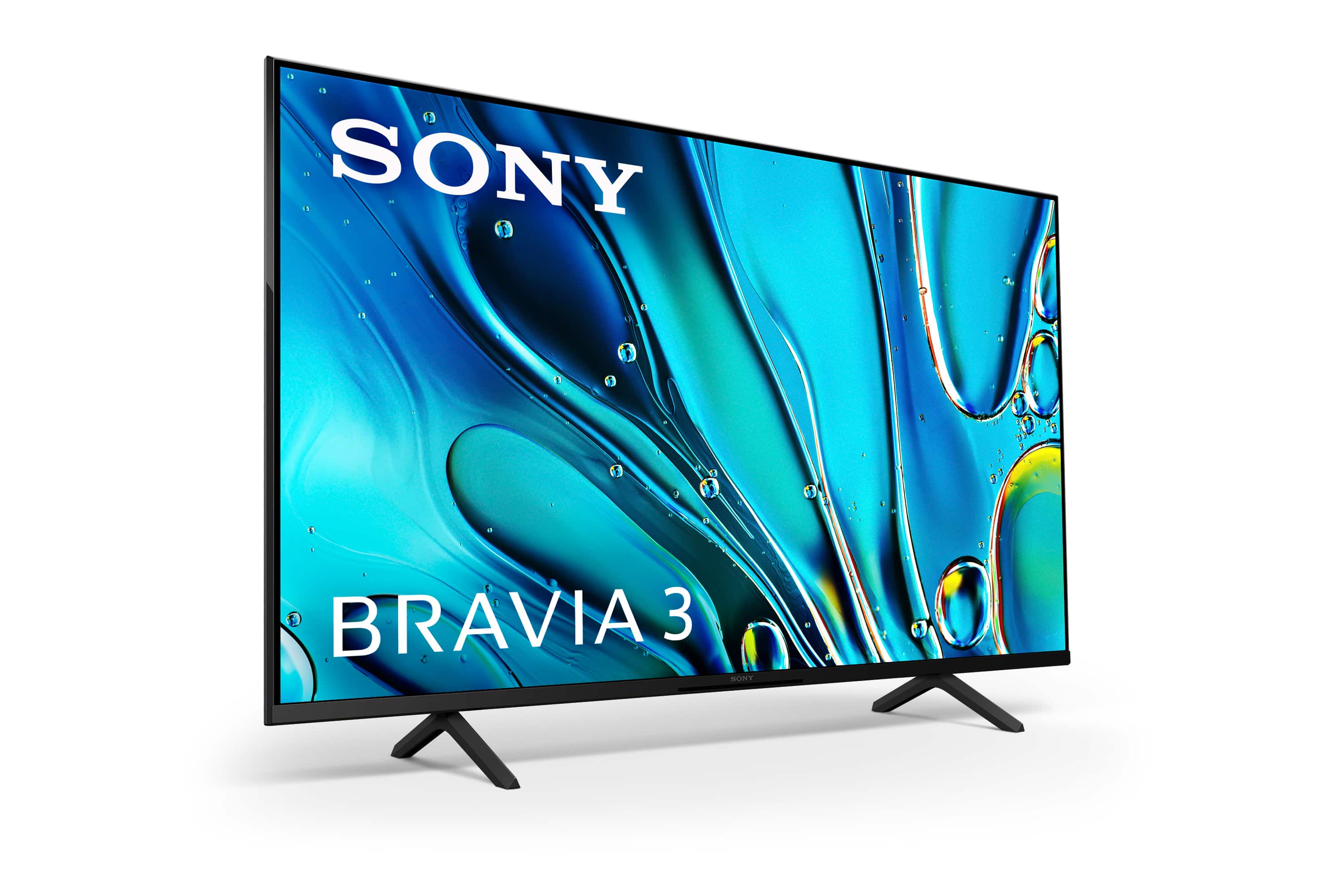
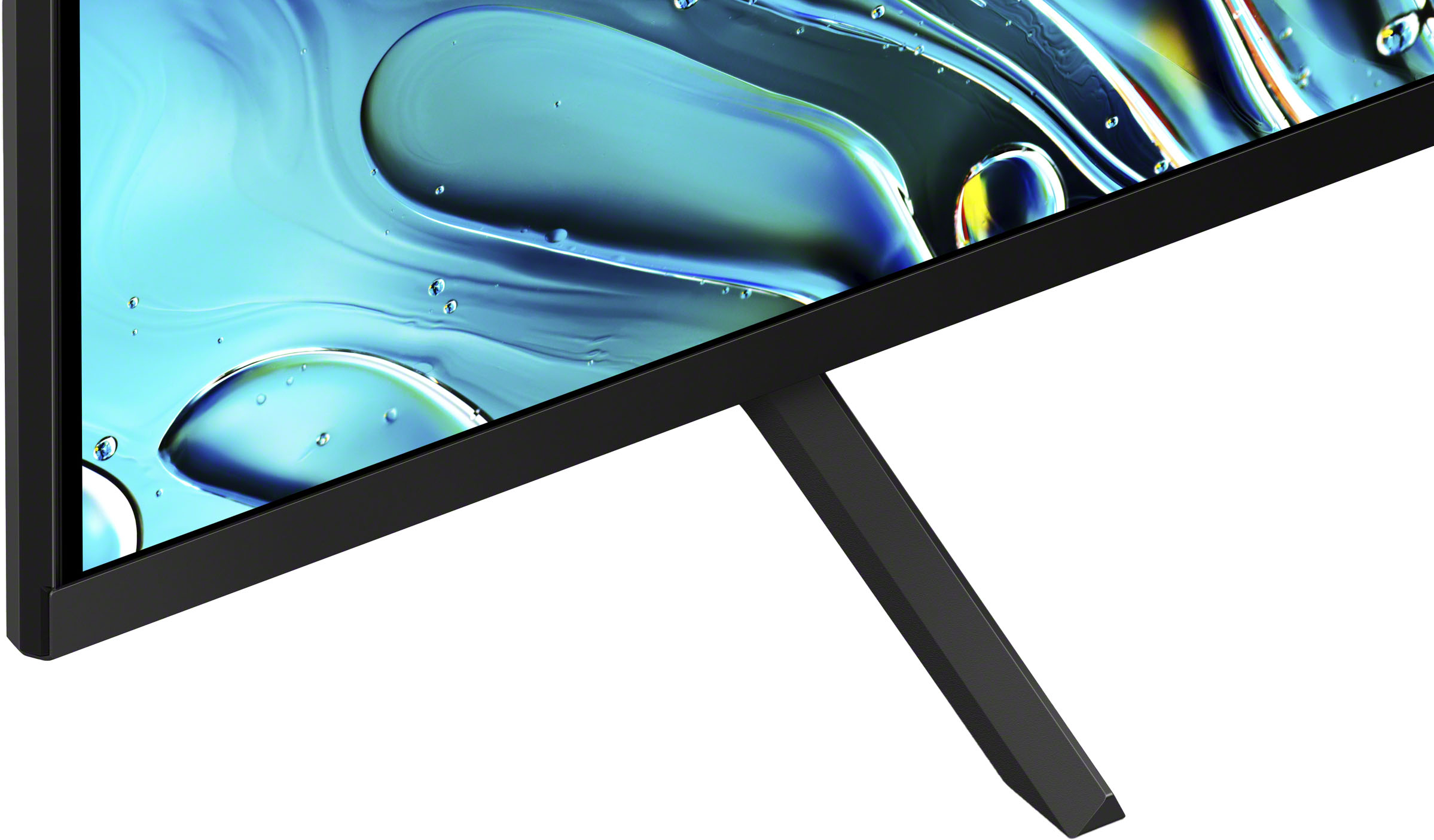
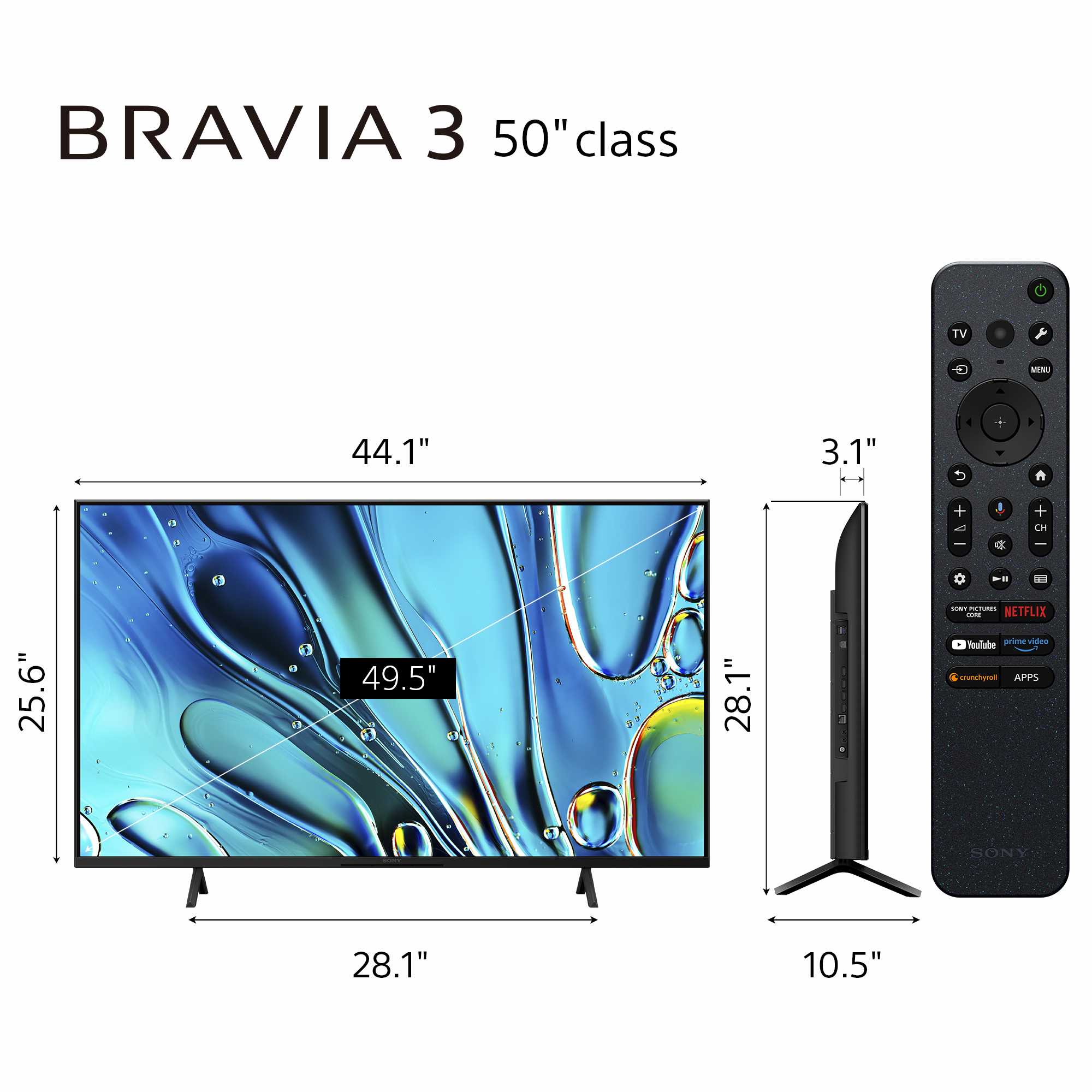
A:AnswerHi Lulas, Thanks for the inquiry. The distance between the legs is 28 and 1/4 inches. The distance of the legs from front to the rear is 10 and 5/8 inches.
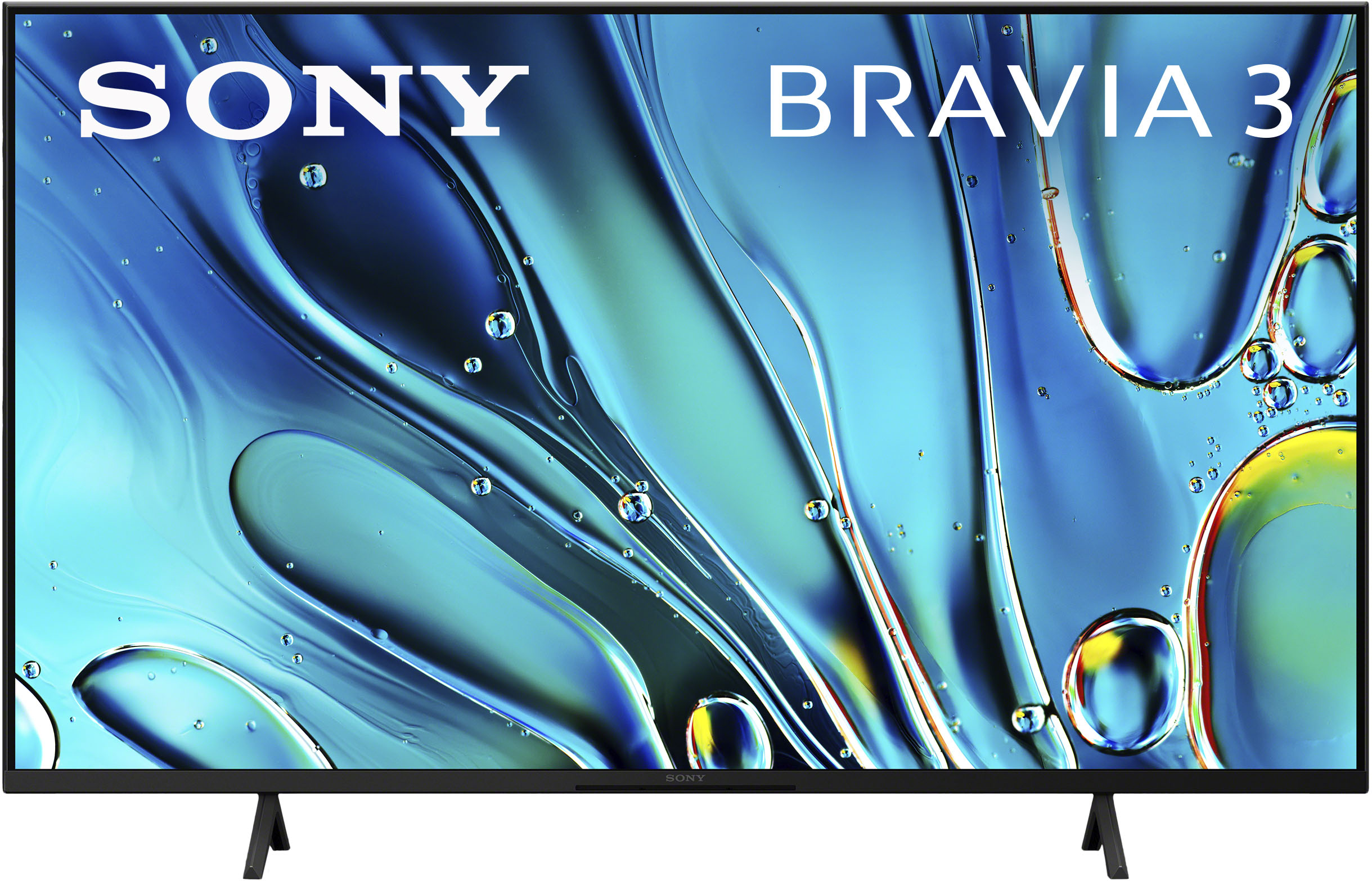
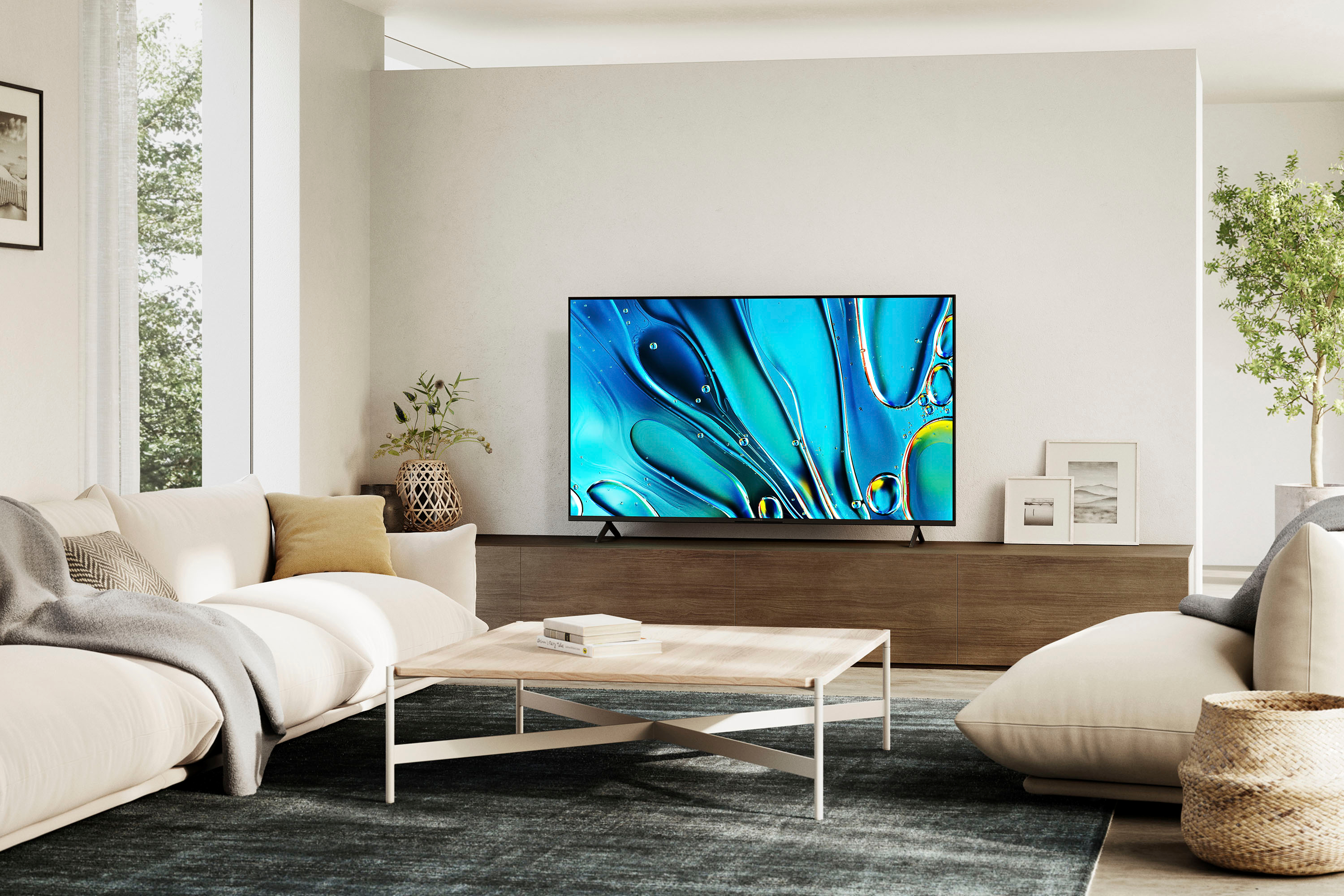
Our BRAVIA 3 Smart Google TV is exceptionally easy to use with a variety of all-in-one smart features for stress-free viewing. With a large screen, detailed pictures full of color and dynamic sound, everything you love feels so much more exciting! Hope this information helps! - Craig
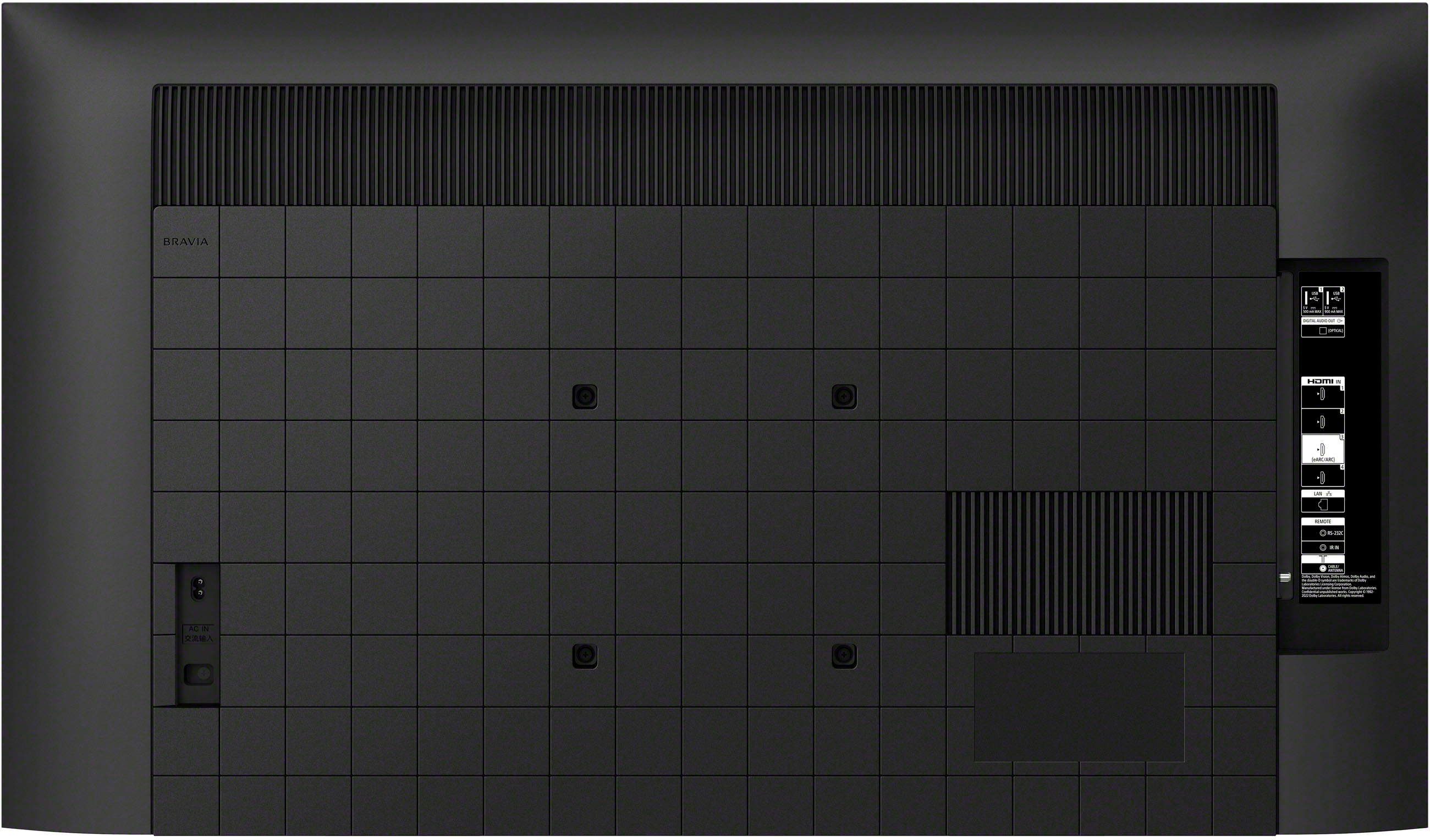
A:AnswerHi JP, Thank you for your inquiry! To wall mount the Bravia 3, we highly recommend using the SU-WL855 wall mount. This uses the Screw (M6). For more information on this, please check on this link: https://www.sony.com/electronics/support/res/manuals/5057/6f886eab7672aa25d76333080e2acd6f/50579301M.pdf
Regards,
Carl
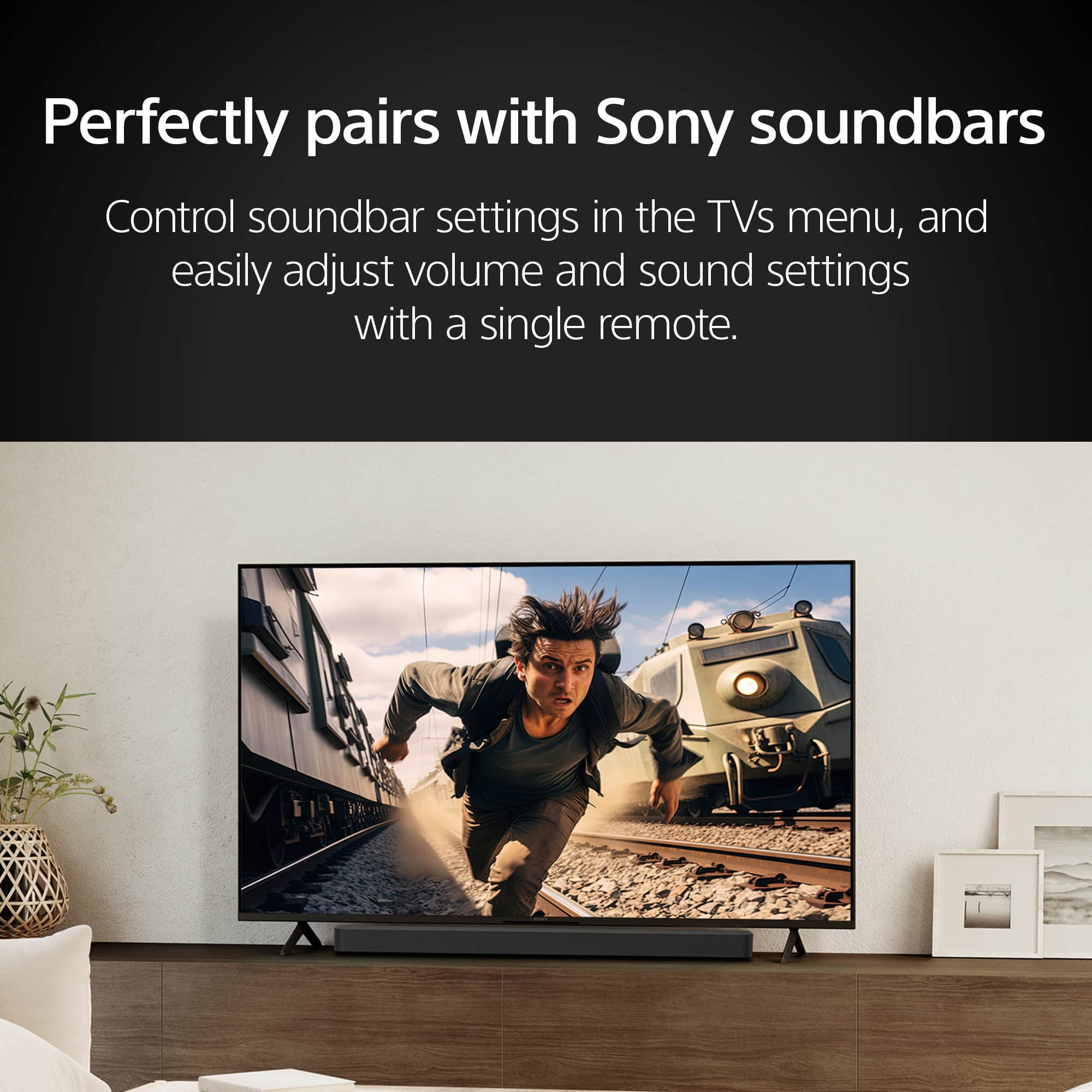
A:AnswerHi Jimbo, Thanks for the question! Our K50S30(BRAVIA 3) supports the Advanced Audio Distribution Profile (A2DP) so you can connect Bluetooth devices such as speakers, headphones, or soundbars and enjoy TV sound through those devices.
Additional information:
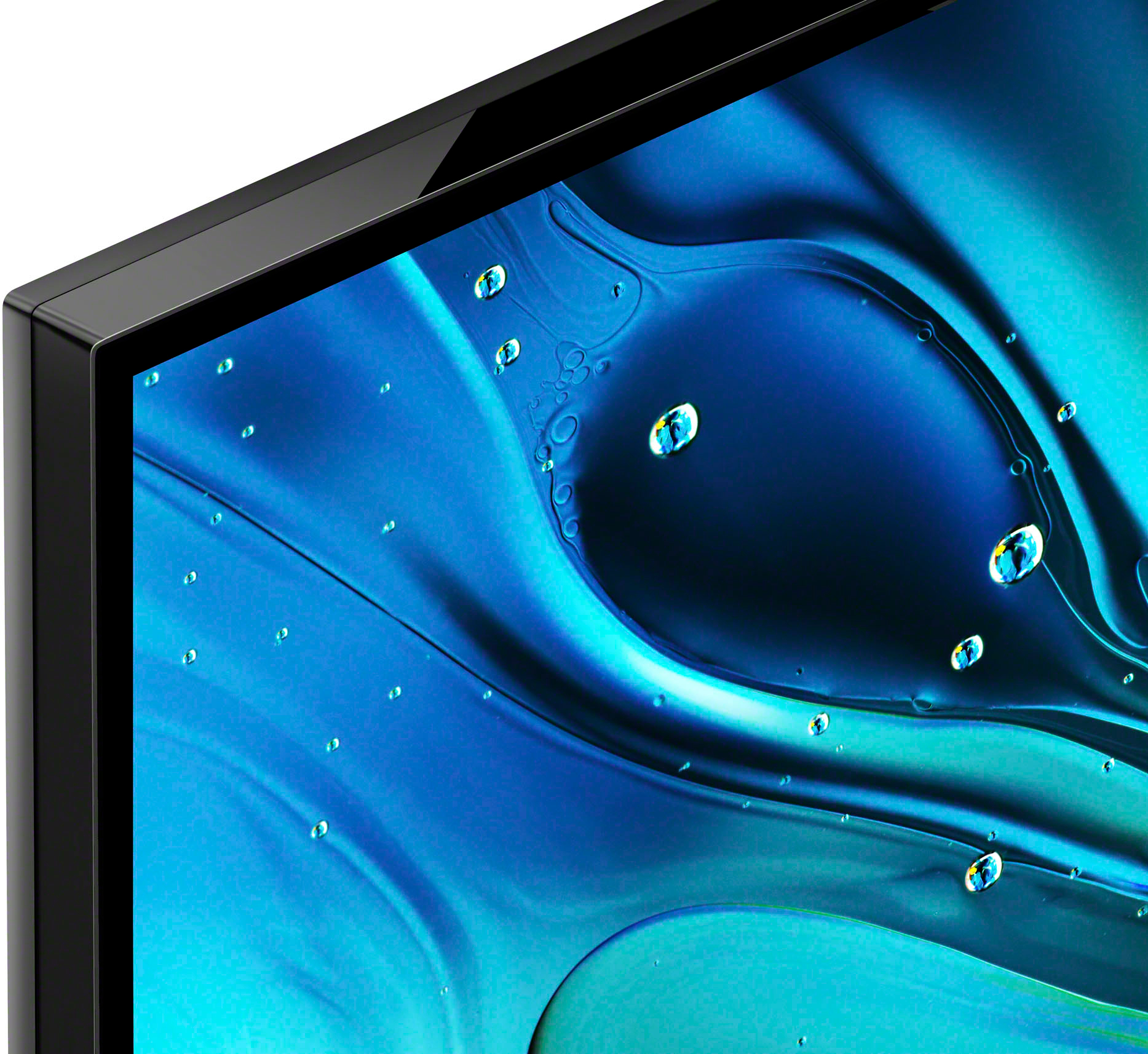
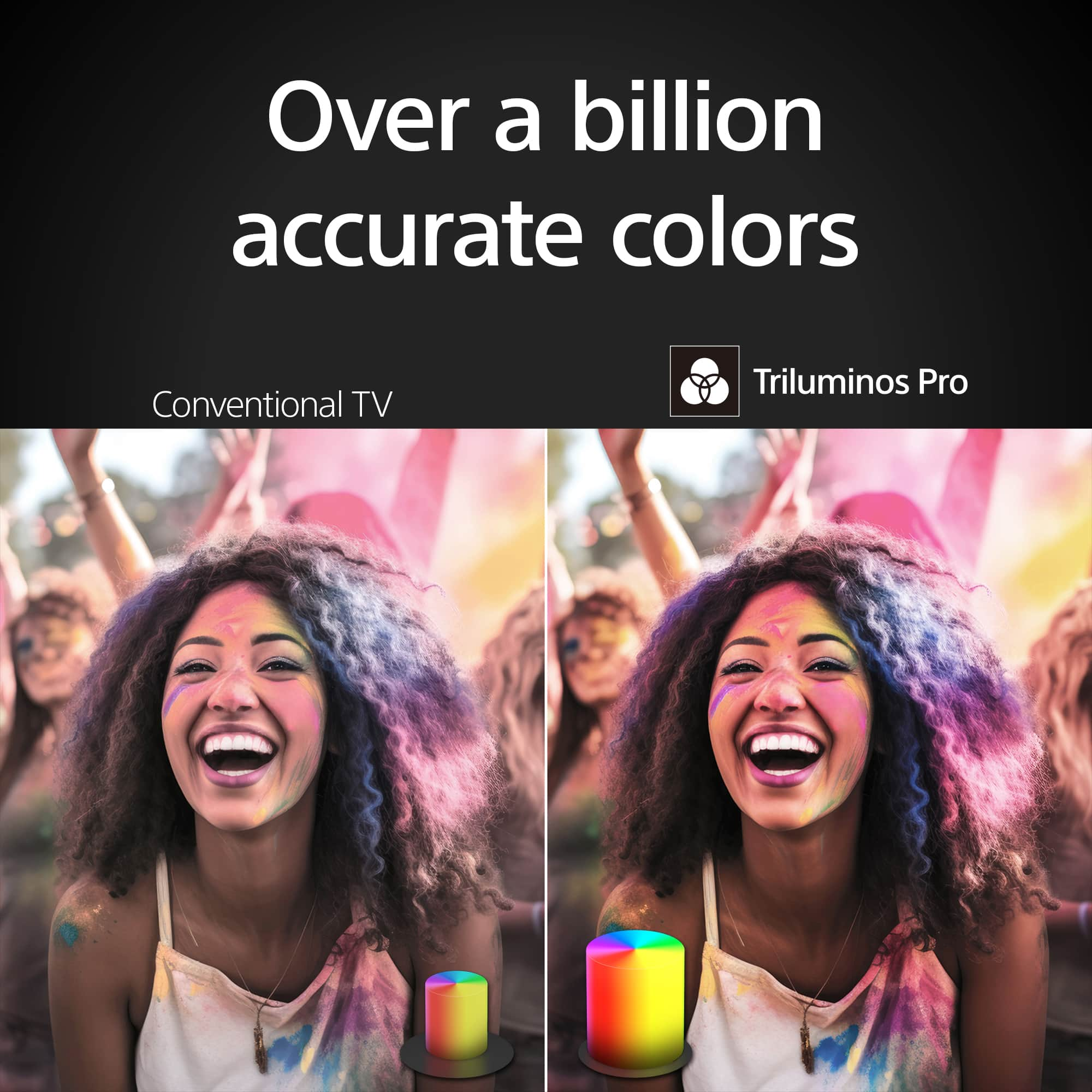
TV just got more exciting with incredibly vibrant picture and easy-to-use smart features. Everything you watch is enhanced with over a billion accurate colors with lifelike clarity and contrast that reveals every detail. Google TV brings together movies, shows, and more from across your apps and organizes them just for you.
Hope this helps! - Kris
A:AnswerHi Mema,
Thank you for inquiring about the BRAVIA 3. This TV is equipped with multiple HDMI inputs. For optimum picture quality, we recommend connecting your cable/satellite box to the TV using an HDMI cable. If your cable/satellite box has an HDMI jack (socket), connect it using an HDMI cable.
Descriptions about connecting devices to the TV are also available on the Sony website. Refer to it as necessary.
https://www.sony.com/electronics/support/televisions-projectors-oled-tvs-android-/k-50s30/articles/00231150
Regards,
Jess
A:AnswerHi Lulas,
Thank you for your inquiry! You can check out the Google TV apps that can be downloaded on the TV using this link: https://play.google.com/store/apps/stream/new_home_canvas_featured_APPLICATION
I hope this helps!
Regards,
Carl
A:AnswerHi Bobby, Thanks for the inquiry. The TV (TV only) measures 1119 X 649 X 70 mm or 44.125 X 25.625 X 2.875 inches. If with the stand, it measures 1119 X 714 X 267 mm ( 44 1/8 X 28 1/8 X 10 5/8 inches)
The new Sony K50S30 just got more exciting with incredibly vibrant picture and easy-to-use smart features. Everything you watch is enhanced with over a billion accurate colors with lifelike clarity and contrast that reveals every detail. With the Triluminos Pro™, you'll see over a billion accurate colors for lifelike picture quality that is vivid and bright together with the 4K HDR Processor X1™ that intelligently enhances every scene in real-time boosting color, contrast, and clarity. Thanks and regards, -Craig

A:AnswerHi Bill, Thank you for your inquiry! The size of the screw for the Wall-Mount Bracket differs depending on the Wall-Mount Bracket thickness. We recommend contacting a professional installer for assistance in selecting the right screw. For additional information about the TV wall mount guide, please refer to the link below:

https://www.sony.com/electronics/support/res/manuals/5057/6f886eab7672aa25d76333080e2acd6f/50579301M.pdf
Regards,
Carl