Black Friday is hereShop new DoorbustersShop now

Main Content

Questions & Answers

Your price for this item is $167.99
Clearance
The comparable value price is $599.99
Page Showing 61-80 of 133 questions
  • QuestionCan you put the picture of?

    Asked by Anonymous.

    • Answer Hello, Great News! Yes, you can tun off the picture on your TV. If you press the (Quick Settings) button on the remote control, you can quickly access features such as [Picture mode], [Sleep timer], and [Picture Off] on the current screen, and settings such as [Speakers] depending on the connected devices. You can also display [Settings] from [Quick Settings]. https://helpguide.sony.net/tv/iusltn1/v1/en-003/01-03_12.html?hl=quick+settings I hope this helps! Jay

      Answered by SonyListens

  • QuestionWhere can I buy the stand/ legs for the 50 inch screen version of this television?

    Asked by jlo.

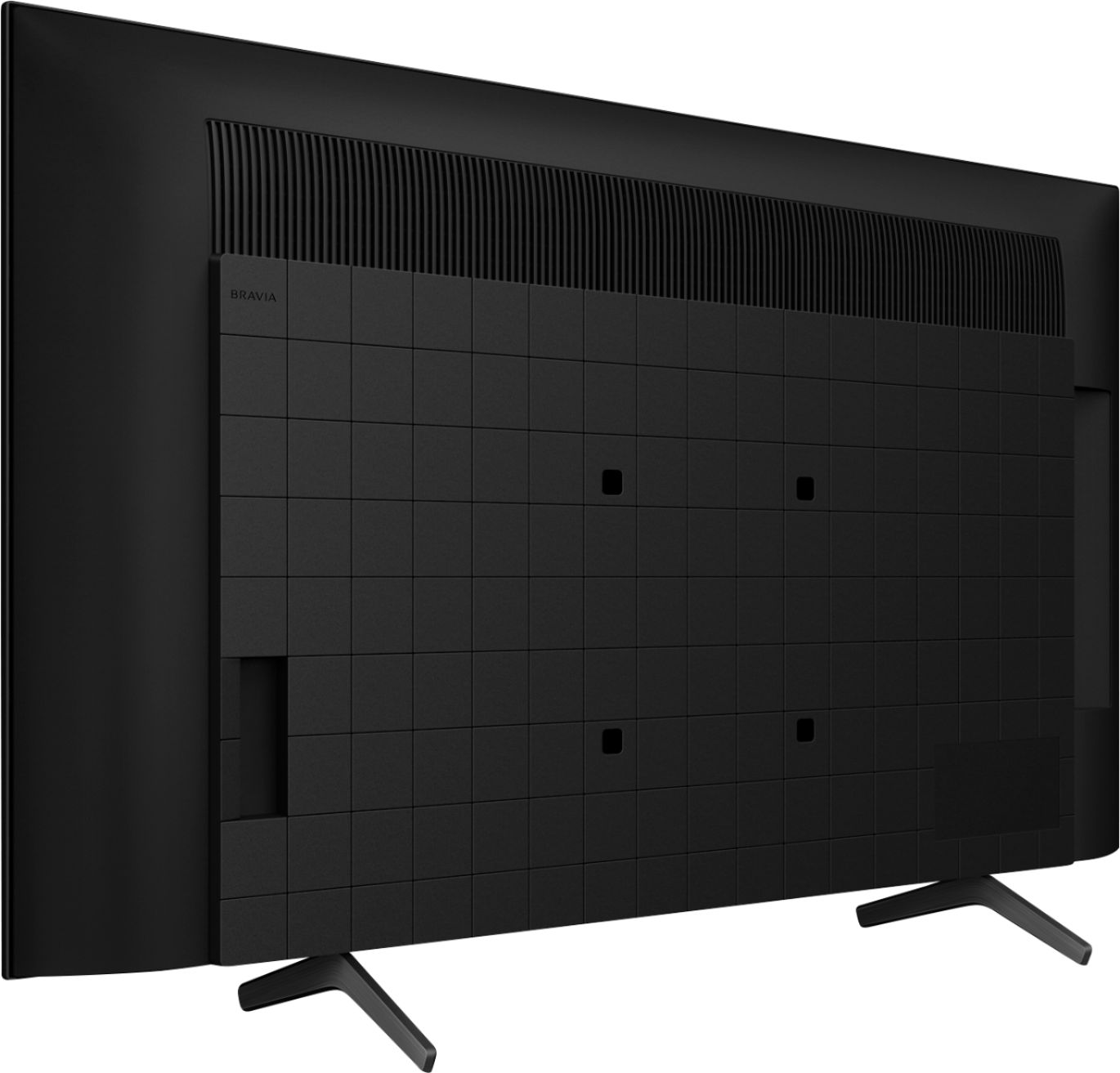
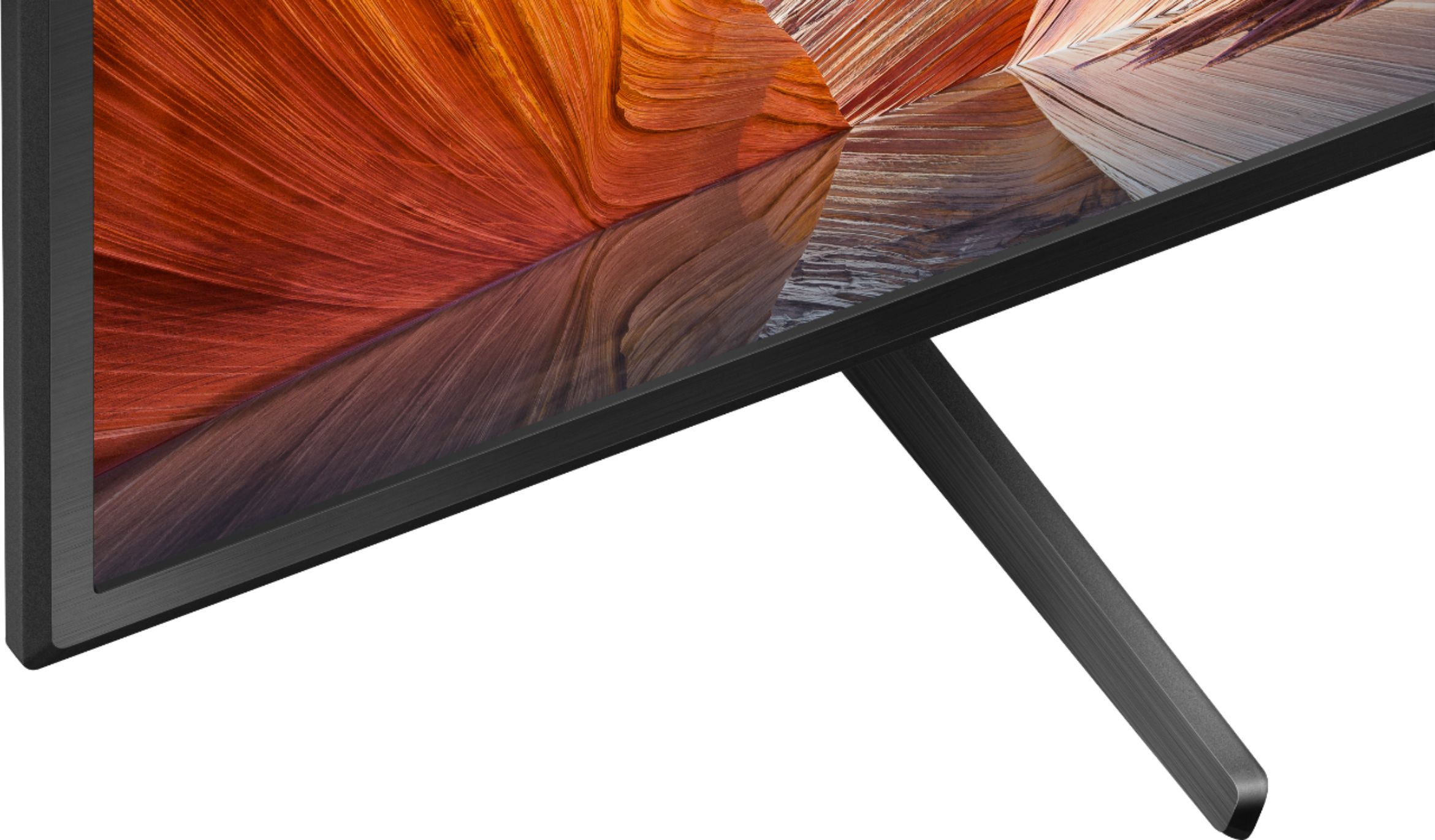
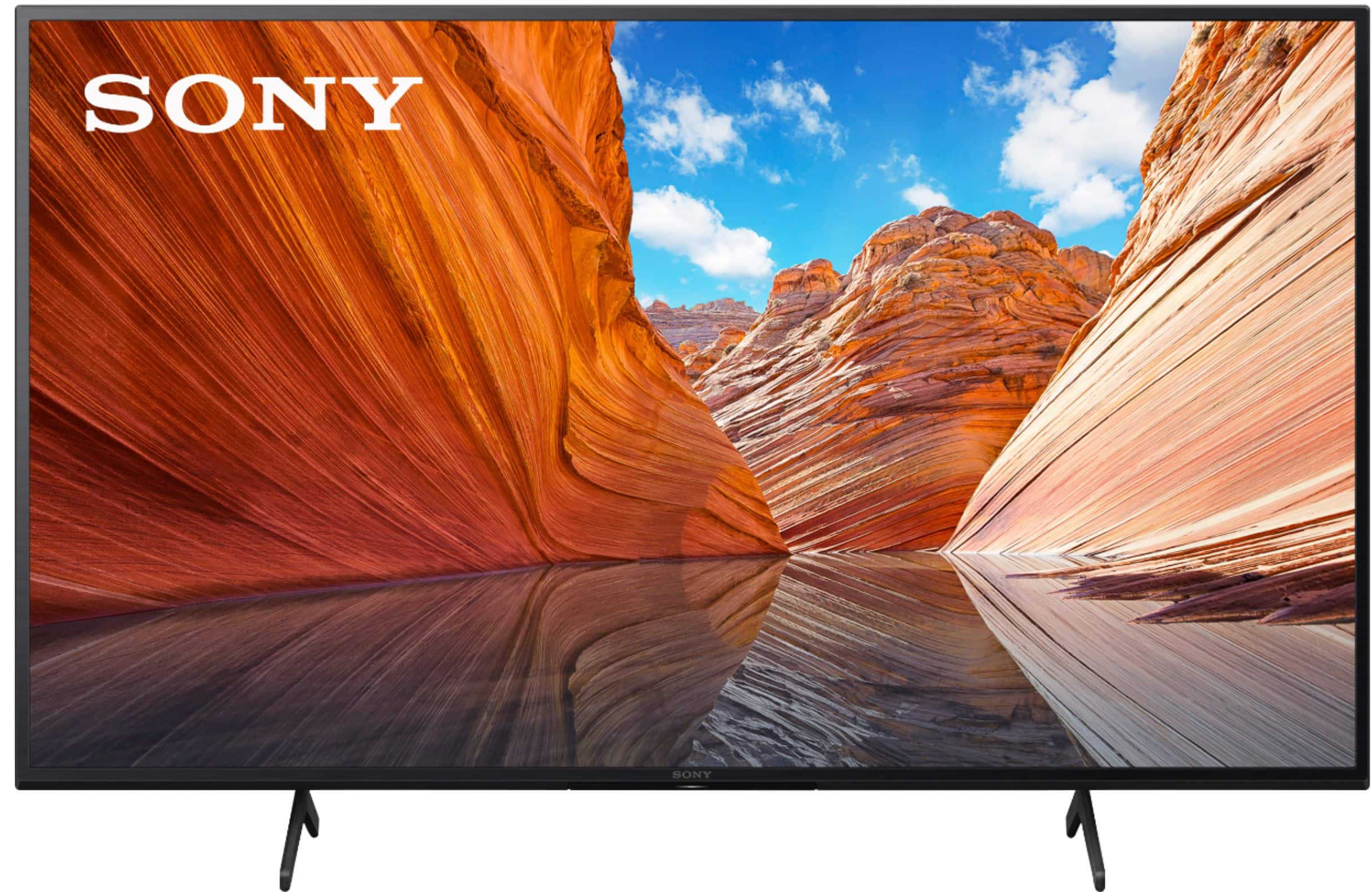
    • Answer The box contains two leg stands, one for each side. They’re easily inserted into the bottom of the television.

      Answered by ChrisDC

  • QuestionDoe’s this tv have spectrum app?

    Asked by Apps.

    • Answer Hi Apps, Thank you for the inquiry. Unfortunately, the Spectrum App is not available on the Google Play Store. However, you can use the built-in Chromecast feature to cast the content from the Spectrum TV app to this KD50X80J. Chromecast. Chromecast lets you cast your favorite videos, games, and apps from your mobile device in full quality to your Chromecast built-in TV. Just one tap of the Cast button on your Android or iOS screen is all you need to supersize the things you love. Cast your content, then continue browsing on your phone or tablet. Please refer to the link here for your guidelines: https://helpguide.sony.net/tv/iusltn1/v1/en-003/05_04.html I hope this helps! Jay

      Answered by SonyListens

  • QuestionINSTALLATION COST

    Asked by DKB.

    • Answer As a Geek Squad member, I love this store! The entire installation process cost $0. They brought my TV to me, unboxed it, installed it on the wall on a wall bracket I already had. They made sure everything was right before they left, including making sure our headphones were working with the TV. I can highly recommend becoming a Geek Squad member; check out the benefits.

      Answered by TexasRose

  • Questioncan I use bluetooth headphones with this tv? thanks

    Asked by JoeMama.

    • Answer Hi JoeMama, Thank you for the inquiry. The KD50X80J has Bluetooth function. This TV Bluetooth profile supports version 4.2; HID (mouse/keyboard connectivity)/HOGP (Low Energy device connectivity)/SPP(Serial Port Profile)/A2DP (stereo audio)/AVRCP (AV remote control). Only for Bluetooth A2DP-supported models that can use Bluetooth audio devices such as headphones, speakers, or soundbars. You can pair some wireless headphones, speakers, or soundbars to the TV through a Bluetooth® connection, however, the devices must be compatible. The models listed from this link are compatible with Bluetooth connections: https://www.sony.com/electronics/support/televisions-projectors-lcd-tvs-android-/kd-50x80j/articles/00159290 I hope this helps! Jay
      Answered by SonyListens

  • Questiondoes this tv work with roku?

    Asked by Anonymous.

    • Answer Hi, thank you for your inquiry. Yes. You can use a Roku with this TV. However, our BRAVIA X80J LED TV already does a lot of what Roku does. With our Google TV, you can browse 700,000+ movies and TV episodes from across your streaming services, all in one place and organized into topics and genres based on what interests you. You can still hook a Roku stick to the TV. I hope this helps. Regards, Erin

      Answered by SonyListens

  • QuestionWhat are the dimensions of tv Sony 55 -80j the h-w-d?

    Asked by Anonymous.

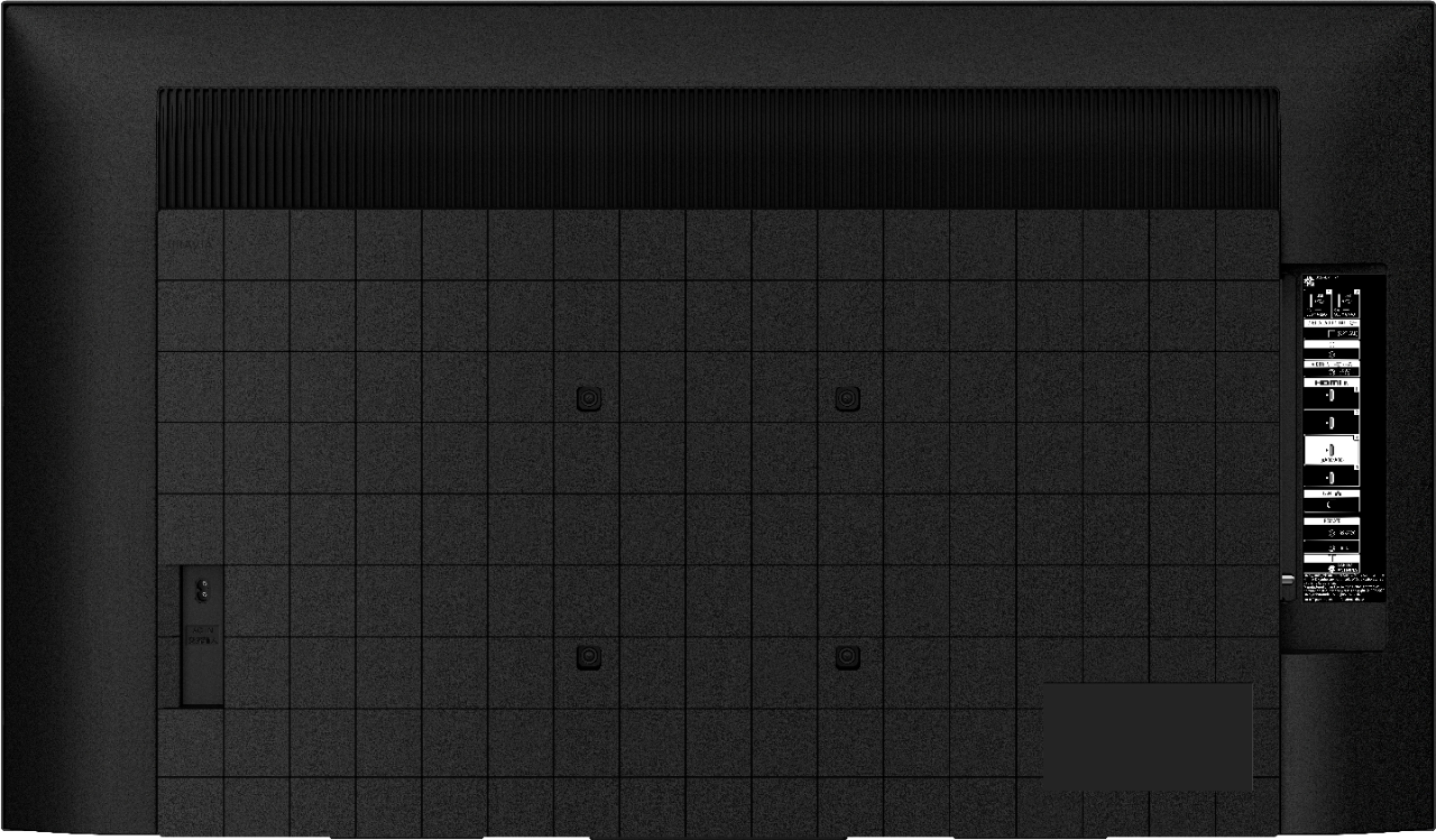
    • Answer Hello, Thank you for inquiring about the dimension of the KD50X80J. Below are the approximate dimensions(W X H X D) of the TV: Dimension of the TV without Stand: 44.33 x 25.71 x 2.76 inch (1,126 x 653 x 70 mm) Dimension of the TV with Stand: 44.33 x 28.27 x 11.26 inch (1,126 x 718 x 286 mm) Dimension of the Package Carton: 48.35 x 30.94 x 5.63 inch (1,228 x 786 x 143 mm)/48.82 x 30.79 x 5.55 inch (1,240 x 782 x 141 mm) I hope this helps! Jay

      Answered by SonyListens

  • QuestionCan you screen mirror a Samsung phone to the sony x80j or AirPlay ?? Or is it just for iPhones??

    Asked by Anonymous.

    • Answer Hello, Thank you for the inquiry! Yes, this TV has Chromecast built-in. Chromecast lets you cast your favorite videos, games and apps from your mobile device, in full quality, to your Chromecast built in TV. Just one tap of the Cast button on your Android or iOS screen is all you need to supersize the things you love. Cast your content then continue browsing on your phone or tablet. Refer to this link for more details: https://www.sony.com/electronics/support/televisions-projectors-lcd-tvs-android-/kd-50x80j/articles/00135368 I hope this helps! Jay

      Answered by SonyListens

  • QuestionIs the screen glossy or matte?

    Asked by Me2021.

    • Answer Glossy

      Answered by 1MadSOB

  • QuestionI hav e a cabinet that I have my 49 inch tv in. It has some wiggle room. I wonder if a 50 inch Sony will fit in it.

    Asked by Anonymous.

    • Answer The feet are about 27” inches apart, so the surface will need to be wider than that.

      Answered by ChrisDC

  • Question11/28/2021 we need to replace Roku remote...many models of Roku to choose from , any specific model to get? pls advise. TY

    Asked by Sunny.

    • Answer Hi Sunny, Thank you for the inquiry! Unfortunately, we cannot recommend any replacement of the Roku remote control. You can check the manual and product information of the Roku for more details. The KD50X80J supports BRAVIA SYNC. The HDMI-CEC (Consumer Electronics Control) is a HDMI® standard that provides control functions between different A/V devices such as TVs, home theater systems, Blu-ray Disc™ players, Cameras, Camcorders, and other HDMI devices. It allows you to control CEC compatible devices with one remote control. For more details, please refer to this link for the BRAVIA Sync (HDMI-CEC) overview and troubleshooting information: https://www.sony.com/electronics/support/televisions-projectors-lcd-tvs-android-/kd-50x80j/articles/00161073 I hope this helps! Jay

      Answered by SonyListens

  • QuestionDoes TV have blue tooth, how many hdmi DOES tv have, is TV easy to operate...roku, streaming any other streaming services? How can we listen without disturbing others?

    Asked by Sunny.

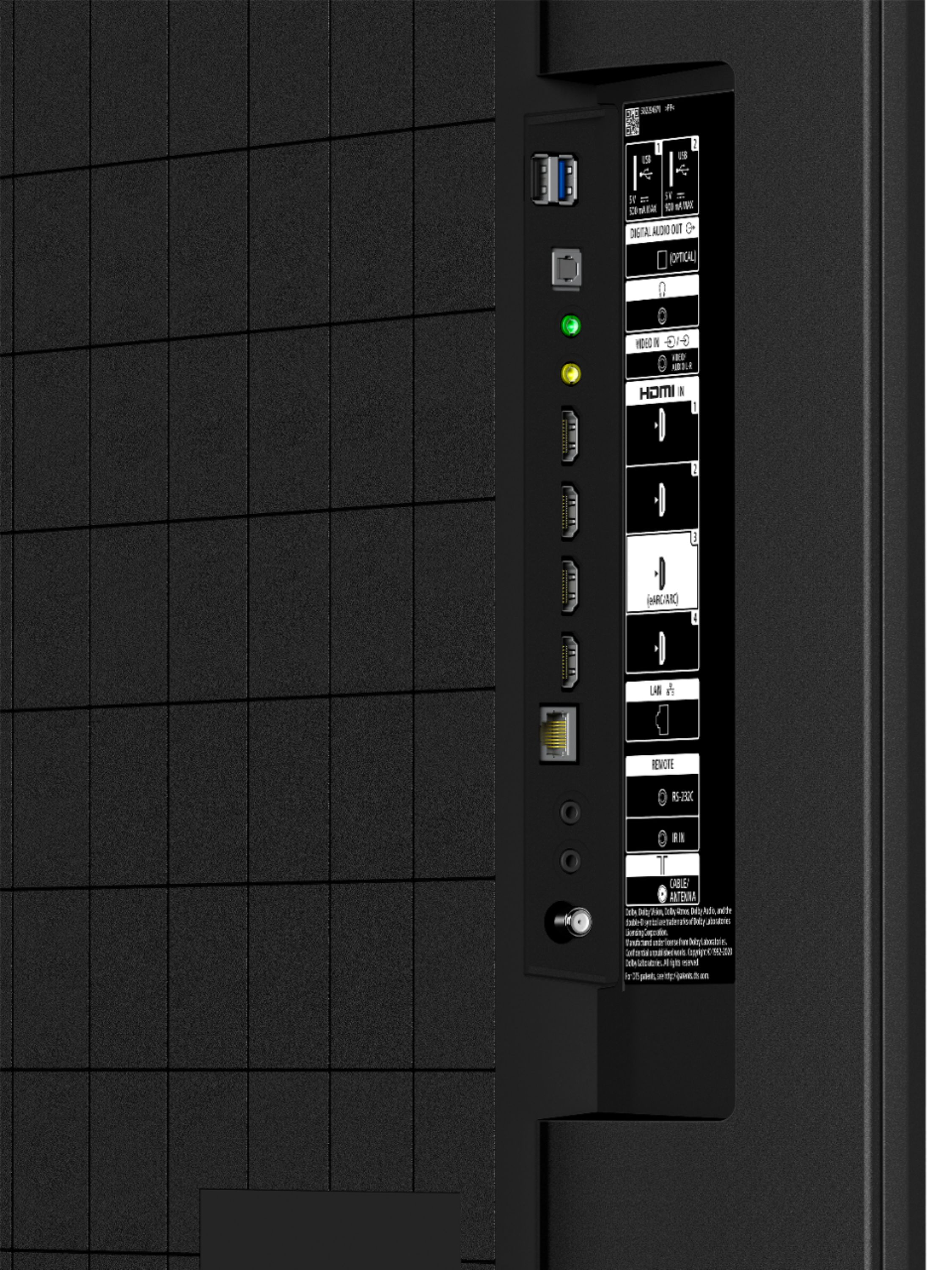
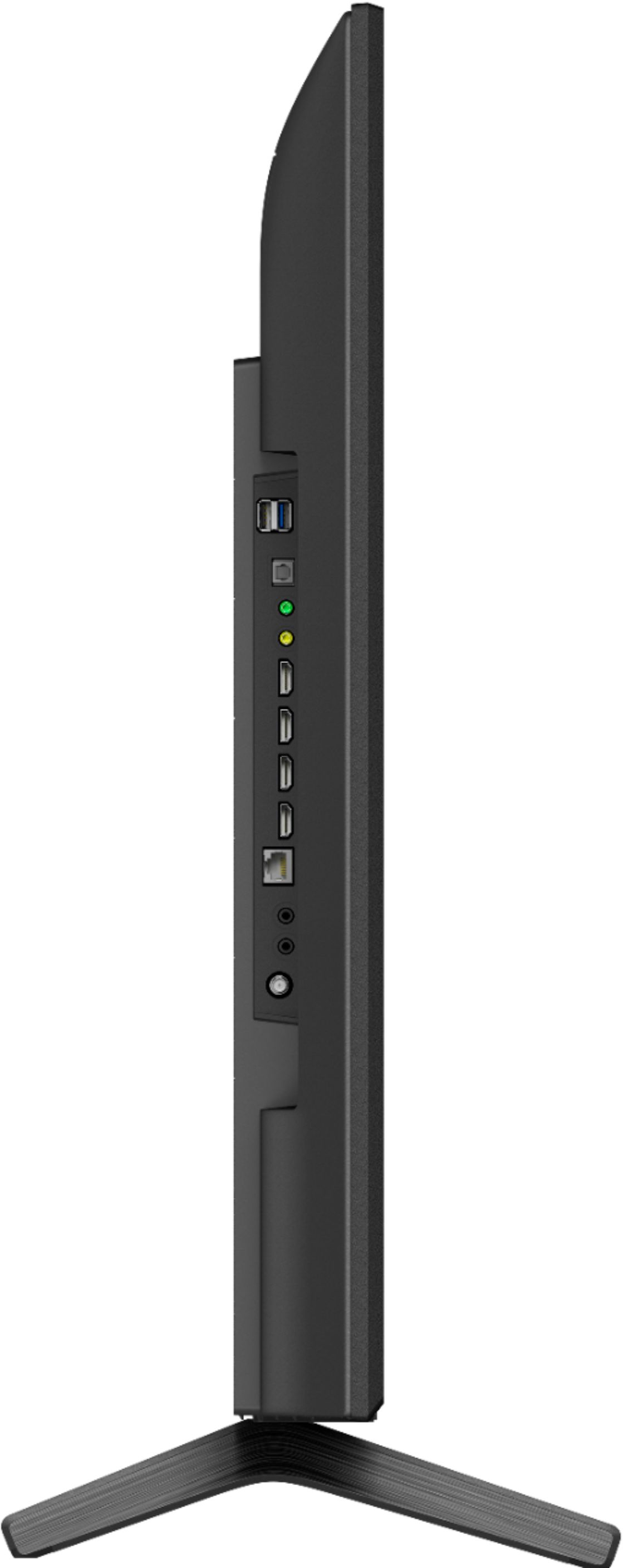
    • Answer Hi Sunny, Thank you for the inquiry! Yes, this TV has Bluetooth function. You can pair some wireless headphones, speakers, or soundbars to your Android/Google TV™ through a Bluetooth® connection, however, the devices must be compatible: https://www.sony.com/electronics/support/televisions-projectors-lcd-tvs-android-/kd-50x80j/articles/00159290 The KD50X80J has 4 (4 side) HDMI Inputs. You can use a Roku external device using an HDMI cable or USB stick. Also, you can enjoy Pre-installed applications and you can download compatible apps from the Google Play Store on this TV. Without disturbing others, you can listen to this TV by connecting Bluetooth or Headphones Cable. Refer to this link for more details: https://www.sony.com/electronics/support/articles/00231651 I hope this helps! Jay

      Answered by SonyListens

  • QuestionCan you use bluetooth xm1000 Sony wireless head phones, on this tv.

    Asked by Lou.

    • Answer Hi Lou, Thank you for the inquiry! You can pair some wireless headphones, speakers, or soundbars to your Android/Google TV™ through a Bluetooth® connection, however, the devices must be compatible. TVs that support the A2DP Bluetooth profile can connect with Bluetooth audio devices such as headphones, soundbar, and speakers. For compatibility information of the Bluetooth Headphones, refer to the following article: https://www.sony.com/electronics/support/televisions-projectors-lcd-tvs-android-/kd-50x80j/articles/00159290 I hope this helps! Jay
      Answered by SonyListens

  • QuestionCan you connect Apple Airpods to this tv? Can it connect multiple bluetooth devices at once?

    Asked by LinnyR.

    • Answer Hi Lynette, Thank you for the inquiry! The Bluetooth Profile support of the KD50X80J is [version 4.2; HID (mouse/keyboard connectivity)/HOGP (Low Energy device connectivity)/SPP(Serial Port Profile)/A2DP (stereo audio) 2/AVRCP (AV remote control)]. You can pair some wireless headphones, speakers, or soundbars to this TV™ through a Bluetooth® connection, however, the devices must be compatible. You can only pair one Bluetooth headphone or soundbar and one other Bluetooth device to the TV at the same time, but not two Bluetooth headphones or soundbars at the same time. Other Bluetooth headphones and soundbars that support A2DP may work with your TV. However, we don't guarantee its operation. For compatibility information, refer to this link: Bluetooth connections for Android TV and Google TV: https://www.sony.com/electronics/support/televisions-projectors-lcd-tvs-android-/kd-50x80j/articles/00186140 Can I use Bluetooth headphones, speakers, and soundbars with my Android TV or Google TV? https://www.sony.com/electronics/support/televisions-projectors-lcd-tvs-android-/kd-50x80j/articles/00159290 I hope this helps! Jay
      Answered by SonyListens

  • QuestionIs the Alexa/ google asst defeatable? Value my privacy.

    Asked by griz.

    • Answer Hi griz, Yes! the Amazon Alexa and Google Assistant are private and secure. Sony has a Privacy Policy to help protect your personal information, as well as that of your family and children. Sony does not share any personal information with third-party companies without your consent. Refer to this link for more details: https://www.sony.com/electronics/support/televisions-projectors-lcd-tvs-android-/kd-50x80j/articles/00019650 I hope this helps! Jay

      Answered by SonyListens

  • QuestionWill the Xfinity DVR work with this Sony model?

    Asked by curiousone.

    • Answer Hi curiousone, thank you for your inquiry. Yes, you can connect your Xfinity DVR to one of the 4 HDMI input ports of this TV. Hope this helps! -Sam

      Answered by SonyListens

  • QuestionCan this TV be used as a computer monitor

    Asked by JohnEgreek.

    • Answer Hi JohnEgreek, Thank you for the inquiry! Thank you for the inquiry. Great News! Yes, you can connect this TV to your PC. Connect the HDMI input port of the TV and the HDMI output port of the computer via an HDMI cable. Make sure to use an authorized High-Speed HDMI cable bearing the HDMI logo. Refer to the link below for more details: https://www.sony.com/electronics/support/televisions-projectors-lcd-tvs-android-/kd-50x80j/articles/00032283 I hope this helps! Jay

      Answered by SonyListens

  • QuestionDoes this have Web Browser?

    Asked by Carlos.

    • Answer No, but you can easily access the internet for pairing Bluetooth wireless accessories and adding apps from Google Play and pre-loaded apps (Like Spotify, etc) as well.

      Answered by Conrad

  • QuestionI'm on Directv can I watch all my favorite shows on CBS, NBC etc.

    Asked by archccec.

    • Answer Yes. I have DirectTV also and I can watch or record. It's not the TV that determines what channels you can view. It's what package you have with DirectTV.

      Answered by Barb

  • QuestionHi, I bought this TV last week. I don't have a sound bar so it is connected to HMDI CATV. When I turn it on with my Comcast remote, the screen message is always "NO SIGNAL. CHECK THE INPUT BUTTON, OR SELECT ANOTHER INPUT". But operating normally.

    Asked by Liz.

    • Answer Hello Liz, Thank you for reaching out to us with your concern, and we apologize for the inconvenience. Some of these issues can be fixed by following the troubleshooting steps provided on the link below: The message No Signal is displayed on my TV screen after selecting an input - https://www.sony.com/electronics/support/televisions-projectors-lcd-tvs-android-/kd-50x80j/articles/00231275 If the issue persists, please ensure that the software of your TV is running on the latest version. The software update includes key features, applications, bug fixes, and feature improvements. For more information, please visit the link below: https://www.sony.com/electronics/support/televisions-projectors-lcd-tvs-android-/kd-50x80j/articles/00028577 Should you need more assistance, please email the below information to [email protected]. Apologies if you disclosed some of this information in your review and to customer service, we just want to ensure that we have your accurate details at the time of communication.   Full Name: Best Buy Username: Telephone Number: Sony TV Model Number: Additional Information regarding your experience with the X80J:    Thank you so much for your purchase and for choosing Sony! Best regards, Romeo

      Answered by SonyListens