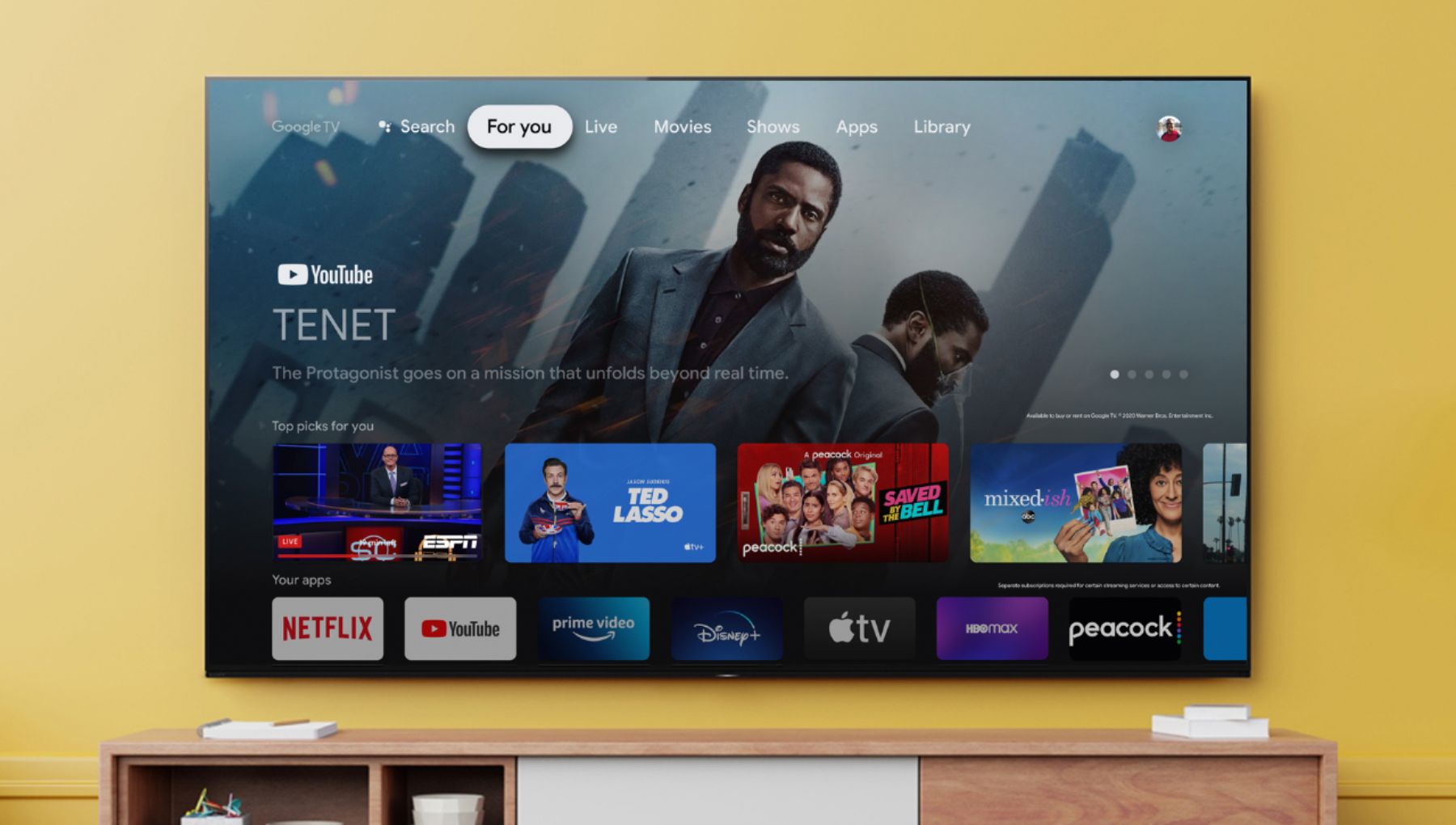
A:AnswerHi historyprof, Thank you for your inquiry! Yes, you can download the HBO Max through the Google Playstore App.
I hope this helps!
Regards,
Carl
A:AnswerHi xyz4565, Thank you for your inquiry! You can compare the TVs on our Sony website link: https://electronics.sony.com/tv-video/televisions/c/all-tvs Please note that the performance of these TVs will depend on the content that you are watching like sports, games or movies.
For games, we recommend using our X90J, X85J and X900H Series These models support 4k 120hz (X900H supports 4k 120 after a software update) eARC and ALLM and plans to add VRR in future updates.
I hope this helps.
Regards,
Carl
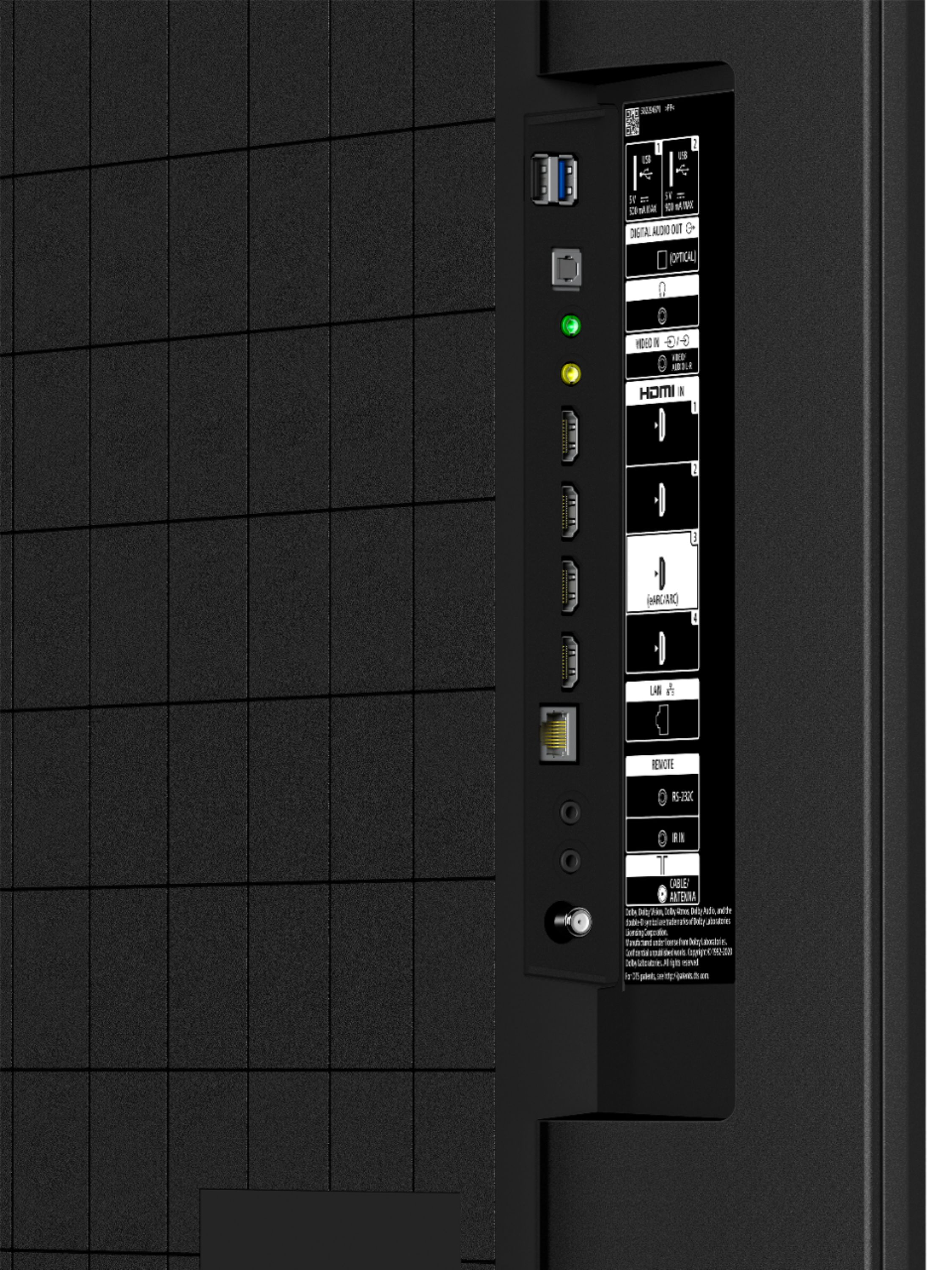
A:AnswerHi TDaze, Thank you for your inquiry! Yes, the KD50X80J will play videos and photos from your external hard drive if it is connected to the USB port of the TV. Please check our help guide link on how to play videos and photos on the TV https://helpguide.sony.net/tv/iusltn1/v1/en-003/04-01_01.html?hl=usb
To view the supported files and formats compatible with the TV, please check on this link: https://helpguide.sony.net/tv/iusltn1/v1/en-003/04-01-03.html
Regards,
Carl
A:AnswerHi Byro, Thank you for your inquiry! The TV comes with a 1-year manufacturer's warranty from the date of purchase. For more information, you may check this link: https://www.sony.com/electronics/support/res/manuals/4595/c93100a1fe624cd97594959ae4e8b271/45953330M.pdf
I hope this helps!
Regards,
Carl
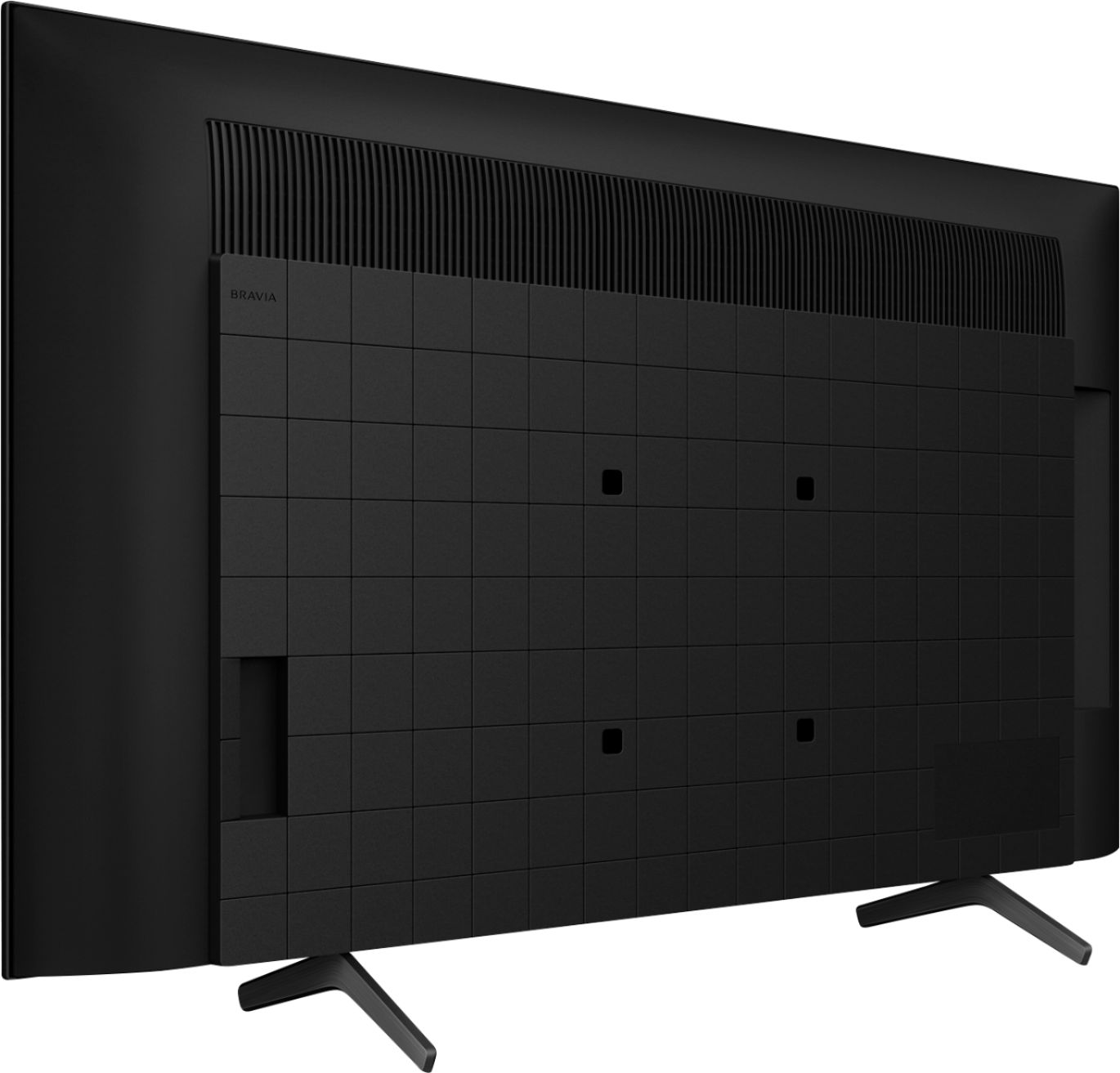
A:AnswerHi Morgan, Thank you for your inquiry! The TV comes with a TV stand that you can use to set up the TV to a table.
For more information on how to set up the TV, please refer to this link: https://www.sony.com/electronics/support/res/manuals/5025/b8bfb05f597cfa6a08d2c877f2add0d0/50250601M.pdf
I hope this helps!
Regards,
Carl
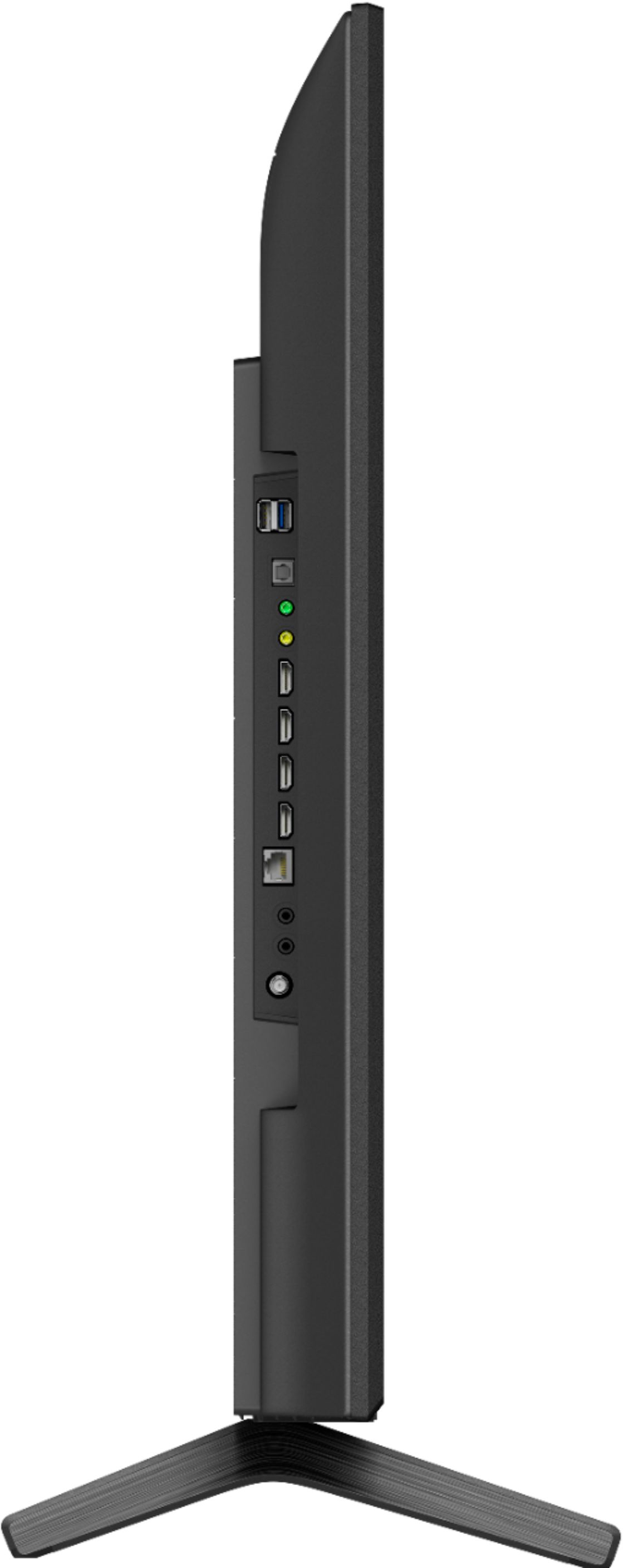
A:AnswerHi Vick, Thank you for your inquiry! Yes, you can connect your receiver to the TV by using the HDMI eARC port or Digital Optical port.
Regards,
Carl
A:AnswerHi James,
Thank you for your inquiry. The KD50X80J is capable of streaming live internet content through built-in applications like Netflix or YouTube. If you are referring to the Dish Anywhere app where you can live stream TV channels, the TV has a google play store wherein you can download supported TV streaming services.
Additionally, you can cast content from your source device to the TV through Chromecast.
I hope this helps!
Regards,
Carl
A:AnswerHi SundanceKid,
Thank you for your inquiry! You can connect your DVD to the TV using a Mini plug to RCA/Composite audio cable. Please check this link to follow the instructions on which type of connection you want to use. https://www.sony.com/electronics/support/articles/00231150
I hope this helps!
Regards
Carl
A:AnswerHi there, Thank you for your inquiry! Unfortunately, no. The TV's mac address can be found on the Network Settings.
On the supplied remote control, press the HELP button.
The next steps depend on the menu options of your TV:
Select Status & Diagnostics → Network status and diagnostics.
Select Status & Diagnostics → View network status.
Select View network status.
Select Contact us.
Select Contact & Support → System Information → MAC Address (Wired)/MAC Address (Wireless).
Upon the initial setup of the TV, you will have an option to connect it to your Wi-Fi. Simply select your Wi-Fi network and input the password.
I hope this helps.
Regards,
Carl
A:AnswerHi there, Thank you for your inquiry! Unfortunately, the Spectrum App is not available on the Google Play Store. However, you can use the built-in Chromecast feature to cast the content from the Spectrum TV app to their Sony TV. If you are referring to the Spectrum TV cable box, you can connect it to the TV using an HDMI connection.
I hope this helps!
Regards,
Carl
A:AnswerHi nycjoe212, Thank you for your inquiry! The steps require three people or more. Carefully lift the TV up to remove the TV stand. Make sure an adequate number of people are used to safely support the TV.
When you lift one side of your TV, make sure the opposite side doesn't drop to the floor and support the bottom of your TV with suitable material such as a stack of newspapers or magazines.
You may use this link as a guide on removing the TV stand. https://support.am.sony.com/release/QSG_5024944111.pdf
Regards,
Carl
A:AnswerHi Steve, Thank you for your inquiry! The Android TV™ does not have a pre-installed web browser app. However, you can download and install third-party apps that function as a web browser through the Google Play™ store.
Follow these steps to locate a browser app:
1. Turn on the TV.
2. On your remote control, press the HOME button.
3. Select Apps.
4. Select the Google Play store app.
5. In the search window, use web browser or browser to locate an app that will meet your needs.
For more information, please visit our article link: https://www.sony.com/electronics/support/televisions-projectors-lcd-tvs-android-/kd-50x80j/articles/00121075
Regards,
Carl
A:AnswerHi Missy, Thank you for your inquiry! Many of the existing apps from the Google Play™️ store can be downloaded to the Android™️ TV. There are several hundred apps already available with a consistent flow of new apps being released for the Android TV platform. The Google Play store opens the door to many apps you may already be using on your mobile devices.
The availability of Android TV apps is different depending on the country or region where the TV is being used.
To check on how to install applications on the TV using google playstore, please check on this link: https://www.sony.com/electronics/support/televisions-projectors-lcd-tvs-android-/kd-50x80j/articles/00147386
Regards,
Carl
A:AnswerHi Ted,
Thank you for your inquiry. Yes, if you directly connect the X80J TV to an antenna you may use Auto Program to scan for available channels. There is also an option to add digital channels as well as an option to hide/show channels. The channels that appear vary depending on your region, physical location and the TV signal coverage of the local broadcasting stations in your area. You may open this link for more information on what available channels or stations in your area. https://www.sony.com/electronics/support/televisions-projectors-lcd-tvs-android-/kd-50x80j/articles/00258411
Regards,
Kris