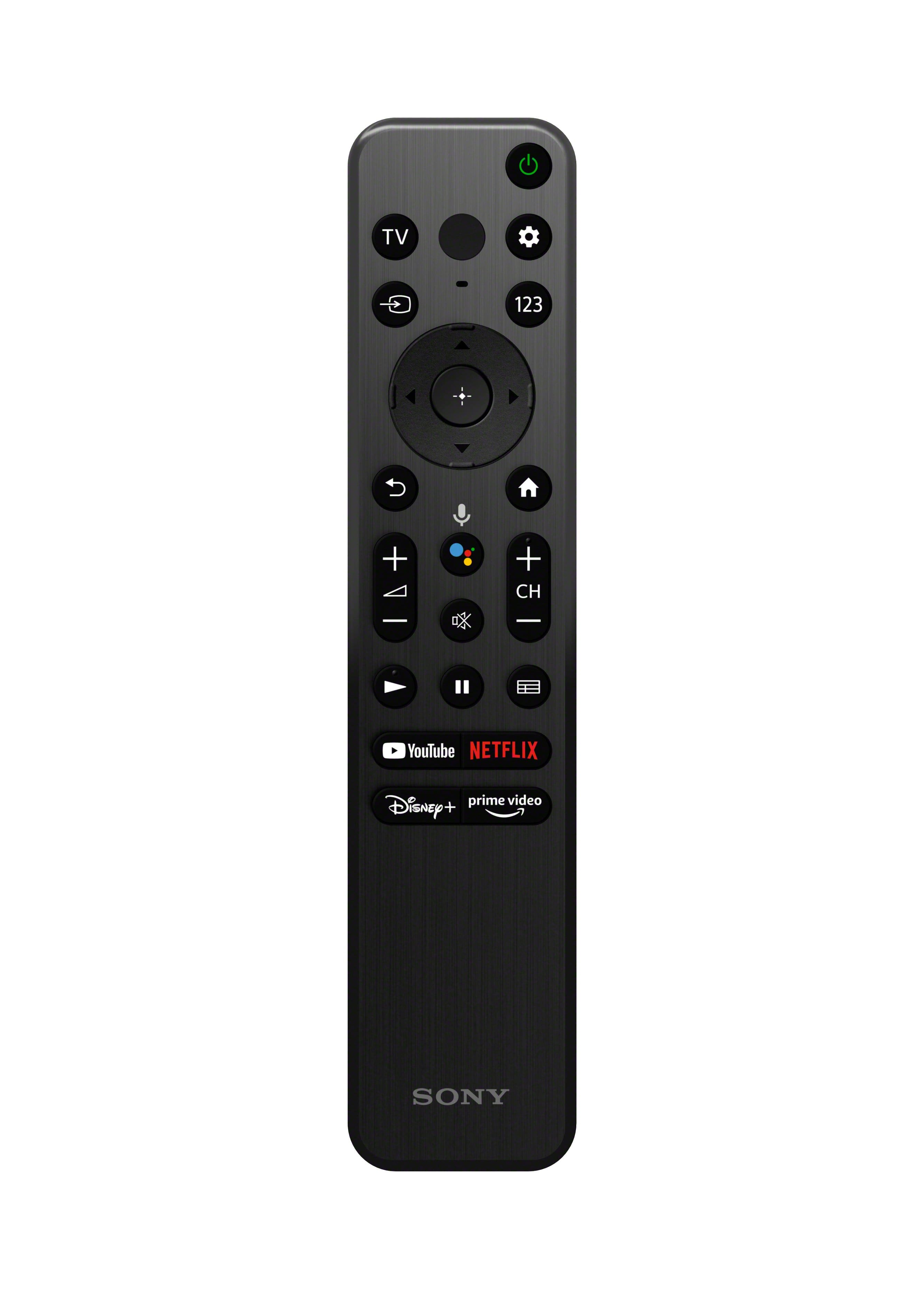
A:AnswerA pain: Press the 123 button, press the Down button on the circle until the number bar illuminates, press the Left/Right buttons on the circle until you get to the correct first number, press the center button in the circle to enter the first number. (Number should show in a window.) Repeat for more numbers and the period (for the dash). When complete channel number is entered, press the Down button on the circle to high light Enter and press center button in the circle to go to the entered channel.
A:AnswerHi Suds,
Thank you for inquiring about the KD-50X80K. Good news! The ATSC/ATSC 3.0 (NEXTGEN TV) tuner is ready to go with this TV. ATSC technology is backwards compatible for X80K series TVs, so you will still be able to enjoy ATSC 1.0 technology with this ATSC 3.0 supported TV.
For more details, you may check the full specifications and features from the link below:
https://www.sony.com/electronics/support/televisions-projectors-lcd-tvs-android-/kd-50x80k/specifications
Regards,
Jess
A:AnswerHi Eddie,
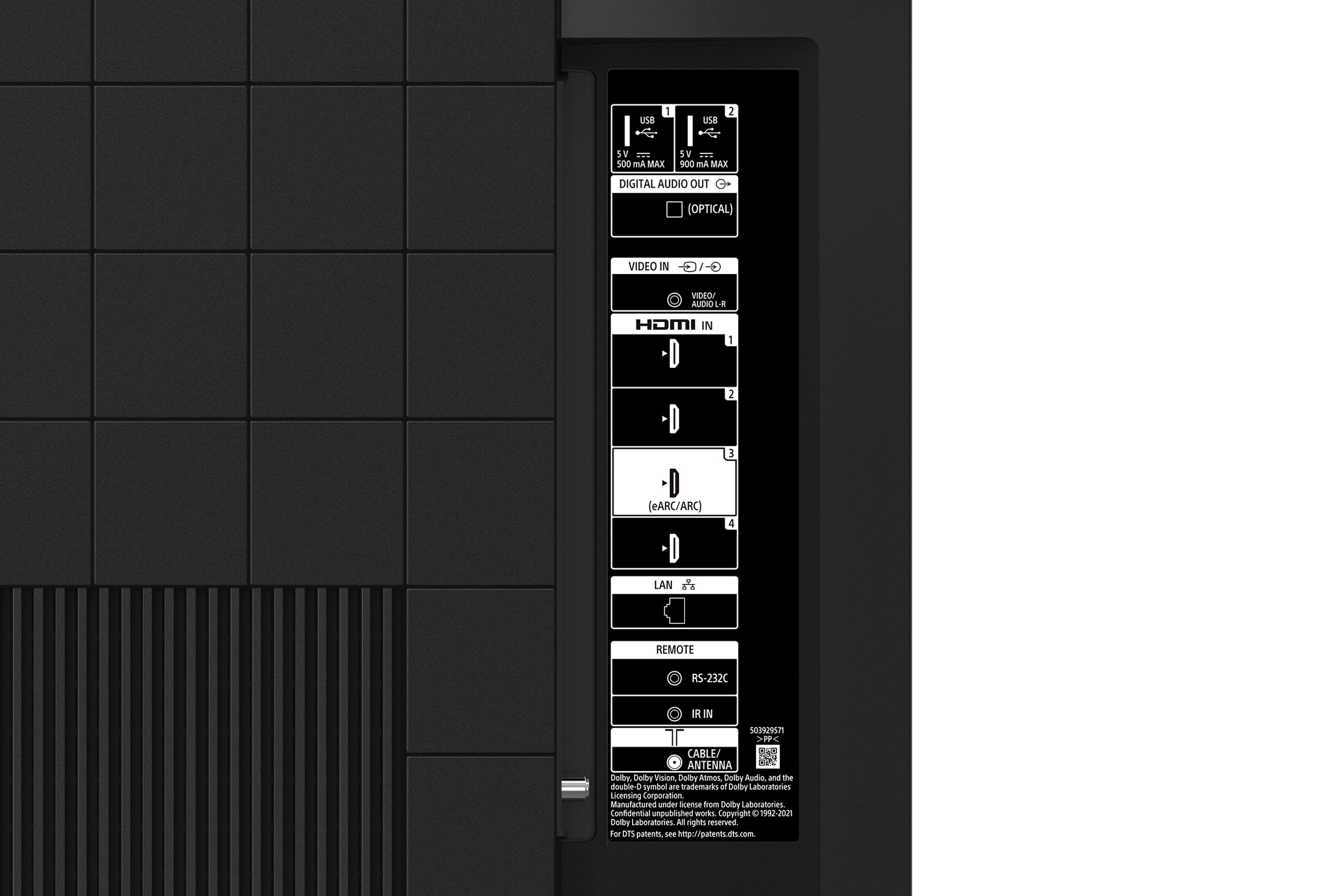
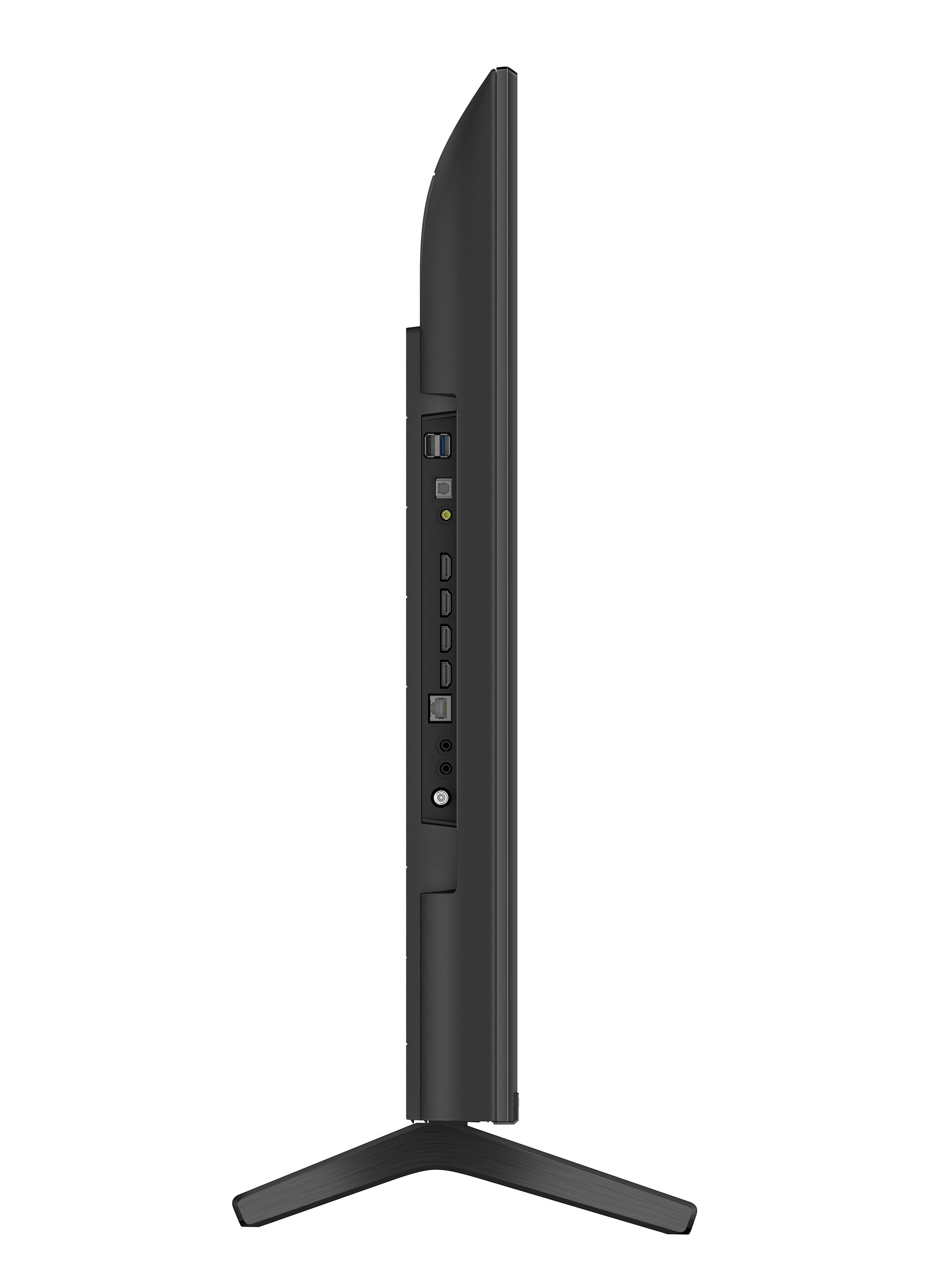
Thank you for your inquiry! The KD50X80K supports the features specified in the HDMI 2.1 such as eARC and ALLM in HDMI 3 and 4. For reference: https://www.sony.com/electronics/support/televisions-projectors-lcd-tvs-android-/kd-50x80k/articles/00246472
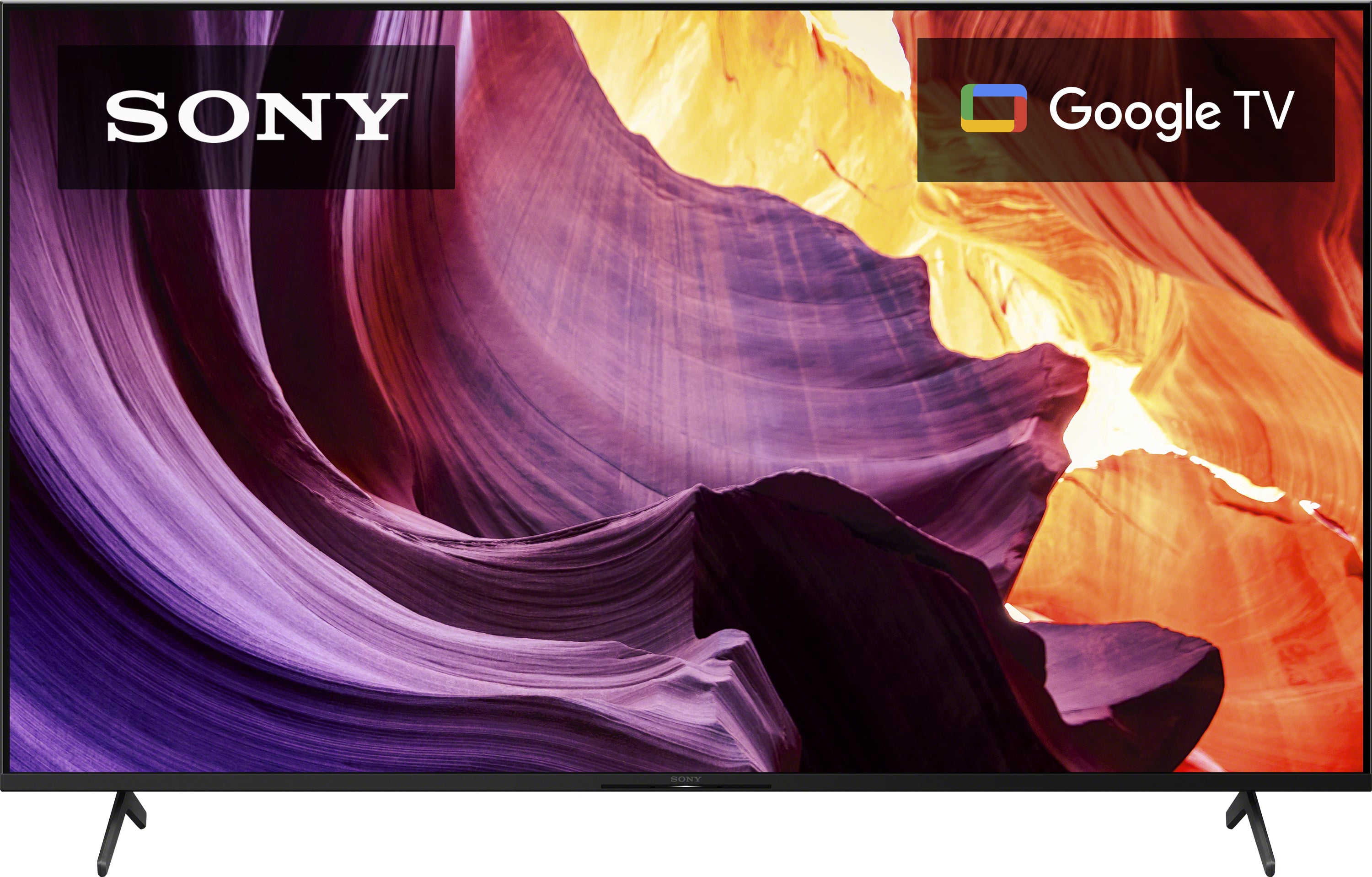
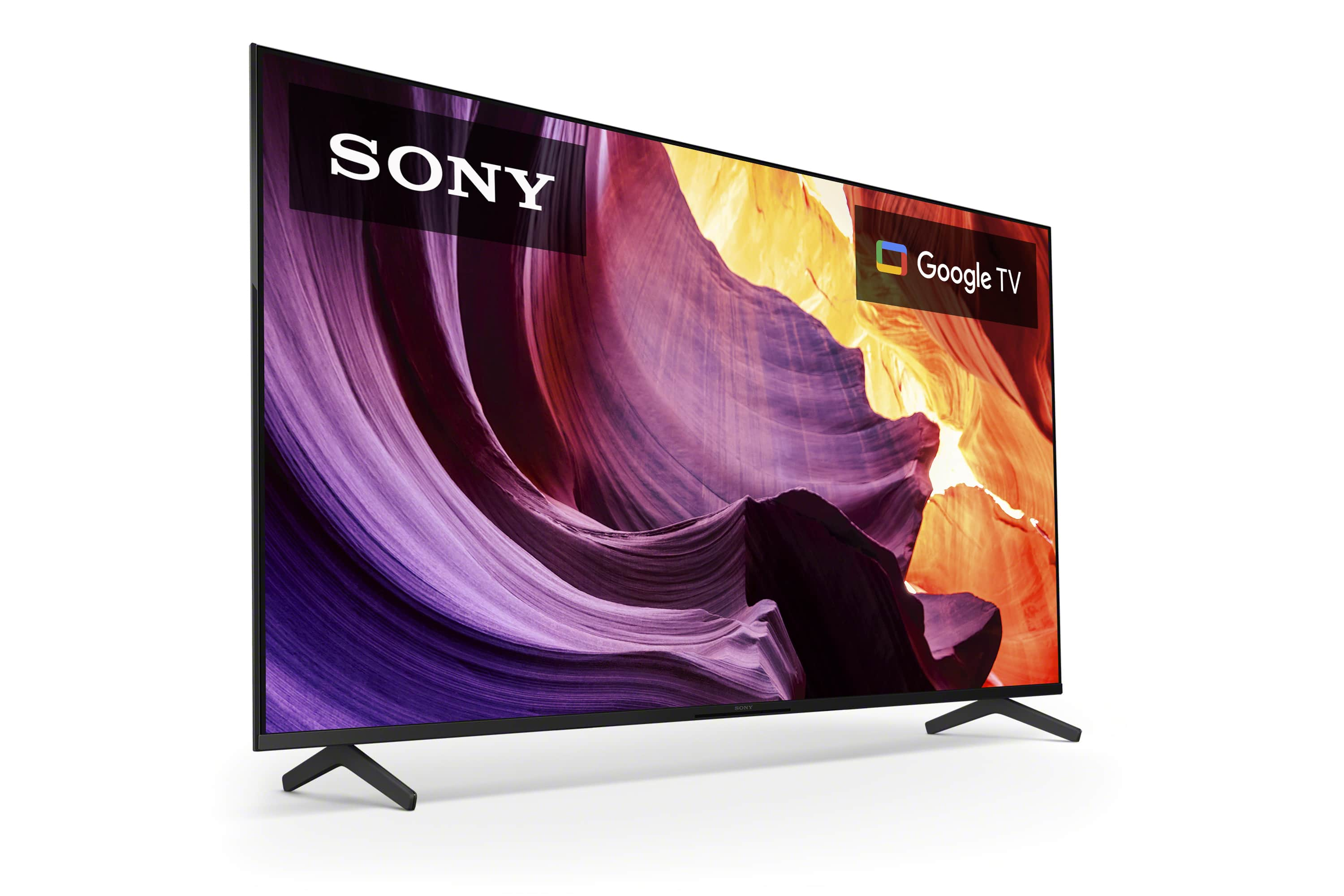
Enjoy an intuitive smart TV experience with natural color and clear sound with the BRAVIA X80K LED TV. The powerful 4K HDR Processor X1 reduces digital noise and boosts details for lifelike picture quality. Google TV gives you access to all your favorite streaming apps, while Google Assistant easily searches for content and controls your smart home simply by using your voice. Hope this helps! - Kris
A:AnswerHi Dbp,
Thank you for your inquiry! If you have a VCR/DVD player with composite connection(RCA), this device can be connected to the X80K TV using a 3.5mm analog extension cable (not supplied). For more information about connecting devices to the TV, please check this link: https://helpguide.sony.net/tv/jusltn1/v1/en-003/04-02_01.html
Enjoy an intuitive smart TV experience with natural color and clear sound with the BRAVIA X80K LED TV. The powerful 4K HDR Processor X1 reduces digital noise and boosts details for lifelike picture quality. Google TV gives you access to all your favorite streaming apps, while Google Assistant easily searches for content and controls your smart home simply by using your voice. Hope this helps! - Kris
A:AnswerHi Needtv,
Thank you for your inquiry! Yes, you can stream Apple TV on this TV. The X80K model is a Sony TV that supports the Apple TV and Apple TV+ apps. You can download the apps from the built-in Google Play Store of the TV. Once you have the apps installed, you can sign in with your Apple ID and start streaming content from Apple TV and Apple TV+ through this TV.
Enjoy an intuitive smart TV experience with natural color and clear sound with the BRAVIA X80K LED TV. The powerful 4K HDR Processor X1 reduces digital noise and boosts details for lifelike picture quality. Google TV gives you access to all your favorite streaming apps, while Google Assistant easily searches for content and controls your smart home simply by using your voice. Hope this helps! - Kris
A:AnswerHi Outdoorsy,
Thank you for your inquiry! The X80K can be used outside as long as it is properly protected under a roof or covered deck and prevent it from the elements such as rain. This TV is not specifically designed or rated for outdoor use. Exposing the TV to rain or moisture, direct illumination, or sunlight may cause damage. For safety reasons and to prevent the TV from malfunctioning, its recommended operating temperature is: 0 ºC – 40 ºC / 32˚F - 104˚F. To achieve the best picture quality, we recommend not exposing the screen to direct illumination or sunlight and avoiding installing the TV in a room with reflective walls and floor materials.
Enjoy an intuitive smart TV experience with natural color and clear sound with the BRAVIA X80K LED TV. The powerful 4K HDR Processor X1 reduces digital noise and boosts details for lifelike picture quality. Google TV gives you access to all your favorite streaming apps, while Google Assistant easily searches for content and controls your smart home simply by using your voice. Hope this helps! - Kris
A:AnswerHi Ron,
Thank you for reaching out to us and we do apologize for the inconvenience. We are sorry but there isn't a specific app to download digital channels on the Sony KD50X80K. Digital channels are typically received through an over-the-air broadcast signal or via a cable/satellite TV service.
To access digital channels on the X80K, you need to connect an antenna for over-the-air signals or a cable/satellite set-top box or receiver for cable/satellite channels. The TV's built-in tuner allows you to scan for and tune into these channels without the need for downloading an app.
However, the KD-65X80K is a smart TV that supports various streaming apps. While these apps provide access to on-demand content, some of them also offer live TV streaming options as part of their service packages. It's important to note that accessing live TV channels through streaming apps may require a subscription or a separate service provider, and the availability of channels may vary depending on your location and the streaming services you choose.
Unfortunately, due to the current Best Buy phishing protocol for your protection, we cannot provide a direct email or phone number for customer support as of now. Please find Sony Electronics' Support information: Go to our support website > click on “Support” > scroll down click on “Contact Support” > click on "(select your product type)" and from there you'll see different ways to contact us.
Apologies if you disclosed some of this information in your review and to customer service, we just want to ensure that we have your accurate details at the time of communication.
Name:
BestBuy Username:
Model Number:
Question/concern:
Telephone Number:
We are sorry for the inconvenience and hope to speak to you to resolve this matter. - Kris