A:AnswerHi,
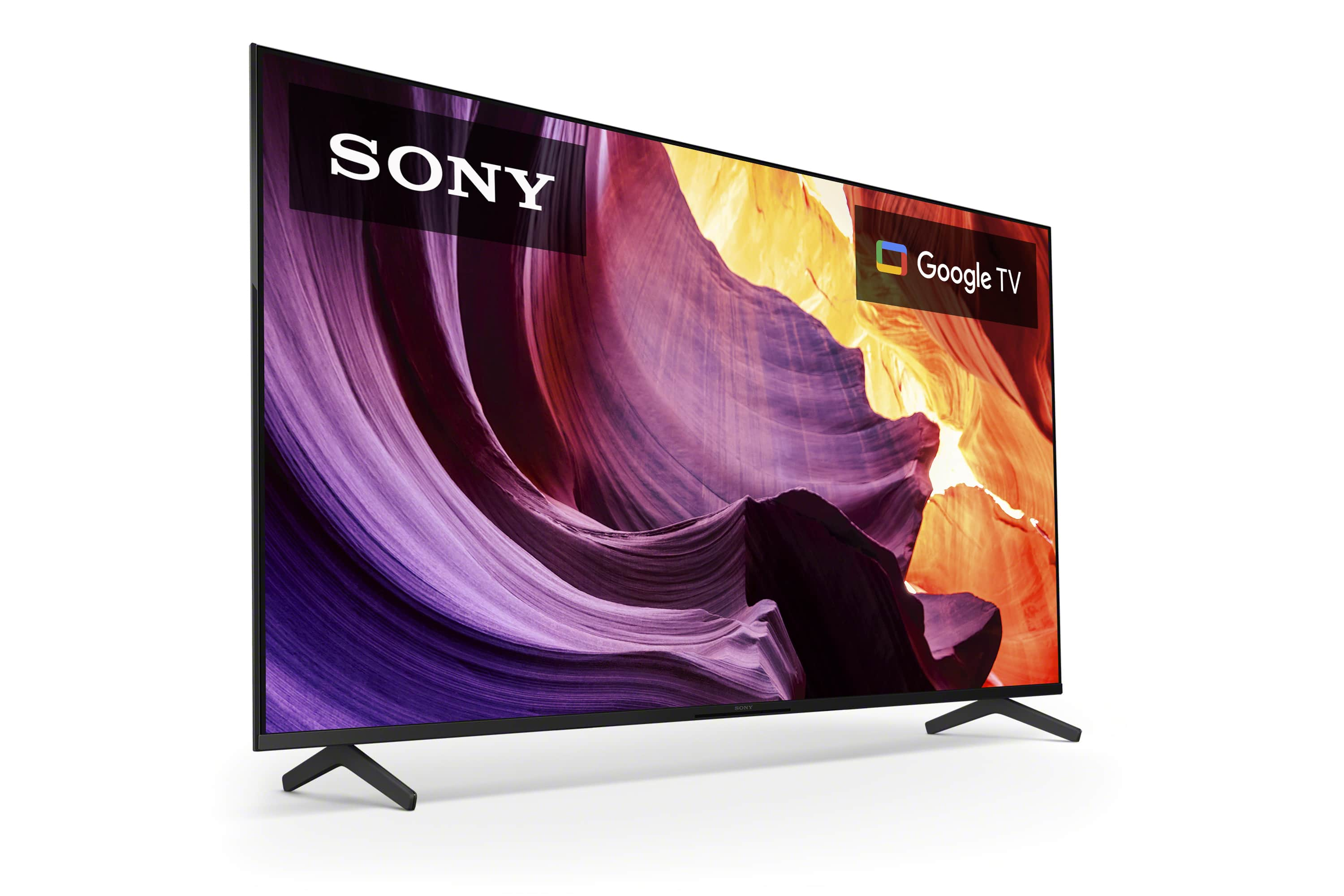
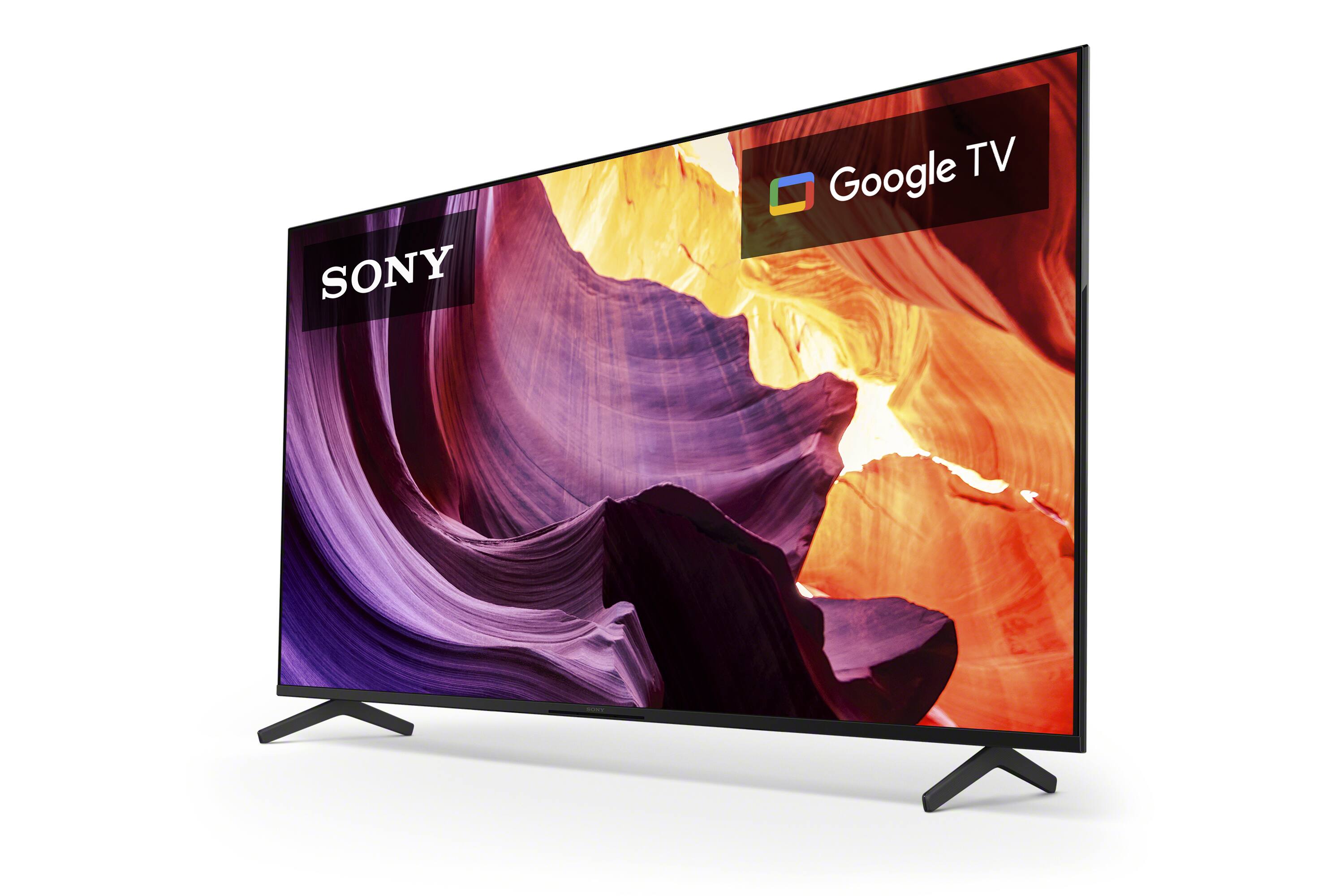
Thank you for your inquiry! Below are the dimensions of the KD50X80K:
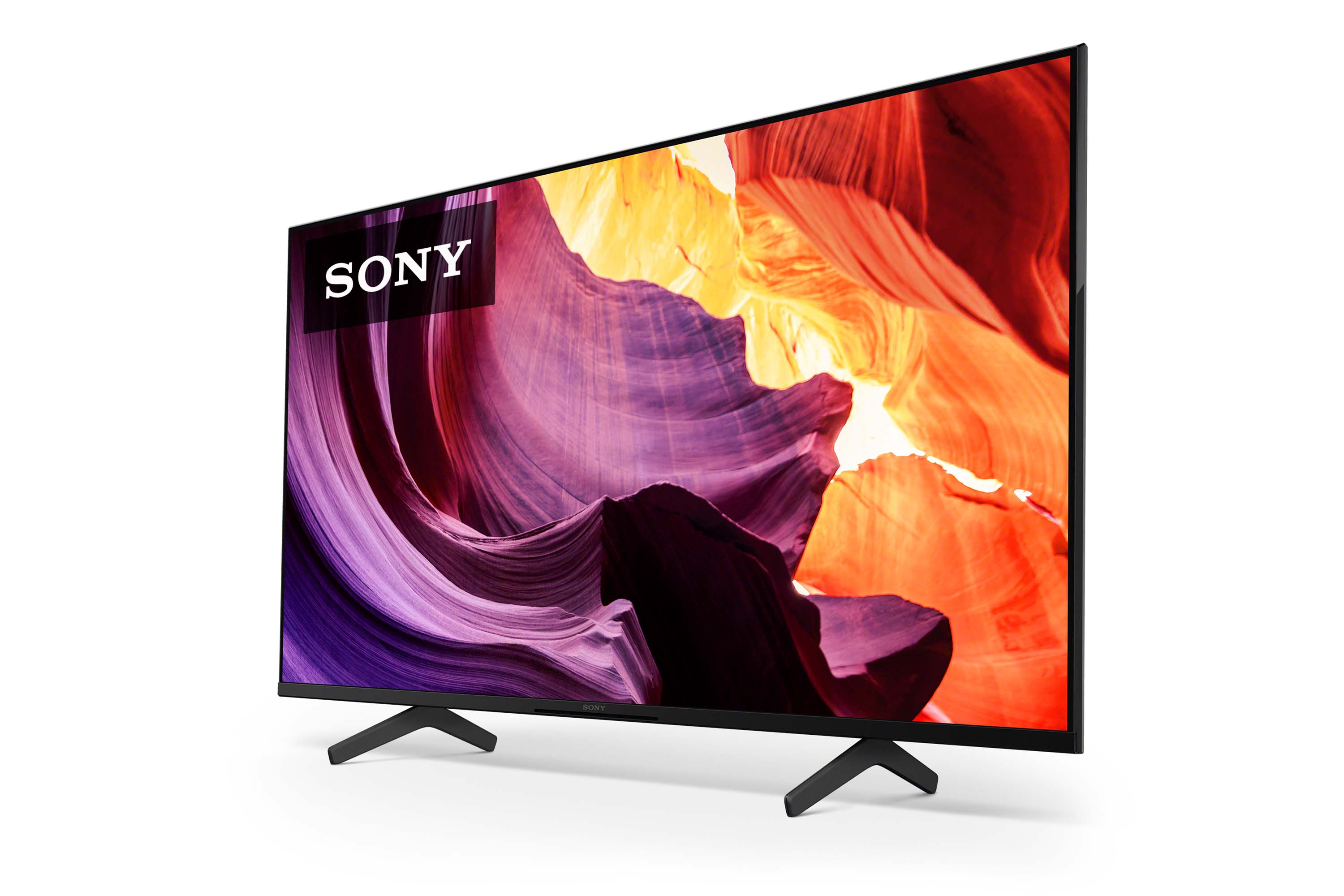
DIMENSION OF TV WITHOUT STAND (W X H X D)
44.06 x 25.55 x 2.76 inch (1,119 x 649 x 70 mm)
DIMENSION OF TV WITH STAND (STANDARD POSITION) (W X H X D)
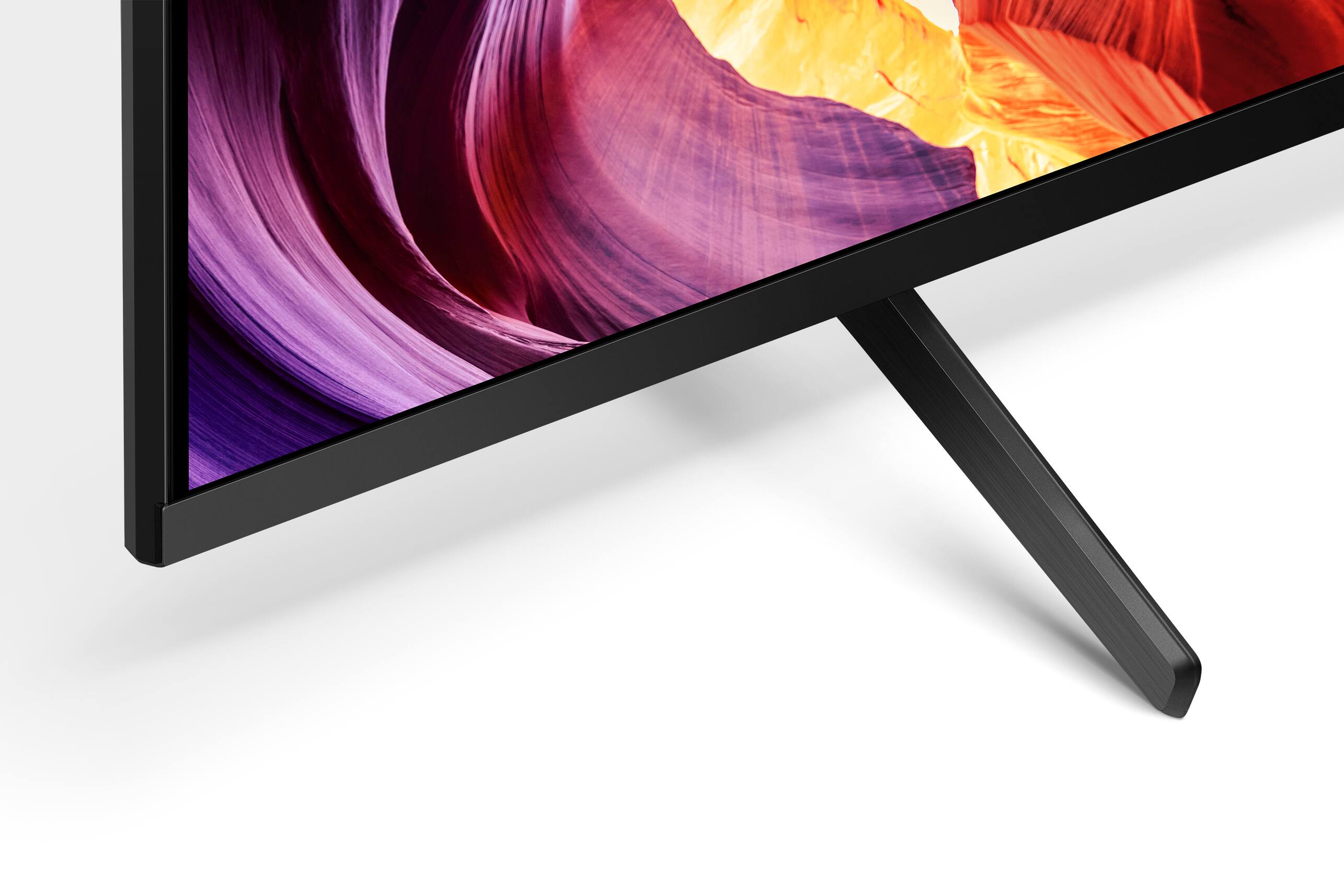
44.06 x 28.15 x 11.26 inch (1,119 x 715 x 286 mm)
STAND WIDTH (STANDARD POSITION)
26.18 inch (665 mm)
Enjoy an intuitive smart TV experience with natural color and clear sound with the BRAVIA X80K LED TV. The powerful 4K HDR Processor X1 reduces digital noise and boosts details for lifelike picture quality. Google TV gives you access to all your favorite streaming apps, while Google Assistant easily searches for content and controls your smart home simply by using your voice. Hope this helps! - Kris
A:AnswerHi M777,
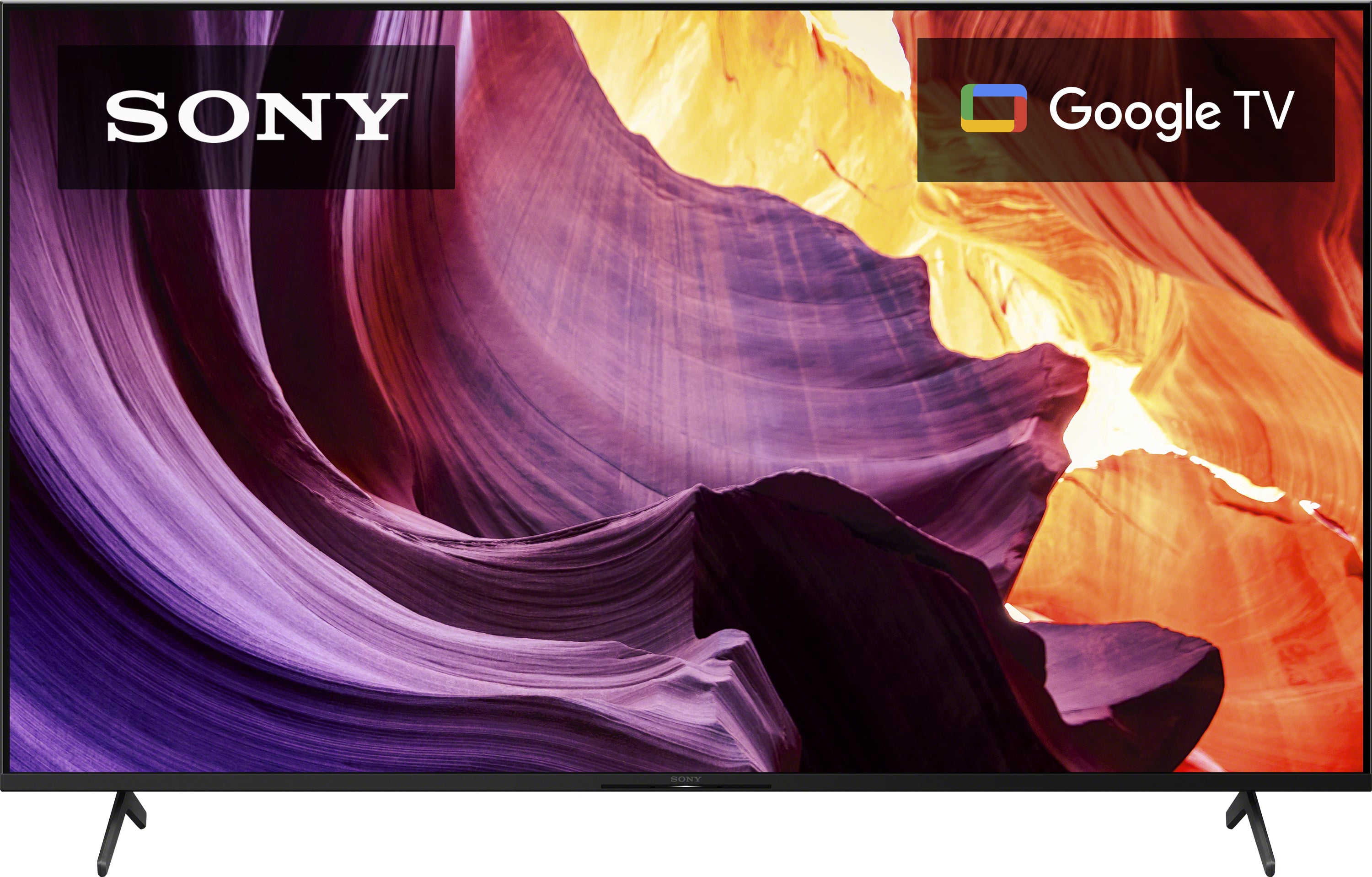
Thank you for the question! The screen width of the KD50X80K is approximately 44 1/16 in / 1119 mm. For more information about the product dimensions of the KD X80K, please check TV's manual.
Enjoy an intuitive smart TV experience with natural color and clear sound with the BRAVIA X80K LED TV. The powerful 4K HDR Processor X1 reduces digital noise and boosts details for lifelike picture quality. Google TV gives you access to all your favorite streaming apps, while Google Assistant easily searches for content and controls your smart home simply by using your voice. Hope this helps! - Kris
A:AnswerHi,
Thank you for your inquiry! Yes, it will work. The X80K TV has a range of 110-240 V. TV model purchased in the US has a power requirement of 120 V AC, 60 Hz and 110-240 V AC, 50/60Hz for other countries. It can be used outside the US and CA but with a power converter to use it with a 220V.
Enjoy an intuitive smart TV experience with natural color and clear sound with the BRAVIA X80K LED TV. The powerful 4K HDR Processor X1 reduces digital noise and boosts details for lifelike picture quality. Google TV gives you access to all your favorite streaming apps, while Google Assistant easily searches for content and controls your smart home simply by using your voice. Hope this helps! - Kris
A:AnswerHi TV,
Thank you for the question! Our X80K can be used outside as long as it is properly protected under a roof or covered deck and prevent it from the elements such as rain. The TV is intended to be operated indoors. Exposing the TV to rain or moisture, direct illumination, or sunlight may cause damage. For safety reasons and to prevent the TV from malfunctioning, its recommended operating temperature is: 0 ºC – 40 ºC / 32˚F - 104˚F. To achieve the best picture quality, we recommend not exposing the screen to direct illumination or sunlight and avoiding installing the TV in a room with reflective walls and floor materials.
Additional information:
Enjoy an intuitive smart TV experience with natural color and clear sound with the BRAVIA X80K LED TV. The powerful 4K HDR Processor X1 reduces digital noise and boosts details for lifelike picture quality. Google TV gives you access to all your favorite streaming apps, while Google Assistant easily searches for content and controls your smart home simply by using your voice. Hope this helps! - Kris
A:AnswerI searched my settings and am not sure this is what you are asking: Android TV OS Version 10
Kernel Version 4.19.75
and...Adroid TV OS security Patch level 9/1/2022
It has the Google Assistant, but I couldn't find anything that stated a Google TV version.
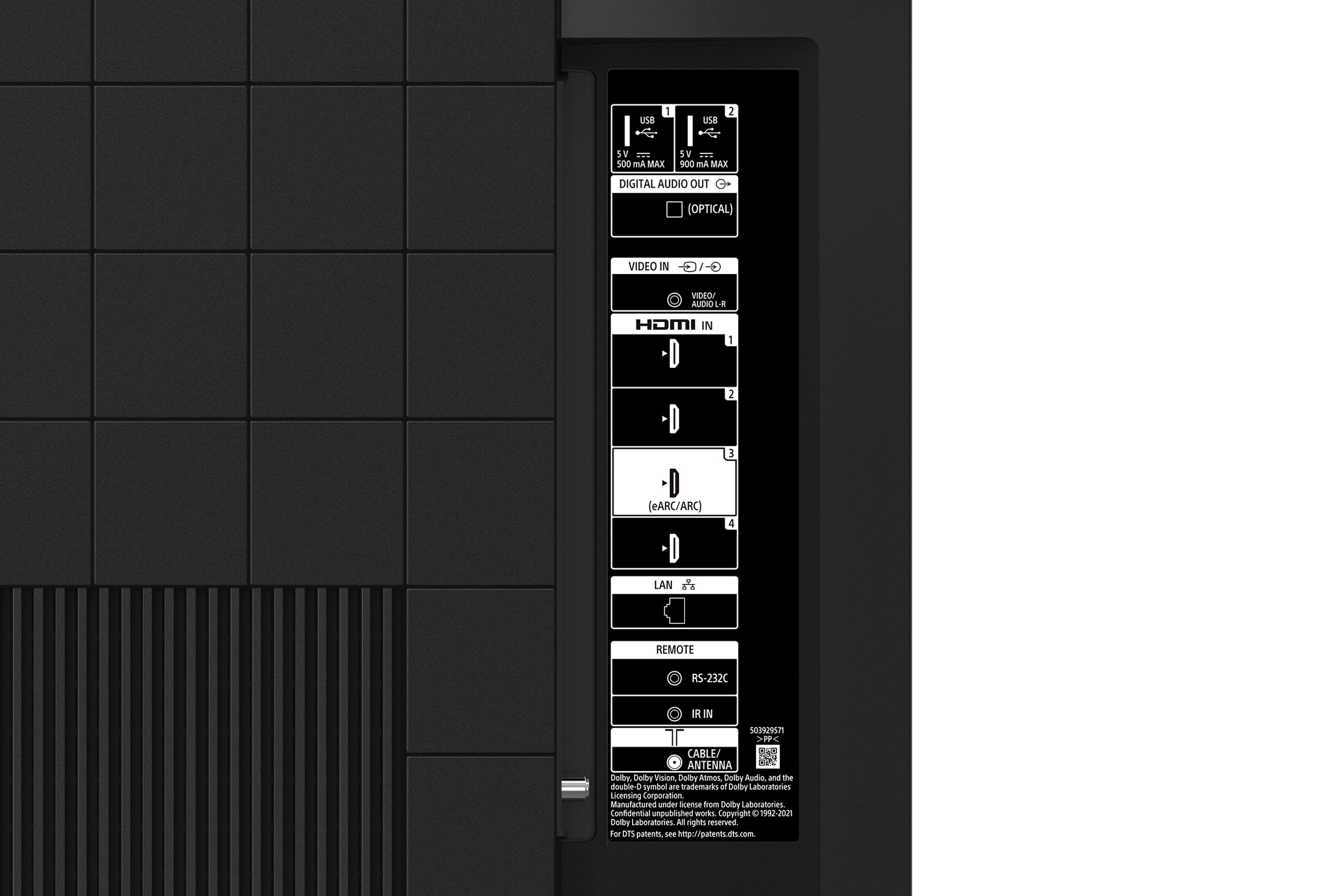
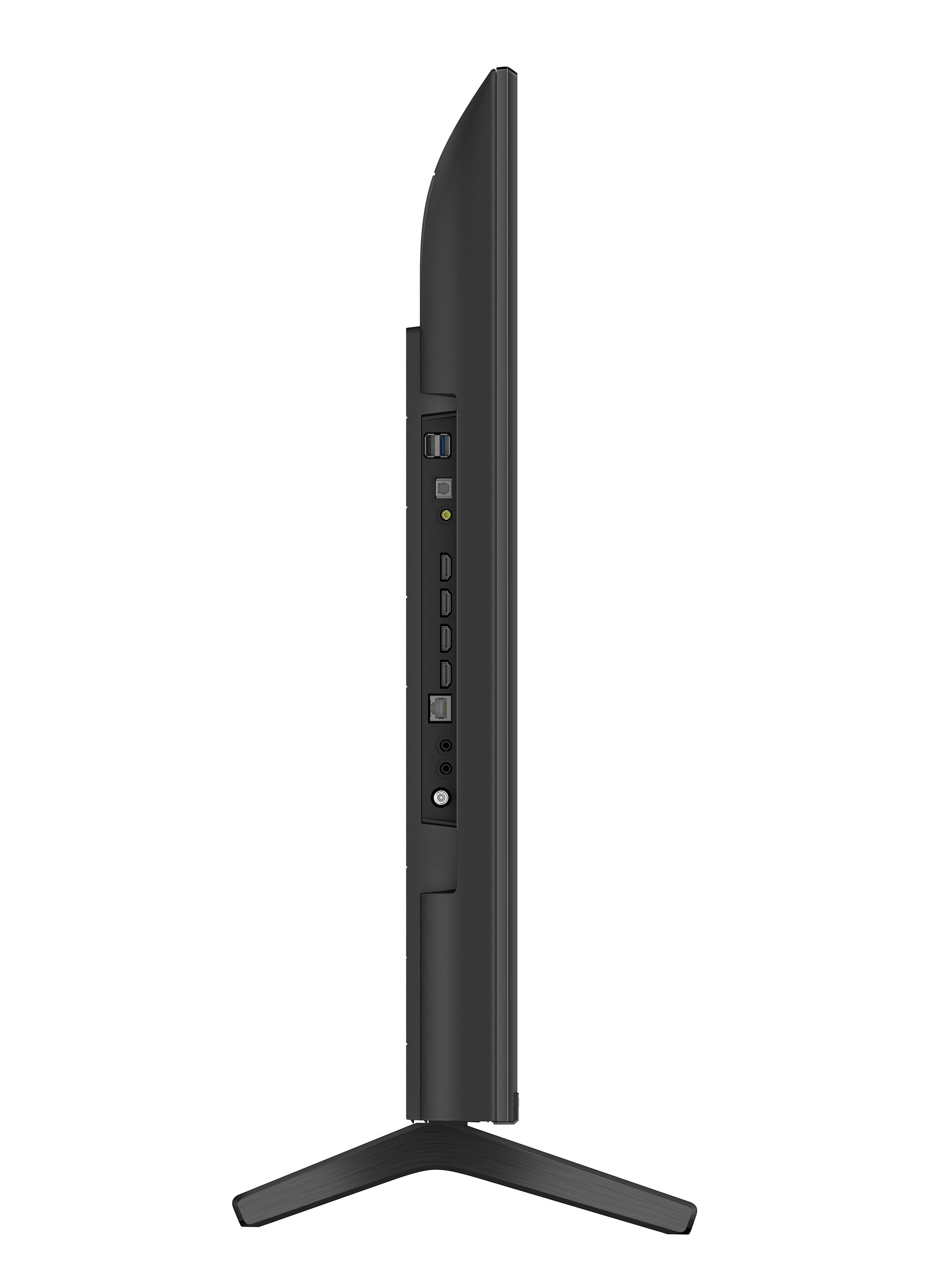
A:AnswerYes. For playing ps2 or other old consoles on this model You need either an rca to hdmi converter, or an AV adapter specific for Sony tv (3 female ports to 1 male port) for the yellow composite port on the side of the tv, as this model does not have the traditional red white and yellow composite ports
The displayed image might appear stretched at first so you may need to play around with the picture settings. Setting the aspect ratio to “normal” SHOULD do the trick for you and automatically adjust the output image to 4:3 aspect ratio. (It should squish the displayed image so that your game does not appear unplayably stretched or blurry).
A:AnswerHi Matt,
Thank you for your inquiry! Yes, this TV supports Bluetooth audio. The X80K TV can be connected wirelessly to compatible Bluetooth devices that support A2DP Bluetooth Profile. If your Apple AirPods supports this feature then yes, you may able to hear the TV sound from the Apple AirPods.
With regard to your question on using 2 sets of AirPods, only one Bluetooth audio device can be connected to the TV at a time.
Additional information:
Our BRAVIA X80K has an intelligent TV processing technology powered by 4K HDR Processor X1 that delivers picture quality full of rich colors and detailed contrast. You will also enjoy the Google TV with Google Assistant which organizes your content all in one place. You can also stream from your Apple device with AirPlay 2 support. This TV has Motionflow XR technology which allows you to see blur-free picture quality in fast-moving sports and movies. Hope this helps! - Kris
A:AnswerHi Wardguy,
Thank you for the question. We are sorry but this TV does not have a pause and record option when watching live TV. You will need a cable/satellite box for that specific feature.
However, with our BRAVIA X80K LED TV - you'll enjoy an intuitive smart TV experience with natural color and clear sound. The powerful 4K HDR Processor X1 reduces digital noise and boosts details for lifelike picture quality. Google TV gives you access to all your favorite streaming apps, while Google Assistant easily searches for content and controls your smart home simply by using your voice. Hope this helps! - Kris
A:AnswerThis TV is not made for outdoor weather. I believe the extreme of temperature and wind would effect the length of time it would function. This is a strictly indoor TV.