A:AnswerHi Lulas,
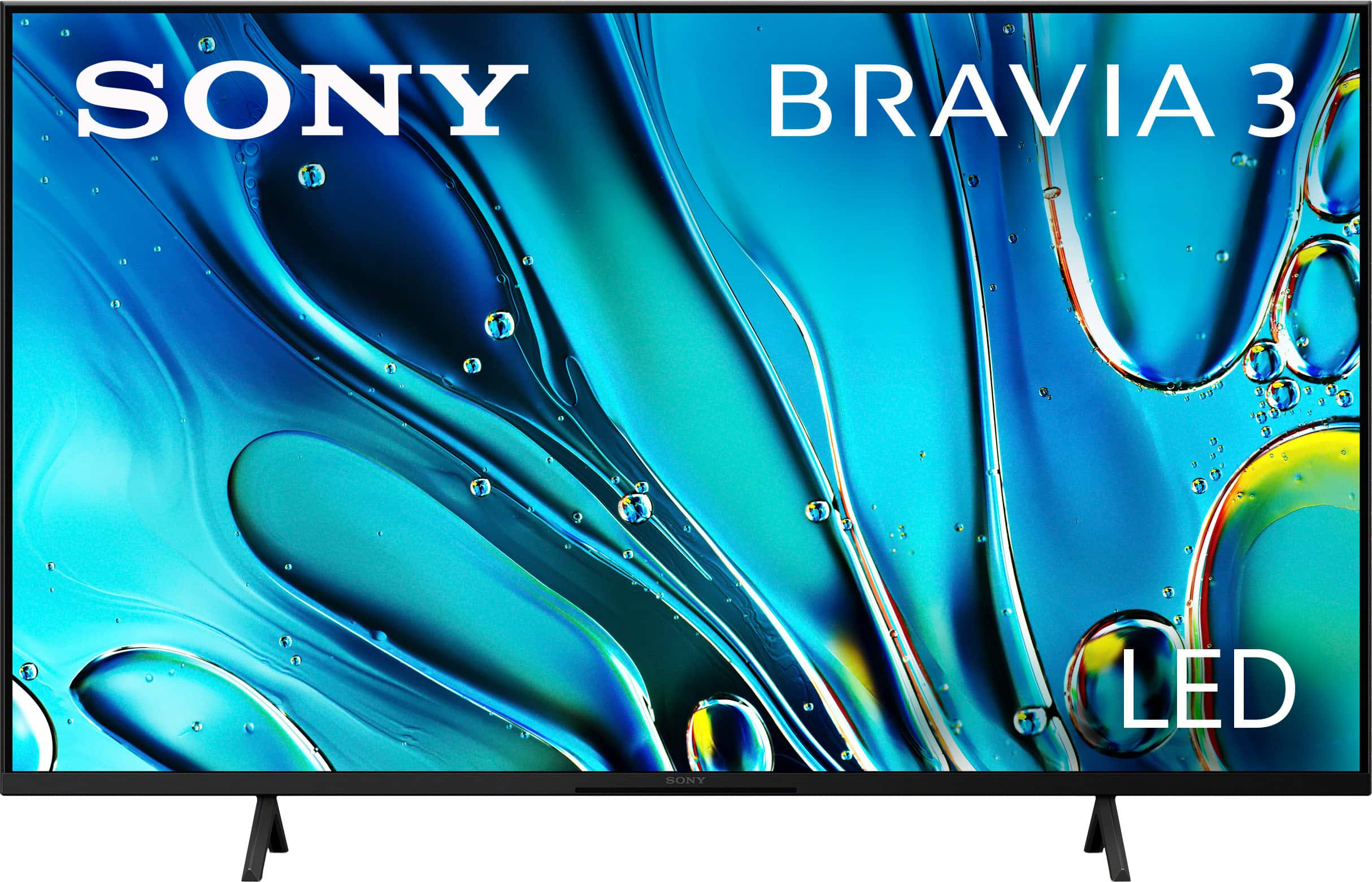
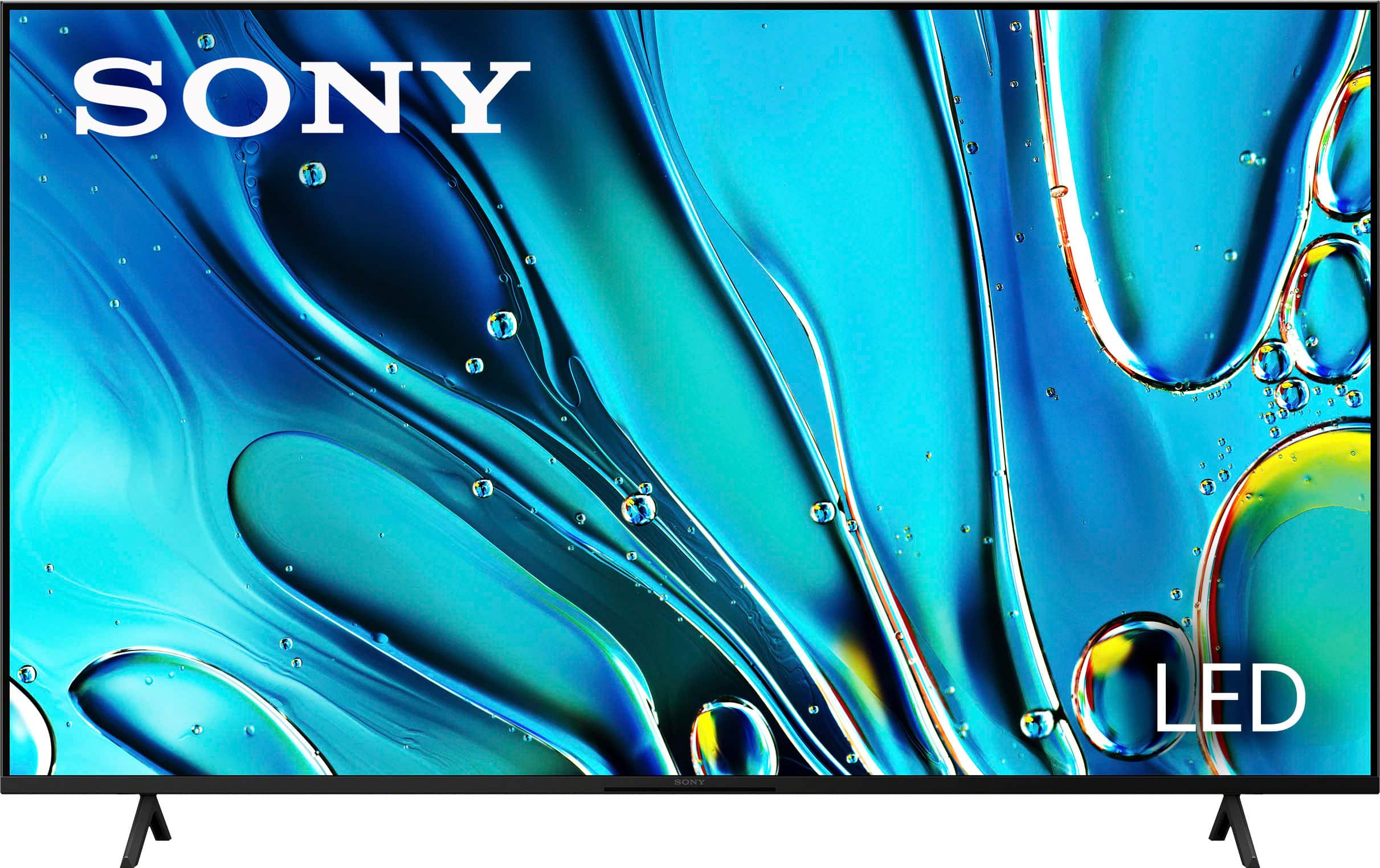
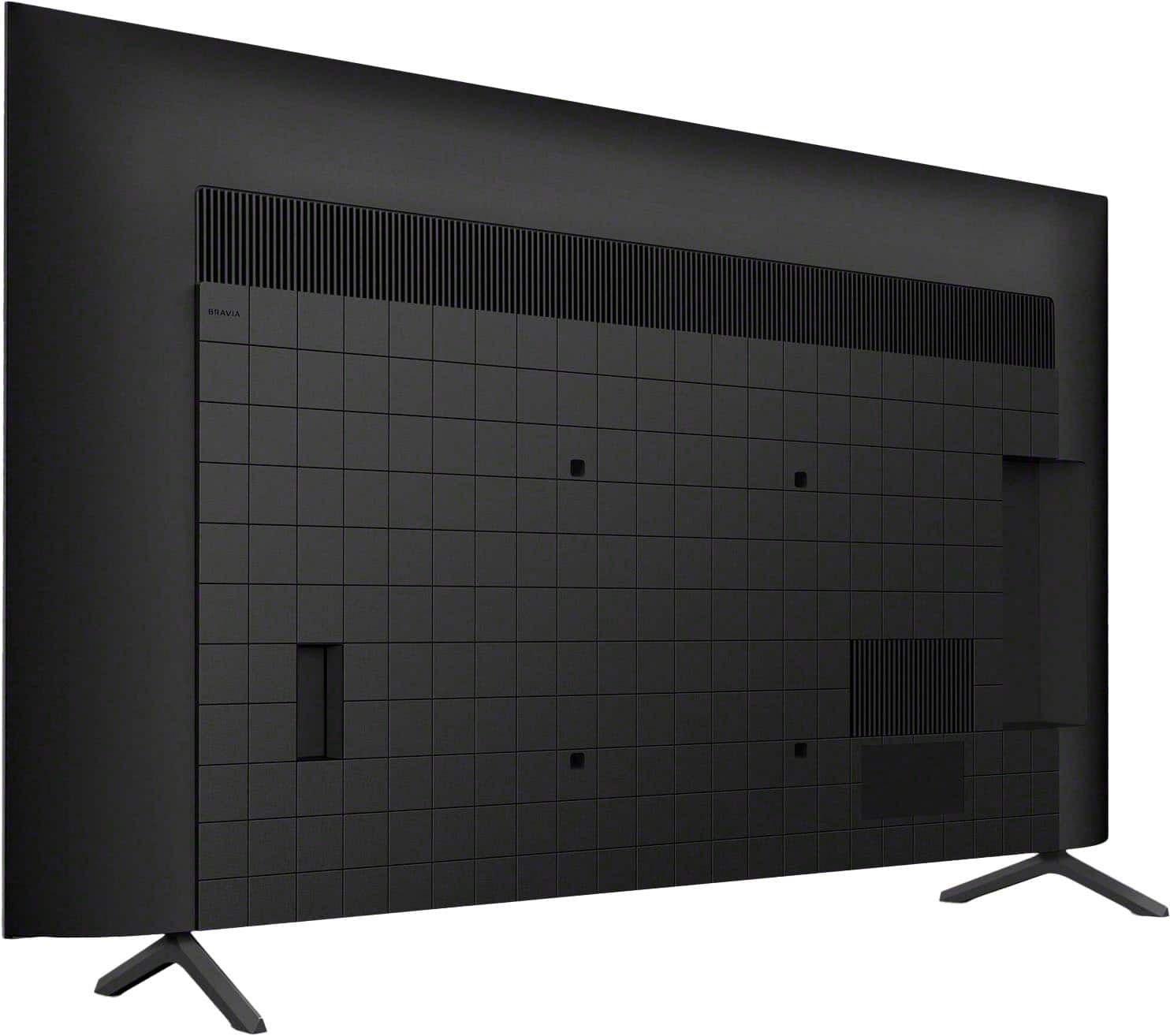
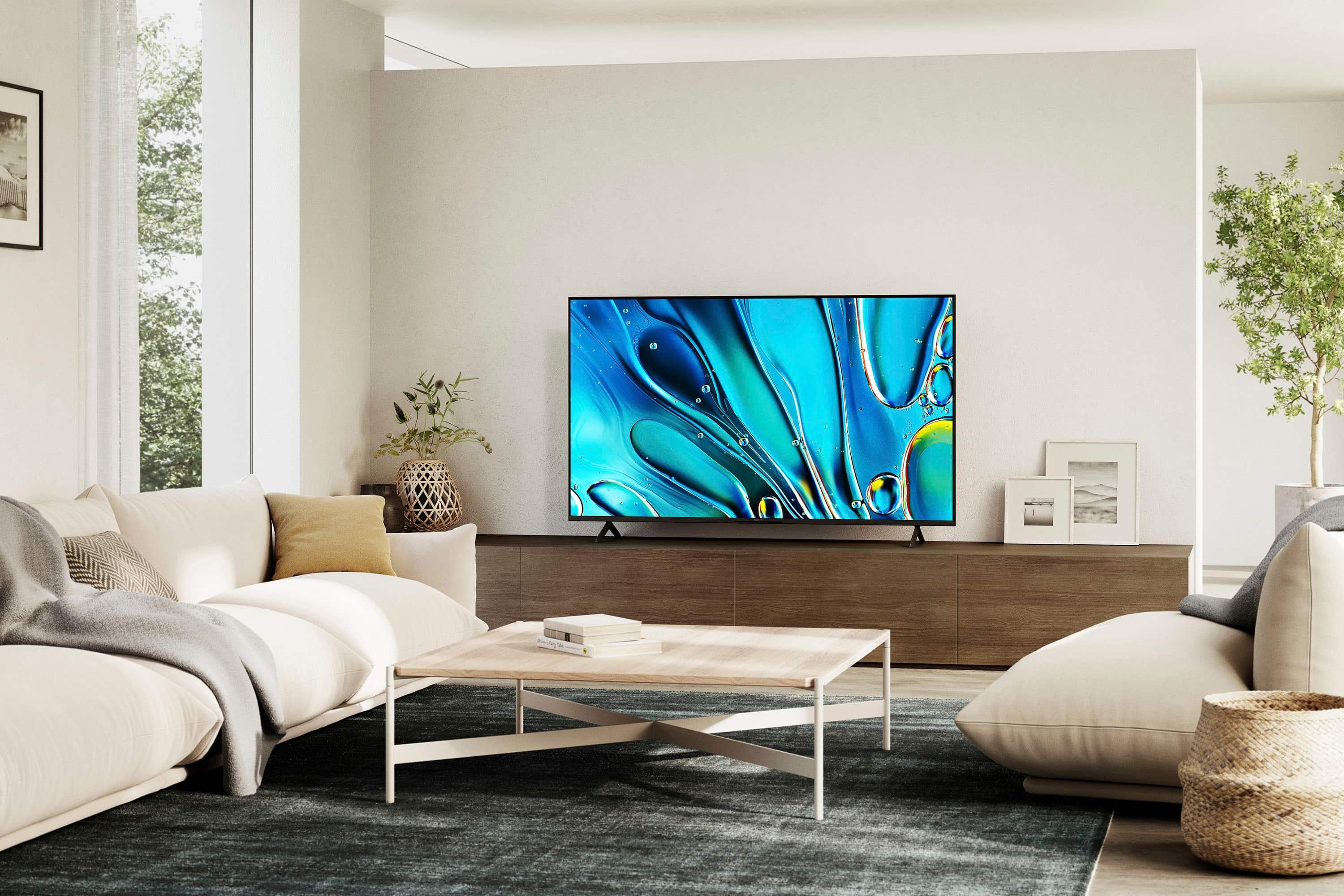
Thanks for the question! The stand width of the K55S30(BRAVIA 3) TV is approximately
40.5" / 1,028 mm(STANDARD POSITION).
You may find the dimensions of our Sony TVs on the Sony Support Site. The website has a page for each TV model where you can find the dimensions in the specification sections.
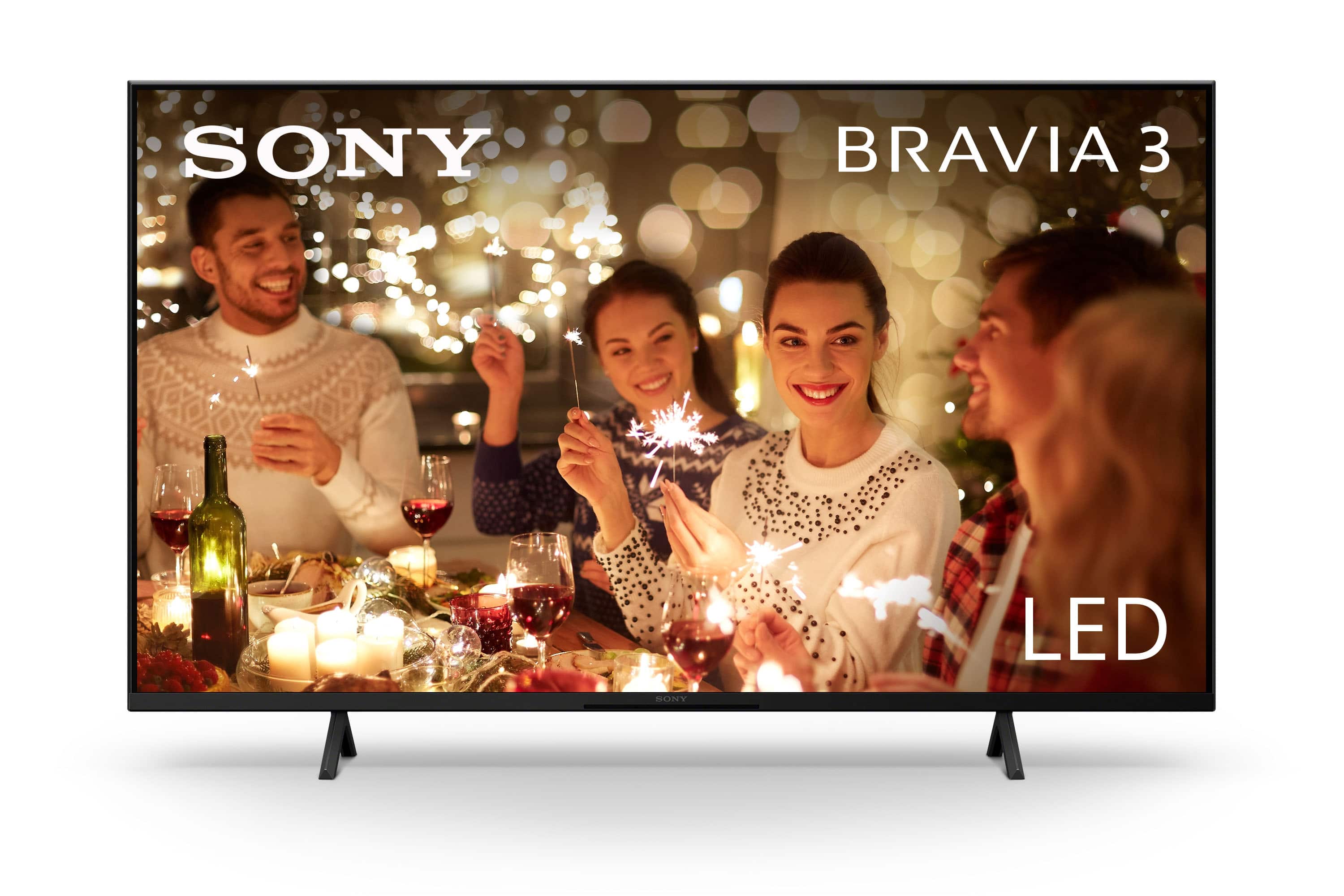
Additional information: Our BRAVIA 3 Smart Google TV is exceptionally easy to use with a variety of all-in-one smart features for stress-free viewing. With a large screen, detailed pictures full of color and dynamic sound, everything you love feels so much more exciting!
Hope this information helps! - Kris
A:AnswerHi VCR,
Thank you for reaching out to us with your concern.
We're sorry to hear that you are experiencing connection issues with your Sony BRAVIA 3 TV. This is not the experience we expect you to have, and we want to help make this a better experience for you.
To start, a power reset or restart of the TV is a recommended troubleshooting step that resolves many temporary issues.
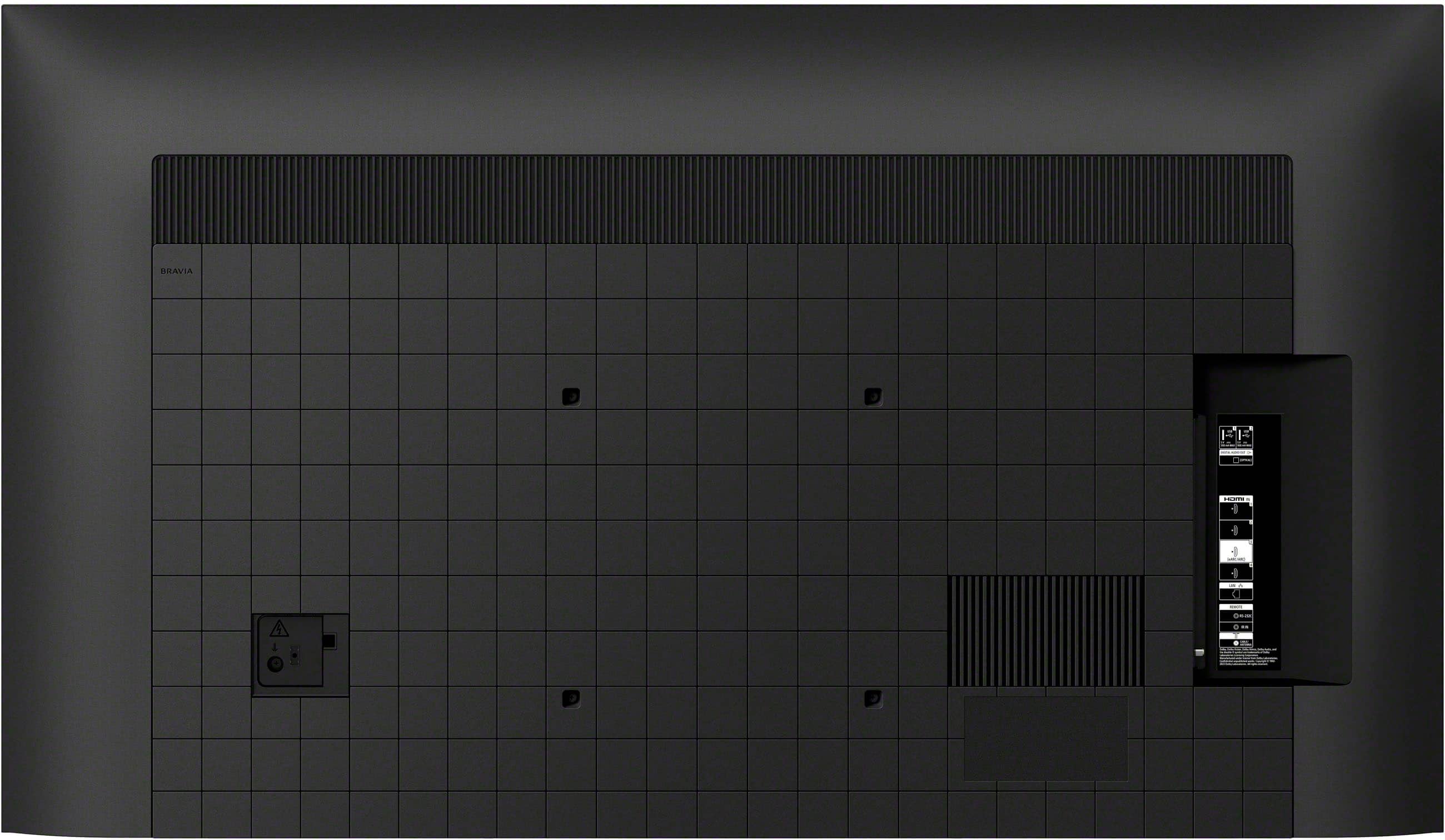
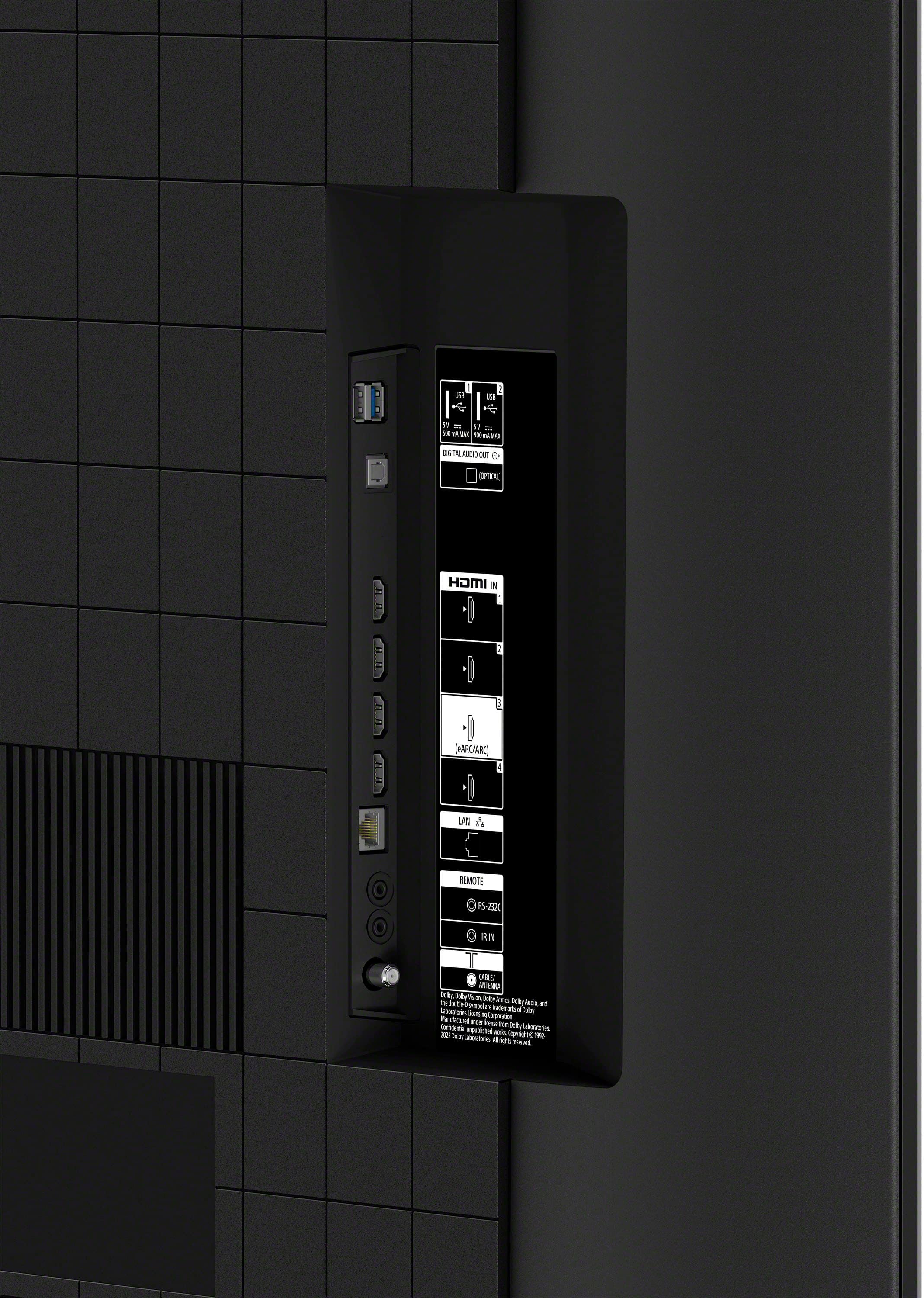
If a power reset or restart has already been performed, please verify which HDMI input the source device is connected to on the TV. On the supplied TV remote control, press the INPUT button repeatedly until it shows the correct HDMI input where the source device is connected.
For more detailed information regarding no picture when using an HDMI connection, you may find this link helpful: https://www.sony.com/electronics/support/articles/00030375?utm_source
Please note that we do not guarantee functionality for RCA to HDMI connections. You may check this link for hookup methods and general procedures on how to establish connections on your TV: https://www.sony.com/electronics/support/televisions-projectors-oled-tvs-android-/k-55s30/articles/00231150
Hope this information helps!
If you need further assistance or have additional concerns, may we contact you directly? If so, please email the following information to socialsupport@am.sony.com. Apologies if you've already shared this information with customer service — we just want to ensure we have your most accurate details:
Full Name:
Best Buy Username:
Telephone Number:
Additional Information regarding your experience with the BRAVIA 3.
Thank you for your patience, and we look forward to improving your experience!
Sincerely,
Maria
A:Answernot sure about sony. We have TCL and a Sharp Roku tv, both support OTA pause/hold when using a 32gb USB drive. It's an option that is indicated in the manuals.
A:AnswerHi Stressed,
Thank you for reaching out to us and we do apologized for the inconvenience. You may find all information about our Sony TVs on the Sony Support Site. The website has a page for each TV model where you can find the Help Guide, Startup Guide, and Reference Guide in the Manuals & Warranty section.
For your 2nd question: Adding a soundbar to the TV is a great way to significantly improve the sound quality for an immersive audio experience. Choosing the best soundbar may depend on your budget and desired features. Here are some of our Sony soundbars that will perfectly match your BRAVIA 3 TV.
- BRAVIA Theater Quad, BRAVIA Theater Bar 9, BRAVIA Theater Bar 8, HT-A7000, HT-A5000, HT-A3000, HT-S2000, HTA9, HT-G700, HT-S400, HT-S350.
To know about our Sony soundbar line up, please visit the Sony Electronics website.
For your 3rd question: You can configure various TV audio settings, such as sound quality and sound mode. Follow the steps below to access those settings:
On the remote control, press the Quick Settings (spanner or gear) button.
Select Settings → Display & Sound → the desired option (e.g., Picture & Sound or Sound).
Note: The actual display may vary, and some settings may not be available depending on your TV settings, and the connected device.
Unfortunately, due to the current Best Buy phishing protocol for your protection, we cannot provide a direct email or phone number for customer support as of now. Please find Sony Electronics Support information: Go to our support website > click on “Support” > scroll down click on “Contact Support” > click on "TV & Projectors" and from there you'll see different ways to contact us.
Hope this information helps. Thanks again for purchasing Sony.- Kris
A:AnswerHi Daddio1973,
Thanks for your question! We apologize but nits are not a public specification that we disclose at this time. You can sometimes find these types of answers from reviewers and forums. However, we can tell you how great this TV is.
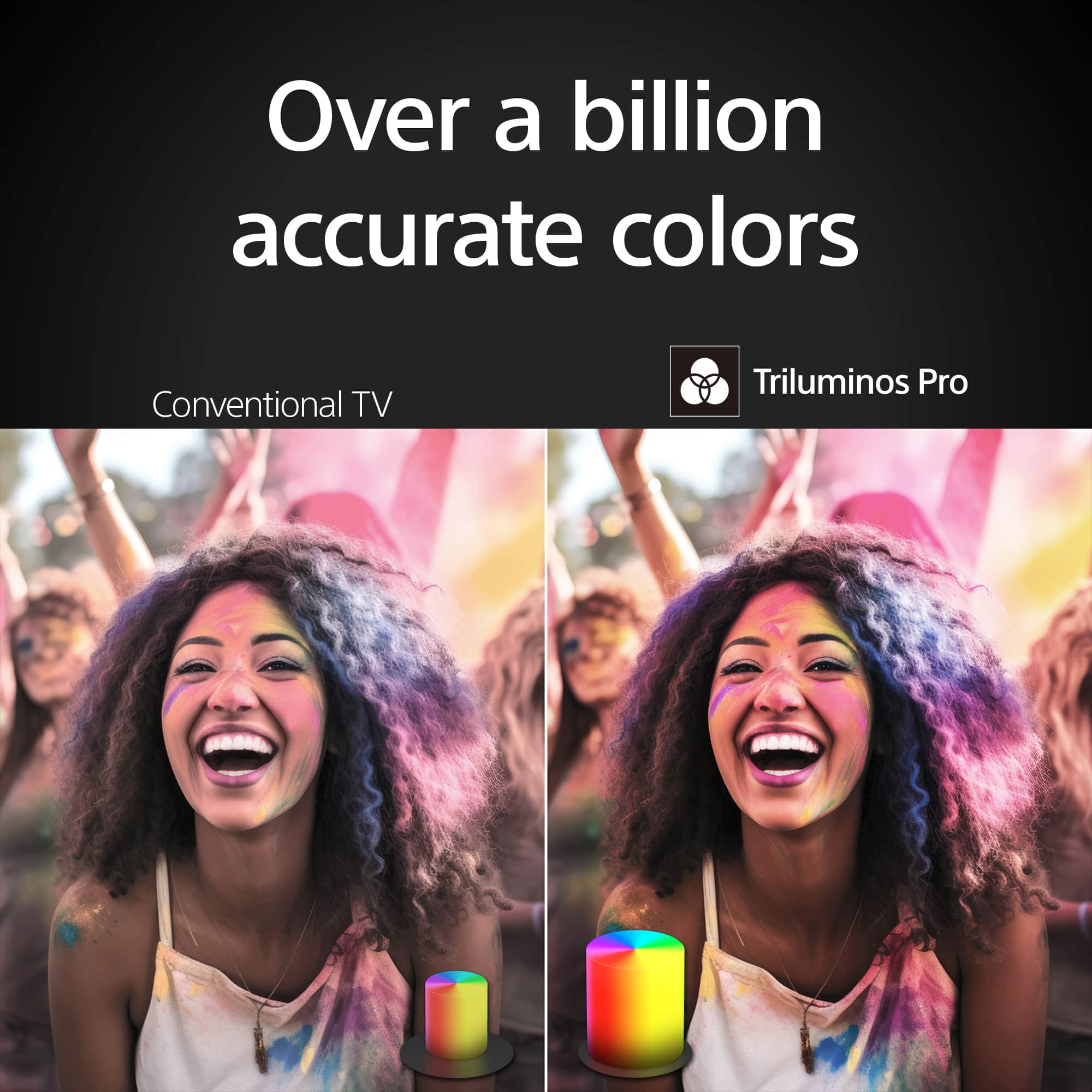
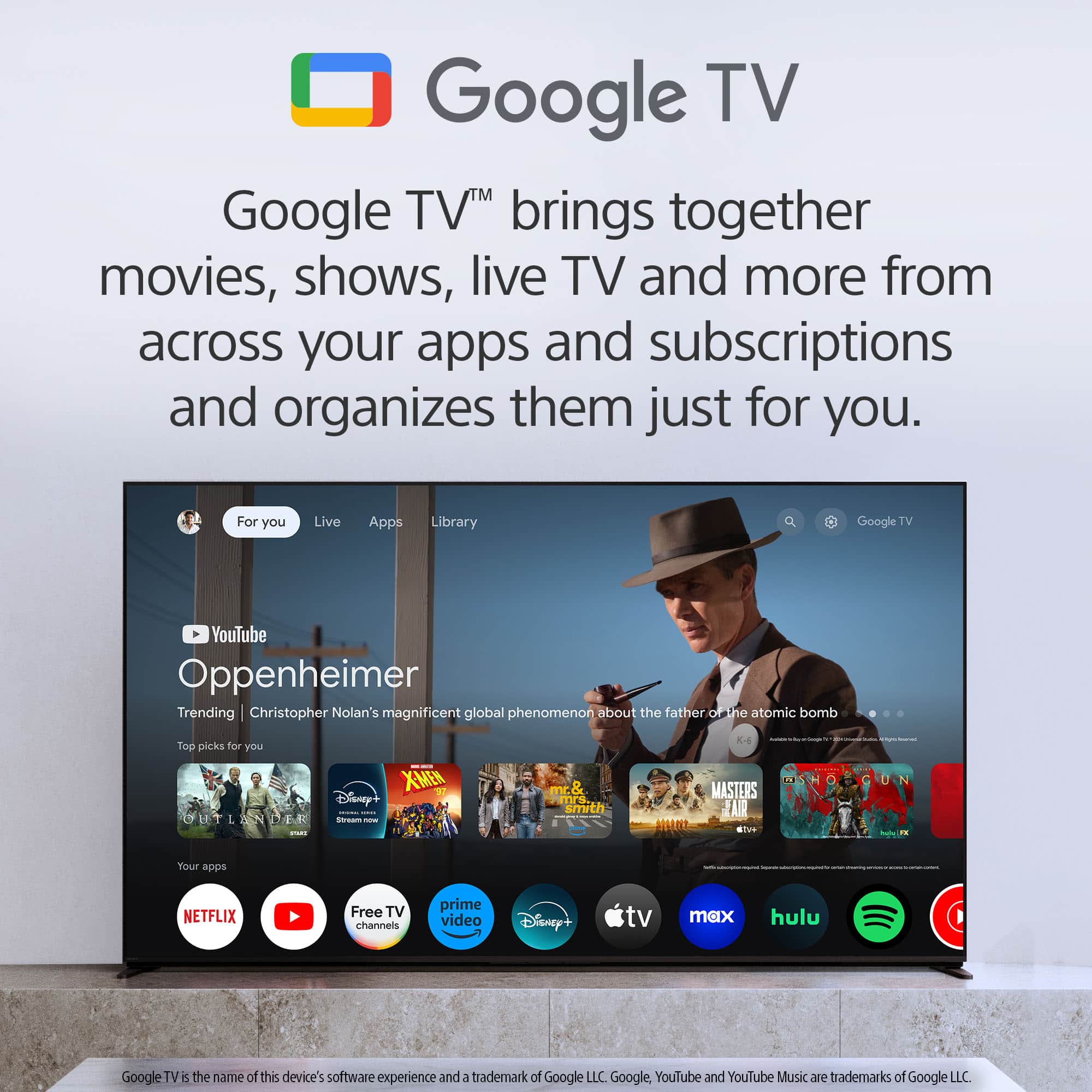
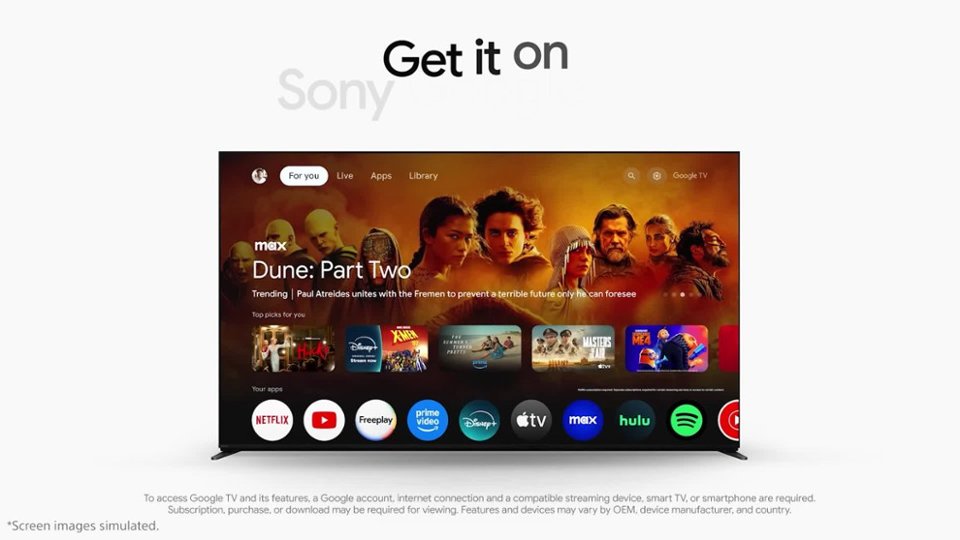
Our BRAVIA 3 Smart Google TV is exceptionally easy to use with incredibly vibrant picture and variety of all-in-one smart features for stress-free viewing. Everything you watch is enhanced with over a billion accurate colors with lifelike clarity and contrast that reveals every detail. Google TV brings together movies, shows, and more from across your apps and organizes them just for you.
Hope this information helps! - Kris
A:AnswerHi Jas,
Thank you for your question. Unfortunately, we cannot comment on the life cycle strategies of our equipment.
See life’s true colors, vivid and bright. Triluminos Pro™ reproduces over a billion of them with enhanced saturation and hue for natural shades. Our 4K X-Reality™ PRO analyzes, cleans and refines images using our unique 4K database so you can indulge in stunning pictures from virtually any content. Hear everything with complete clarity. Our innovative X-Balanced Speaker™ brings distortion-free acoustics and powerful bass so you’ll miss nothing of your entertainment. Your eyes are focused on the picture, not what’s around it. We’ve designed this TV with a Flush Surface that makes the bezel almost invisible.
-Ralph
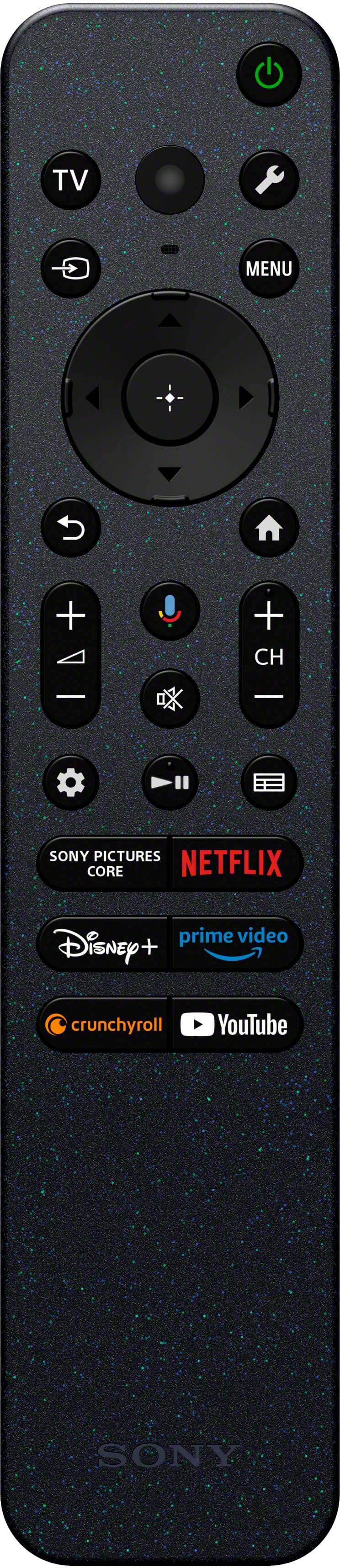
A:AnswerSorry, I'm not good at sending pictures. The remote that comes with the tv is black, compact, and comes with
several buttons to push to connect with various streaming services.