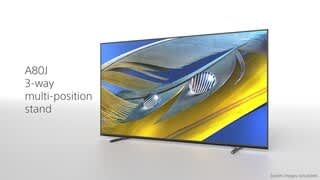
A:AnswerHi Moonburgh, thank you for your inquiry. You can configure and adjust the sound quality to your preferences in the settings.
Press the Quick Settings button on the remote control, then select Settings— Display & Sound — the desired option.
https://helpguide.sony.net/tv/iusltn1/v1/en-003/01-03-09_02.html
Regards,
Erin
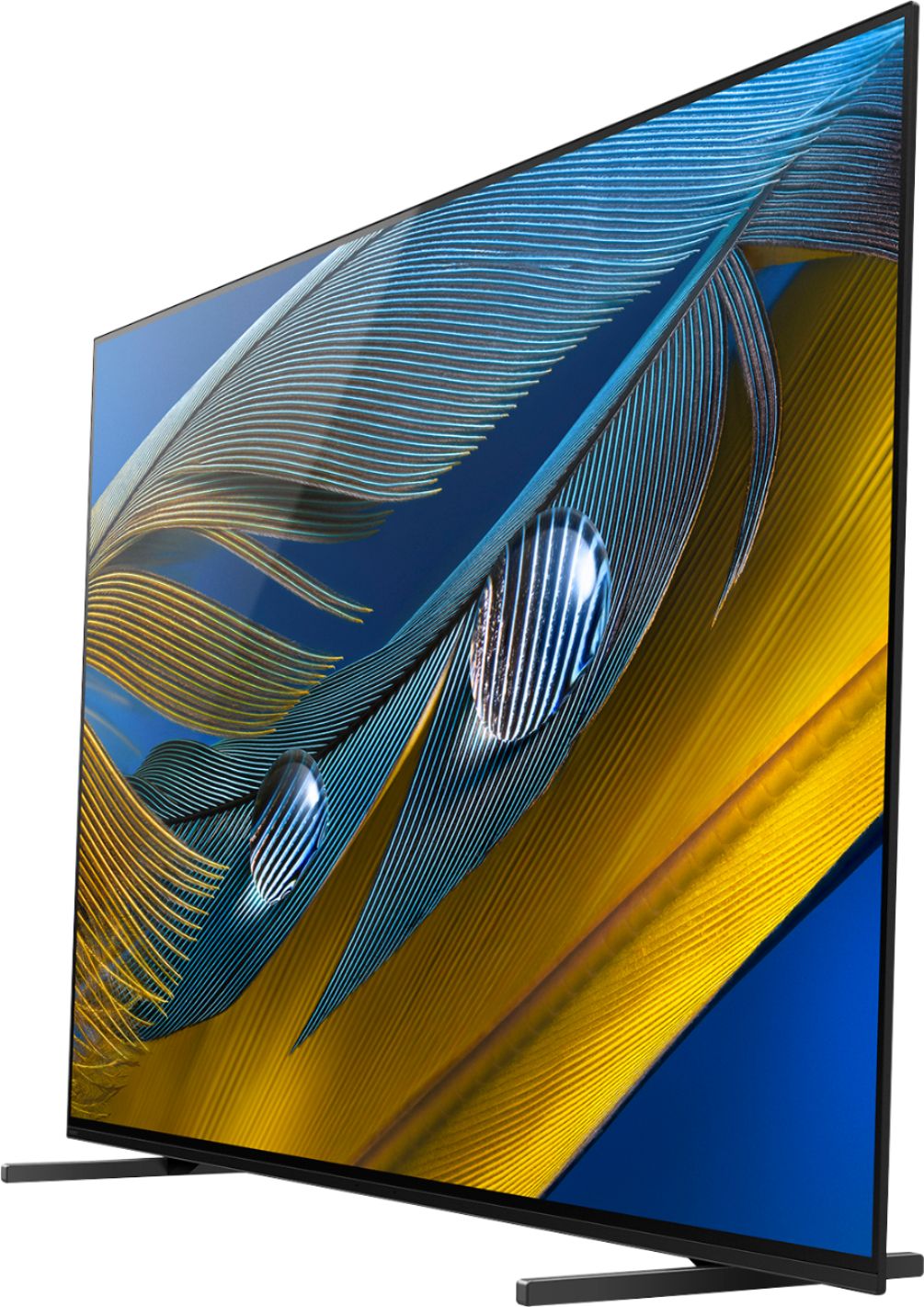
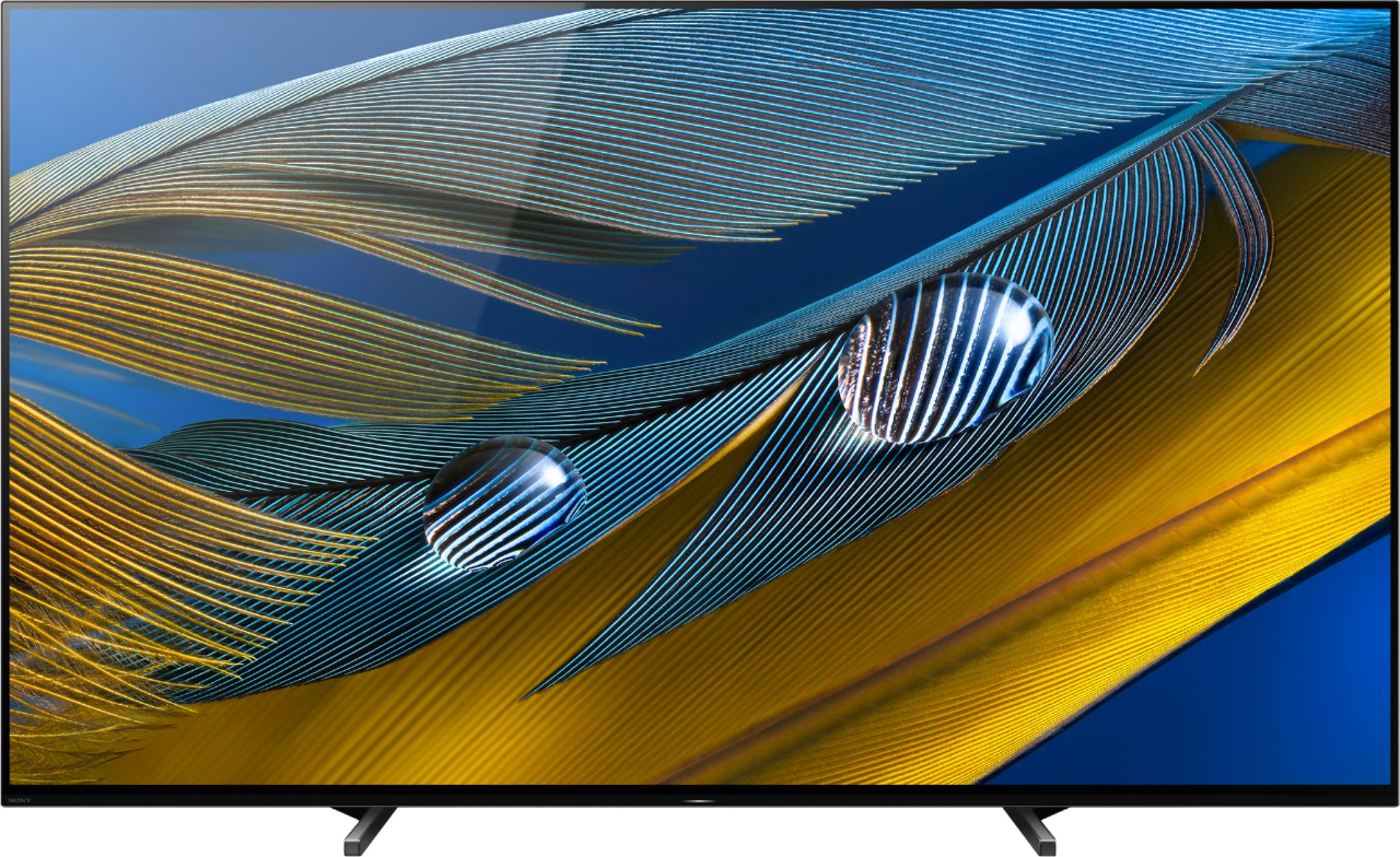
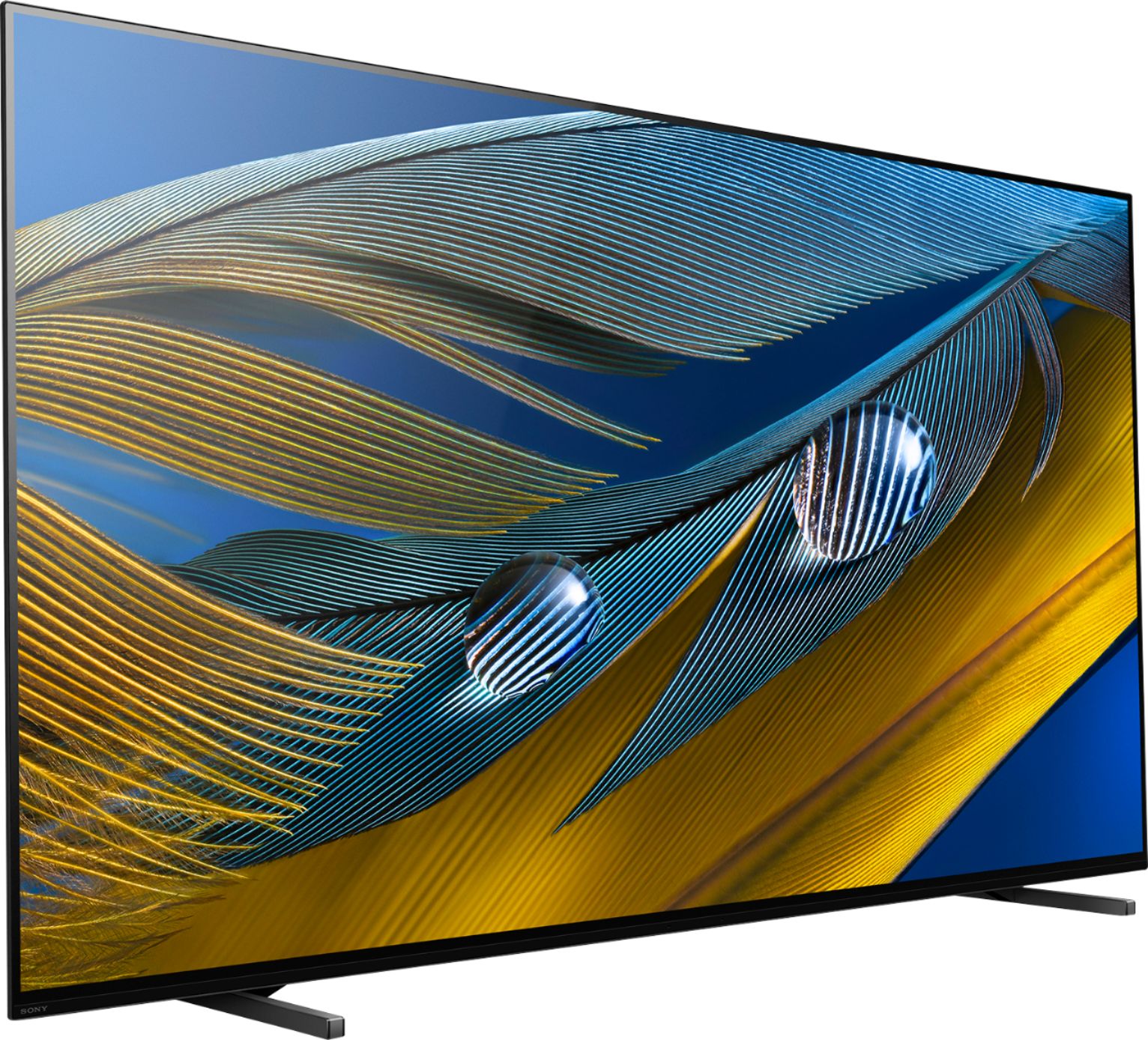
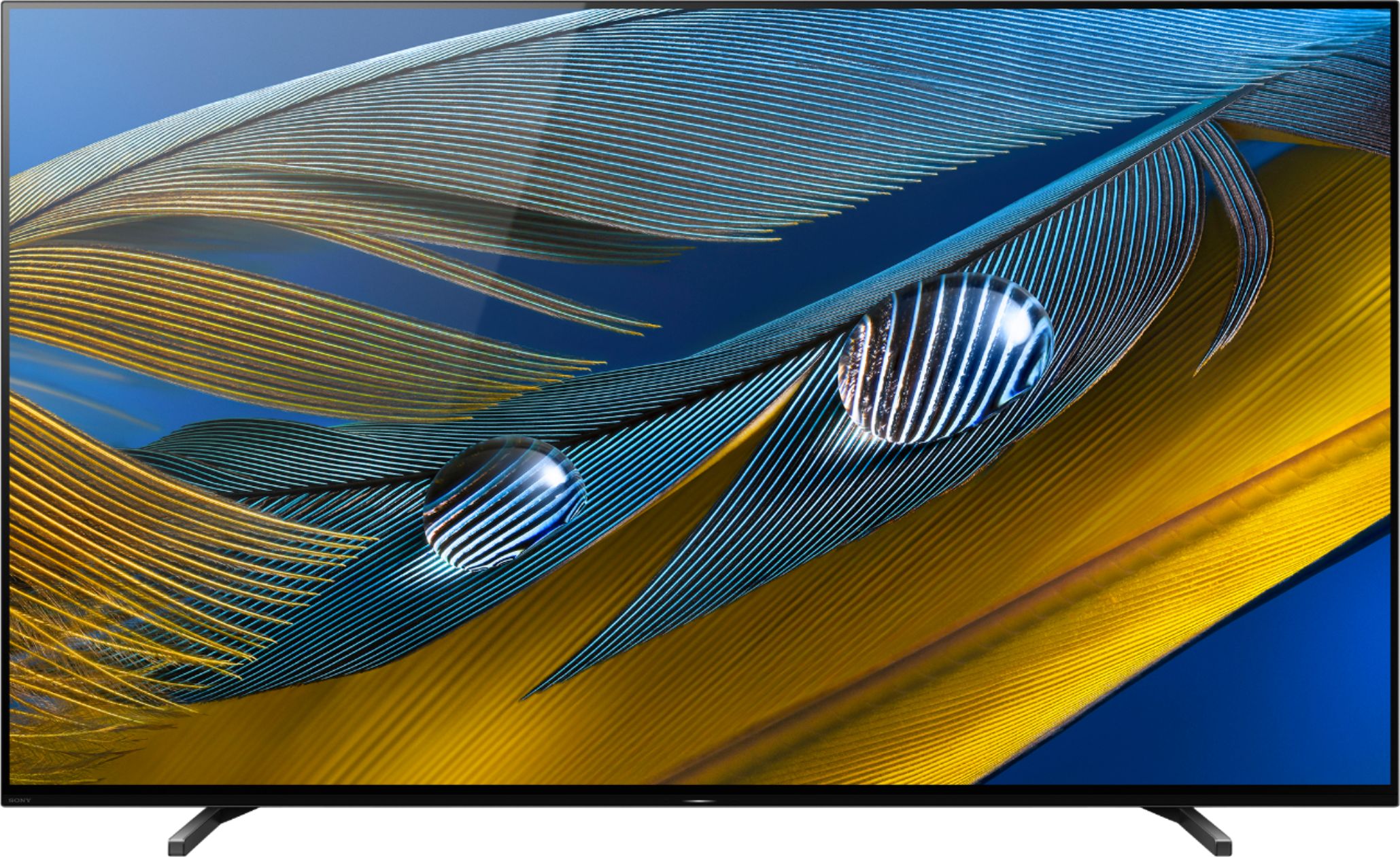
A:AnswerSony screen is "flat" and reflects light from background windows. It is a "matt" finish so the reflection is not as bad as a high gloss screen,
I find that closing drapes and putting tall chairs around the room can greatly minimize the problem
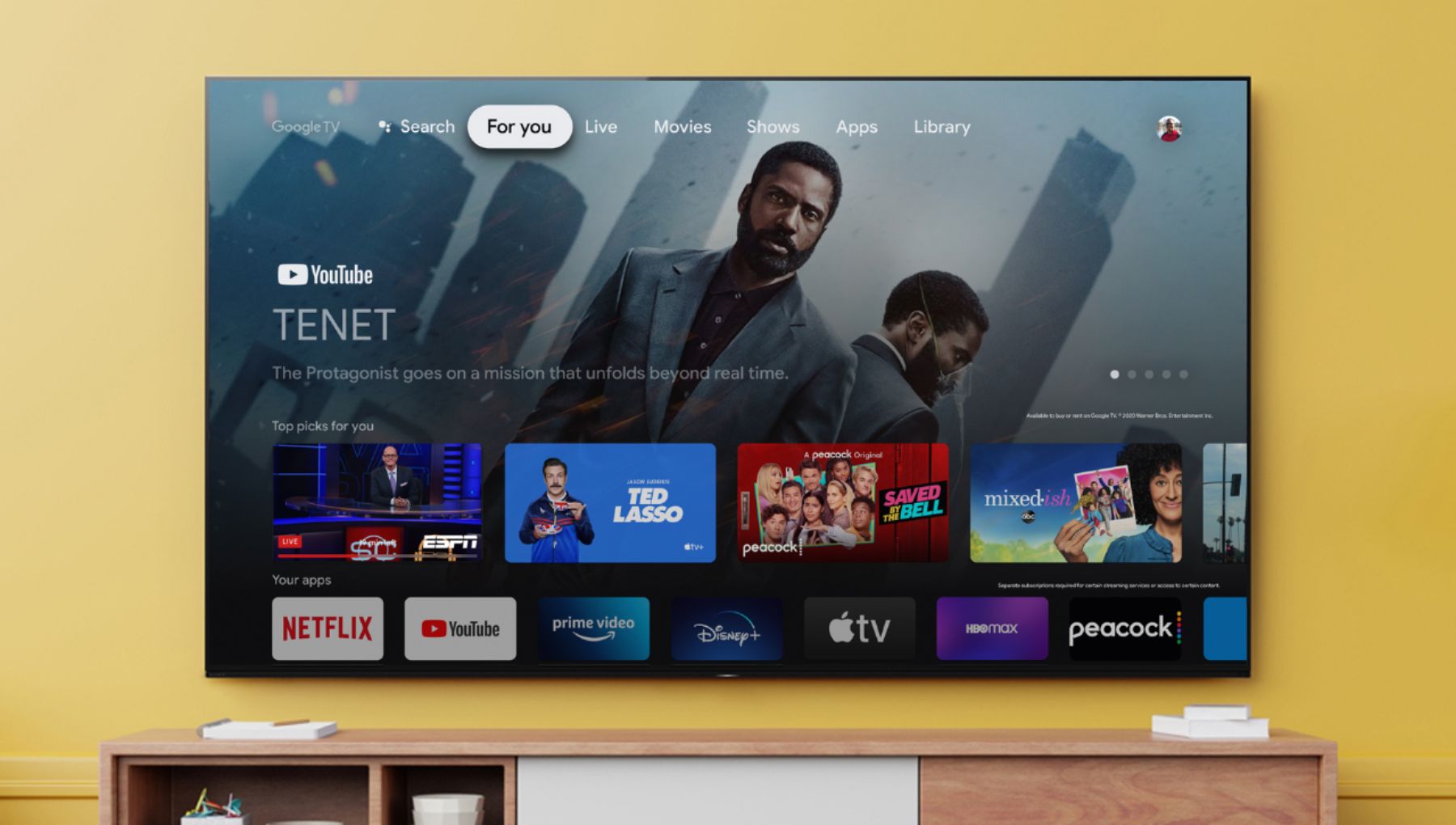
A:AnswerNo the TV does NOT have the Xfinity app pre-installed. But, it does have Google Chromecast built-in. So you can download the Xfinity app to your smartphone or tablet and then CAST the Xfinity show from your smartphone or tablet directly to the Sony XR A80J TV. This way you don't have to buy a Google Chromecast dongle and use up an HDMI port on the TV.
A:AnswerHi Frozia, thank you for your question. VRR will be coming via a future firmware update. As of this writing, we cannot provide you an ETA of the firmware availability. Please make sure to enable the Automatic Software Update on your TV to get the latest version. For more product updates and announcements, please visit our support website sony.com. Regards, Erin
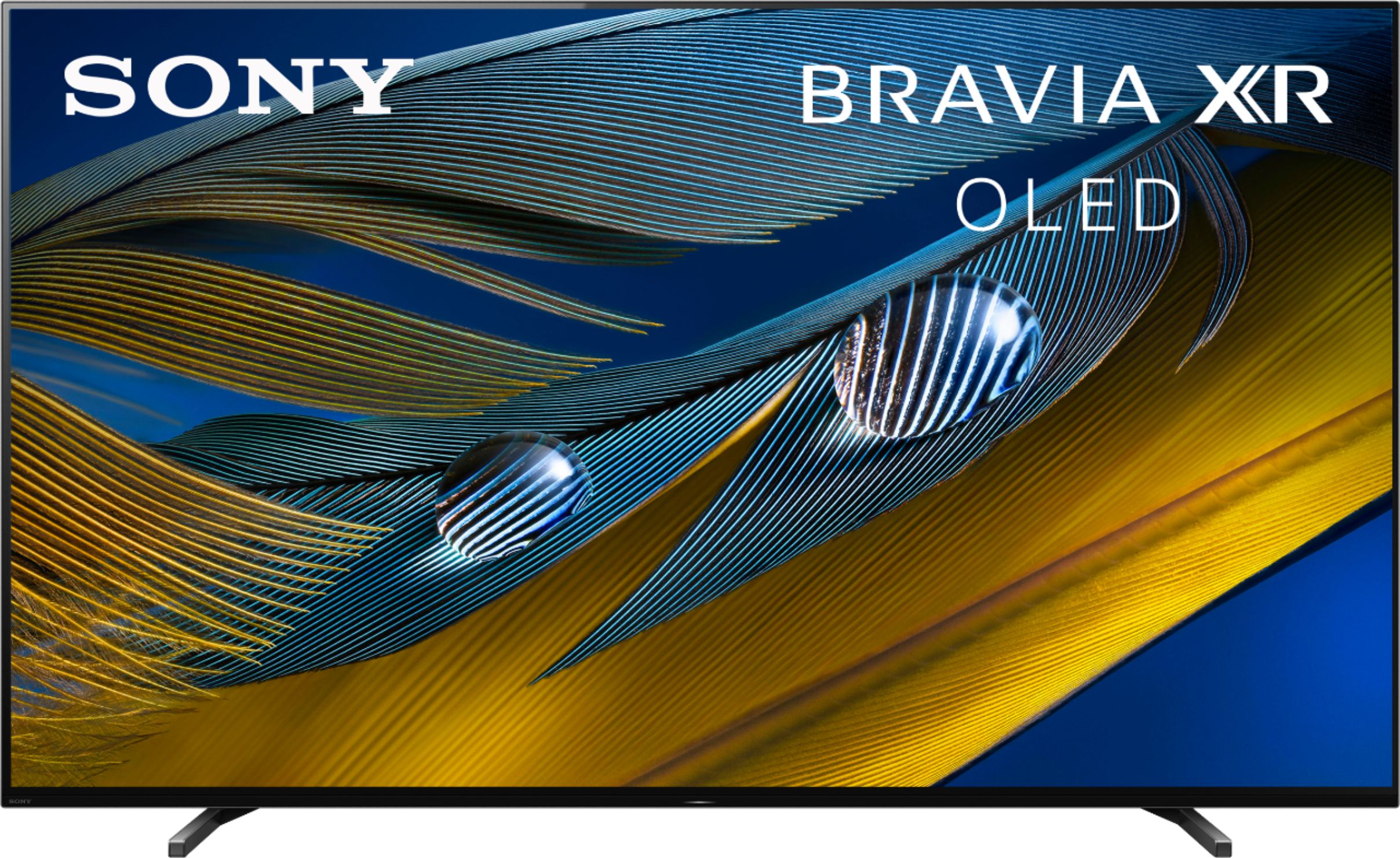
A:AnswerHi Megapixels, thank you for your inquiry. Sony Parts sales are now being directly managed by our partners. In order to playback a recorded DVD from DVR/DVD Recorder, you must use the AV inputs of the TV. Please refer to the BRAVIA Connectivity Guide below. https://www.sony.com.ph/electronics/support/articles/00231150 Please email us at [email protected] so we can provide you more details. Regards, Erin

A:AnswerHi Megapixels, thank you for your inquiry. Sony Parts sales are now being directly managed by our partners.
In order to playback a recorded DVD from DVR/DVD Recorder, you must use the AV inputs of the TV. Please refer to the BRAVIA Connectivity Guide below.
https://www.sony.com.ph/electronics/support/articles/00231150
Please email us at [email protected] so we can provide you more details.
Regards,
Erin

A:AnswerYes, as long as your phone is paired with the TV and the app or whatever you're trying to cast allows it. Not all apps allow casting/mirroring. Works great with my Android Pie.