Black Friday is hereShop new DoorbustersShop now

Skip to content
Gift Ideas
26 Cypress St
Williston, VT 05495
Open until 10 pm
Find Another Store
Main Content

Questions & Answers

Your price for this item is $973.99
Clearance
The comparable value price is $2,799.99
Page Showing 1-20 of 37 questions
  • QuestionIs the Lan port a Gigabit port, 10/100/1000?

    Asked by KnightHawke.

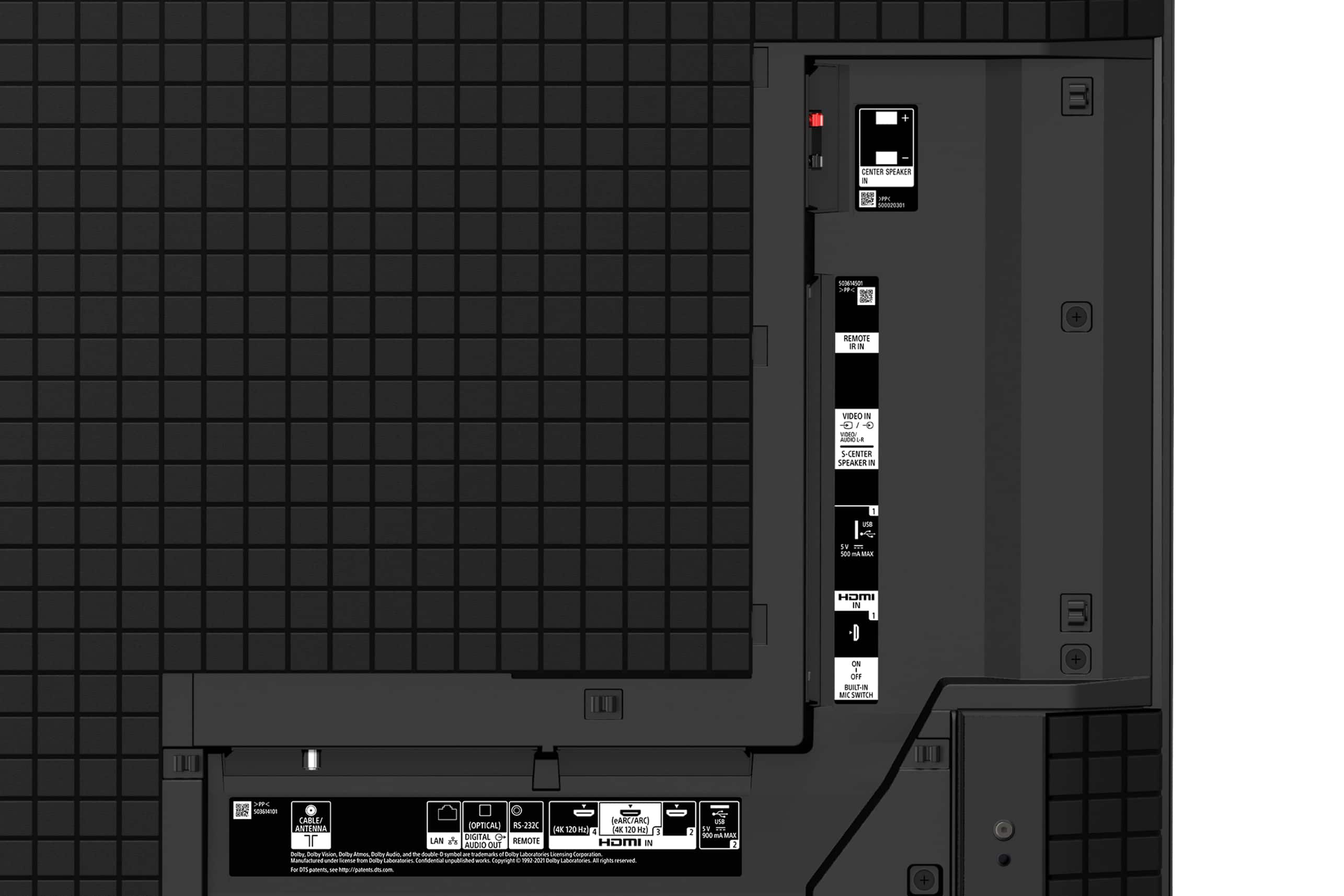
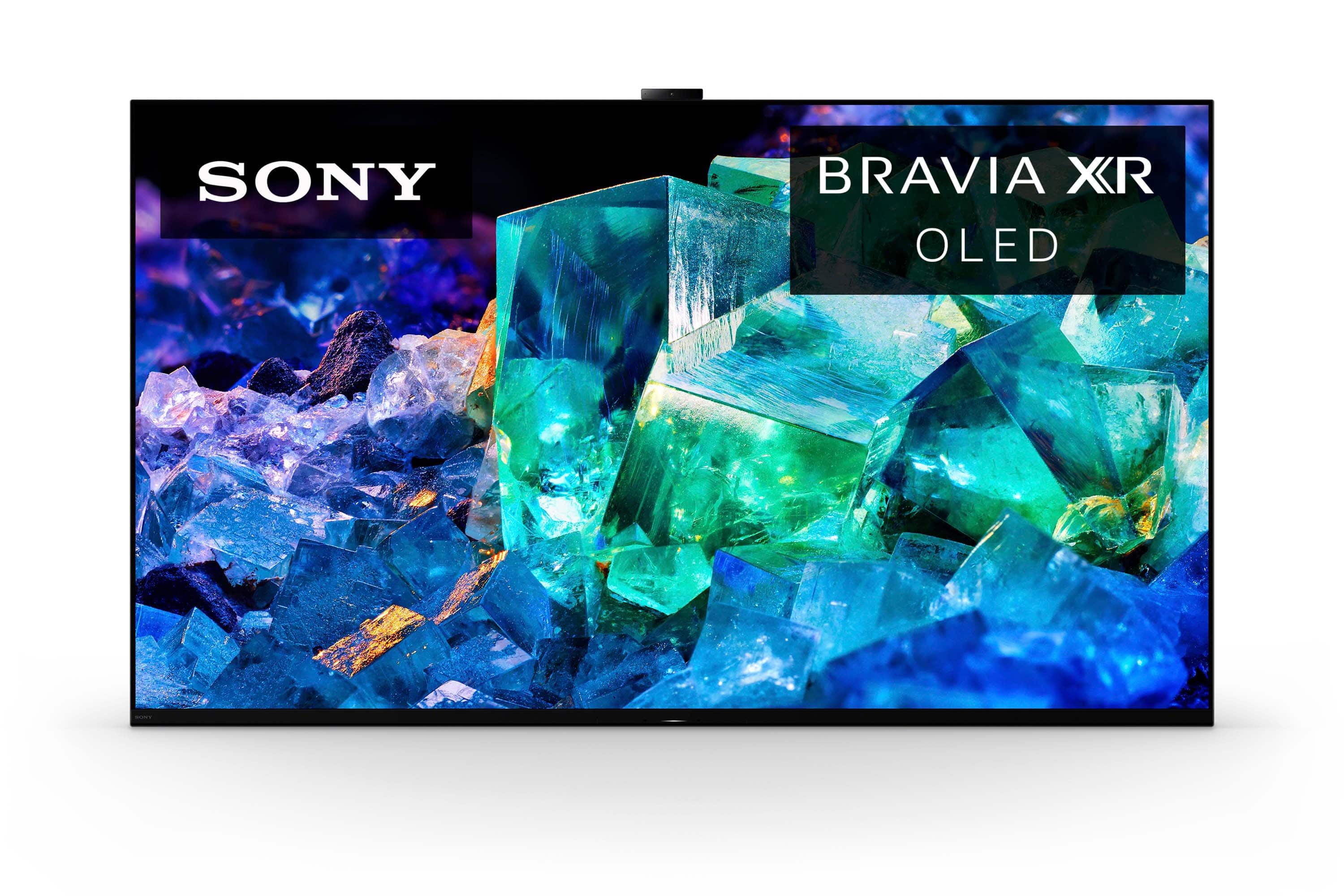
    • Answer Hi KnightHawke, Thank you for your question. Unfortunately, no. The speed of the LAN/ethernet port of the XR-55A95K is only 10/100 meaning a wired LAN bandwidth of 100 Mbps. Additional information: The MASTER Series BRAVIA XR A95K OLED TV features the latest QD-OLED panel and XR Triluminos Max technology giving this TV our brightest and widest range of OLED colors ever. Combined with OLED’s pure black levels thanks to self-illuminating pixels, the A95K boasts a beautiful display of colors with equally impressive contrast. Hope this helps! - Romeo Romeo, while I am up to date to the visual specs, I'm more concerned with network speed and quality. The price difference between the 2 Lan ports in pennies on the dollar... SHAME on Sony

      Answered by Anonymous

  • QuestionDoes the remote have a feature that will turn off the screen but not the TV? EX: My current Sony TV remote has a "Pic Off" button. It allows me to turn off the screen and con't to listen to content.

    Asked by Anonymous.

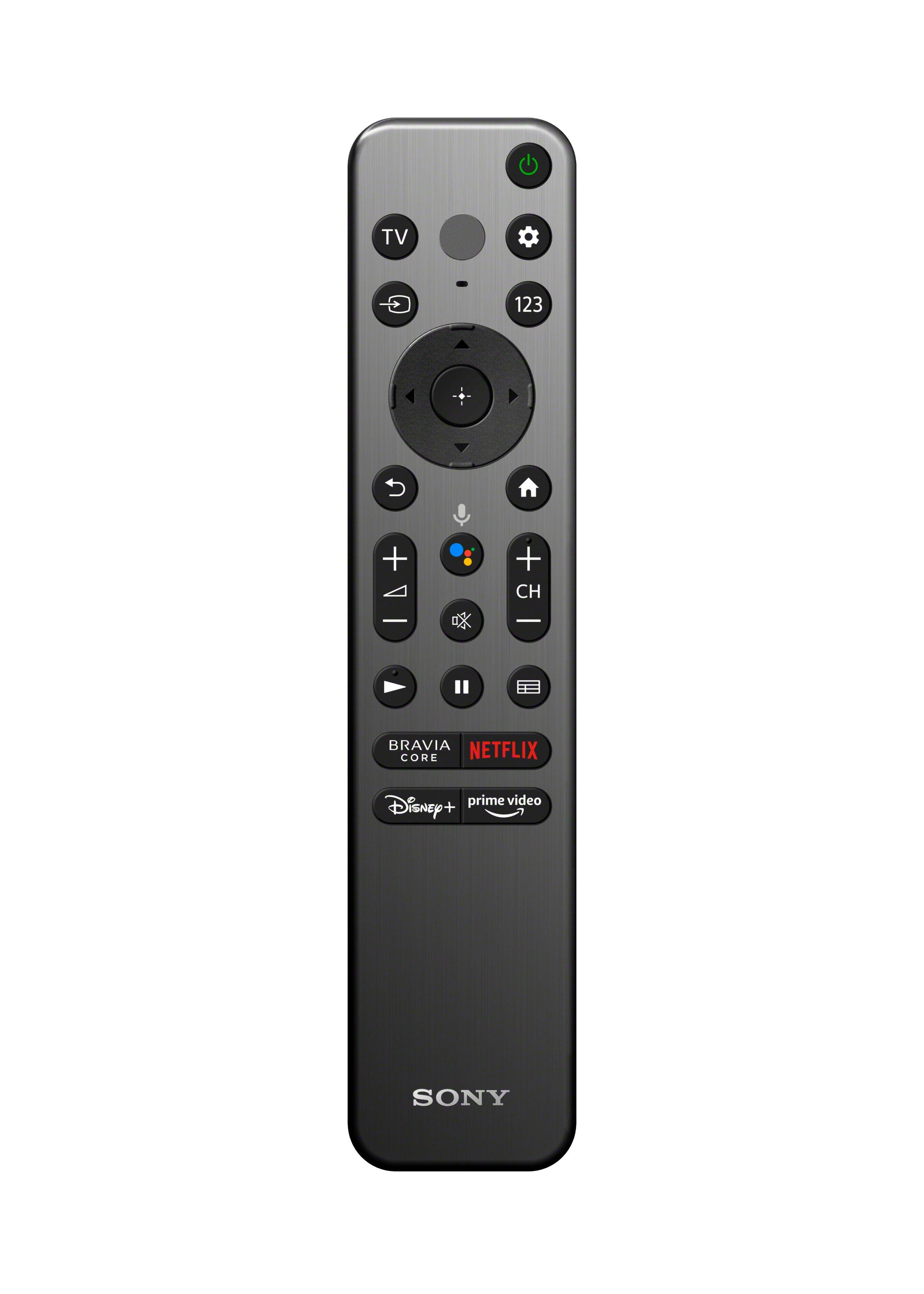
    • Answer Hi there! The supplied remote control does not have a "Pic Off" button. However, you can bring up the quick settings menu by pressing the Quick Settings button (gear icon) using the supplied remote and select [Picture Off]. With our BRAVIA A95K, you will discover the next dimension in entertainment with our breakthrough QD-OLED panel and ingenious, multi-purpose Dual Style design. Pairing our XR OLED Contrast Pro and QD-OLED panel, this TV delivers up to 200% as much color brightness as conventional OLED TVs, bringing scenes alive with pure blacks and our brightest colors. Thank you for your inquiry and I hope this helps! Vincent

      Answered by SonyListens

  • QuestionIs this TV normal OLED or is it quantum dot OLED?

    Asked by Mason.

    • Answer Hi Mason, Thank you for the inquiry! The MASTER Series BRAVIA XR A95K OLED TV features the latest QD-OLED(Quantum-Dot OLED) panel. Please refer to our website for more details of the product specifications and features. http://www.sony.com/esupport I hope this helps! Jay

      Answered by SonyListens

  • QuestionWhere is the power button located?

    Asked by Nottechsavy.

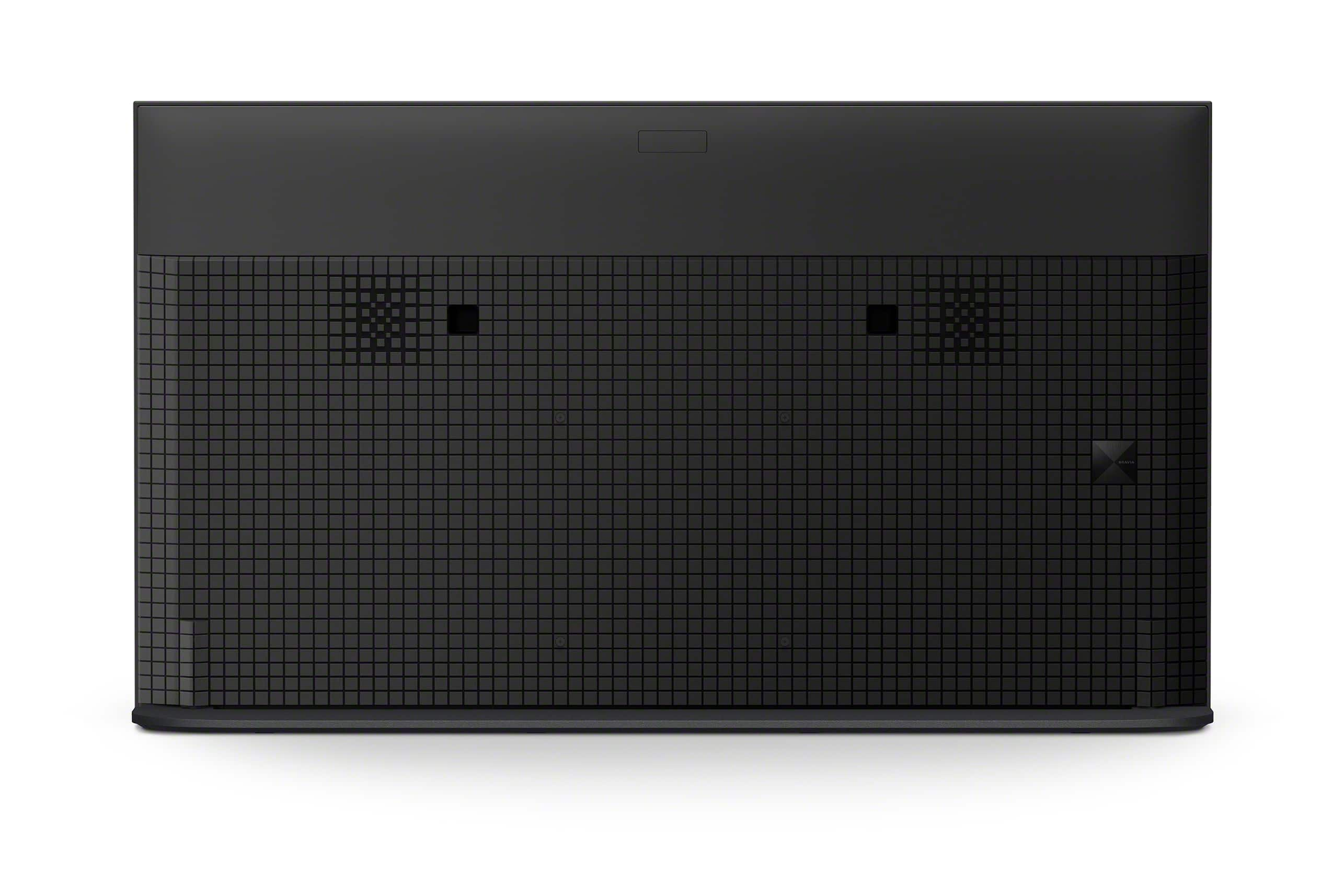
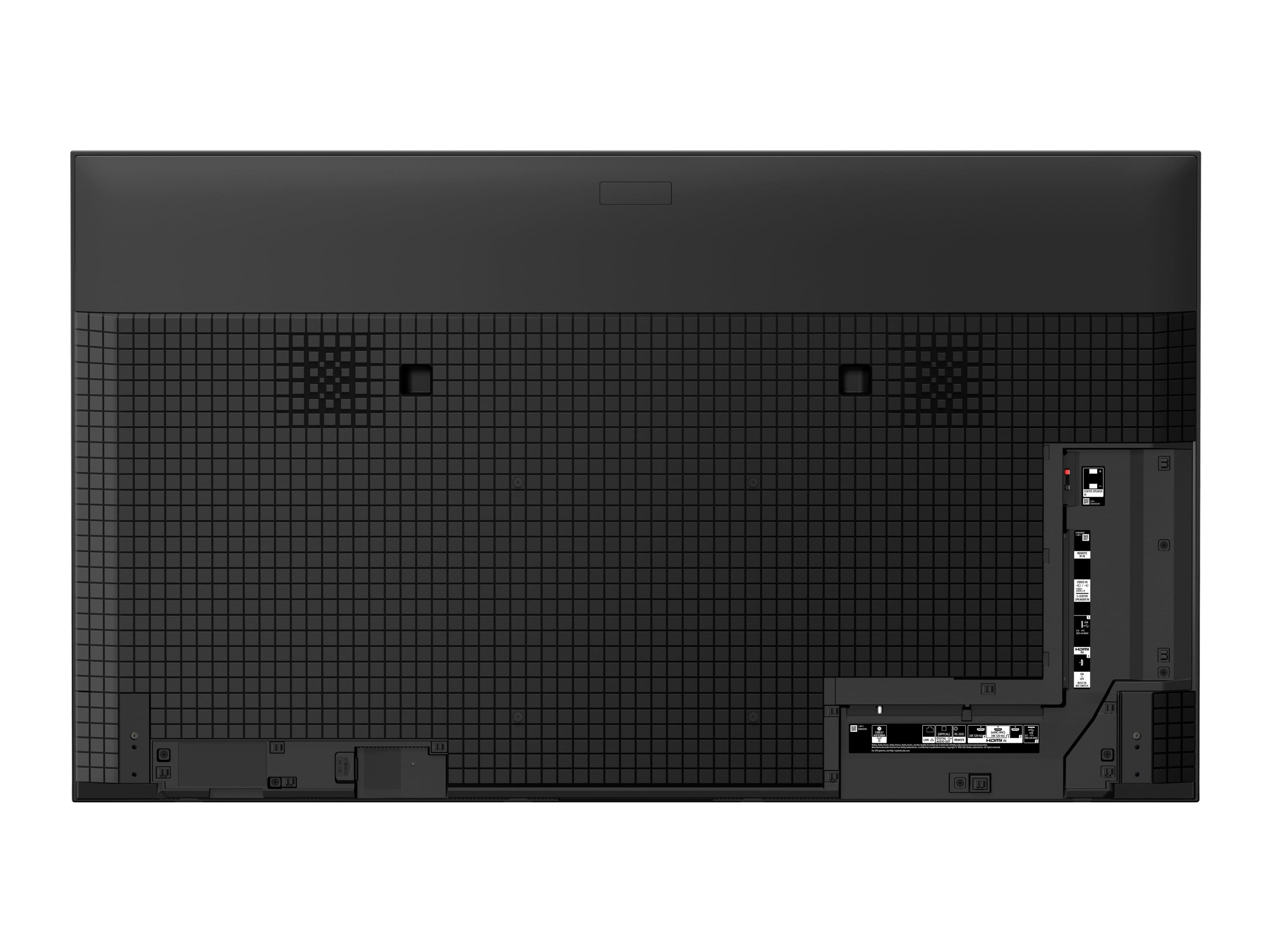
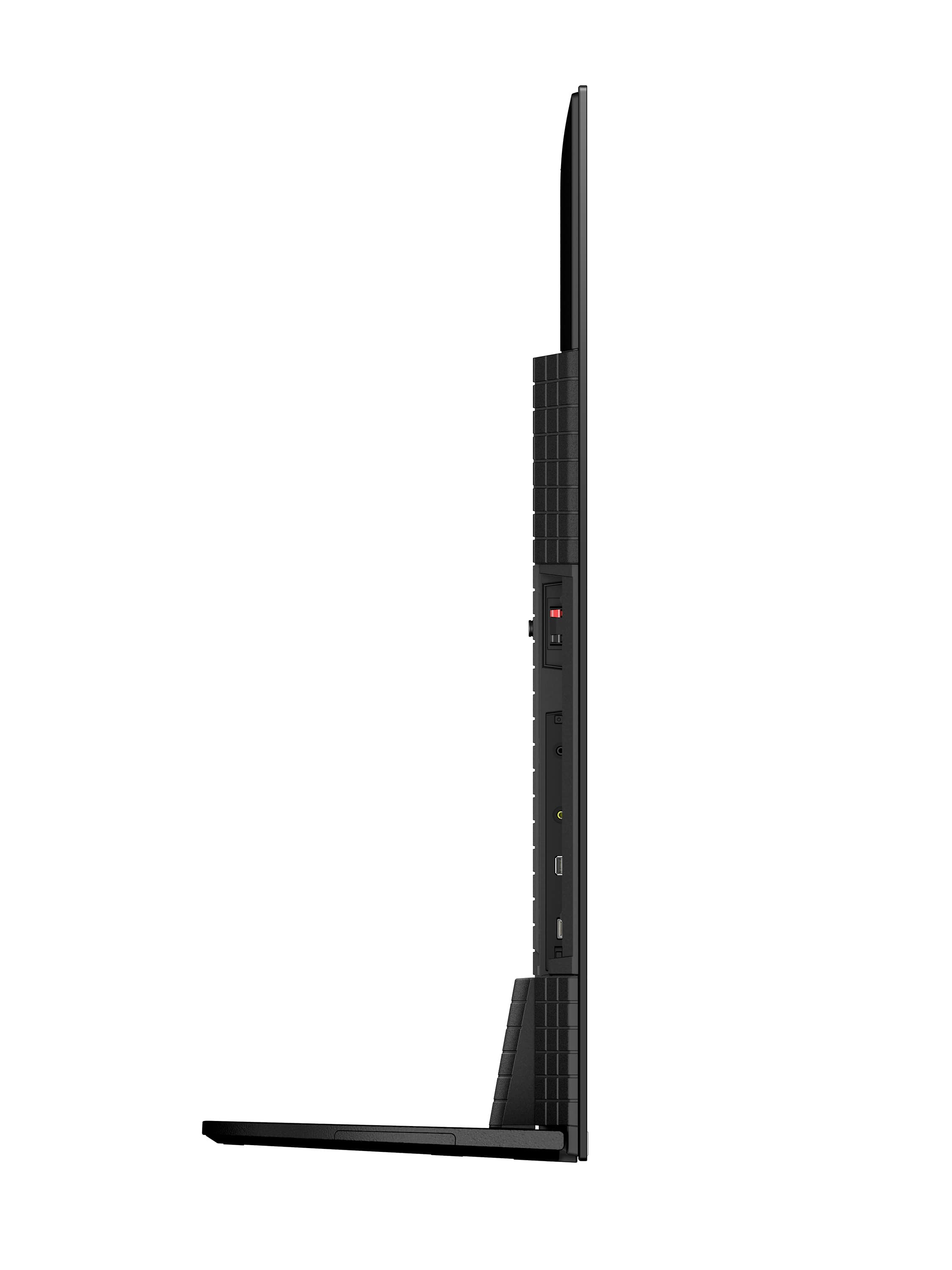
    • Answer Hi Nottechsavy, Thank you for your inquiry! If you are facing the TV, the power button is located on the left-hand side behind the TV. With our BRAVIA A95K, you will discover the next dimension in entertainment with our breakthrough QD-OLED panel and ingenious, multi-purpose Dual Style design. Pairing our XR OLED Contrast Pro and QD-OLED panel, this TV delivers up to 200% as much color brightness as conventional OLED TVs, bringing scenes alive with pure blacks and our brightest colors. Hope this helps! -Vincent

      Answered by SonyListens

  • Questionthe remote does not have numbers (1 through 9). If I want to go from channel 3 to channel42 for example do I have to keep pushing the up arrow on the remote and go channel by channel until I get to the desired channel ?

    Asked by jd.

    • Answer No, there's a numeric data entry mode. I found it odd, at first, because there really aren't any instructions on how to use it. Basically, you push the # button on the remote. then a menu (kind of like the one for a search function that uses a remote) pops up at the bottom of the screen that gives a list of numbers. You cursor to each number, select it, and then exit. As I said, at first, this seems like a lot of button pushing, but after you get used to it it only takes a couple seconds to change channels (or do anything else that requires numeric data entry).

      Answered by mosspa

  • QuestionDoes the TV mount give you the ability to tilt the screen so it is tilted downward a little? I have a shelf that is up about 60" off the floor and I'd like to be able to tilt the screen to give us a better viewing angle when we are seated.

    Asked by DH46.

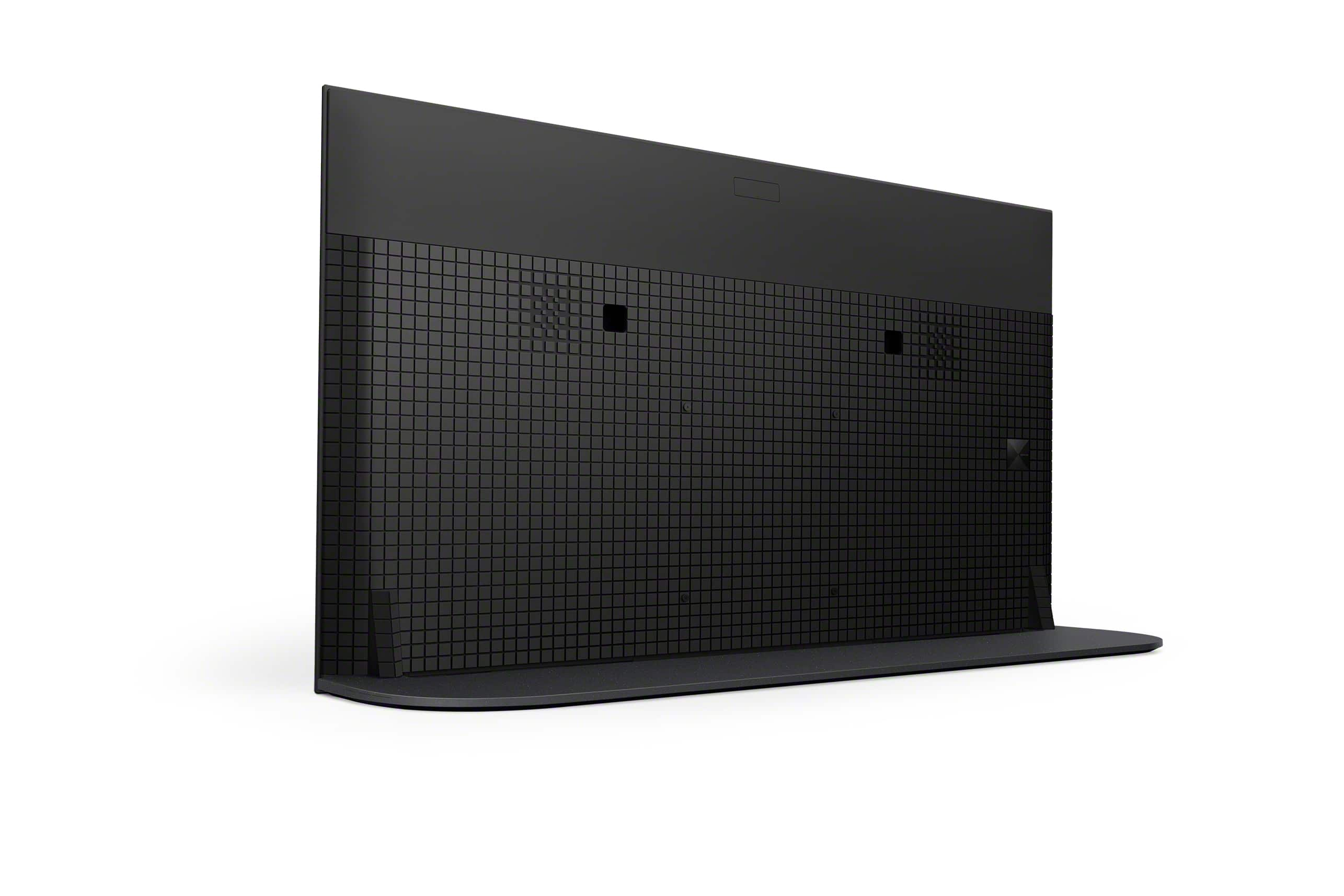
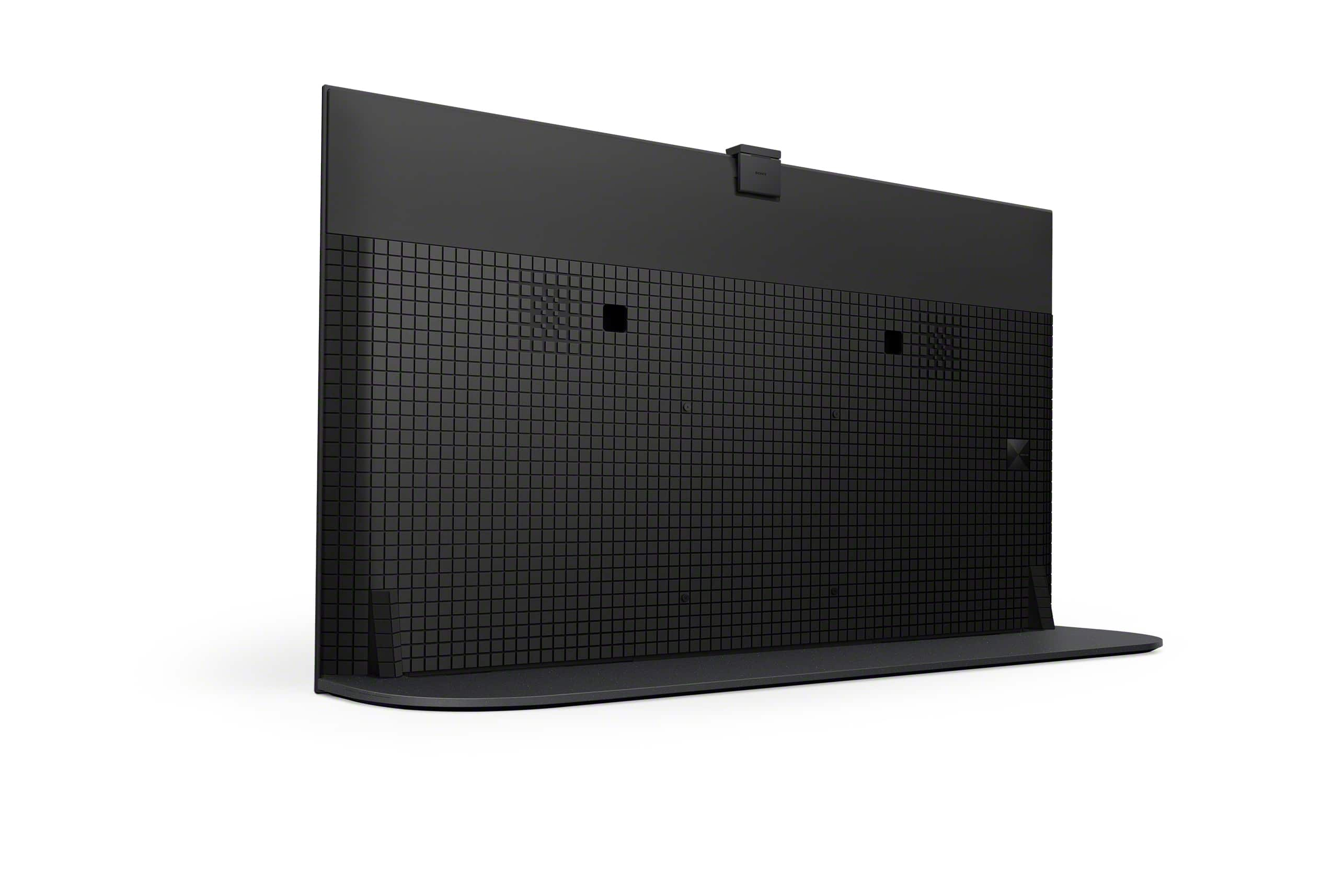
    • Answer Hi DH46, Thank you for your inquiry! Unfortunately, the tabletop stand of our BRAVIA XR55A95K is fixed and cannot be tilted. You have an option to use a VESA-complaint wall-mount bracket that can be tilted with a hole pitch of (W X H) 11.81 x 11.81 inch (300 x 300 mm). The approximately weight of this TV without the stand is 46.7 lb (21.2 kg). For safety reasons, product protection, and to make sure that the installation is performed correctly, Sony strongly recommends that the installation of our TV be performed by a qualified professional. With our BRAVIA A95K, you can watch and enjoy brighter colors than ever before with the new QD-OLED panel and XR Triluminos Max. This TV also supports Google TV with Google Assistant which organizes your content all in one place. You can also stream from your Apple device with AirPlay. Hope this helps! -Vincent Thank you,

      Answered by SonyListens

  • QuestionDoes this unit have a ATSC 3.0 tuner?

    Asked by Gary.

    • Answer Hi Gary, Great question! Absolutely, yes. The XR-55A95K has ATSC 3.0 (NEXTGEN TV) tuner. NextGen TV™ (ATSC 3.0) is the latest version of over-the-air antenna TV and brings several improvements over the previous ATSC 1.0 standard including better reception, up to 4K Ultra HDTV video with movie theater-quality sound, more channels, mobile viewing on the go, on-demand internet content, and more. The MASTER Series BRAVIA XR A95K OLED TV features the latest QD-OLED panel and XR Triluminos Max technology giving this TV our brightest and widest range of OLED colors ever. Combined with OLED’s pure black levels thanks to self-illuminating pixels, the A95K boasts a beautiful display of colors with equally impressive contrast. I hope you find this information to be helpful, and thanks again for considering Sony! - Romeo

      Answered by SonyListens

  • QuestionIs this TV capable of receiving the You Tube TV streaming app?

    Asked by Ron.

    • Answer Yes

      Answered by benes1

  • QuestionCan I use my Xfinity box with this TV?

    Asked by jennie.

    • Answer More than likely. If not the box you have, certainly one that Xfinity will provide you. We have TV/Internet/Phone service from a very small local provider. It's fiber into the house. There is a Tivo receiver for the system. I just followed the instructions (which are simple and basically require you to do nothing) and the TV found everything in my home network, including the Tivo box which now can be controlled from the TV remote.

      Answered by mosspa

  • QuestionWill this play DV P5 mkv or mp4? Does this play DV P7 DT-DL? ST-DL? MKV or MP4? DV P8? MKV or MP4?

    Asked by Blahblah.

    • Answer Hi Blahblah, Thank you for your inquiry! These are the supported USB playback codes for our BRAVIA XR55A95K: MPEG1: MPEG1/MPEG2PS: MPEG2/MPEG2TS (HDV, AVCHD): MPEG2, AVC/MP4 (XAVC S): AVC, MPEG4, HEVC/AVI: Xvid, MotionJpeg/ASF(WMV): VC1/MOV: AVC, MPEG4, MotionJpeg/MKV: Xvid, AVC, MPEG4, VP8.HEVC/WEBM: VP8/3GPP: MPEG4, AVC/MP3/ASF (WMA)/LPCM/WAV/MP4AAC/FLAC/JPEG, WEBM: VP9/AC4/ogg/AAC/ARW. With our BRAVIA A95K, you will discover the next dimension in entertainment with our breakthrough QD-OLED panel and ingenious, multi-purpose Dual Style design. Pairing our XR OLED Contrast Pro and QD-OLED panel, this TV delivers up to 200% as much color brightness as conventional OLED TVs, bringing scenes alive with pure blacks and our brightest colors. Hope this helps! Vincent
      Answered by SonyListens

  • QuestionWhat is size of 55" Sony Class BRAVIA XR A90K OLED 4K UHD Smart Google TV for sitting on a table?

    Asked by Barb.

    • Answer My humble advice would be. Just buy a very good and strong well-made TV stand or something like a dresser that will support the TV hopefully between 60//65 inches long. Otherwise, if you want to put on your wall, then I will say get the right people to install it so you won’t have any problems in and also will be done professionally.

      Answered by Kuakku75

  • QuestionAre you able to connect this tv with an older DVD/VHS player to watch movies? Thanks

    Asked by kris.

    • Answer Hi kris, Thank you for your inquiry! This TV supports composite video input. If your old player does not support HDMI connection, you can connect your player to the TV via composite video input using a cable adapter (not supplied). With our BRAVIA A95K, you will discover the next dimension in entertainment with our breakthrough QD-OLED panel and ingenious, multi-purpose Dual Style design. Pairing our XR OLED Contrast Pro and QD-OLED panel, this TV delivers up to 200% as much color brightness as conventional OLED TVs, bringing scenes alive with pure blacks and our brightest colors. Hope this helps! -Vincent

      Answered by SonyListens

  • QuestionIs this tv good for gaming?

    Asked by TLaff.

    • Answer Hi TLaff, Yes. Our BRAVIA A95K OLED 4K UHD smart Google TV is perfect for gaming. We recommend setting the [Picture mode] of this TV to [Game] for better gaming experience. With our BRAVIA A95K, you will discover the next dimension in entertainment with our breakthrough QD-OLED panel and ingenious, multi-purpose Dual Style design. Pairing our XR OLED Contrast Pro and QD-OLED panel, this TV delivers up to 200% as much color brightness as conventional OLED TVs, bringing scenes alive with pure blacks and our brightest colors. Thank you for your inquiry and I hope this helps! Vincent
      Answered by SonyListens

  • QuestionCan {replace the stand with another taller stand. I would like to place a sound bar in front. Thanks

    Asked by Gator.

    • Answer Hi Gator, Thank you for your inquiry! We highly recommend using only the TV stand that comes with our BRAVIA A95K. The supplied stand is designed to support the weight and design of the TV. If you really want to install a soundbar below the TV, you have the option to mount our BRAVIA XR55A95K using the optional SU-WL855 wall-mount bracket and then mount your soundbar on the wall just below the TV. With our BRAVIA A95K, you will discover the next dimension in entertainment with our breakthrough QD-OLED panel and ingenious, multi-purpose Dual Style design. Pairing our XR OLED Contrast Pro and QD-OLED panel, this TV delivers up to 200% as much color brightness as conventional OLED TVs, bringing scenes alive with pure blacks and our brightest colors. Hope this helps! -Vincent

      Answered by SonyListens

  • QuestionDoes this TV permit viewing of ACORN TV, BRITBOX, Paramount +, streaming services?

    Asked by Anglofile.

    • Answer Yes, it does. I receive several streaming services with this TV without any problems.

      Answered by Kevin

  • QuestionThe stand is too wide. Are there narrower replacement stands?

    Asked by Scott.

    • Answer Hi Scott, Thank you for your inquiry. We greatly appreciate your feedback with the measurement of the supplied stand of our XR55A95K. Unfortunately, Sony doesn't have a recommended TV stand other than the supplied one. As an alternative option, you can mount the TV to a wall using a suitable Wall-Mount Bracket (not supplied). For wall mounting, to avoid any issues, Sony recommend using only the compatible Wall-Mount Bracket SU-WL855 for this TV. And for safety and product protection, we recommend that a qualified professional perform the installation of the TV on the Wall-Mount. You may visit your local retailer or contact your dealer/Best Buy to find the best VESA-compliant wall mount bracket that supports 300 x 300 mm and meets the size of our TV, your wall or environmental requirements, and your stylistic preferences. The MASTER Series BRAVIA XR A95K OLED TV features the latest QD-OLED panel and XR Triluminos Max technology giving this TV our brightest and widest range of OLED colors ever. Combined with OLED’s pure black levels thanks to self-illuminating pixels, the A95K boasts a beautiful display of colors with equally impressive contrast. Hope this helps you, and thank you so much for considering Sony! - Romeo

      Answered by SonyListens

  • QuestionWhat is the difference between the Sony 55 class Bravia xr A95k 4k hdr oled google tv for $2499.99 and the Sony 55 class Bravia xr a80 4k hdr oled Google tv $1399.99

    Asked by Smert.

    • Answer Better image and sound quality

      Answered by EstelaG

  • QuestionDoes this TV have burn in issues? We watch news programs with info bar at the bottom of the screen and all channels seem to have logo on at all times.

    Asked by Ron.

    • Answer No issues

      Answered by Anonymous

  • QuestionDoes it have a USB-A 3.0 port just like the A90j or are the ports only USB-A 2.0? Because I think you need a USB-A 3.0 port to be able to use an adapter to bypass the ethernet bandwidth cap.

    Asked by JuanChocoPlasta.

    • Answer Hi JuanChocoPlasta, Thank you very much for your question. The BRAVIA XR A95K has 2 USB ports. The USB port 1 supports High Speed USB (USB 2.0) and the USB port 2 supports Super Speed USB (USB 3.2 Gen 1/USB 3.1 Gen 1/USB 3.0). A USB 3.0 to LAN adapter is an option to reach more than 100 Mbps over LAN. Check with the device manufacturer for compatibility. Results may vary. The MASTER Series BRAVIA XR A95K OLED TV features the latest QD-OLED panel and XR Triluminos Max technology giving this TV our brightest and widest range of OLED colors ever. Combined with OLED’s pure black levels thanks to self-illuminating pixels, the A95K boasts a beautiful display of colors with equally impressive contrast. I hope you find this information to be helpful, and thanks again for your inquiry! - Romeo

      Answered by SonyListens

  • Questionwhat is the online manual Web site ? i'm the non-tech person can i install and set up this tv?

    Asked by Anonymous.

    • Answer Just use the printed manual, set up is easy.

      Answered by CaptainNehoc