A:AnswerHi, Babyfay53!
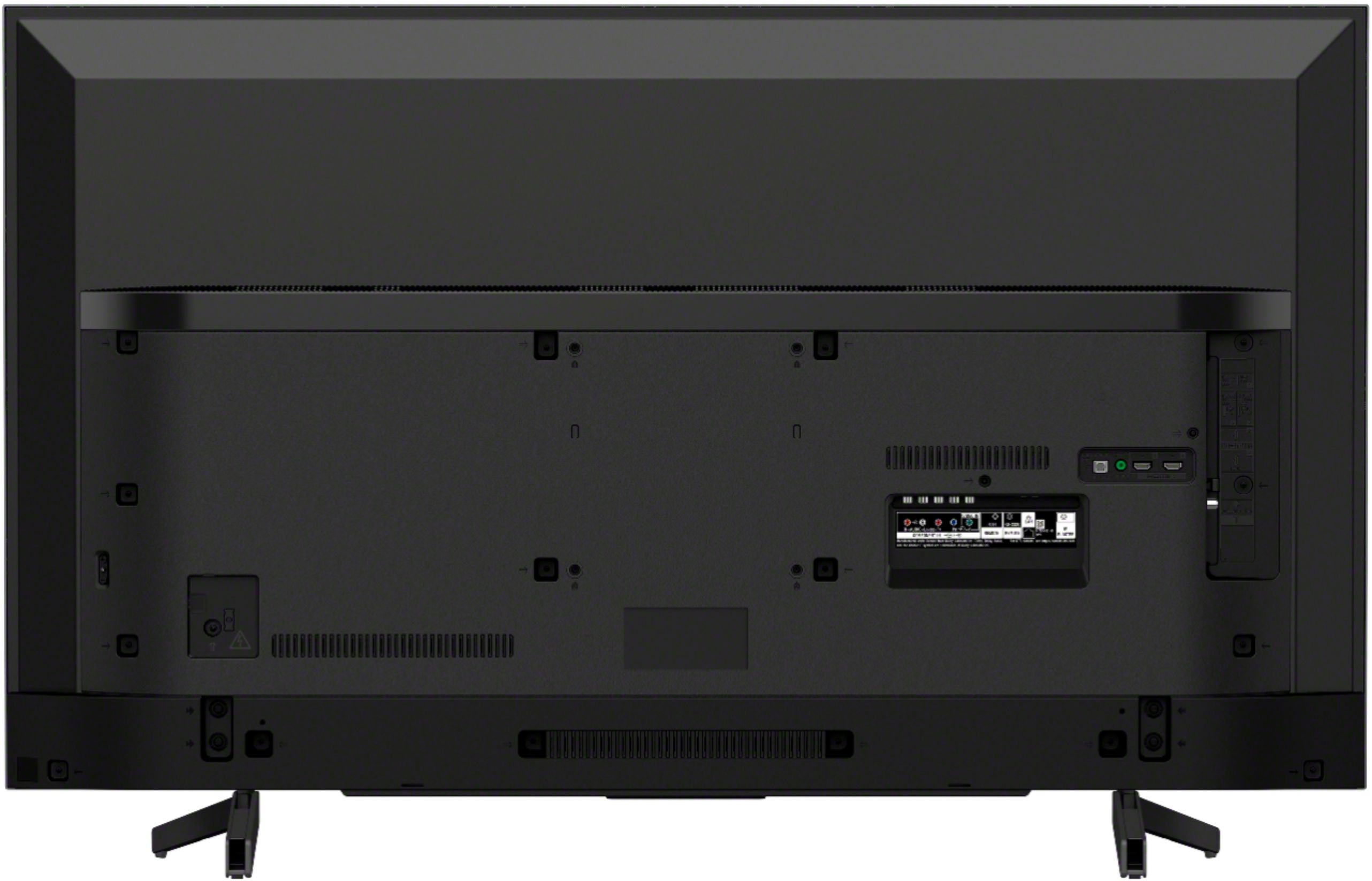
Yes, This TV can be mounted to a wall using a suitable Wall-Mount Bracket (not supplied). Here is the Wall-mount hole pattern: VESA® Hole Pitch 7 7/8 x 7 7/8 inch (200 x200 mm).
Regards,
Jay
A:AnswerHello, HAS1!
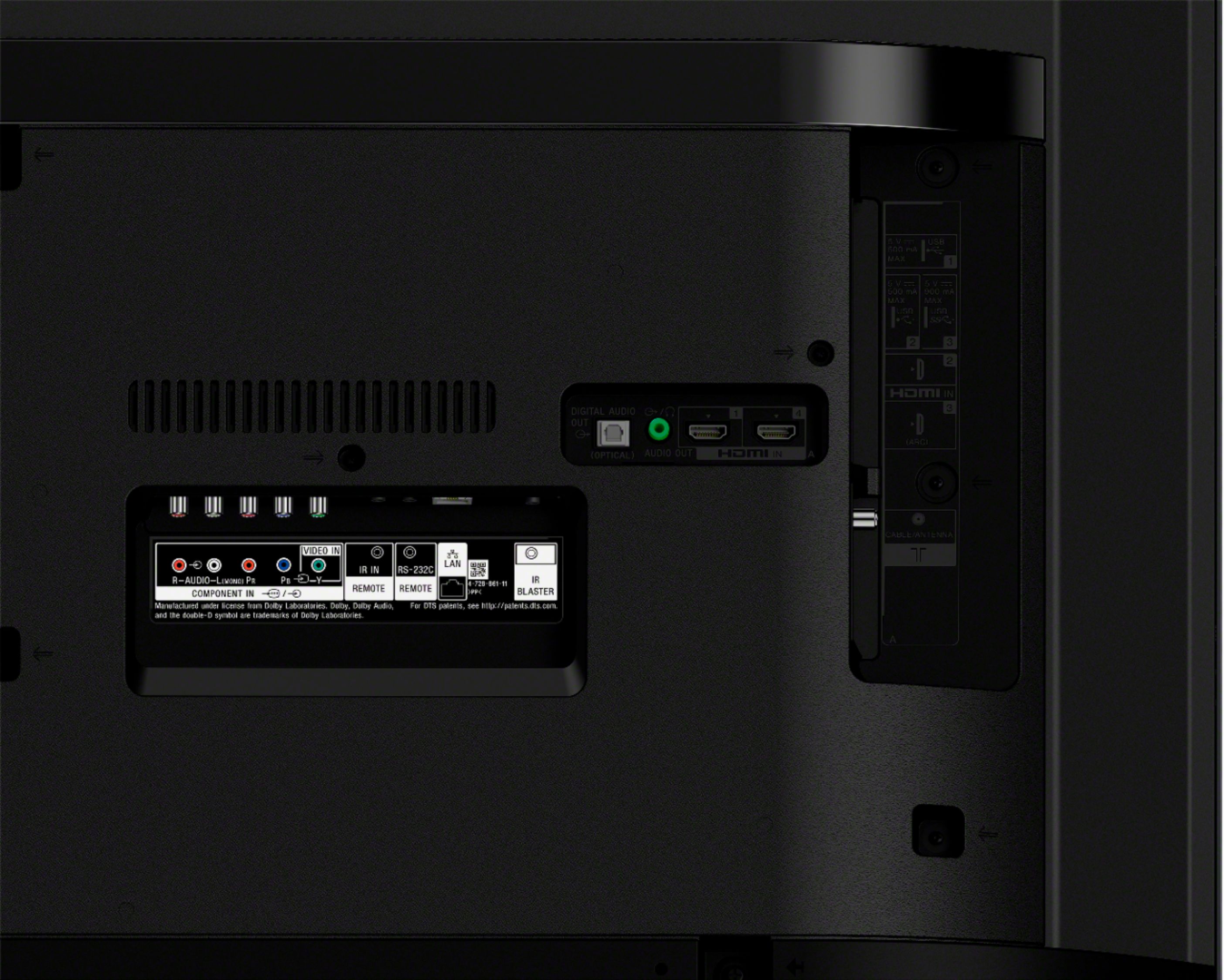
You can set the SONY TV remote to work as your cablebox remote for the basic functions by enabling the IR blaster feature. Please visit the link below to know how:
https://helpguide.sony.net/tv/gusltn1/v1/en-003/04-08-02_01.html
Happy to help!
~Zac
A:AnswerHi, Liz! The TV does not have a pre-installed web browser app. However, you can download and install third-party apps that function as a web browser through the Google Play Store. ~Ralph
A:AnswerHi, kaycee!
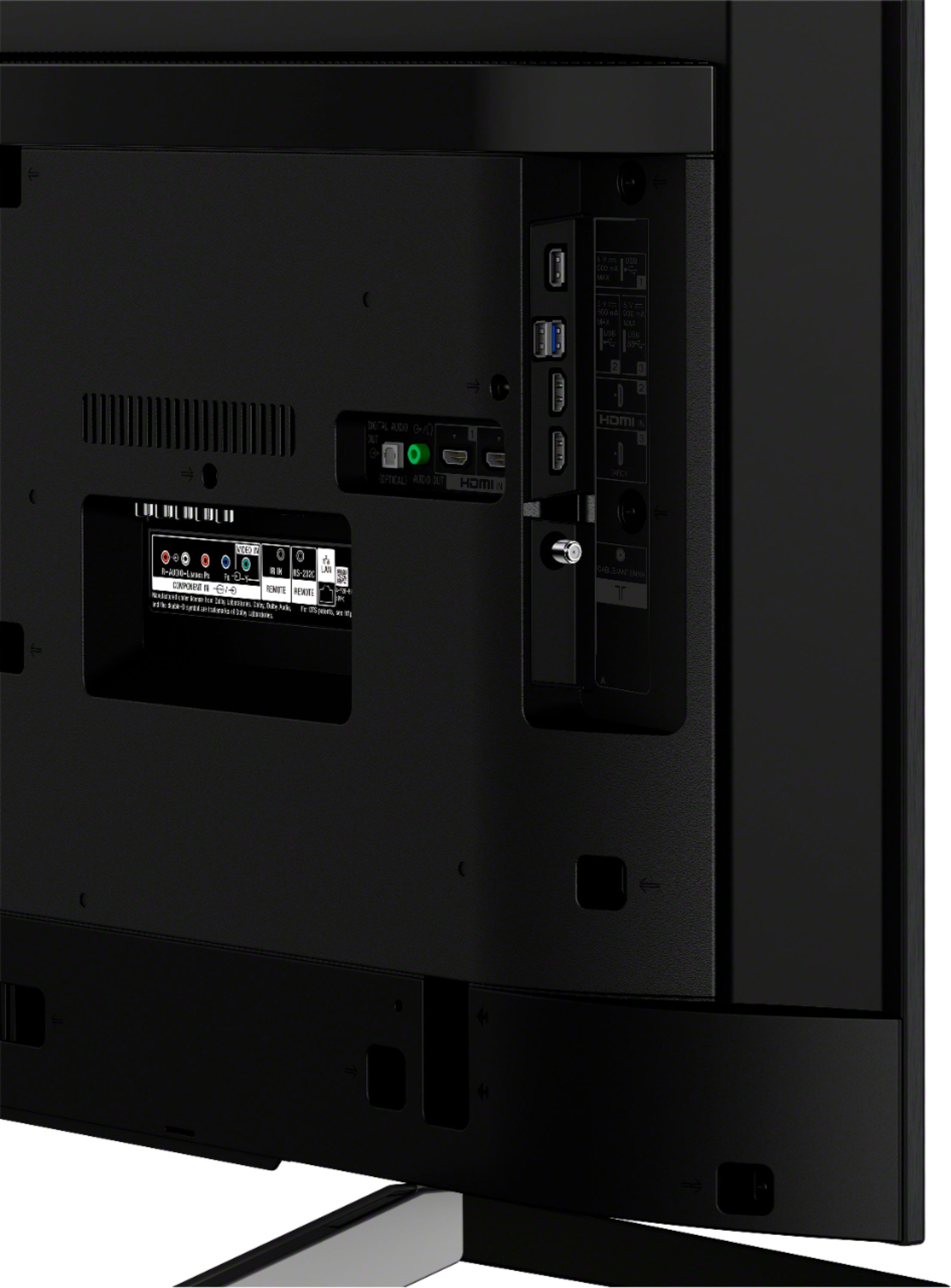
This unit only has an optical port. You may check the link below for the connection diagram of this unit. (Refer to page 10):
https://www.sony.com/electronics/support/res/manuals/4748/59987d320e718a2b0a1121b32792c683/47485531M.pdf
~Earl
A:AnswerHi, Ed!
Yes, this TV is Bravia Sync compatible. To enable Bravia Sync on this device, please refer to this link: https://helpguide.sony.net/tv/gusltn1/v1/en-003/04-07_03.html -Sam
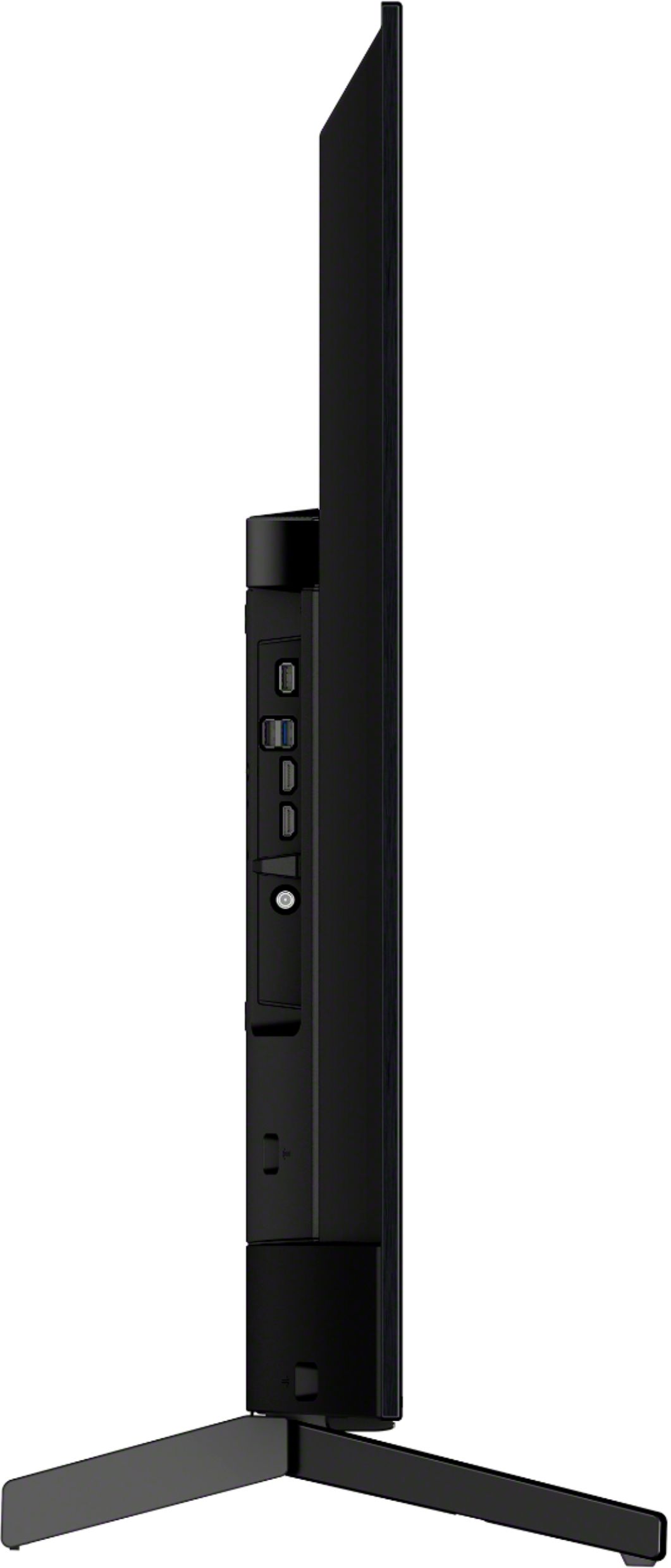
A:AnswerHi, Photohobbyist! No. This Bravia TV does not have an SD card slot. You may use a thumb drive instead and plug it into the USB port of the TV. -Vincent