Black Friday is hereAlso, shop the 24-Hour Flash Sale.Shop now

Main Content

Questions & Answers

Your price for this item is $139.99
Clearance
The comparable value price is $699.99
Page Showing 61-80 of 119 questions
  • QuestionIs a sound bar required with this tv?

    Asked by JenP.

    • Answer A sound bar is not required for this tv as it does have decent sound. Most tv's these days do not have the best speakers in them so most people buy a surround sound system or sound bar. Especially for larger rooms. If you are buying this tv for a large room then I would definitely suggest a sound bar.

      Answered by Matt

  • QuestionHi. Exactly what type of headphones do I need for this Sony X80J ?

    Asked by Alto.

    • Answer Hi Alto, Thanks for your inquiry. You may connect any type of headphones to the TV that supports these following methods: Headphone (wired connection) Connects to the headphone jack to listen to sound from the TV. Supports 3-pole stereo mini jack only. (3.5 mm jack) Bluetooth connection Connects compatible Bluetooth device to the TV such as headphones that supports A2DP Bluetooth profile. For reference: https://www.sony.com/electronics/support/televisions-projectors-lcd-tvs-android-/kd-55x80j/articles/00159290 You may check our website at https://www.sony.com/all-electronics if you are looking for Sony headphones compatible with the TV. If you need assistance, please email the below information to [email protected]. Full Name: Best Buy Username: Telephone Number: Sony TV Model Number: Issue: Regards, Kris

      Answered by SonyListens

  • QuestionWill the Geek Squad dispose of old TV?

    Asked by SylR.

    • Answer yes and accompanying equipment.

      Answered by tvservice

  • QuestionWhat is the difference between the Sony 55" Class X8OJ Series LED 4K UHD Smart Google TV at $799 and the Sony 55" Class X750H Series LED 4K UHD Smart Android TV at $599 ?

    Asked by Alto.

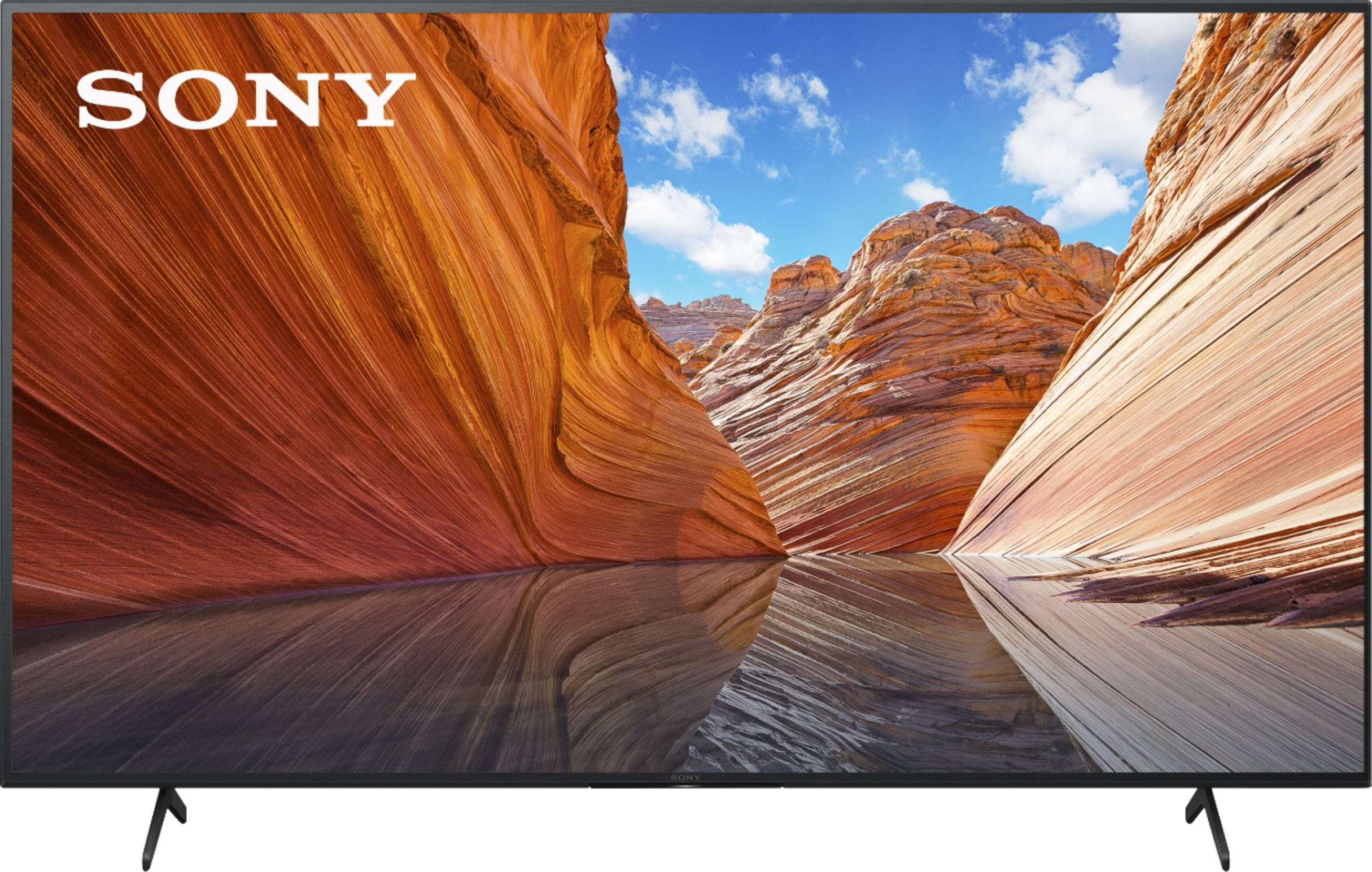
    • Answer Hi Alto, Thank you for showing your interest with our Sony TVs. The X750H is powered by our 4K Processor X1 that provides rich, real-world detail in your favorite content. HD content is upscaled to near-4K resolution with 4K X-Reality PRO using a unique 4K database. And TRILUMINOS Display, powered by our X1 processor, reproduces lifelike color and detail to enjoy your favorite movies & shows like ever before. While BRAVIA X80J, enjoy an intuitive smart TV experience with natural color and clear sound with the LED TV. The powerful 4K HDR Processor X1 reduces digital noise and boosts details for lifelike picture quality. Google TV gives you access to all your favorite streaming apps, while Google Assistant easily searches for content and controls your smart home simply by using your voice. TRILUMINOS PRO algorithm offer a wide color gamut and enhanced brightness and contrast to provide vibrant, lifelike images for compatible content. This TV works with Apple Airplay& Apple Homekit, you can stream video and audio to the TV right from your iPhone, iPad or MAC. With Dolby Vision that brings scenes vividly to life for authentic viewing and Dolby Atmos, fills room with immersive virtual surround sound. Hope this information helps. We're looking forward to your purchase and thank you for considering Sony! - Kris
      Answered by SonyListens

  • QuestionWhat is total weight unpacked?

    Asked by Pat.

    • Answer Hi Pat, Thanks for your inquiry. The total weight of TV unpacked is 50.7 lb (23 kg). For more information of dimensions and weight of the TV, please refer to this link: https://www.sony.com/electronics/support/televisions-projectors-lcd-tvs-android-/kd-55x80j/specifications Regards, Kris

      Answered by SonyListens

  • QuestionIn understanding there are other Sony TV’s better equipped for the PS5, I would like to please ask, with this the Sony - 55- X80J series 4K UHD Smart Google TV, if there is a recommended or best one or more HDMI ports for the PS5 out of the 4 available?

    Asked by ComicFuel.

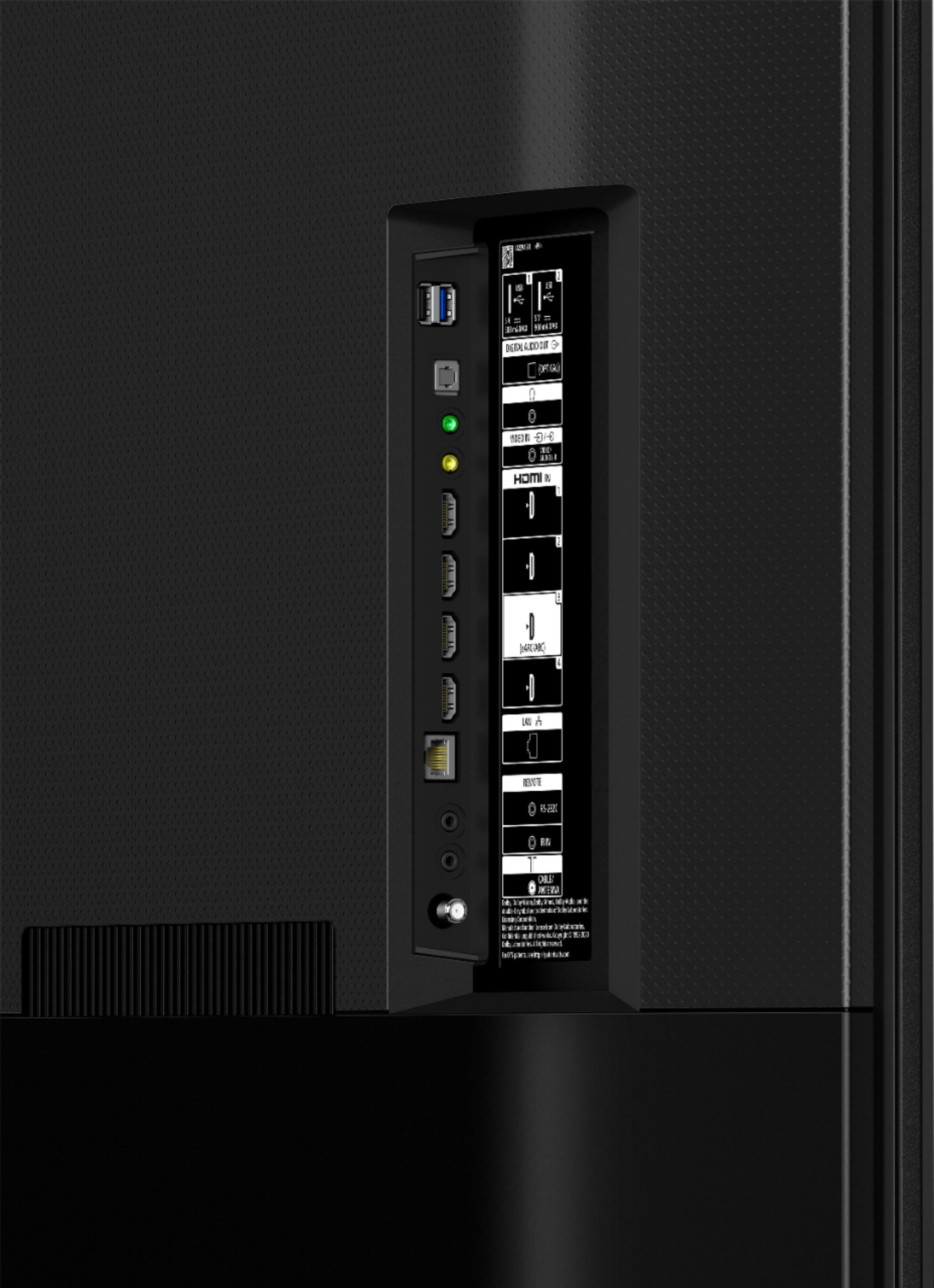
    • Answer Hi anonymous, Thank you for your inquiry. PlayStation 5 will work on any HDMI ports of the TV. However, to get the most out of your PlayStation 5, we recommend TV that supports HDMI 2.1 4k120hz/VRR/ALLM. The X80J does not support all the features associated with HDMI 2.1. This TV supports HDMI eARC/ARC and has a panel refresh rate of 60Hz. We recommend the X900H/X90H series, Z8H series , X90J and up series for 2021 TV models. Variable Refresh Rate (VRR) and ALLM will be added via a future firmware update. Please check the link below for more details about the TV models support features that are specified in the HDMI 2.1 standard: https://www.sony.com/electronics/support/articles/00246472. You may also visit sony.com for more details of our Sony Products. Thanks! -Kris

      Answered by SonyListens

  • QuestionDoes this tv have the Hulu Live app built in?

    Asked by Delilah.

    • Answer No

      Answered by JaiJai

  • QuestionHow much user accessible storage does this model have?

    Asked by CTE.

    • Answer Hi CTE, Thank you for your inquiry. The ON-BOARD STORAGE of the TV is 16 GB and consist of the following: - Internal storage Also known as system memory Stores the operating system and system files Not accessible to users - User accessible storage Storage for apps and user data You may open this link for more details on how to check the remaining storage capacity of the TV: https://www.sony.com/electronics/support/televisions-projectors-lcd-tvs-android-/kd-55x80j/articles/00223285 Regards, Kris

      Answered by SonyListens

  • Questionwill this fit inside a Ford Escape small suv for pick up

    Asked by Steve.

    • Answer It should if laid down flat ( screen facing up ) and rear seats folded down . Be VARY careful when transporting and unloading it .

      Answered by Br549

  • QuestionHow do I do updates and are they needed

    Asked by Edward.

    • Answer Hi Edward, Thank you for your inquiry. It's important to keep your Android TV or Google TV device up to date with the latest firmware and software updates. These updates include key features, applications, bug fixes, and feature improvements. Make sure that TV is connected to the internet and set Automatically check for update or Automatic Software Download to On to receive the updates automatically. For more details about the benefits of software updates and how to perform a software update on your TV, please refer to this link: https://www.sony.com/electronics/support/televisions-projectors-lcd-tvs-android-/kd-55x80j/articles/00119543 Regards, Kris

      Answered by SonyListens

  • QuestionWhat are the most optimal picture configurations for color, clarity, etc.? Is there somewhere I can find recommended settings for each option other than the manufacturer defaults?

    Asked by JohnnyandtheWolf.

    • Answer Hi JohnnyandtheWolf, Thank you for your inquiry. The actual display may vary on the content you are watching and device connection. However, you may configure various settings related to the TV display such as color and brightness for picture quality, or screen size. Please use these links as your guide in changing the picture and sound quality according to your preferences. https://helpguide.sony.net/tv/iusltn1/v1/en-003/01-03-09.html https://www.sony.com/electronics/support/televisions-projectors/articles/00190409 Should you need further assistance, please email the below information to [email protected]. Apologies if you disclosed some of this information in your review and to customer service, we just want to ensure that we have your accurate details at the time of communication. Full Name: Best Buy Username: Telephone Number: Sony TV Model Number: Issue: Regards, Kris

      Answered by SonyListens

  • QuestionIs this tv ROKU?

    Asked by Stan.

    • Answer Hi Stan, Thank you for your inquiry. No, it isn't. However, you may connect a Roku device on one of the HDMI ports of the TV. I hope this helps. - Kris

      Answered by SonyListens

  • QuestionWill it ok an xfinity app

    Asked by Anonymous.

    • Answer We have xfinity and it’s fine with this tv.

      Answered by Anonymous

  • QuestionOnce the legs are attached, can and how are they detached for wall mount?

    Asked by Lilred.

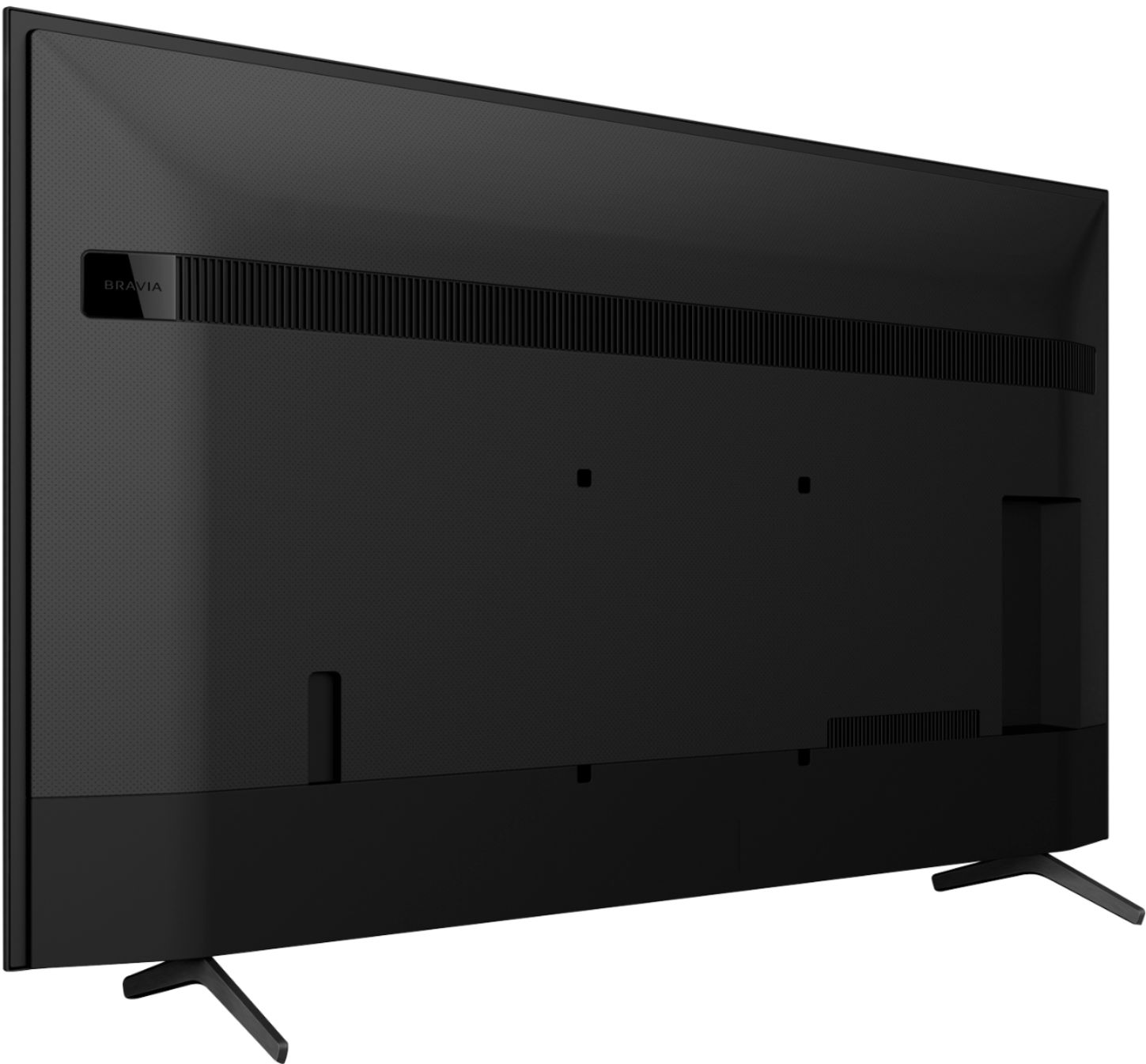
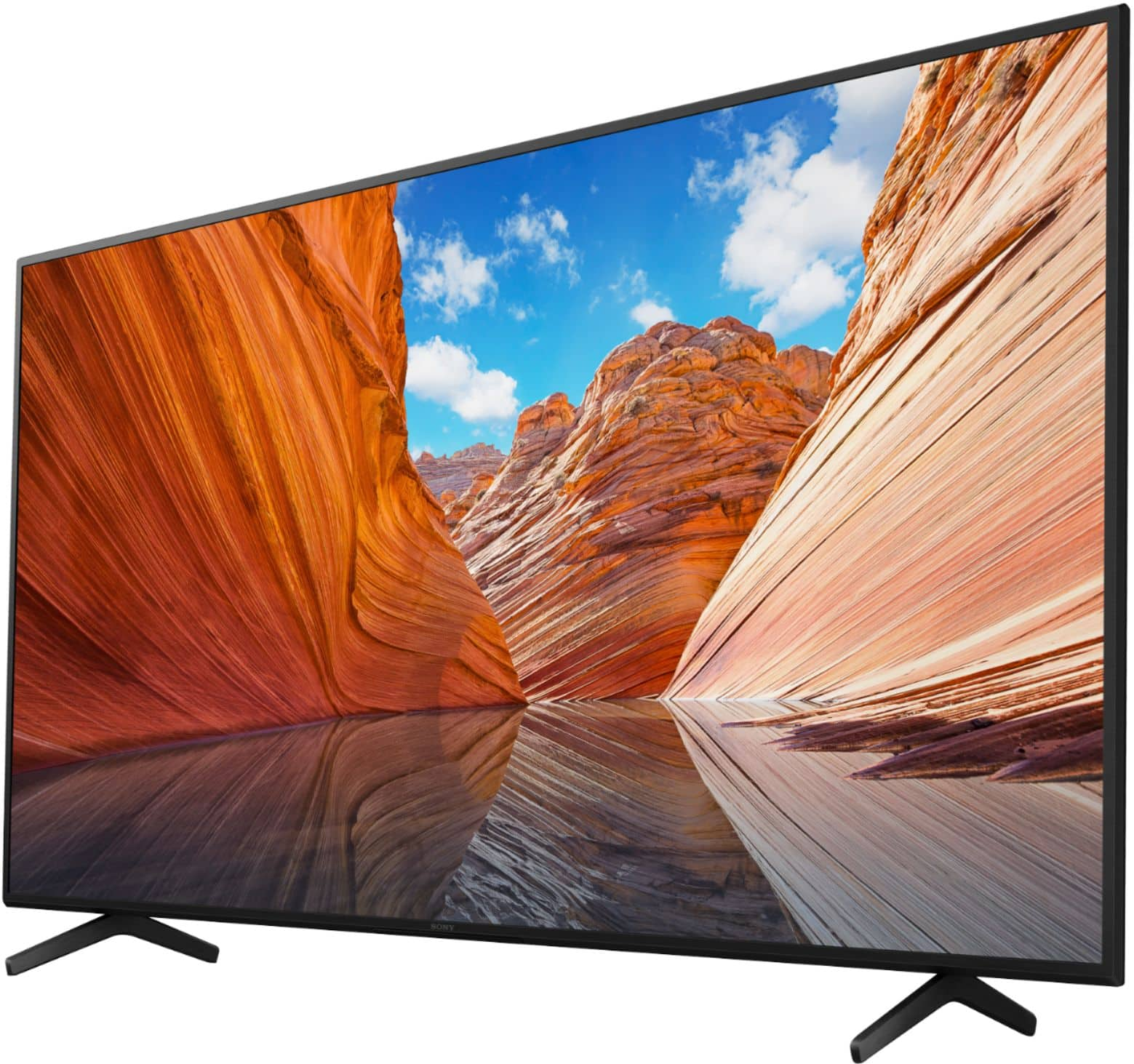
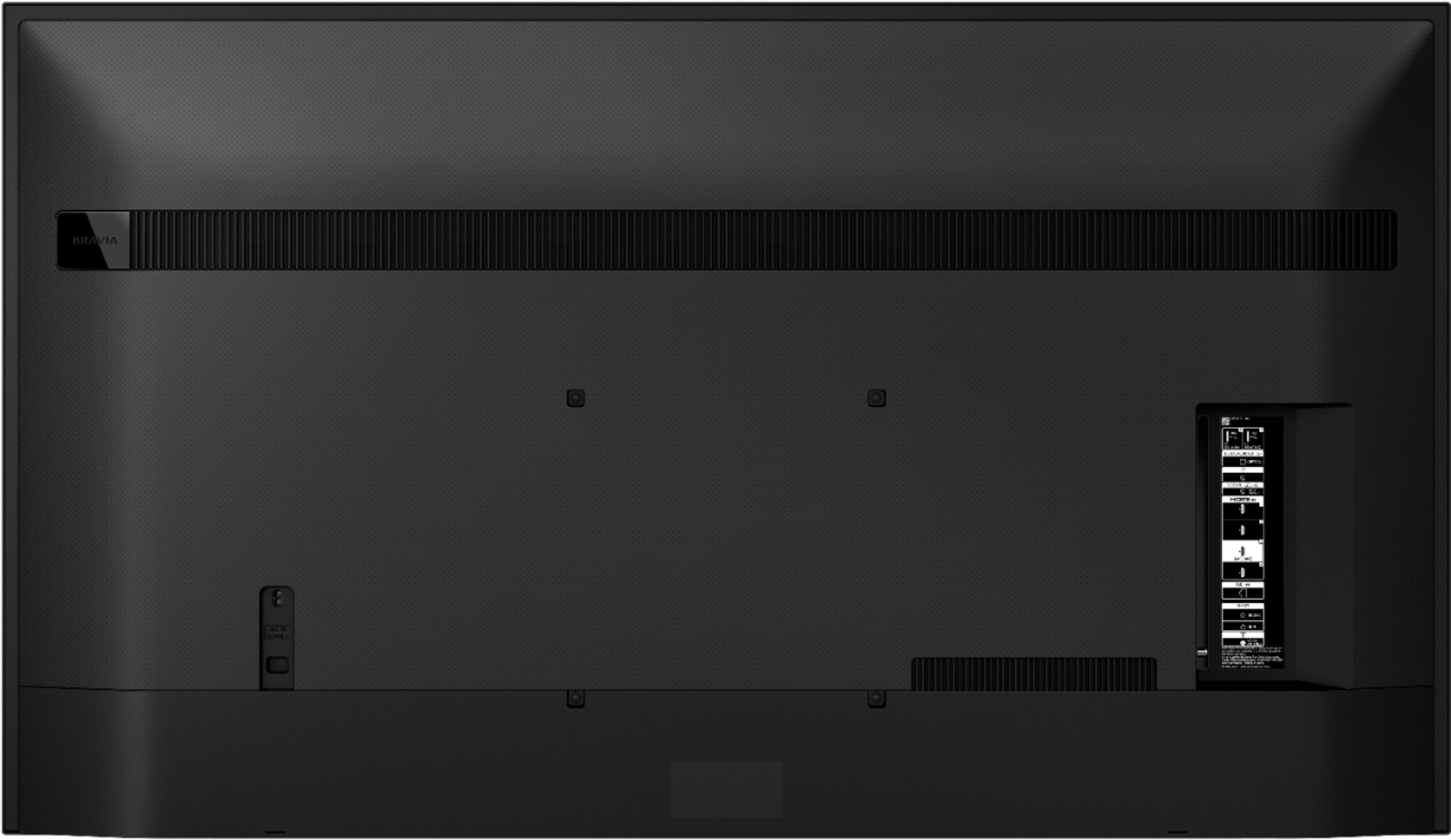
    • Answer Hi Red, Thank you for your inquiry! The steps require three people or more when removing the TV stand. Carefully lift the TV up to remove the TV stand. Make sure an adequate number of people are used to safely support the TV. When you lift one side of your TV, make sure the opposite side doesn't drop to the floor and support the bottom of your TV with suitable material such as a stack of newspapers or magazines. You may use this link as a guide on removing the TV stand. https://www.sony.com/electronics/support/res/manuals/5025/f4fe4e7d628b10f8b1dd8b909e428bed/50250591M.pdf These TVs should work with any VESA Complaint wall mount bracket with a screw hole pattern 300 × 300 mm. We also recommend the SU-WL855 wall-mount bracket that works with any 55” up to 77” TVs. For product protection and safety reasons, Sony strongly recommends that the installation of your TV on a wall be performed by qualified professionals. You may also open this link below for more detailed wall mount specifications and Sony recommended wall mounts: https://www.sony.com/electronics/support/televisions-projectors-lcd-tvs-android-/kd-55x80j/articles/00124300 Regards, Kris

      Answered by SonyListens

  • QuestionHow is the clarity? Are the faces sharp?

    Asked by Anonymous.

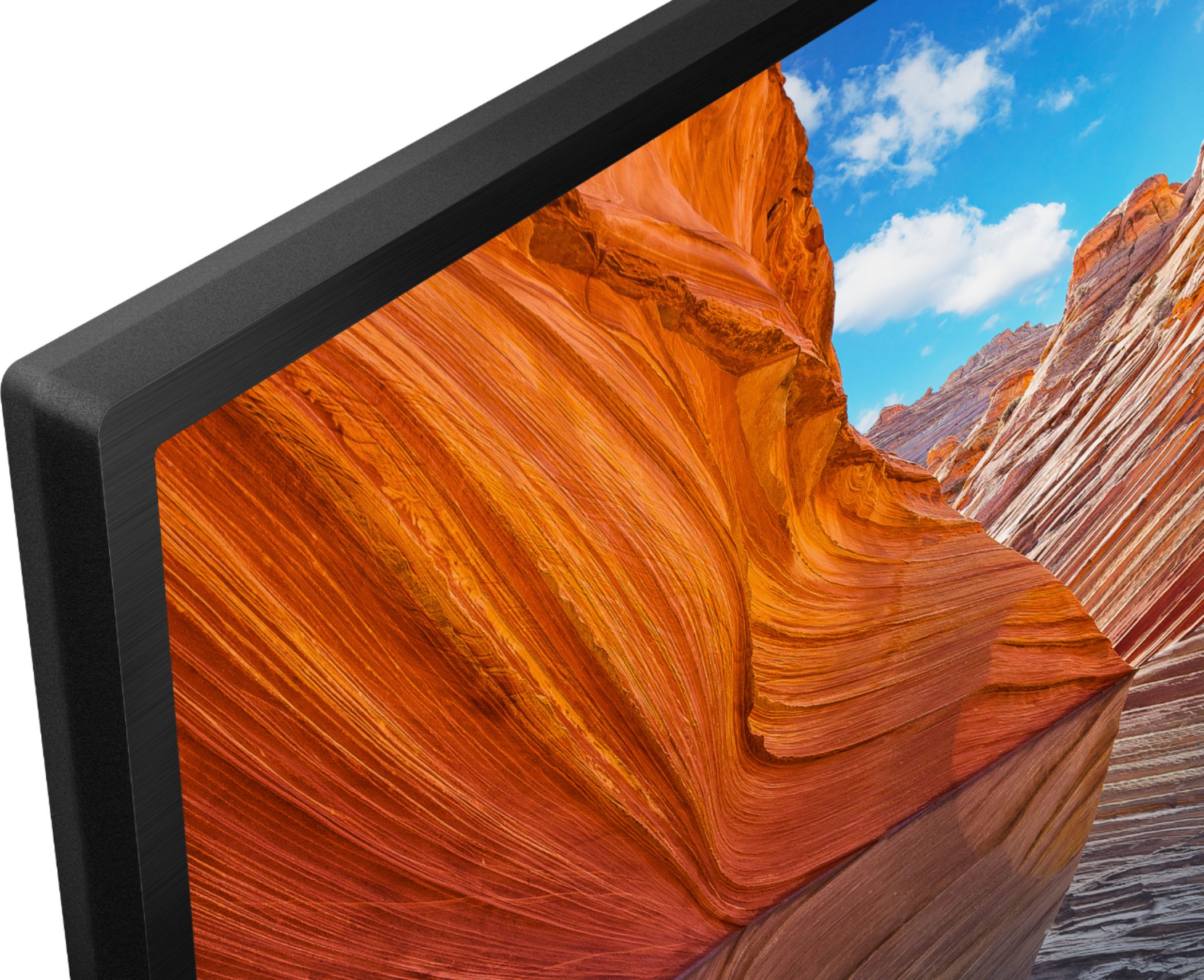
    • Answer Clarity very good and faces very sharp with much detail, even the upconversions from older media are so realistic you to rewatch everything!

      Answered by Danollano

  • Questionthis TV is listed on targets website as a 3d enabled TV , I'm guessing that isn't true ?

    Asked by Chrisbrown.

    • Answer Hi cbreeze, Thank you for your inquiry. Yes, the X80J is not a 3D enabled TV. A 3D picture cannot be displayed on this TV. With X80J TV, see glorious 4K pictures, rich with real world detail and texture, exclusively powered by our 4K HDR processor X1™. Images filmed in 2K and even Full HD are upscaled close to 4K resolution by 4K X-Reality™ PRO using a unique 4K database. Thanks! - Kris

      Answered by SonyListens

  • QuestionCan I use my old DVD/VCR player with the X80J

    Asked by Alldirt.

    • Answer The connections to any media player are there with better than ever playback. The Sony X80J remote works better than the original players did.

      Answered by Danollano

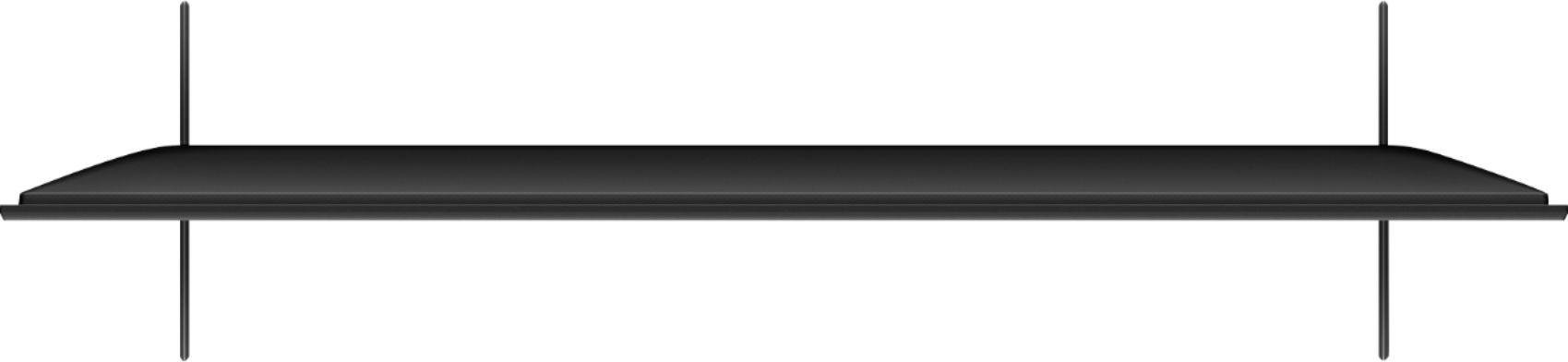
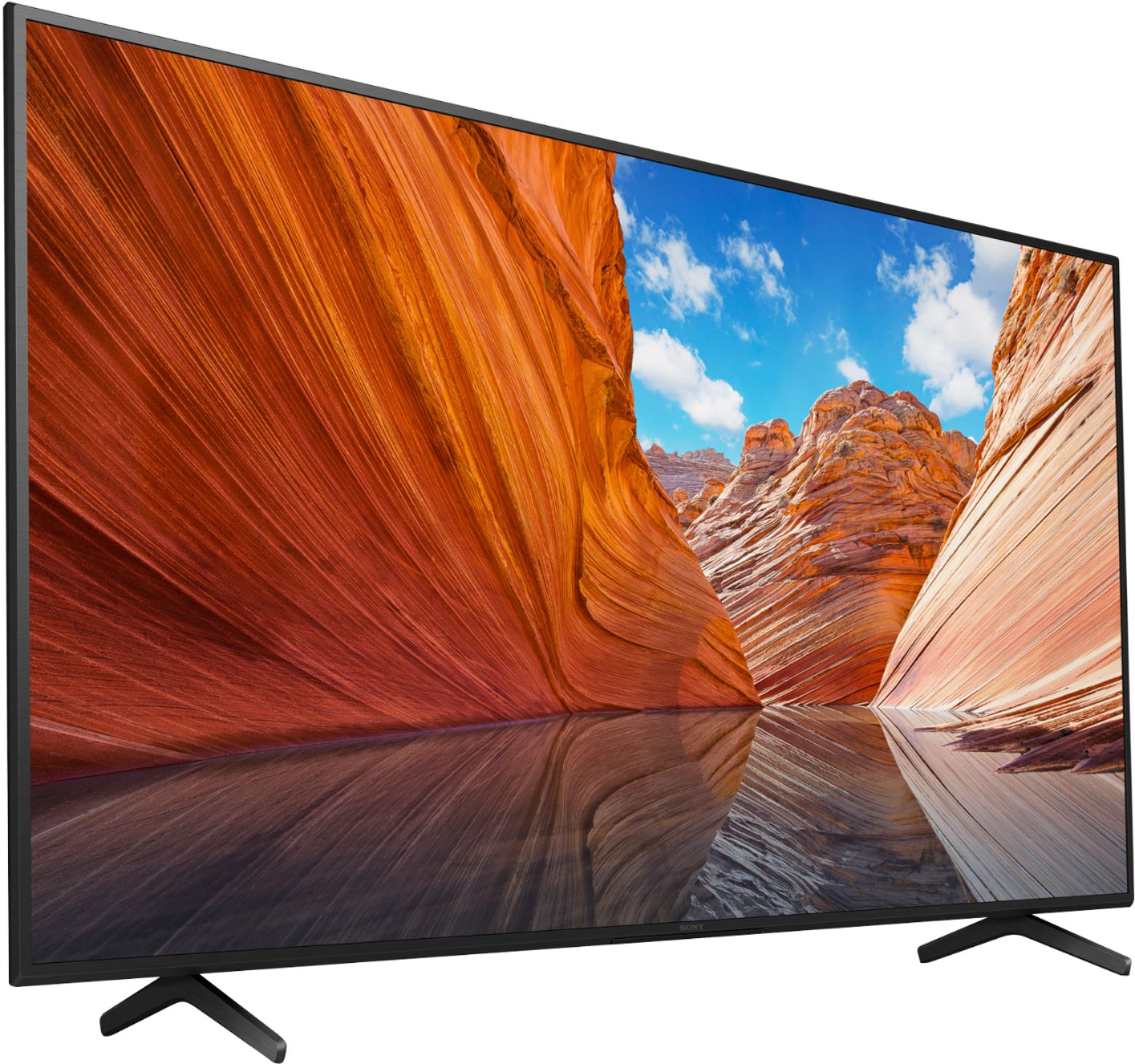
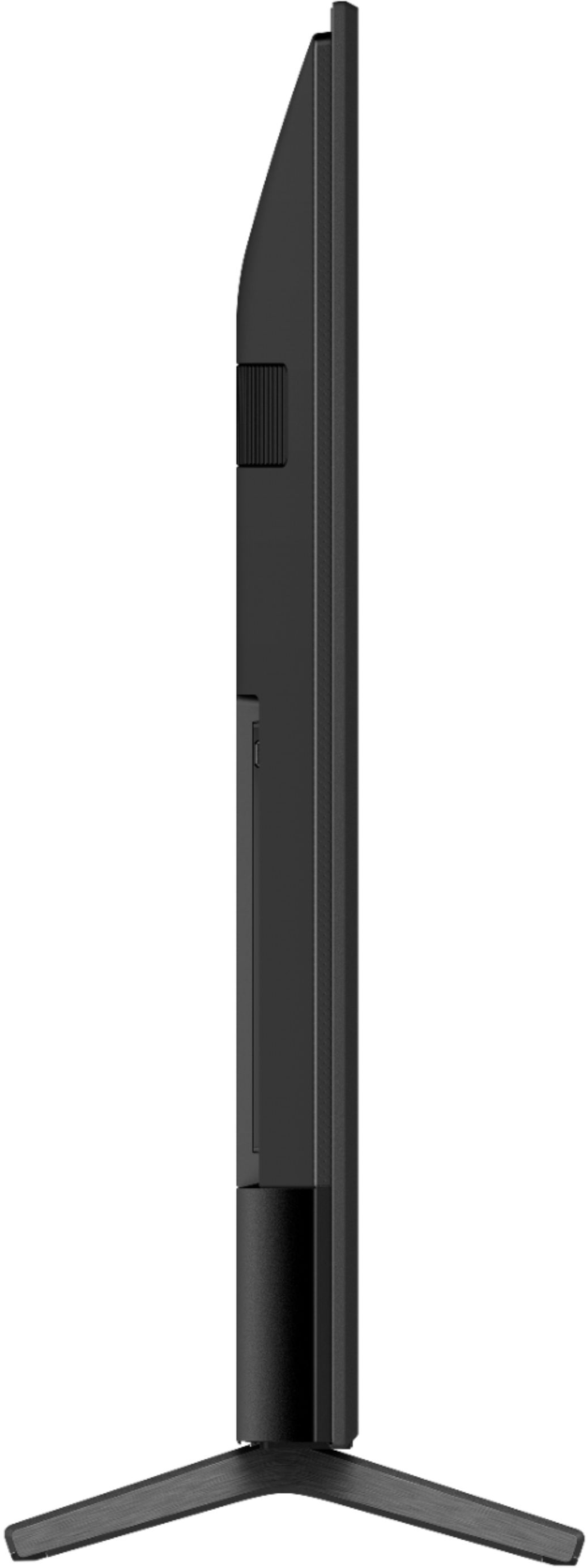
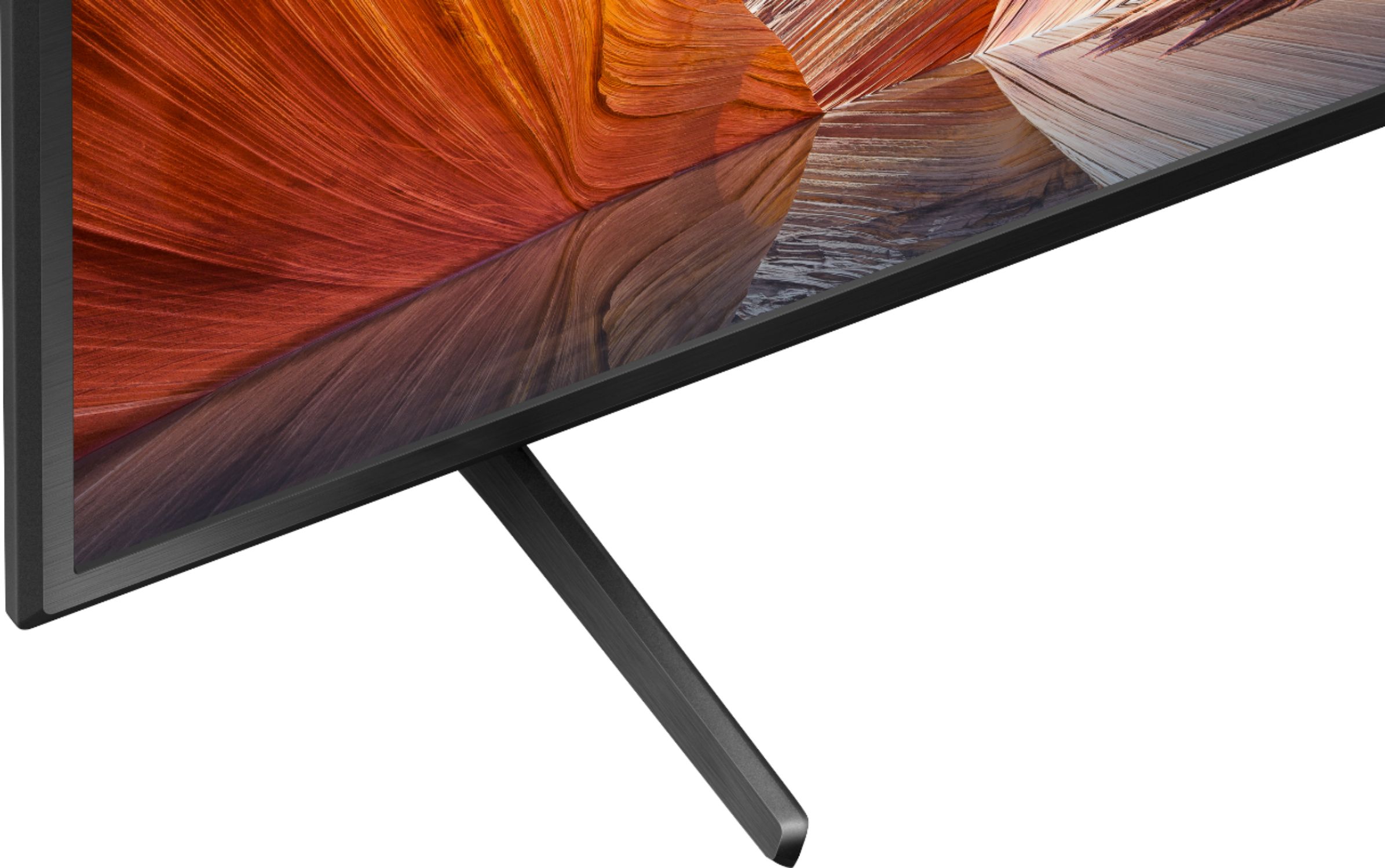
  • QuestionDoes this TV has two leg positions option for the stand ? I have narrow table so need to know whether it has two leg position instead of 1.

    Asked by AGohel.

    • Answer It has one. The older version of this TV had a more compact base. When I bought another one, SONY had changed to this more awkward wide stance design. I had to have a platform built so that the thing could fit on my TV stand. VERY POOR design change by SONY!!! Good Luck My Friend!

      Answered by Lionel

  • QuestionDoes this model include streaming capabilities Discovery+ HGTV, Disney, etc?

    Asked by Barb.

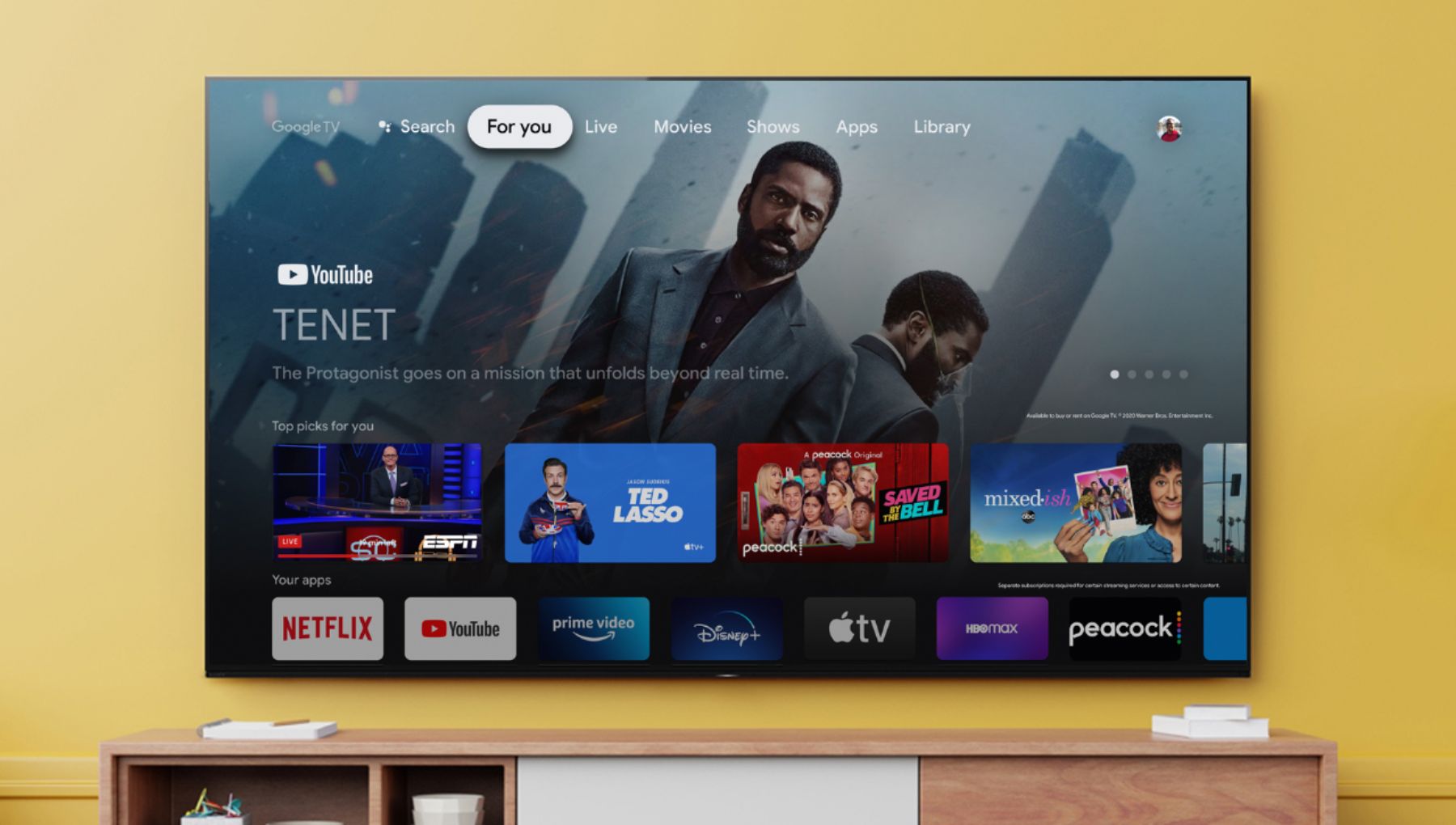
    • Answer Hi Barb, Thank you for your inquiry. Yes, these streaming apps are available on the X80J TV. This TV has pre-installed apps and unbeatable number of apps that you may download apps on the Google Play Store of the TV. Please refer to this link with steps and list of downloadable apps on the TV: https://www.sony.com/electronics/support/televisions-projectors-lcd-tvs-android-/kd-55x80j/articles/00150371 Regards, Kris

      Answered by SonyListens

  • QuestionDoes this TV come with free channels? We are transitioning from a Samsung TV, which includes Samsung TV Plus channels and I’m hoping this TV has something comparable.


    Asked by Bheath.

    • Answer Don’t know bet abuse we use our cable xfinity but I think yes.

      Answered by Anonymous