A:AnswerHello I would start by resetting it then try again also check your google account make sure everything is ok on your google account that includes subscription fees and and activation after resetting the tv and if that doesn’t work I would consider calling Sony. Research does help such as youtube to see if anyone encountered what you are experiencing.
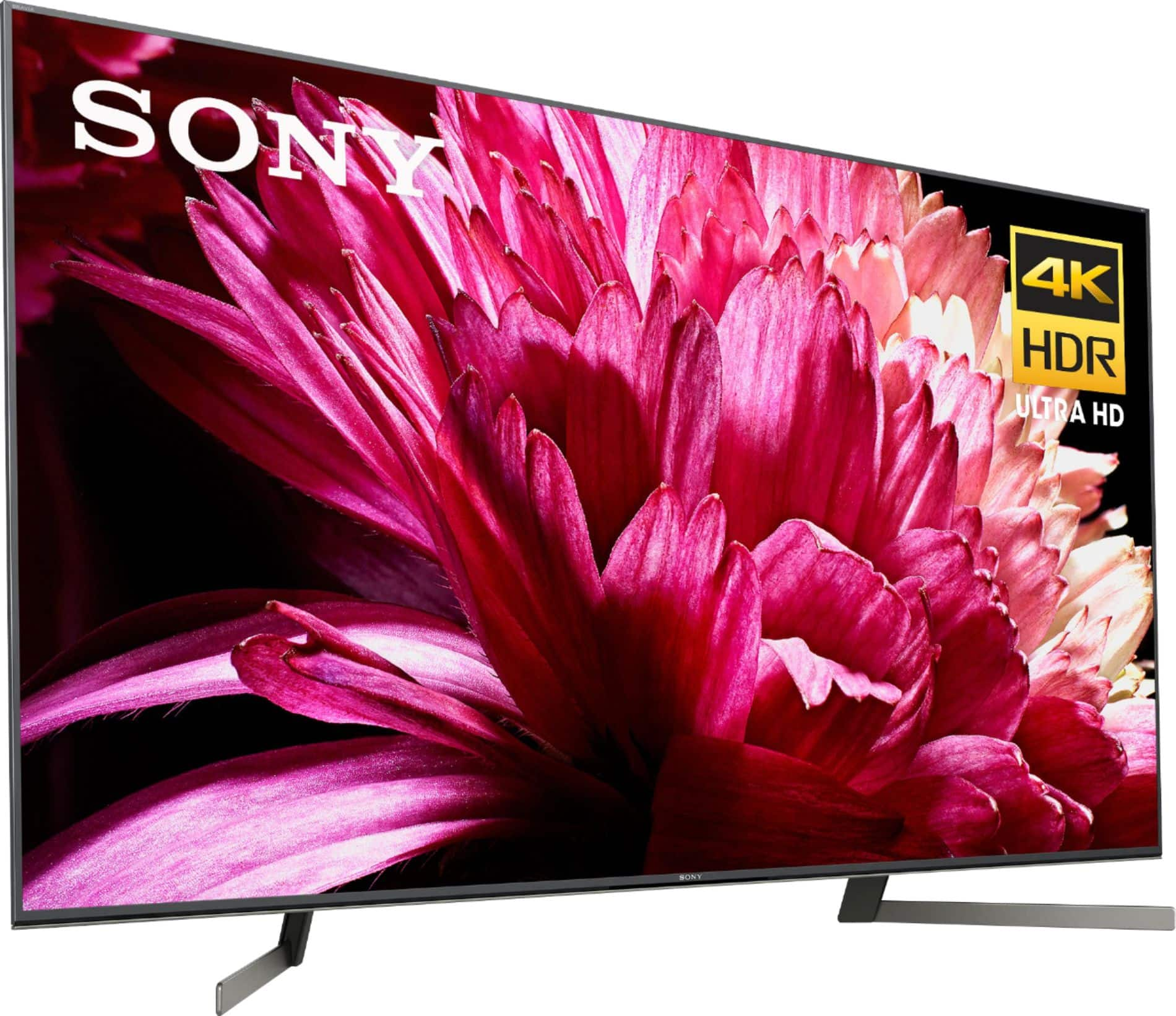
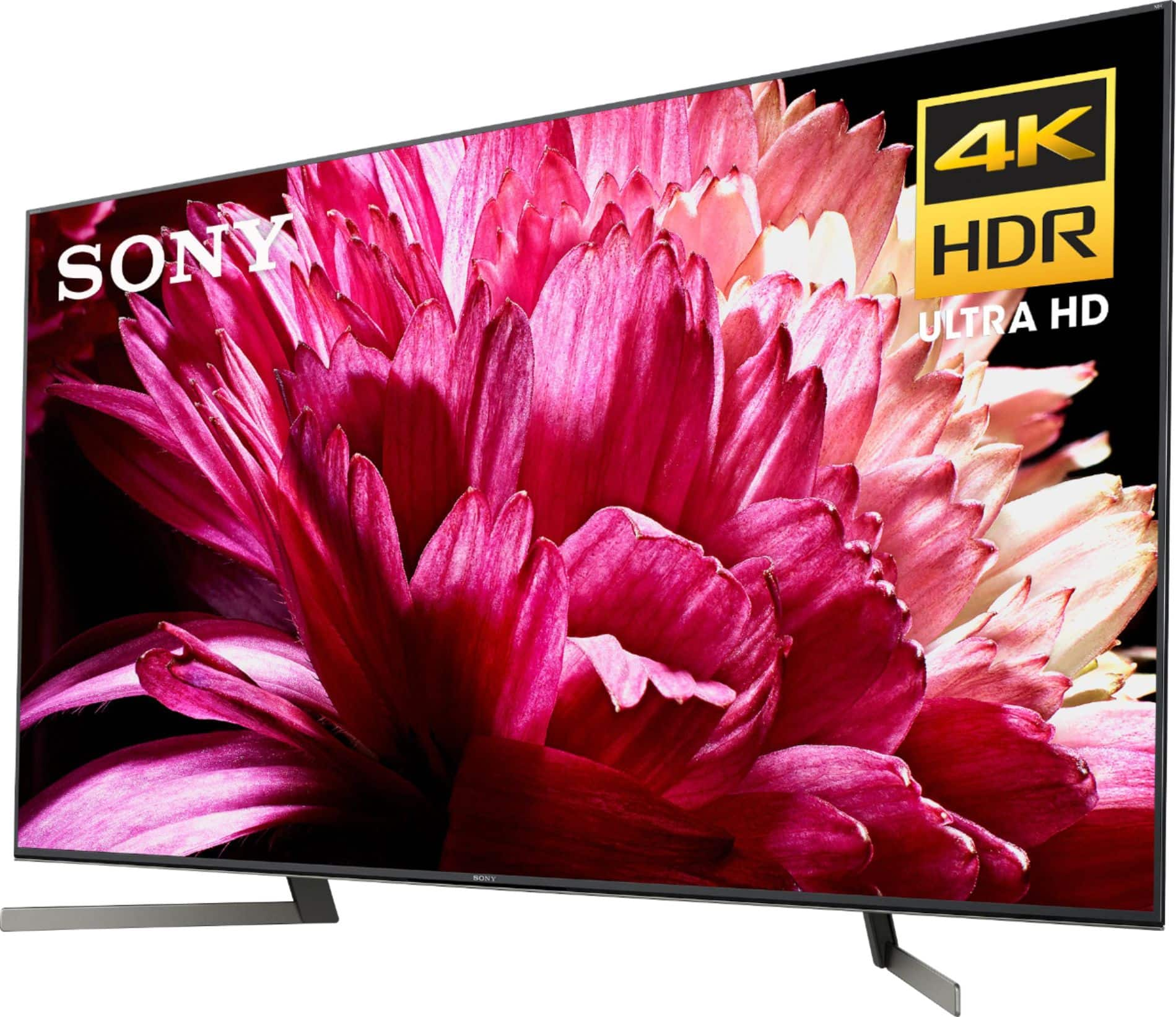
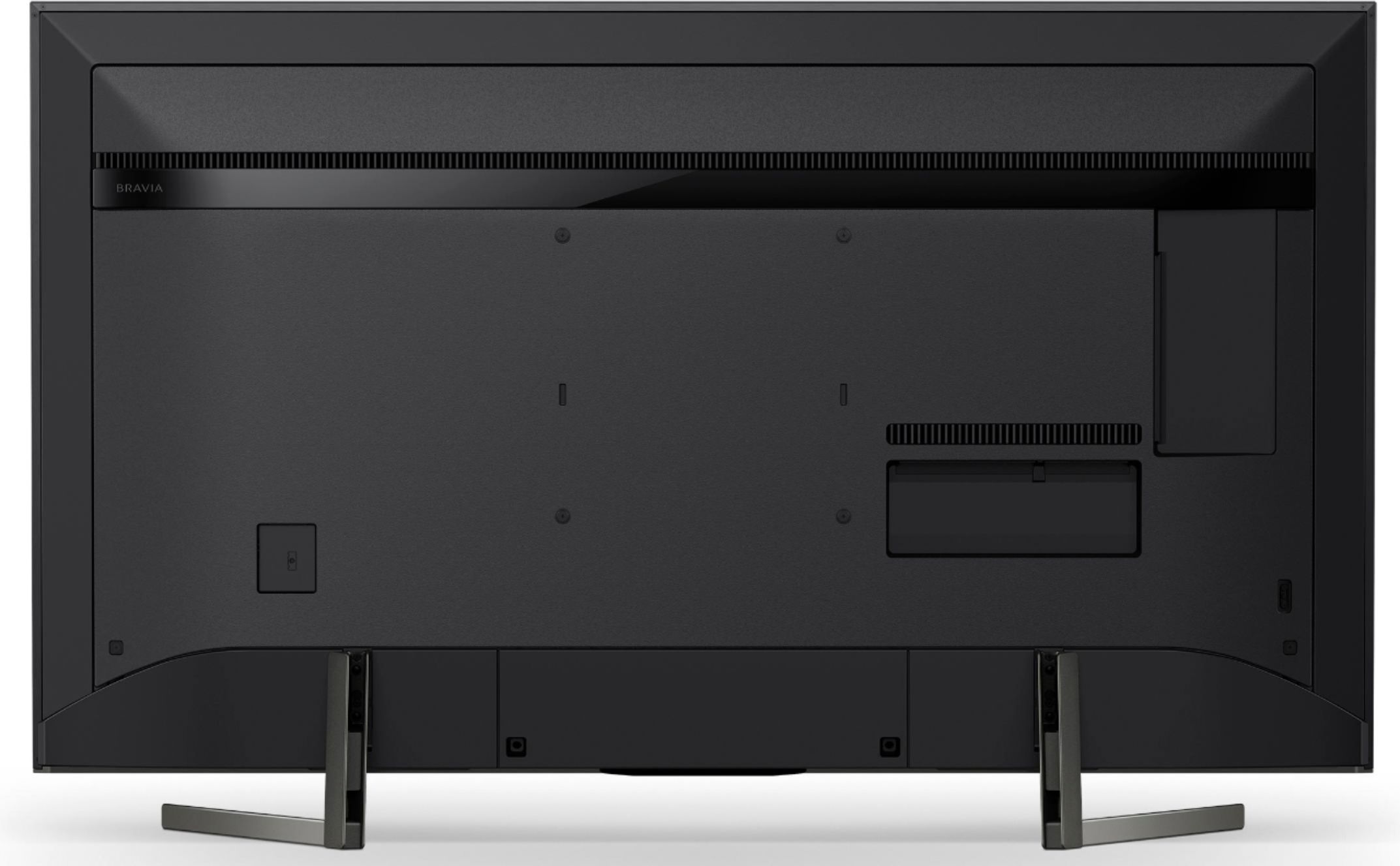
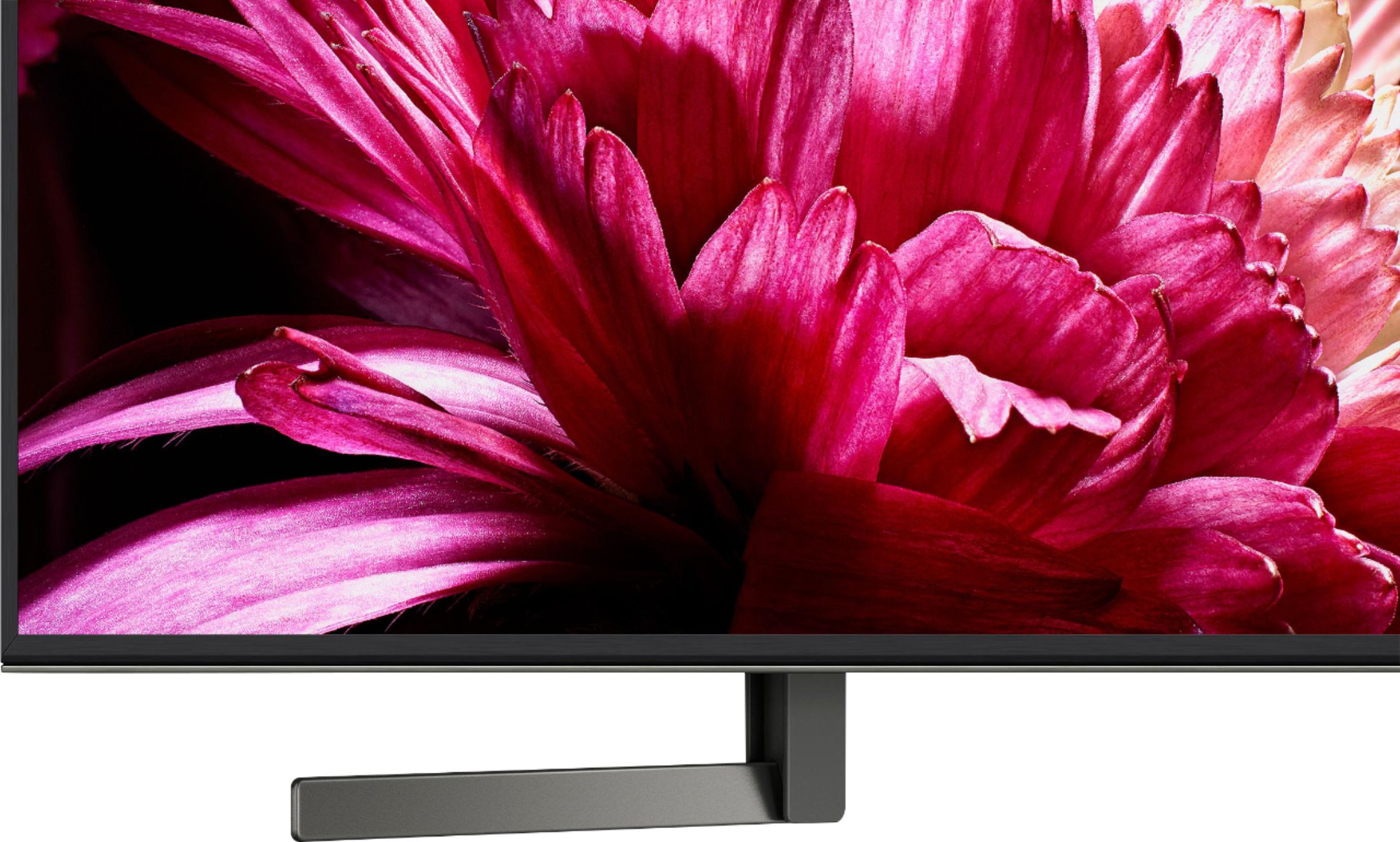
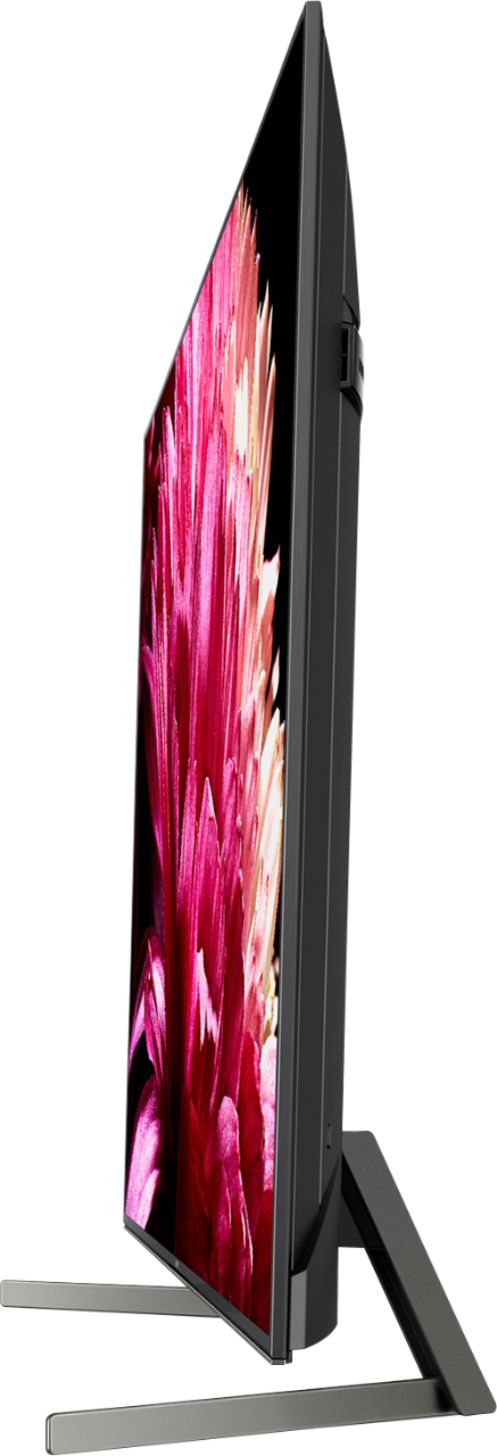
A:AnswerHi LouAnn, this TV will definitely be a great upgrade from your previous model. It already comes with a TV stand which measures 40 1/8" (1018 mm) in width. You may find this link helpful:
https://www.sony.com/electronics/support/res/manuals/4748/be0b1c0aa9a621847cd2f70b8b37b7d3/47484501M.pdf
~Ralph
A:AnswerHi Debsquestion,
The Android TV does not have a pre-installed web browser app. However, you can download and install third-party apps that function as a web browser through the Google Play store.
~Ralph
A:AnswerYes. Go to Settings and go to Remote and Accessories. Open Bluetooth and pair device. Subsequently can then pick the device you want to access. In my case, I use a Bluetooth headset and you can even use a Bluetooth speaker set.
A:AnswerThe 2019 Bravias seem excellent and easy to use. If you're placing the TV in a darker room, or enjoy watching movies in a theater like experience, I'd recommend one of their OLEDs. If you're in a bright room, like sports, I'd consider their LED offerings. Perhaps going into a Best Buy can help, I found their insights helpful.
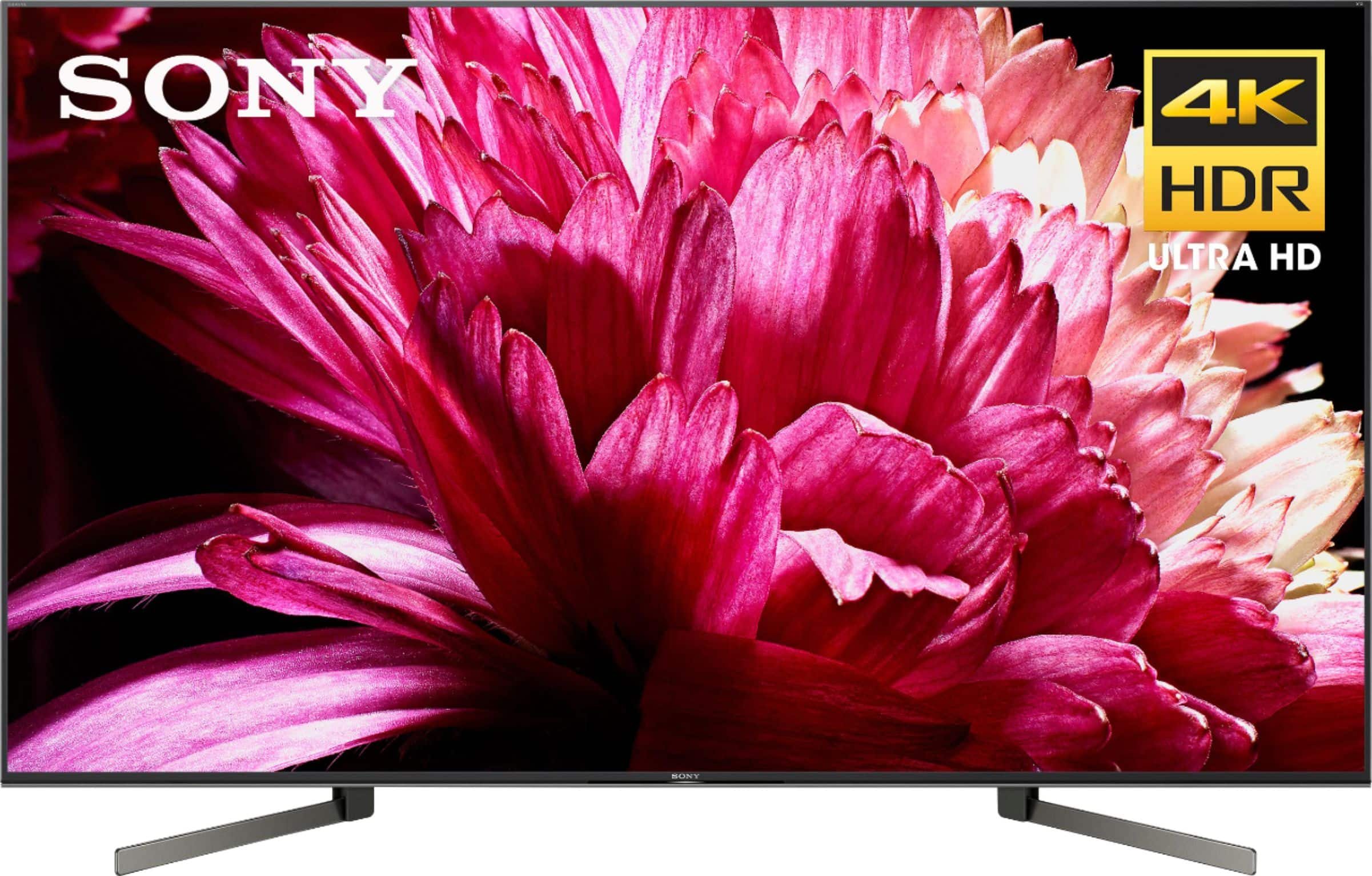
A:AnswerHi, Jr!
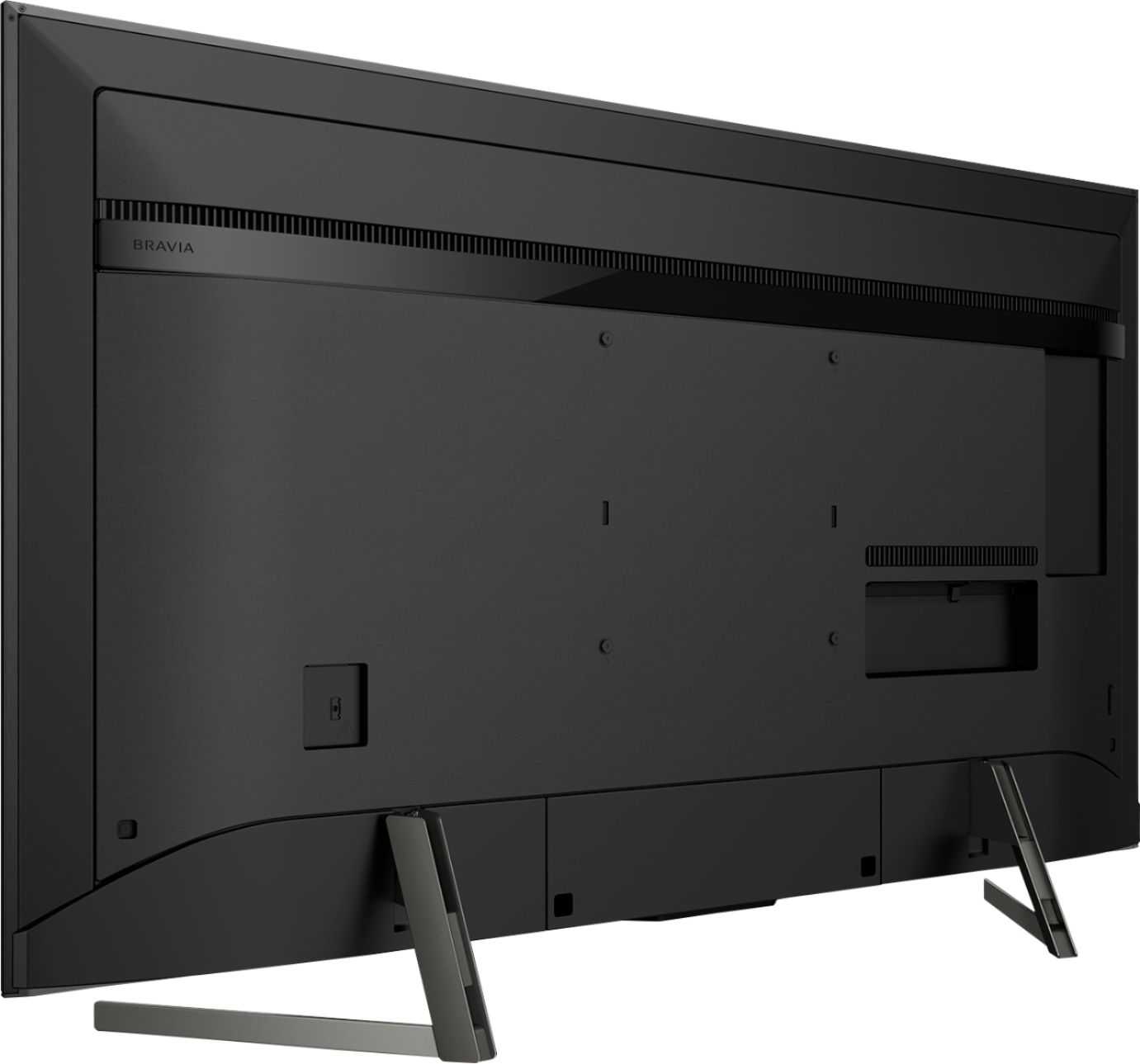
Please refer to the TV measurement below.
DIMENSION OF TV WITHOUT STAND (W X H X D): 48 3/8 x 28 x 2 3/4" (1228x709x69 mm)
DIMENSION OF TV WITH STAND (W X H X D): 48 3/8 x 30 5/8 x 10 7/8" (1228x776x274 mm)
Thank you,
Erin
A:AnswerHi, Brian! Below are the approximate dimensions of this TV:
TV only: 48 3/8 x 28 x 2 3/4 inch (1228x709x69 mm)
TV with stand: 48 3/8 x 30 5/8 x 10 7/8 inch (1228x776x274 mm)
Regards,
Vincent
A:AnswerHi, Epalms1994!
We're sorry to hear about this. Let's try to follow some troubleshooting steps to resolve this issue. First, make sure that your Nintendo Switch is connected to the HDMI ARC port of your TV. Then, make sure to set the Bravia Sync settings of the TV to ON. If you are unable to resolve your concern, please email us at [email protected] with the following details:
Name:
Bestbuy Username:
Model Number:
Issue:
Telephone Number:
Sincerely,
Sam
A:AnswerHi, KennyK!
There's an instance that the TV software is already updated upon purchase. However, if it is not, we can always update the software upon setting up.
Regards,
Erin
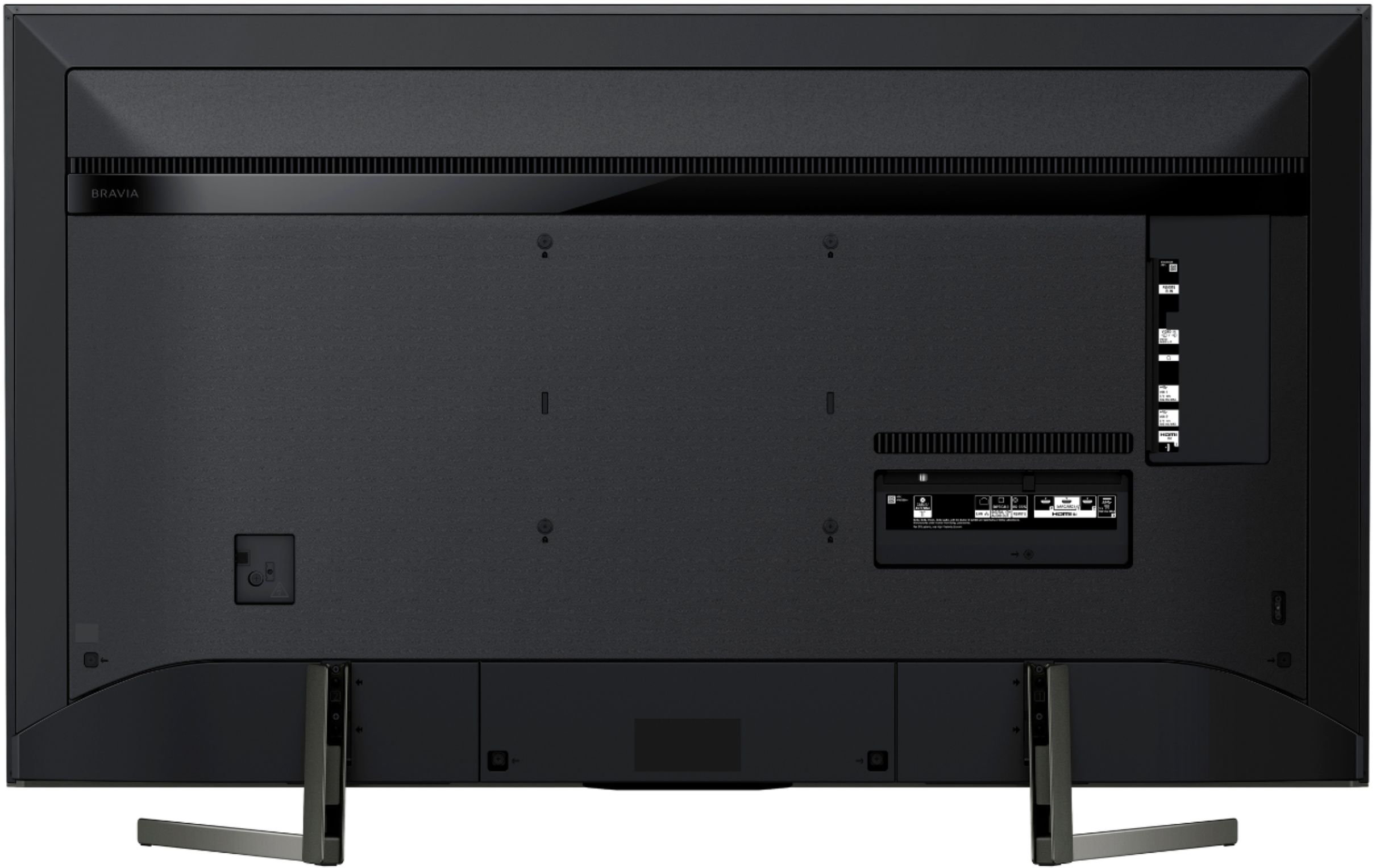
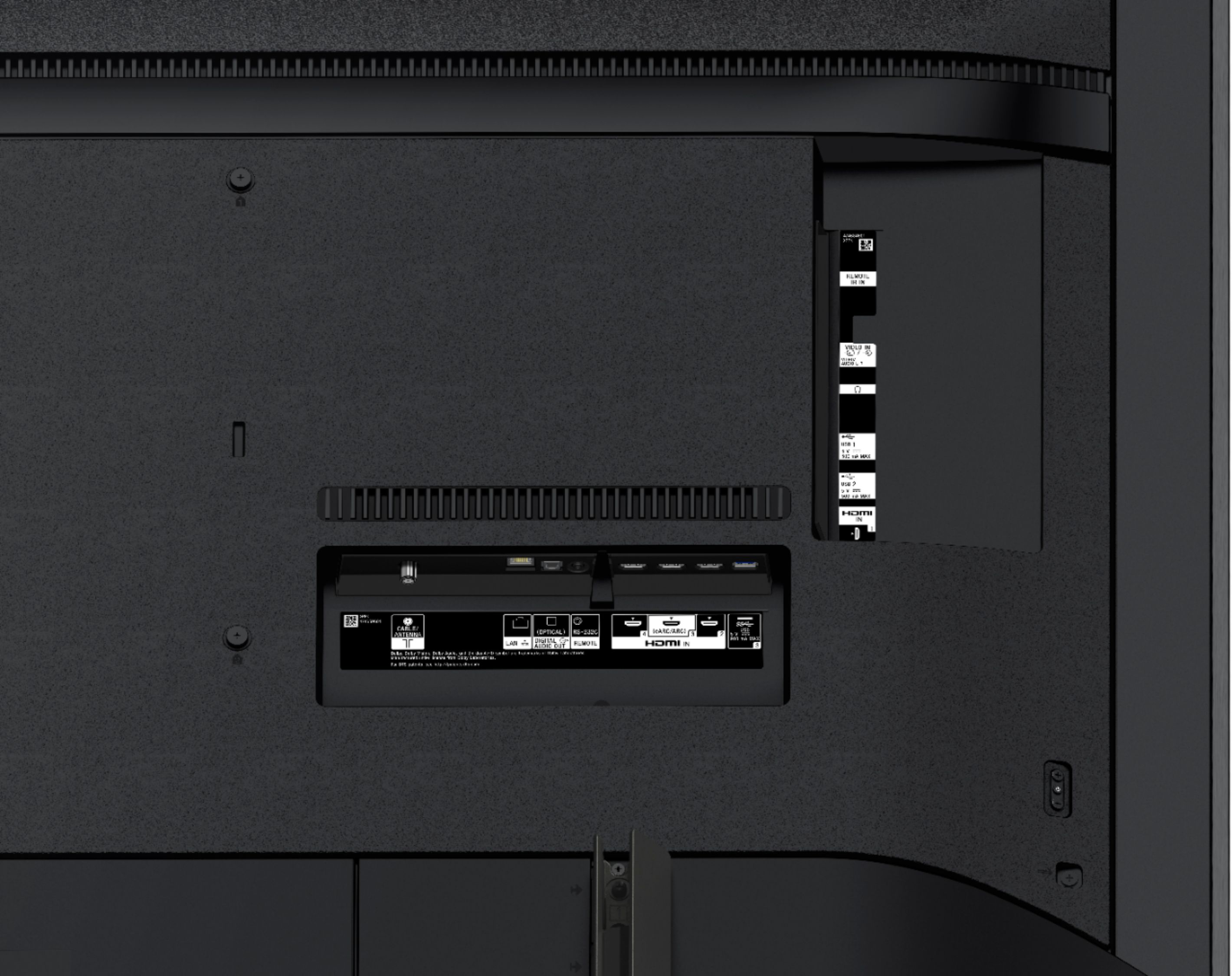
A:AnswerYes, it has eARC in order to connect via HDMI. In fact it’s best to use HDMI in order to achieve the premium sound systems such as Dolby Atmos. Optical cables cannot achieve the top sounds.
A:AnswerIt will work; use the digital optical cable output on the Sony as you currently do for your existing TV. It is even smart enough to recognize the change and will turn off the TV speakers. Nice TV!