A:AnswerIn settings there is a Software selection. See what's loaded and then check the Sony website to see if you're up to date. If not read the instructions on Firmware update and download newest (follow USB file creation directions). Plug into USB and update it. Simple.
A:AnswerHi Danny, We can't guarantee that it would fit the vehicle. We recommend to consult with a professional installer for compatibility concerns. You may check on the dimensions below for reference:
-178 mm × 100 mm × 161.5 mm (7 1/8 in × 4 in × 6 3/8 in) (w/h/d)
For more information, kindly refer to this link:
https://docs.sony.com/release//specs/XAVAX100_MKSP.pdf
~Ralph
A:AnswerHi Danny, with regards to this concern, here are the approximated dimensions of the unit, it's 178 mm × 100 mm × 161.5 mm (w/h/d) that may help. However, we still recommend contacting any professional installer to check it. For reference, please refer to the link below:
https://docs.sony.com/release//Manual_4686137213.pdf see page 18.
Regards, _Bob
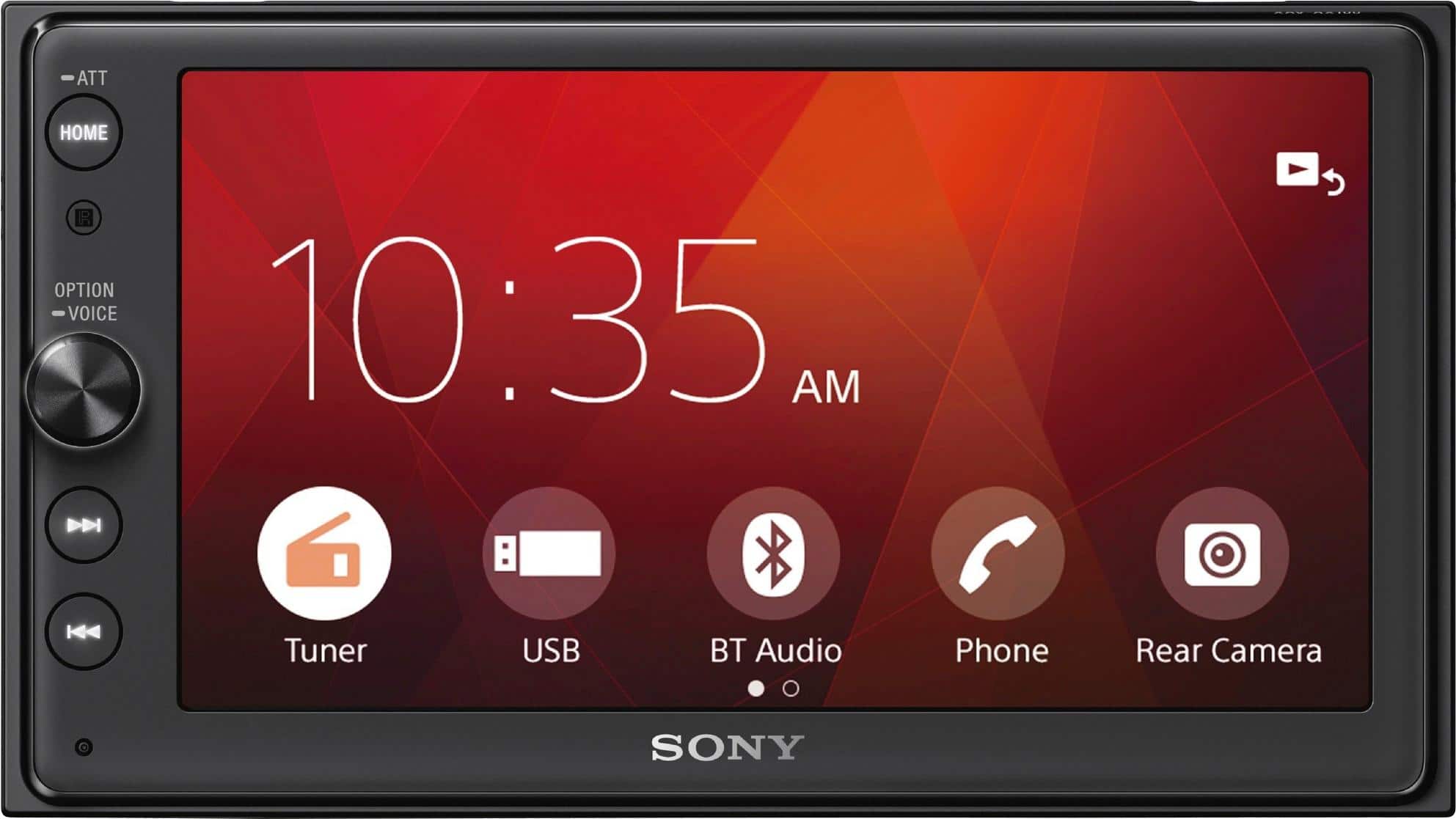
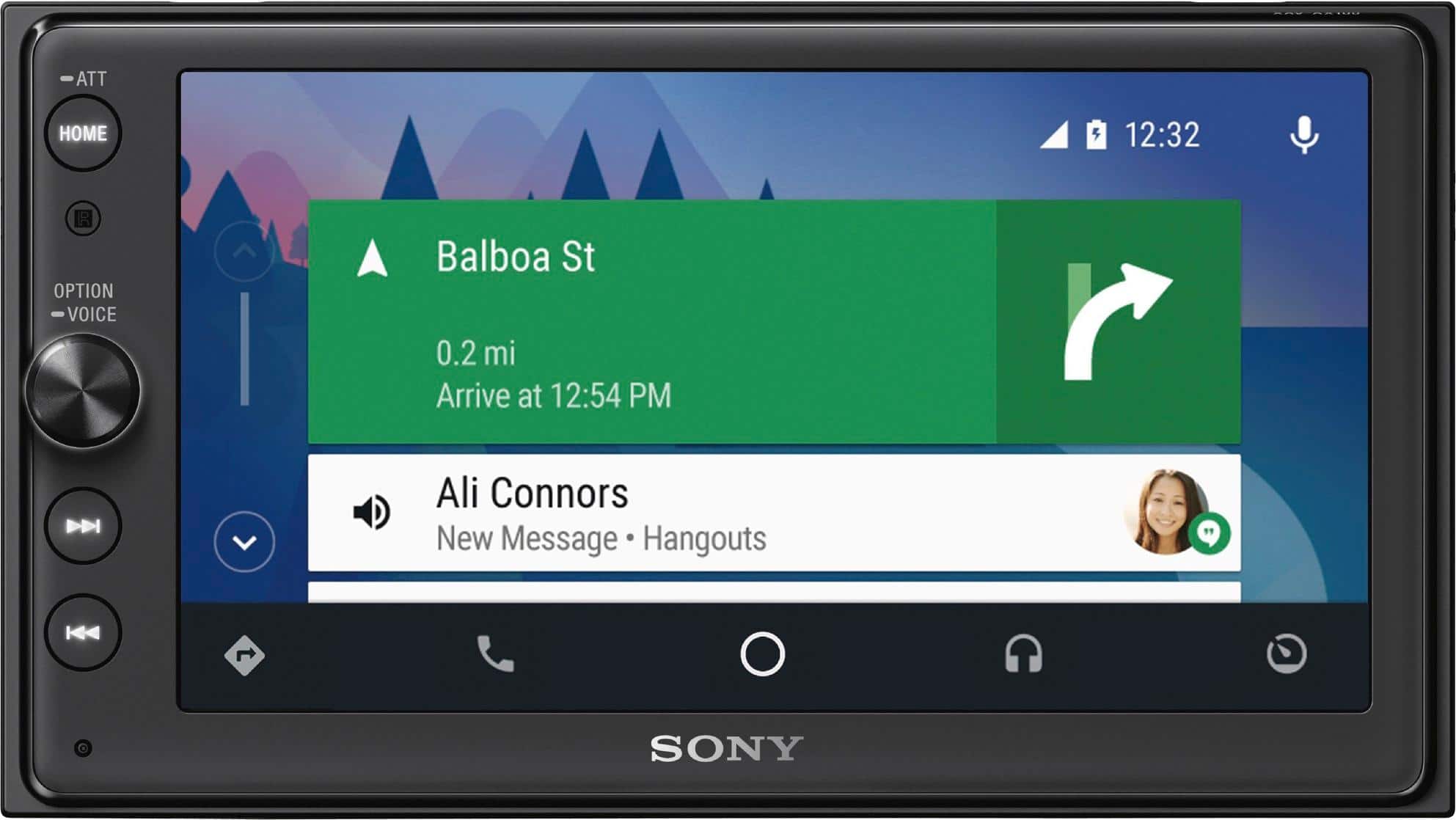
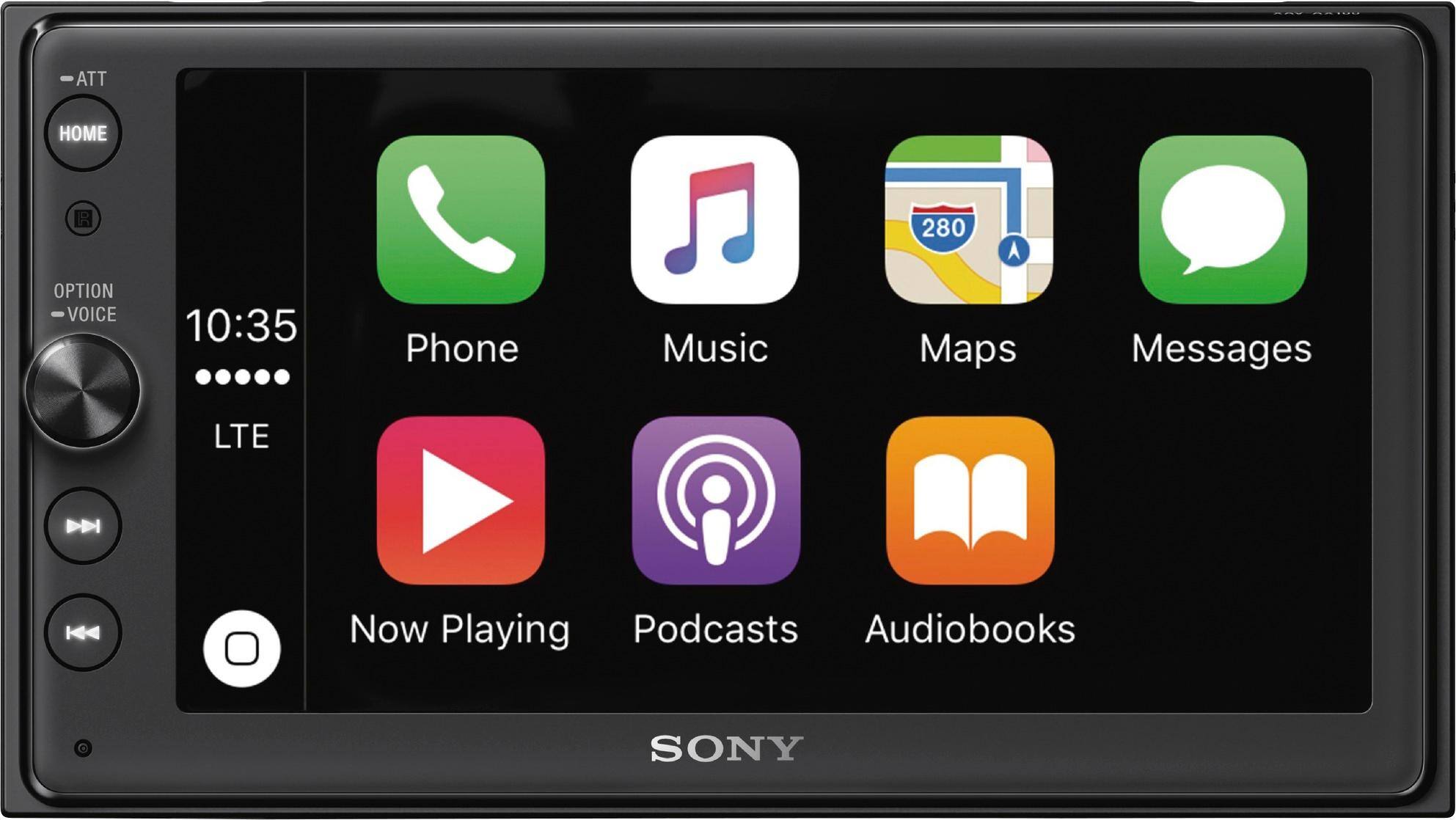
A:AnswerThe Stereo comes bundled with a USB input cable attached to the back of it that your installer can route to a specific area in your vehicle that you prefer. You then plug your phone’s charging cable into this USB input cable, which will then charge your phone and provide Apple CarPlay or Android Auto functionality.
A:AnswerHi n8er, you may use up to 8 speakers with this unit. We also recommend checking with a professional installer in order to determine if your existing speakers and connections will work with it. You may use this link as your reference: https://docs.sony.com/release//Manual_4686137213.pdf Thanks, -Mark
A:AnswerHi SteveD, we cannot guarantee if extension cables/adapters will work with our devices. Additionally, the USB version of this unit is 2.0. You may check this link for more information on this unit: https://docs.sony.com/release//specs/XAVAX100_MKSP.pdf Thanks, -Mark
A:AnswerHi Pete, we recommend checking with a professional installer in order to determine if this unit will work your vehicle. You may use this link as your reference: https://docs.sony.com/release//Manual_4686137213.pdf Thanks, -Mark
A:AnswerHi Sam, we recommend checking with a professional installer in order to determine if this unit will fit your vehicle. If it will work, we highly recommend having it professionally installed. You may use this link as your reference: https://docs.sony.com/release//Manual_4686137213.pdf Thanks, -Mark
A:AnswerHi Joeflow, please refer to pg.10 of the link below for more information about playing from a USB device. I hope it helps. Regards, ^Ron
https://docs.sony.com/release//Manual_4686137213.pdf
A:AnswerNo because waze is not included with apple car play,you can use it with android auto.another option would be to have a device installed to mirror your iPhone into the car stereo
A:Answeryou'll need a data connection on your tab to use android auto. you can listen to your tunes thru usb, i'm assuming that the unit will read your tab's hard drive. spotify, maps and other online services need a data connection to function (does your tab have a sim card?)
i've tried to use my android phone on android auto simultaneously with my ipod thru bluetooth to listen to my tunes, but it's tricky and not always smooth. android auto is always trying to take over both bluetooth and usb. i think i got it to work once, but haven't tried it since.
great unit! there's a little lag with navigation, but you get used to it and can accommodate.
with android auto you can listen to many radio, podcast, music play apps. just check which are compatible with android auto and install them on your phone, and you can probably largely duplicate what you get from your tab's hard drive. i assume the same is true of iphones thru airplay.