Black Friday is hereShop new DoorbustersShop now

Main Content

Questions & Answers

Your price for this item is $299.99
The comparable value price is $399.99
Page Showing 21-40 of 202 questions
  • QuestionIs the usb behind the unit or exposed? My truck doesnt have an on-board usb. How would this connect?

    Asked by Racerguy.

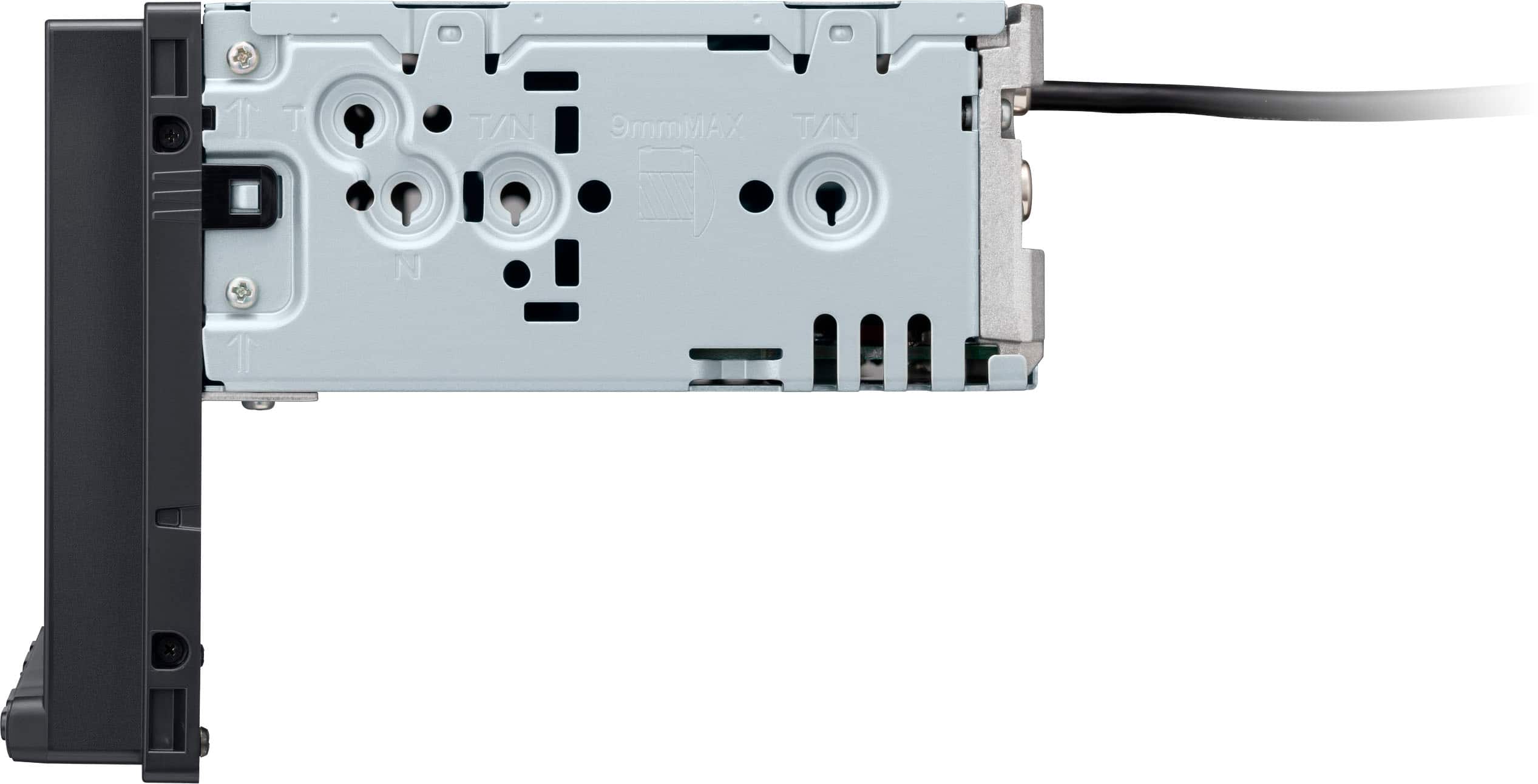
    • Answer It’s on a long cord behind the unit. You will basically find a spot that you can poke the wire out under your dash.

      Answered by Rallyk420

  • QuestionDo I need to purchase a wireless car adapter?

    Asked by RG.

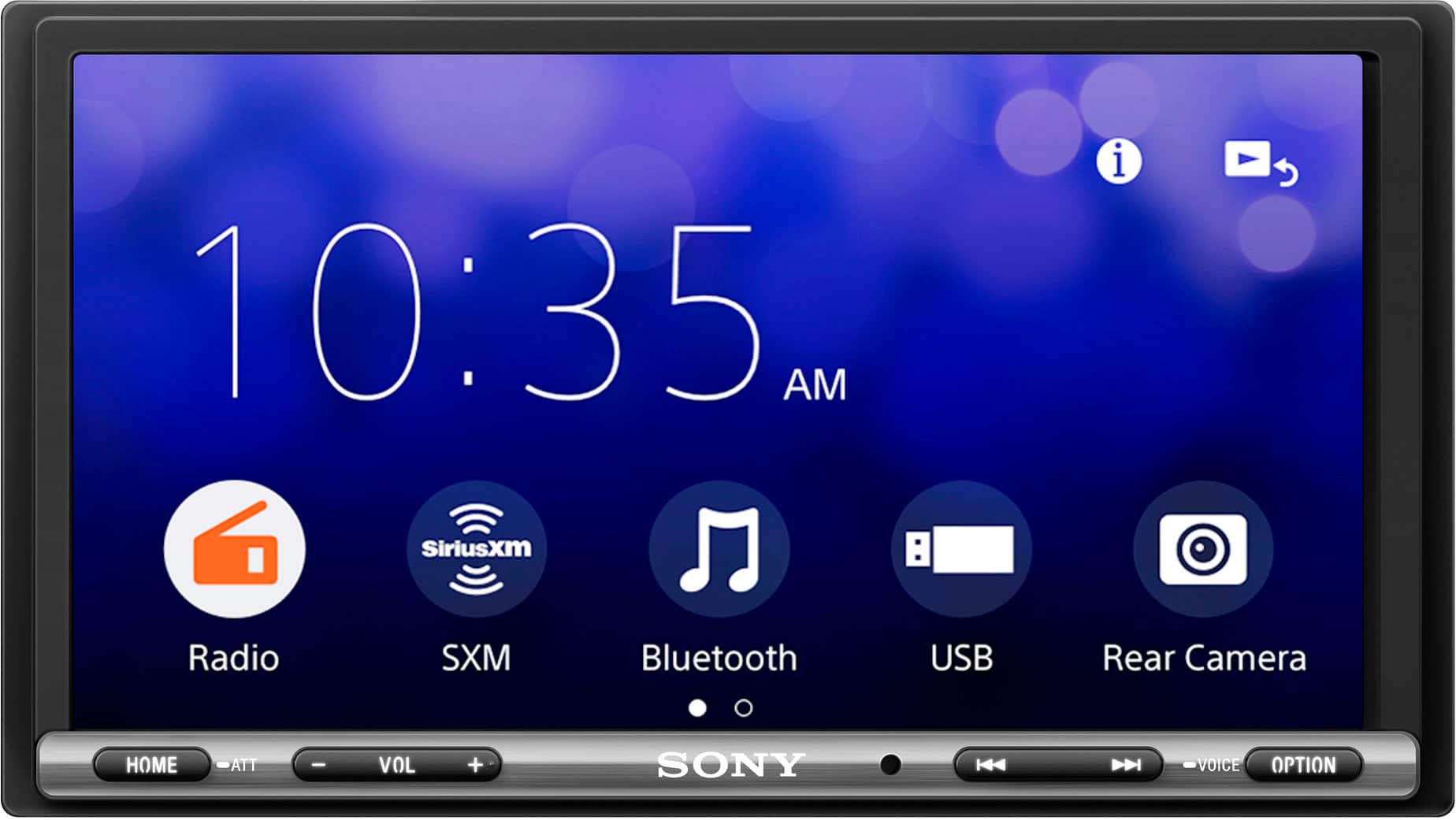
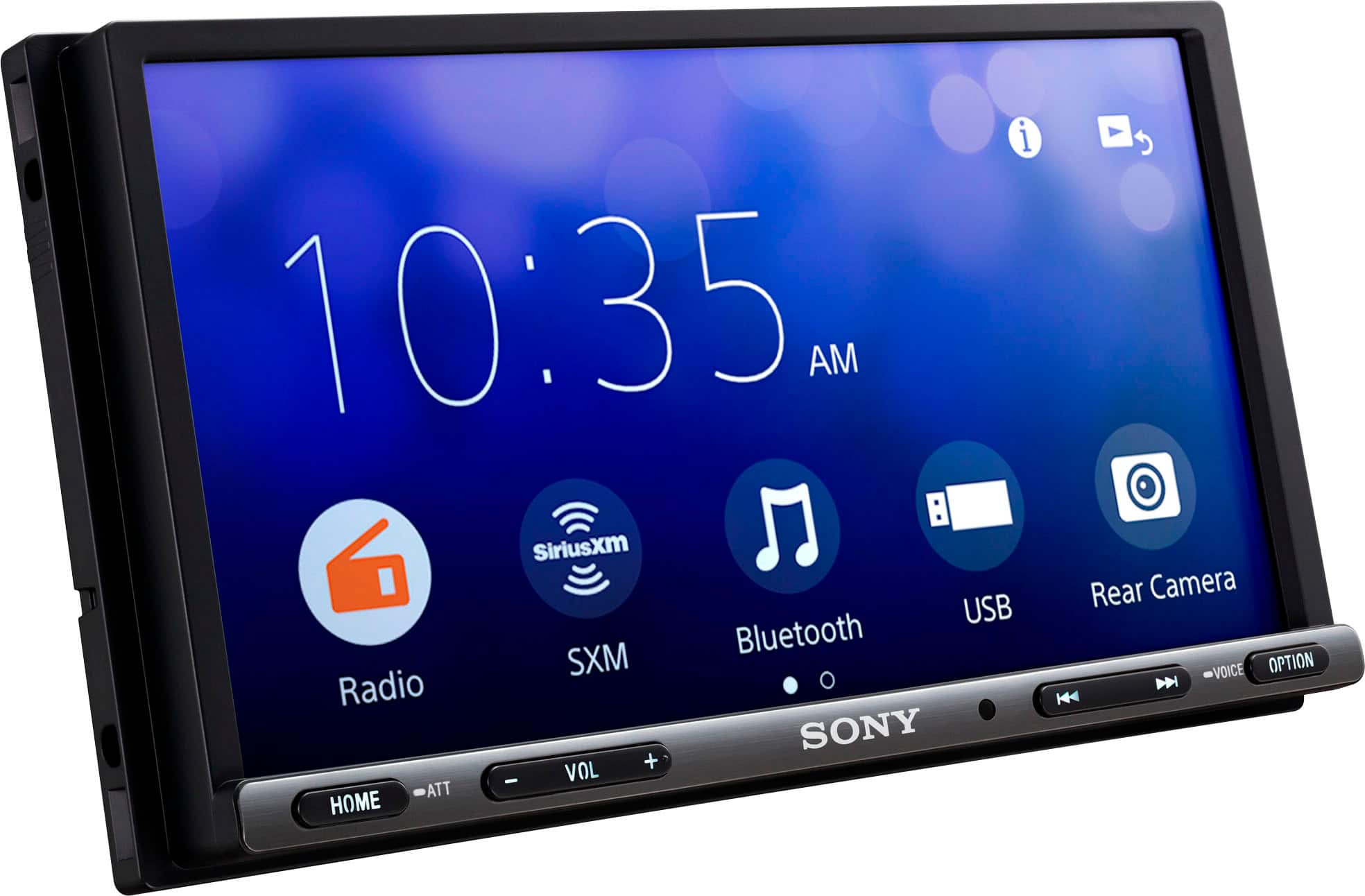
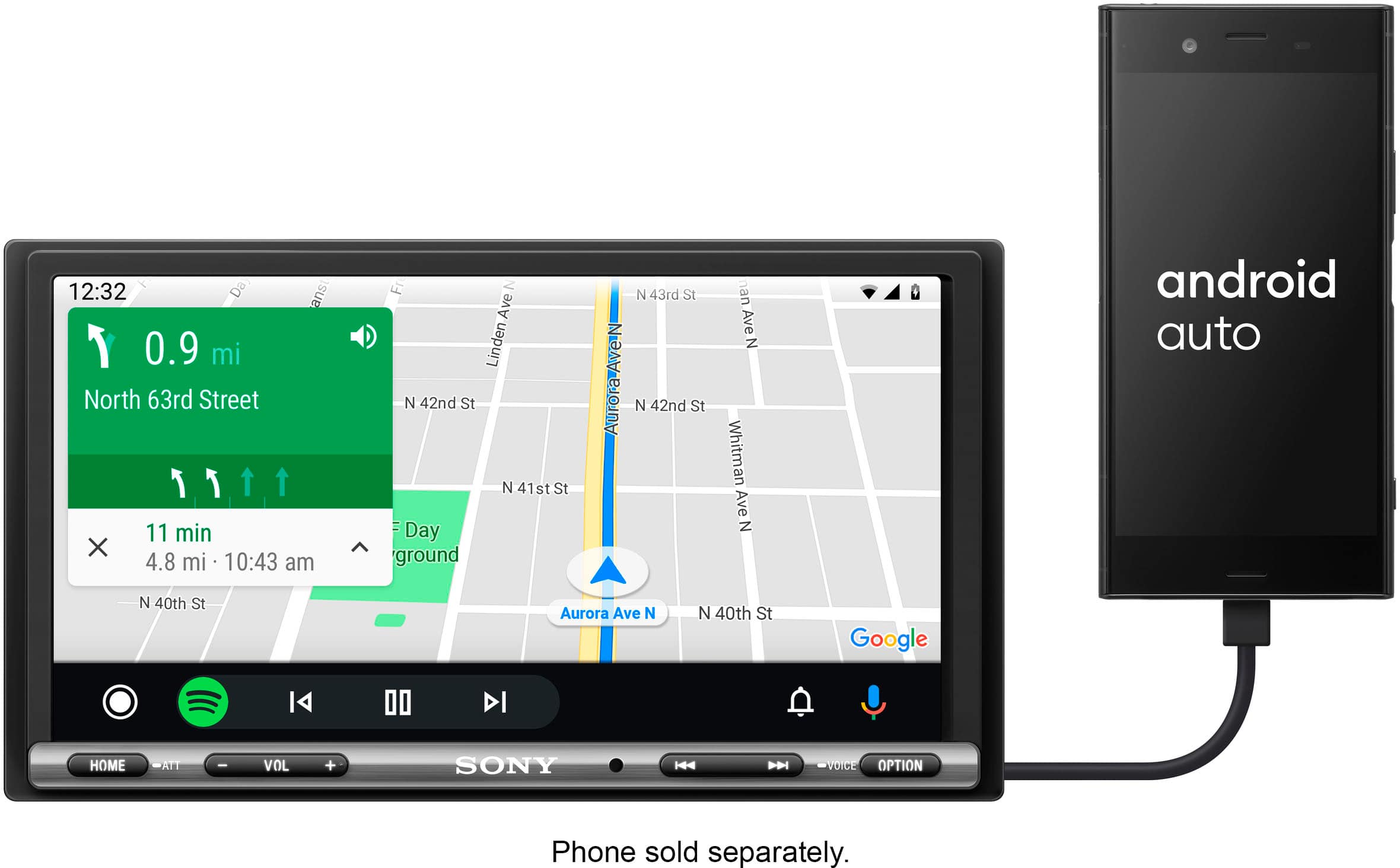
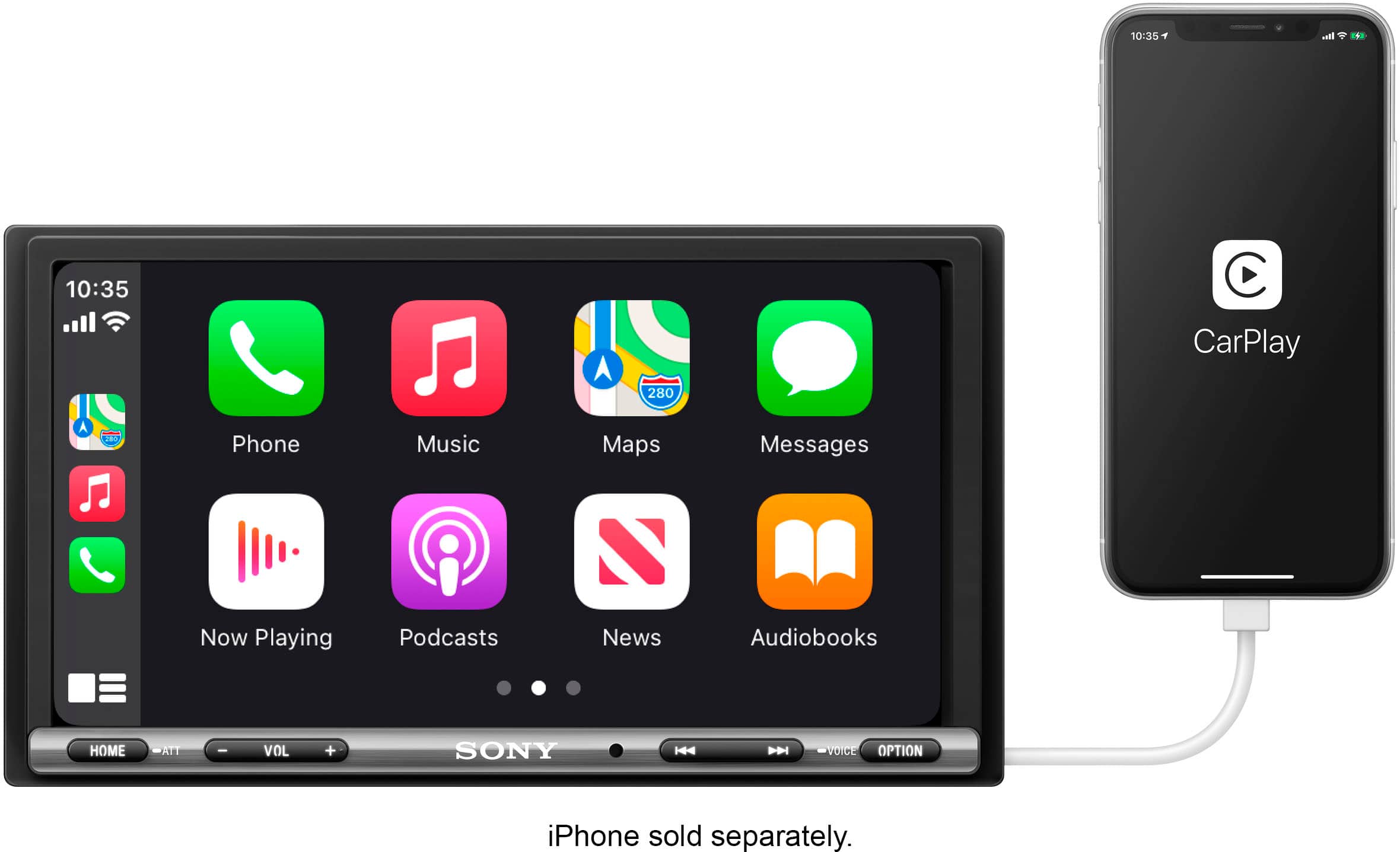
    • Answer Hi RG, Thanks for the inquiry. The XAVAX3250 is only wired Android and Apple CarPlay capable. Unfortunately, there's no Sony official adapter for wireless use. Take control seamlessly while driving with this Sony high-power media receiver. Support for Apple CarPlay and Android Auto gives you hands-free control over navigation, audio playback and voice calls. The large touchscreen on this Sony high-power media receiver connects to your phone to display important information in an easy-to-read format. Regards, -Craig

      Answered by SonyListens

  • QuestionIs it compatible with a back up camera

    Asked by Jeepguy.

    • Answer Yes, it is compatible with backup cameras. Of course there are some which may be proprietary- but most will work as the connections are fairly standard.

      Answered by Anonymous

  • QuestionCan I purchase from your online open box option and have installed at a local best buy?

    Asked by Anonymous.

    • Answer You sure can.

      Answered by CarAudiophiles

  • QuestionWhat is the resolution of the screen ?

    Asked by BBPaul.

    • Answer Monitor(AVC) LCD TYPE TFT Active Matrix SCREEN ASPECT 17: 9 SCREEN DIAGONAL (INCH / MM) 6.95 inch RESOLUTION (DOT) 800 x 480 DIMMER Yes CONTRAST RATIO 400 BRIGHTNESS 500cd / m2

      Answered by Anonymous

  • QuestionDoes this unit have a microphone or can you install a microphone for hands free talking?

    Asked by Microphone.

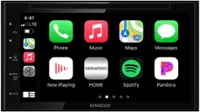
    • Answer Yes it does. This is a picture of the box that shows everything it comes with. Bottom left it shows the microphone.

      Answered by HCarson

  • QuestionWhat do I need with this radio screen my car is a 2019 Toyota Corolla le sedan

    Asked by Star.

    • Answer Let Best Buy do the installation which includes a car kit. My installation experience was the best. They were on time for my appointment and finished early. They spent time with me to explain all the features and told me to come back if I had questions.

      Answered by Cecil

  • QuestionIt says it is unavailable for pickup at nearby Best Buy and I have to ship it to my house. Can I ship it to my house and take it to the nearby BestBuy for free installation?

    Asked by Lord.

    • Answer Yes, you can ship the radio to your house. You could also go to Best Buy and order it at the store for delivery to the store.

      Answered by Ttownfeen

  • QuestionCan a back-up camera be purchased and hooked up to this unit?

    Asked by Anonymous.

    • Answer Yes. There is an RCA jack for back up camera. Install your camera, run your cable as discreetly as possible from camera through dash to back of receiver. Plug in and you’re done.

      Answered by FreedomFighter

  • QuestionDoes this radio activate the rear camera automatically when the car is in reverse or do you have to hit the rear camera button?

    Asked by Anonymous.

    • Answer It will activate camera if hooked up properally.

      Answered by Seane72

  • QuestionHow does it transfer my Android phones screen to the radio screen? Bluetooth or USB

    Asked by Automanq.

    • Answer Usb

      Answered by Seane72

  • QuestionDo you need any extra Sirius XM tuner kits for this radio?

    Asked by Deano11.

  • QuestionDoes this deck provide Apple CarPlay and Android CarPlay wirelessly like it states in the description?

    Asked by Anonymous.

    • Answer This deck only supports WIRED Android Auto and Apple Carplay, so you will have to plug your phone into the deck for those things to work on the screen. https://helpguide.sony.net/ev/xav-ax32/v1/en/contents/TP1000428659.html

      Answered by AudioTom

  • QuestionIs a reverse camera included?

    Asked by PeteyPabs.

    • Answer Hi PeteyPabs, Thank you for your interest in the Sony XAV-AX3250. A reverse camera is not included with this unit. For more details on what's included in the package, please refer to the link below: https://www.sony.com/electronics/support/res/manuals/5027/4d3ebaa23b2778c567022ab6ad92b5bf/50272601M.pdf Thanks for considering Sony products! Regards, Dominick
      Answered by SonyListens

  • QuestionWill this fit a 09 bmw 328 I

    Asked by Vader.

    • Answer Hi Vader, While our car audio systems are designed to be universally compatible, installing one in a 2009 BMW 328i can be complex. We recommend you speak with an installation specialist at Best Buy to discuss whether an appropriate installation kit, harness, and antenna adapter are available and if they can complete the installation. Thanks for choosing Sony. Best regards, Eliab

      Answered by SonyListens

  • QuestionDoes it have a back up camera?

    Asked by Anonymous.

    • Answer Hi there, The Sony XAV-AX1000 receiver is rear-view camera ready, which means it has a dedicated input for a backup camera. While it doesn't come with a camera included in the box, you can easily connect and use a compatible aftermarket camera to get a clear view when you're in reverse. Thanks for choosing Sony. Best regards, Eliab

      Answered by SonyListens

  • Questiondoes it have and input for mp3 zip input

    Asked by mp3input.

    • Answer Thanks for contacting Sony! That's an excellent question regarding the XAV-AX3250. We're happy to inform you that this unit indeed supports the desired functionality. The XAV-AX3250 is equipped with a rear USB port, enabling you to connect a USB mass storage device, such as a thumb drive, to play your MP3 files. Our design team included this feature to provide you with a simple way to enjoy your music collection without the need for physical CDs. The player is compatible with various audio formats, including MP3, WMA, AAC, and FLAC. Additionally, you can use your smartphone to play MP3 files through Android Auto or Apple CarPlay, or by connecting via Bluetooth®. These options offer even greater flexibility in how you access and enjoy your music. Please note that the XAV-AX3250 can only play MP3 files that are stored directly in a folder on your USB drive. It is essential that these files are not in a compressed or Zipped folder. You must first uncompress (unzip) the files on a computer and then place the MP3 files themselves into a standard folder on the USB drive for the car receiver to recognize and play them. To ensure seamless playback, please keep the following tips in mind: 1. File Format: Only MP3 files can be played by the XAV-AX3250. Make sure that your music files are in this format to ensure compatibility. 2. Uncompressed Files: It's crucial that the MP3 files are not placed in any compressed or zipped folders. The car receiver needs direct access to the files, and compressed formats will not be recognized. 3. Proper Organization: Before hitting the road, take a moment to organize your music. First, uncompress (or unzip) the files on your computer. Once you have done that, create a standard folder on your USB drive where you can store the MP3 files. By following these guidelines, you'll be all set to enjoy your favorite music while driving. We hope this clarifies your question and helps you get the most out of your XAV-AX3250. If you have any further questions or need assistance, feel free to reach out to us. Thank you for considering Sony products. Best regards, Gus, Sony North America Customer Support

      Answered by SonyListens

  • QuestionWill this work with my Samsung galaxy

    Asked by Motis.

    • Answer Hello MO, Thank you for reaching out to Sony! We appreciate your inquiry and are happy to assist you. Yes, the XAV-AX3250 works with Samsung Galaxy phones using wired Android Auto via USB. Just plug in your phone, and the Android Auto interface will appear. Make sure you use a good-quality USB cable and keep your software updated for the best experience. For more information on how to effectively use your Android phone with this unit, please visit the following link: https://helpguide.sony.net/ev/xav-ax32/v1/en/contents/TP1000428659.html?search=android. Best regards, -Fred

      Answered by SonyListens