Questions & Answers
- Model:
- K65XR50
- |
- SKU:
- 6623848
Highly rated by customers for: Picture Quality, Brightness, Setup Ease
$1,499.99$1,499.99
Page Showing 21-29 of 29 questions
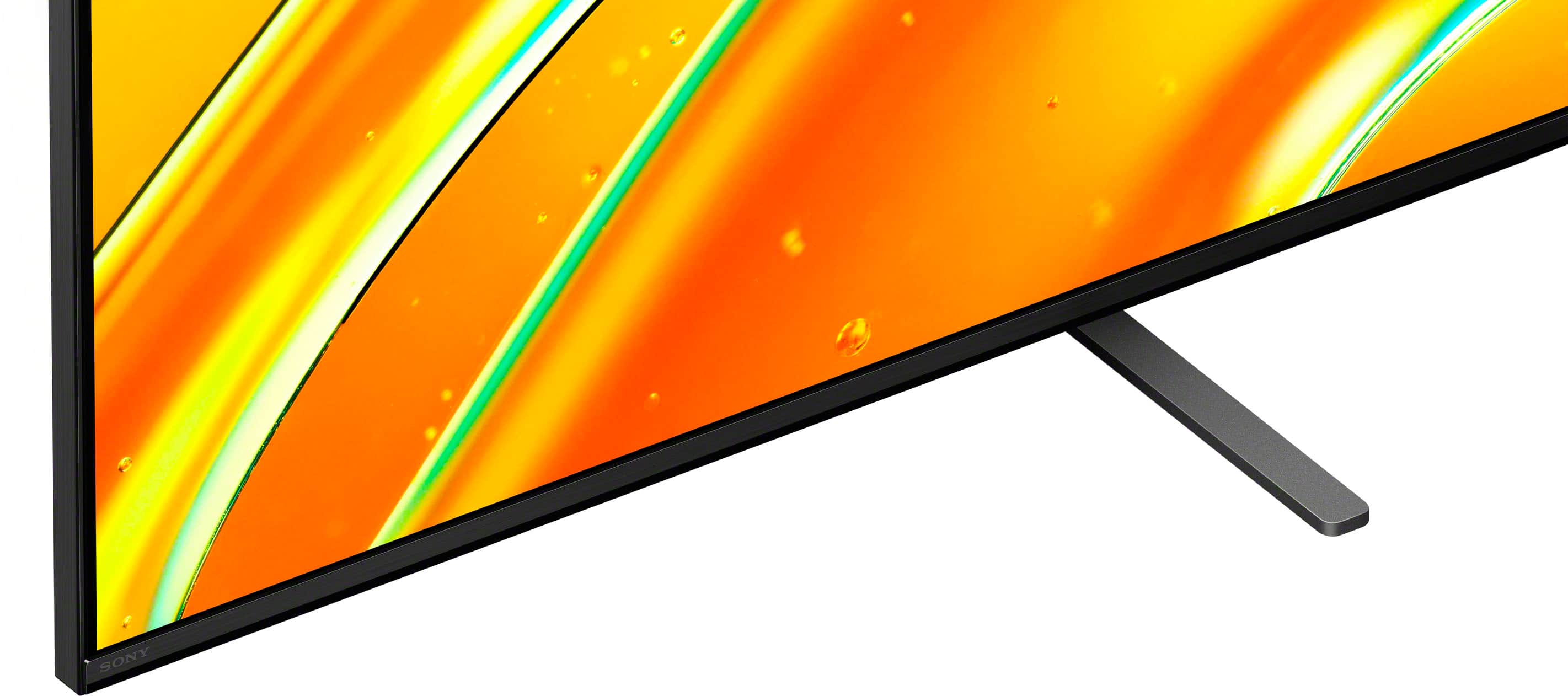
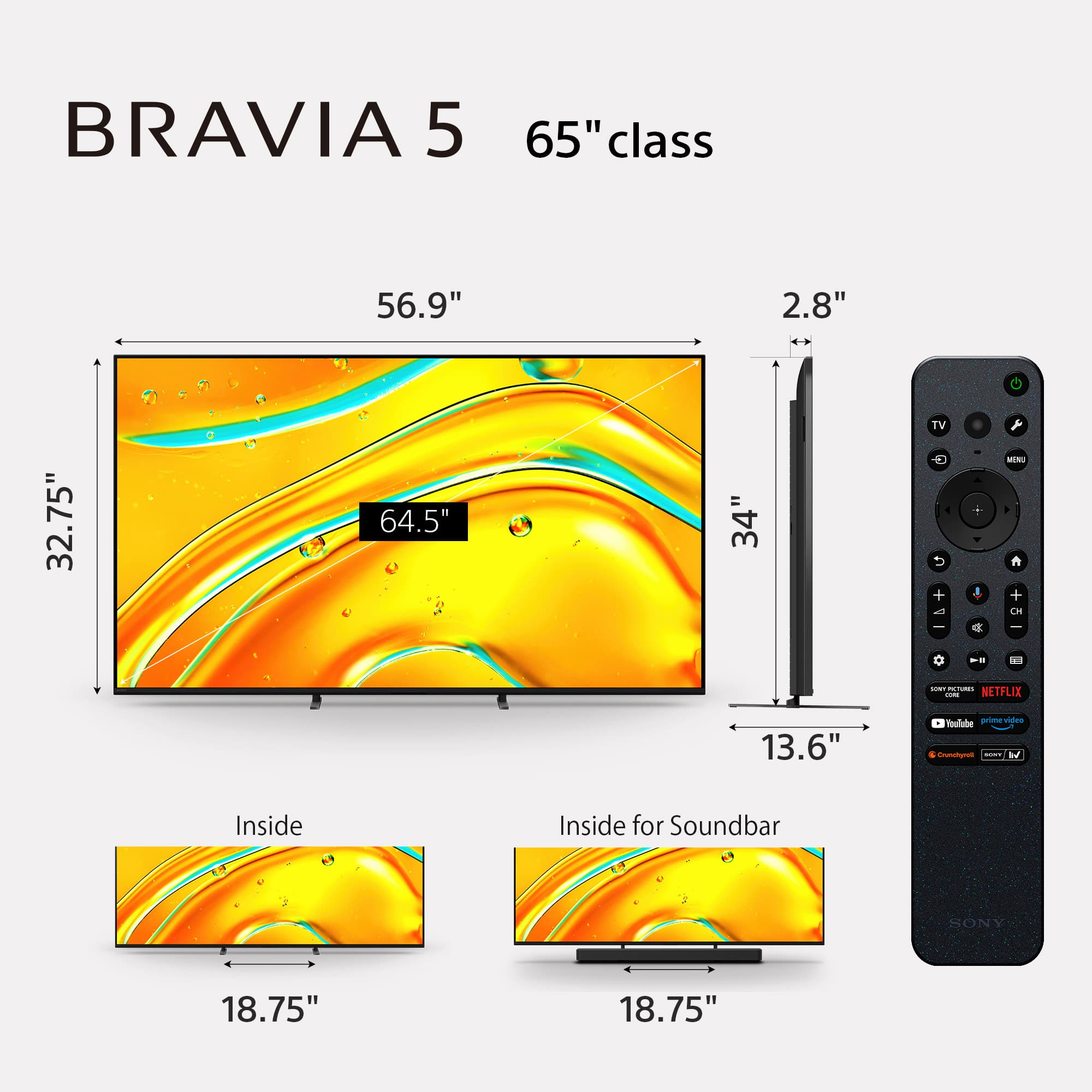
Q: QuestionDoes this TV have an adjustable stand, is the width of the stand adjustable?
Asked by Leda.
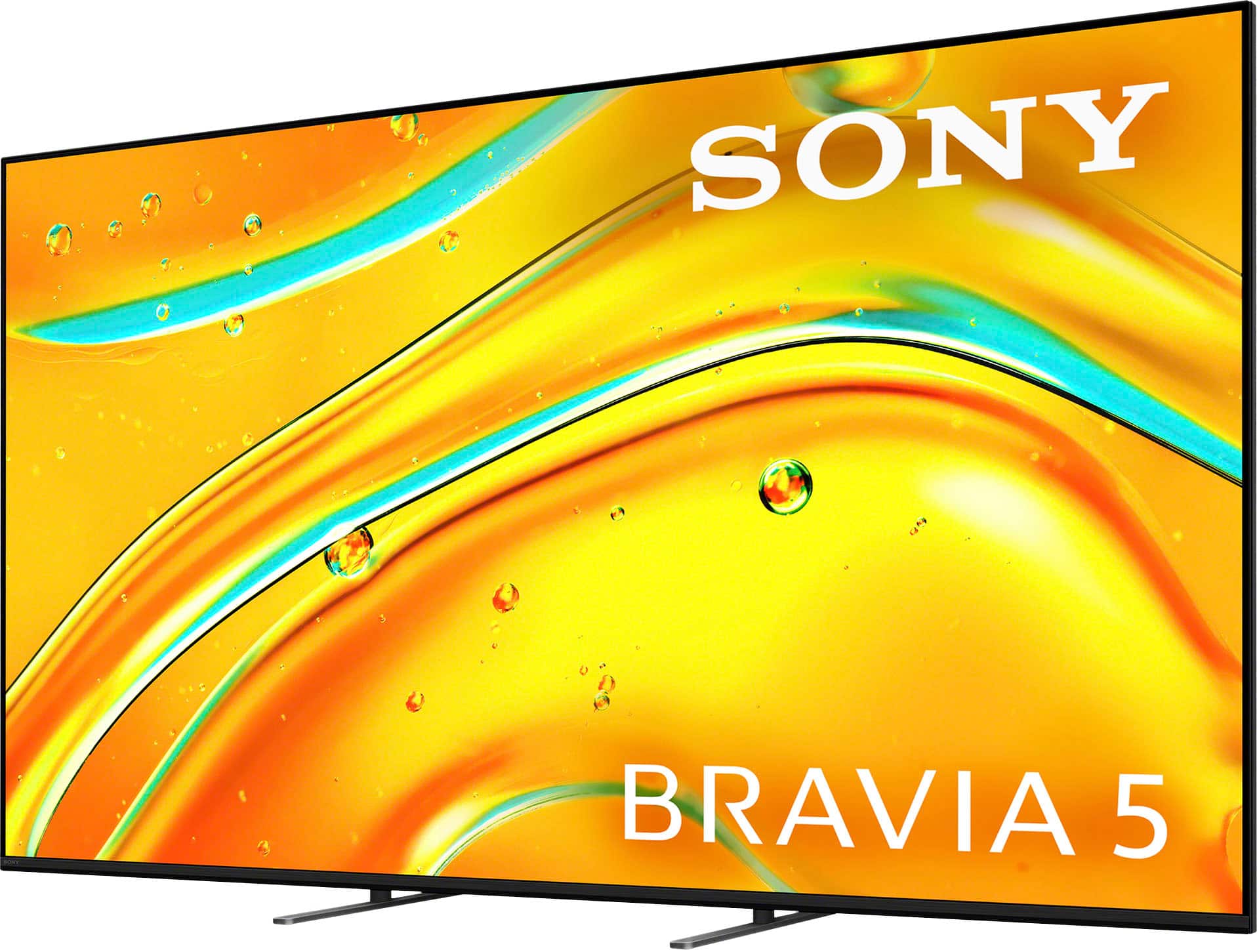
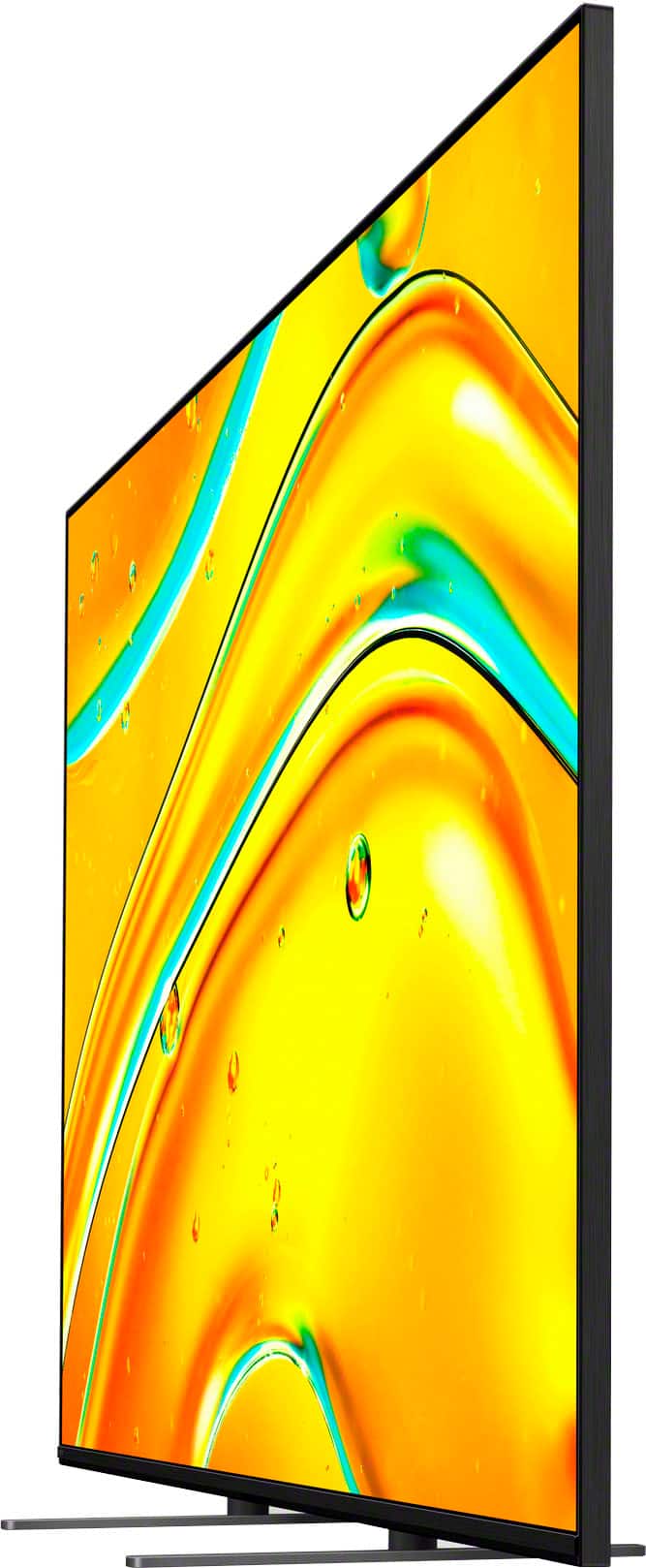
- A:Answer The stand on this TV is not adjustable. That fact that the actual TV stand is not that wide was the main reason that I bought this particular model since I needed it to be able to fit on my existing TV console/furniture.
Answered by AppleGirlForLife
Q: QuestionDoes the tv operate on dual voltage ie 110/120v and 220/240v
Asked by Julius.
- A:Answer Hi Julius, Yes, the voltage range will cover 110v-240v. Thanks for choosing Sony. Best regards, Eliab
Answered by SonyListens
Q: QuestionWhat is the size of the box the tv comes in?
Asked by Joey.
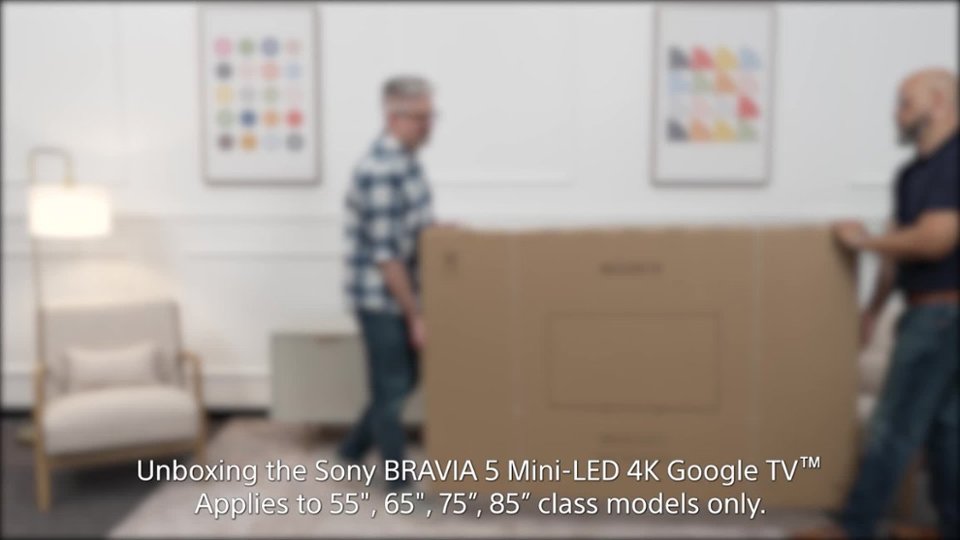
- A:Answer Hi Joey, Thank you for reaching out with your question. We can certainly help you with that! The box for the Sony K-65XR50 TV is about 62 inches wide, 39.88 inches tall and 6.63 inches deep. For additional specifications, please check this link: https://www.sony.com/electronics/support/televisions-projectors-lcd-tvs-android-/k-65xr50/specifications Thanks for considering Sony products! Best regards, Estefany
Answered by SonyListens
Q: QuestionWhat is the charge for basic set-up?
Asked by Sony.
- A:Answer A couple hundred dollars however, not necessary if you can literally just plug in wires
Answered by MatthewR
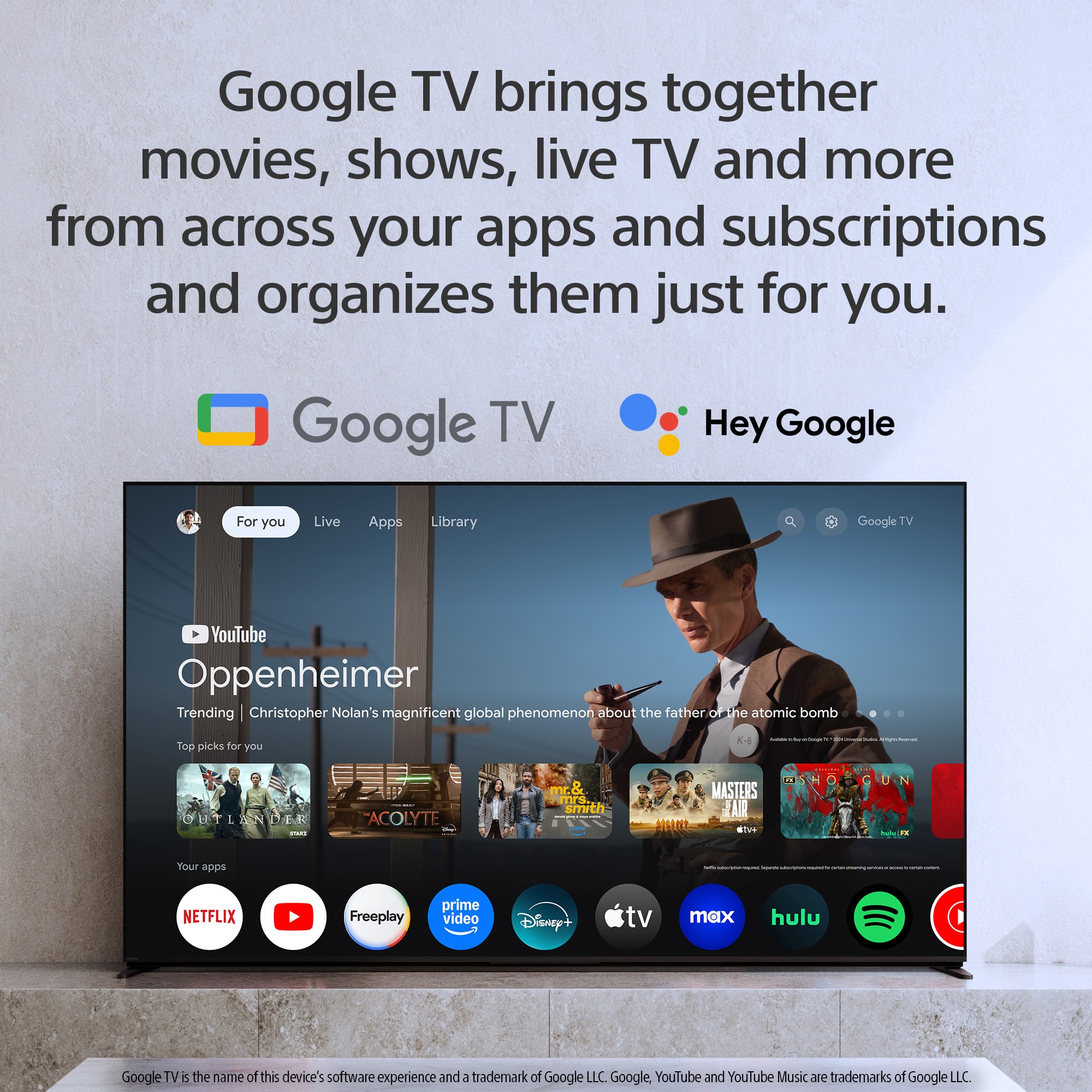
Q: QuestionCan the Spanish language be used for the Voice Control features?
Asked by PeterB.
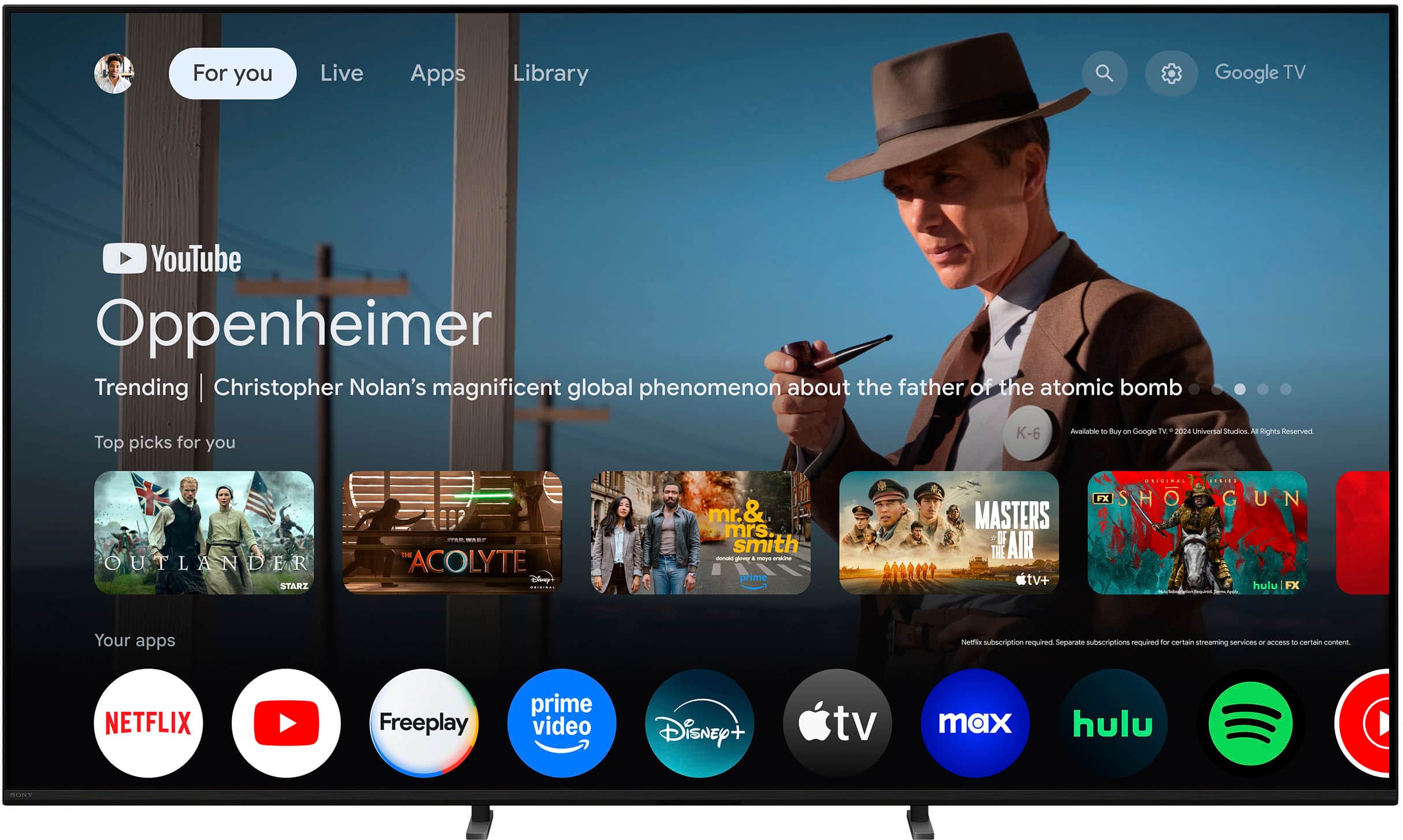
- A:Answer Thank you for your question, PeterB! Yes, the Spanish language can definitely be used for the Voice Control and Voice Search features on your K-65XR50. Since your TV runs on the Google TV platform, it supports a wide range of languages for voice commands. Specifically, the Google Assistant and Voice Search features support: Spanish (Spain) Spanish (Mexico) Español (Estados Unidos) You can easily set your preferred language by navigating through the TV's settings menu. Once selected, you can use Spanish for voice commands, searches, and controlling your TV. We appreciate your interest in Sony products. Should you require any further assistance, please don't hesitate to reach out for support here: https://us.esupport.sony.com/support/s/support-contact?language=en_US&category=tv Best regards, Gus, Sony North America Customer Support
Answered by SonyListens
Q: QuestionIs it easy to hook up Xfinity cable box and which port do you use?
Asked by Ricky.
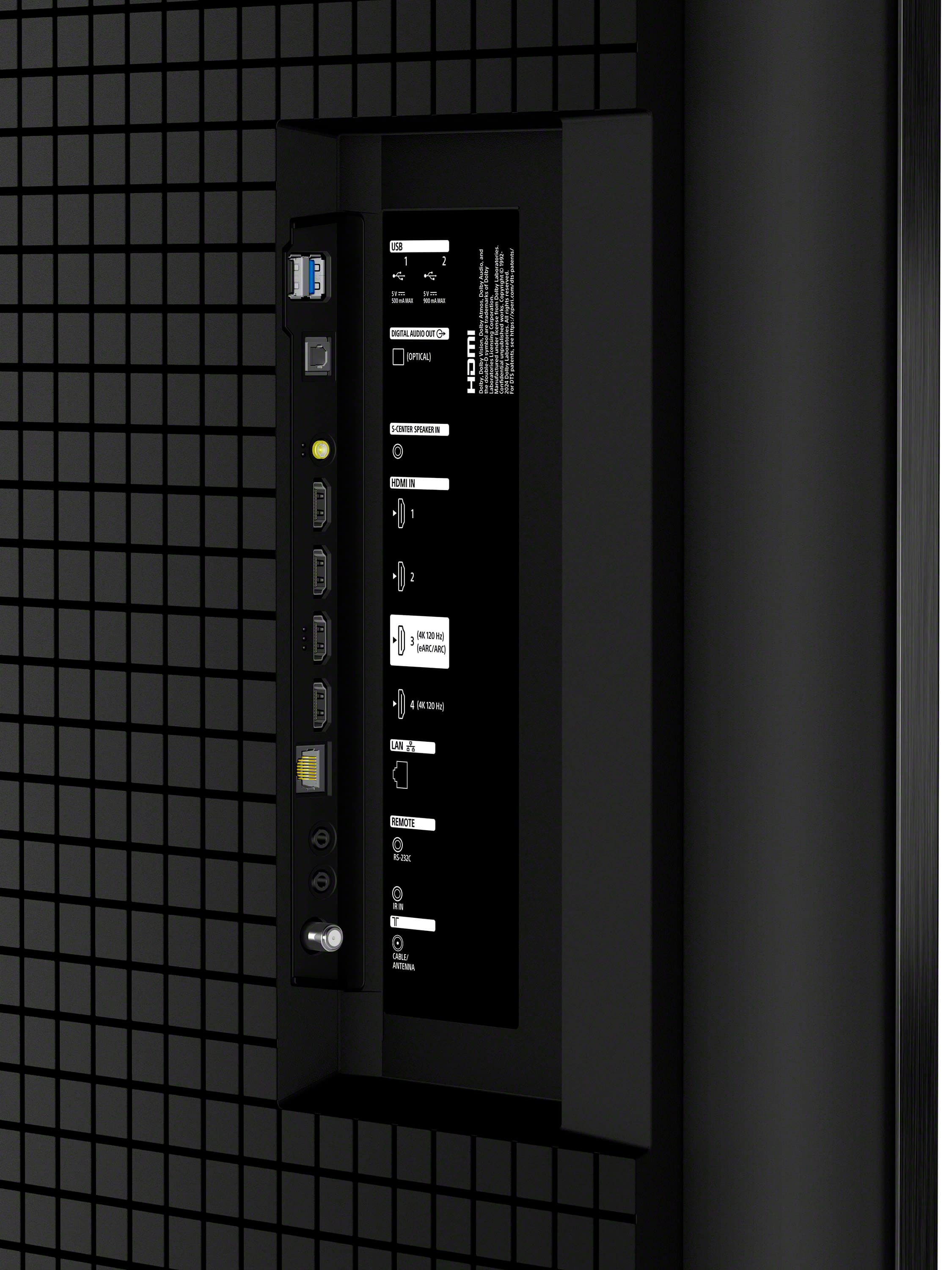
- A:Answer Thanks for contacting Sony, Ricky. We're happy to confirm that hooking up your Xfinity cable box is very easy and essentially a simple plug-and-play process. The K-65XR50 comes equipped with four HDMI ports, and you are free to use any of them for your cable box. Here’s a quick guide for connection: Connect an HDMI cable from the back of your Xfinity box to any of the HDMI inputs (1, 2, 3, or 4) on your K-65XR50. Select that corresponding HDMI input on your TV using your remote, and you should be enjoying your channels right away! If you plan to connect a soundbar or A/V receiver to your TV for audio, you should reserve HDMI Port 3 as it is the dedicated eARC/ARC port, which is best for transferring high-quality audio back from the TV. Otherwise, for just the cable box, any of the four ports will work perfectly. We appreciate your interest in the Sony K-65XR50! Should you need any further assistance with the setup, please don't hesitate to reach out to our dedicated support team here: https://us.esupport.sony.com/support/s/support-contact?language=en_US&category=tv Best regards, Gus, Sony North America Customer Support
Answered by SonyListens
Q: QuestionDoes this have an optical audio out for surround sound?

Asked by astronuget.
- A:Answer Yes
Answered by hairball
Q: QuestionHow much memory does it have
Asked by JOHN.
- A:Answer Hi JOHN, Thank you for reaching out with your question about the K-65XR50. We appreciate your interest in our products! The K-65XR50 is equipped with 32GB of memory. If you have any more questions or need further assistance, please feel free to ask. We're here to help! For additional specifications of the Bravia 5, please visit the following link: https://www.sony.com/electronics/support/televisions-projectors-lcd-tvs-android-/k-65xr50/specifications Thanks for considering Sony products! Best regards, Stephanie
Answered by SonyListens

Page 2, Showing 21-29 of 29 questions
Most-viewed items
- $449.99$449.99The price was $649.99
- $329.99$329.99The price was $469.99
- $199.99$199.99The price was $349.99
- $1,399.99$1,399.99The price was $2,699.99
- $329.99$329.99The price was $489.99
- $2,199.99$2,199.99The price was $3,699.99
- $149.99$149.99The price was $199.99
- $269.99$269.99The price was $479.99
- $399.99$399.99The price was $699.99
- $729.99$729.99The price was $899.99
- $179.99$179.99The price was $299.99
- $269.99$269.99The price was $449.99
- $209.99$209.99The price was $349.99
- $1,399.99$1,399.99The price was $2,499.99
- $1,199.99$1,199.99The price was $1,299.99
- $599.99$599.99The price was $899.99
- $679.99$679.99The price was $1,299.99
- $399.99$399.99The price was $609.99