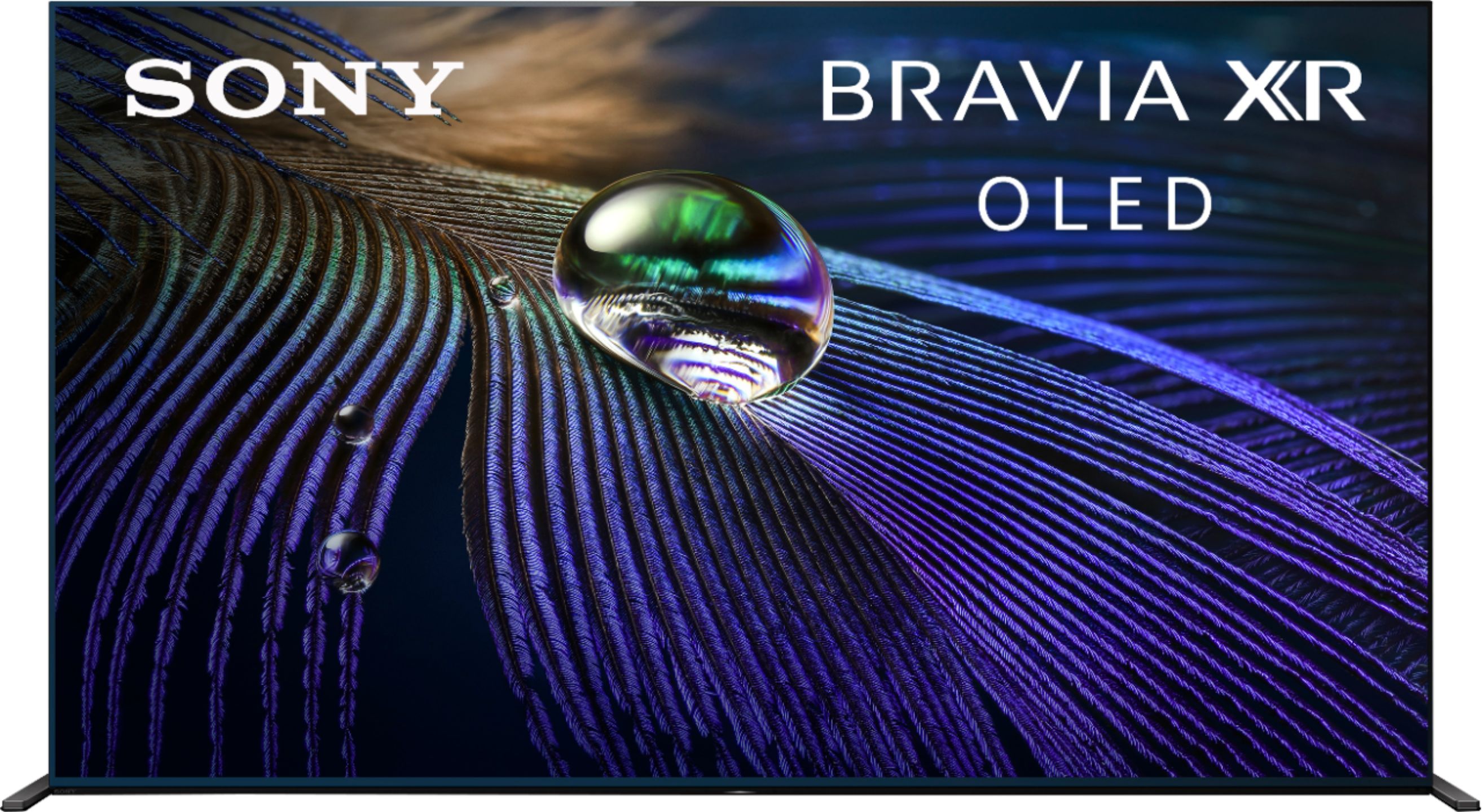
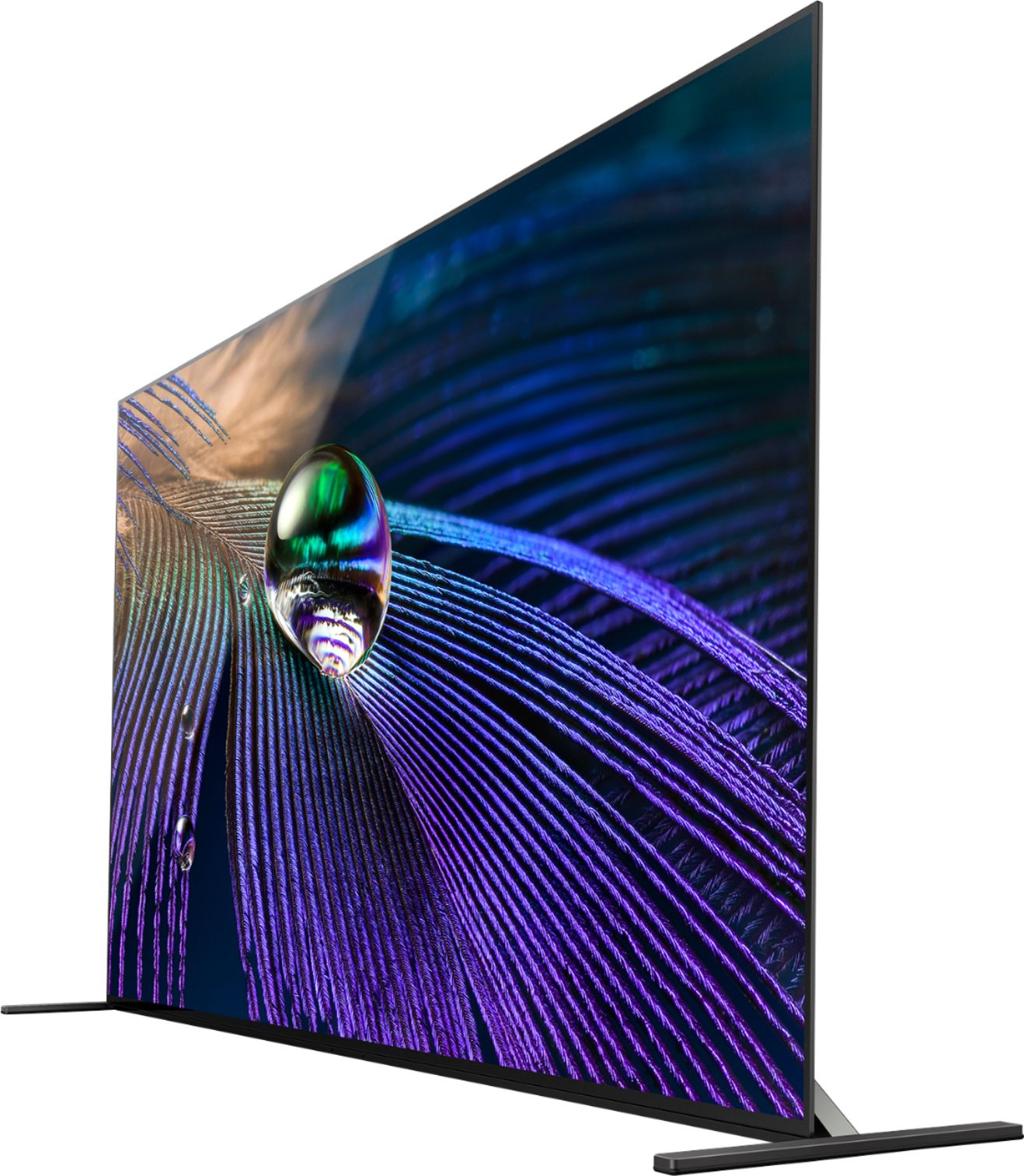
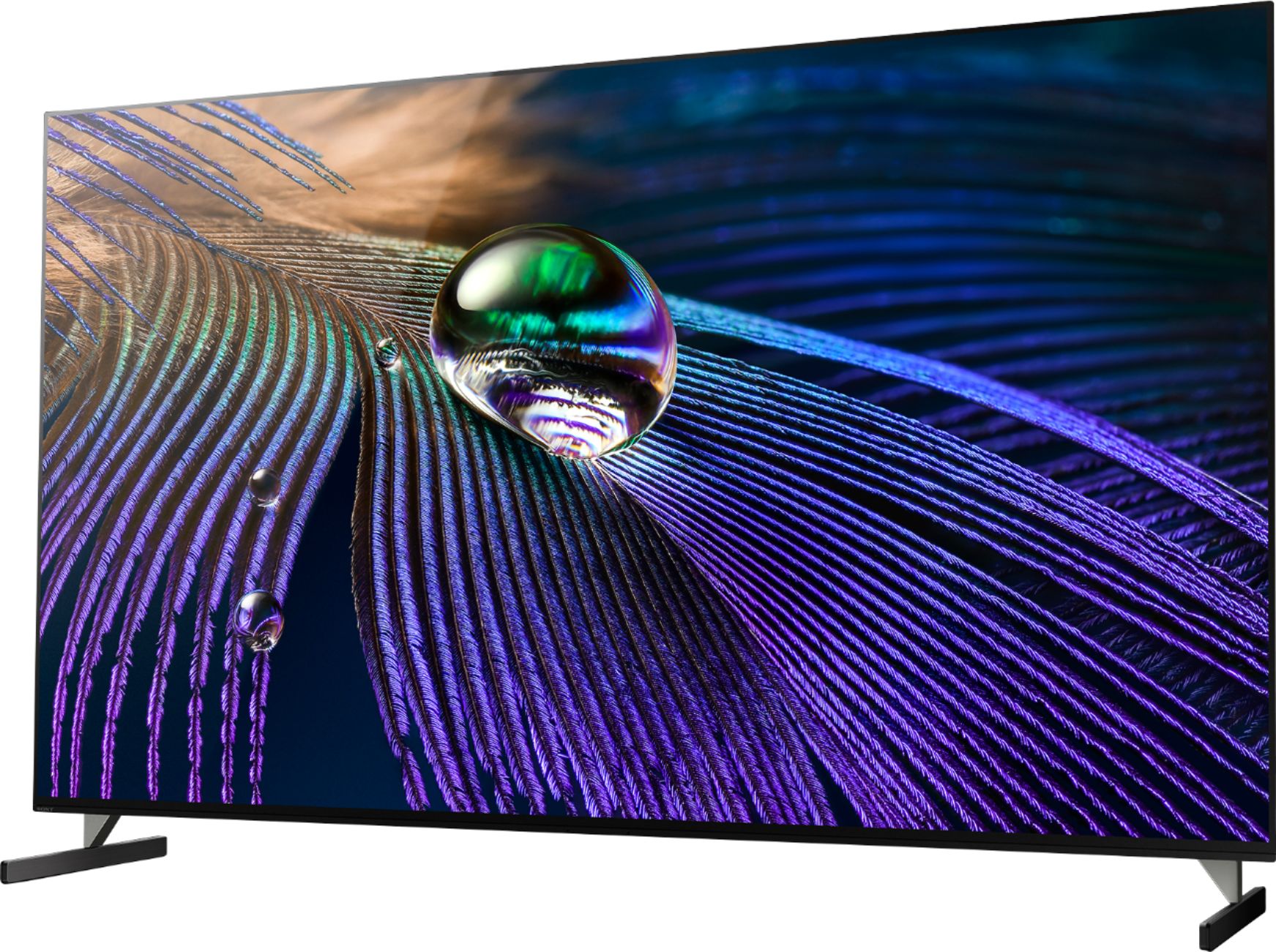
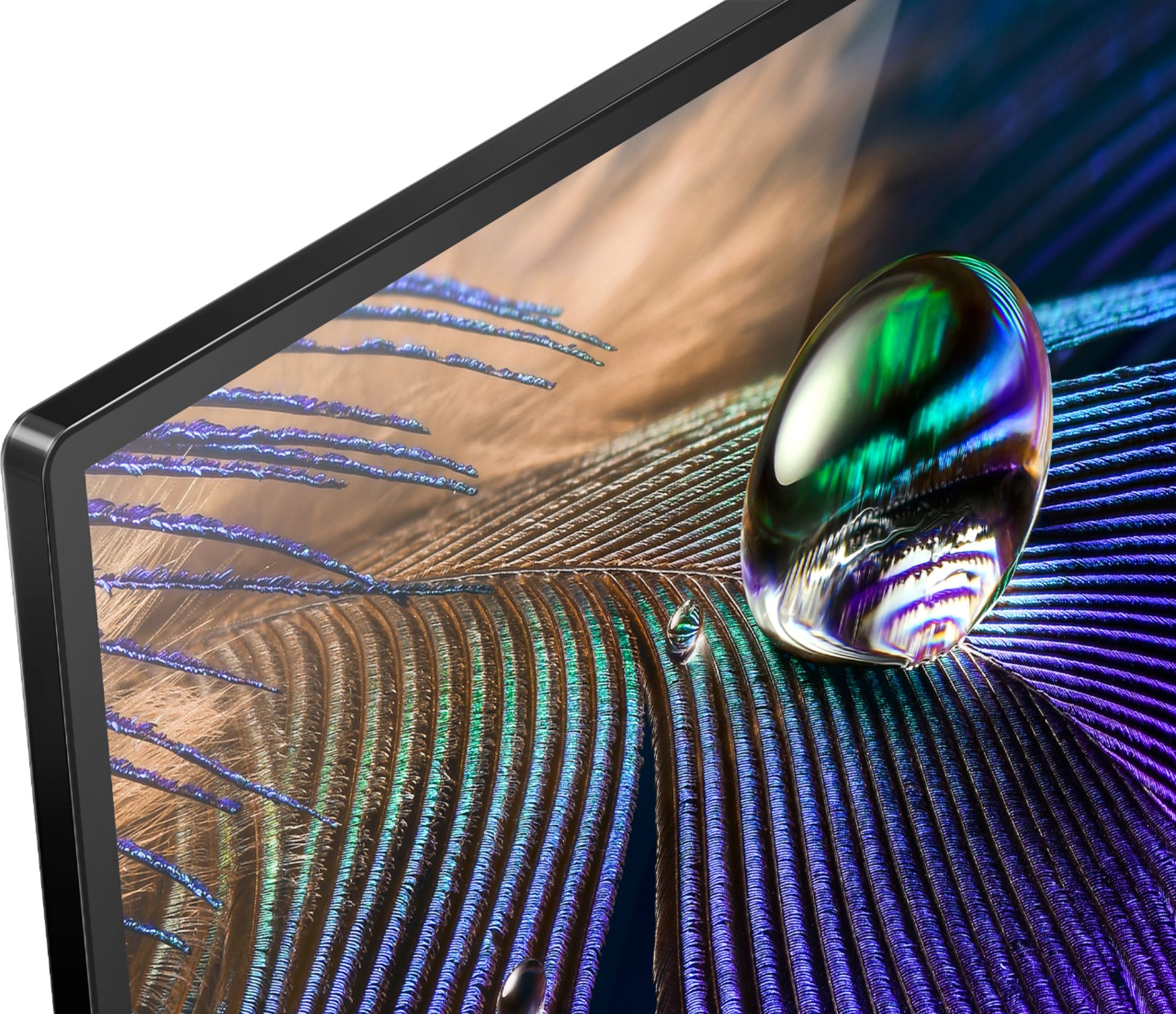
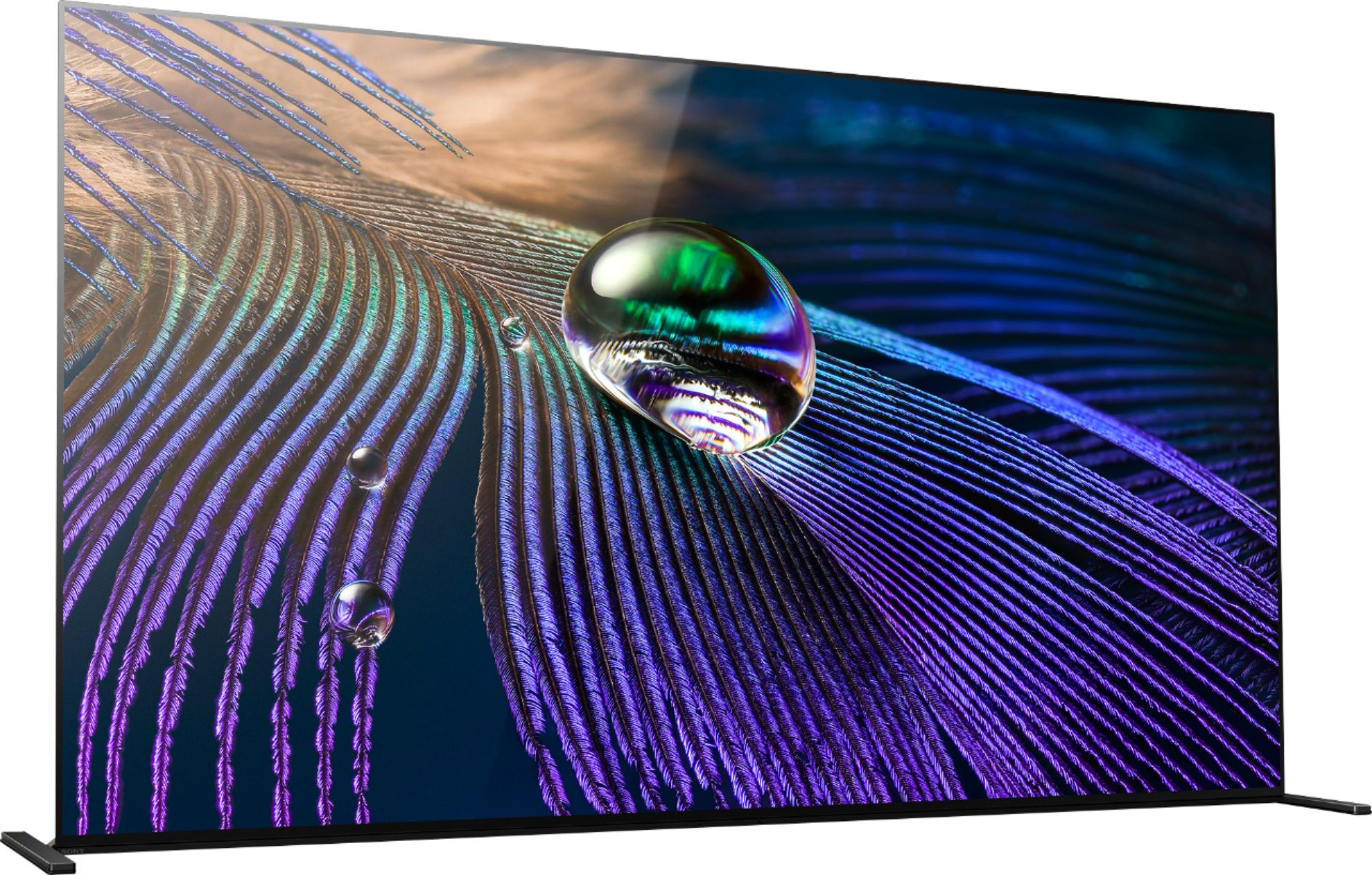
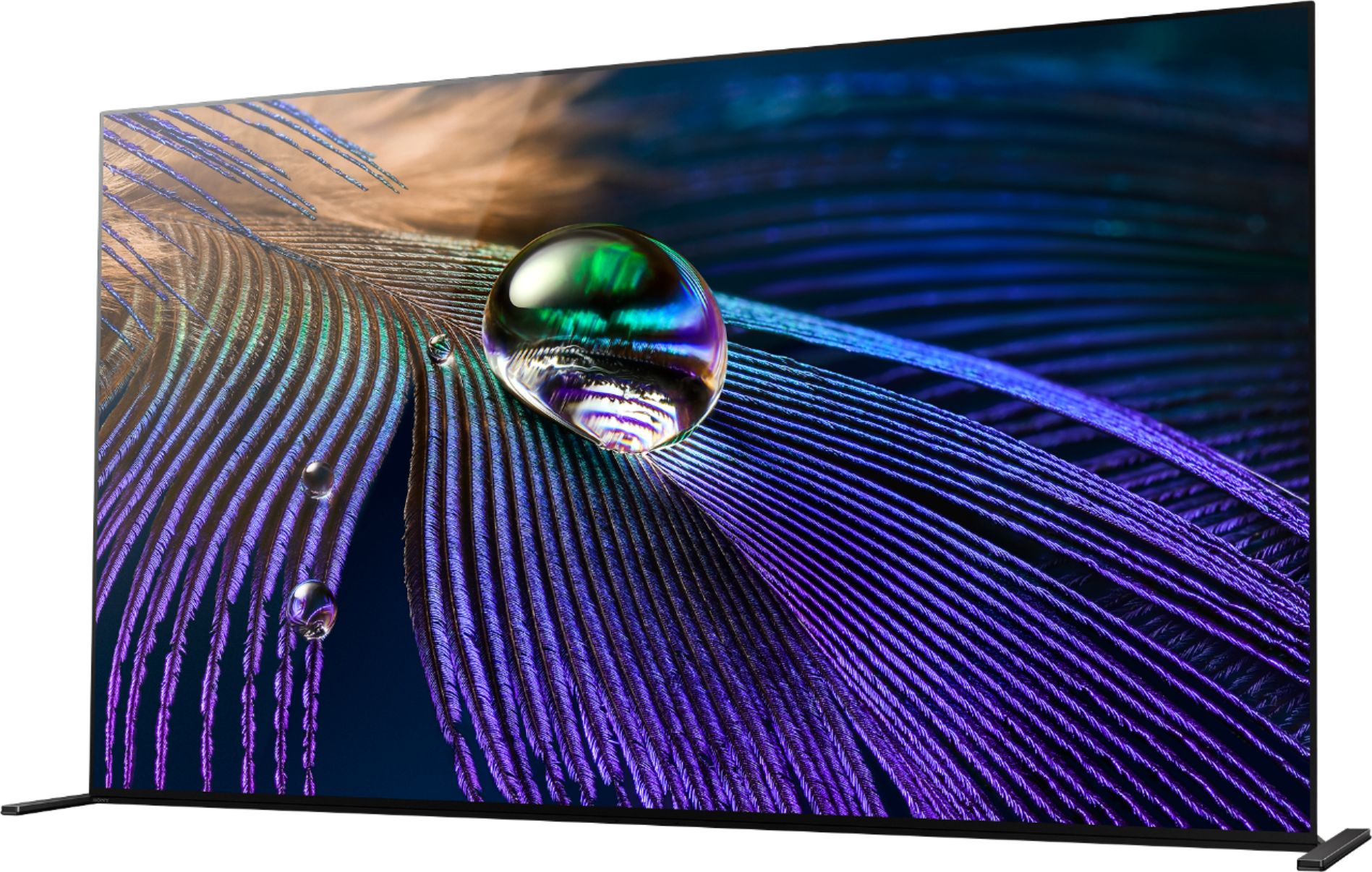
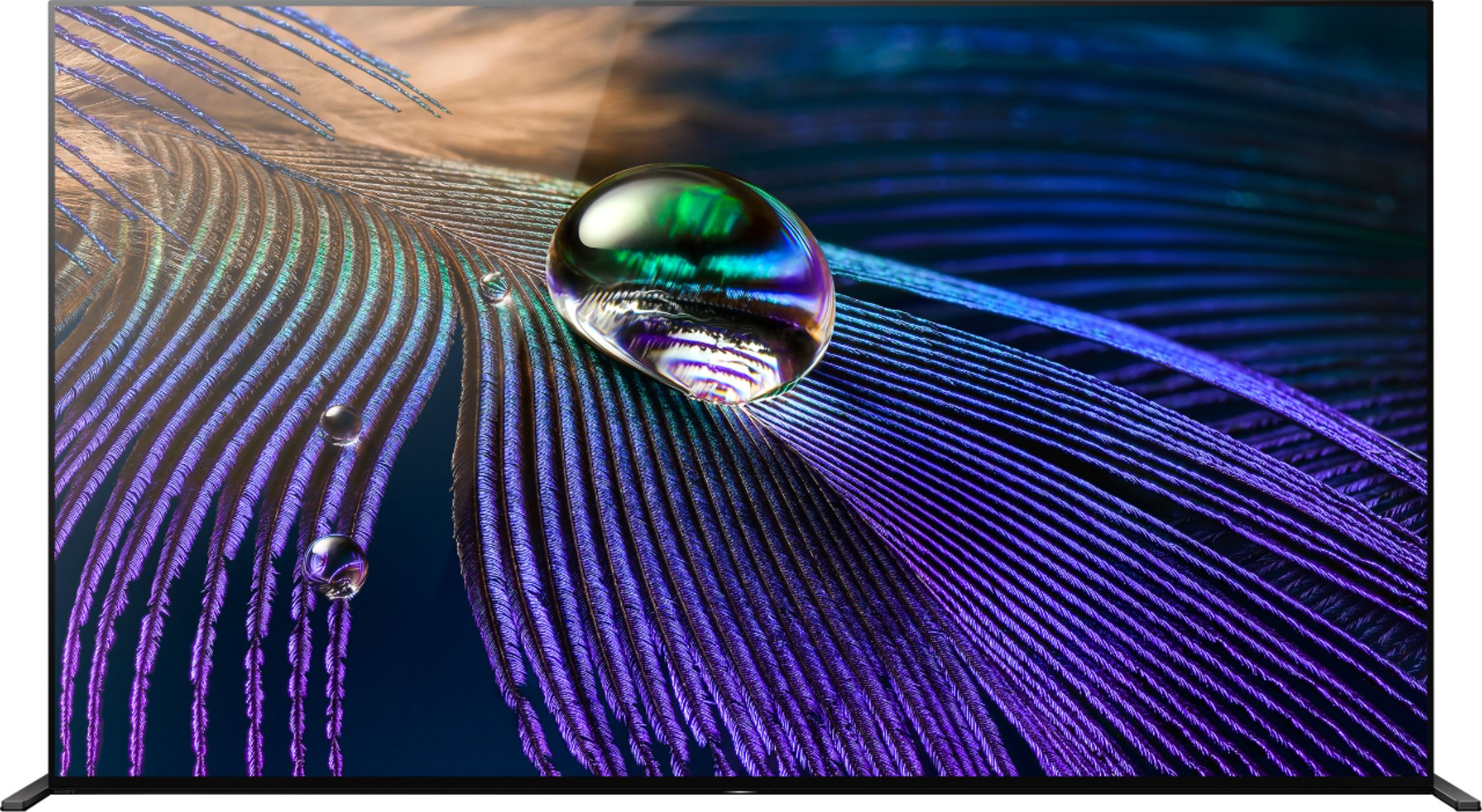
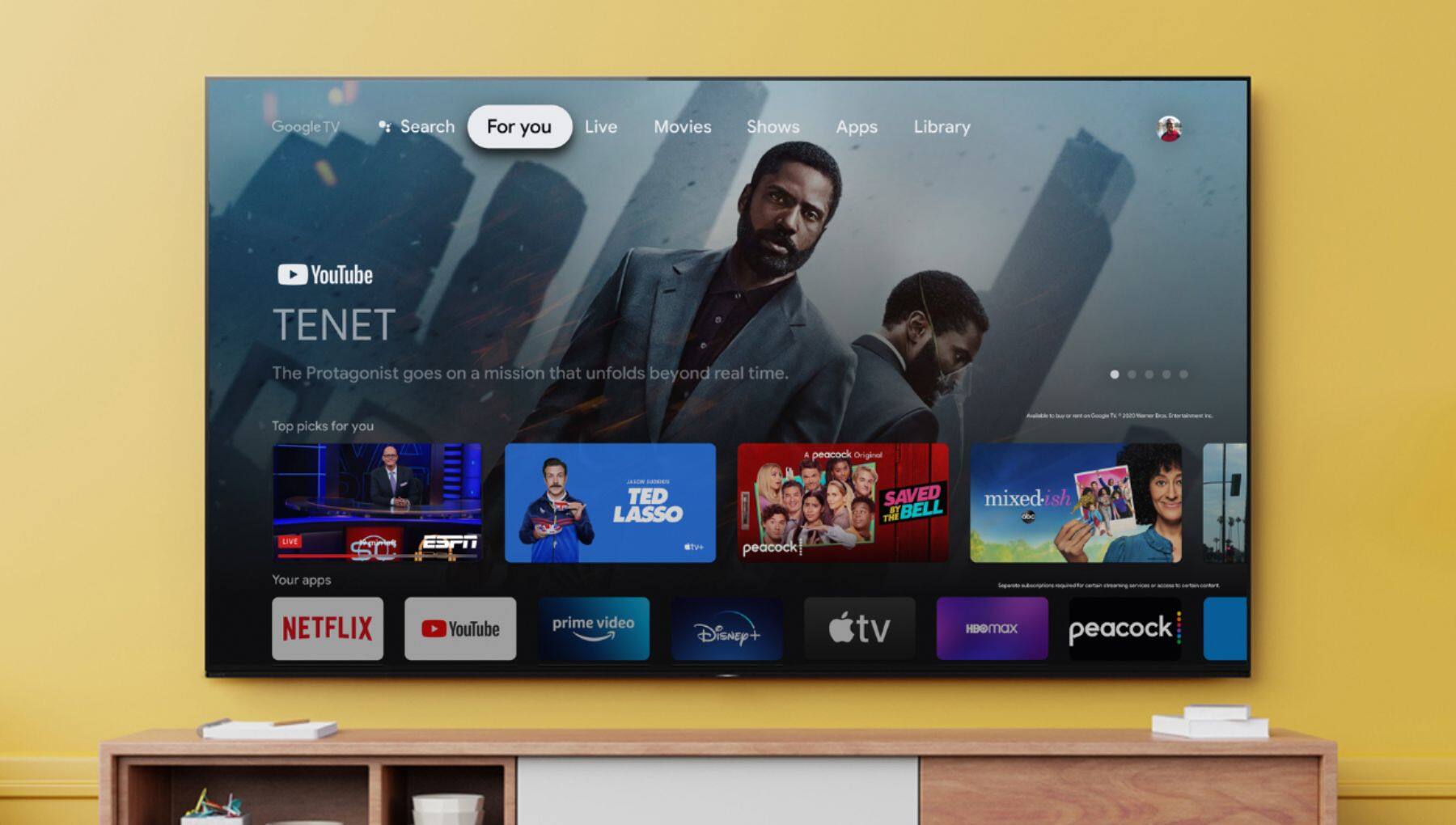
A:AnswerHi Jamie, This MASTER Series OLED uses cognitive TV processing to deliver lifelike picture quality by understanding the way humans see and hear. And with Acoustic Surface Audio+ the screen is the speaker, allowing you to hear immersive sound and clear dialogue right from the subject on-screen. With BRAVIA XR, everything you watch gets the true surround-sound treatment. XR Surround creates surround sound from the sides and vertically so you can experience 3D audio without the need for in-ceiling or up-firing speakers. Find your favorite content faster than ever using the power of your voice, no remote required. With Voice Search, there’s no more complicated navigation or tiresome typing—you just have to ask. Thanks for choosing Sony! Jay
A:AnswerHi Schroeder, thank you for your question. Aside from the size difference and camera function (A80K) the A90J is a Master Series model- here are some premium features that are with this model:
Higher quality of premium components
Back lit remote
Hands Free google assistant if needed
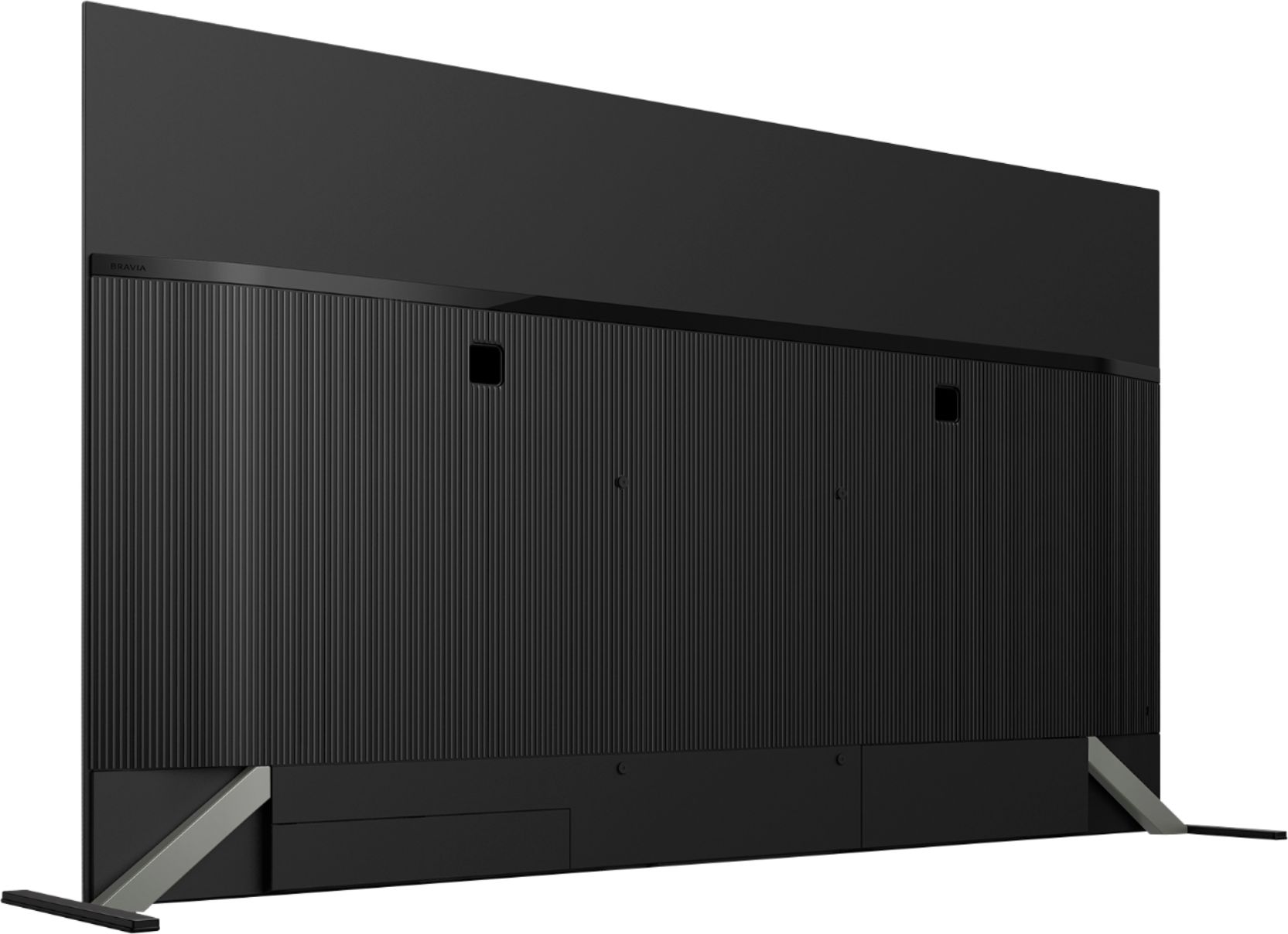
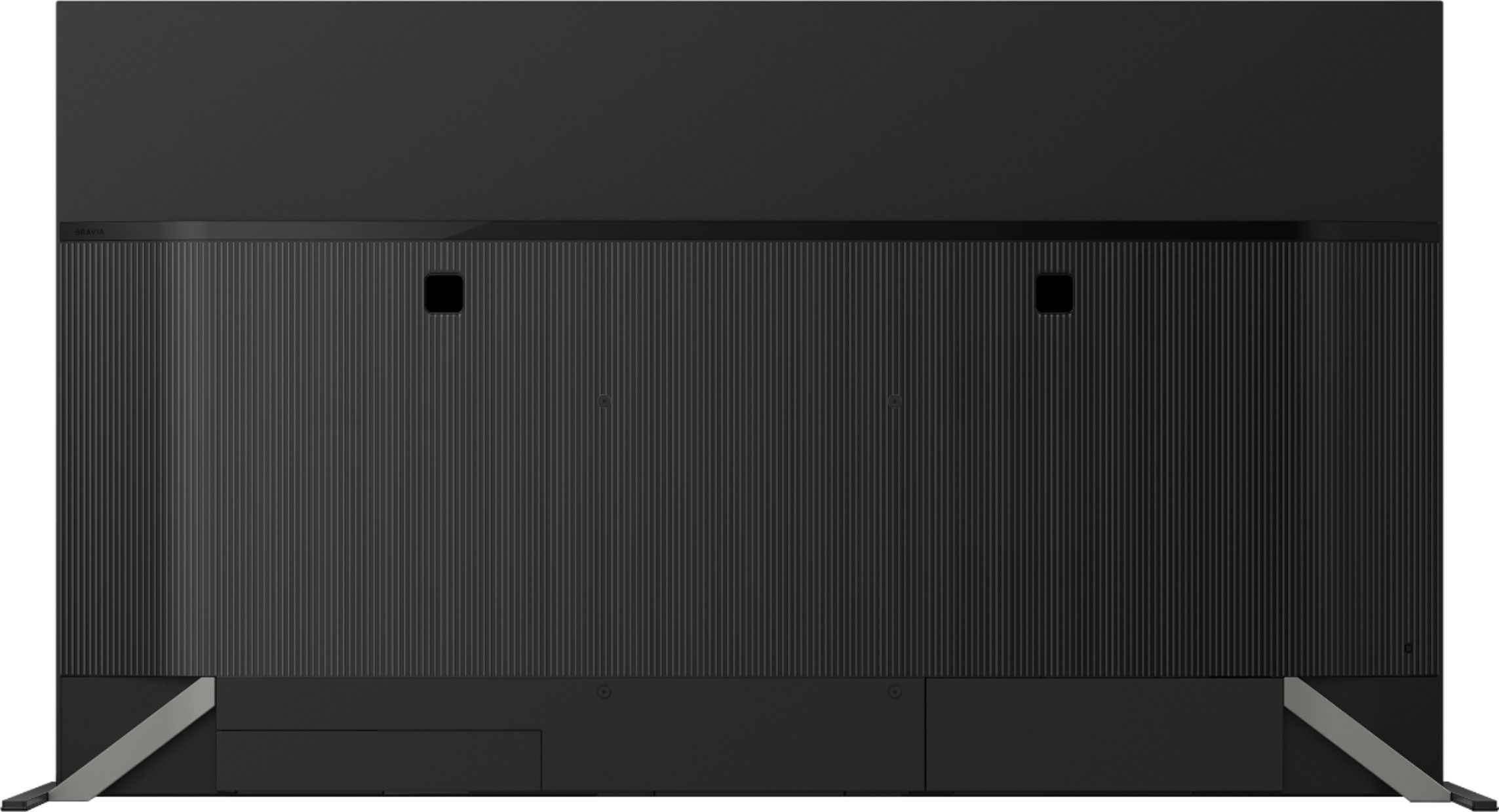
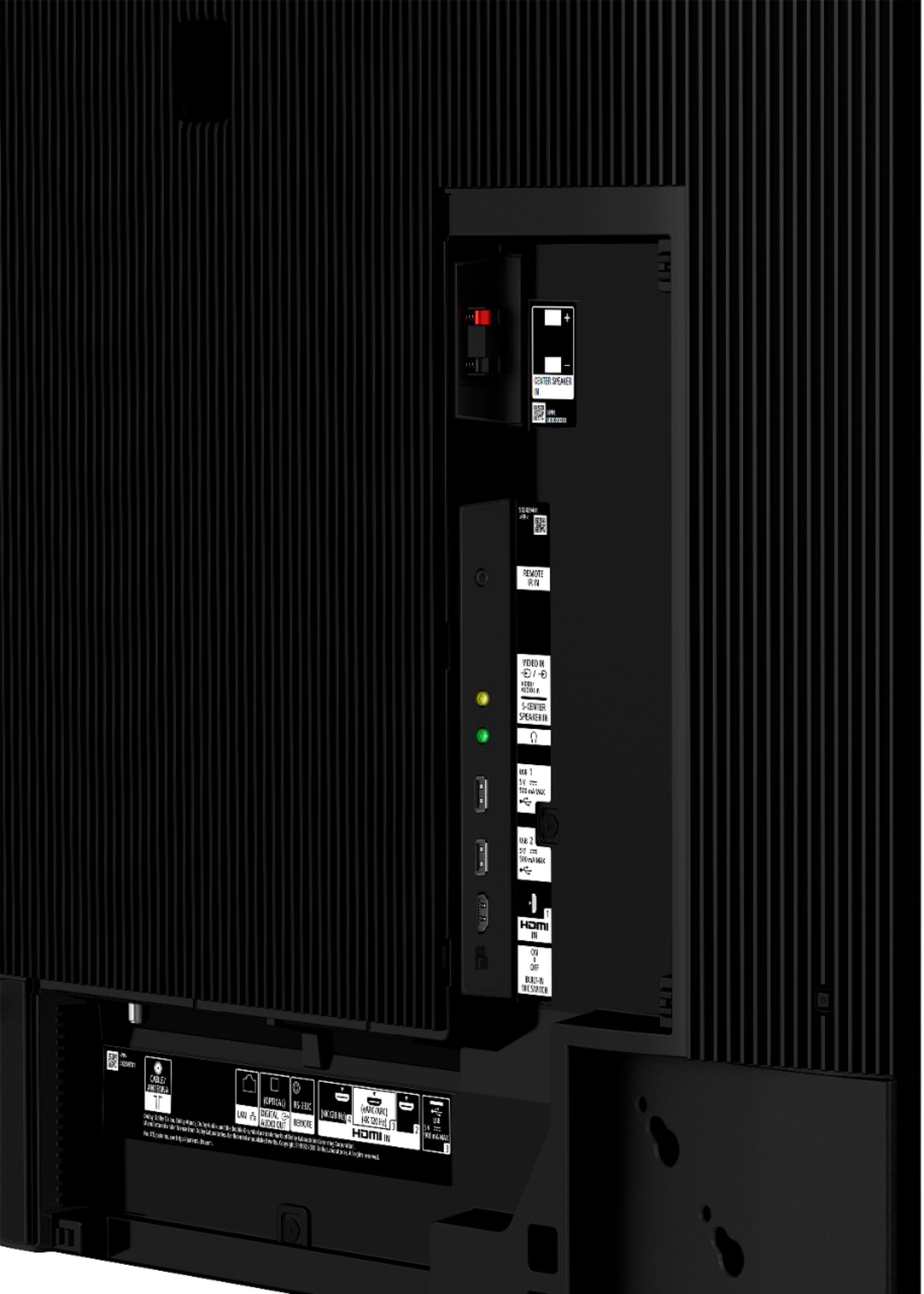
Binding posts for use with a stand alone center speaker to be used in conjunction with a receiver audio system for surround sound.
Calibrated panel
Dynamic heat dissipation heat sink on the panel to reach higher peak brightness on certain source material
Acoustic Surface + has a higher max wattage
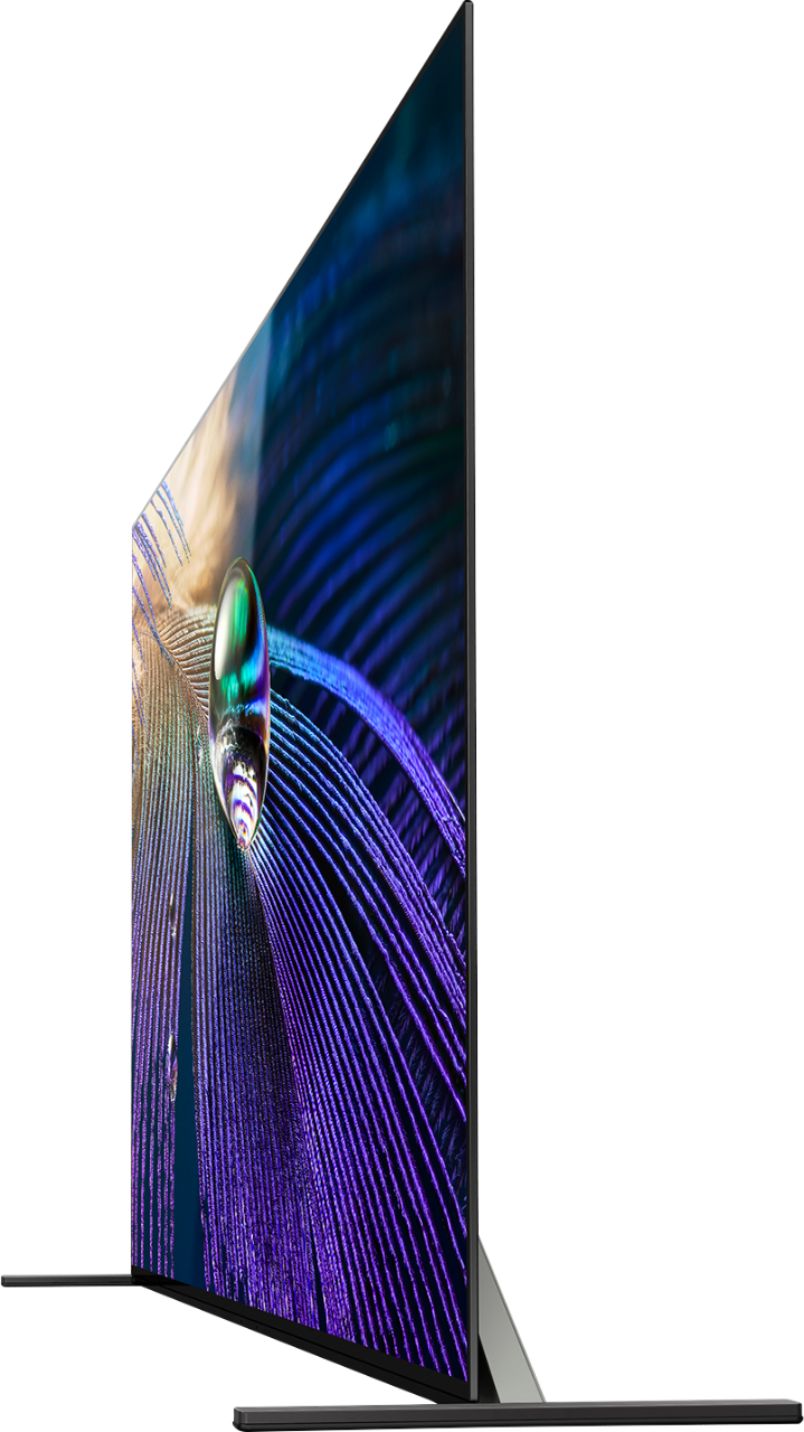
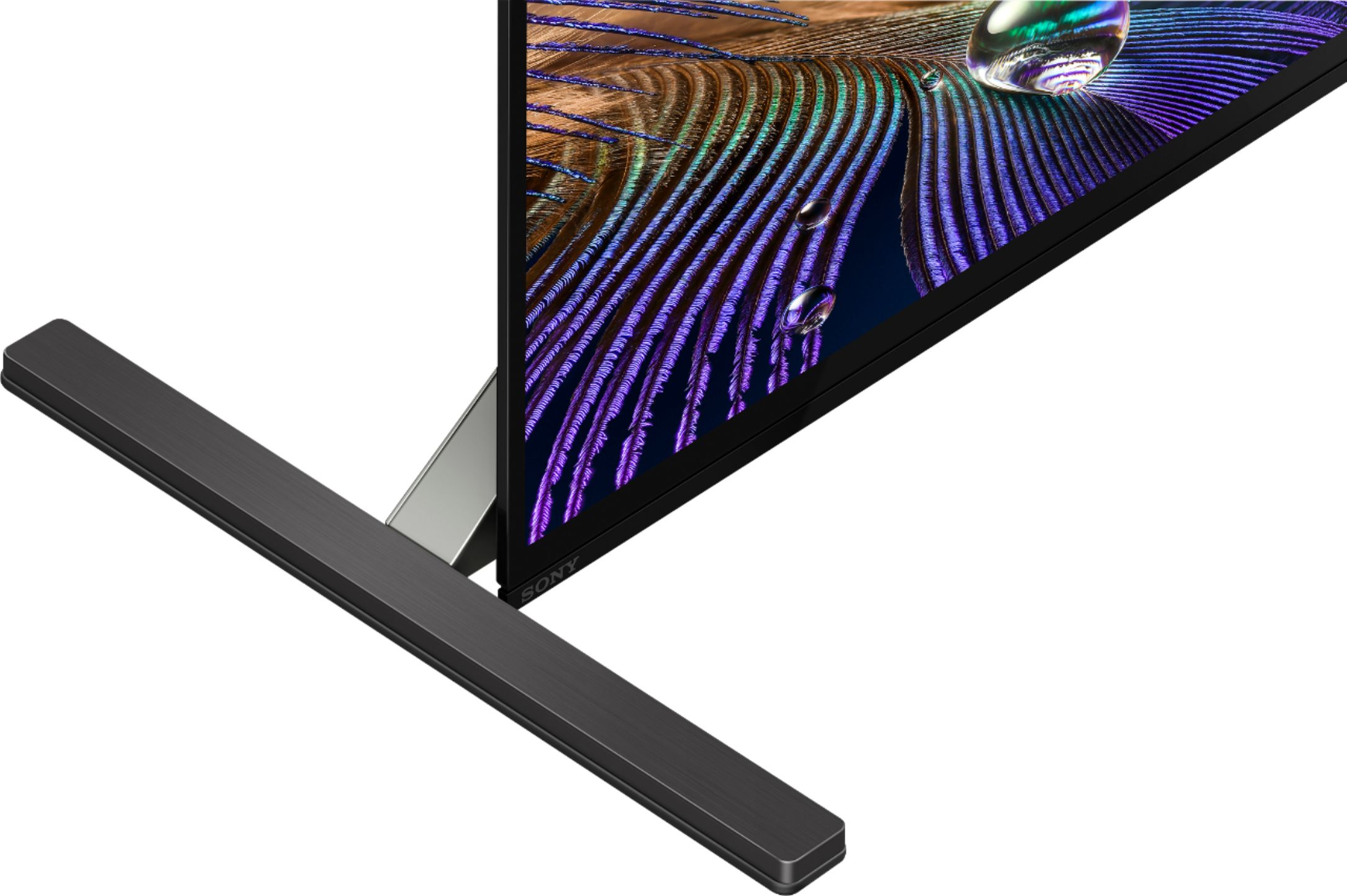
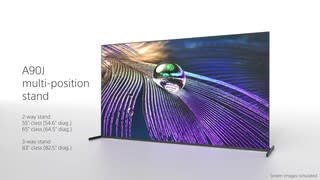
Cosmetics and the feet have 2 positions, low and wide and sound bar positions which is 2.8inches higher in the wide position.
These are some of the differences, if you would like to know more, please visit your local retailer for comparison.
Regards,
Erin
A:AnswerHi Nina, Thank you for the inquiry! Yes, the power requirements of the BRAVIA XR A90J OLED TV is 60 Hz for UL cUL 50/60 Hz for other AC 120 V for UL cUL AC 110-240 V for others. I hope this helps! Jay
A:AnswerHi poptom, Great News! We're glad that you chose this BRAVIA XR A90J OLED TV. This MASTER Series OLED uses cognitive TV processing to deliver lifelike picture quality by understanding the way humans see and hear. And with Acoustic Surface Audio+ the screen is the speaker, allowing you to hear immersive sound and clear dialogue right from the subject on-screen. For more details, please check the TV model at our support website (http://www.sony.com/esupport) for product specifications and features.
I hope this helps! Jay
A:AnswerYes, That is no problem, if you would like to get more than one headset working all you have to do is purchase a audio adapter that doubles , triples or can have up to 6 headphone female headphone inputs all working perfectly. I know they don’t cost much. As far as Bluetooth goes there may be more limitations.
A:AnswerHi JET, Great News! Yes, you can connect the HT-A5000 to the XR-65A90J. For connecting between your TV and a soundbar using the S-CENTER SPEAKER IN terminal, or any additional information, refer to the Help Guide of your TV. Refer to this link for more details: https://www.sony.com/electronics/support/televisions-projectors-oled-tvs-android-/xr-65a90j/articles/00201071
I hope this helps! Jay
A:AnswerHi SonyNewby, Thank you for the inquiry! The XR65A90J looks and sounds beautiful, whether on a stand or mounted on a wall. You can hear sound more clearly and accurately, whatever you’re watching. Enjoy entertainment in a whole new way with sound and picture in perfect harmony. With Acoustic Surface Audio+ the screen is the speaker, allowing you to hear immersive sound and clear dialogue right from the subject on-screen. For more details, please check the TV model at our support website (http://www.sony.com/esupport) for product specifications and features. I hope this helps! Jay
A:AnswerHi richq, Thank you for the inquiry! The connection may differ slightly depending on the devices you want to hear sound from. To output sound from both the TV speakers and an audio device: Connect your audio device to the DIGITAL AUDIO OUT port.
Note: If you connect the device to the TV headphone jack, the HDMI ports, or through Bluetooth, the TV can't output sound from both the TV speakers and the audio device at the same time. To output sound from both the headphones and a Soundbar: Connect your headphones to the TV headphone jack and your Soundbar to the DIGITAL AUDIO OUT port.
Note: If you connect the Soundbar to the HDMI ports or through Bluetooth, the TV can't output sound from both the headphones and the Soundbar at the same time.
Refer to this link for more details:
https://www.sony.com/electronics/support/articles/00201347.
https://www.sony.com/electronics/support/articles/00014997.
I hope this helps! Jay
A:AnswerWe do not have a sound bar we have an external subwoofer and speakers and it sounds great!
I have heard that it’s better to have external speakers and sub woofer then a sound bar!
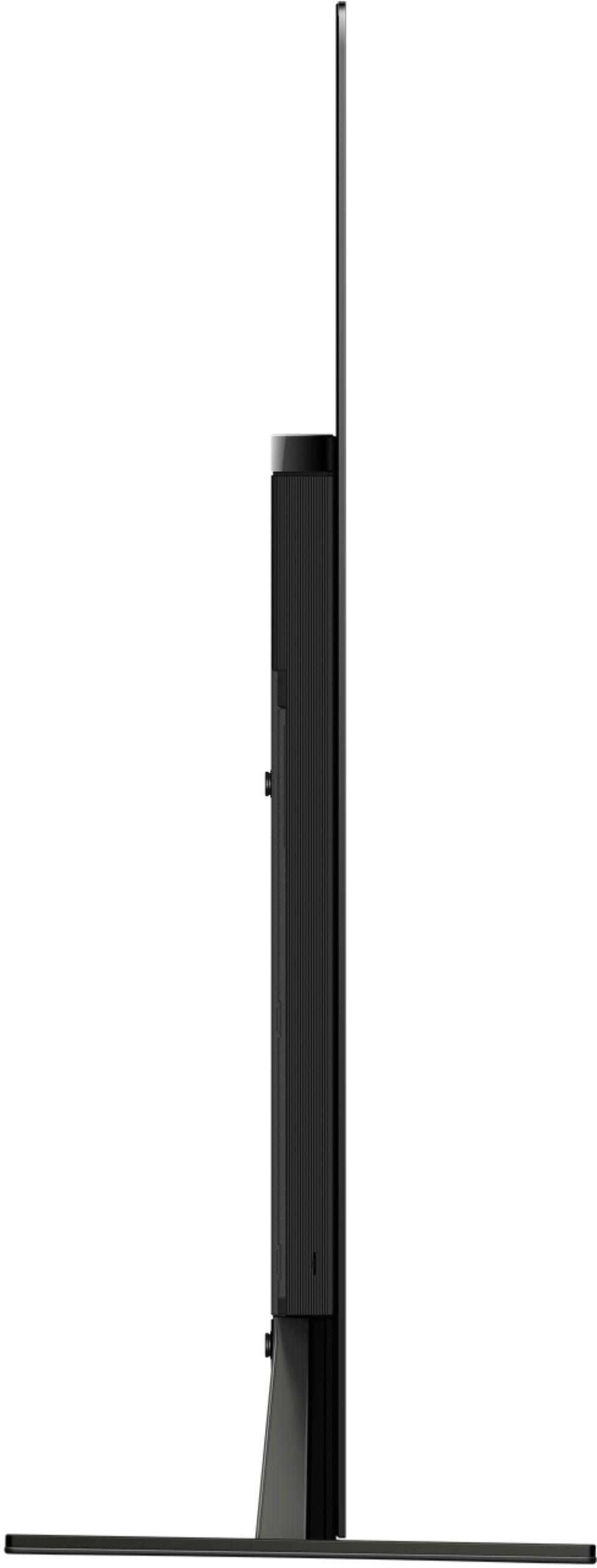
A:AnswerHi there, thank you for your inquiry. The dimensions of the 65A90J without the TV stand is approximately (W X H X D) 56.85 x 32.80 x 1.62 inch (1,444 x 833 x 41 mm), 56.85 x 35.51 x 12.48 inch (1,444 x 902 x 317 mm) with the TV stand (SOUNDBAR POSITION), and 59.13 x 32.83 x 12.48 inch (1,502 x 834 x 317 mm) with the TV stand (STANDARD POSITION).
For more details, please refer to this link: https://www.sony.com/electronics/support/televisions-projectors-oled-tvs-android-/xr-65a80j/articles/00263819
Regards,
Sam
A:AnswerThat's the idea, that the heat sink will dissipate more heat - allowing the driving of the OLED elements brighter without ill effects. Until we all have more experience with the use of a heat sink, we won't know how the a90j TV will last long term. We have a pretty bright room, and we do find the a90j is pretty bright and the screen has a pretty good anti-refelctive coating. The a90j is definitely brighter and less reflective than the LG LED TV it replaced.
A:AnswerHi JR217,
Thanks for your inquiry. Unfortunately, the A90J doesn't have Picture-in-Picture (PIP) mode. You may refer to this link for more information about the TV:
https://www.sony.com/electronics/support/televisions-projectors-oled-tvs-android-/xr-65a90j/specifications
The BRAVIA XR A90J is Sony’s brightest-ever OLED TV, powered by the all-new Cognitive Processor XR™. This MASTER Series OLED uses cognitive TV processing to deliver lifelike picture quality by understanding the way humans see and hear. And with Acoustic Surface Audio+ the screen is the speaker, allowing you to hear immersive sound and clear dialogue right from the subject on-screen.
-Ralph
A:AnswerWhile there is a connection for the center channel speaker on the back of the set, you may be best served to use your system's center channel speaker. If it's not to much trouble, try it both ways and see which you think is better.