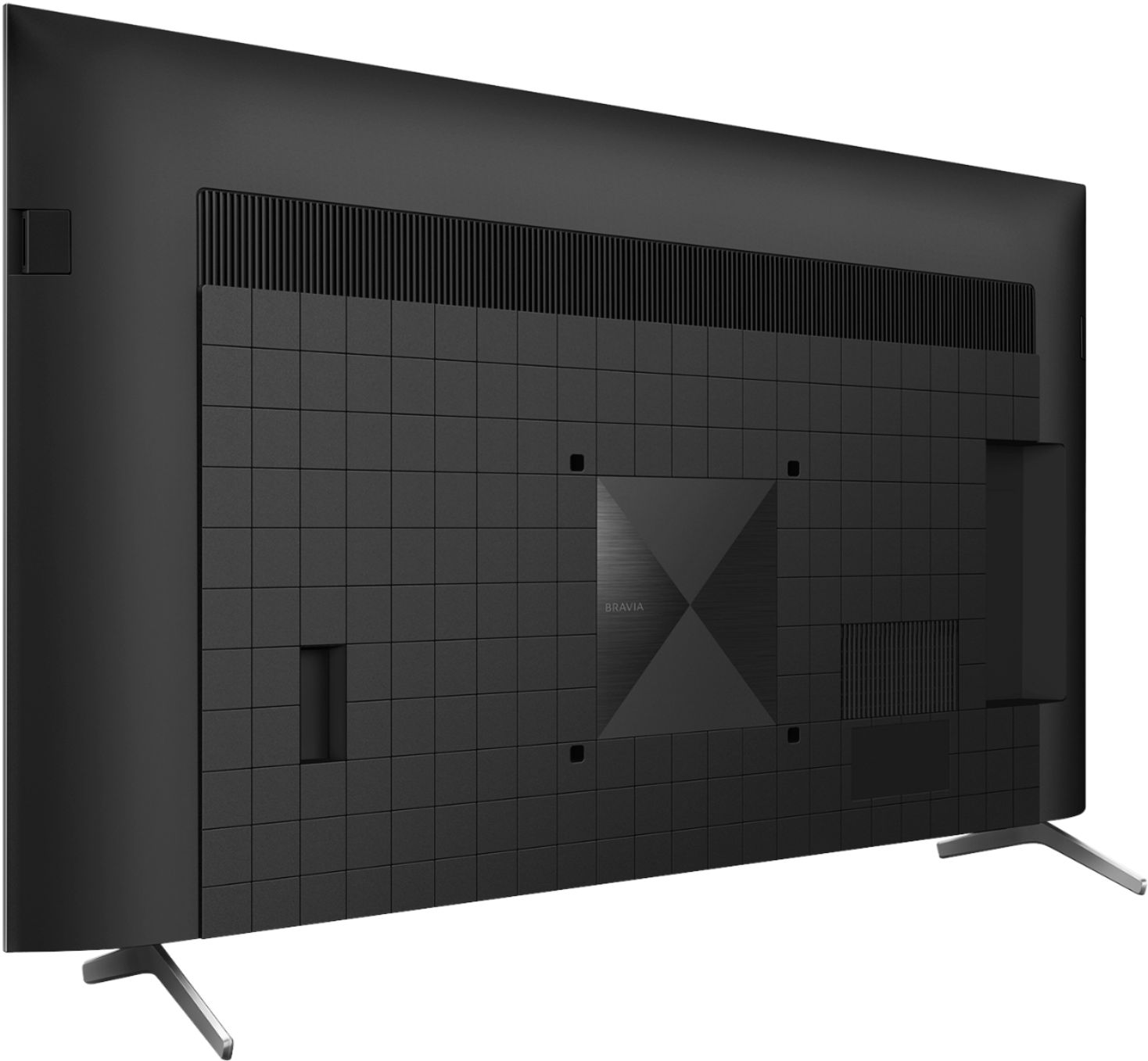
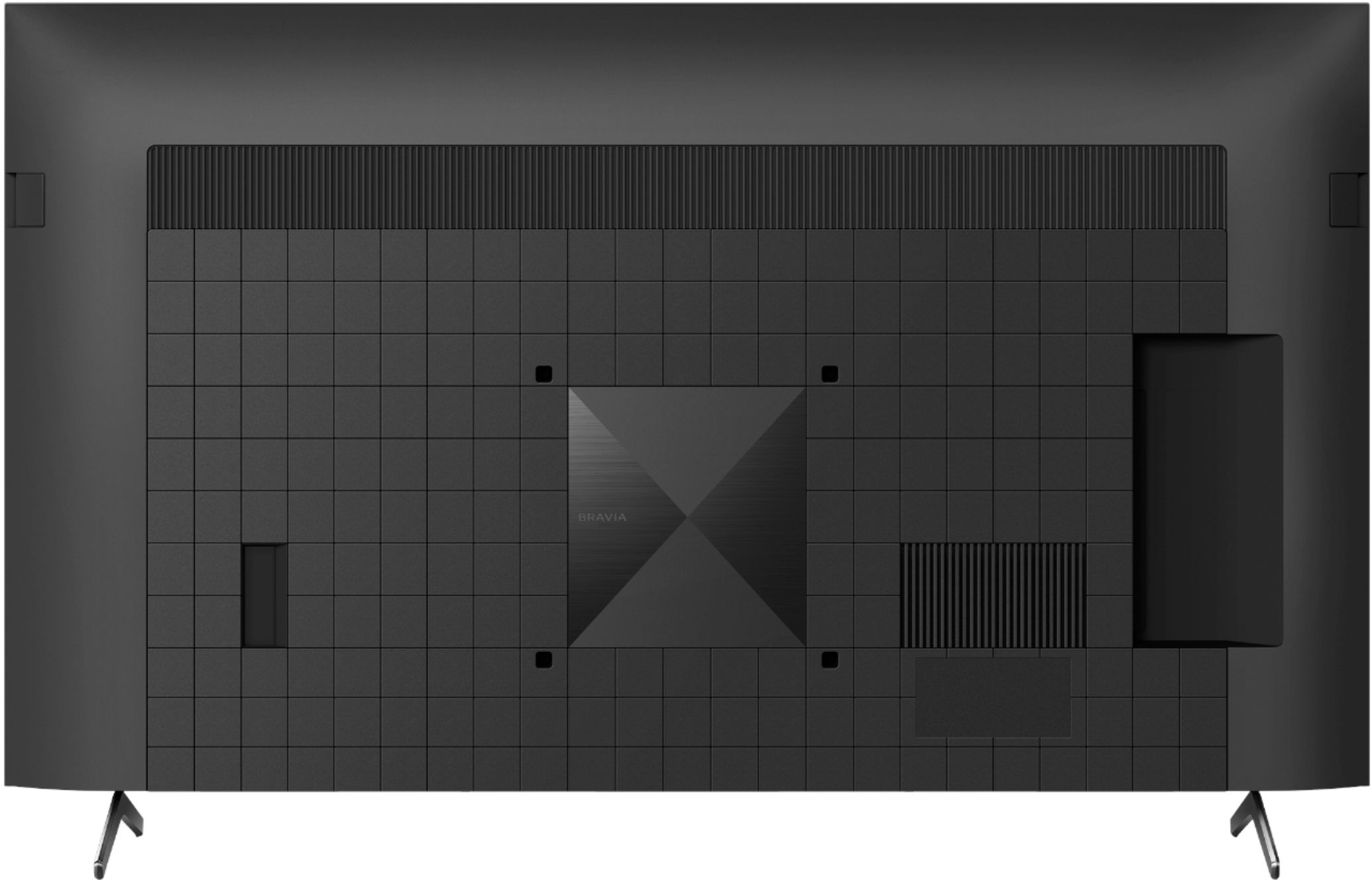
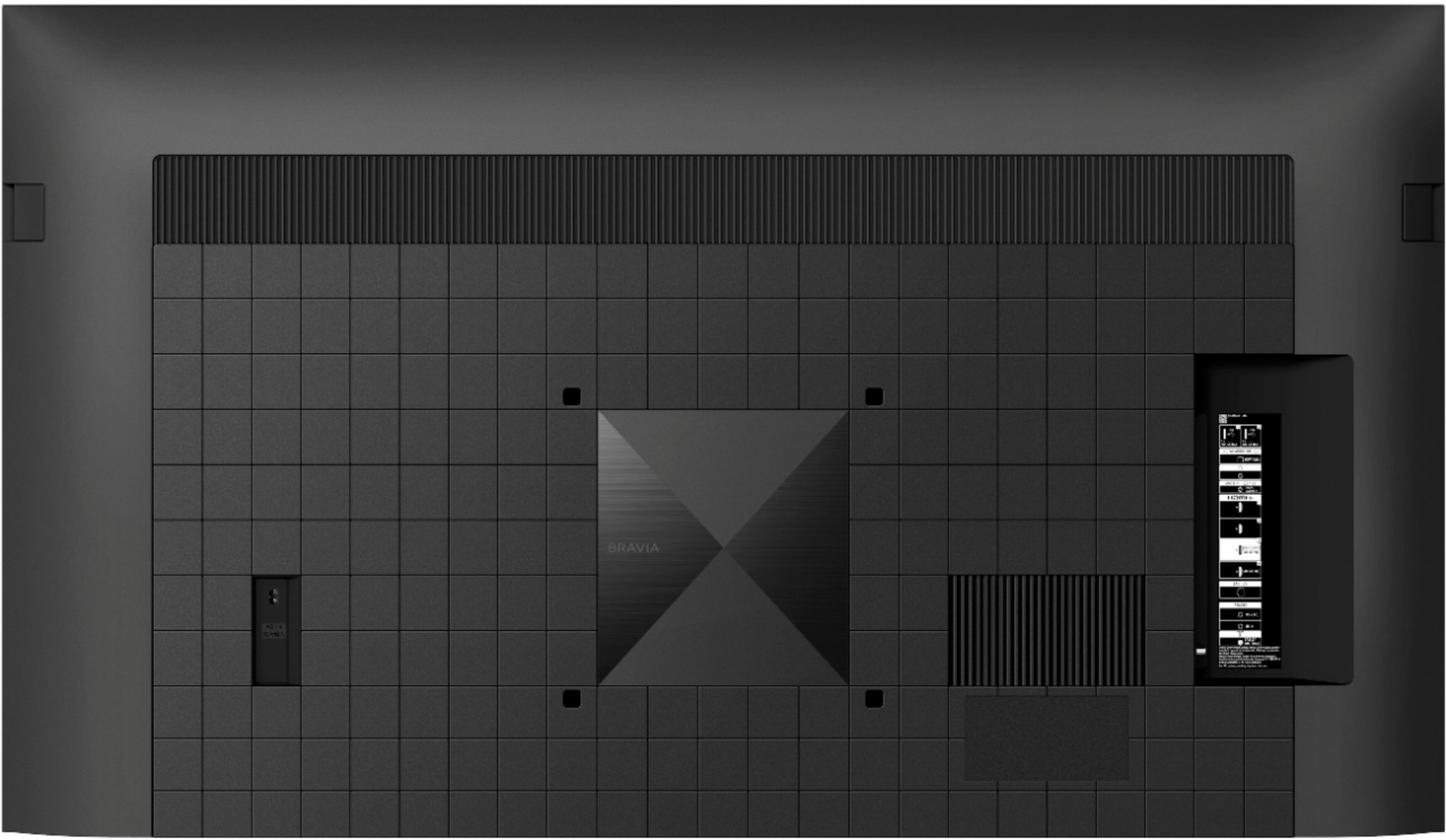
A:AnswerHello, we appreciate your interest in our product. Soundbars that support HDMI or optical connection works with this TV. You may check our HT-A5000, HT-A7000, HT-A9, HT-ST5000, or HT-S350.
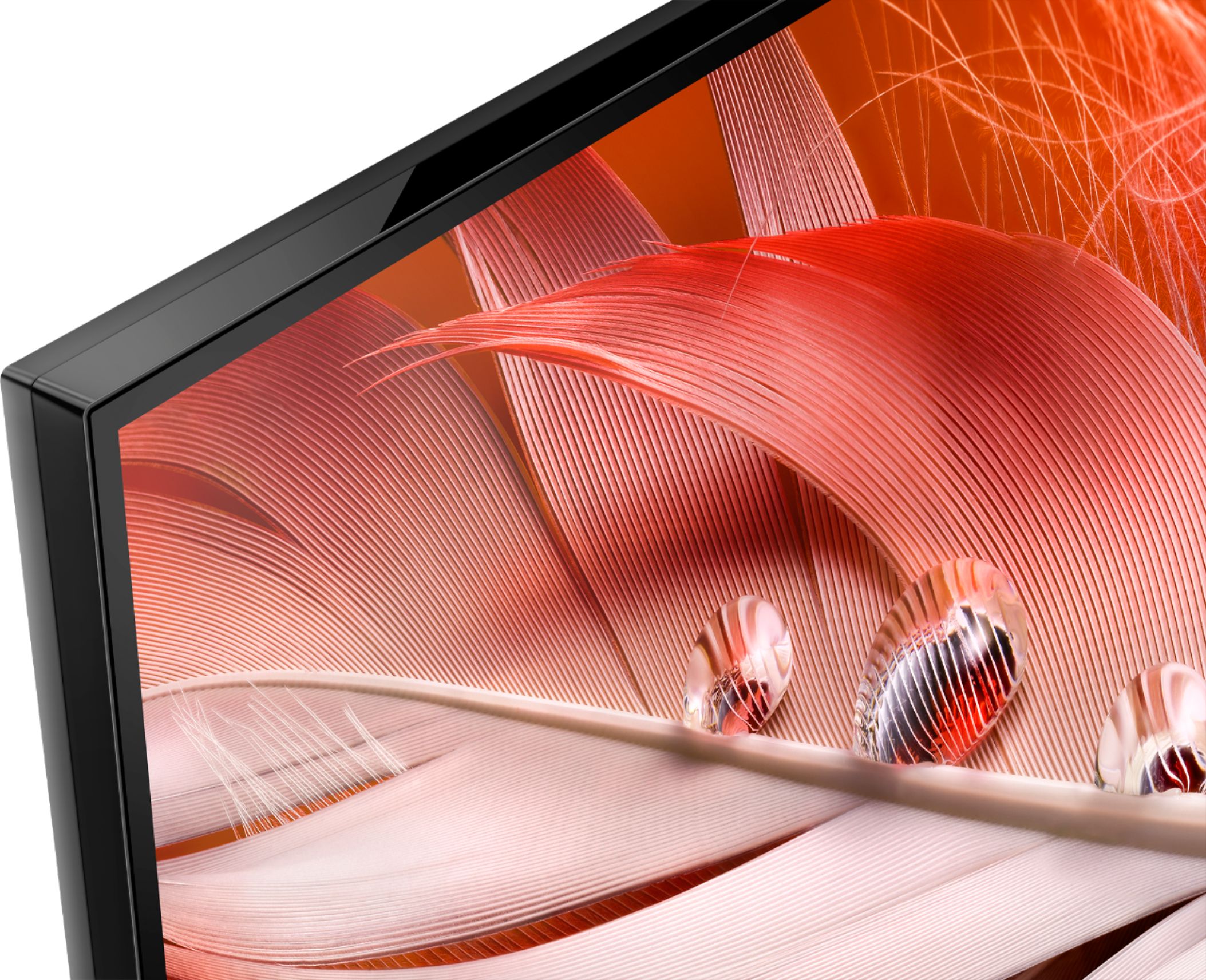
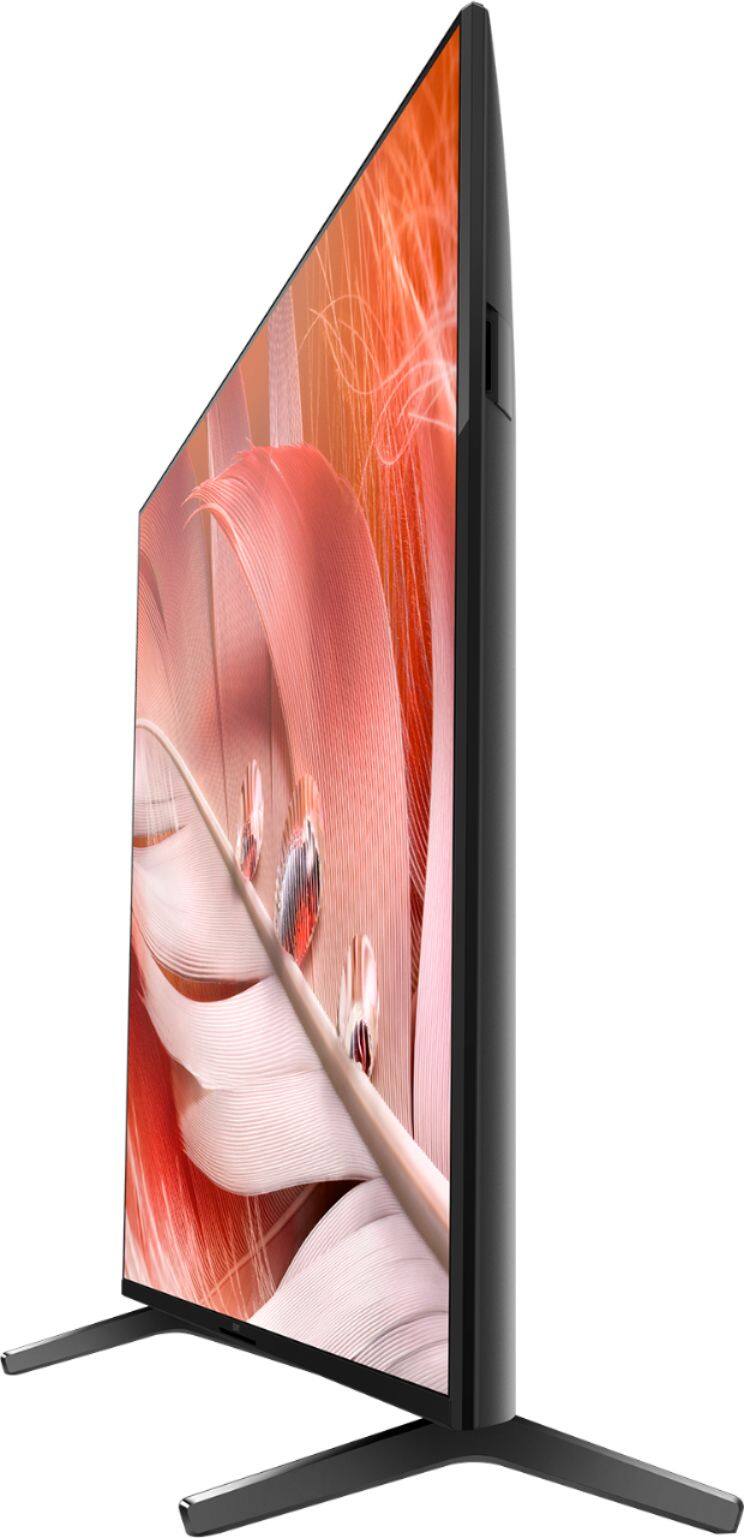
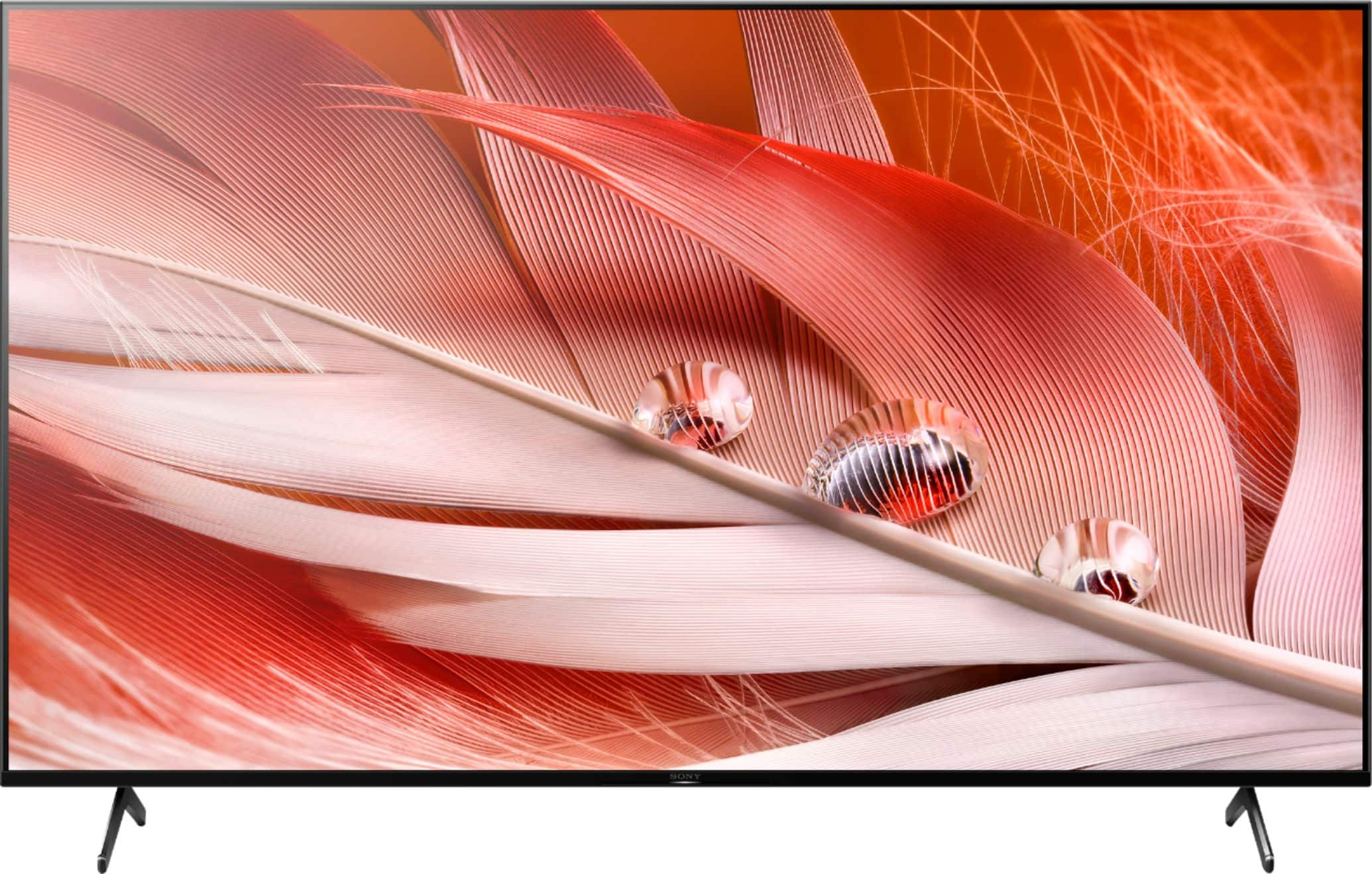
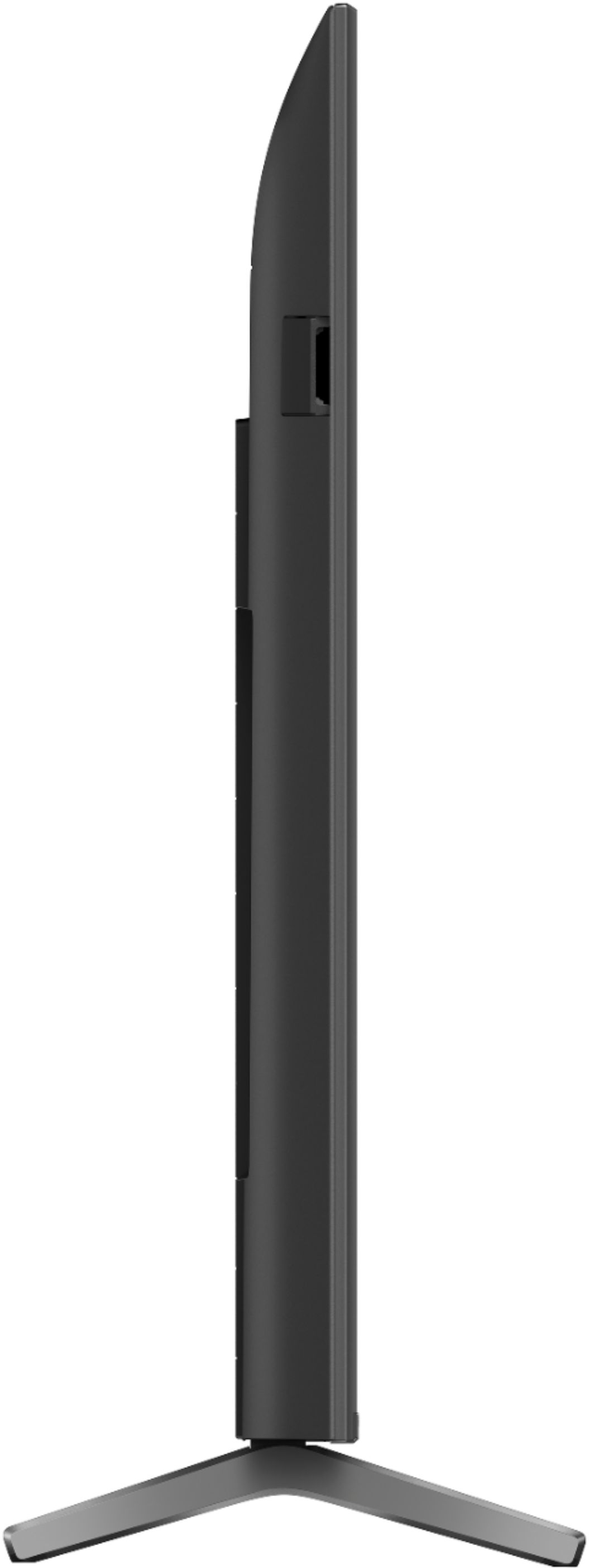
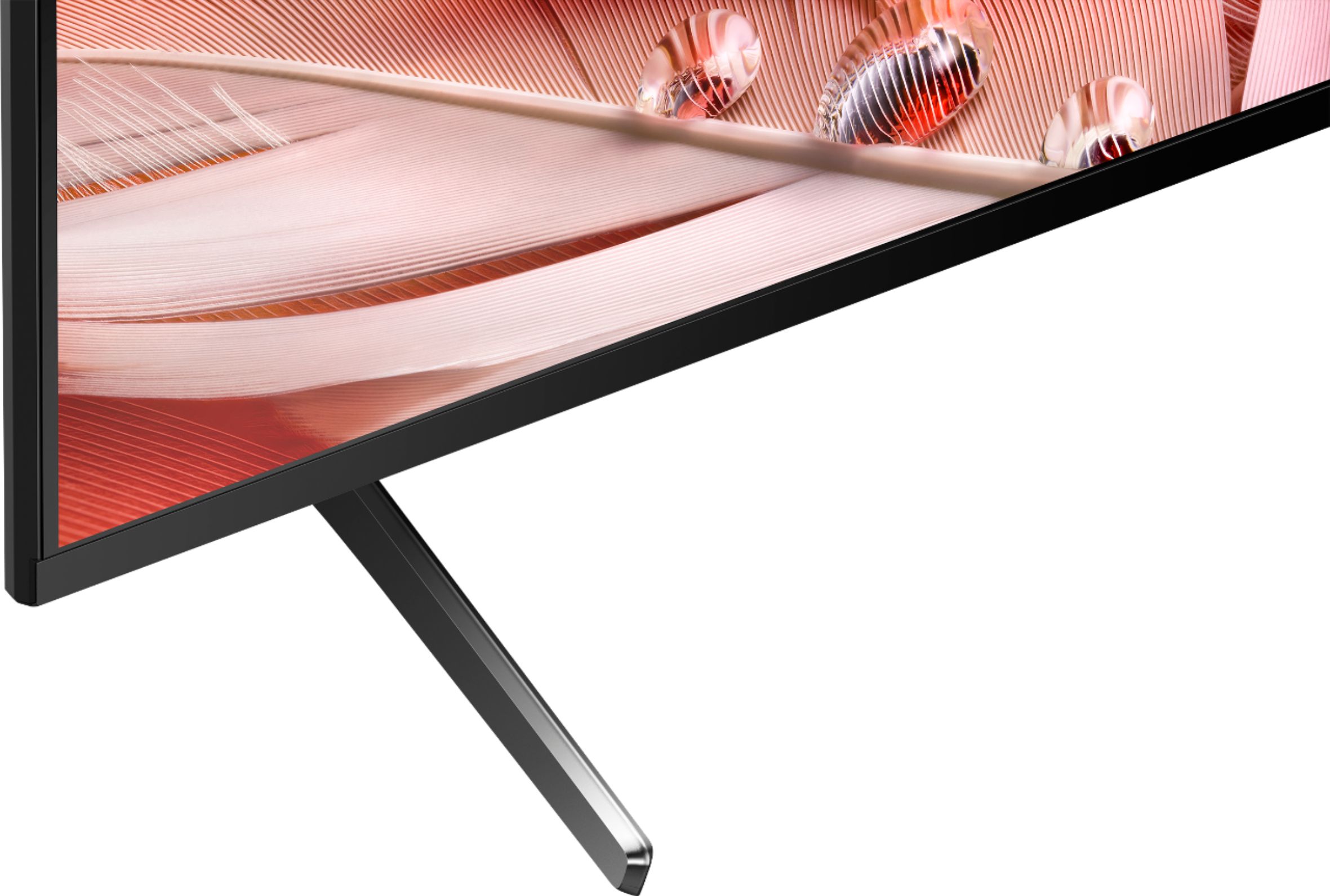
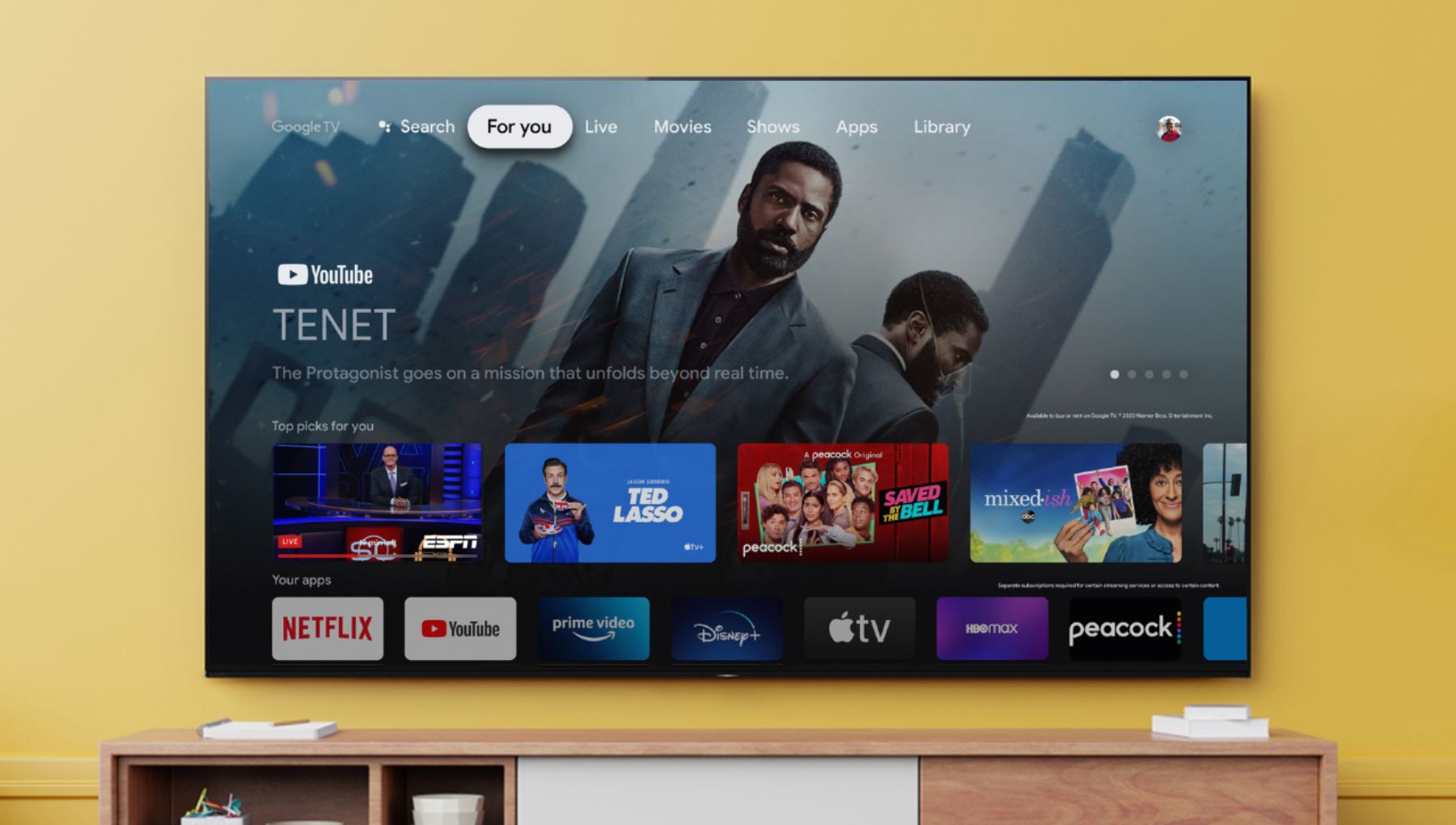
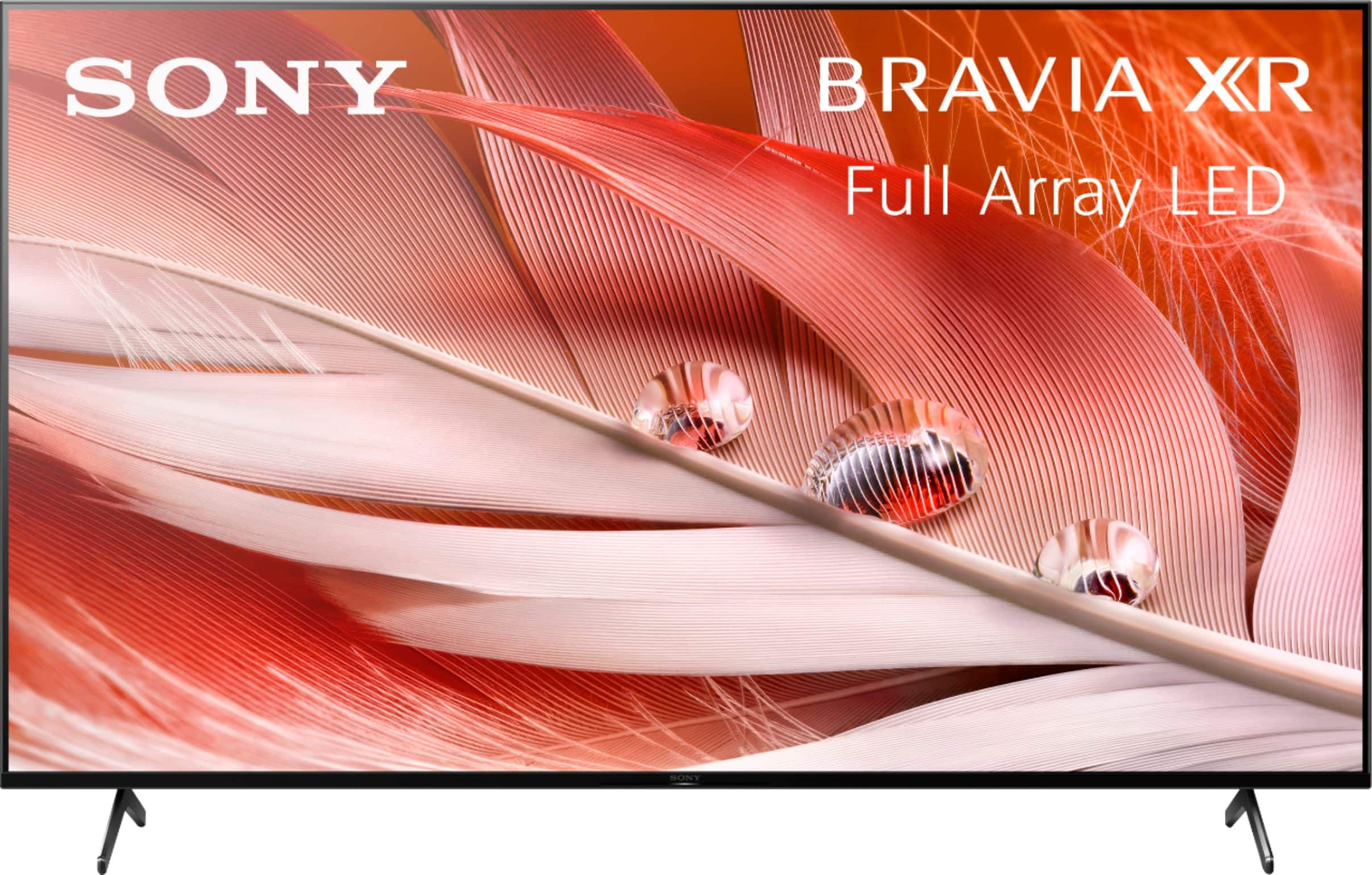
With the BRAVIA XR X90J Full Array LED TV everything you watch becomes more detailed and immersive with true-to-life 4K HDR, powered by the all-new Cognitive Processor XR™. With outstanding picture and sound quality, as well as a sleek flush bezel design, be prepared to level up your favorite movies, TV shows, and games. Hope this helps. ~Earl
A:AnswerHi POPAMO,
Thank you so much for the question.
The 65" X90J has a screen size (inch/cm, measured diagonally) of 65" (64.5") / 164 cm.
To know more about the specifications and features of our X90J, please visit the links below:
https://www.sony.com/electronics/support/televisions-projectors-lcd-tvs-android-/xr-65x90j/specifications
https://www.sony.com/electronics/televisions/x90j-series
With the BRAVIA XR X90J Full Array LED TV everything you watch becomes more detailed and immersive with true-to-life 4K HDR, powered by the all-new Cognitive Processor XR™. With outstanding picture and sound quality, as well as a sleek flush bezel design, be prepared to level up your favorite movies, TV shows, and games.
Hope this helps!
- Romeo
A:AnswerOne is for service and does not have power the other is for plugging in a powered device and states on. You could try setting your TV settings to full standby instead of the more preferred quick on setting.
A:AnswerHi mankid, thank you for your question. Unfortunately, Spectrum TV app is currently not available on SONY TVs. However, if your phone or tablet supports Chromecast, you can simply use this feature from the Spectrum TV app to cast the content to this TV. Please check this link for more details:
https://www.sony.com/electronics/support/televisions-projectors-lcd-tvs-android-/xr-65x90j/articles/00135368
Hope this helps. ~Earl

A:AnswerHi Bheller, Thank you for reaching out. This TV supports HDR at 4K. To enable HDR at 4K on your TV, please set the HDMI signal format to "Enhanced".

To change the HDMI signal format setting, press the (Quick Settings) button on the remote control, then select [Settings] — [Channels & Inputs] — [External inputs] — [HDMI signal format] — [Enhanced format].
For more details, please refer to this link: https://helpguide.sony.net/tv/iusltn1/v1/en-003/04-09_02.html
Note: When you watch a 4K picture with High-Quality, use a Premium High-Speed HDMI™ Cable(s) that supports speeds of 18 Gbps. For details on a Premium High-Speed HDMI™ Cable(s) that supports 18 Gbps, refer to the cable specifications.
Should you need further assistance, please email us at [email protected] with the following details:
Name:
Username:
Model Number:
Issue:
Telephone Number:
Sincerely,
Sam
A:AnswerThe main difference is the contrast ration. You can feel the colors better in X90J when compared to X85J . Though X85J is not bad at it but local dimming is far way better on 90J. There is a processor difference X85J uses Sony X1 processor where X90J uses XR processor that is used in OLED tv’s. This makes it more advanced in technology.
A:AnswerYou have to use HDMI ARC to control it with one remote. Arc from tv to arc on soundbar. Audio return channel will "truck" your tv into thinking the jbl bar is the TV speaker.
A:AnswerYes. But the only problem that I have found is that the tv remote does not work to control the soundbar, you will have to use the remote that came with the soundbar.