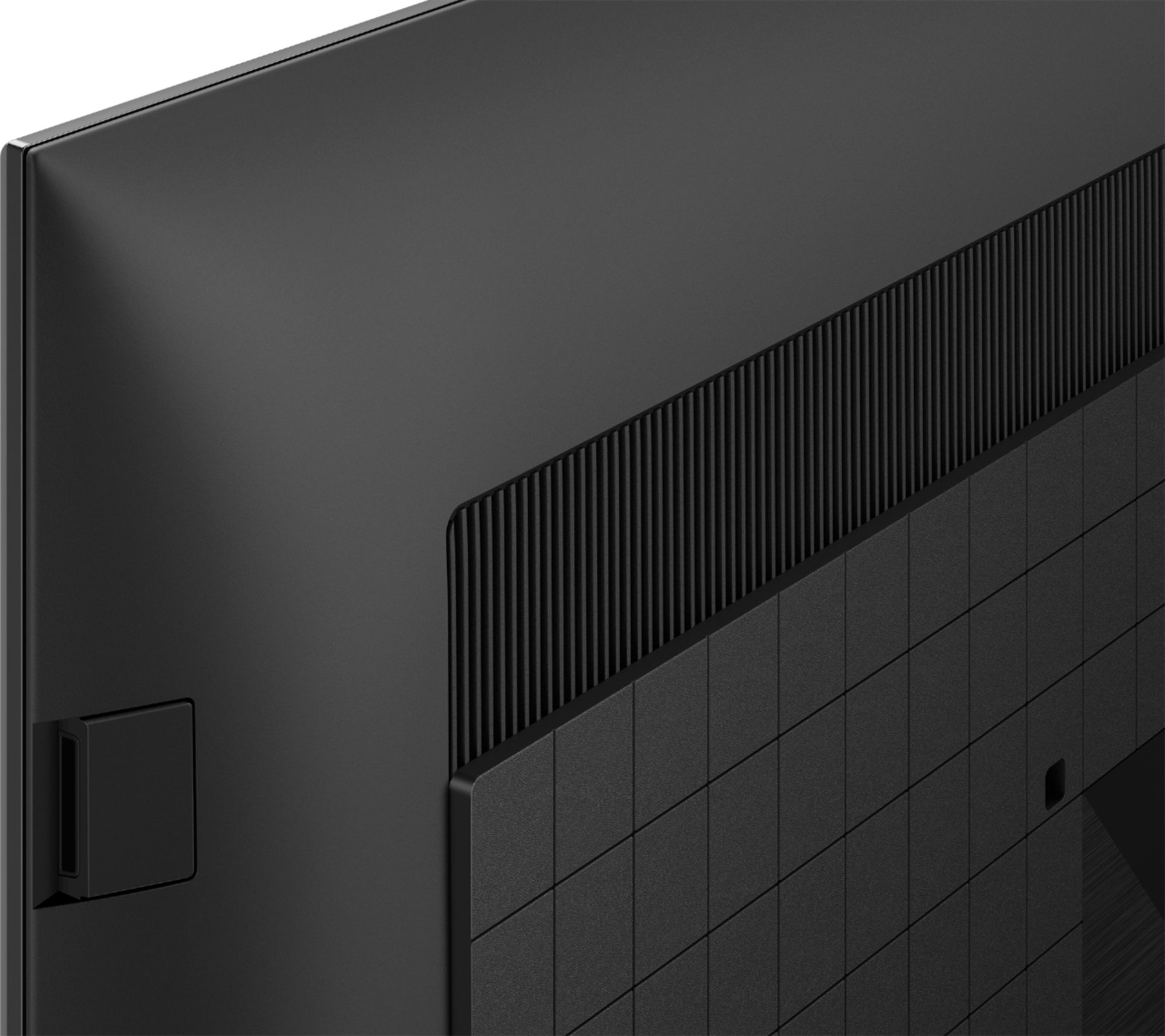
A:Answer. If the TV has a headphone jack, you can connect a pair of wired headphones into the headphone jack to disable the internal TV speakers and listen to the sound through the headphones
A:AnswerHi there, thank you for your inquiry. Yes, you can connect your Sony DAV-HDX589W to this TV. I would suggest connecting it using HDMI cable for video signal and Digital Optical cable for audio signal. Please refer to the link below to see on how to connect this TV to your home theater system.
https://helpguide.sony.net/tv/iusltn1/v1/en-003/04-04_01.html
Regards,
Sam
A:AnswerHello, thank you for your question. This unit has the COGNITIVE PROCESSOR XR™, revolutionary TV processing technology that understands how humans see and hear to deliver intense contrast with deep blacks, high peak brightness, and natural colors. Watching sports and fast-moving movies just got a whole lot better. Our Cognitive Processor XR with XR Motion Clarity™ cross-analyzes data to ensure action stays smooth, bright, and clear. Please check our SONY site for more details. Hope this helps. ~Earl
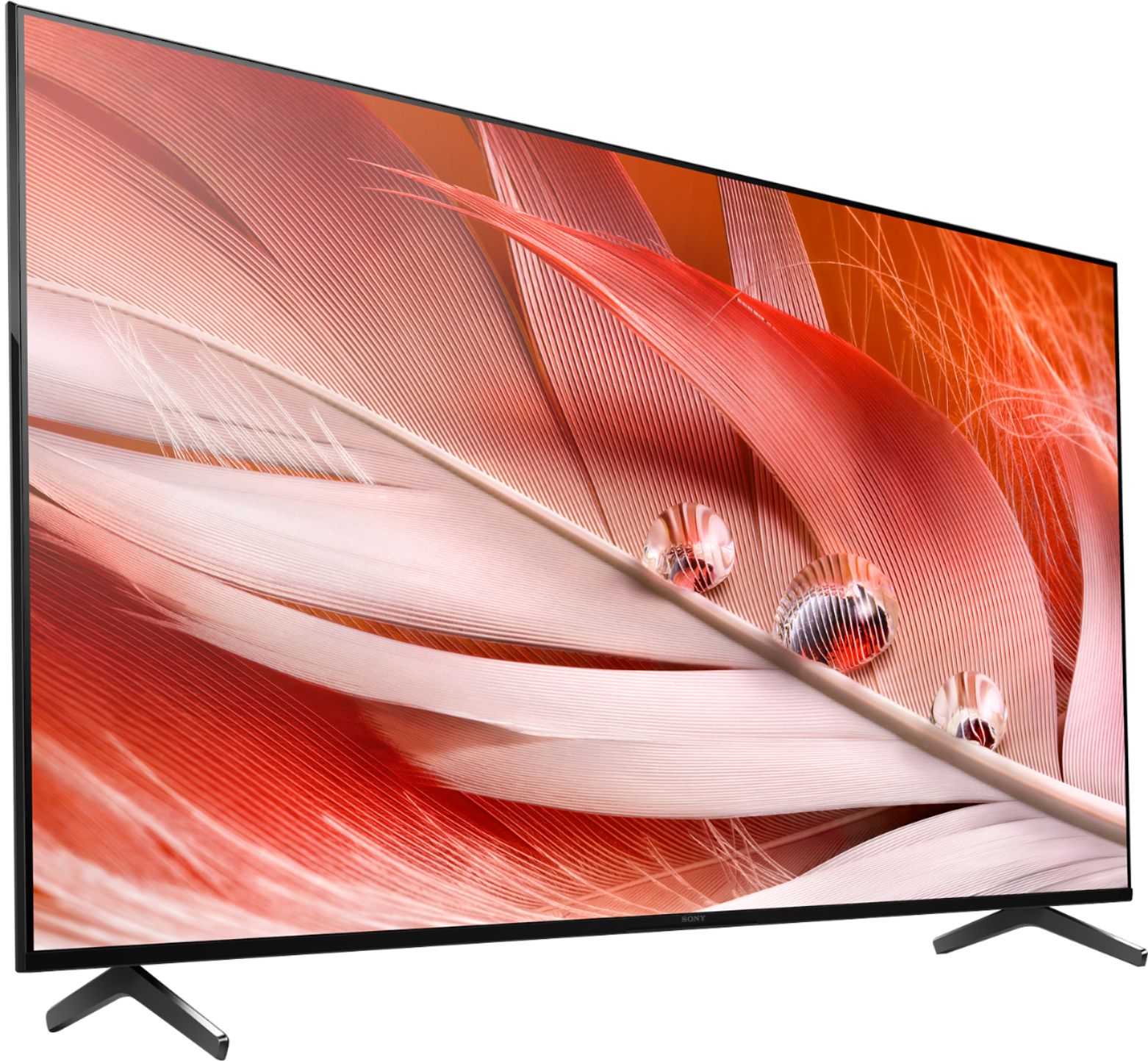
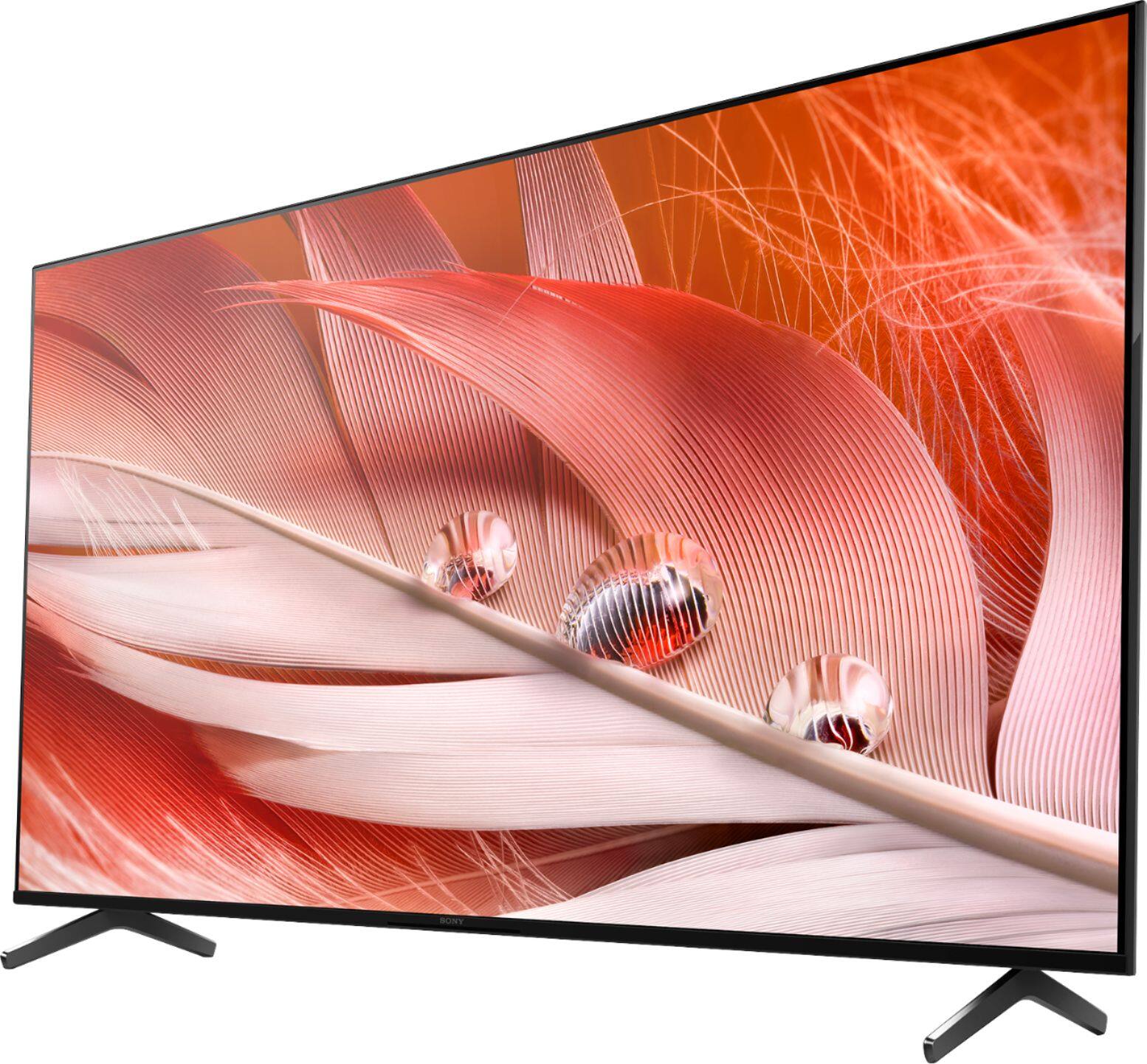
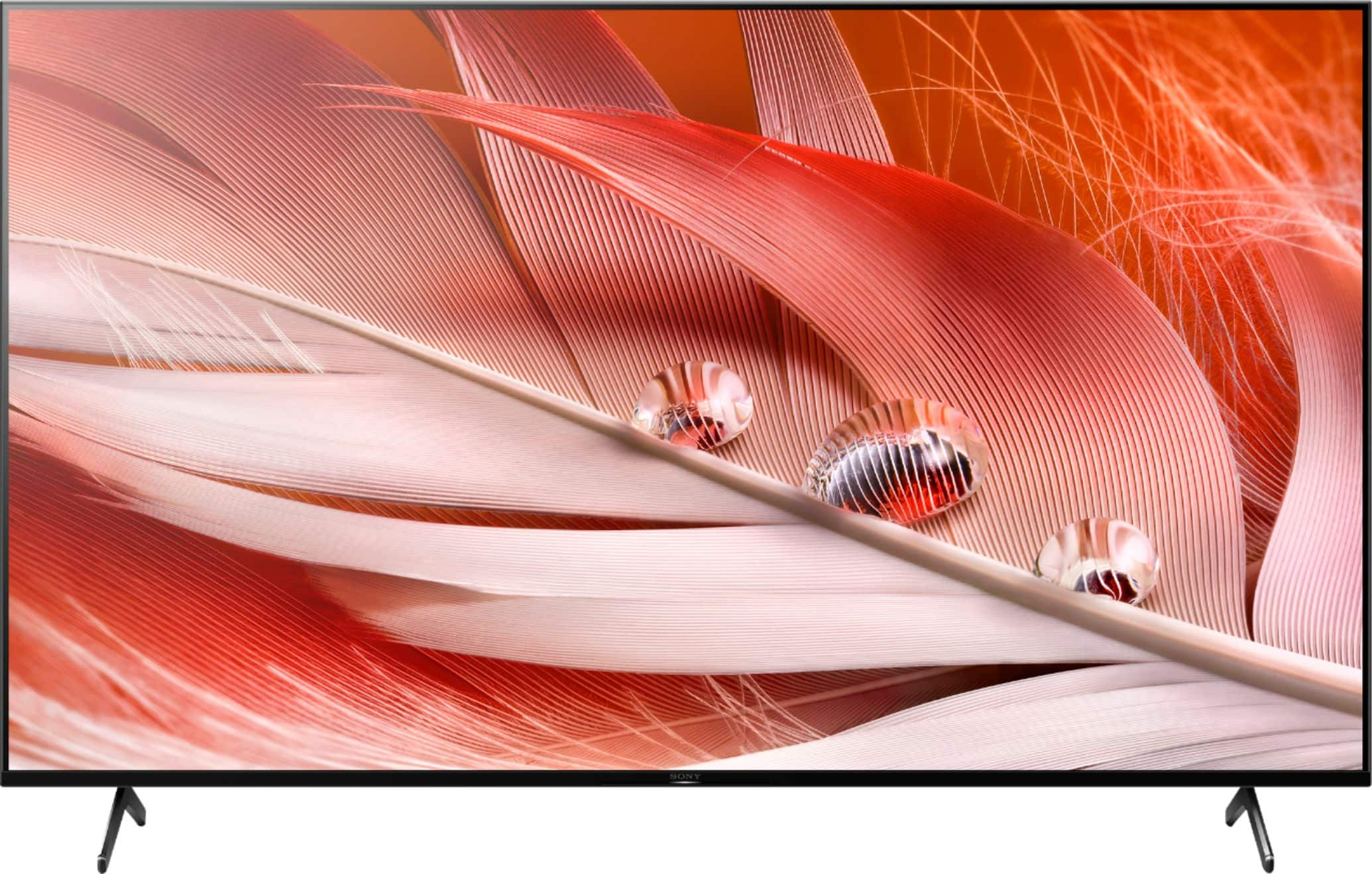
A:AnswerHi Smiddy03, thank you for choosing and purchasing our BRAVIA XR X90J Full Array LED TV.
While we are glad that you like the picture quality when streaming the apps, we regret that the picture quality is not what you've expected when watching with your DirecTV. This is definitely not the viewing experience we'd like you to have. We'd love to help you troubleshoot your problem and turn this into a better experience.
Content and signal quality are regulated by the signal provider. Many HD channels and content are actually upscaled versions of standard-definition broadcasts. The picture is affected by the quality of the signal received, which varies between channel and program.
You can configure various settings related to the TV display such as color and brightness for picture quality that will suit your viewing preference. Please refer to the Help Guide below.
https://helpguide.sony.net/tv/iusltn1/v1/en-003/01-03-09_01.html
May we contact you to help and get more information? If so, please email the below information to [email protected].
Apologies if you disclosed some of this information in your review and to customer service, we just want to ensure that we have your accurate details at the time of communication.
Full Name:
Best Buy Username:
Telephone Number:
Sony TV Model Number:
Additional Information regarding your experience with the X90J
We are sorry for the inconvenience and hope to speak to you to resolve this matter.
We appreciate you and thanks again for shopping Sony!
Sincerely,
Erin
A:AnswerHi OZ77, thanks for the inquiry. Here are the power specifications for this model.
60 Hz for UL cUL 50/60 Hz for other
AC 120 V for UL cUL AC 110-240 V for other
With an adaptor for PAL and or inverter you can use this tv for those power requirements and or signal.
Regards,
Sam
A:AnswerHi Carlos, thank you for your question. This unit supports parental control features that can be accessed through Settings so that children can safely use the TV. Please check this link for more information:
https://helpguide.sony.net/tv/iusltn1/v1/en-003/01-02_05.html?hl=parental
Hope this helps. ~Earl
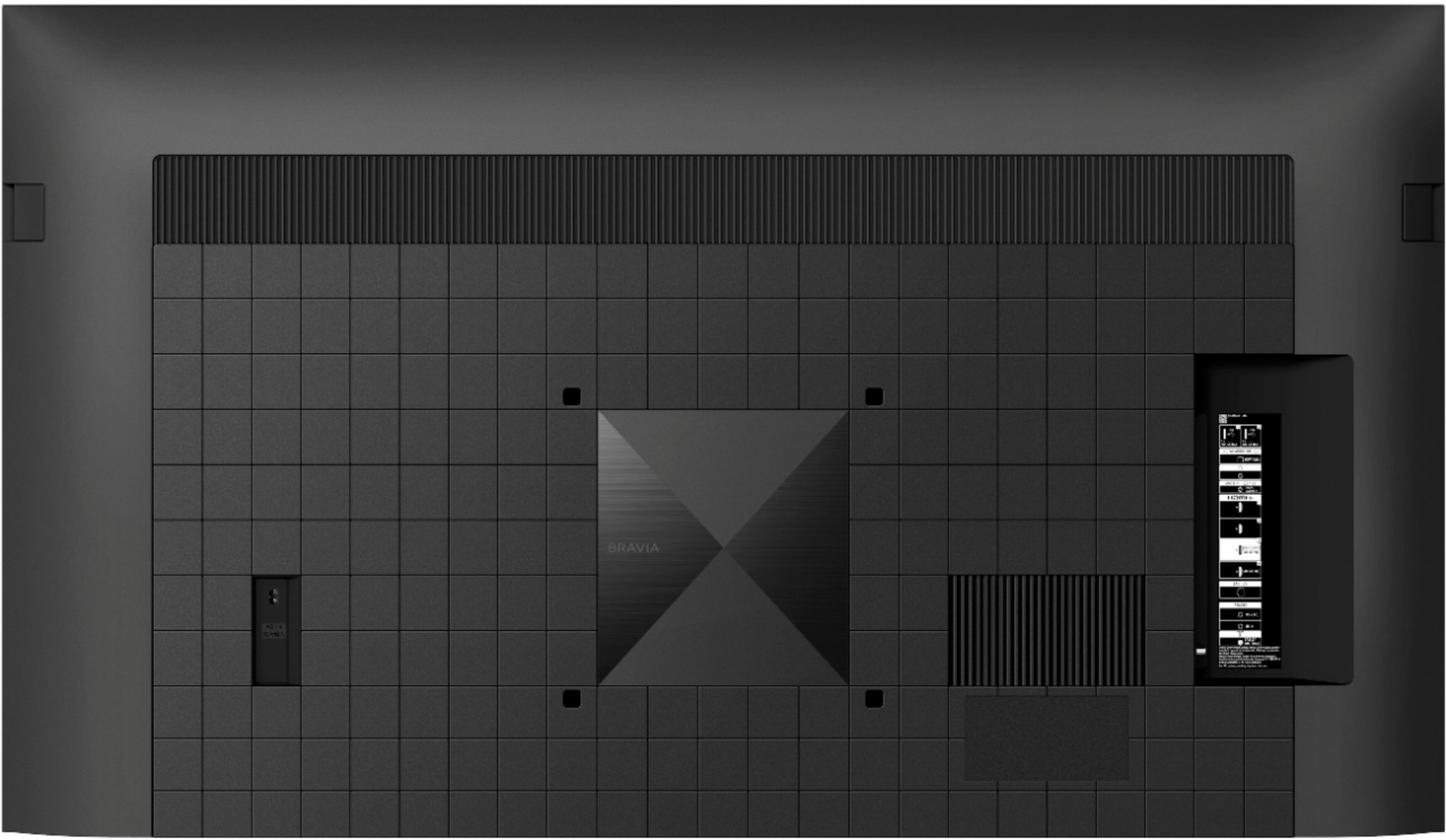
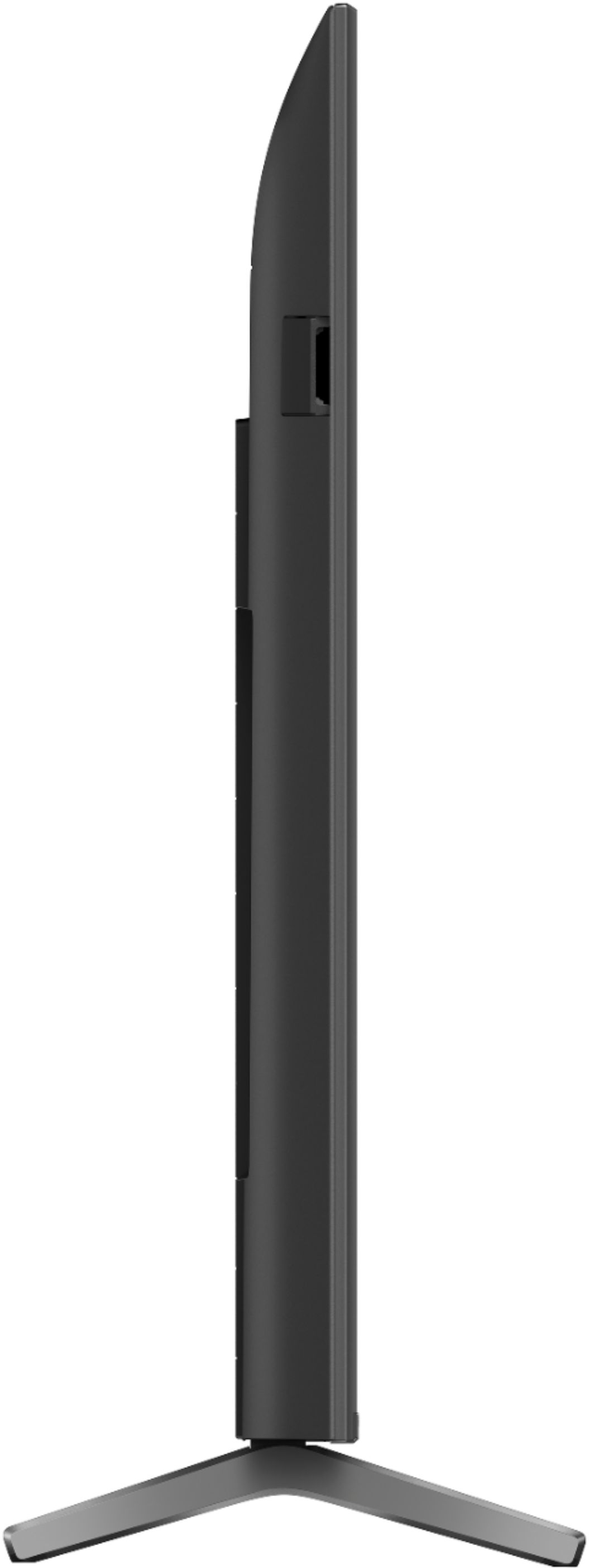
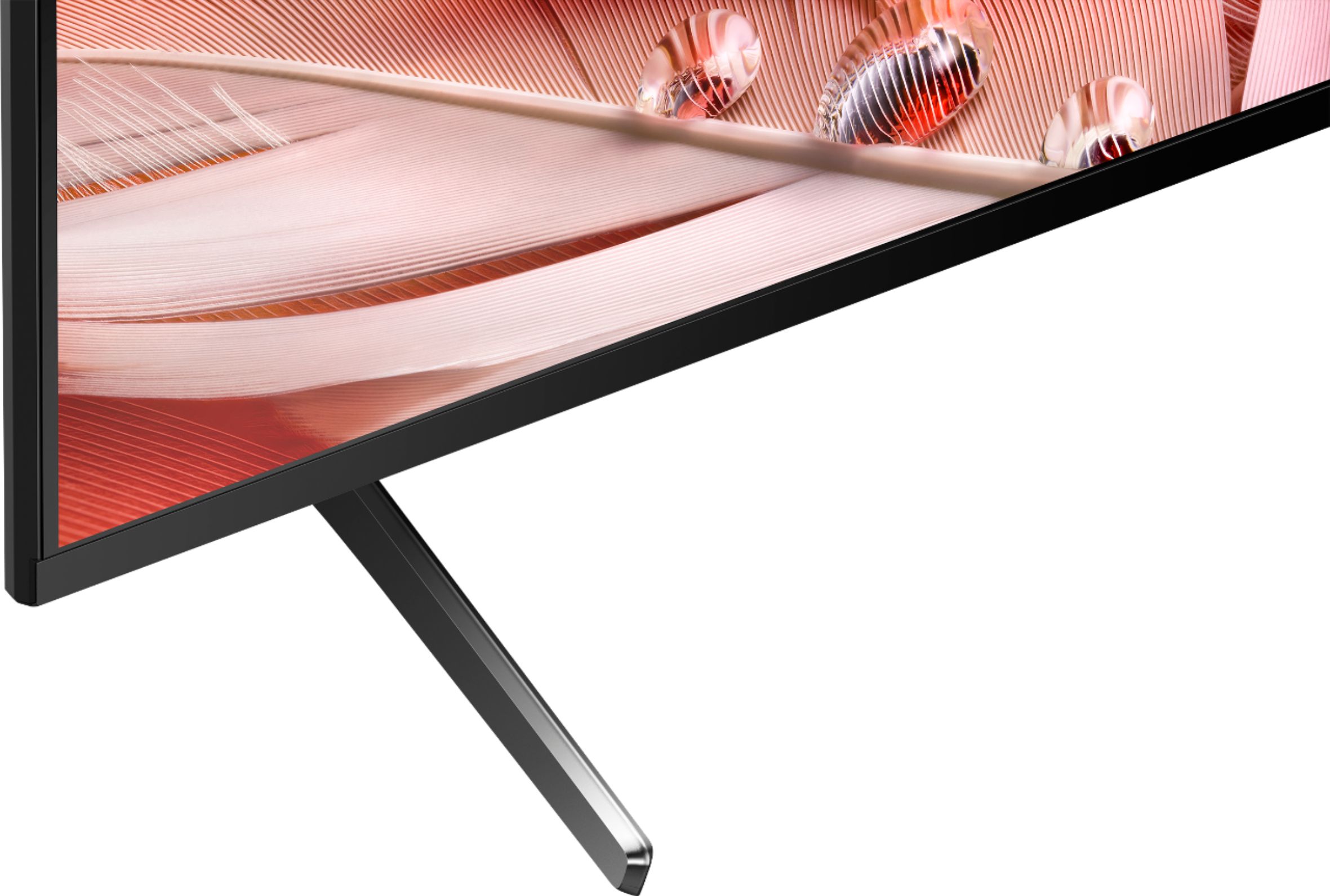
A:AnswerThe legs are fixed and can't be adjusted/ my tv stand was too narrow. The installer recommended a solution that worked great that hangs the tv and has a large base. It costed extra but now i can use my old glass tv stand. The picture is great and the sound is almost as good as my surround sound.
A:AnswerHello JohnH,
Thanks for reaching out.
Great news! Yes, the Dolby Vision and HDR formats are supported on all of the HDMI ports (HDMI 1, HDMI 2, HDMI 3, HDMI 4) of our X90J.
To know more about the functions that are supported on each of the HDMI terminals of our X90J and other Sony TV models, check out the following link:
https://www.sony.com/electronics/support/televisions-projectors-lcd-tvs-android-/xr-65x90j/articles/00194995
For features and specifications of our X90J, visit the link below:
https://www.sony.com/electronics/televisions/x90j-series
I hope you find this information to be helpful!
- Romeo
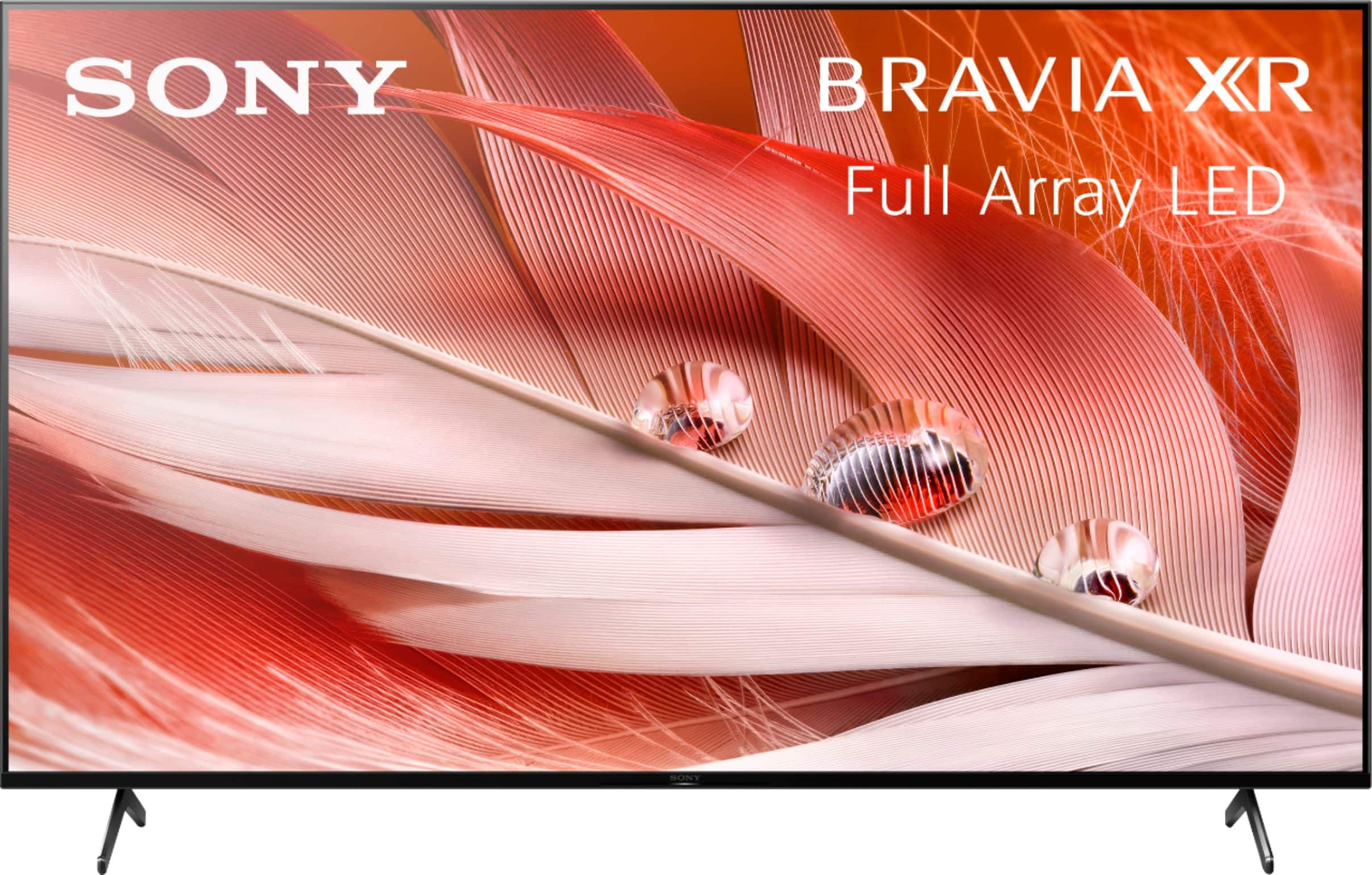
A:AnswerHi Afl, Thank you for your inquiry. The box dimensions of this TV are approximately (LxWxH) 62.5 x 38.25 x 7.13 inches (1663.7 x 971.55 x 181.10 mm).
Regards,
Sam
A:AnswerHi IndiHowell, thank you for your question. Yes, you can play stored contents from a USB with this TV. Please check this link for more details on how to play contents from a USB device with X90J, and the Supported files and formats:

https://helpguide.sony.net/tv/iusltn1/v1/en-003/04-01_01.html
Hope this helps.
Earl
A:AnswerHi Travel, thank you for your question. Yes, this unit comes with built-in speakers. With a speaker type of Acoustic Multi-Audio Sound Positioning Tweeter and X-Balanced Speaker. Hope this helps. ~Earl