A:AnswerHi dileonardog, Thank you for your inquiry. You can download the ESPN App from the Google Play Store and access your ESPN+ account. For more details about the ESPN app, please check the link below: https://play.google.com/store/apps/details?id=com.espn.score_center
And, for the list of apps that are compatible with Google Cast™ feature on this Android™ TV, please refer to this link: https://www.sony.com/electronics/support/televisions-projectors-lcd-tvs-android-/kd-65x750h/articles/00121729
Hope this helps!
Regards,
Sam
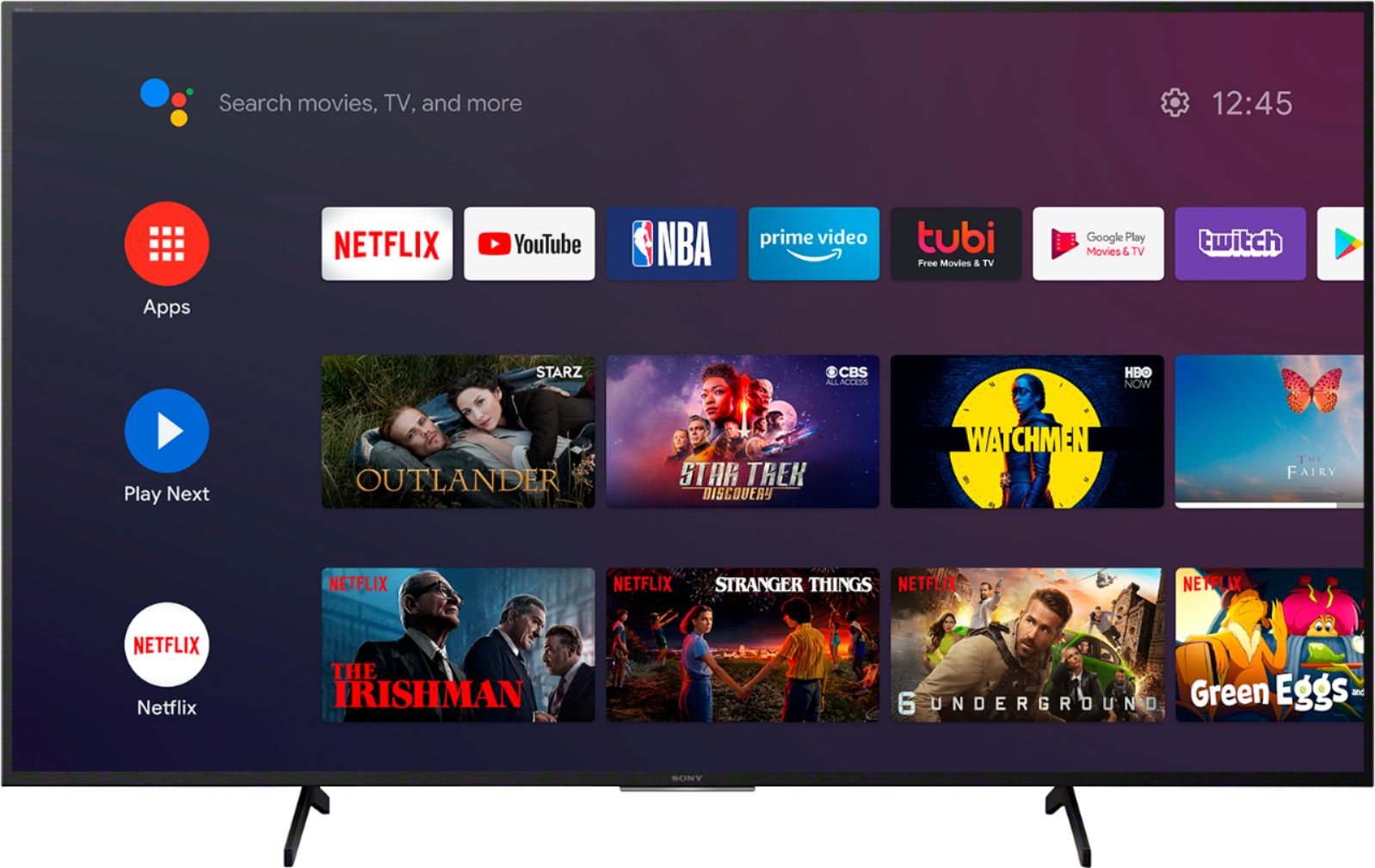
A:AnswerHi Jack, Yes, the Sony TVs has pre-installed applications including YouTube, Netflix, Prime Video, Spotify, and more. Also, this Android TV is capable of downloading compatible applications. Thank you for the inquiry. Jay
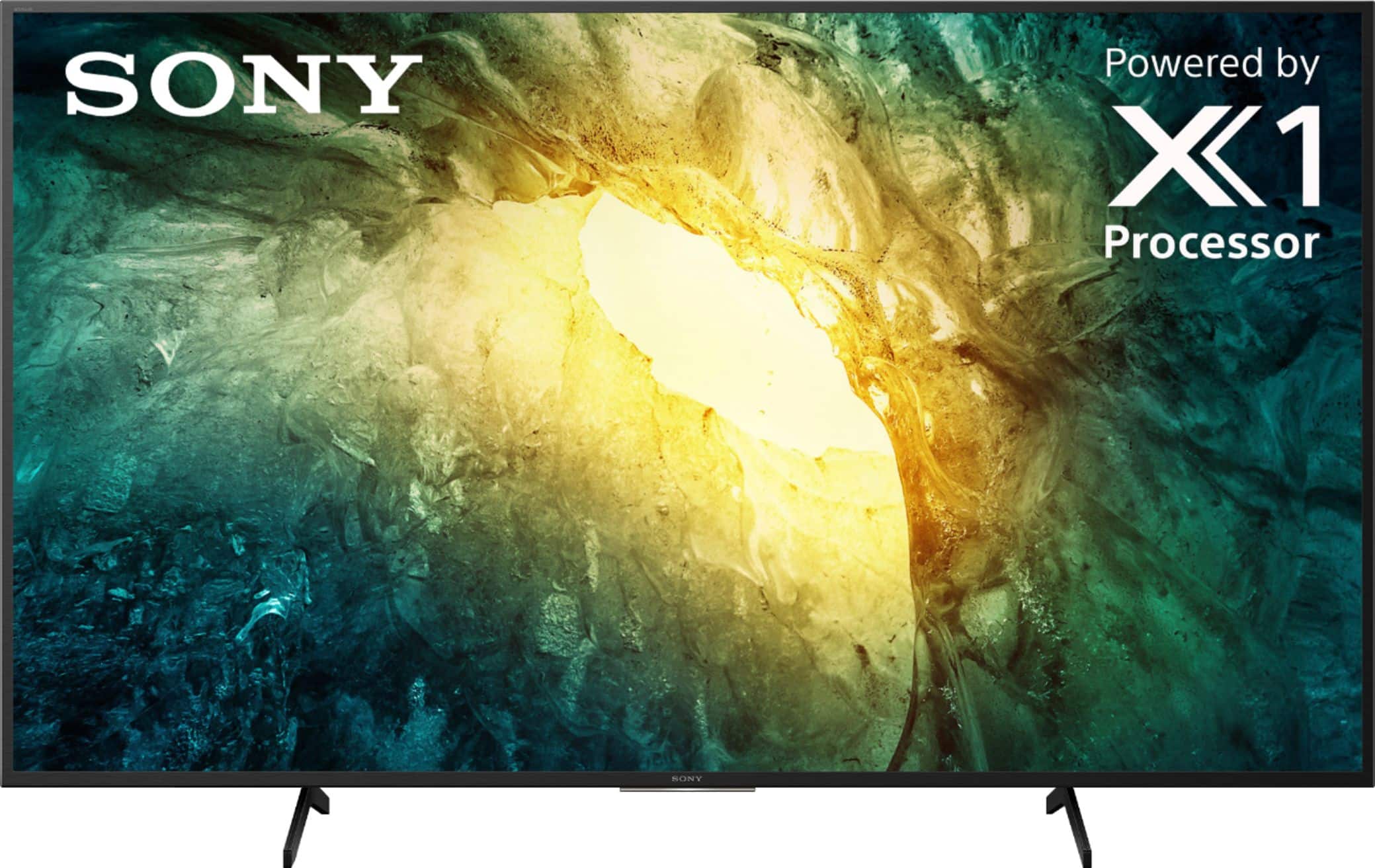
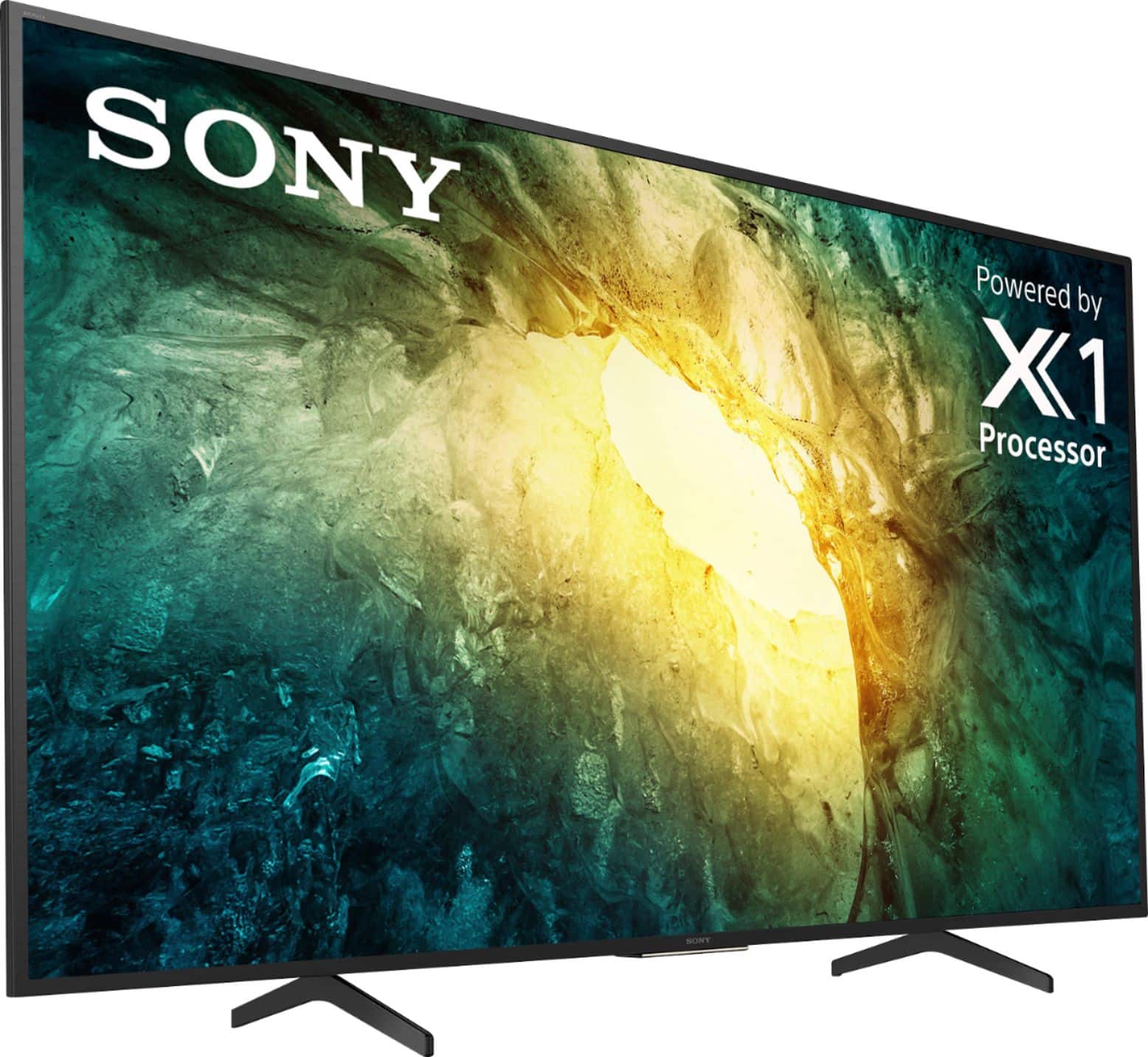
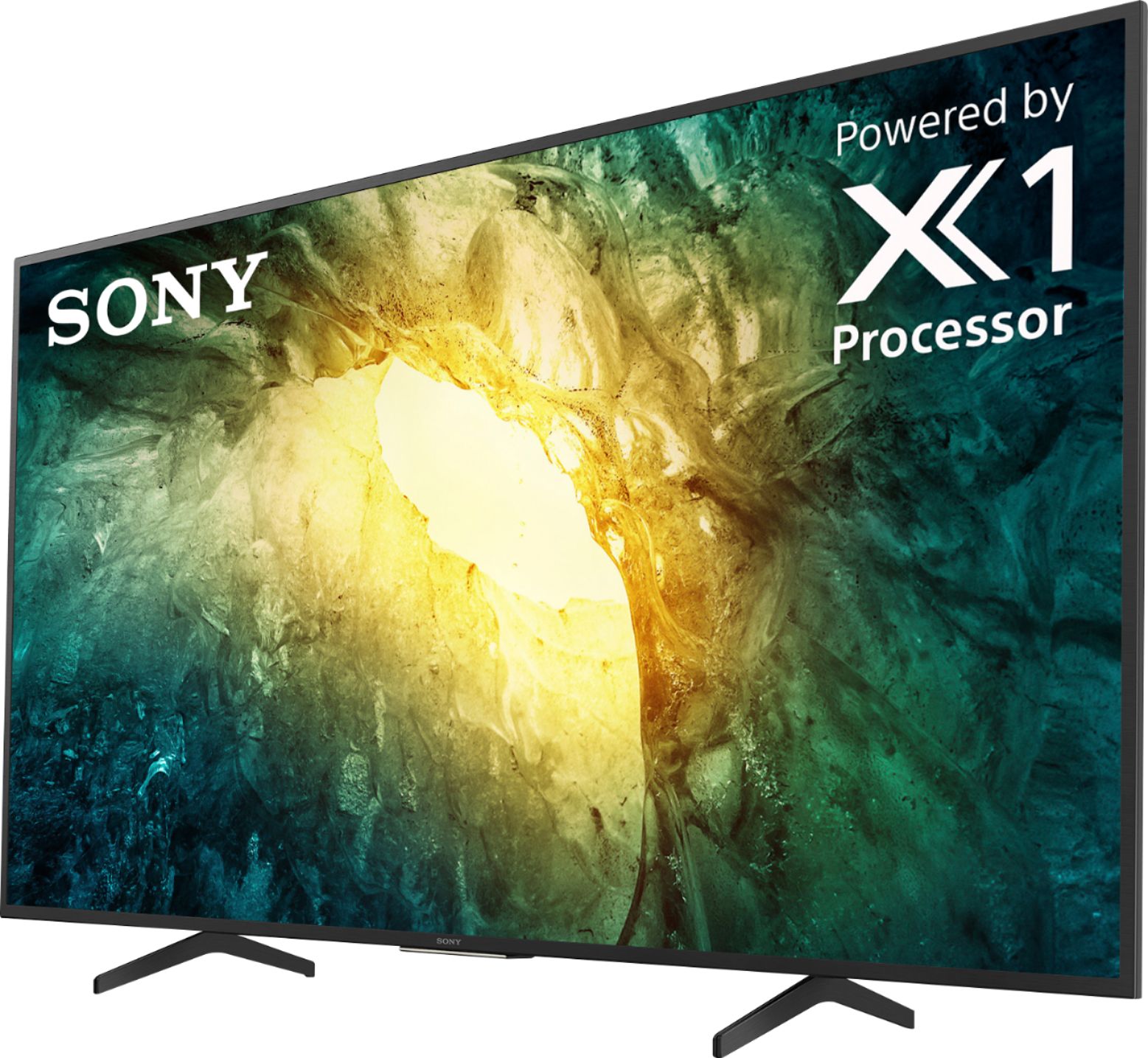
A:AnswerHi greatdealsdan, Thank you for the inquiry. This TV does not have an anti-glare feature. You can always adjust the picture and brightness setting of the TV for any glare concerns. The X750 also features the 4K Processor X1. This feature uses advanced algorithms to cut noise and boost detail, giving the TV an impressive boost to sharpness, contrast, and color enhancement. If your TV installed with the articulated wall-mount, you can change the angel with your best viewing experience. Thanks, Jay
A:AnswerHi VG, These units don't have the capability to connect to the wireless headphones and speakers using the Bluetooth features of the TV. However, the difference between these two TVs, the X800H does not natively support Bluetooth audio out. This feature may work with a compatible external USB Bluetooth Adapter or 3rd party Bluetooth applications that can be downloaded from the Google Play Store. Thanks, Jay
A:AnswerHello, The X750H has Built-in Chromecast. You can set up the Chromecast built-in (Google Cast) feature as an alternative to the Miracast or Screen Mirroring feature to cast your favorite entertainment and apps from your mobile device or computer to your Android TV. Set up Chromecast built-in using the Google Chrome browser or Chromecast-enabled apps and websites. Thank you for the inquiry. Jay
A:AnswerHi delmar, The Dimension of the Package Carton (W X H X D) is Approx. 62.38 x 37.88 x 7.5 " (1,583 x 959 x 188 mm). Thank you for the inquiry. Jay
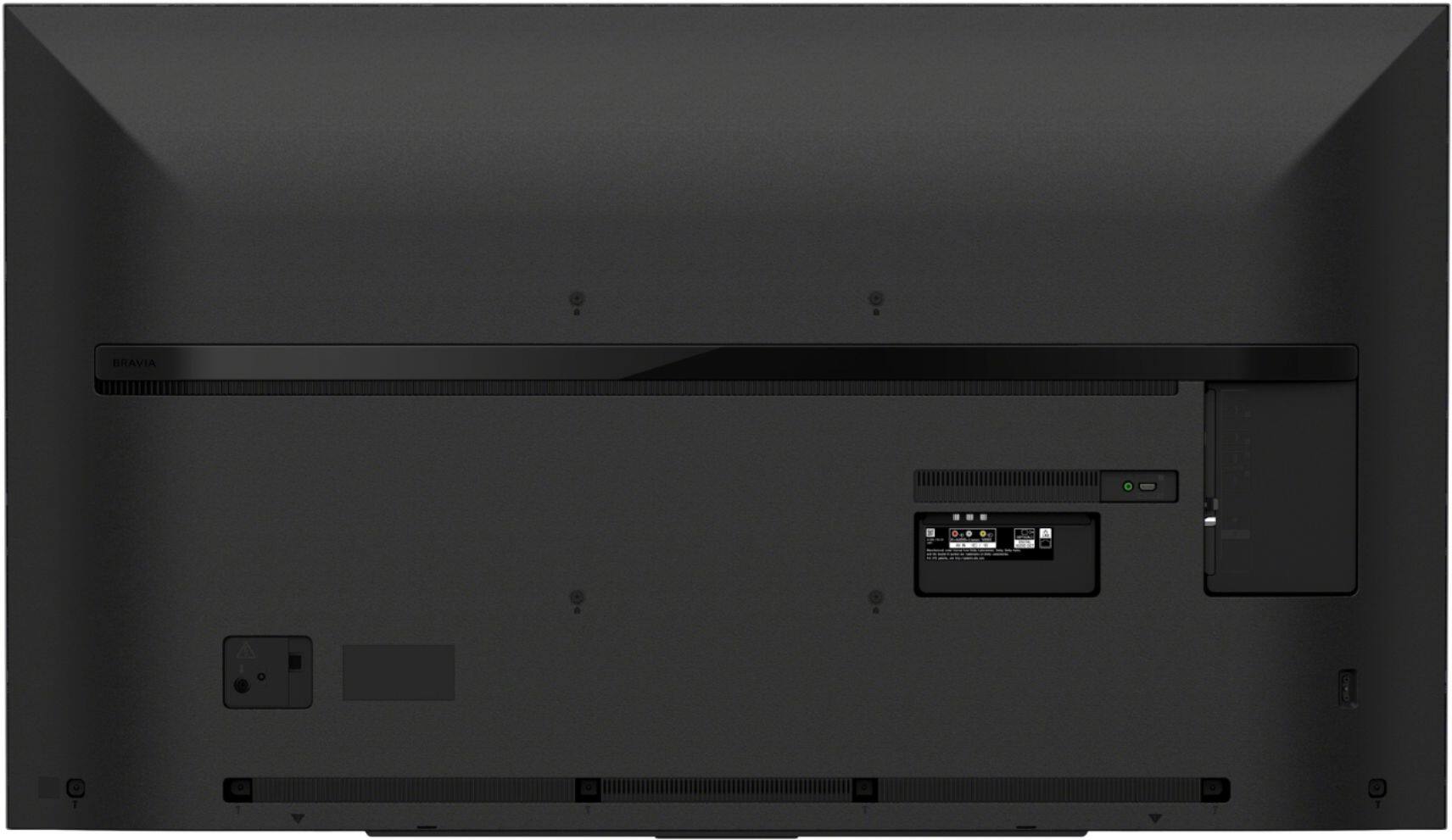
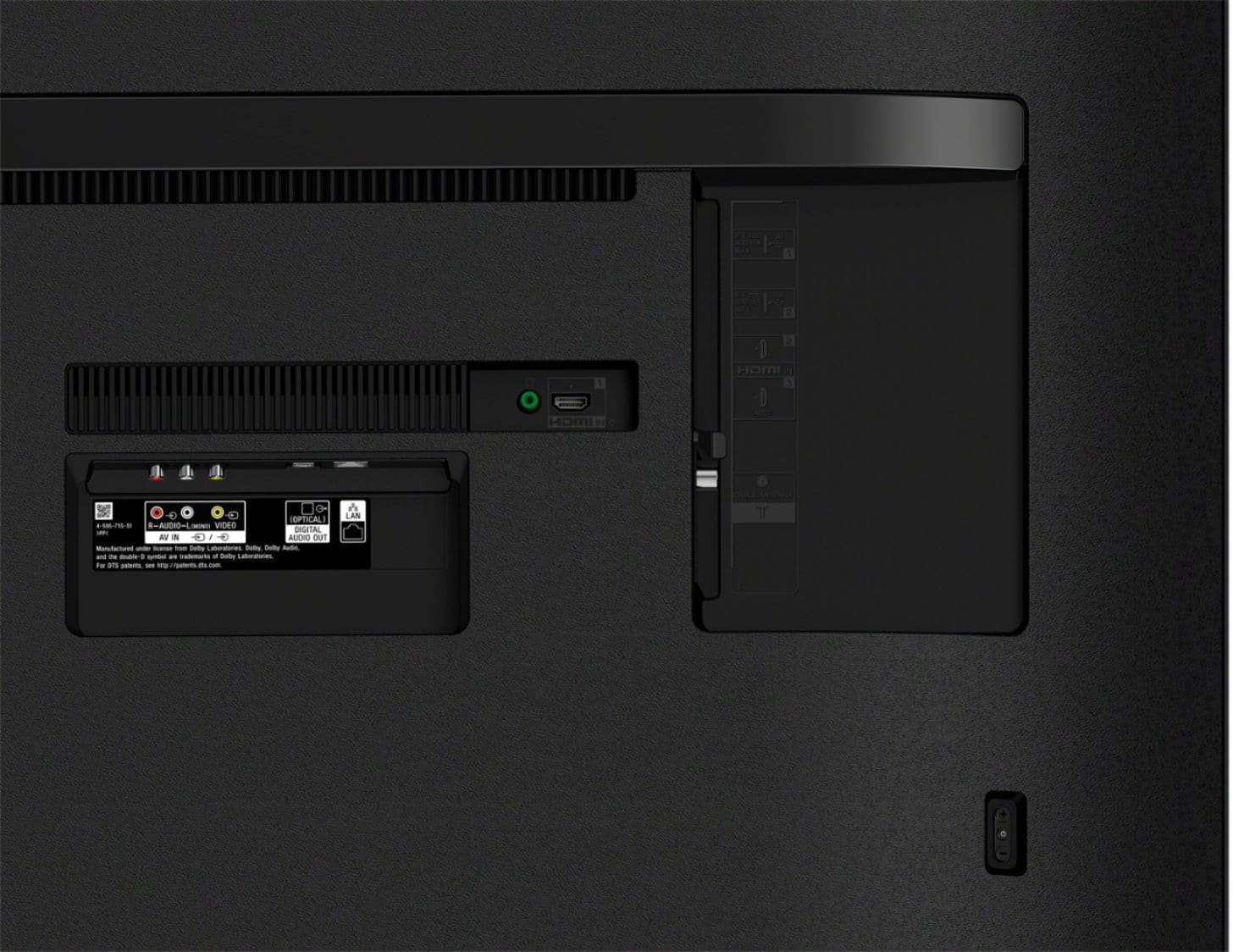
A:AnswerHi Confused, The power button and the volume buttons on the TV are located on the rear, the right side of the Panel. Refer to page 6/36 from the link below for more details.
https://www.sony.com/electronics/support/res/manuals/5013/93efdc827f873dd9e2a31c9d993146a5/50135001M.pdf
Thanks, Jay
A:AnswerHi cek333, Thank you for the inquiry. You can use the TV remote control if the devices connected to the TV using HDMI. Please refer to the product specifications of these devices for compatibility concerns. Thank you. Jay
A:AnswerHi Hondo, Yes, the X750H is capable of connecting to the internet via wireless connection(Wi-Fi) or wired connection without the use of Roku. The YouTube TV app can be downloaded from Google Play Store on your TV and can be accessed when connected to the internet. Thank you for the inquiry. Jay
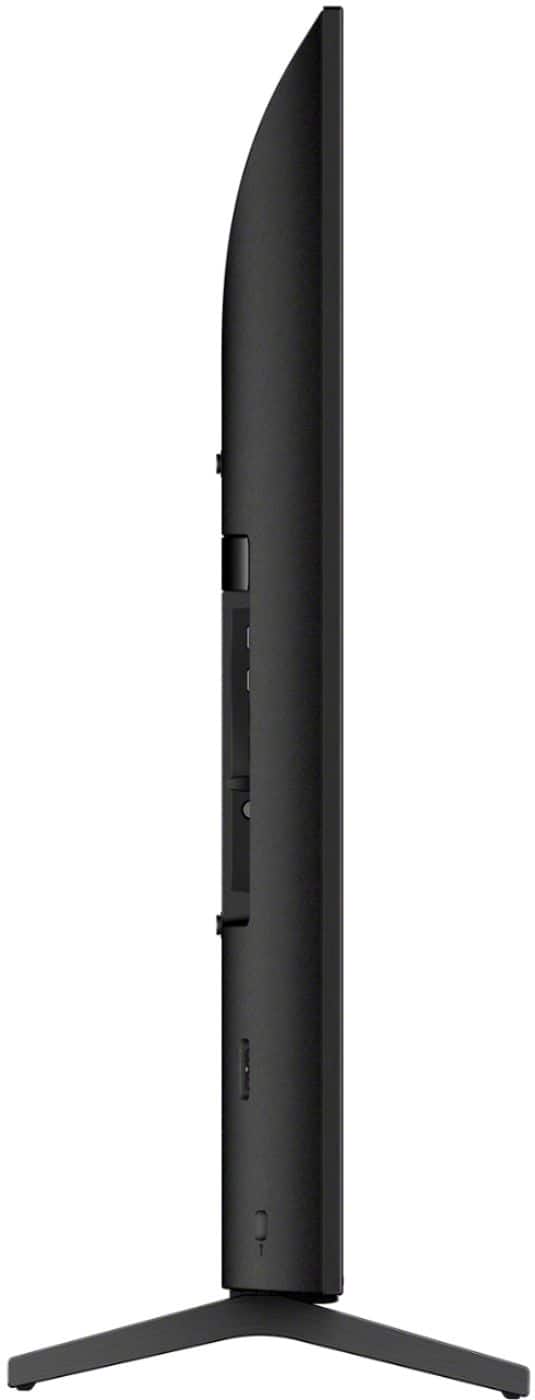
A:AnswerHi Persian228! Thank you so much for your inquiry. The 65" X750H has a stand width of Approx. 32-3/4 inch (829 mm). I hope this helps! Thanks again for considering Sony! - Romeo
A:AnswerHi Ellen, Thank you for the inquiry. Please refer to the reference guide on page 4 of this link. https://www.sony.com/electronics/support/res/manuals/5013/93efdc827f873dd9e2a31c9d993146a5/50135001M.pdf To secure the TV to the stand, anchor the TV to the wall by using bolts, wall anchor and chain (or rope). Thanks, Jay
A:AnswerHi Ronny, The on-board storage of this KD65X750H is 16GB. If the storage capacity of your TV is insufficient, you can move downloaded apps to an optional USB storage device to free up space or for the maximum storage capacity you can use an external hard drive (HDD). Please check the link below for more details:
https://www.sony.com/electronics/support/televisions-projectors-lcd-tvs-android-/kd-65x750h/articles/00223233?model=KD-65X750H&category=televisions-projectors-lcd-tvs-android-
Thanks, Jay