Early Black Friday DealsNew Doorbusters every Friday.Shop now

Main Content

Questions & Answers

Your price for this item is $149.99
Clearance
The comparable value price is $749.99
Page Showing 121-140 of 242 questions
  • QuestionDoes this model or any other offer Picture in Picture (PIP) capability?

    Asked by Tjc1971.

    • Answer No not that inseen

      Answered by rockies1080

  • QuestionWill this boxed fit in my SUV?

    Asked by Anonymous.

    • Answer Hello, For your reference, here is the dimension of the package carton(W X H X D). Approx. 62.38 x 37.88 x 7.5 " (1,583 x 959 x 188 mm) Thanks, Jay

      Answered by SonyListens

  • QuestionDoes this have voice command.

    Asked by Anonymous.

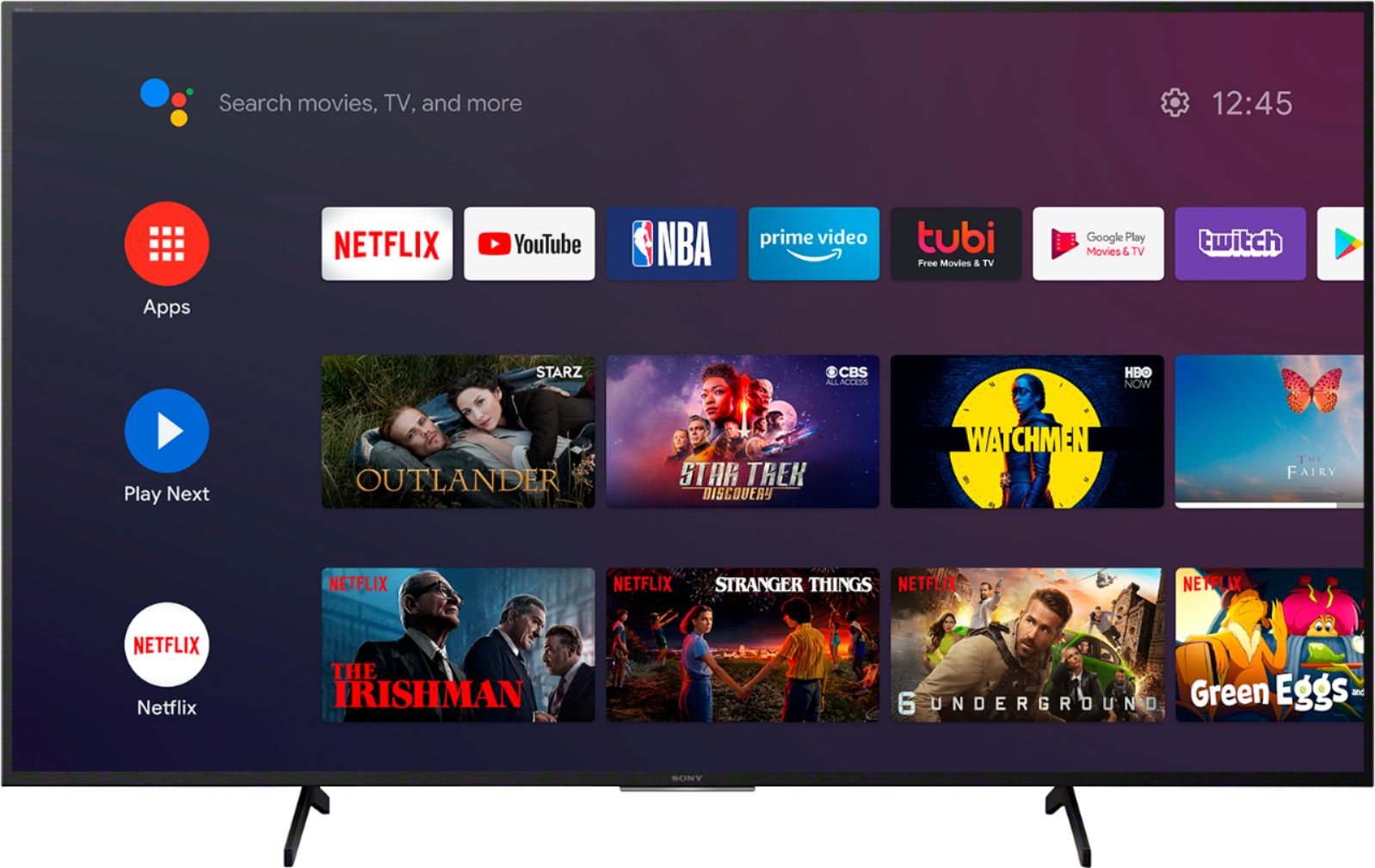
    • Answer Yes it does, by simply hitting the microphone button on the remote.

      Answered by Strest9

  • QuestionHow many hdmi inputs?

    Asked by Meman.

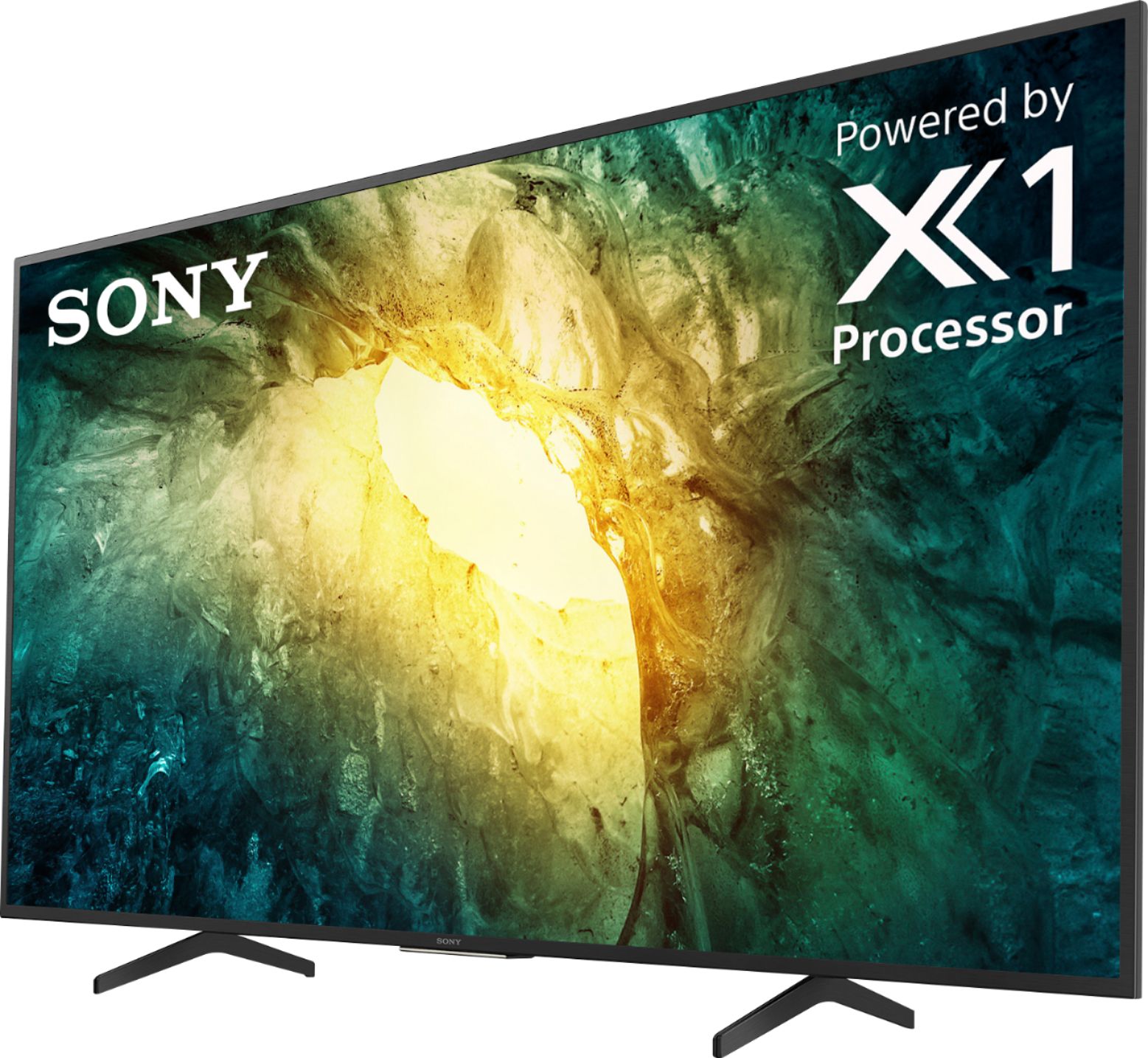
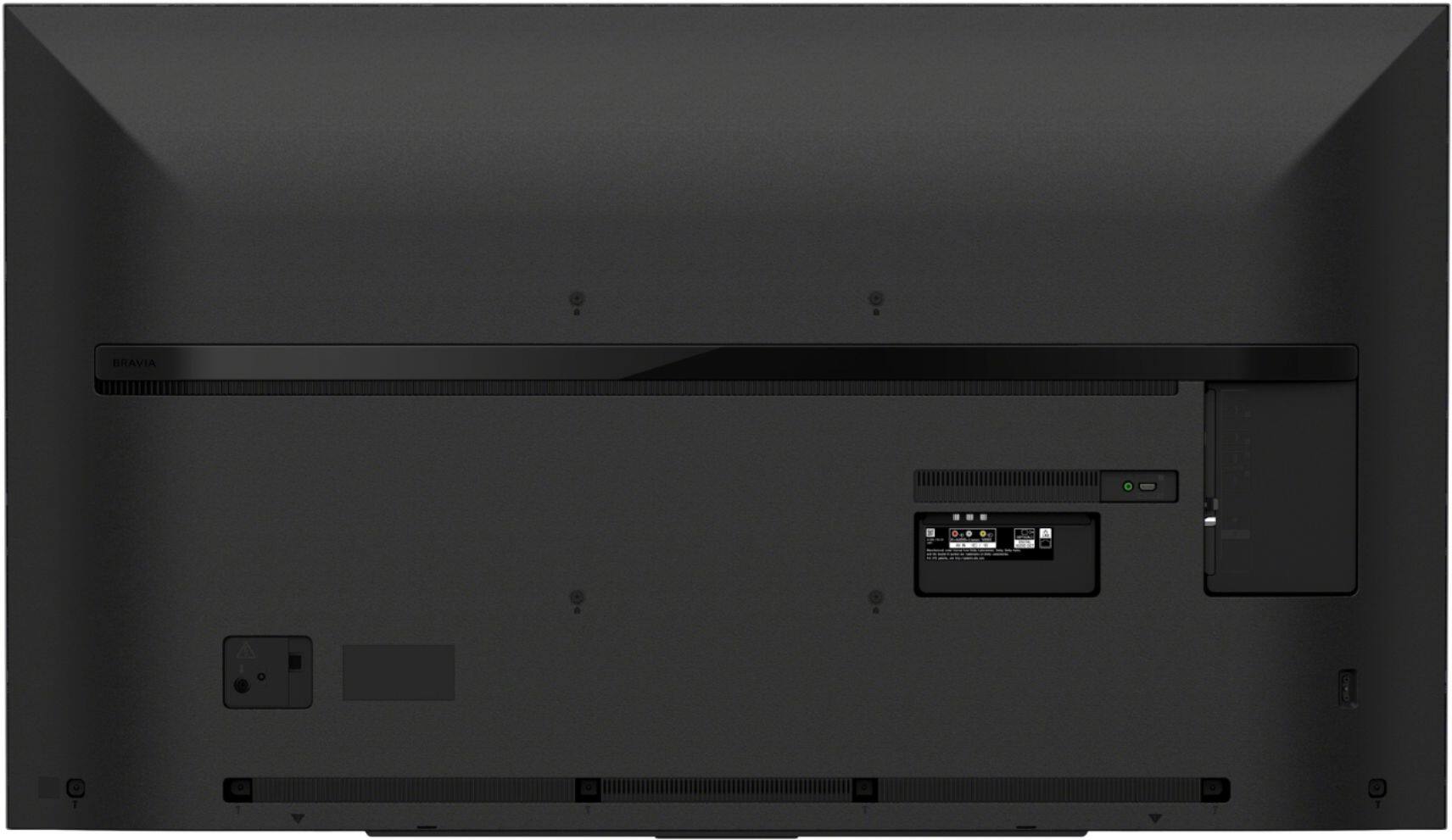
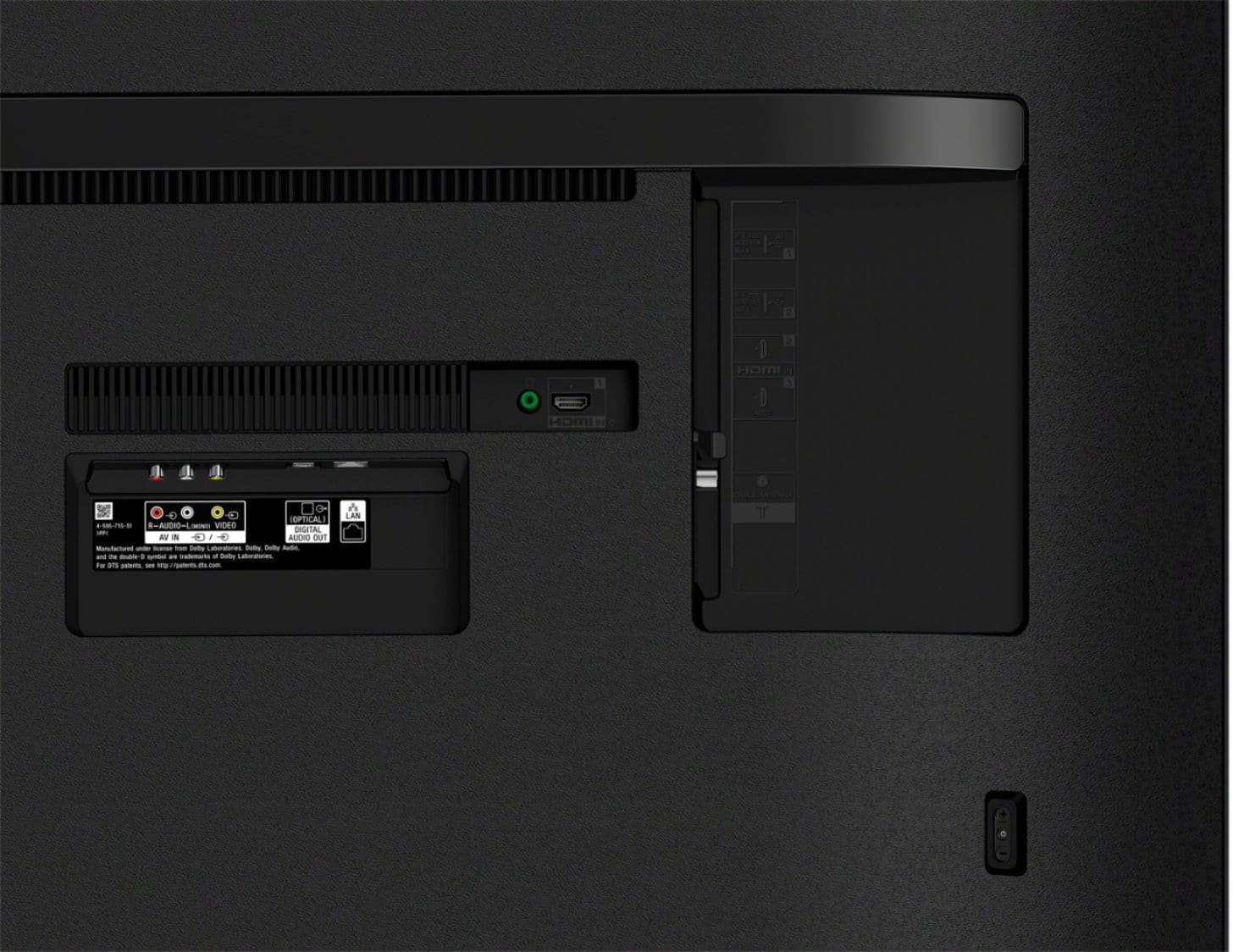
    • Answer Hi Meman, The X750H has 3 (2 Side/1 Rear) HDMI Inputs. Thanks, Jay

      Answered by SonyListens

  • QuestionWhat's the difference between an x900H vs x800H

    Asked by Jeanne.

    • Answer Hi Jeanne, The X900H supports features specified in HDMI 2.1 standard and the Bluetooth supports the A2DP that will allow connecting to the compatible wireless headphones. The Apple TV app. now available on the X900H series and HDMI Ports 3 and 4 are the only ones that support 4K 120 timings that make it compatible with the PS5. While the X800H doesn't support all these features. Thanks, Jay

      Answered by SonyListens

  • QuestionWhat is the differance between x75OH and X75CH Series

    Asked by Augdog.

    • Answer Hi Augdog, Thank you for your inquiry! The X750H and the X75CH have the same specifications and features. The difference in the model numbers is based on the type of store they are sold in. The warranty may be different, as well. I hope this helps. Regards, Kris

      Answered by SonyListens

  • QuestionHow much does this unit weigh?

    Asked by Anonymous.

    • Answer Around 45 pounds

      Answered by RobP

  • Questionhow many hdmi ports does this tv have?

    Asked by Anonymous.

    • Answer There are only 3 HDMI ports on the tv.

      Answered by Mellownique

  • QuestionI recently purchased an inexpensive TCL brand UHD TV that displays local broadcast HD content at 1080i resolution. Will this TV display full 1080p resolution sourced from an antenna receiving local over-the-air broadcast signals?

    Asked by steakbean.

    • Answer No, it will not. This TV, and all TVs will display a maximum of 1080i when displaying over the air digital signal. This is due the the standard used, ATSC 1.0, which is the most current standard in use for over the air digital television, NOT due to a limitation of the television itself.

      Answered by TylerDurden

  • QuestionIs there a difference between a Sony tv model kd65x750h and kd6575ch?

    Asked by dock.

    • Answer Hi Dock, thanks for inquiring about the TV. The X750H and the X75CH have the same specifications and features. The difference in the model numbers is based on the type of store they are sold in. The warranty may be different, as well. I hope this helps. -Jess

      Answered by SonyListens

  • QuestionI slid in the SN bracket pieces by accident before attaching the base. How do I get them out so I can install the pedestal stand corectly? They are clicked in. Help! :)

    Asked by DavidH.

    • Answer I figured it out. You can pull them out with a pair of pliers. Give a good tug.

      Answered by Anonymous

  • QuestionDuring COVID I cut the cord to cable. I stream TV from my iPad to the TV via google Chromecast. I am having issues with the TV freezing and skipping. I have them on the same Wi-Fi. Any suggestions? I really don't want to pay for cable right now. Thanks!

    Asked by OneParkPatti.

    • Answer Hi OneParkPatti, Thank you for choosing and purchasing our Sony X750H Ultra HD Smart TV. We’re sorry that your experience has been subpar with occasional freezing issues and skipping particularly when using streaming via Chromecast. We have taken note of your issues. Customer feedback is important to us because it helps us improve our products for the future. We’d love to help you troubleshoot your problem by isolating your sources and following some workarounds to fix the issue. Some of these issues can be fixed by simply restarting the TV. To do that, simply press the power button for about 5-10 secs while the TV is on. Check if the freezing and skipping issue is resolved after completing each step. • In addition to connecting the mobile device and your TV to the same network, if you are using a dual-band wireless router, make sure your devices are connected to the same frequency. • Clear data on Cast function apps, Android System WebView and Google Chromecast built-in. - Press the HOME button on the remote control. - Select Settings. - The next steps will depend on your TV menu options: Select Apps → See all apps → Show System apps → Cast function apps → Clear Data → OK. Select Apps → Cast function apps → Clear Data → OK. - Repeat steps 1-3 above for the Android System WebView and Google Chromecast built-in as well. • Restart the mobile device. Note: Turn off the device, wait 1-2 minutes, and then turn it back on. • Set the correct date and time on your TV. • Restart the wireless router. Turn off and unplug the device. Wait 1-2 minutes. Reconnect and turn on. We also recommend updating the software of the TV. A firmware update improves the functionality and features of your unit. It can provide fixes to any performance issues that may occur. If the issue still occurs, you can reset the TV back to factory settings. Factory Data Reset 1. On the supplied remote control, press the HOME button. 2. Select Settings. 3. The next steps will vary depending on your TV menu options: Select Device Preferences → Reset → Factory data reset → Erase everything → Yes. Select Storage & reset → Factory data reset → Erase everything → Yes. May we contact you to help? If so, please email the below information to [email protected]. Apologies if you disclosed some of this information in your review and to customer service, we just want to ensure that we have your accurate details at the time of communication. Full Name: Best Buy Username: Telephone Number: Sony TV Model Number: Additional Information regarding your experience with the X750H We are sorry for the inconvenience and hope to speak to you to resolve this matter. We appreciate you and thanks again for shopping Sony! Sincerely, Jess

      Answered by SonyListens

  • Questionwill i be able to use a channel master dvr plus to this tv thanks don

    Asked by Anonymous.

    • Answer Hello, This TV has an over-the-air channel. You can auto-program the channels on this TV. The device you are referring to would hook up thru HDMI, we cannot guarantee the operation of any eternal device, please refer to the device manual for operation with this TV. Refer to the link below for your reference: https://www.sony.com/electronics/support/televisions-projectors-lcd-tvs-android-/kd-55x750h/articles/00158454 Regards, Jay

      Answered by SonyListens

  • Questionwill my comcast voice remote control all the functions of this tv or will it only turn it off and on?

    Asked by Drawcb.

    • Answer Hi Drawcb, You can turn it off and, on the TV, using the Comcast voice remote control. Thanks, Jay

      Answered by SonyListens

  • QuestionDoes this work with Alexa

    Asked by Y8S.

    • Answer Hi Y8S, Thank you for your interest on the KD75X750H. Unfortunately, Amazon Alexa is not supported on this TV however Google assistance is available. With Google Assistant built-in, you can ask your Google Assistant to check the score of your favorite team, control your TV, dim the lights, and more using just your voice. For Amazon Alexa feature, we recommend purchasing an X800H and higher TV models. I hope this helps. -Kris

      Answered by SonyListens

  • QuestionCan you mount this over a fireplace

    Asked by Lisa.

    • Answer Hi Lisa, No, Do not install near any heat sources such as radiators, heat registers, stoves, or other apparatus (including amplifiers) that produce heat. Do not install the TV in places subject to extreme temperature, such as in direct sunlight, near a radiator or a heating vent. The TV may overheat in such conditions which can cause deformation of the enclosure and/or TV malfunction. Thanks, Jay
      Answered by SonyListens

  • QuestionI use an older Sony Home Entertainment Theatre System that uses the Digital Optical Outlet connection that has worked well with my current Sharp HDTV. Is this Sony TV compatible to my older Sony Home Entertainment system?

    Asked by RRTahoe.

    • Answer Hi RRTahoe, Yes, this TV is compatible with your unit. The X750H has digital audio output and HDMI inputs. Thanks, Jay

      Answered by SonyListens

  • QuestionDoes this TV support HDMI 2.1 and VRR?

    Asked by CoolHandCruz.

    • Answer Hi CoolHandCruz, The X750H doesn't support features specified in the HDMI 2.1 standard. Please see our X900H or Z8H for those features. Thanks, Jay

      Answered by SonyListens

  • QuestionWhat is the difference between the bravia x750 and the x800. Because I purchased a 65in x750 but it may be to large for my living room, so I am trying to exchange it for a 55in x800. What should I do.

    Asked by Macklove.

    • Answer Hi Toya, Thank you for purchasing the XBR65X750H. The X800H supports Dolby Vision, HDR10, and HLG while the X750H doesn't support Dolby Vision. Dolby Vision brings scenes to life with striking highlights, deeper darks, and vibrant colors. 3 Whichever format, Sony TVs deliver picture-perfect reality, creating an immersive and engaging cinematic experience. For a more detailed specifications to compare please use the link below. Thanks, Jay https://www.sony.com/electronics/tv/t/televisions?view=compare

      Answered by SonyListens

  • Questionwhat is actual size screen to fit into cabinet?

    Asked by LARRY.

    • Answer Hi LARRY, The measurement of this TV is 57 5/8 inches wide, the height with the table-top stand is 35 5/8 inches and 13 1/2 inches deep. Thanks, Jay

      Answered by SonyListens