A:AnswerHi mmmm,
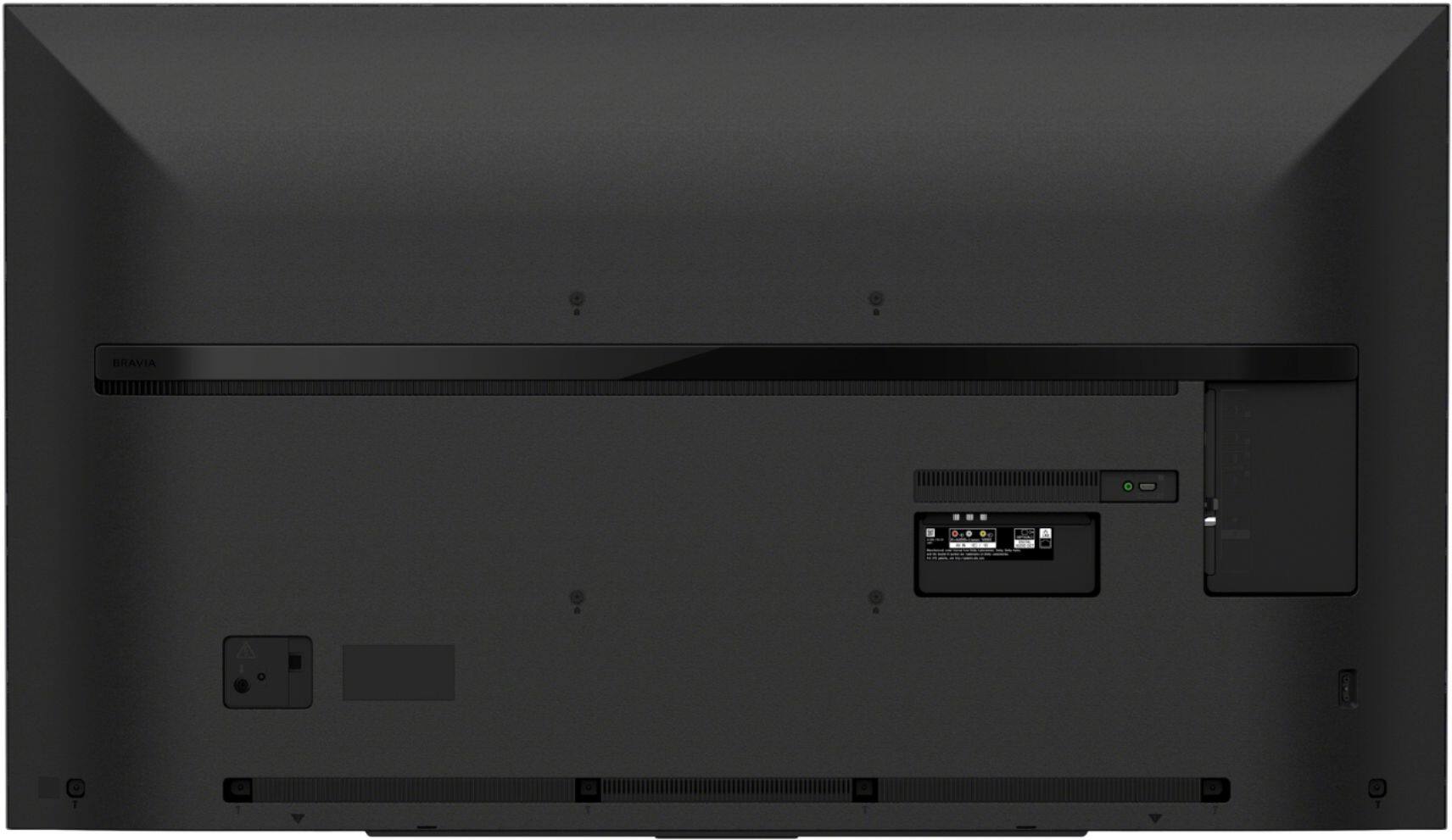
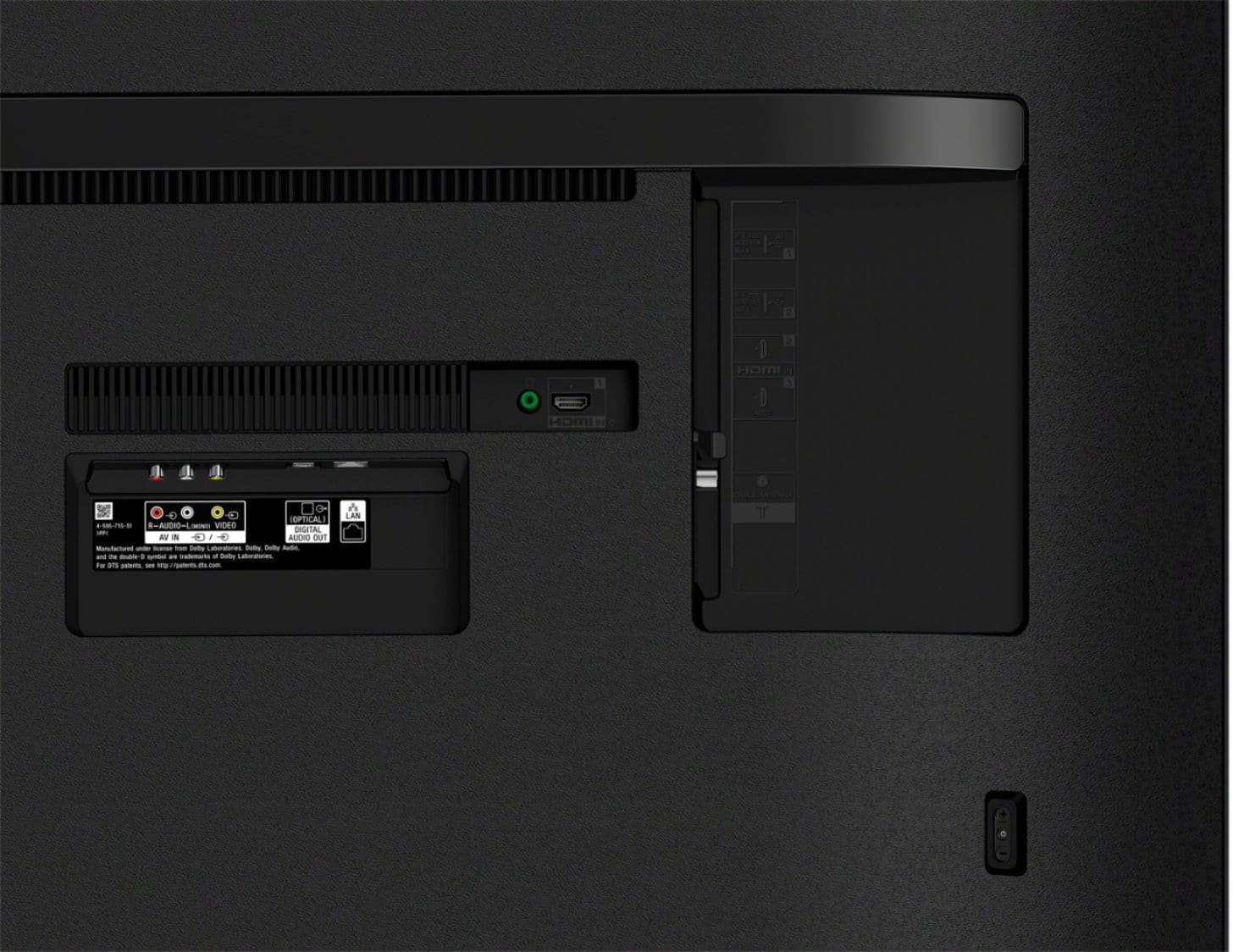
Yes, you can connect your ROKU with this television using HDMI connection.
Happy shopping & thanks for your interest in Sony!
Regards,
David
A:AnswerHi Manu, Unfortunately, this TV doesn't have screen mirroring and Wi-Fi Direct. However, you can display pictures from the computer on this TV using a wired connection. For more details, please check the link below.
https://www.sony.com/electronics/support/televisions-projectors-lcd-tvs-android-/kd-65x750h/articles/00231984
Thanks, Jay
A:AnswerHi Joan507, No, this TV has a Google Assistant. You can ask your TV with the Google Assistant to connect and communicate with your smart devices, including security cameras and appliances. You can use Voice Remote Control for voice search.Thanks, Jay
A:AnswerWe have only had our Sony TV for about three weeks, so far we have not had any issues. We are using Directv for viewing. Is your TV satellite or on cable.
A:AnswerHi Joe, The X750H series is a LED 4K Ultra HD TV. For your reference, you can check the types of TVs from the link below.
https://www.sony.com/electronics/tv/t/televisions
Regards, Jay
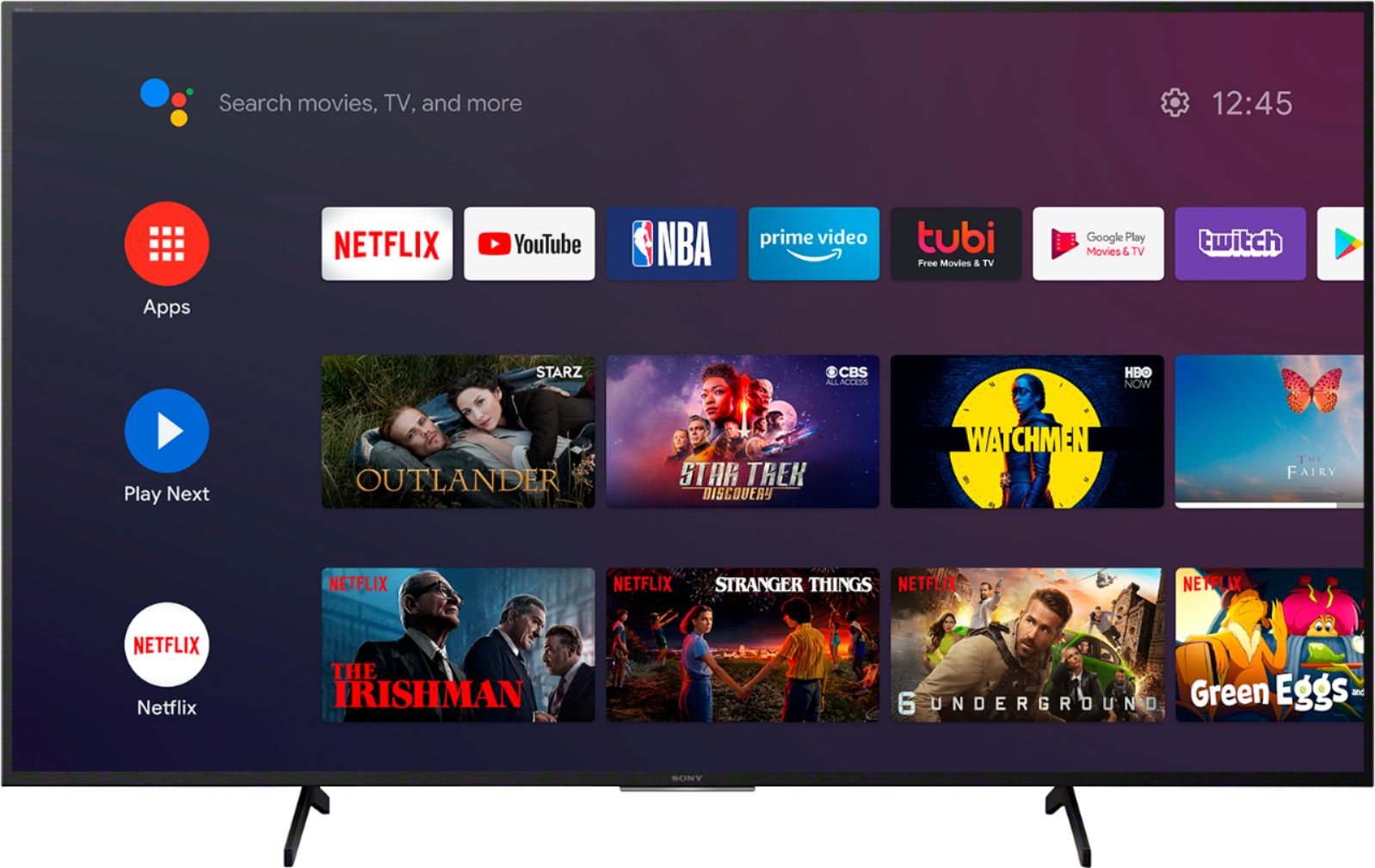
A:AnswerHello, The X750H has pre-installed applications such as YouTube, Netflix, Prime Video, Spotify, and more. You can add applications from the Google PlayStore including the Vudu app. Thanks, Jay
A:AnswerHello, This X750H has pre-installed applications such as YouTube, Netflix, Prime Video, Spotify, and more. Over 5,000 apps, more than any other smart TV. You can enjoy a huge range of apps from Google Play including YouTube TV. Thanks, Jay
A:AnswerThere is an additional $25 haul away charge for the old tv, but when I was contacted about setup and haul away, they mentioned that it's restricted to TVs weighing less than 75 pounds, so you may want to verify first.